
21 Best Django Website Templates 2026

“Django website templates” means two different things, and conflating them wastes an afternoon. Django’s own template language is the {% ... %} and {{ ... }} syntax that renders your HTML — that is documentation, not a download. This page is about the other kind: ready-made front ends you drop into a Django project so you are not building a marketing site, storefront or portfolio from an empty templates/ directory.
That distinction also decides what belongs here. A Django admin dashboard is a different product doing a different job, and it lives in our Django admin themes and dashboard templates roundup. This page is the public-facing side: landing pages, corporate sites, portfolios, storefronts, the content management systems that run them, the starters that generate the project underneath, and the UI kits that style it all.
Every project below is checked for licence, most recent real release, and whether its demo still loads before we republish this page. That check removed a large part of the field. Several templates that appear in most Django roundups have not shipped a release since 2021, and four entries previously on this page turned out to have no Django edition at all. They are named, with reasons, in checked and left out.
Looking for real sites rather than templates? See our popular websites built with Django roundup.
Django website templates at a glance
| Template | Price | Stack | Best for |
|---|---|---|---|
| Ovan | $29 | Django 6 · Tailwind CSS | Corporate and business sites with a big page library |
| Cartzio | From $19 | Django 5 · Tailwind v4 | Django-rendered storefronts |
| Upwind | $24 | Django 5 · Tailwind v4 | SaaS landing pages and auth screens |
| Vany | $24 | Django 6 · Bootstrap 5 | Portfolios and creative studios |
| Incrave | $24 | Django 5 · Bootstrap 5 | Agencies running several sites on one kit |
| Django Website Template | Free (MIT) | Django · Tailwind | A free, finished starting point |
| Wagtail | Free (BSD) | Django CMS | Editor-driven sites you template yourself |
| CodeRed CMS | Free | Wagtail · Bootstrap 5 | Brochure sites with the blocks pre-built |
| django CMS | Free | Django CMS | Editors who prefer on-page editing |
| Saleor | Free (BSD) | Python · GraphQL · Next.js | Large catalogues, headless by choice |
| Cookiecutter Django | Free (BSD) | Django · Docker · Celery | Generating a production-shaped project |
| Lithium | Free | Django · Bootstrap | A small starter you can read end to end |
| SaaS Pegasus | Commercial | Django · Tailwind · daisyUI | Funded SaaS builds that need teams and billing |
| Horilla | Free (LGPL) | Django · Bootstrap | Reading a large, finished Django app |
| daisyUI | Free (MIT) | Tailwind CSS | Readable markup in Django templates |
| Flowbite | Free core (MIT) | Tailwind CSS | Pasting whole page sections |
| FlyonUI | Free core | Tailwind CSS | Semantic classes plus interaction logic |
| Apex Dashboard — Django | Commercial | Django 6 · HTMX 2 · Tailwind v4 | The authenticated side of a Django product |
| Zenith Dashboard — Django | Commercial | Django 6 · HTMX 2 · Tailwind v4 | Marketing site and customer portal in one project |
| Cuba Django | Commercial | Django · Bootstrap 5 | A maintained multi-stack admin bundle |
| Vuexy Django | Commercial | Django · Bootstrap 5 | One design across several backends |
Front-end site templates
These are the closest match to what most people mean by a Django website template: a complete multi-page design, sold with a Django edition, that you configure rather than build. The five commercial entries are all from the same studio, which is less a recommendation of that studio than a reflection of how thin genuine Django front-end supply is once you exclude admin dashboards.
1. Ovan
🌐 Django 6 · Tailwind CSS · 80+ pages
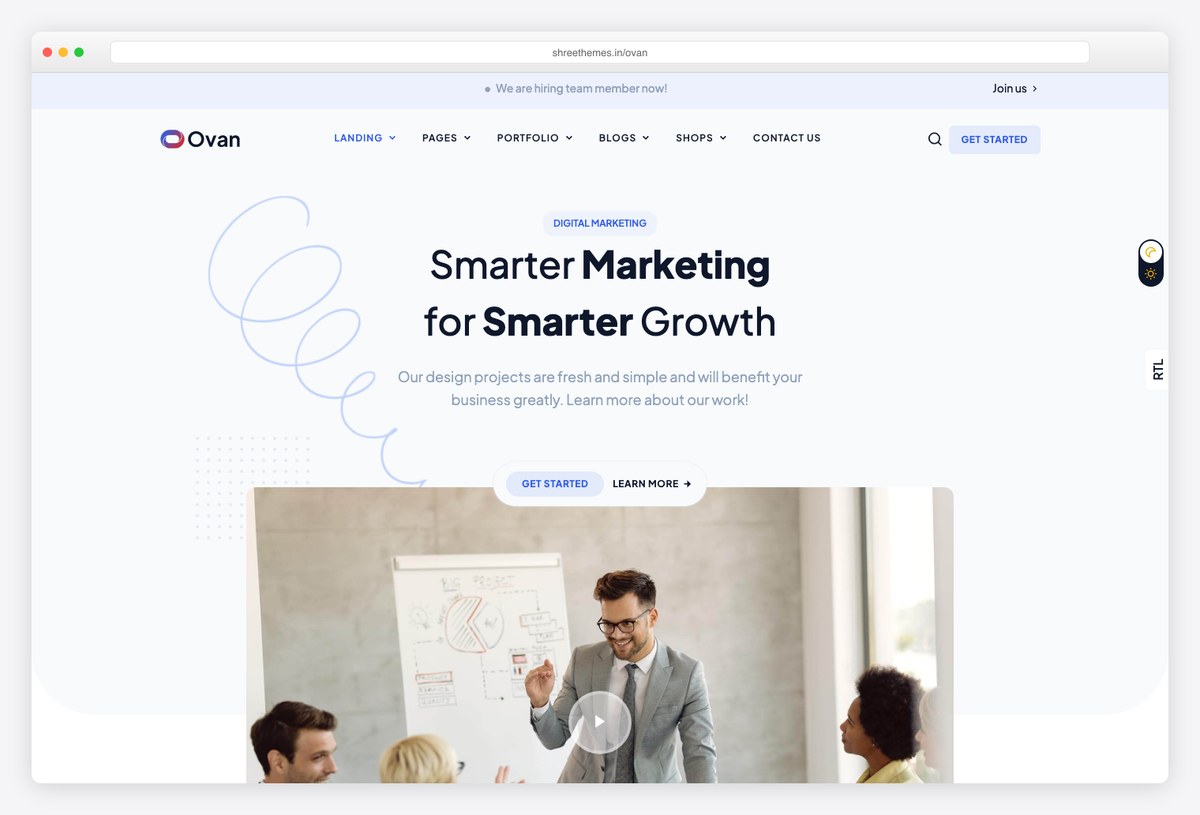
Why we like it: The broadest Django front end on this list — 80+ built pages spanning corporate, startup, agency, education and finance layouts, on a current Django 6 codebase.
Ovan is a multipurpose business and corporate template from Shreethemes, sold with a Django edition alongside the HTML build. The page library is the point: rather than one homepage and a handful of inner pages, you get dozens of pre-composed sections you can recombine into a site without designing anything.
It is a good fit when the brief is vague — a company site that needs an about page, a services grid, a team section, a pricing table and a contact form, all in the same visual language. The preview linked below is the HTML build; the Django edition ships the same design wired into Django templates.
2. Cartzio
🛍️ Django 5 · Tailwind v4 · RTL + dark
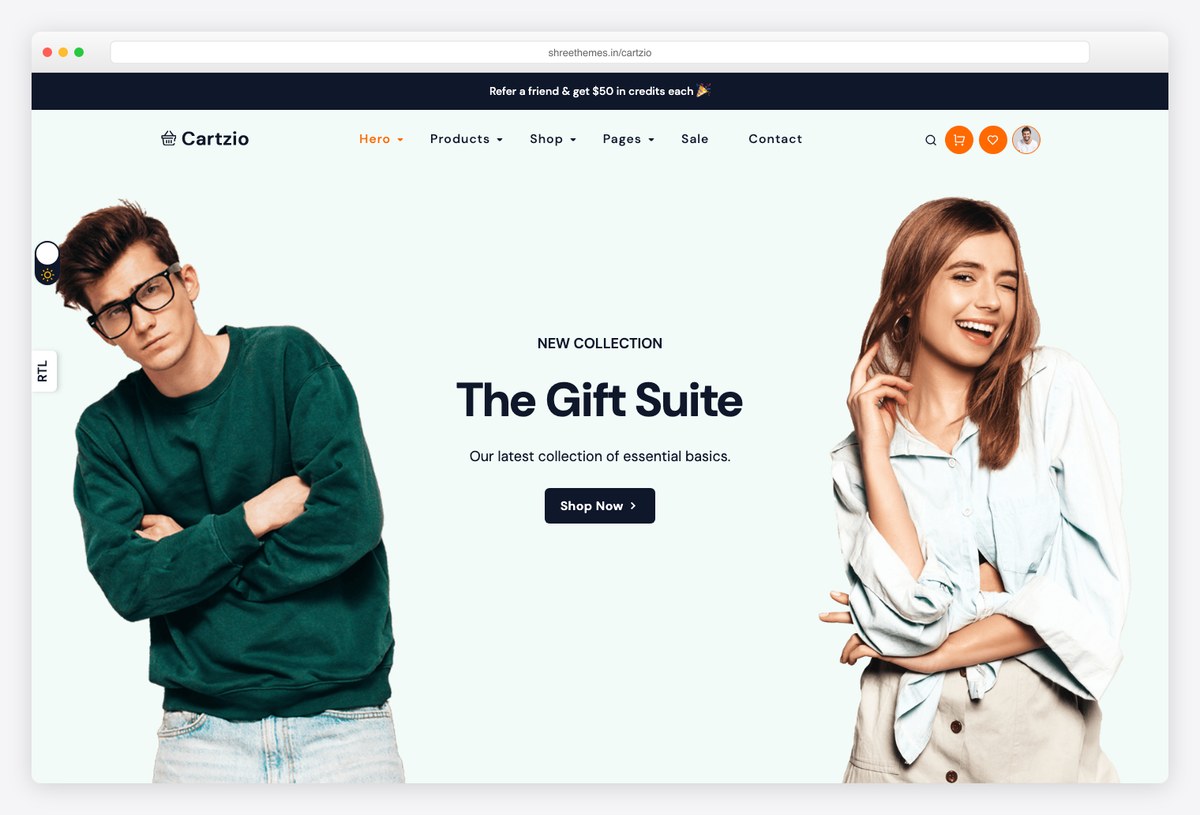
Why we like it: A real storefront front end for Django rather than a headless API — product grids, category pages and cart screens already built, with RTL and dark variants included.
Cartzio is a fashion-store template built on Tailwind CSS v4, and it is the most direct answer if you want a Django-rendered shop without adopting a headless stack. The 50+ pages cover the commerce path end to end: listing, product detail, cart, checkout and account screens.
Because it is Tailwind rather than Bootstrap, restyling to a brand palette is a config change instead of a stylesheet override. Pair it with Django Oscar or your own models if you need the commerce logic — Cartzio supplies the front end, not the backend.
3. Upwind
☁️ Django 5 · Tailwind v4 · 9 home pages
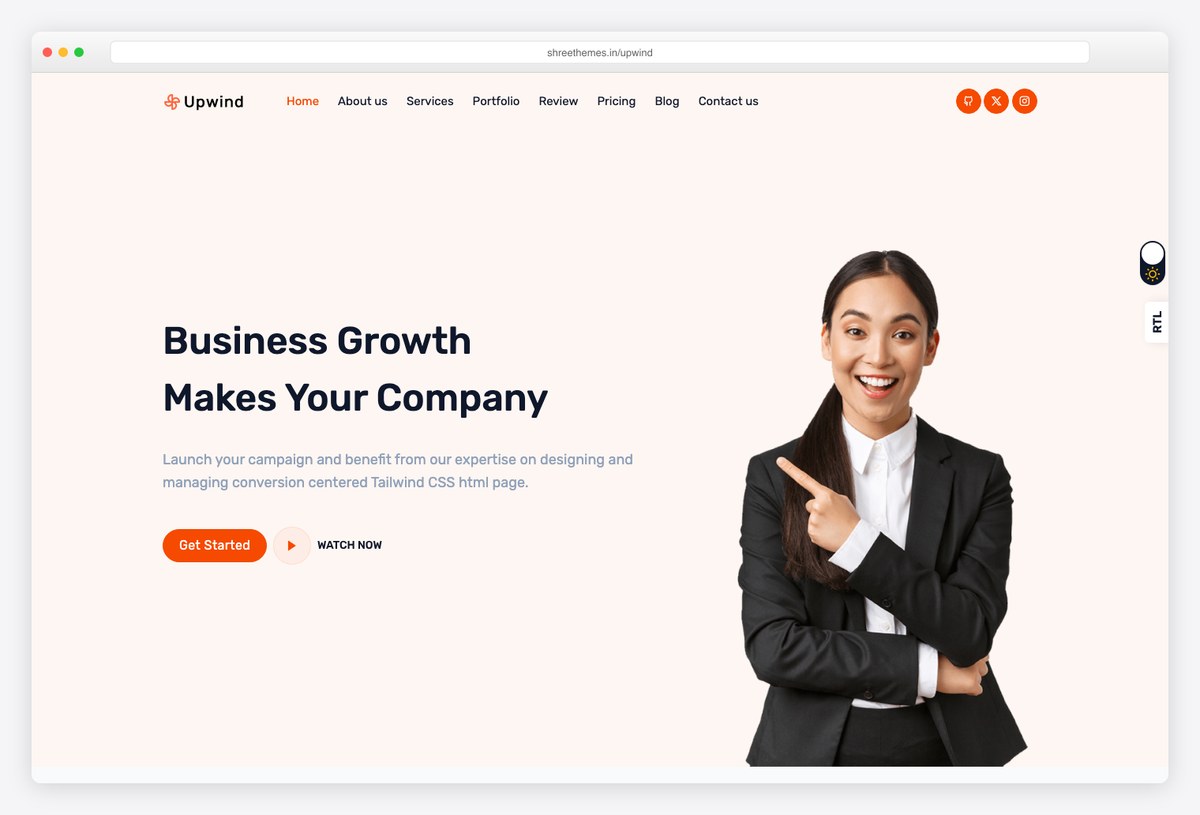
Why we like it: Nine distinct SaaS landing-page layouts plus auth screens — the closest thing here to a marketing site you can ship the same week.
Upwind is a Tailwind v4 landing template aimed at software products. The nine homepage variants differ in structure rather than colour, so you can pick a layout that matches your funnel — long-form feature narrative, short conversion page, or app-store style — instead of rebuilding one.
The three auth pages matter more than they look: sign-in, sign-up and reset are exactly the screens a Django project needs styled, and they are usually the ugliest part of a launch. Blog and portfolio detail pages round it out.
4. Vany
🎨 Django 6 · Bootstrap 5 · Portfolio
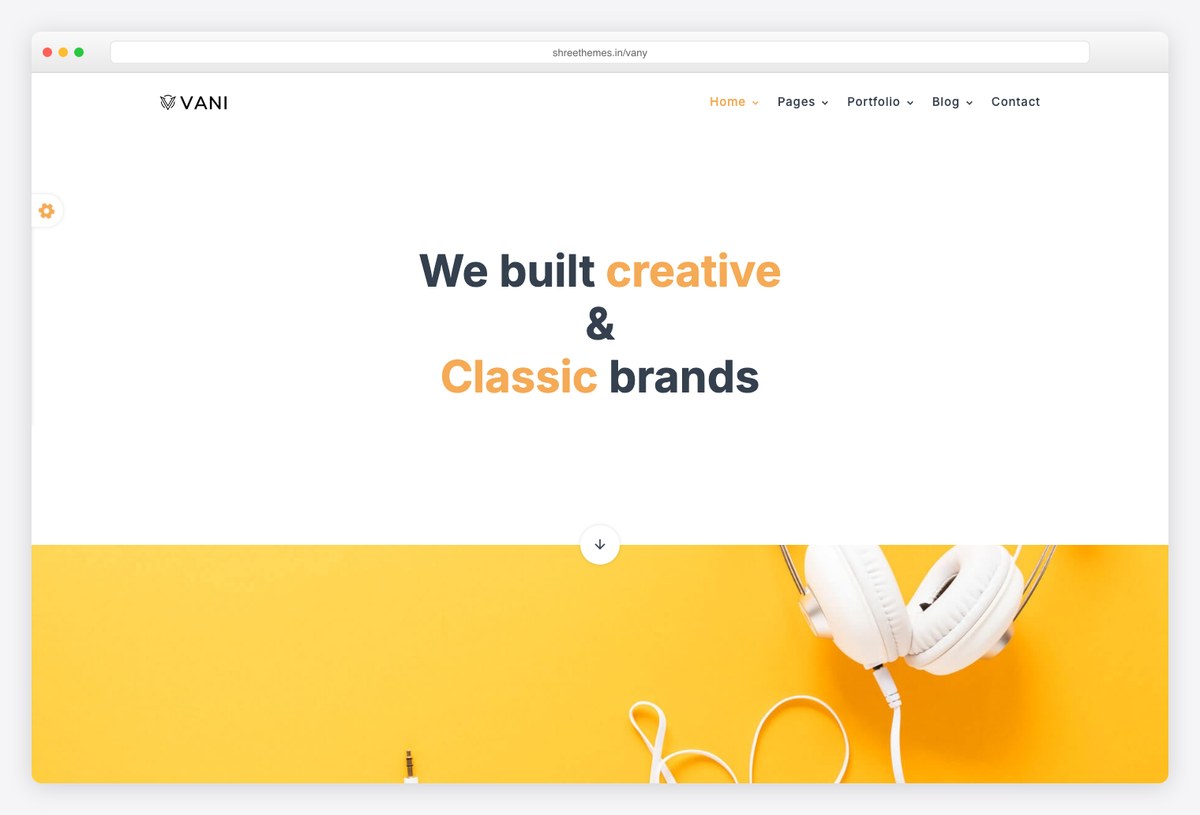
Why we like it: A restrained personal-portfolio and creative-studio template on Django 6 — the least corporate design here, and the one that will not fight a strong body of work.
Vany is built for people whose site exists to frame something else: photography, design work, a studio reel. The six homepage variants are mostly typographic and grid-led, with generous whitespace rather than the gradient-and-icon treatment most business templates default to.
Thirty-plus inner pages cover project detail, about and contact. It is Bootstrap 5 rather than Tailwind, which makes it the easier pick if your Django project already ships Bootstrap and you do not want a second build step.
5. Incrave
✨ Django 5 · Bootstrap 5 · 16+ landings
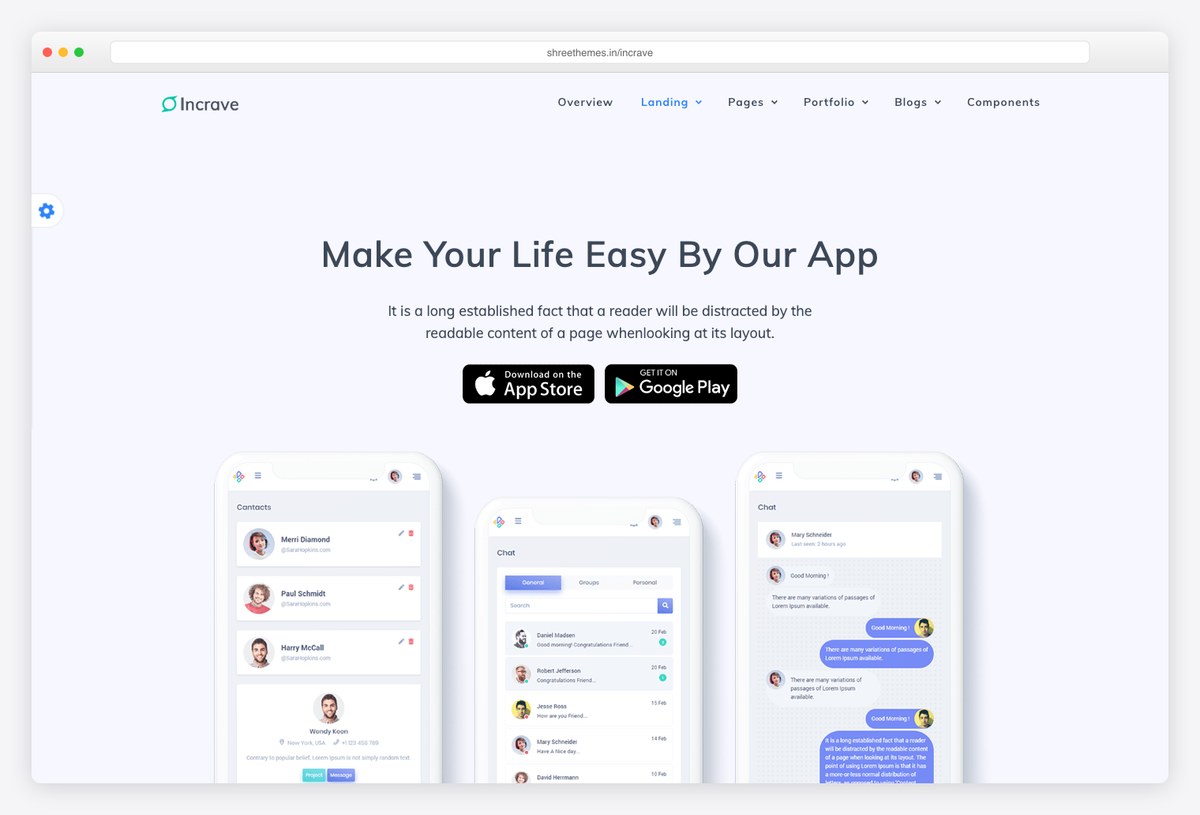
Why we like it: The largest set of landing-page variants in this group, with dark and RTL themes and SCSS sources rather than compiled-only CSS.
Incrave leans into breadth: 16+ landing layouts and 50+ inner pages, which makes it useful as a house kit for an agency running several client sites off one licence rather than a single-project template.
Shipping SCSS sources is the practical differentiator — you can change brand variables and rebuild instead of overriding compiled rules, which keeps the stylesheet from growing a patch layer over time. Dark and RTL themes are included rather than sold separately.
6. Django Website Template (free)
Maintenance: last commit October 2024 — more than a year and a half ago. The code is still usable, but the framework has shipped major releases since, so budget time to update dependencies yourself and check anything that touches build tooling.
💎 Free · MIT · Tailwind
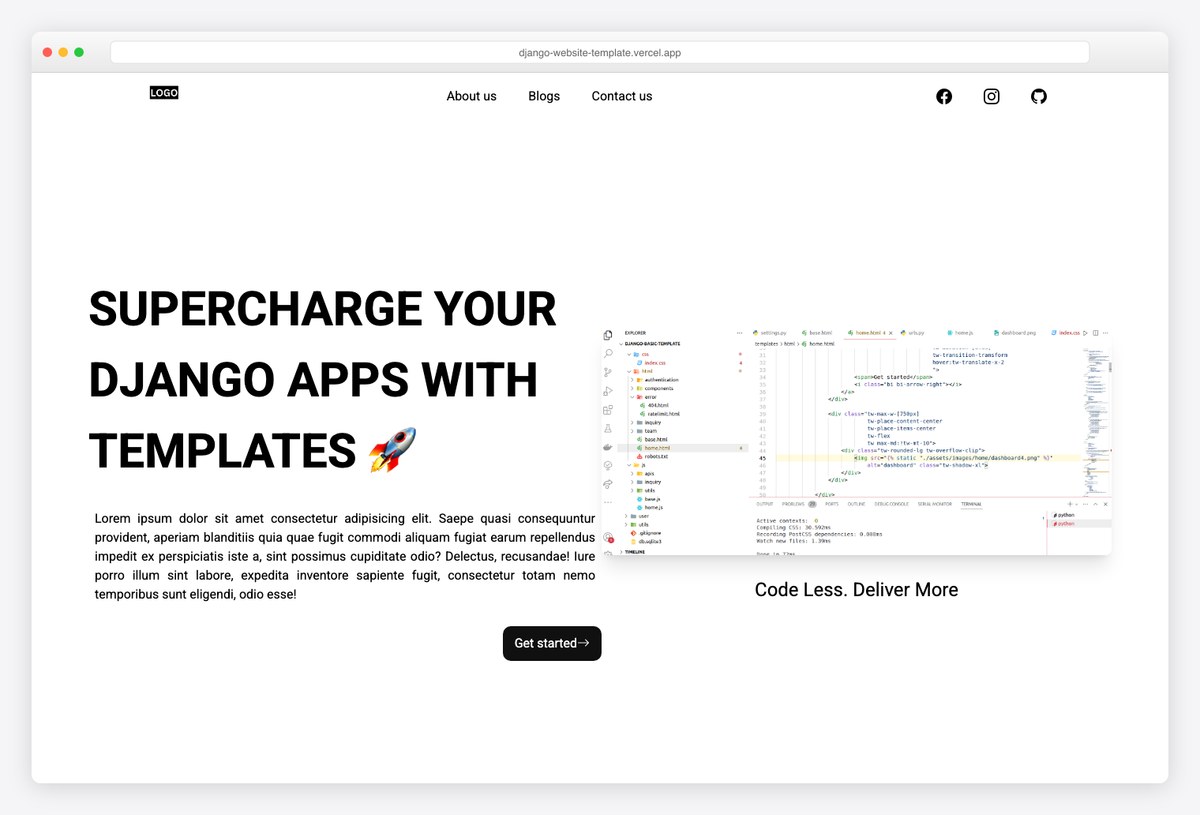
Why we like it: The one genuinely free, MIT-licensed Django front end here that is a finished site rather than a component set — landing page, blog and contact, already wired to Django views.
This is a small project by Paul Onteri built for freelancers who need a digital-product site without starting from an empty templates/ directory. It ships a Tailwind landing page, a blog with list and detail views, and a working contact page.
Treat it as a starting point rather than a maintained dependency: the last release predates the current Django line, so budget an afternoon to bump requirements and re-test before you build on it. For a free MIT starting point that is still a fair trade.
Content management systems
If anyone other than a developer will change the site after launch, a static template becomes a bottleneck quickly. These are the three ways Django handles that, and the choice is mostly about editing model rather than features.
7. Wagtail
💎 Free · BSD · Django CMS
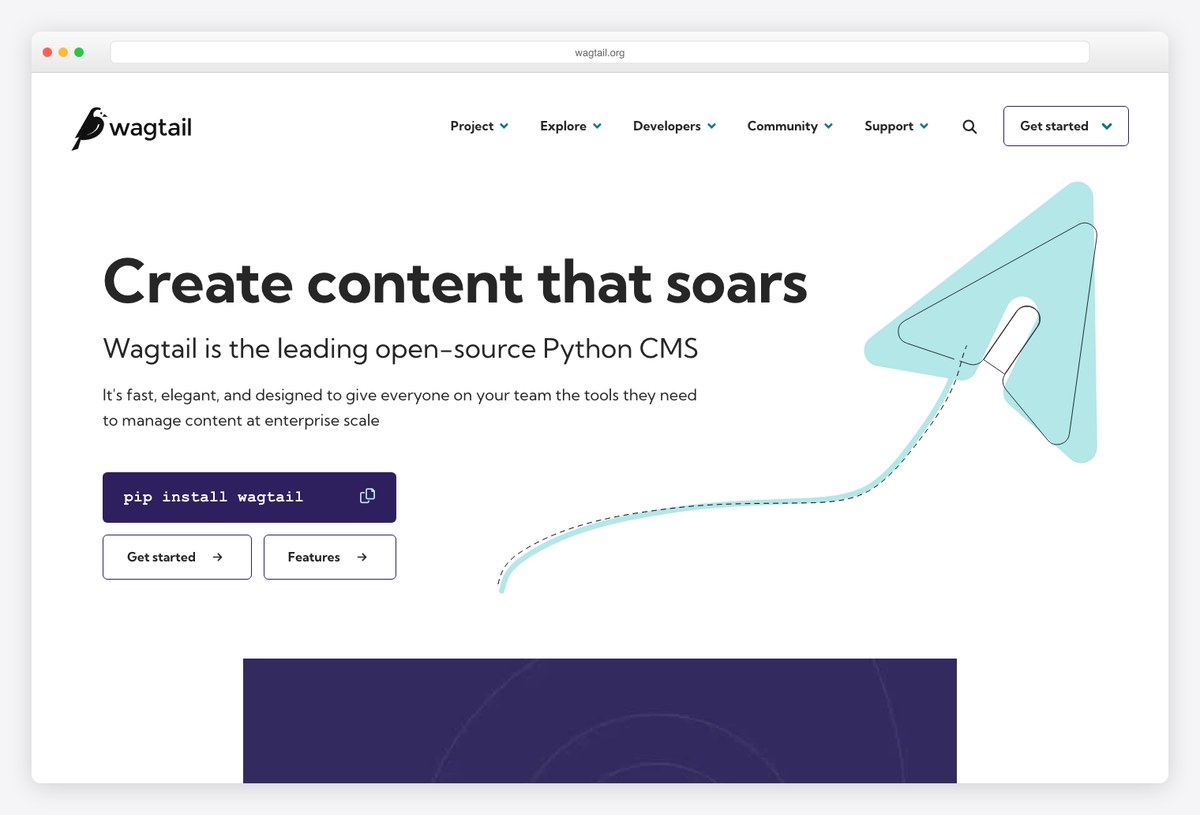
Why we like it: The Django CMS most large sites actually run — you build the page templates, and editors get a genuinely good editing experience instead of a styled admin form.
Wagtail is not a template you download; it is a CMS you build templates for. That distinction is the whole reason it belongs on this page: if your site has editors who publish regularly, a static template will fight you within a month, and Wagtail is the standard answer.
Its StreamField model lets editors compose pages from typed blocks you define, so the layouts stay on-brand without locking content into a single rigid template. The Bakery Demo repository is the reference implementation to read before you start.
8. CodeRed CMS
💎 Free · Wagtail + Bootstrap
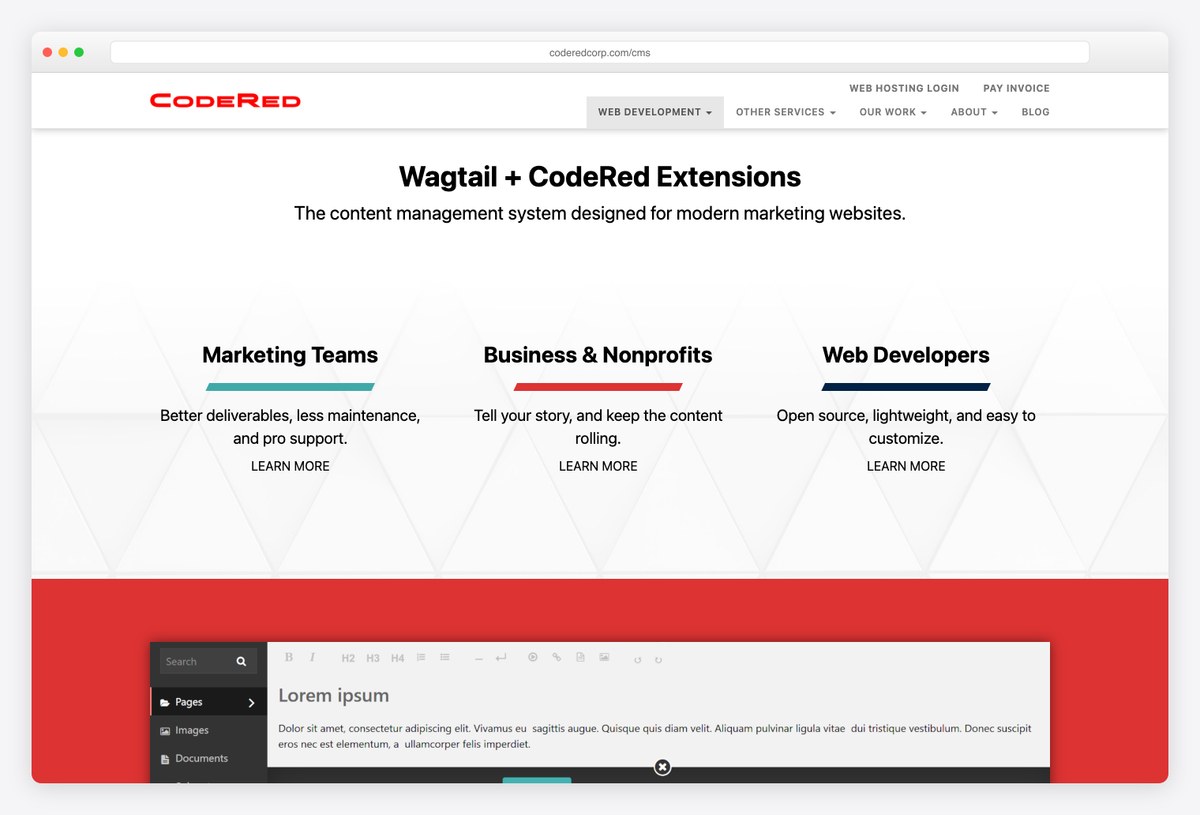
Why we like it: Wagtail with the marketing-site parts already built — page types, navigation, forms and Bootstrap layouts, so you are not writing the same blocks for the fifth client site.
CodeRed CMS sits on top of Wagtail and supplies what most brochure sites need before any custom work starts: article and landing page types, a navigation system, form-builder pages, SEO fields and a Bootstrap-based front end you can restyle.
It is the right layer when Wagtail alone feels like too blank a page and a static template feels like too little. Check its release cadence against your Django target before committing — it moves more slowly than Wagtail core.
9. django CMS
💎 Free · Open source
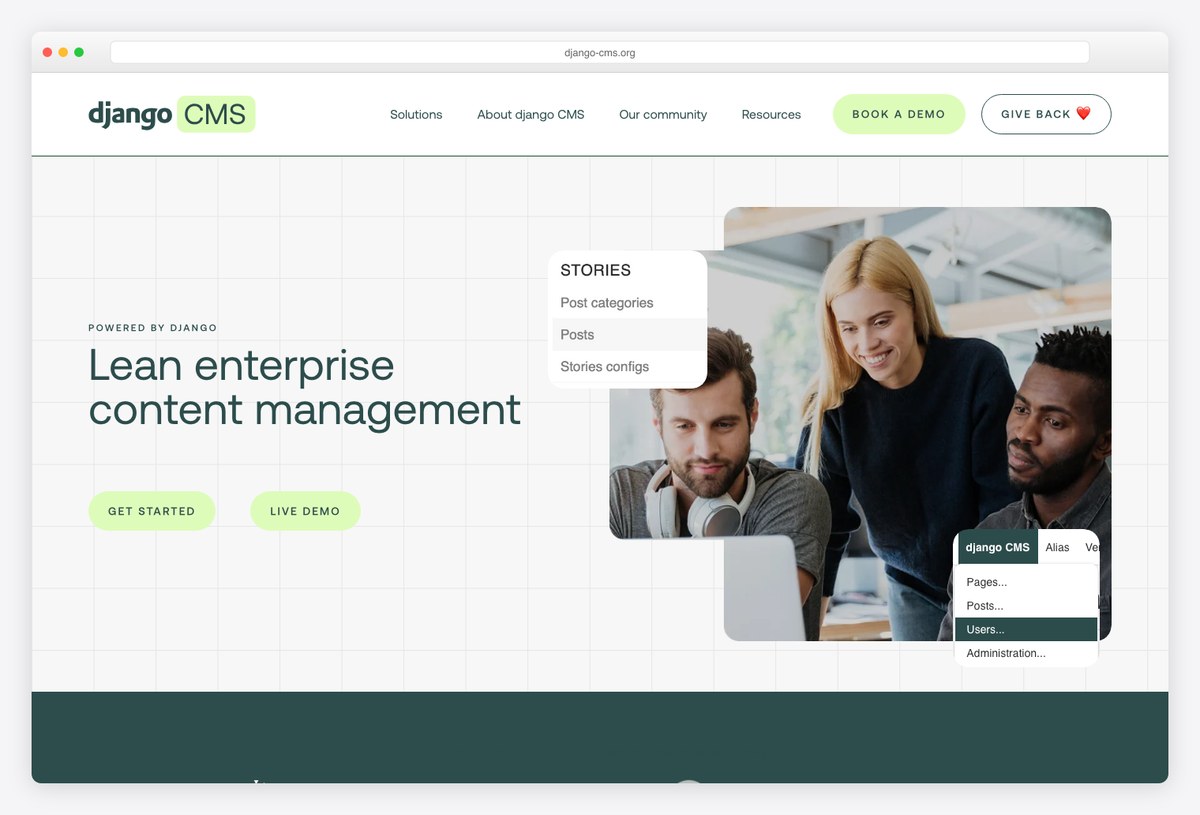
Why we like it: The frontend-editing alternative to Wagtail — editors change content on the rendered page itself, which suits teams who never adapt to an admin-first workflow.
django CMS takes a different editorial stance to Wagtail: rather than composing pages in the admin, editors work in placeholders on the live page. For non-technical teams that model needs less training, and it is the main reason to choose it.
You still supply the templates and define which placeholders exist, so it is a framework for your design rather than a design you download. Its plugin ecosystem covers the usual page furniture.
Storefronts
Commerce is where the Django template market is thinnest, and where the headless-versus-server-rendered decision matters most.
10. Saleor
🛍️ Free · BSD · Headless
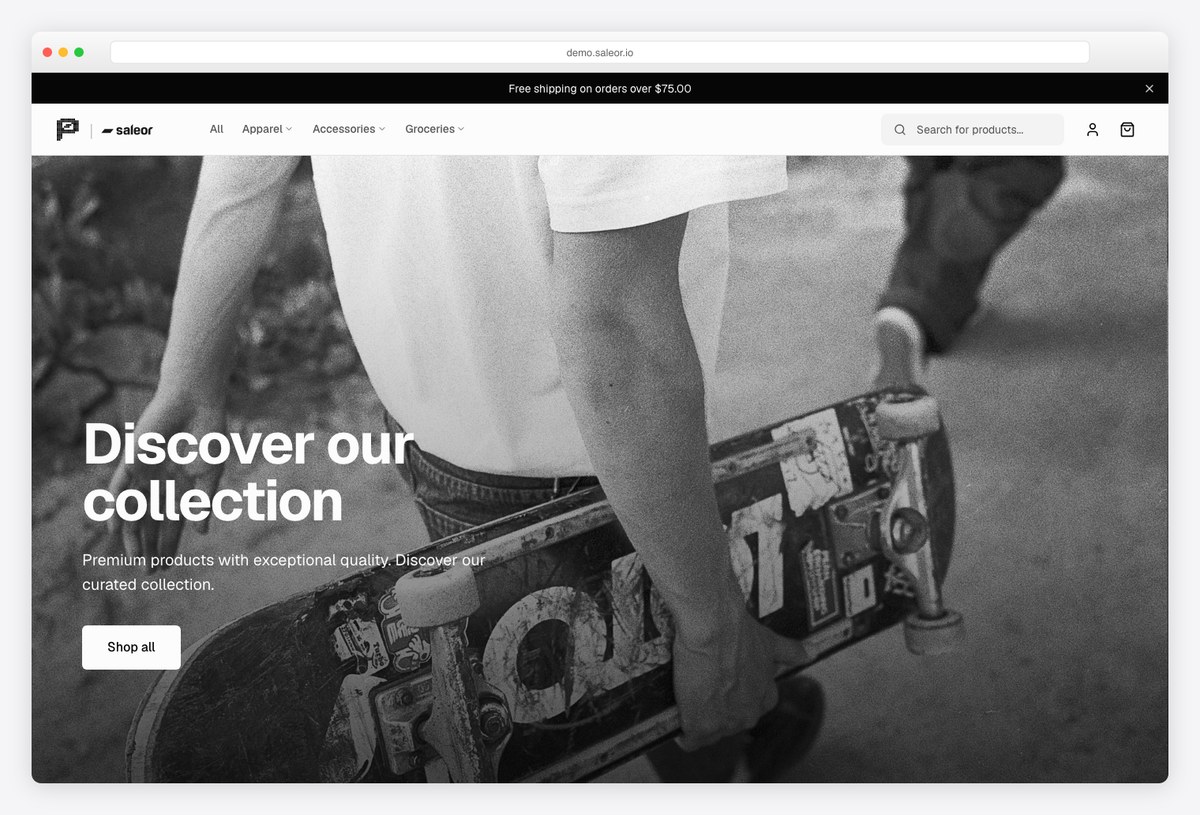
Why we like it: The most serious open-source commerce project in the Python world — but read the caveat: the storefront is a separate JavaScript app, not Django templates.
Saleor is a headless commerce core with a GraphQL API. The backend is Python, and its reference storefront is a Next.js application, which means adopting Saleor is a decision to render your shop outside Django rather than inside it.
That is the right trade for a large catalogue, complex pricing or a separate mobile client, and the wrong one if you wanted a Django-rendered shop — for that, Cartzio above or Django Oscar are closer fits. Oscar is worth knowing as the domain-driven Django storefront, though its public demo has been offline recently, so evaluate it from the source rather than a live site.
Starters and SaaS boilerplates
These give you no page design at all. They give you the project the design goes into — settings, auth, billing, deployment — which is usually the part that actually takes the time.
11. Cookiecutter Django
💎 Free · BSD · Generator
Why we like it: The default answer for starting a serious Django project — it generates the whole repository, not a UI, and it is the most actively maintained option in this section.
Cookiecutter Django asks a series of questions and writes out a production-shaped project: settings split by environment, Docker for local and production, Celery, a custom user model, linting, CI configuration and deployment targets already wired.
It gives you no page design at all, which is exactly why it pairs well with everything above — generate the project here, then drop one of the front-end templates into it. If you only take one thing from this page for a greenfield build, take this.
12. Lithium
💎 Free · Starter project
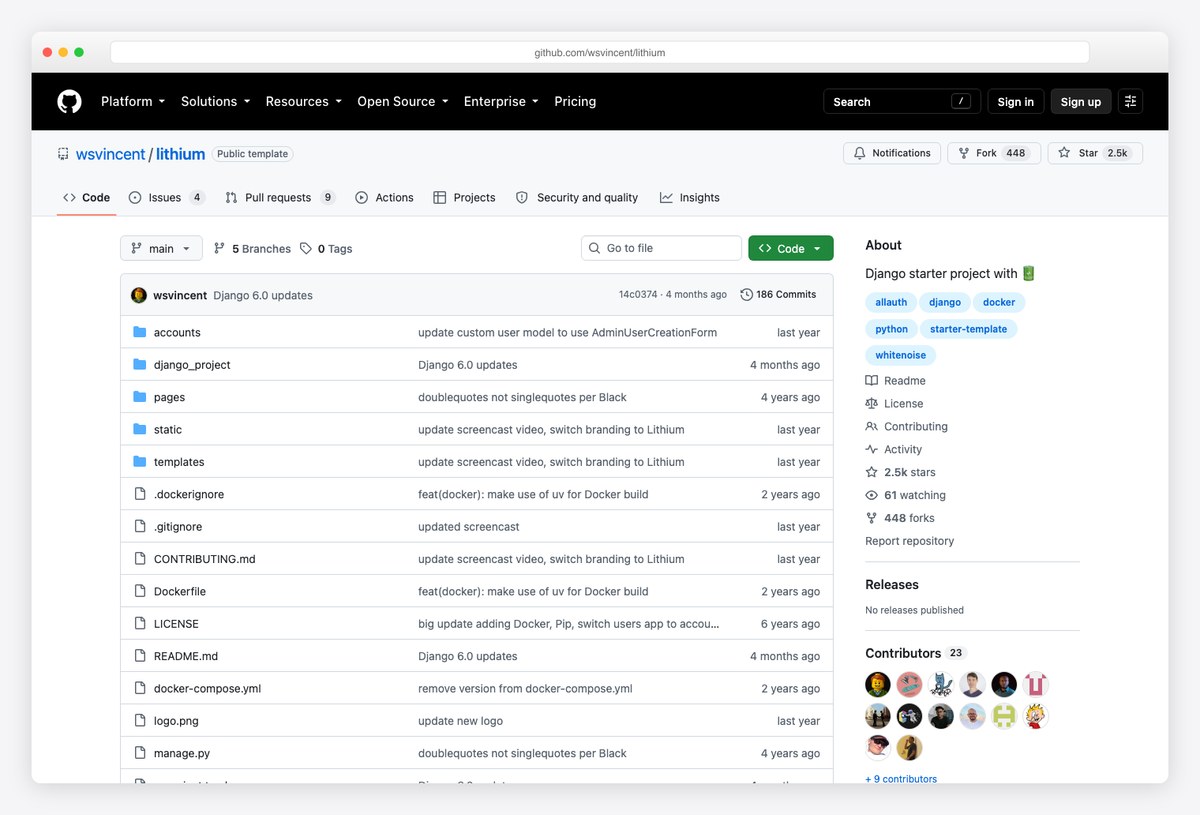
Why we like it: A deliberately small starter from Will Vincent — custom user model, auth pages and Docker, and nothing else to unpick later.
Lithium is the project formerly published as DjangoX, and the rename is worth knowing because older roundups still link the old name. It covers the decisions that are painful to change later: a custom user model from commit one, email-based authentication, and styled sign-up and password flows.
Where Cookiecutter Django generates a large opinionated repository, Lithium is a template you clone and read in a sitting. Choose it when you want a clean base you fully understand rather than a framework of conventions.
13. SaaS Pegasus
💰 Commercial · Django SaaS
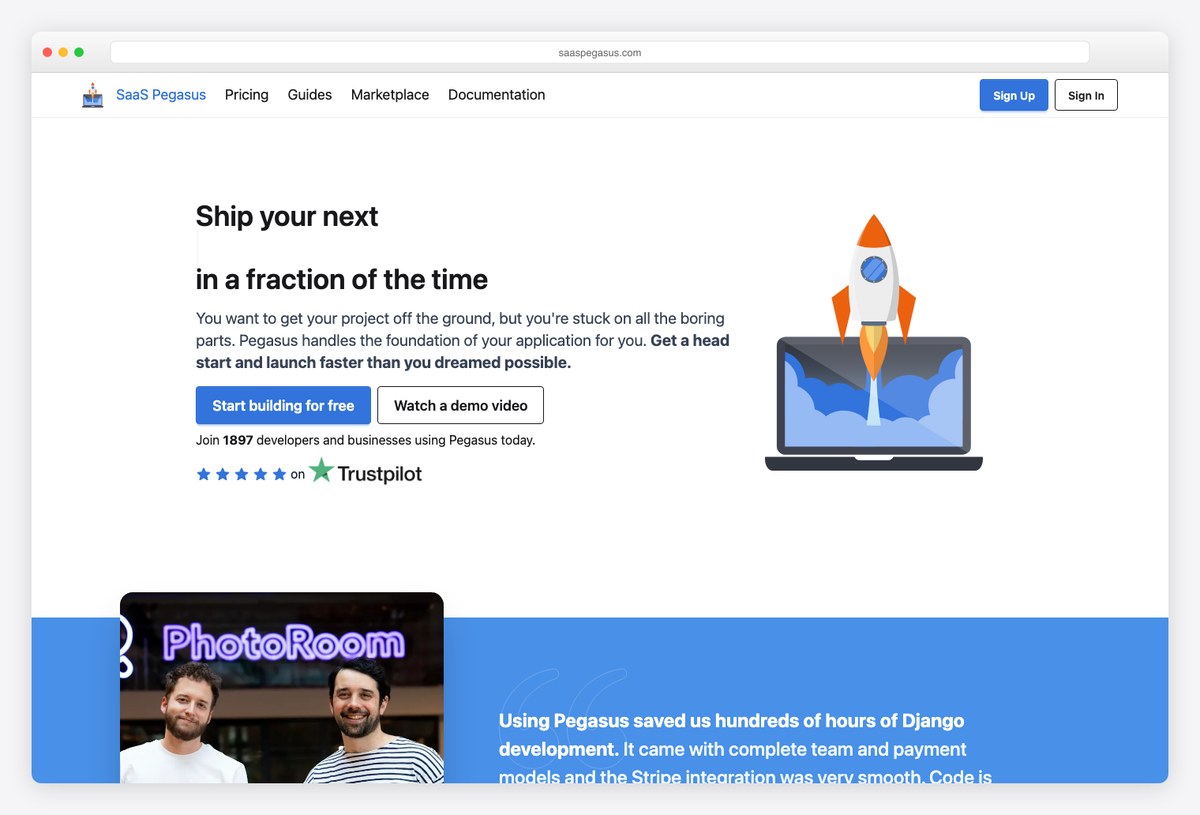
Why we like it: The most complete commercial Django SaaS boilerplate — teams, subscriptions, and a Tailwind + daisyUI front end generated to your choices rather than shipped as one fixed codebase.
Pegasus is a code generator: you pick your options — HTMX or React, which payment and auth features, whether to include Wagtail for marketing pages — and it emits a codebase shaped to those answers. That avoids the usual boilerplate problem of deleting half of what you bought.
It covers teams and multi-tenancy with role-based access, Stripe subscriptions, background tasks with Celery, and an API layer. It is the priciest item on this page by a wide margin, so it earns its place on a funded product rather than an experiment.
14. Horilla
💎 Free · LGPL · Full app
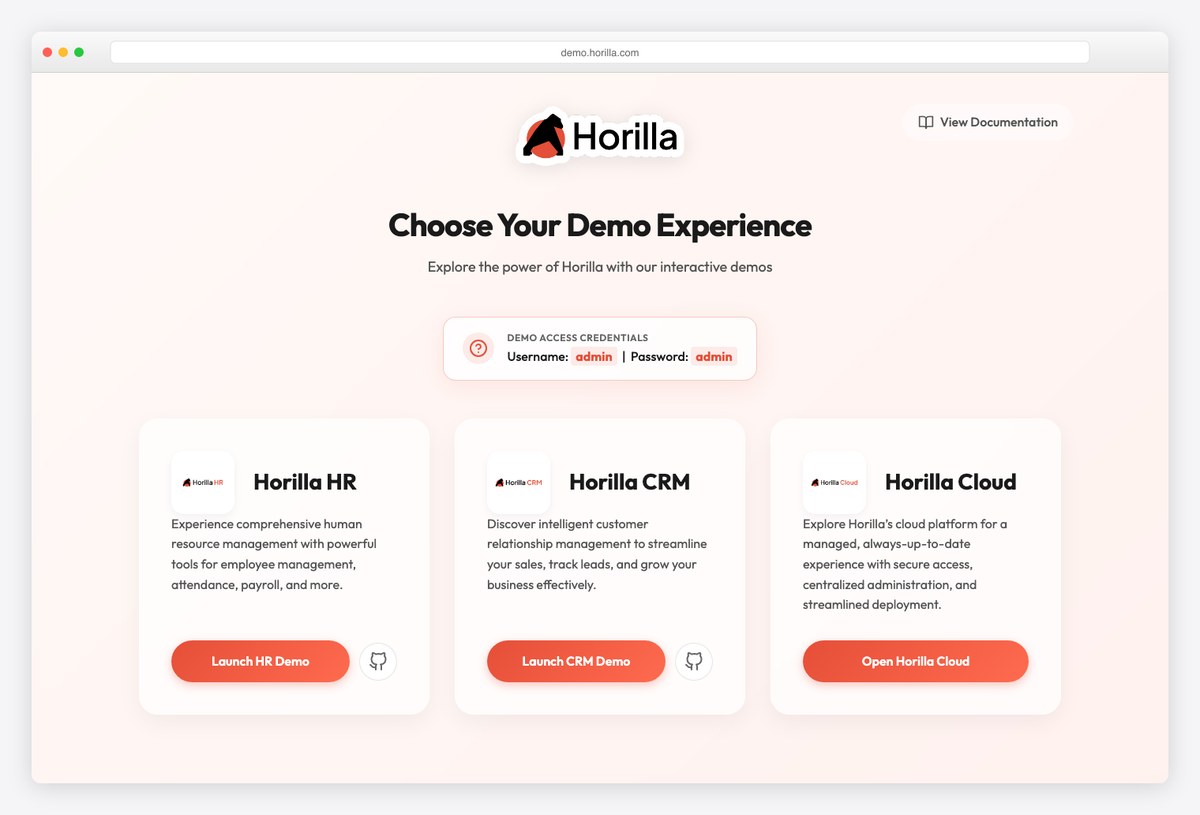
Why we like it: Not a template but a complete, actively developed Django application you can read — the most useful reference here for how a large real Django front end is actually structured.
Horilla is open-source HR software: recruitment, onboarding, attendance, payroll and asset management, all rendered by Django with a consistent UI across dozens of screens. It is included because finished Django codebases of this size are rare in public.
If you are building an internal tool, cloning Horilla and studying how its apps, templates and permissions are organised will teach you more than a component library will. The hosted demo lets you click through before you clone.
UI kits for Django templates
None of these are Django-specific, and that is the point: they are plain CSS and JavaScript, so they install through collectstatic and work inside Django templates with nothing to wire up. If you are building your own pages rather than buying a design, start here.
15. daisyUI
🌼 Free · MIT · Tailwind
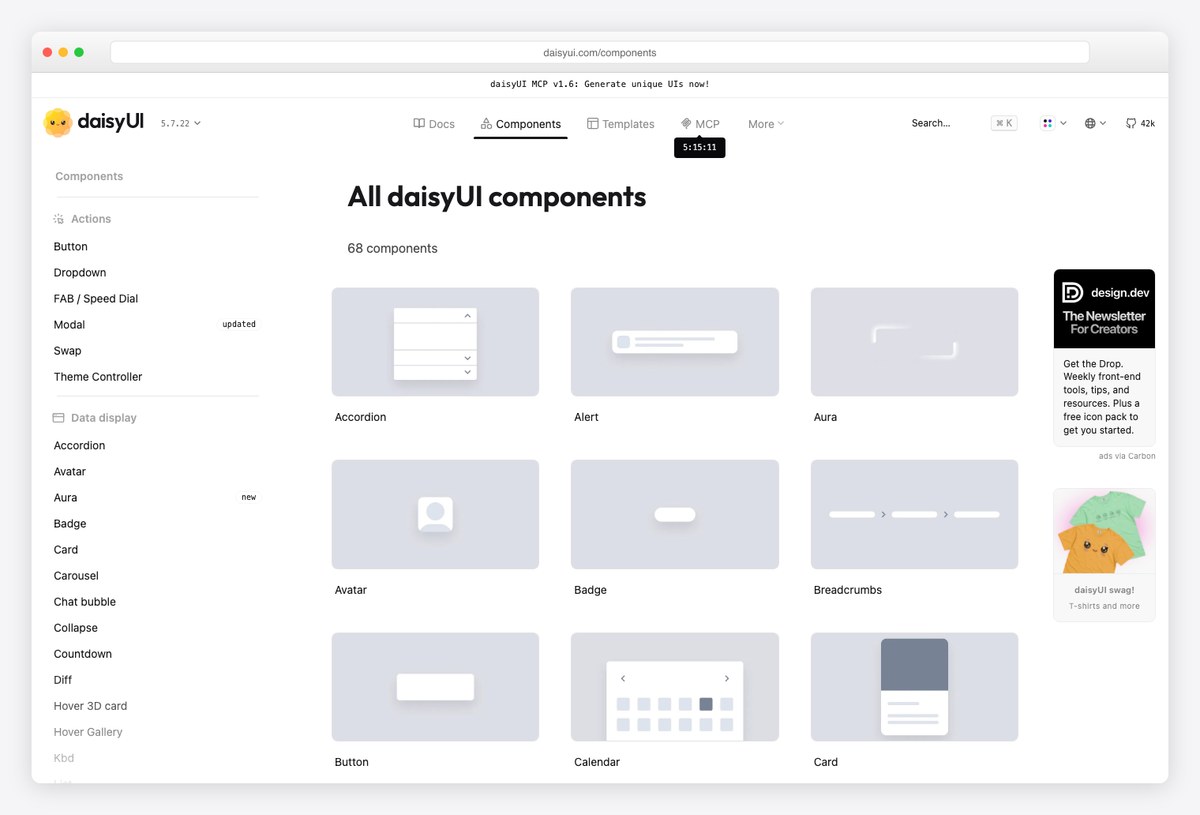
Why we like it: Turns Tailwind into named component classes, which is the single biggest quality-of-life change you can make to a Django template directory.
Plain Tailwind in Django templates produces long class strings that are painful to read in a {% for %} loop. daisyUI adds semantic classes — btn, card, modal — that compile down to the same utilities while keeping your markup legible.
It is pure CSS with no JavaScript dependency, so it drops into a Django project through collectstatic with nothing else to wire. Its theme system also gives you dark mode without writing a parallel stylesheet.
16. Flowbite
💎 Free core · MIT · Tailwind
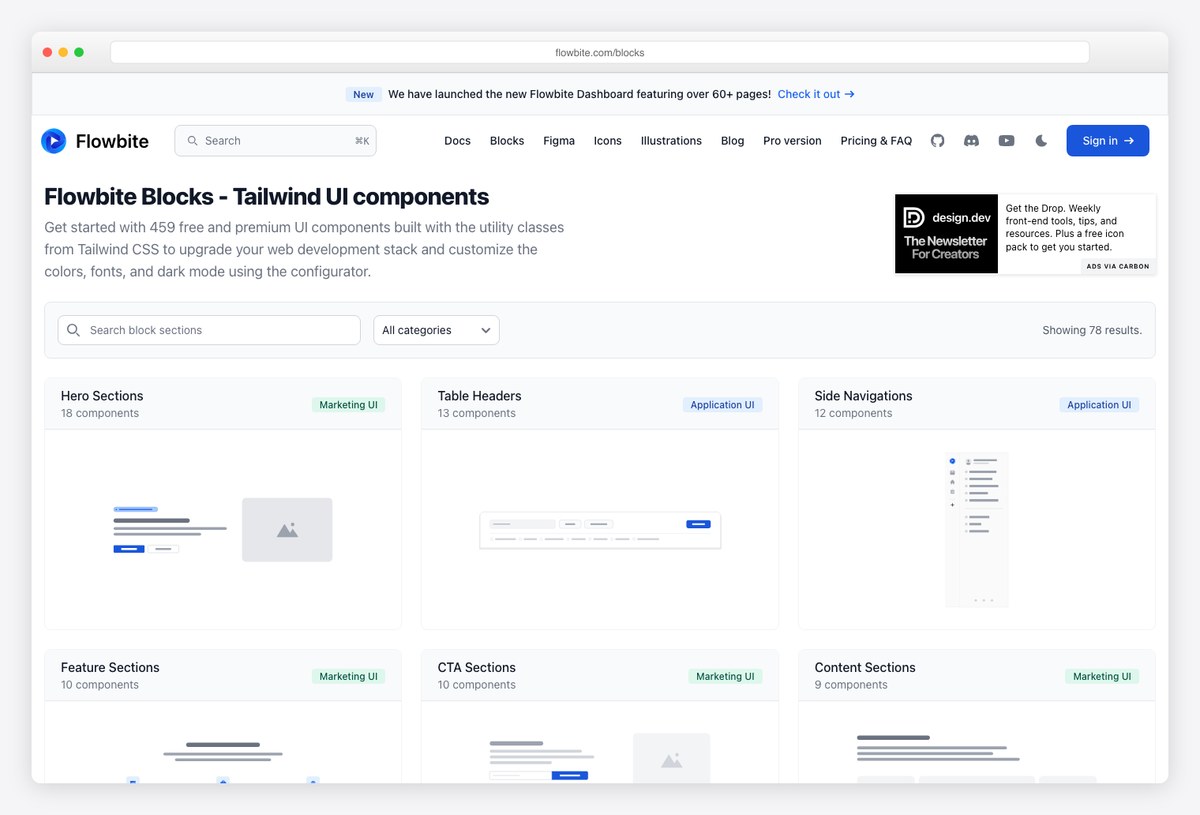
Why we like it: The largest free block library of the three — whole page sections you paste into a template, not just individual components.
Flowbite ships interactive components with the JavaScript already written — dropdowns, modals, datepickers, drawers — which matters in Django because those are precisely the pieces a server-rendered project would otherwise hand-roll.
Its blocks collection covers hero sections, pricing tables, feature grids and footers. Copy a block into a Django include, replace the static copy with template variables, and a page that would have taken a day takes an hour.
17. FlyonUI
🚀 Free core · Tailwind
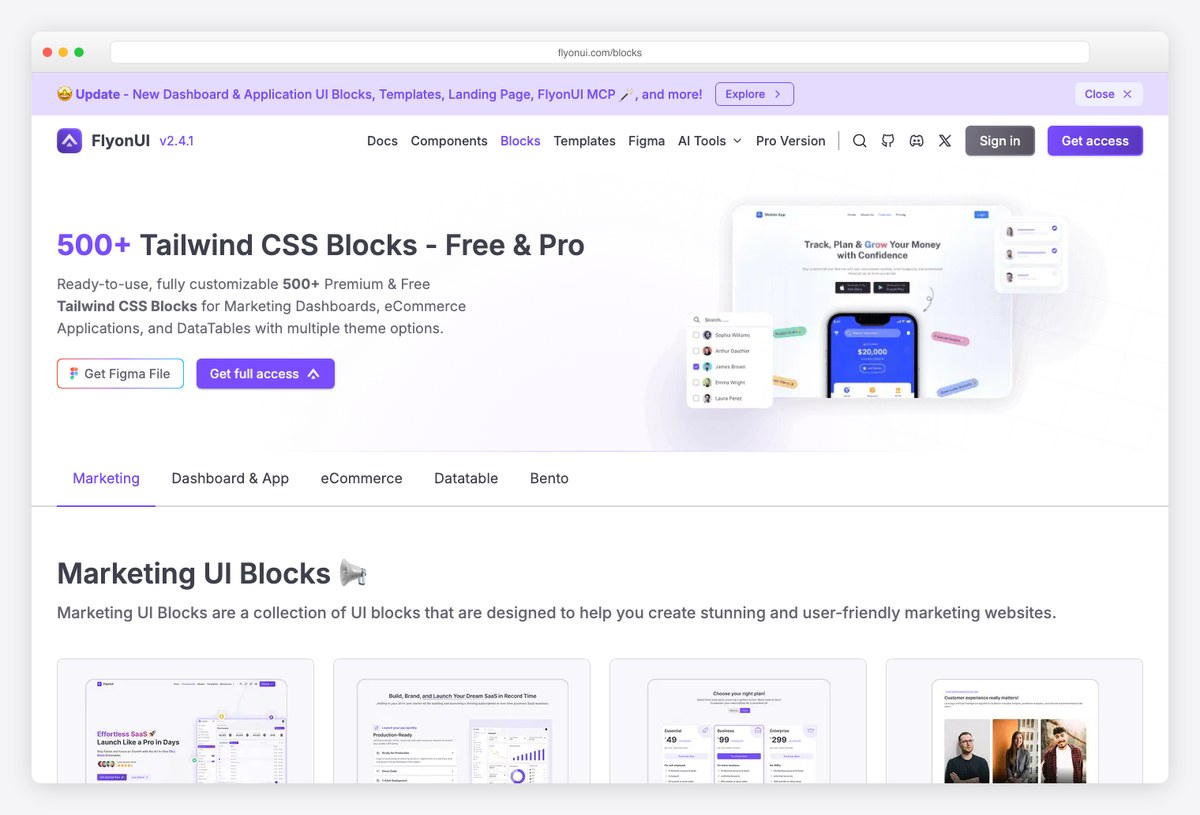
Why we like it: Combines daisyUI-style semantic classes with headless JavaScript behaviour, so you get both readable markup and working interactions from one dependency.
FlyonUI is the newest of the three and positions itself between the other two: semantic class names in the daisyUI mould, plus the unstyled interaction logic that Flowbite provides. For a Django project that means one package instead of two.
Being newest is also the risk — it has the shortest track record here, so check that the components you depend on are in the free tier before you build a design system around it.
Admin panels and customer portals
Kept short deliberately, because this is the other post’s subject. These four are the admin-side templates worth knowing when you are building the public site from this page and need the authenticated side too. For the full field — including the free open-source themes that reskin Django’s built-in admin — read Django admin themes and dashboard templates.
18. Apex Dashboard — Django Edition
⚡ Django 6 · HTMX 2 · Tailwind v4
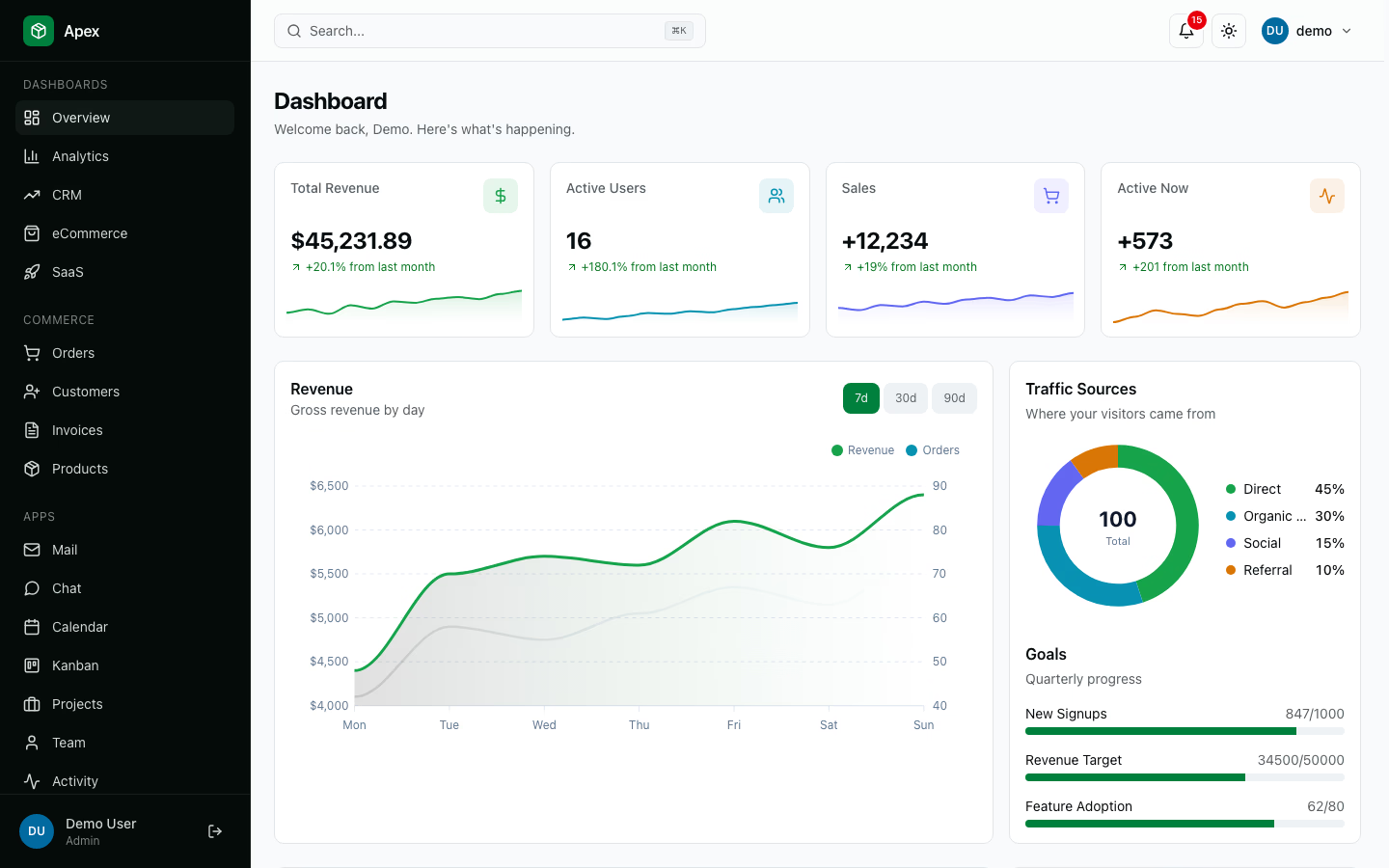
Why we like it: A Django admin template that ships a working backend rather than styled screens — real models, migrations, permissions and tests behind every page.
Apex is the counterpart to a marketing site: once the public pages are built, this is the authenticated side. Its apps are wired end to end — customers, invoices, orders, products, billing, multi-tenant organisations with role-based access — so the screens are backed by Django models rather than static markup.
It runs on Django 6 with HTMX for partial updates and Alpine for small interactions, which keeps the whole project in one Django process with no separate front-end build to deploy.
19. Zenith Dashboard — Django Edition
🌟 Django 6 · SaaS-shaped · HTMX 2
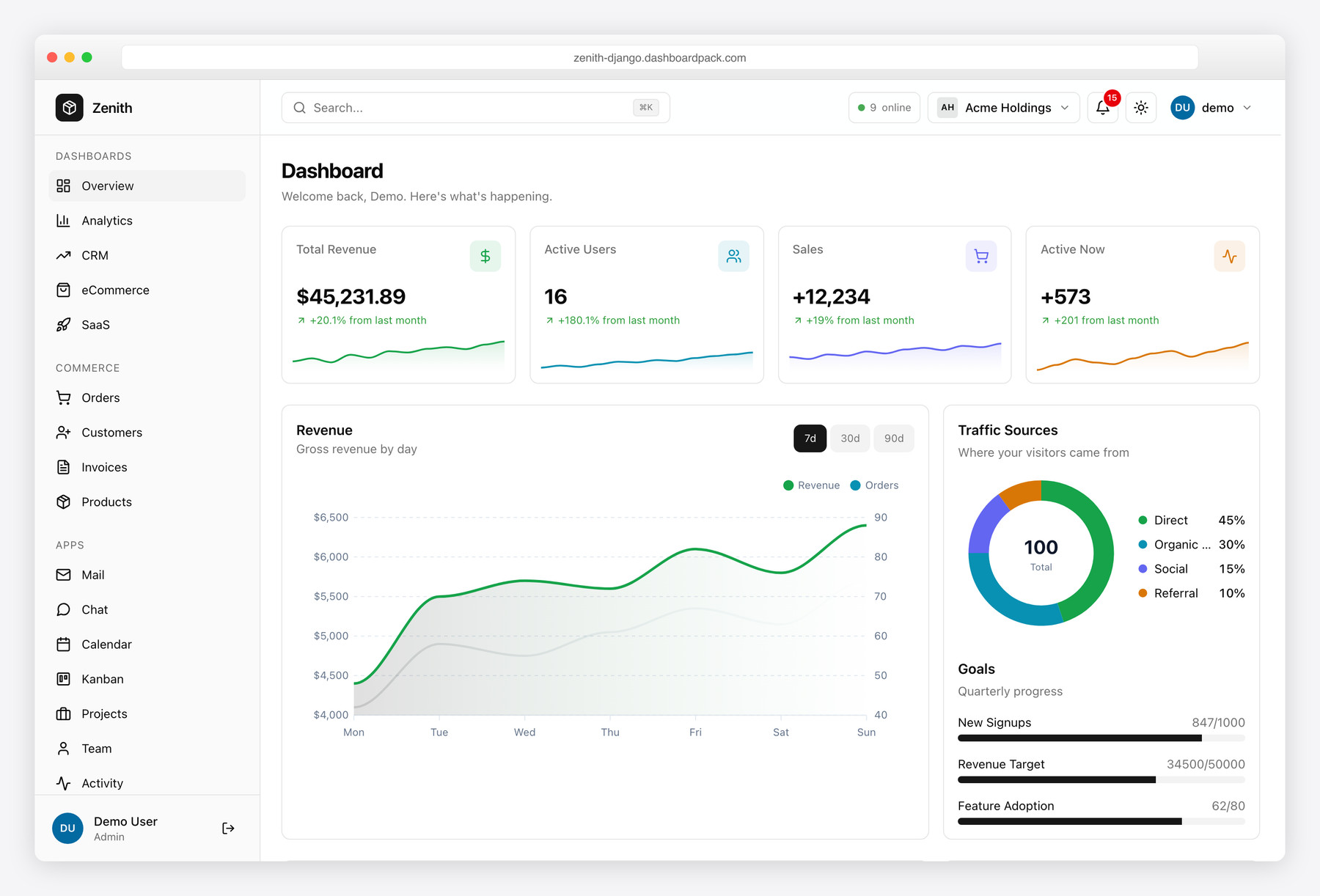
Why we like it: Built so the marketing site and the customer portal run in the same Django project, which is exactly the gap the templates earlier on this page leave open.
Where a landing template stops at the signup button, Zenith picks up: billing and plans, invoices, profile and settings, a help centre, and multi-tenant organisations with an org switcher. Server-rendered throughout, with HTMX for partial swaps.
The practical benefit is one deployment and one set of URLs. If you pair a front-end template from this page with a portal, choosing one that shares the Django-plus-HTMX stack avoids running two front-end toolchains.
20. Cuba Django
💎 Django · Bootstrap 5 · Multi-stack
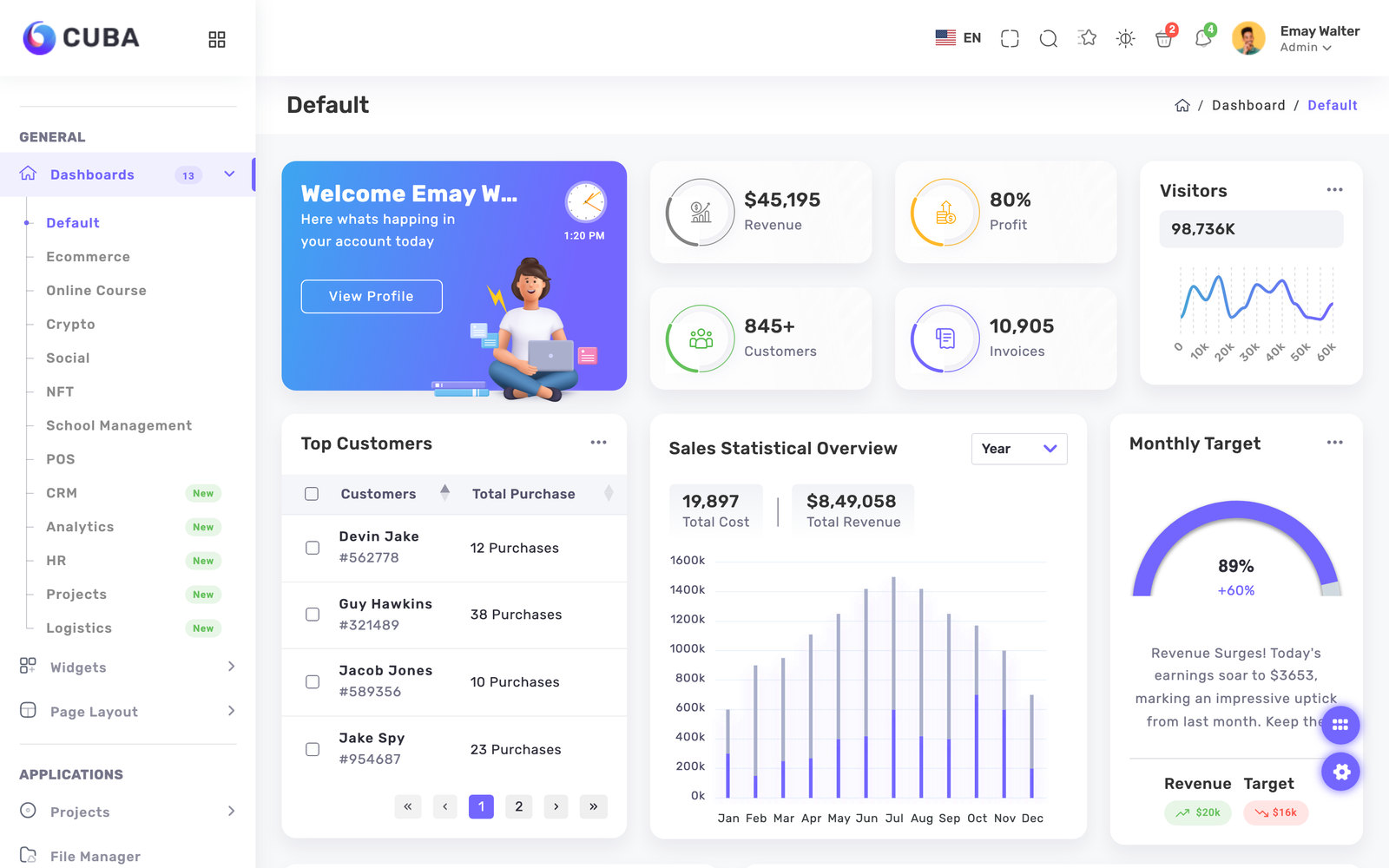
Why we like it: The most actively updated of the marketplace admin templates we checked, and one of the few whose Django edition is maintained alongside its other stacks.
Cuba is sold as a multi-framework bundle, and the Django build is a genuine edition rather than an afterthought. It offers several layouts with light, dark and RTL modes managed through SCSS, so brand changes happen in variables.
Buy it for the breadth of pre-built admin screens. If you want the Django admin itself reskinned rather than a standalone dashboard, that is a different product category — see our Django admin themes roundup.
21. Vuexy Django
💎 Django · Bootstrap 5 · Multi-stack
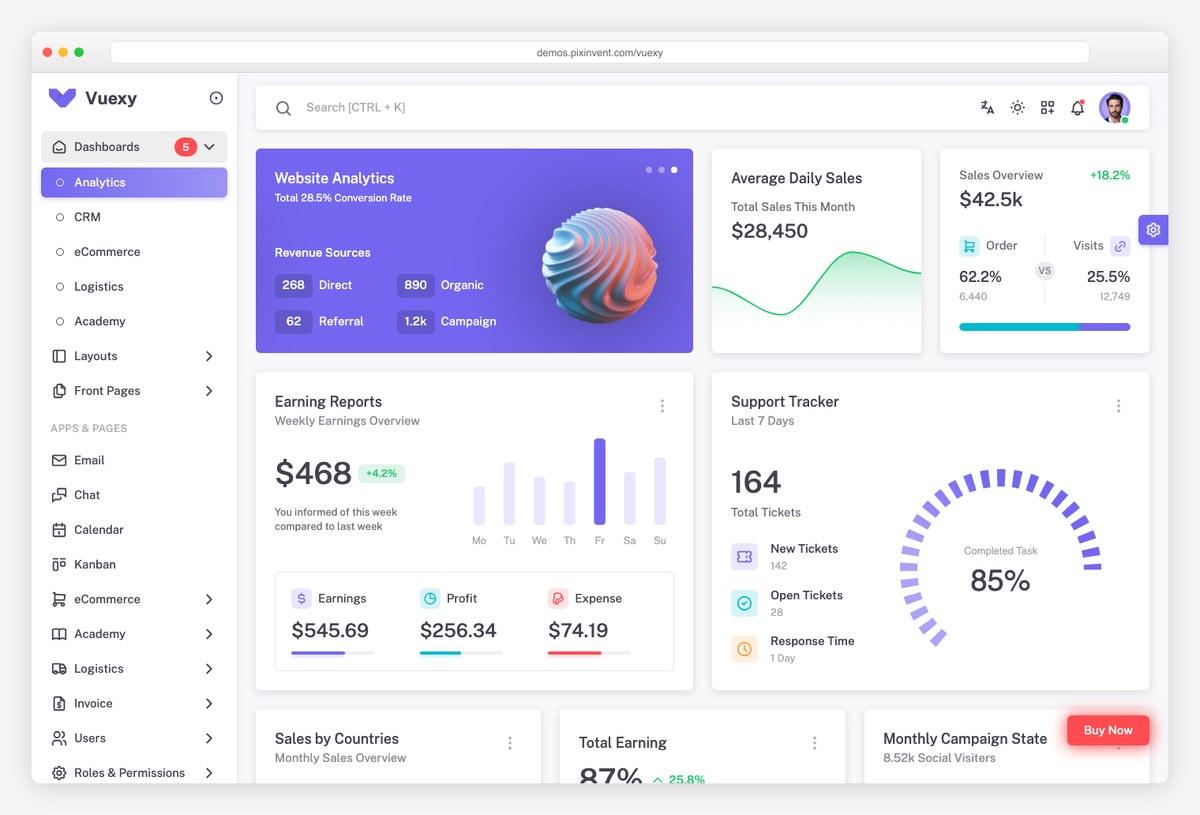
Why we like it: The widest-selling multi-framework admin bundle, useful when several teams must ship the same design across Django, Laravel and JavaScript stacks.
Vuexy includes a Django edition alongside its HTML, Laravel, ASP.NET and JavaScript-framework builds. Its value is consistency across a portfolio: one design system, one component vocabulary, several backends.
For a single Django project it is more than you need, and one of the free options earlier on this page will get you further per hour spent. For an organisation standardising several products, the shared design language is the point.
Checked and left out
These appear in most Django template roundups, including earlier versions of this one. Each was checked and removed, with the reason given. The rule: it must actually ship a Django edition, and its most recent real release must not predate the Django version you are running.
- ArchitectUI, Admindek and Adminty — three HTML admin templates that were listed on this page under a Django heading. None of them has a Django edition; they ship HTML, Angular, React, Vue, Laravel and Next.js builds. They were removed rather than relabelled.
- Argon Dashboard Django — still promoted as a current free Django template, but its last release is from 2021 and it pins a Django version that reached end of life in 2024. Starting a project on it means an upgrade before you write any code.
- Black Dashboard Django and Material Dashboard Django — both in better shape than Argon, but their last real code changes are from 2025 and they are pinned to Django 4.2 rather than the current line. Usable, not current.
- Argon, Material and Black Dashboard PRO for Django — the paid Creative Tim tier is still built on Bootstrap 4, which has been unsupported since 2023.
- Skote, Nazox and Minia — marketplace admin templates whose Django editions cap out at Django 5.x, with last updates ranging from 2023 to 2024. Their listings also show that the Django edition sells a tiny fraction of what the HTML parent does, which is worth knowing before relying on its support queue.
- Launchr — an open-source Django SaaS starter that still ranks well, last released in 2021.
- Django Tailwind Blog and justdjango/django-ecommerce — both good teaching repositories, both last touched years ago. Read them, do not build on them.
- Django Oscar — genuinely maintained and genuinely Django, but its official demo site has been returning errors, so we could not verify the front end the way we did for everything else. It is mentioned under Saleor rather than given an entry.
How to choose
Work down these in order, because each answer removes options below it.
- Who edits the site after launch? If it is not a developer, choose a CMS and stop comparing static templates. Wagtail if you want control over the page model, CodeRed CMS if you want marketing page types already built, django CMS if your editors want to edit on the page itself.
- Is this a site or a product? A site needs a front-end template. A product needs a project first — generate it with Cookiecutter Django, or buy SaaS Pegasus if billing and teams are on the critical path — and add the front end afterwards.
- Which CSS framework does your team already run? Matching it saves more time than any feature list. Bootstrap points to Vany or Incrave; Tailwind points to Ovan, Cartzio or Upwind, or to building your own pages on daisyUI or Flowbite.
- Does the Django edition target a current Django release? Check this before you buy, on the listing itself. It is the single check that would have excluded most of what this page used to recommend.
Django website templates FAQ
Are there free Django website templates?
Yes, and the free options are strongest at the two ends of the stack rather than the middle. For a finished free site, the MIT-licensed Django Website Template gives you a landing page, blog and contact form. For a free foundation, Cookiecutter Django generates a production-shaped project and Lithium gives you a small readable starter. For free styling, daisyUI, Flowbite and FlyonUI are all open source. What is genuinely scarce for free is a large multi-page commercial-quality design — that is what the paid templates on this page sell.
What is the difference between a Django website template and a Django admin template?
A website template is the public side of your site: landing pages, portfolios, blogs and storefronts that visitors see. An admin template is the authenticated back office your staff use. They are different products with different page inventories, and buying the wrong one is the most common mistake in this category. This page covers the public side; our Django admin themes and dashboard templates roundup covers the back office.
Do Django templates mean the template language or downloadable themes?
Both, which is why searches for this term return such mixed results. The Django template language is the built-in syntax with tags like {% for %} and {{ variable }} that renders HTML from your views — that is part of Django itself and documented on djangoproject.com. A Django template in the marketplace sense is a ready-made design you drop into your templates directory. This page covers the second kind.
Can I use a plain HTML or Bootstrap template with Django?
Yes, and it is often the cheapest route. Copy the markup into your templates directory, move CSS, JS and images into static, split the shared layout into a base.html with block tags, and load assets with the static template tag. The work is proportional to how many pages you need, so a template with a large page library saves more time than a small one. Check licensing before using a free HTML template commercially.
Which Django website template should I choose?
Start from who edits the site. If content changes weekly and non-developers publish it, use a CMS — Wagtail, or CodeRed CMS if you want the marketing page types pre-built. If the site is largely static and you want it live quickly, buy a front-end template matched to the CSS framework your team already uses. If you are starting a whole product rather than a site, generate the project with Cookiecutter Django first, then add a front end. Confirm the edition you buy is actually built for a current Django release, not a version several years old.
Related reading: Django admin themes and dashboard templates for the back office, and popular websites built with Django for real sites running on the framework.

You Might Also Like


