
React Admin Dashboard Templates
Our React admin dashboard templates are built exclusively on React 19 — no React 18 or earlier versions. TypeScript is the default. Templates ship in two architectures: Vite + React for SPA-style apps, and Next.js 16 with the App Router and React Server Components — Next.js is React, so the Next.js admin templates are listed here too. Styling uses Tailwind CSS v4 with shadcn/ui, Material UI, or other modern component libraries.
What you get: typed components for the dashboard, data tables, forms, charts, and auth flows; pre-wired routing; theme toggle and dark mode; Chart.js or Recharts integration; and form libraries (React Hook Form, Zod). Most include 30+ pages out of the box and a documented file structure that scales.
Ideal for React teams shipping SaaS admin panels, internal tools, or analytics dashboards who want to skip the boilerplate and start with production-grade scaffolding. Pick from the React admin templates below — all include lifetime updates and commercial licensing.
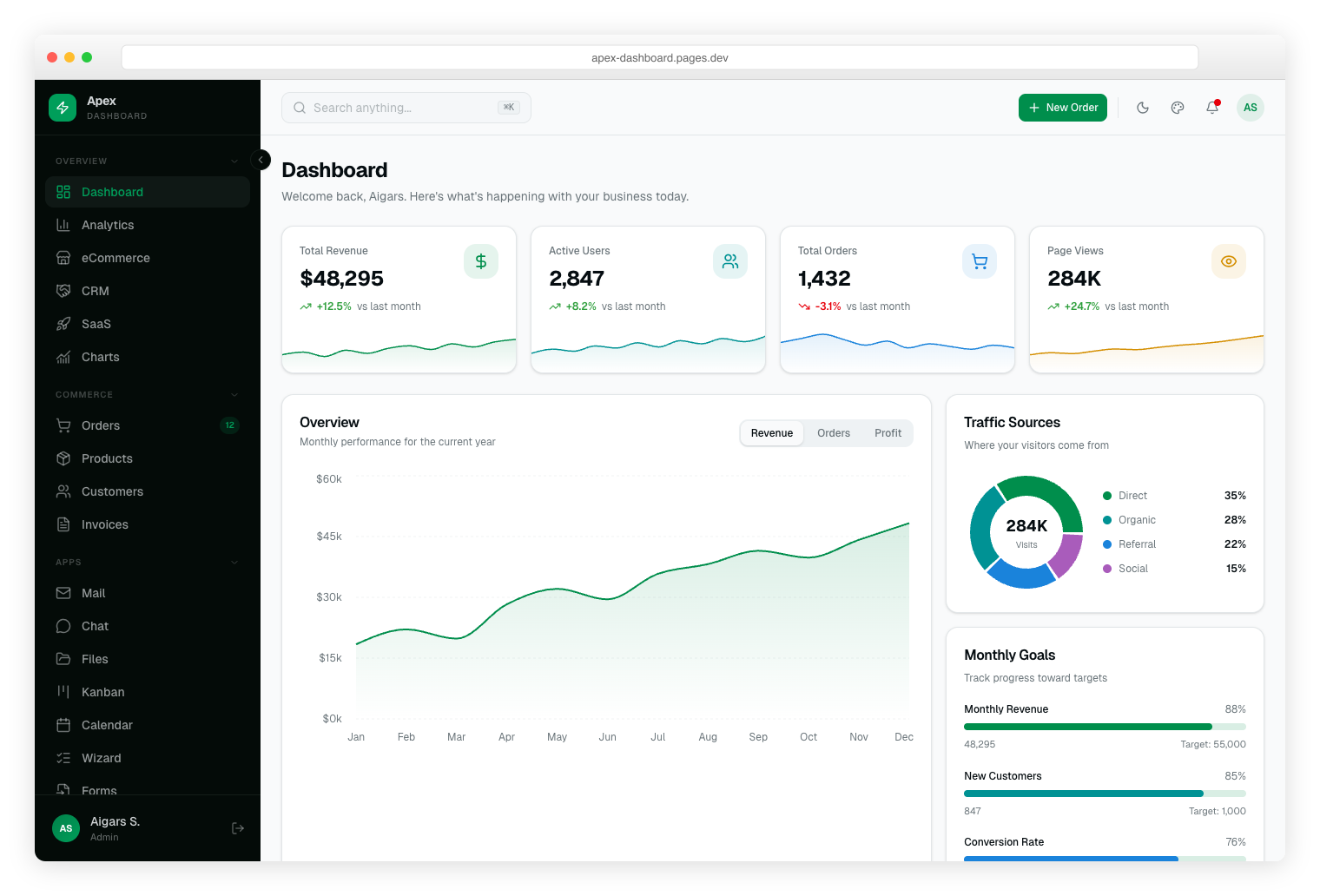
Apex Dashboard
Apex is a production-ready Next.js 16 admin template with React 19, TypeScript 5, Tailwind CSS v4, and shadcn/ui. Includes 5 dashboard variations, 20+ app pages, theme customizer, dark mode, and RTL support.
$69
https://dashboardpack.com/theme-details/apex-dashboard/ purchases
Signal Dashboard
Signal is a DevOps-inspired admin template with a terminal aesthetic and neon green accents. Built with Next.js 16 and JetBrains Mono font, featuring real-time monitoring widgets and dark-first design.
$69
https://dashboardpack.com/theme-details/signal-dashboard/ purchases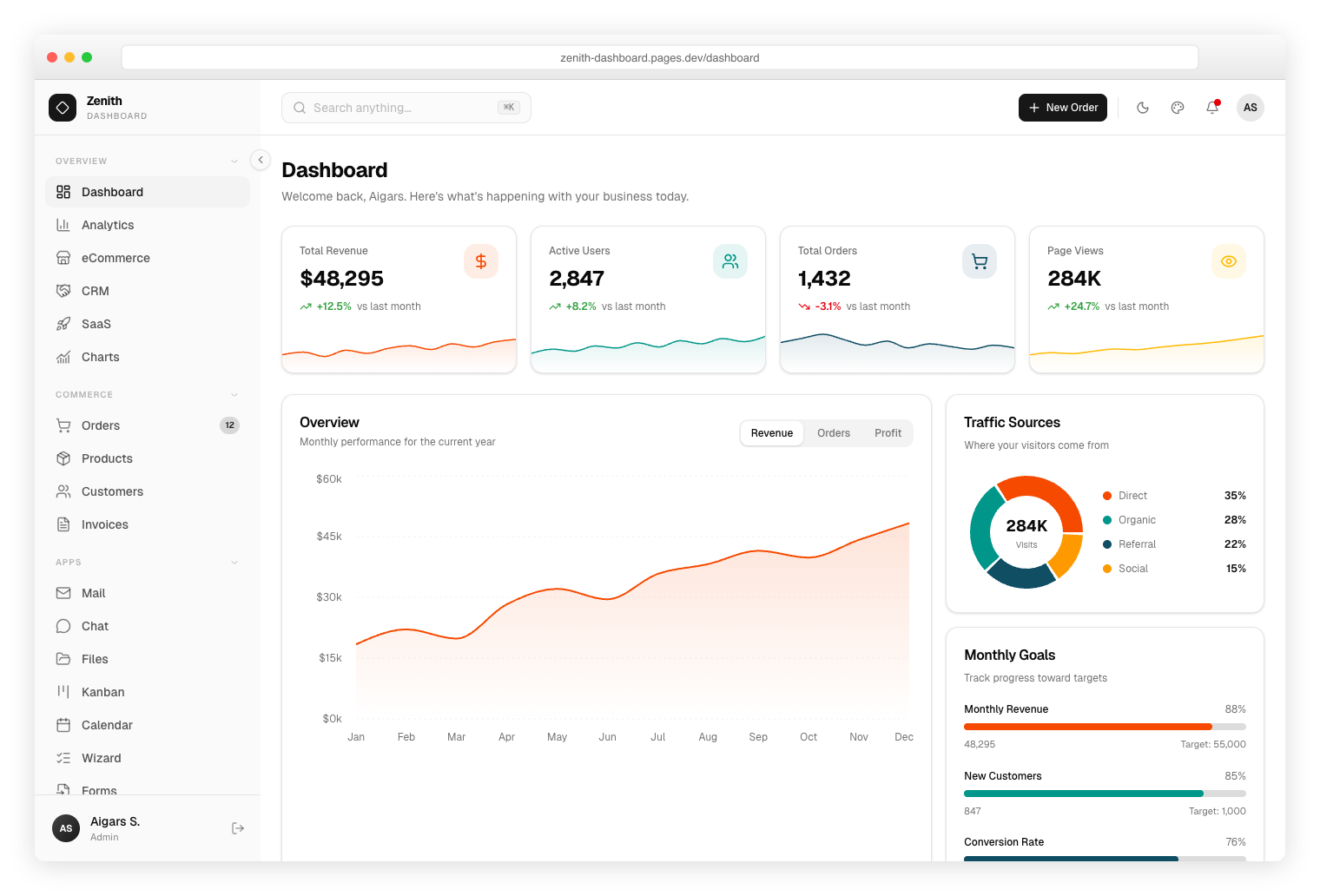
Zenith Dashboard
Zenith is an ultra-minimal admin template inspired by shadcn/ui aesthetics. Built with Next.js 16 and Geist font, it offers clean lines, achromatic palette, and distraction-free data presentation.
$69
https://dashboardpack.com/theme-details/zenith/ purchases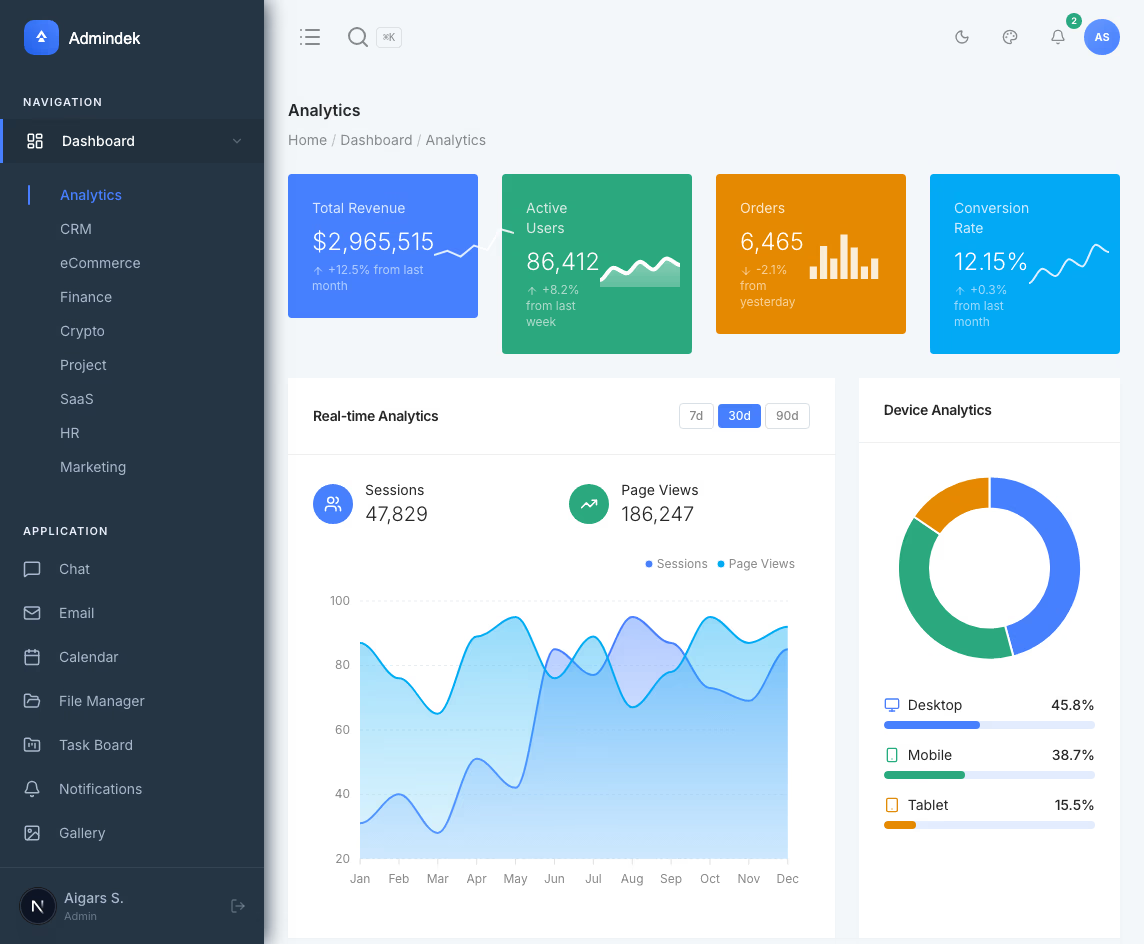
Admindek Next.js
Next.js 16 admin template with 80+ pages, 9 interactive dashboards, e-commerce vertical, and 18 auth flows. Includes a rich text editor, dark mode, RTL, i18n, and built-in documentation.
$69
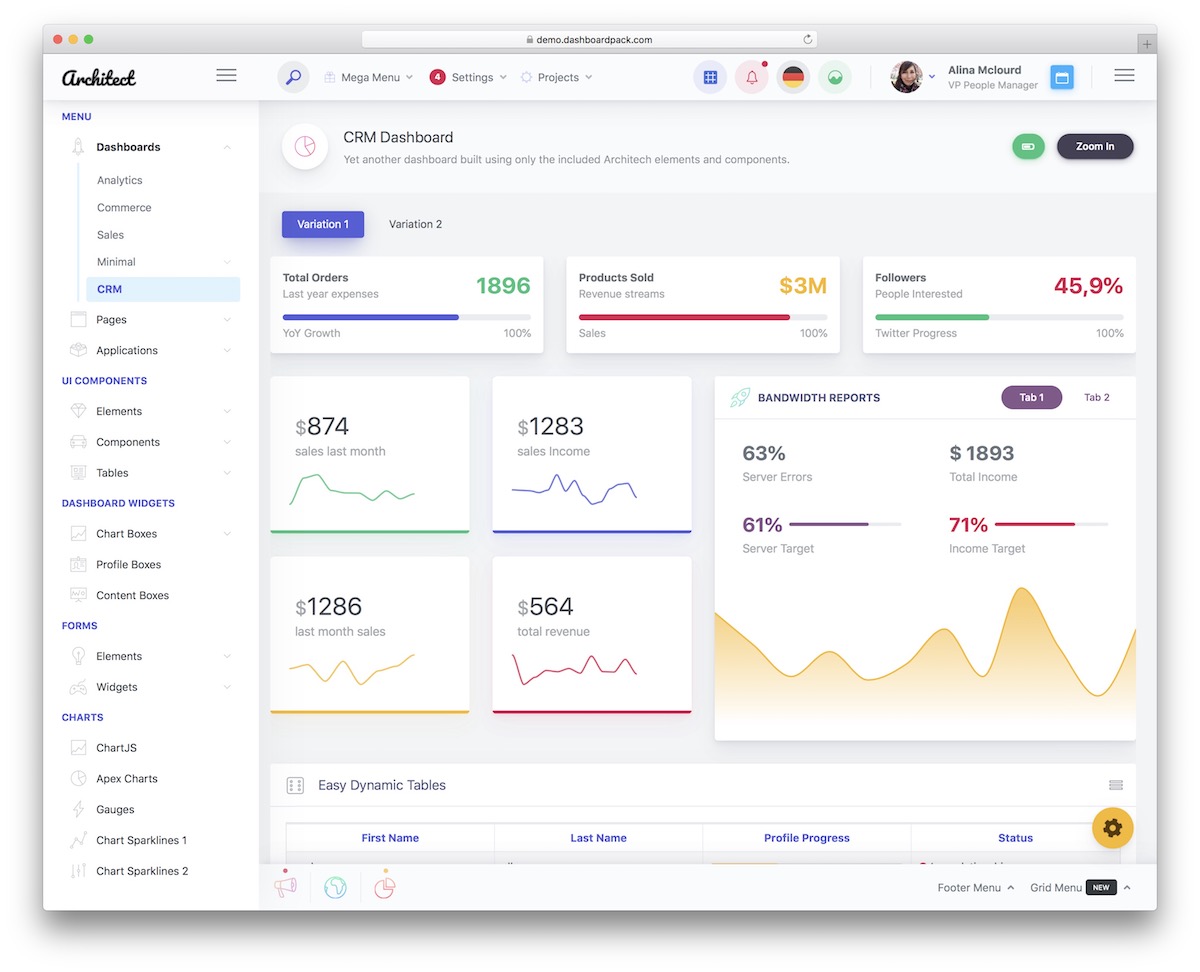
ArchitectUI Dashboard React PRO
ReactJS version of the ArchitectUI admin panel incorporates effective utilities that handle your useful applications.
$69
1.269+ purchases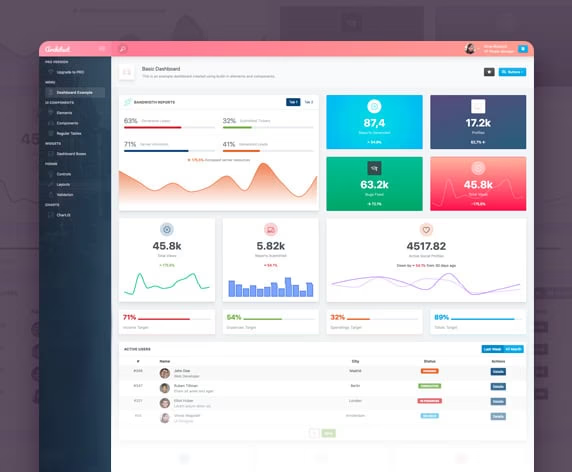
ArchitectUI React Free
Free React dashboard template built on the ArchitectUI design language. A complete admin starter with charts, tables, and forms — perfect for kicking off a new React admin project.
$0

Ember Dashboard
Ember is a warm, sophisticated admin dashboard with amber/orange accents. Built on Next.js 16 with Recharts, it features data-dense layouts, activity feeds, and comprehensive analytics views.
$69
https://dashboardpack.com/theme-details/ember-dashboard/ purchases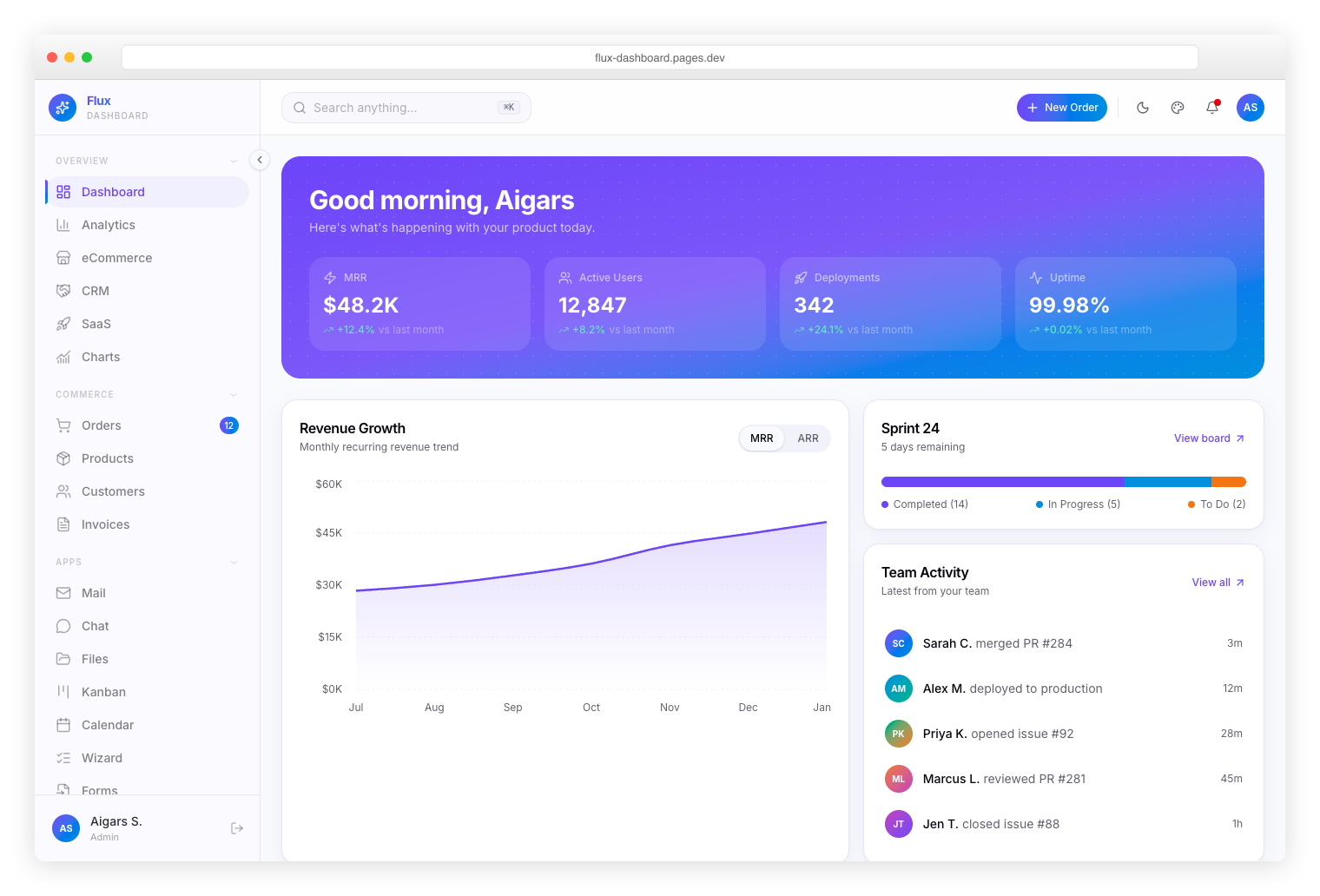
Flux Dashboard
Flux is a gradient-rich admin dashboard built with Next.js 16, React 19, and Tailwind CSS v4. Features animated charts, glassmorphism effects, kanban boards, and a vibrant purple-blue color palette.
$69
https://dashboardpack.com/theme-details/flux-dashboard/ purchases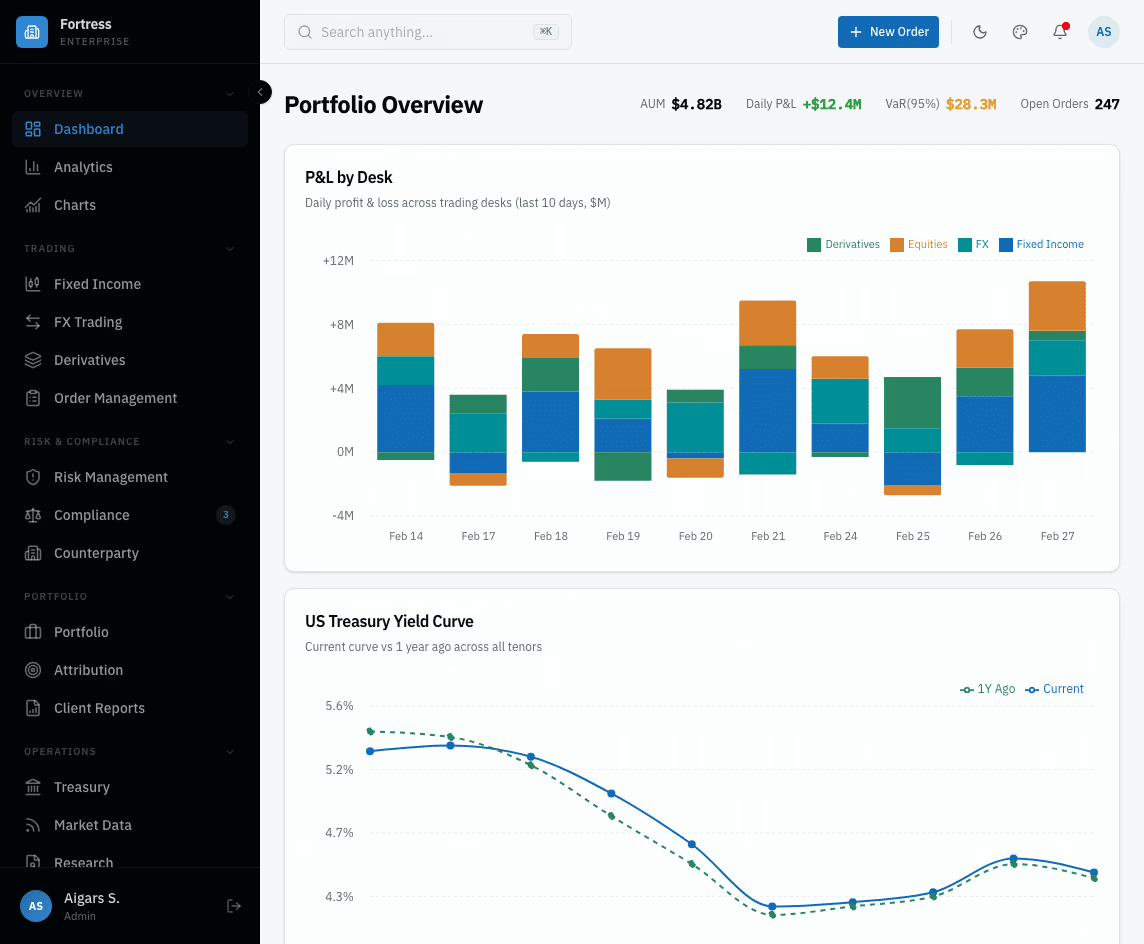
Fortress Dashboard
Bloomberg-inspired enterprise finance admin with 57+ pages, including 13 institutional finance views. Built for trading desks, portfolio managers, and risk teams that need dense, data-rich layouts.
$69
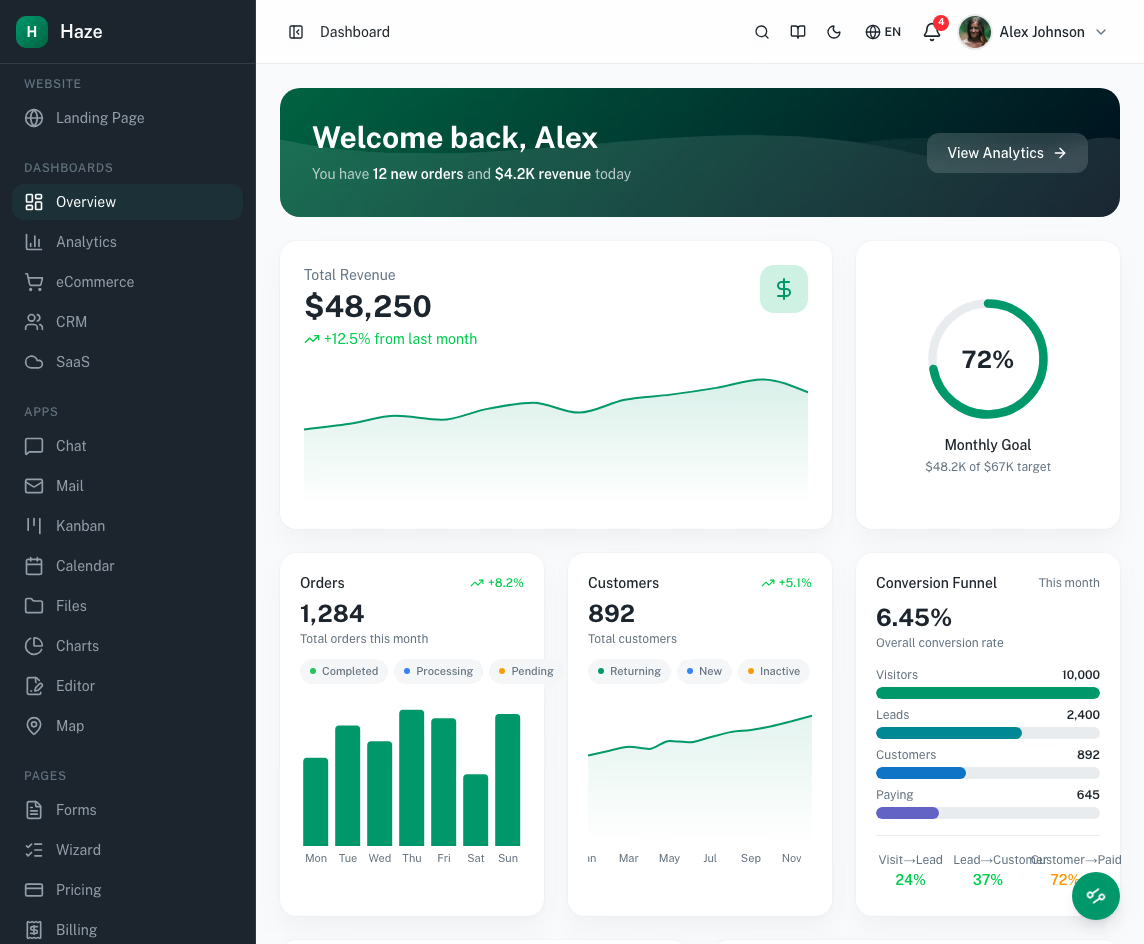
Haze Dashboard Next.js
Next.js 16 App Router admin dashboard with React 19, TypeScript 5, and Tailwind CSS v4 OKLCh tokens over shadcn/ui. Ships with 96 pages, 5 dashboard variants, 33 mock API routes, and a live theme customizer — production-ready out of the box.
$69
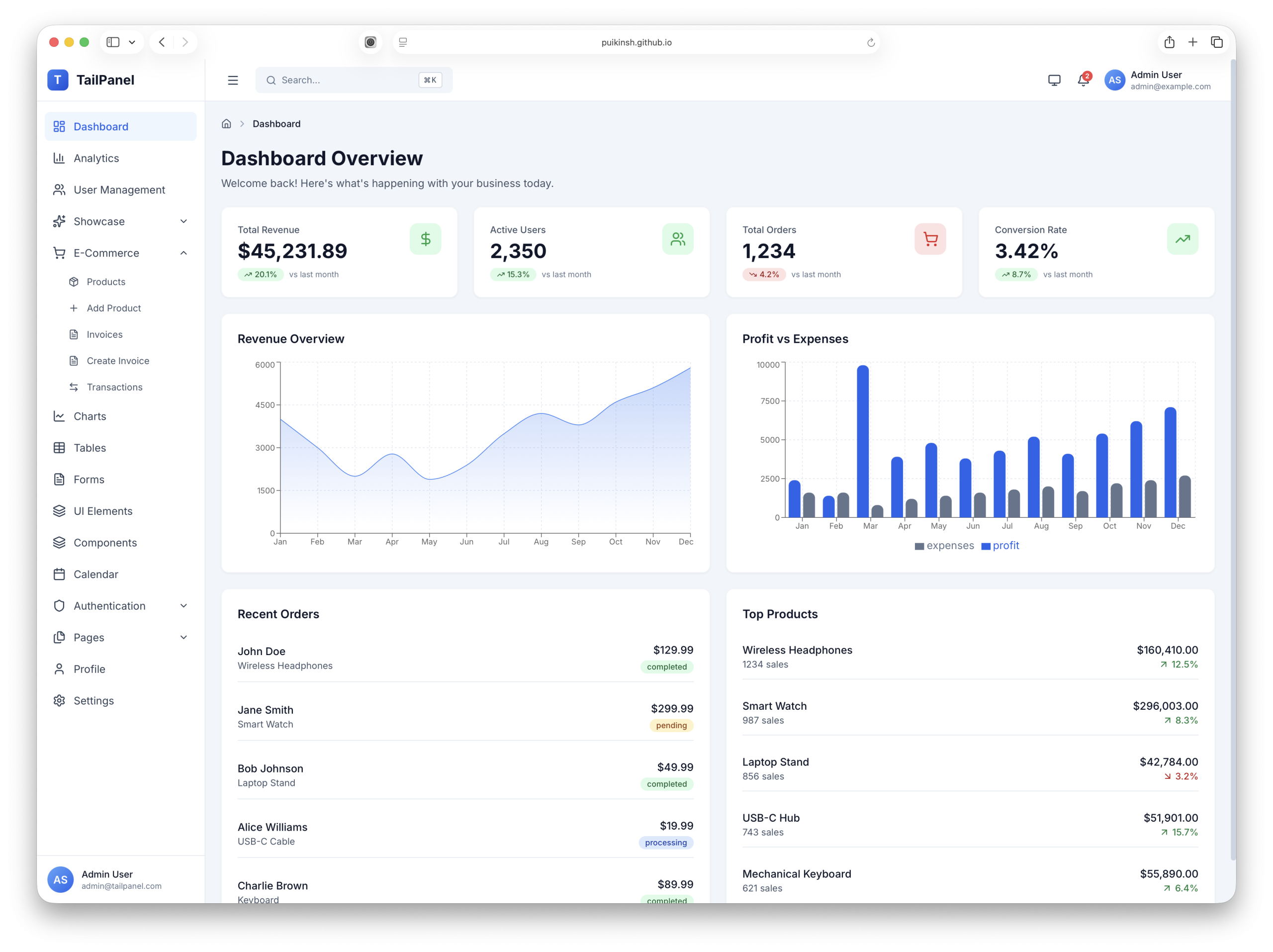
TailPanel
TailPanel is a modern, high-performance admin dashboard template built with React, TypeScript, Tailwind CSS, and Vite — featuring 14 dashboard pages, 20+ UI components, dark mode, and full TypeScript coverage.
$69
https://dashboardpack.com/theme-details/tailpanel/ purchases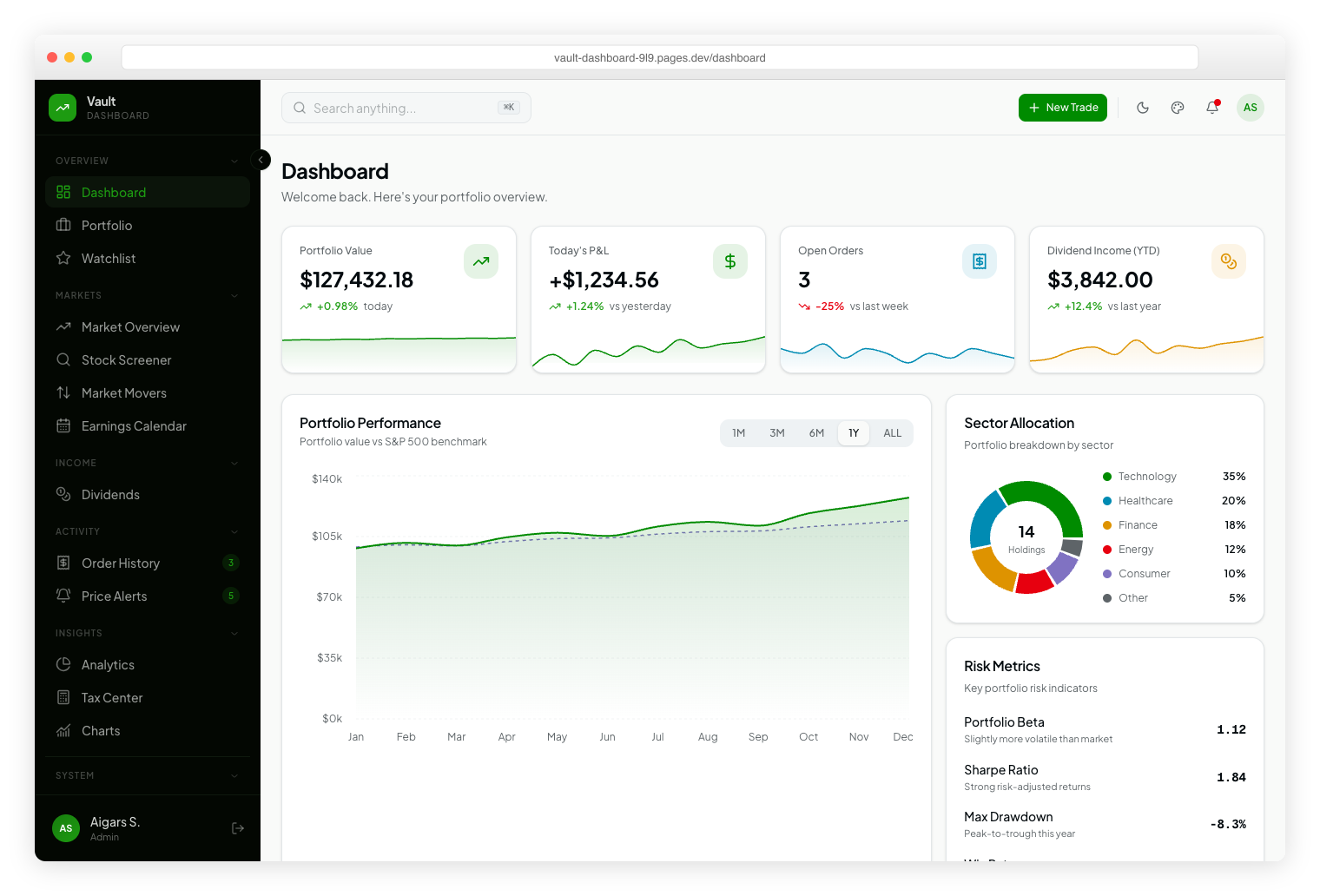
Vault Dashboard
Vault is a modern investment dashboard built with Next.js 16, React 19, and Tailwind CSS v4. Features portfolio tracking, sector allocation charts, market overview, stock browser, and a sleek fintech aesthetic with vivid green accents.
$69
https://dashboardpack.com/theme-details/vault-dashboard/ purchasesFrequently Asked Questions
Which version of React do these templates use?
All React admin templates use React 19 exclusively — no React 18 or earlier versions. The build is either Vite + React for SPA-style apps, or Next.js 16 with the App Router. TypeScript is the default; legacy class components have been replaced with hooks throughout.
Are these templates TypeScript or JavaScript?
TypeScript first. All component props, API responses, and event handlers are typed. If you prefer plain JavaScript, the source files convert cleanly by removing type annotations.
What component libraries do these templates use?
Modern templates favor shadcn/ui (Radix primitives + Tailwind CSS) for the design system. Older templates may use Material UI, Reactstrap (Bootstrap), or Ant Design. Each product page lists the exact component library.
How do I deploy a React admin template?
For Vite-based templates: run npm run build and deploy the dist/ folder to any static host (Vercel, Netlify, Cloudflare Pages, S3). Next.js-based templates deploy to Vercel, Netlify, or any Node-capable host.
Are state management and form libraries included?
Yes. Most React admin templates ship with React Hook Form + Zod for validation, TanStack Query for data fetching, and either Zustand or Context for state. Routing is via React Router (SPA) or Next.js App Router.
Can I customize the design without breaking updates?
Yes. The design tokens live in Tailwind config or a theme file — change colors, spacing, and fonts in one place. Component code is yours to modify; updates ship as patches you can merge selectively.