
Angular Admin Dashboard Templates
Our Angular admin dashboard templates target Angular 22 — modern Angular with standalone components, signals, the new control flow syntax, and zoneless change detection where applicable. TypeScript throughout, RxJS where it earns its place, and Angular Material or Tailwind for the UI layer.
What ships: 50+ pre-built pages across dashboard variants, data tables (Angular CDK or PrimeNG), reactive forms, charts (Chart.js integrated as Angular components), auth guards, lazy-loaded routes, theme switcher with live customization, RTL, and i18n in multiple languages. Most include a Cmd+K command palette and modern Angular patterns throughout.
Best for Angular teams shipping enterprise admin panels, internal tools, or any product where Angular's structure and tooling pay off at scale. Browse the Angular admin dashboard templates below to start your next project with production-grade foundations.
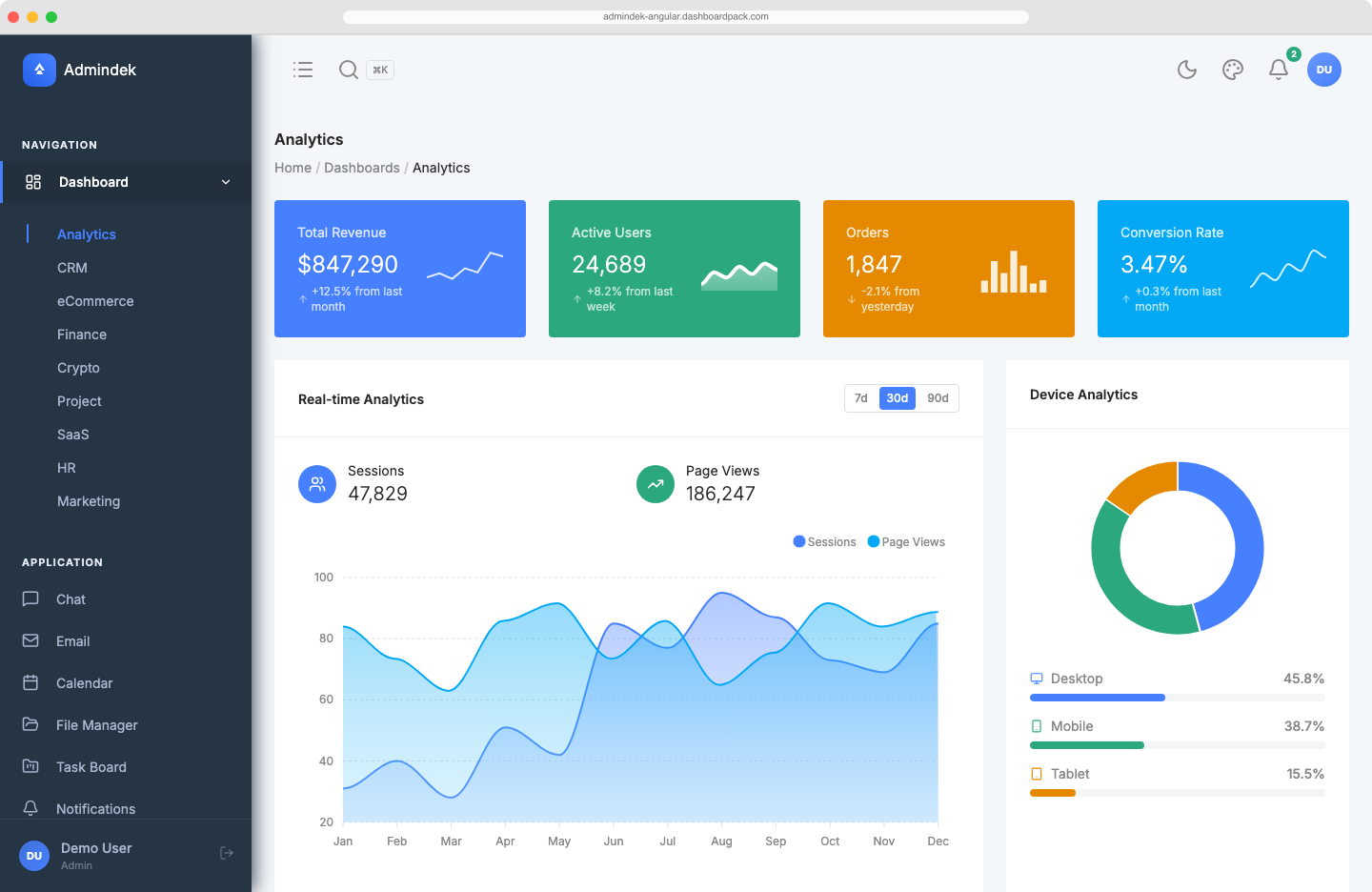
Admindek Angular
Angular 22 admin template with zoneless change detection and signals throughout. 80+ pages, 9 dashboard variants, 58 Chart.js charts, Cmd+K palette, and a live theme customizer.
$69
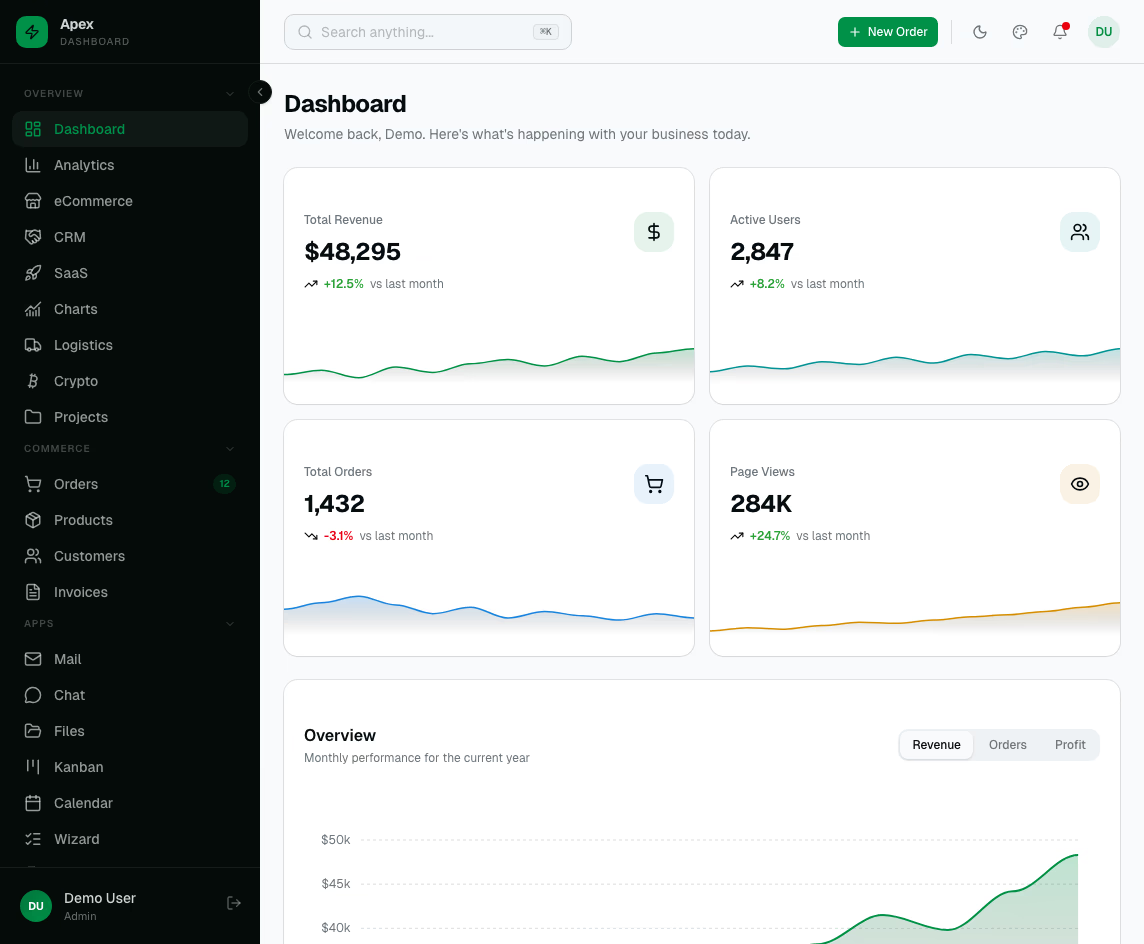
Apex Dashboard Angular
Angular 22 admin dashboard with Spartan UI, Tailwind CSS v4, and Chart.js. Ships with 60+ pages, 9 dashboard variants, full e-commerce CRUD, plus SSR and PWA support — production-ready out of the box.
$69
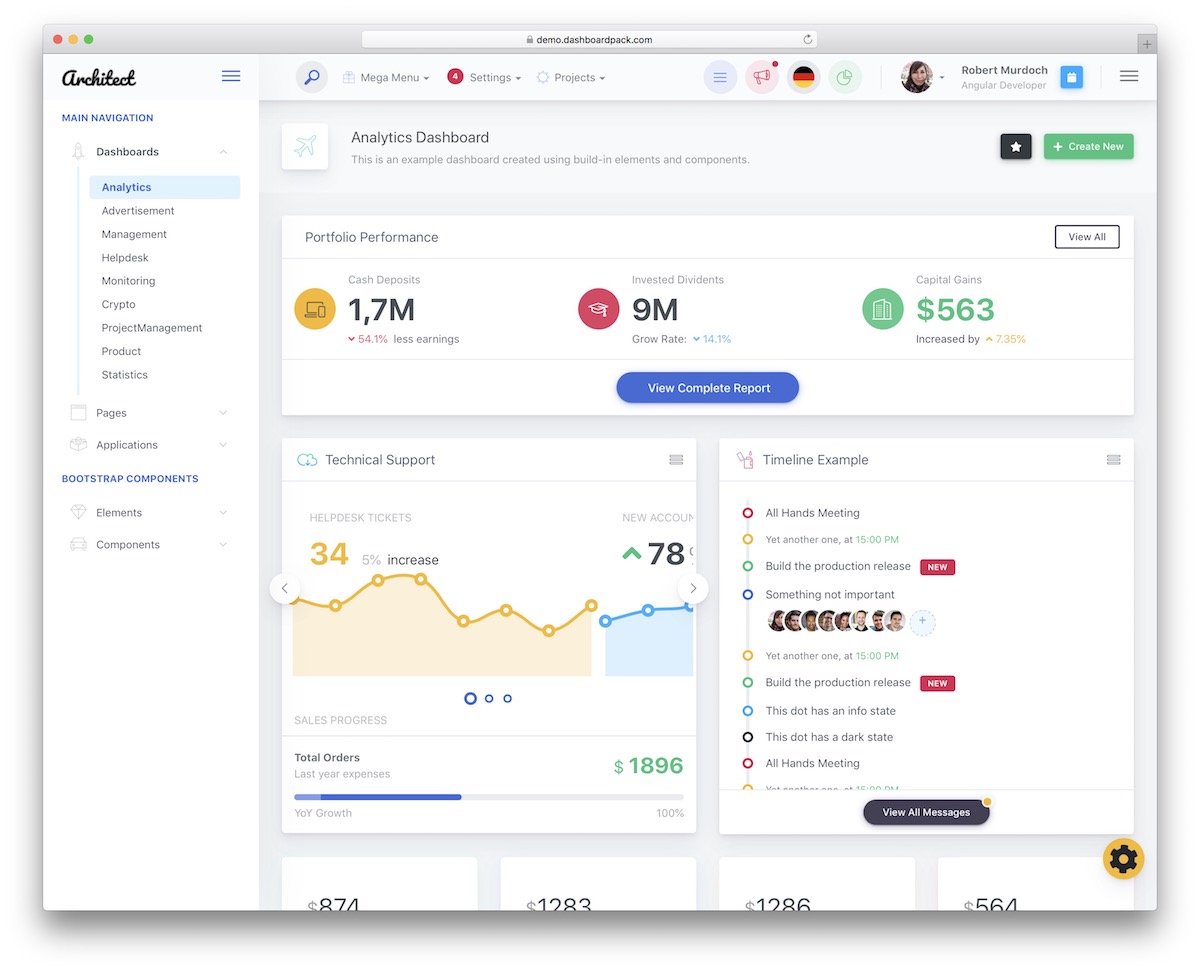
ArchitectUI Angular Dashboard PRO
Here's a special edition of the popular ArchitectUI admin template: The Angular 22 version. Making a dashboard is QUICK.
$69
1,200 purchases
ArchitectUI Angular Free
Free Angular 22 dashboard template with the ArchitectUI design language. Includes core dashboard widgets, charts, and forms — ideal for prototyping or learning before upgrading to PRO.
$0
Frequently Asked Questions
Which Angular version do these templates support?
All Angular admin templates use Angular 22 — with standalone components, signals, the new @if/@for control flow, and zoneless change detection. Older Angular versions have been retired.
Do these templates use Angular Material or another UI library?
Both are common — Angular Material for templates following Material Design, and Tailwind CSS + custom components or PrimeNG for templates that want a different aesthetic. Each product page lists the exact UI library.
Are signals and standalone components used throughout?
Yes. Modern templates use signals for reactive state, standalone components instead of NgModules, and inject() instead of constructor injection. The result is less boilerplate and faster builds.
What about charts and data tables?
Chart.js integrated as Angular components, plus Angular CDK Table or PrimeNG Table for data grids with sorting, filtering, server-side pagination, and column resizing. 50+ charts pre-configured.
How do I deploy an Angular admin?
Run ng build and deploy the dist/ folder to any static host. SSR via Angular Universal is supported but optional — most admin dashboards run as SPAs.
Can I migrate from an older Angular version?
Yes. The standalone component architecture is the easiest entry point. Angular's update guide and the ng update command handle most upgrades automatically; the templates target latest stable so you start on solid ground.