
20 Best Bootstrap Form Templates 2026
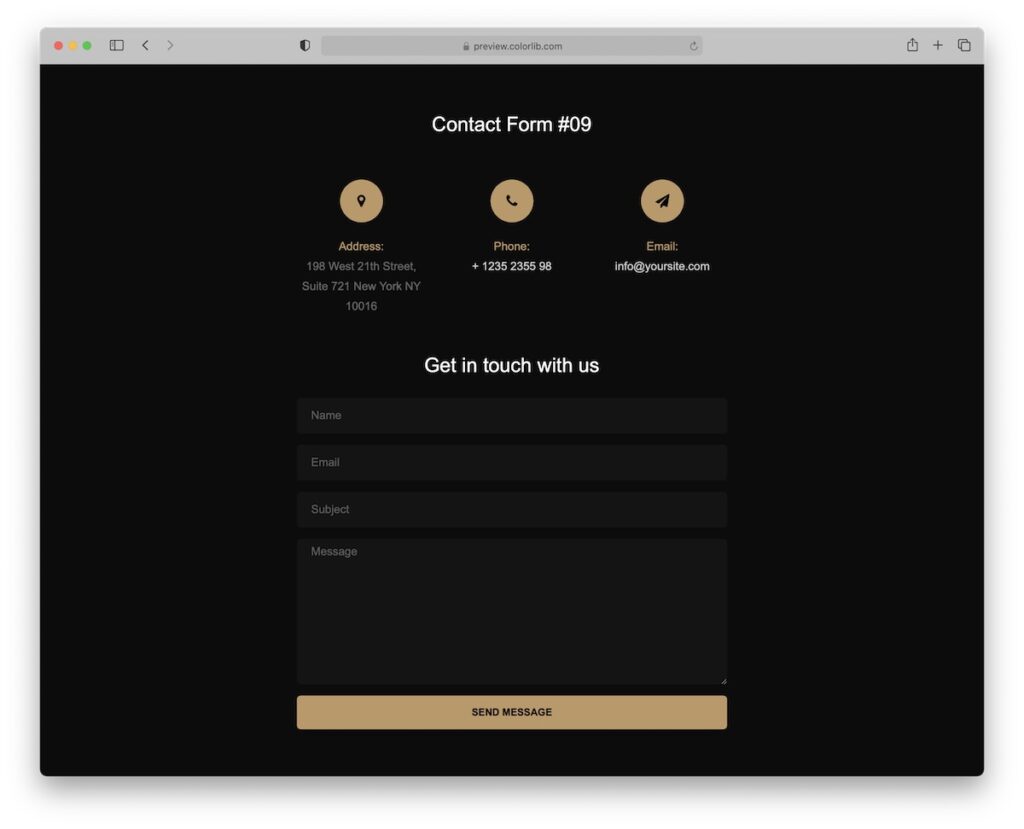
You don’t need to do the work of picking the right Bootstrap form templates anymore. We reviewed and tested them, collecting only the most reliable ones. If you need specific form types, check our dedicated Bootstrap contact forms and Bootstrap login forms collections for your convenience.
This collection brings you a wide variety of forms for:
- Registration
- Booking
- Contact
- Login
- And more
NOTE: All these snippets are free of charge!
All the Bootstrap forms use only the latest technologies, built on Bootstrap 5 and ensure complete responsiveness. The code is also organized and well-structured, great for beginners and experts.
Embed a form into your web application confidently using any of the templates below.
Versatile Bootstrap Form Templates
1. Colorlib Booking Form
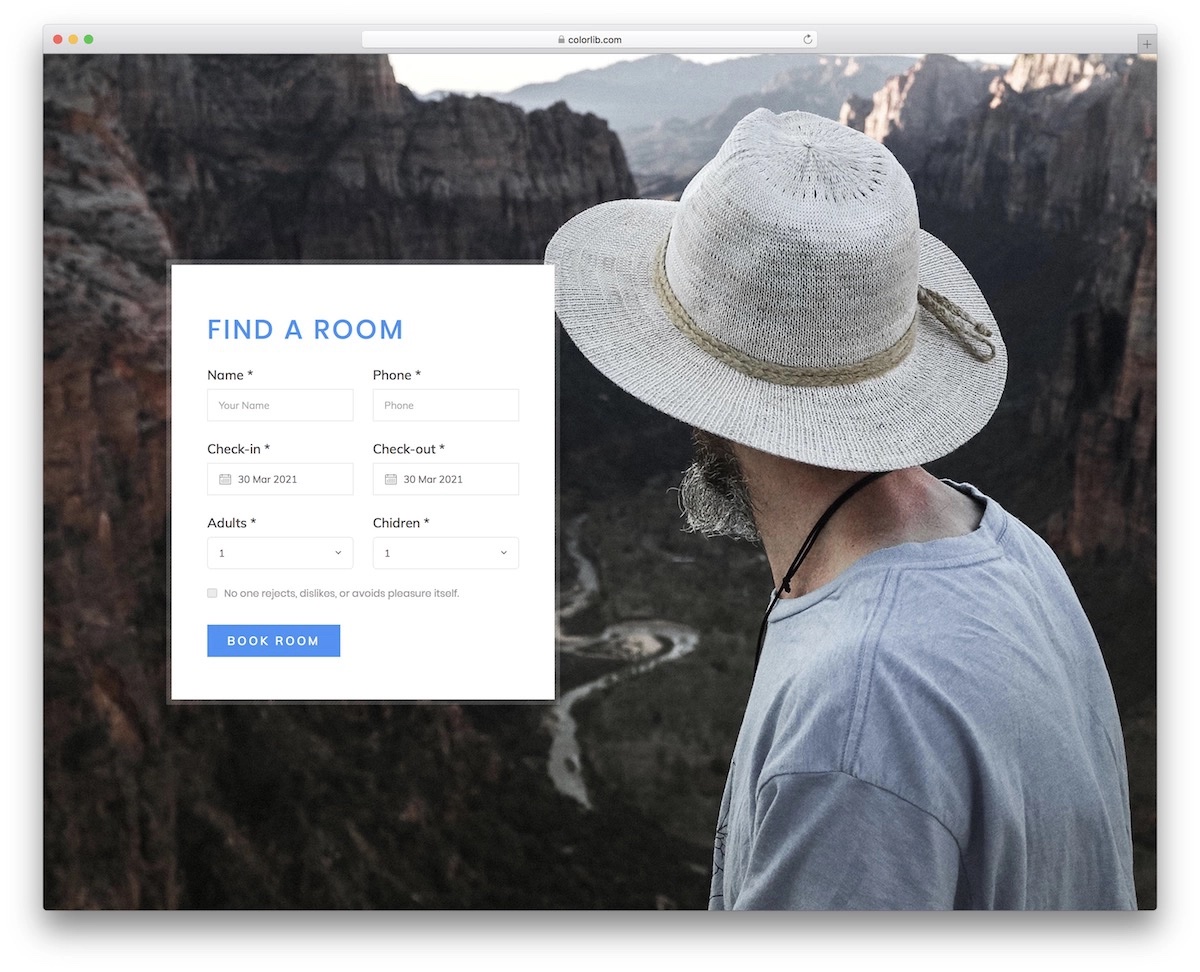
Online room booking comes in extra handy when running a travel website or operating an accommodation business. That’s exactly what you can make happen with this neat template.
The free snippet features an image background with clean code that contains drop-downs and date pickers. It also has a checkbox, which you can alter to your needs.
The layout is also 100% responsive, but the background image disappears on mobile.
2. Colorlib Booking Form V15
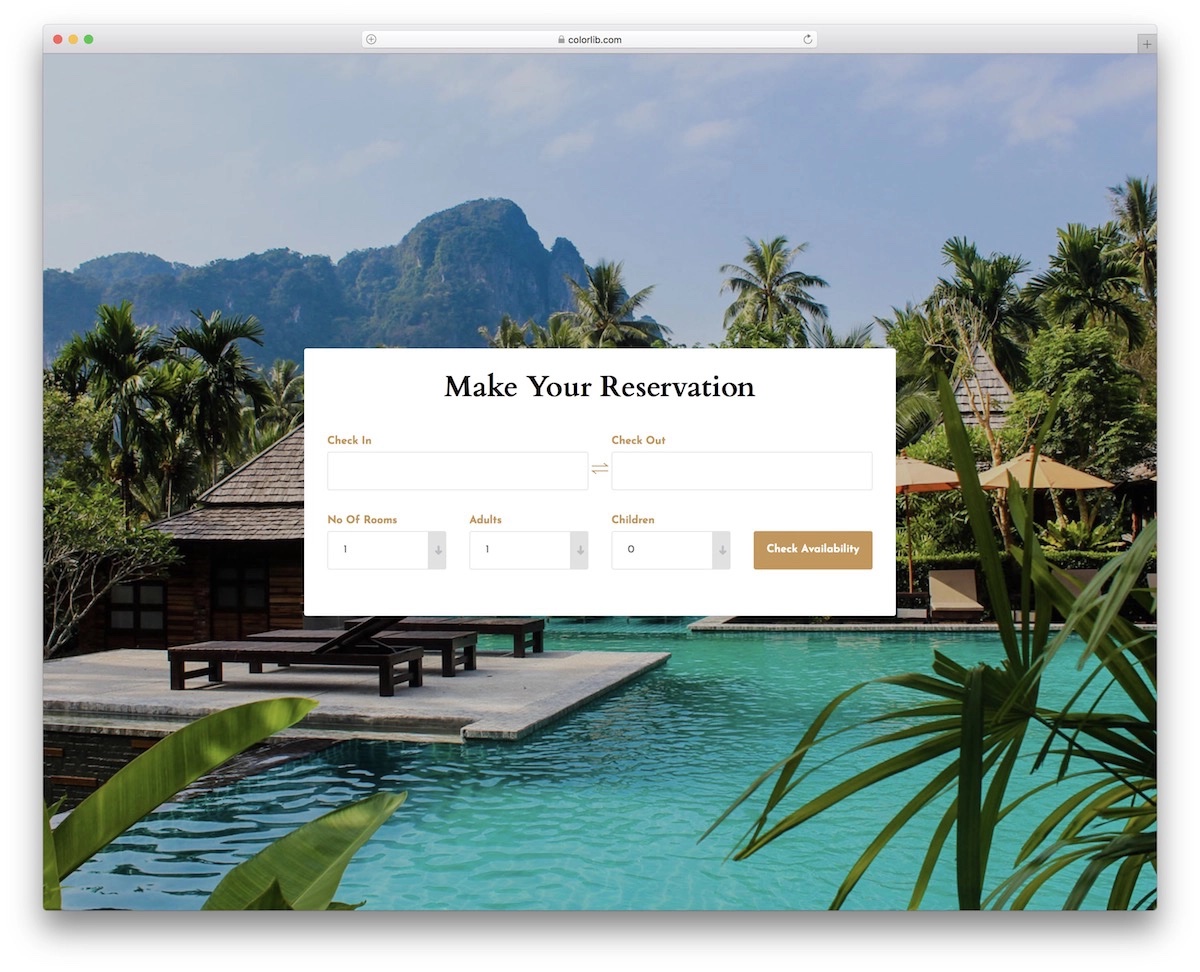
Making online reservations simplifies your business operations. This Bootstrap form template has a modern design and can be used for resorts, hotels, or any accommodation business.
After all, while you can employ the template out-of-the-box, you can customize it. Multiple fields ensure a smooth selection of dates, rooms, adults and children. You can even test it by visiting the live demo preview.
3. Colorlib Booking Form V13
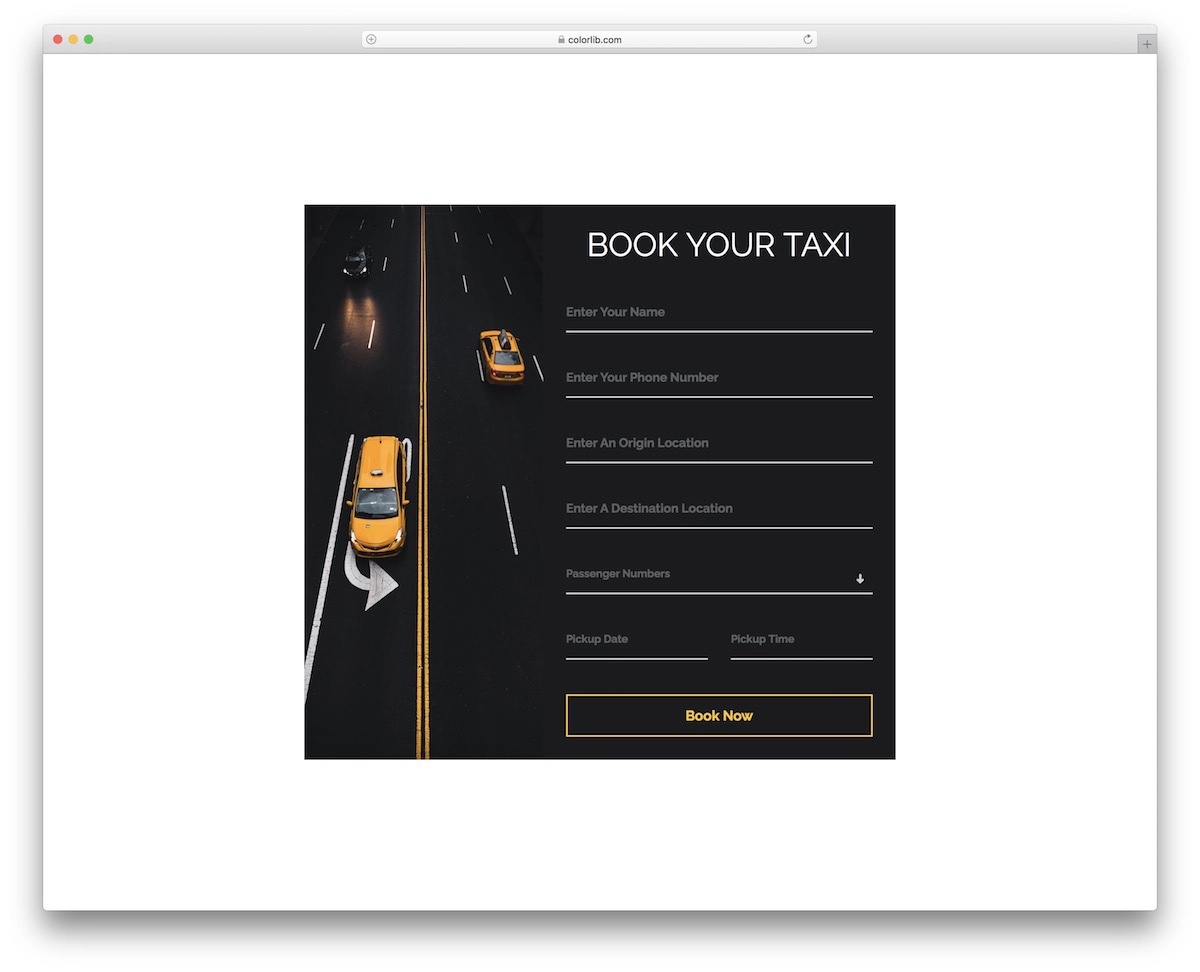
Two things are special about this particular Bootstrap form template: it’s dark and for taxi booking. But really, any car rental and booking service can integrate this form into their web application.
Different fields cover all the information a cab driver needs to pick you up. It even comes with essential pickup date and time fields.
4. Colorlib Contact Form V23

We are now moving forward with different Bootstrap contact form templates. Here’s a super modern solution that may fit only a specific type of website. But you can easily employ it to go entirely against the grain.
Hey, it’s free!
Moreover, the widget features autocomplete and a button with a hover effect to spice things up a bit. The template also includes lightweight code and quick modifications for your convenience.
5. Contact Form V15
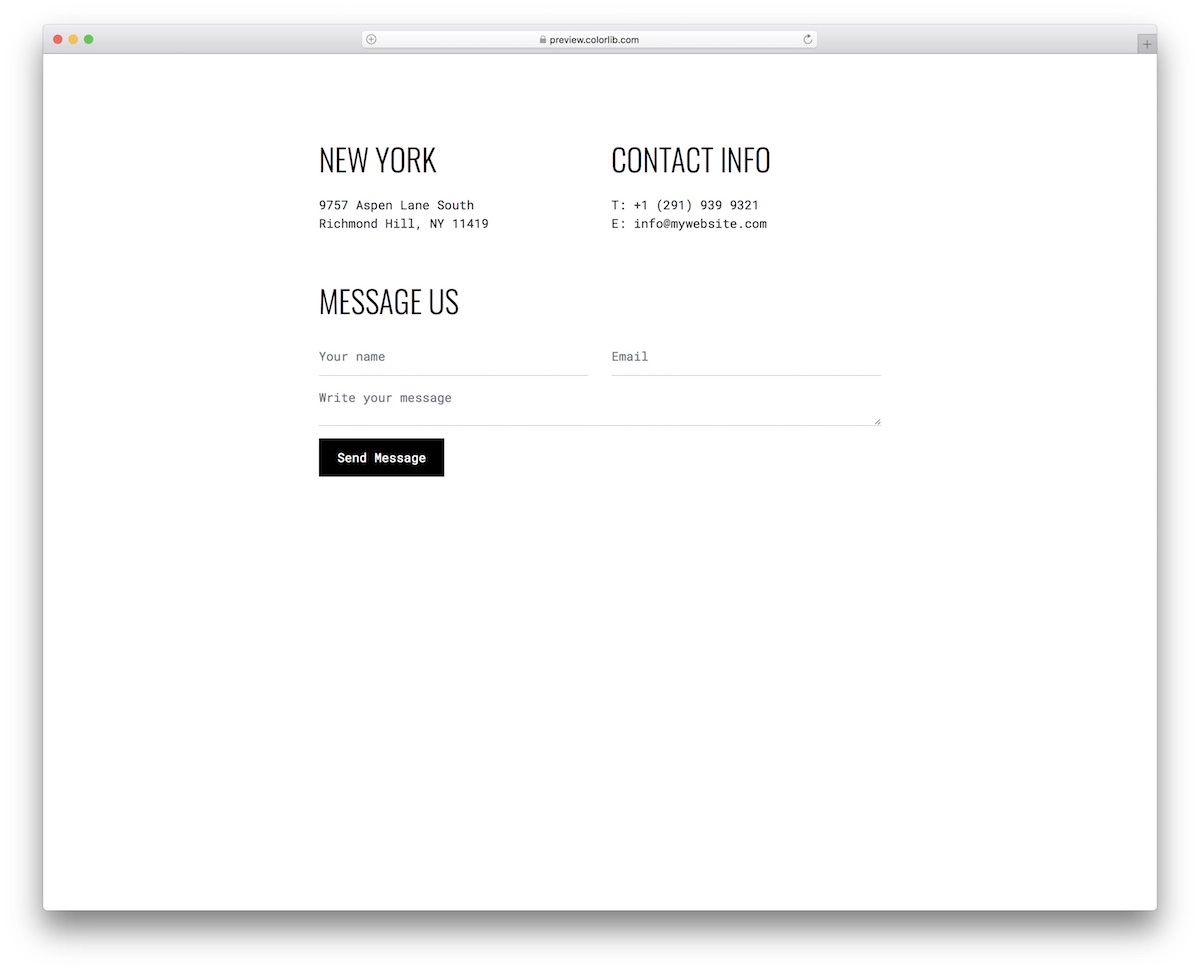
Simplicity and cleanliness are always the winning choices, especially if you are in doubt or do not know what design approach to take.
Contact Form V15 is a perfect solution to add a contact section to your page. The minimal form also includes two additional sections for contact details and company info/address.
6. Contact Form V09
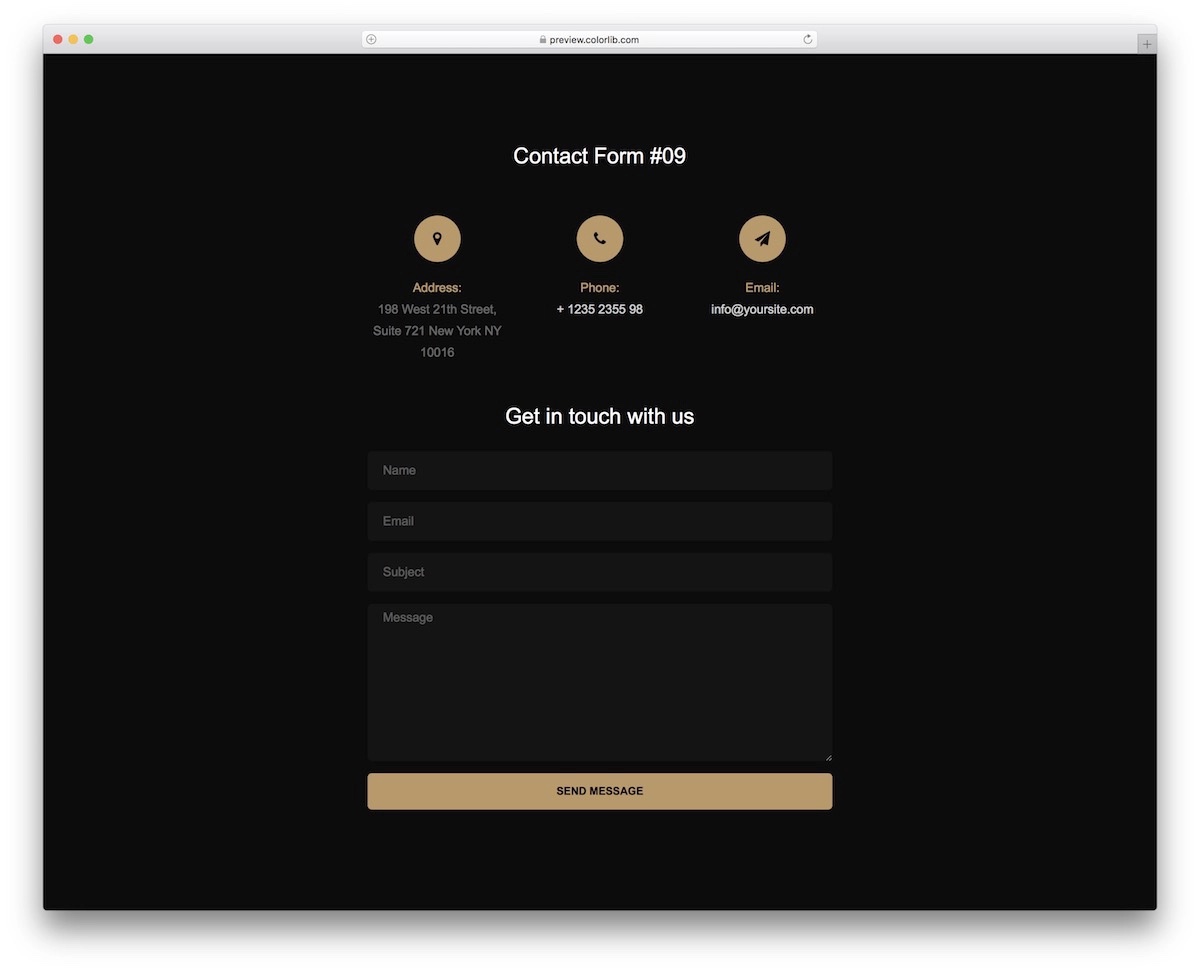
While light and bright Bootstrap form templates are more popular, users still enjoy dark design. We have you covered with Contact Form V09!
It’s a relatively simple contact form widget with a touch of luxury (gold!).. But if you would like to alter the typography and color selection, feel free to do so.
These free templates are here for you to get the most out of them, even if that means to tweak them slightly.
7. Contact Form V06
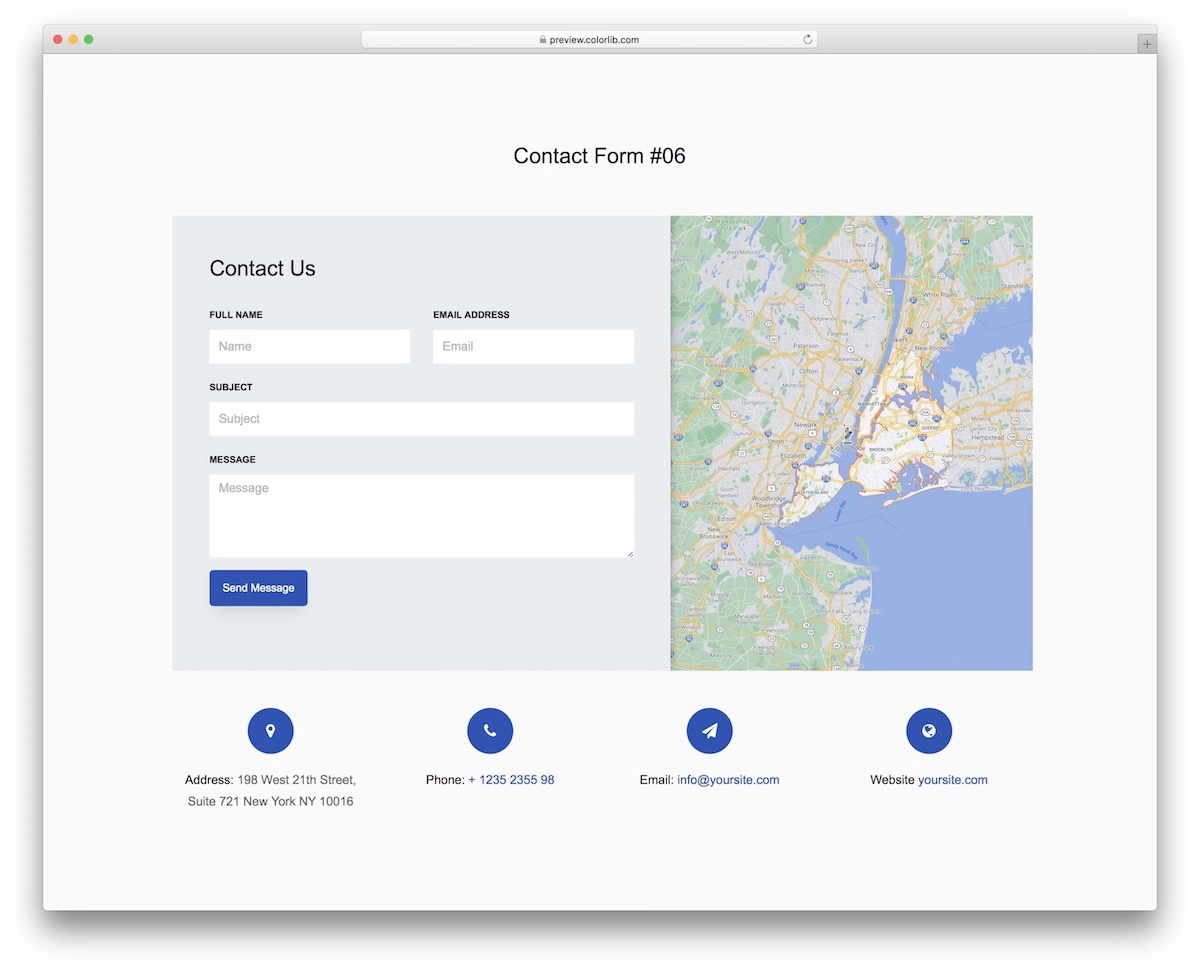
There are many occasions when Google Maps integration and a contact form work very well together. If that’s what you want, Contact Form V06 by Colorlib is the way to go.
In addition to the two main sections, form and maps, you can add other extra details, like address, phone number, email, and website link. The template also greatly adapts to different devices, ensuring smooth operation on mobile and desktop.
8. Login Form 18

From contact forms, we now move on to login forms. Login Form 18 is a flexible and fluid option based on the Bootstrap Framework that everyone can comfortably embed into their websites.
The tool has a split-screen design, with an image on one side and a form on the other. However, this changes on mobile, featuring the form only (removing the image section).
9. Login Form V20
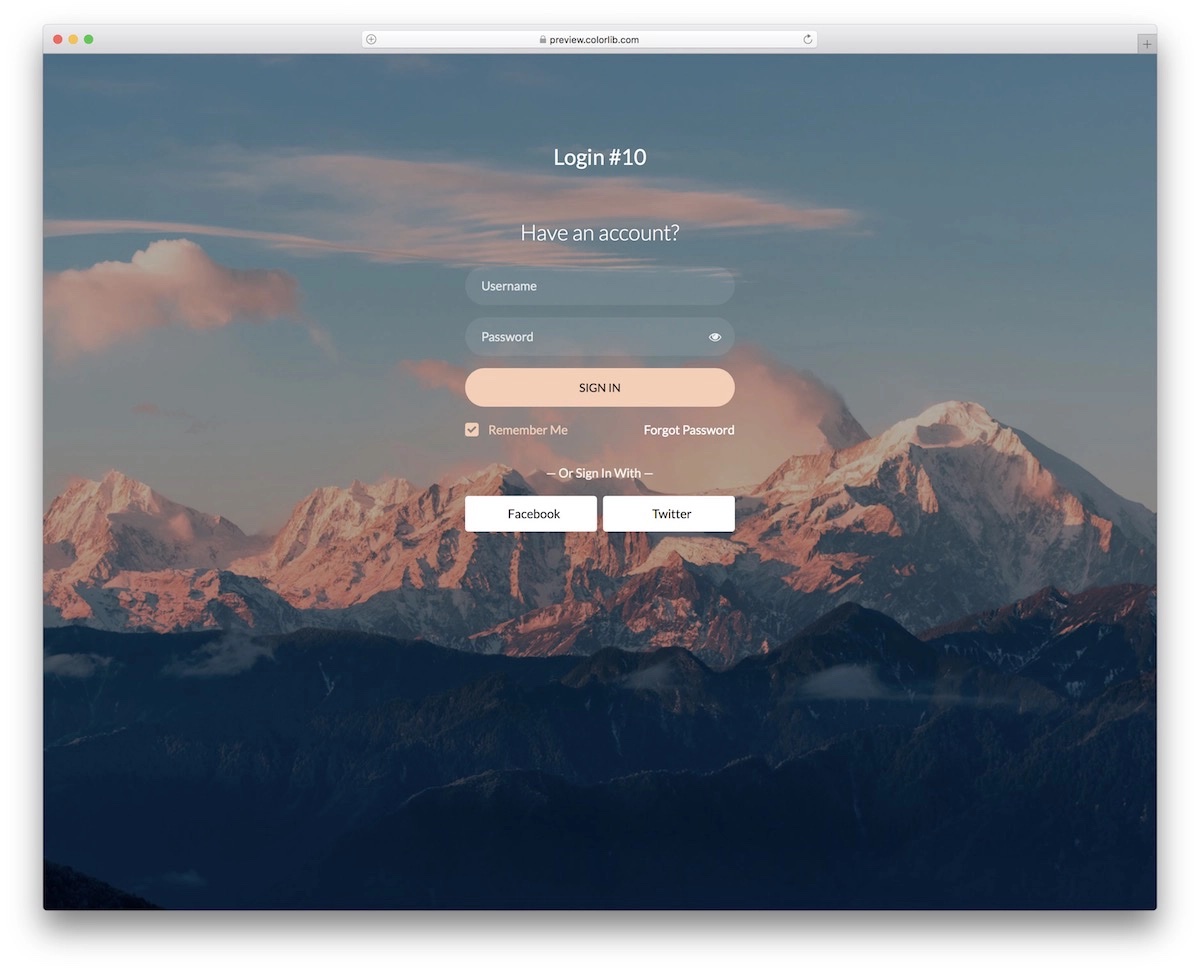
Of all the Bootstrap login form templates on this list, Login Form V20 is our favorite. Its transparent design with an image background creates a pleasant atmosphere.
You can now make it yours with a click on the button. Along with the traditional username and email login, Login Form V20 includes social login buttons for Facebook and Twitter. To make it more user friendly, the author also activated the autocomplete function.
10. Login Form V12
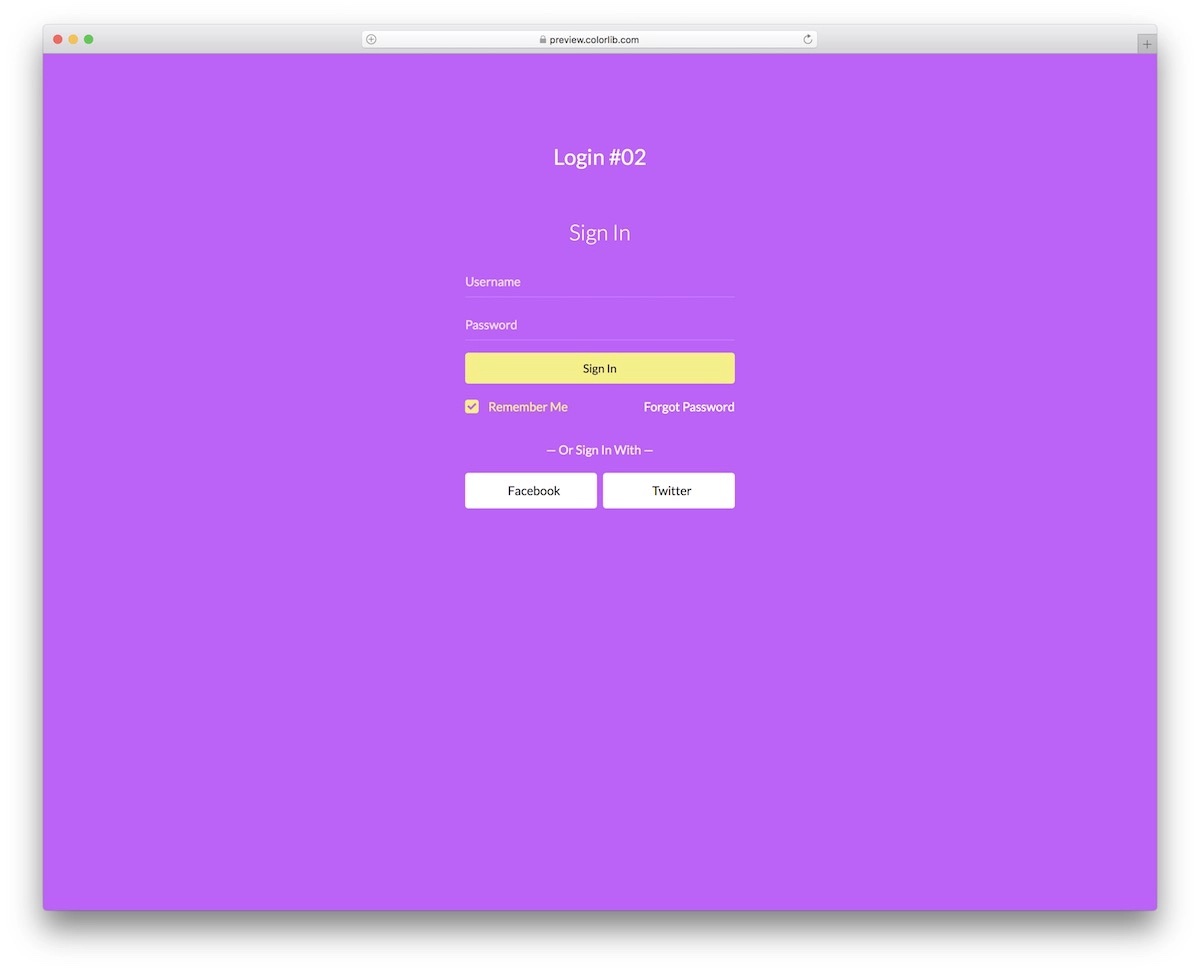
Similar to the previous one, Login Form V12 also comes with a transparent form but a solid-colored background. The default color is pretty vibrant, but you can change that and go with any color you want. (That color hurts my eyes.)
Since the design is minimal, you can easily integrate Login Form V12 into your web project. You may only need to change the color selection, leaving the rest as is.
11. Reg Form V32
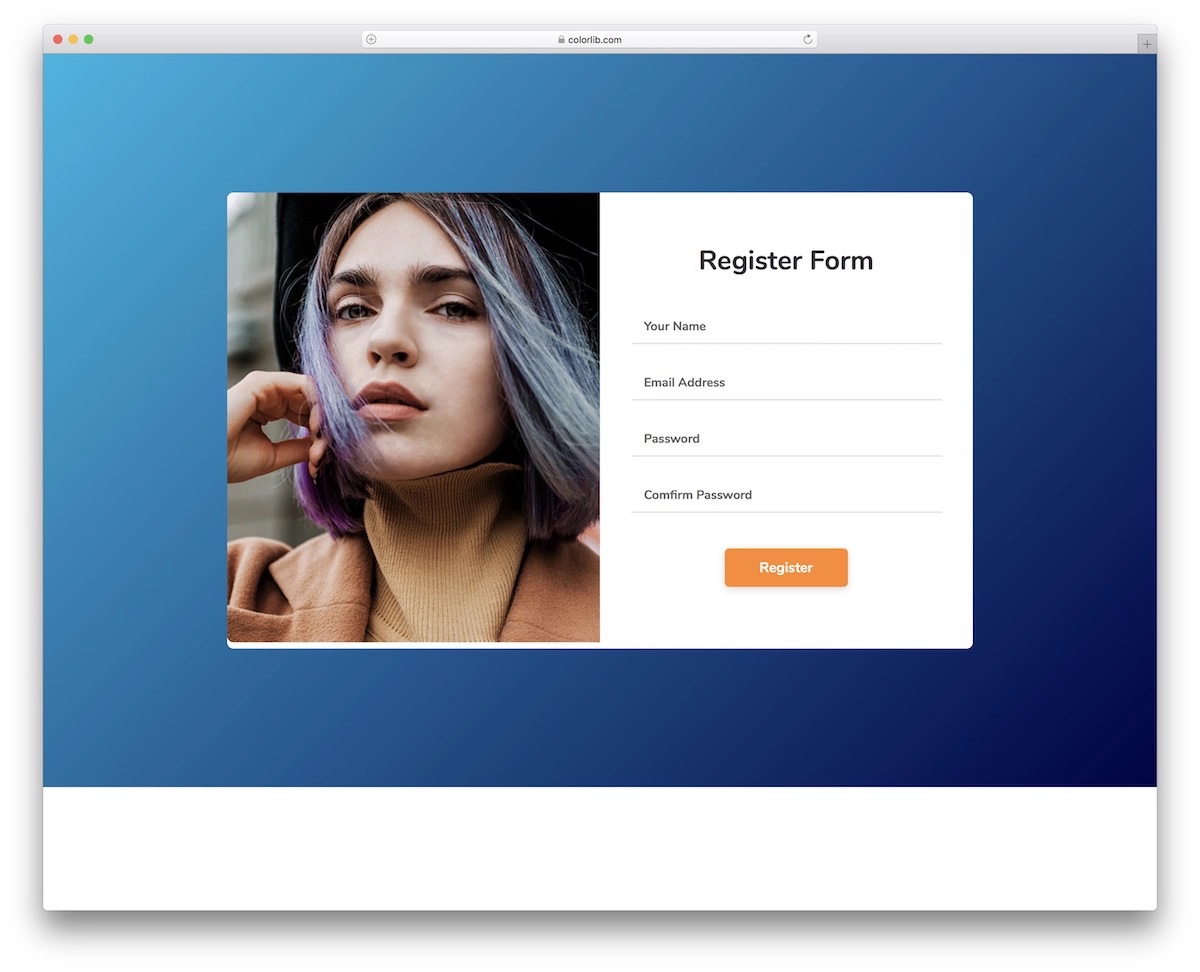
To use a login form, the user first needs to create an account. That’s when you opt for these free Bootstrap registration form templates.
Reg Form V32 is the one we want to start with. It’s a neat widget with an image section that works fantastically well for anyone. We like that both sections remain (image and form) whether you view it on desktop or mobile.
Make it pop with the image!
12. Reg Form V26
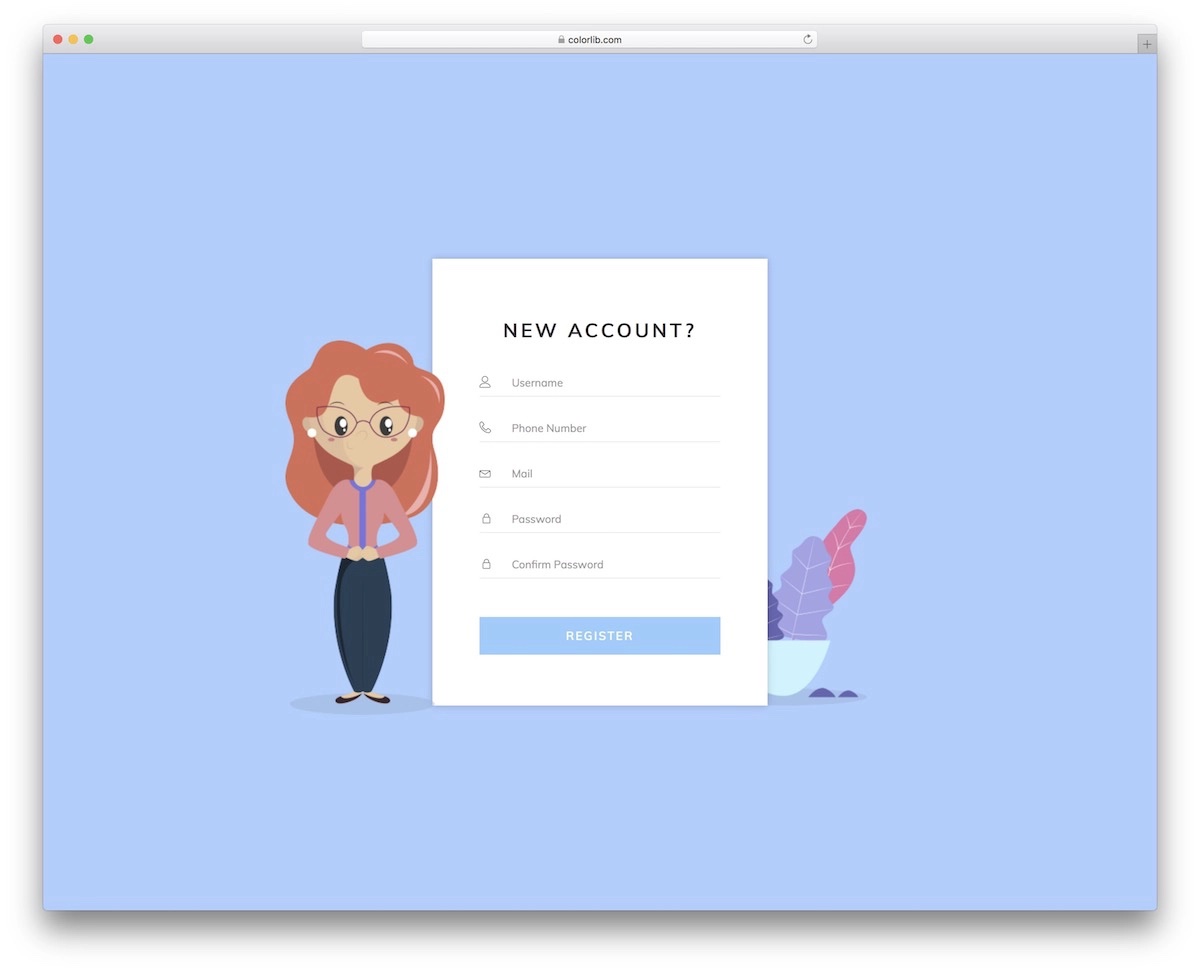
Reg Form V26 is a cool Bootstrap form template whose design sets it apart from any other solution available on the market. The only downside is the mobile appearance change, which looks super basic compared to the desktop version.
However, you are good to go if your users primarily come from desktop devices. The widget includes five fields and a button that reacts when hovering.
13. Signup Form V10
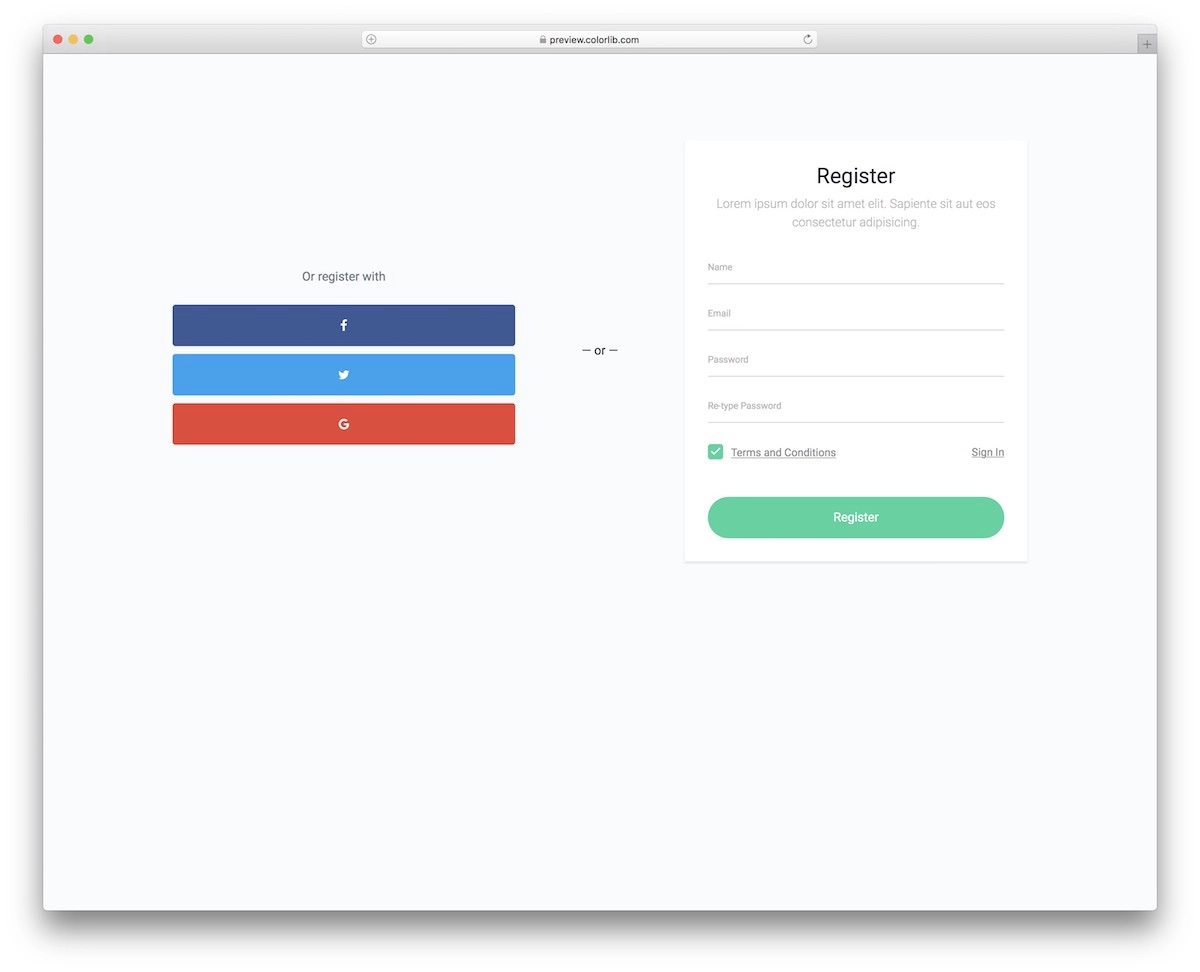
Registration can happen with an email or a social media account. If you would like to offer both, use Signup Form V10.
It’s a simple and basic solution, but you don’t need to go fancy with a registration form/page. Still, it’s entirely up to you what you like and prefer.
Hint: Since these form templates do not cost you a dime, feel free to pick two (or more) and test them against each other. You never know what your users prefer more. Maybe the one you think will work best ends up the least performing.
14. Contact Form V20
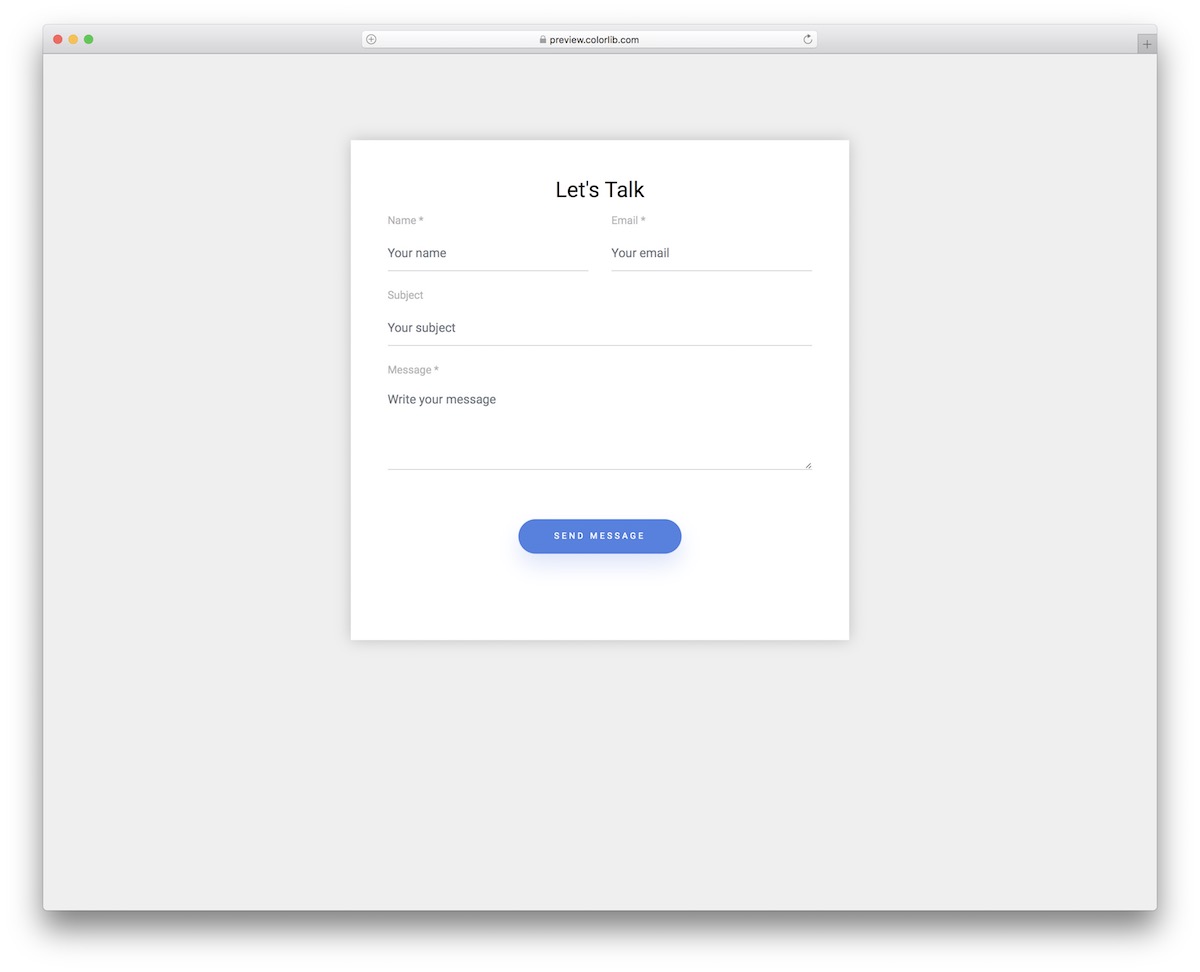
A sleek and modern contact form template with a split-screen design — a vivid image on one side and the form fields on the other. Built with Bootstrap 5, this layout is ideal for creative agencies, photographers, or any business that wants their contact page to feel as polished as their portfolio.
The form includes name, email, phone, and message fields with smooth validation animations. Fully responsive, it gracefully stacks on mobile while keeping the visual impact intact.
15. Contact Form V19
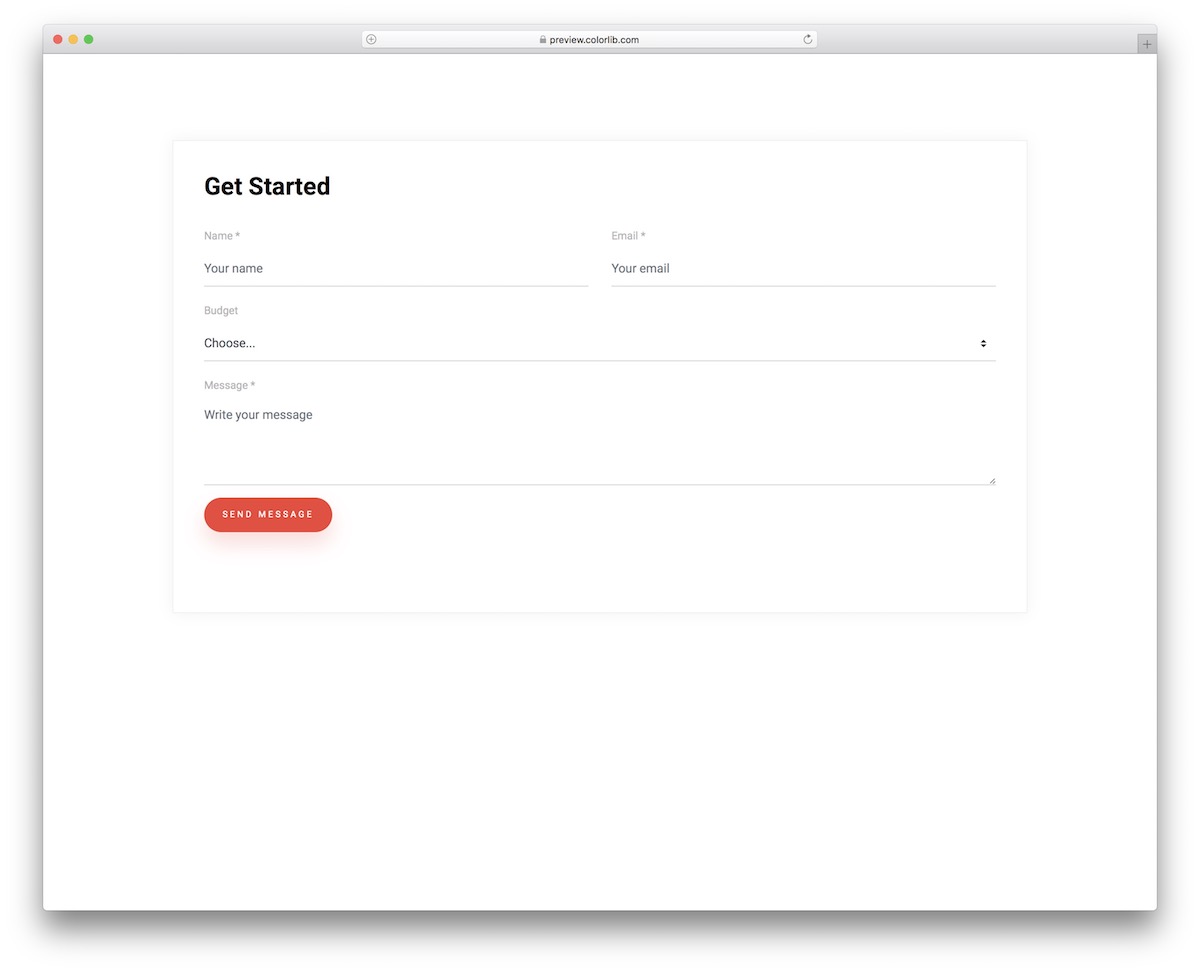
This minimal contact form template puts clean design first, with a centered layout against a soft gradient background. The rounded input fields and subtle shadows give it a contemporary feel that works well for SaaS landing pages, startups, and corporate sites.
Built on Bootstrap 5, the template includes client-side validation, a textarea for longer messages, and a prominent submit button. Customize the color scheme in minutes.
16. Signup Form V20
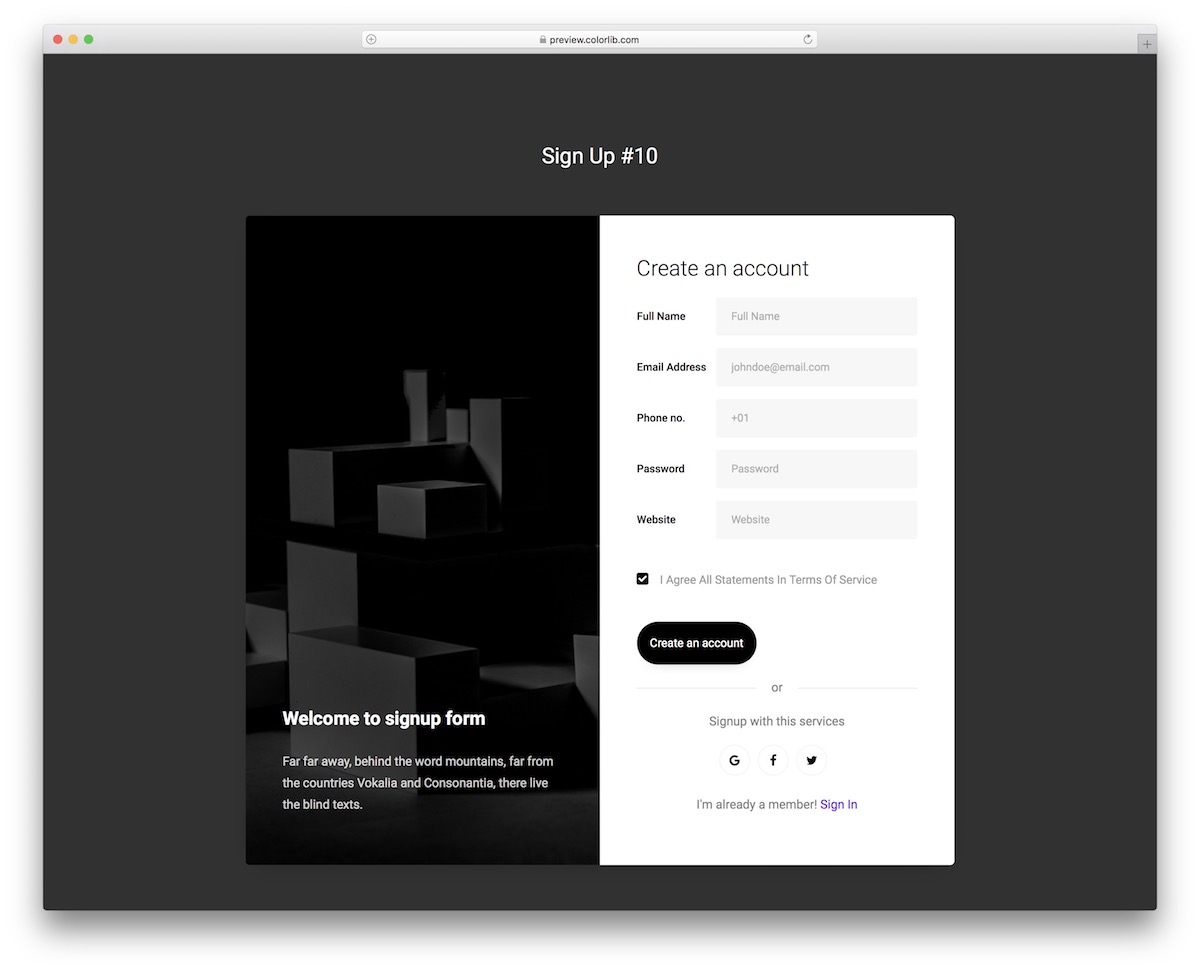
A vibrant registration form template featuring a two-column layout with a colorful illustration panel and a clean signup form. Perfect for SaaS products, membership sites, or any platform where first impressions during onboarding matter.
Bootstrap 5 powers the responsive layout, which includes social login buttons (Google, Facebook), standard email/password fields, and a terms-of-service checkbox. The illustration panel hides gracefully on smaller screens.
17. Signup Form V19
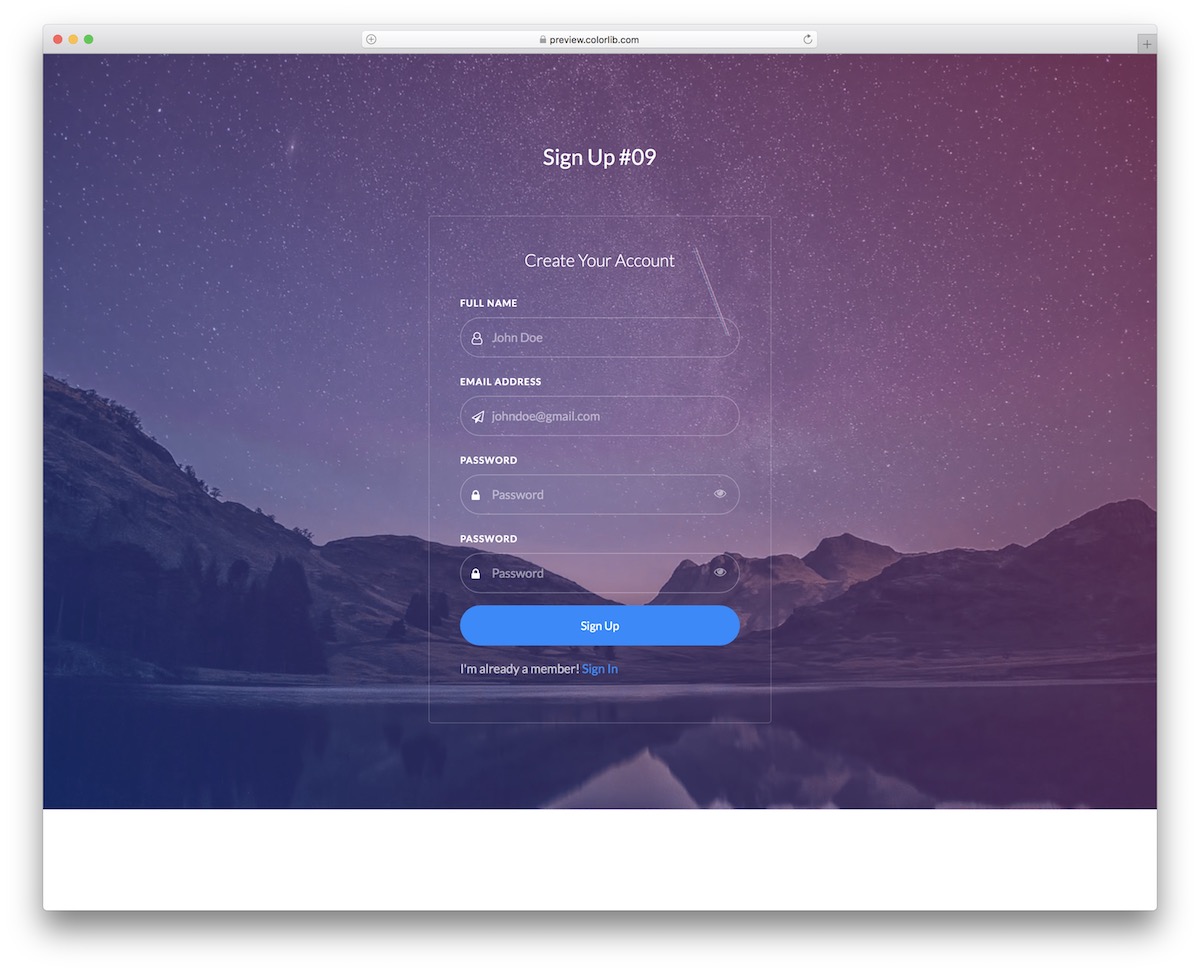
A full-screen signup form with a bold background image and a centered translucent card. The frosted glass effect gives it a premium feel while keeping form fields crisp and readable. Great for event registrations, course signups, or exclusive memberships.
Fields include first name, last name, email, and password with a toggle-visibility button. The responsive design adapts smoothly to tablets and phones.
18. Login Form V19
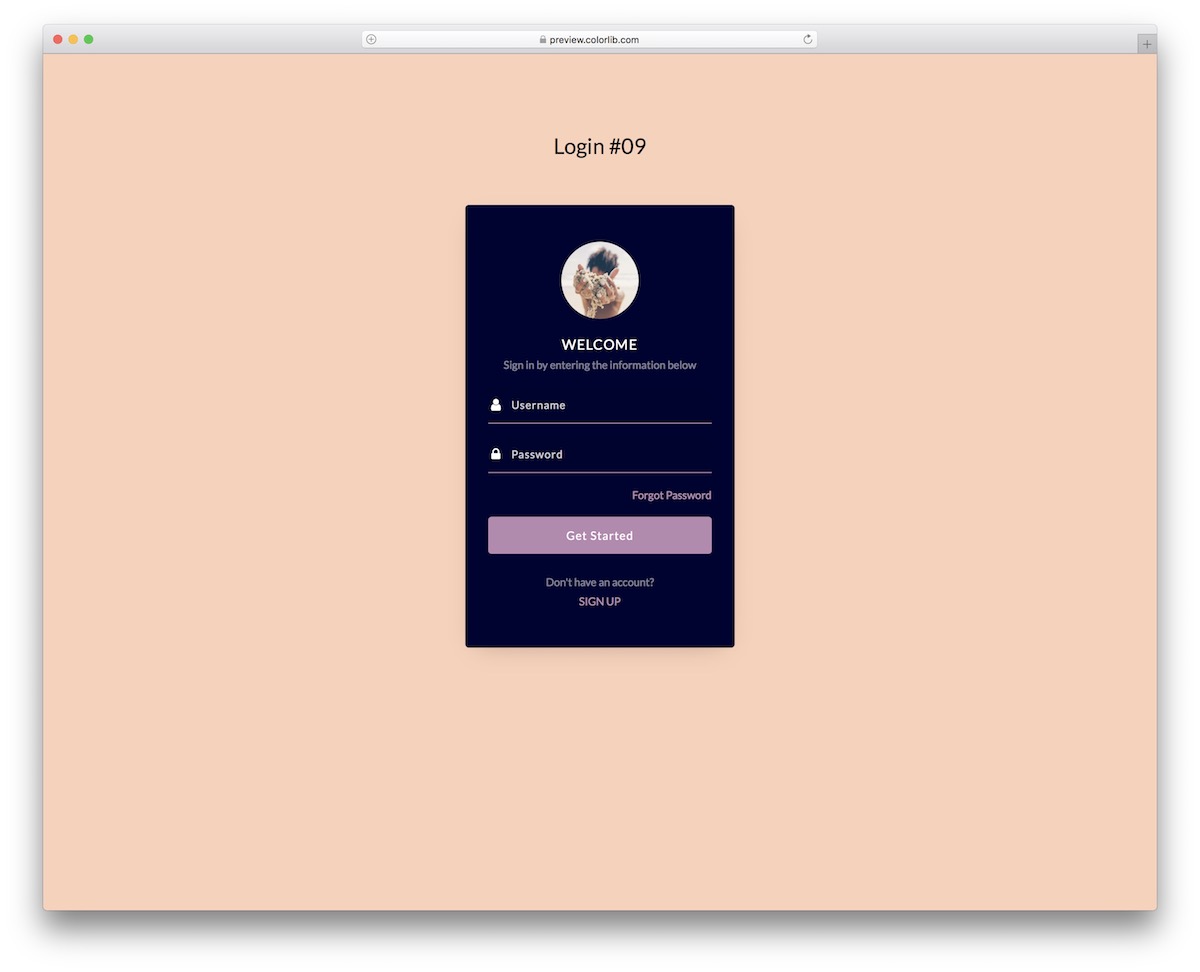
An elegant login form template with a side-by-side layout — a scenic image on the left and the login panel on the right. The warm color palette and rounded corners make it feel welcoming, ideal for wellness apps, travel platforms, or community portals.
Built with Bootstrap 5, it includes email and password fields, a ‘remember me’ checkbox, a ‘forgot password’ link, and social login options. Clean, semantic HTML ensures easy backend integration.
19. Colorlib Registration Form V36
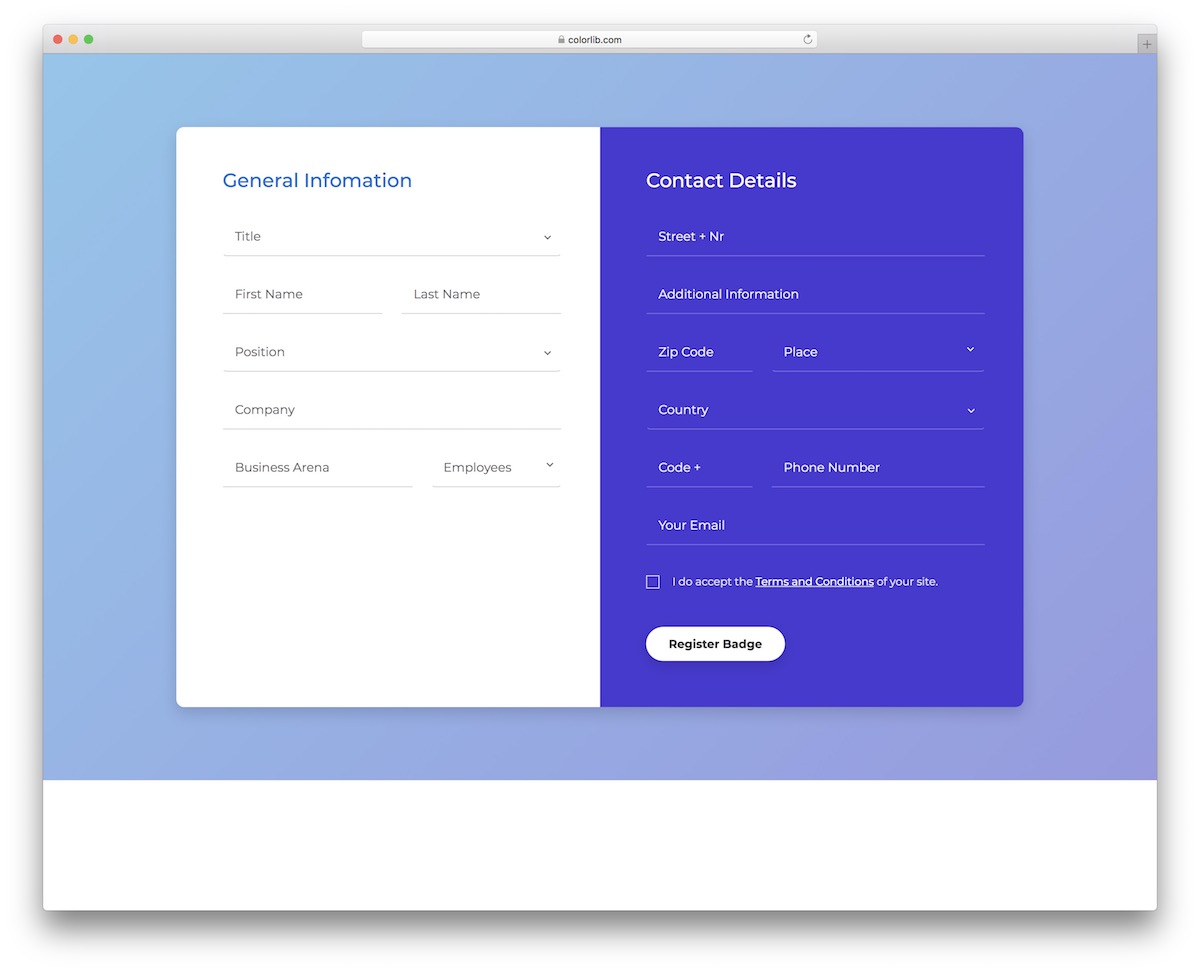
A multi-step registration form that guides users through the signup process with a clear progress indicator. This approach reduces form abandonment by breaking long forms into manageable sections — personal info, contact details, and account setup.
Built on Bootstrap 5, each step validates before proceeding to the next. The clean, card-based design works for insurance applications, job portals, or any service requiring detailed user information.
20. Colorlib Booking Form V20
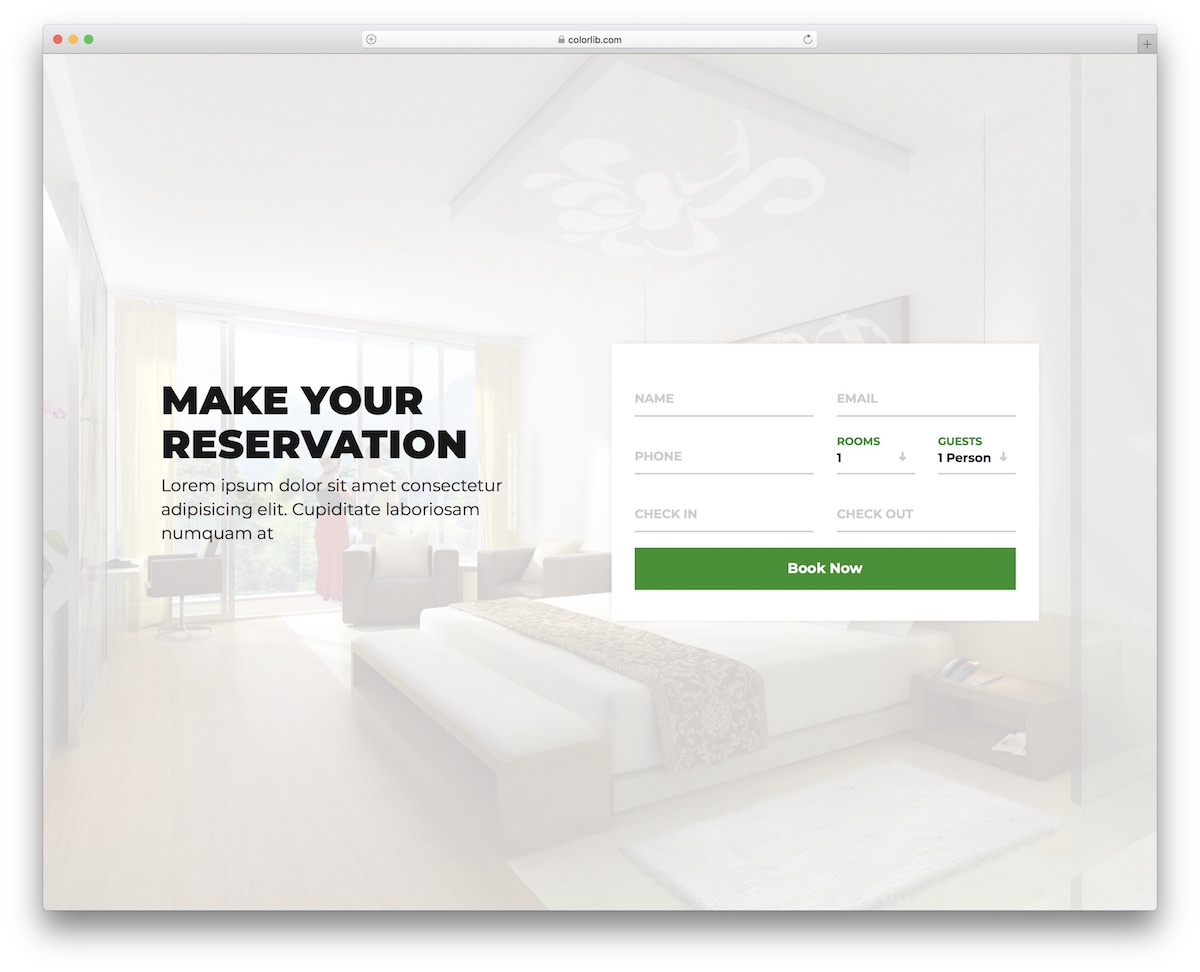
A feature-rich booking form designed for hotels, resorts, and travel agencies. The full-width layout with a stunning background image creates an immersive experience, while the form fields overlay cleanly with proper contrast.
Includes check-in/check-out date pickers, guest count selectors, room type dropdown, and special requests textarea. The Bootstrap 5 grid ensures perfect responsiveness, and the date pickers work smoothly on both desktop and mobile.
You Might Also Like

Comments (No Comments)