7 Best Free Svelte Admin Dashboard Templates 2026
Svelte has earned a devoted following among frontend developers who value compiled output, minimal runtime overhead, and a refreshingly simple component model. But when it comes to admin dashboards, the ecosystem is still catching up. Where React and Vue offer hundreds of free admin templates, Svelte has a handful — and that’s being generous. The good news: the templates that do exist tend to be well-built, because the developers choosing Svelte for admin panels are usually doing it deliberately, not just following the crowd.
We searched GitHub, npm, and every Svelte resource we could find to compile this list of the 7 best free Svelte admin dashboard templates available in 2026. If you’re also looking for full-stack SvelteKit starters beyond dashboards, see our collection of SvelteKit templates and starters. The range covers everything from UI-focused Tailwind builds to full-stack dashboards with real authentication, role-based access control, and database integration. Some use Svelte 5 with SvelteKit 2 (the current standard), while others are still on Svelte 3 or 4. We’ve noted the exact versions so you know what you’re getting into.
If you’re an early mover building with Svelte, this is the full landscape. Developers coming from other frameworks might also find our Vue admin dashboard templates guide useful for comparison. Less noise, fewer abandoned repos to wade through, and every entry here actually works.
Best Free Svelte Admin Dashboard Templates
1. SvelteForge Admin
⭐ New on GitHub
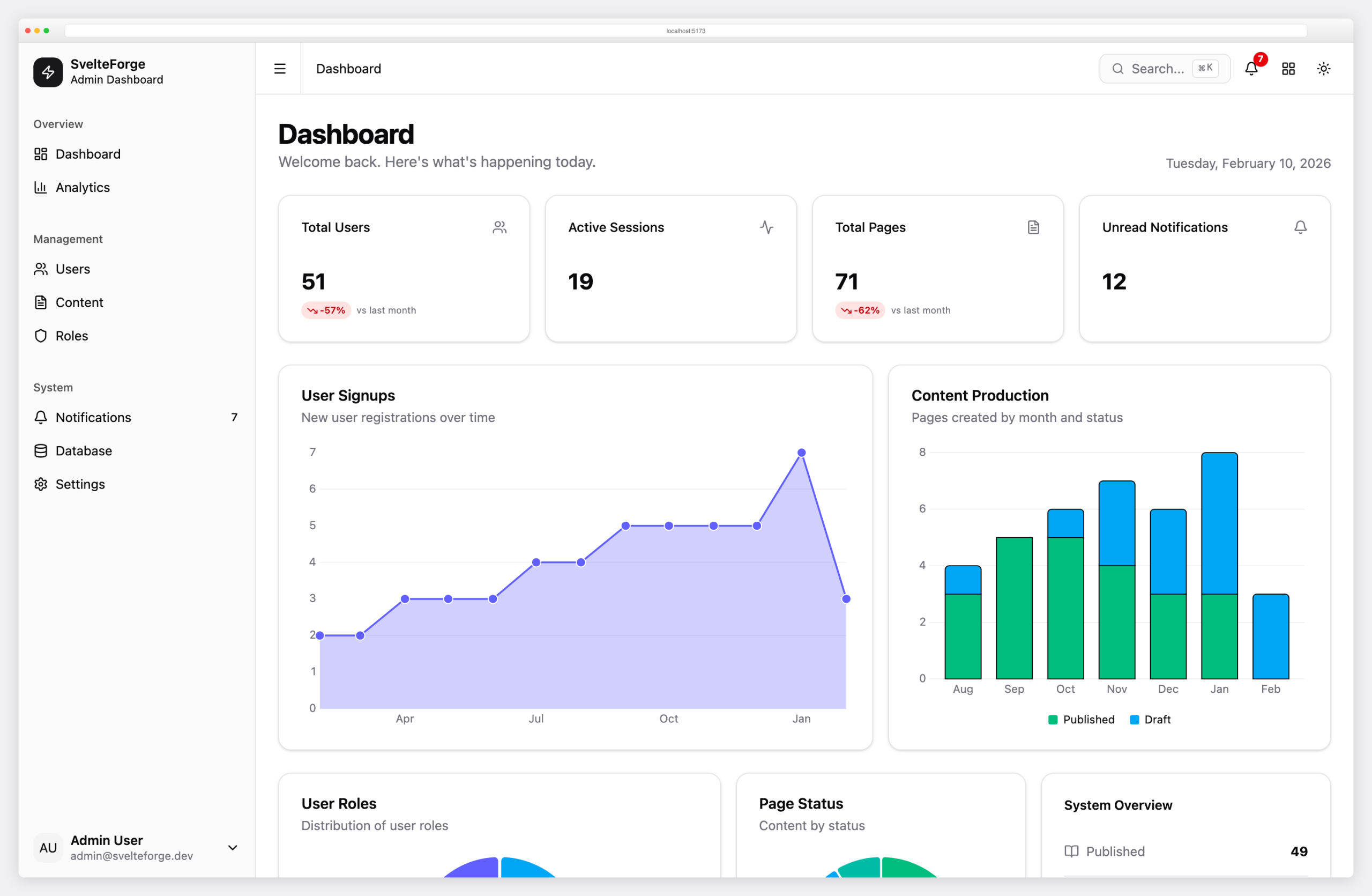
SvelteForge Admin is the only template on this list that ships as a complete, working application — not just a UI kit. It includes custom session-based authentication with SHA-256 hashed tokens, Argon2id password hashing, optional Google and GitHub OAuth via Arctic, a three-tier role-based access control system (admin, editor, viewer), and a full content management system with publishing workflows. The database layer uses Drizzle ORM with SQLite in WAL mode, so there’s no external database server to set up — just clone and run.
The dashboard itself is polished: KPI cards with animated counters, interactive area and bar charts powered by LayerChart v2, a user management table with server-side sorting, search, pagination, and CSV/JSON export. It includes a Cmd+K command palette, notification system with real-time badge counts, a database browser for inspecting tables, session management with device tracking, and both dark and light modes. The stack is fully current — Svelte 5 (runes API), SvelteKit 2, Tailwind CSS 4, and shadcn-svelte. Built by the Colorlib team, MIT licensed, and actively maintained.
2. Notus Svelte
⭐ 871 GitHub Stars
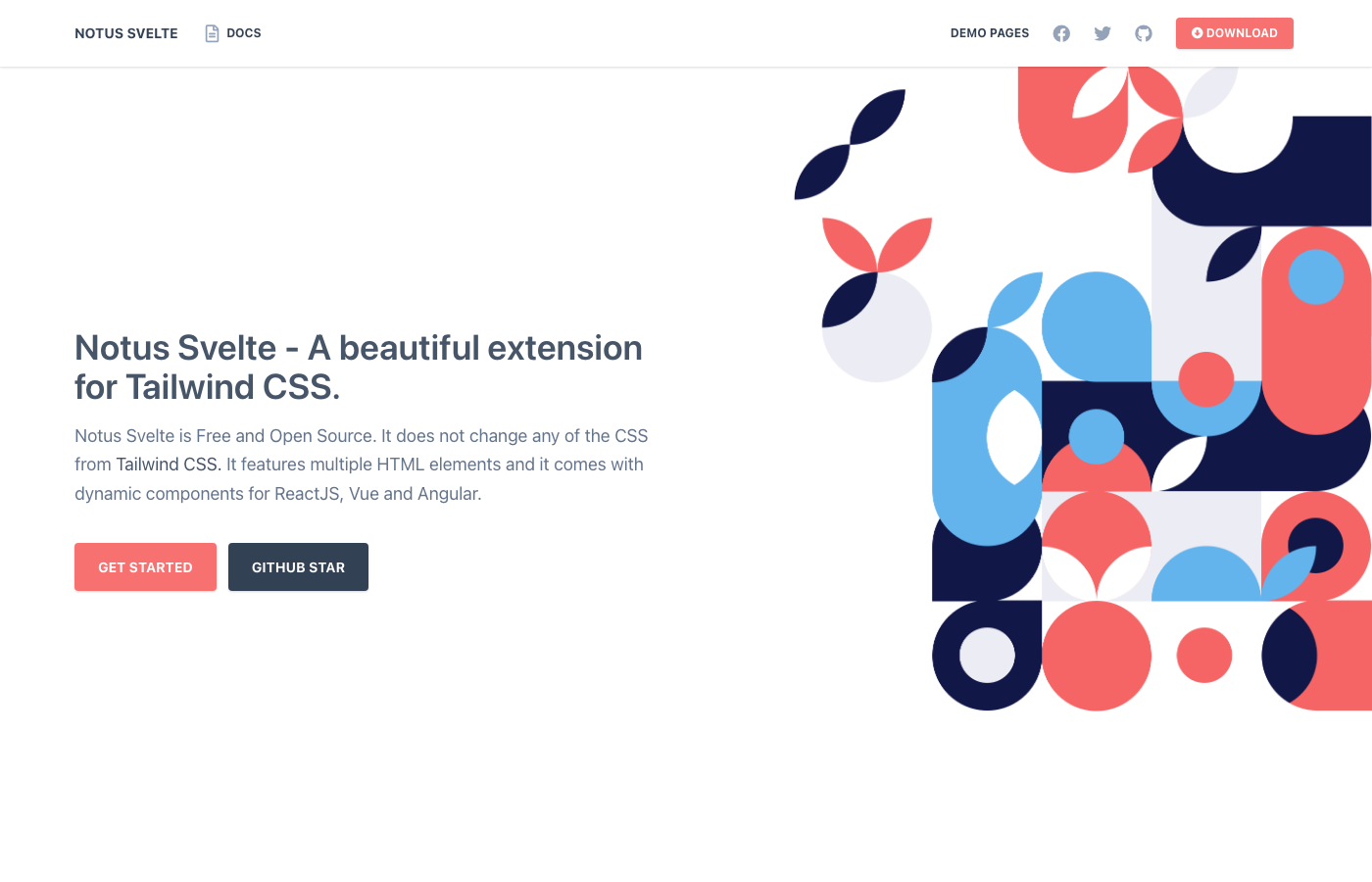
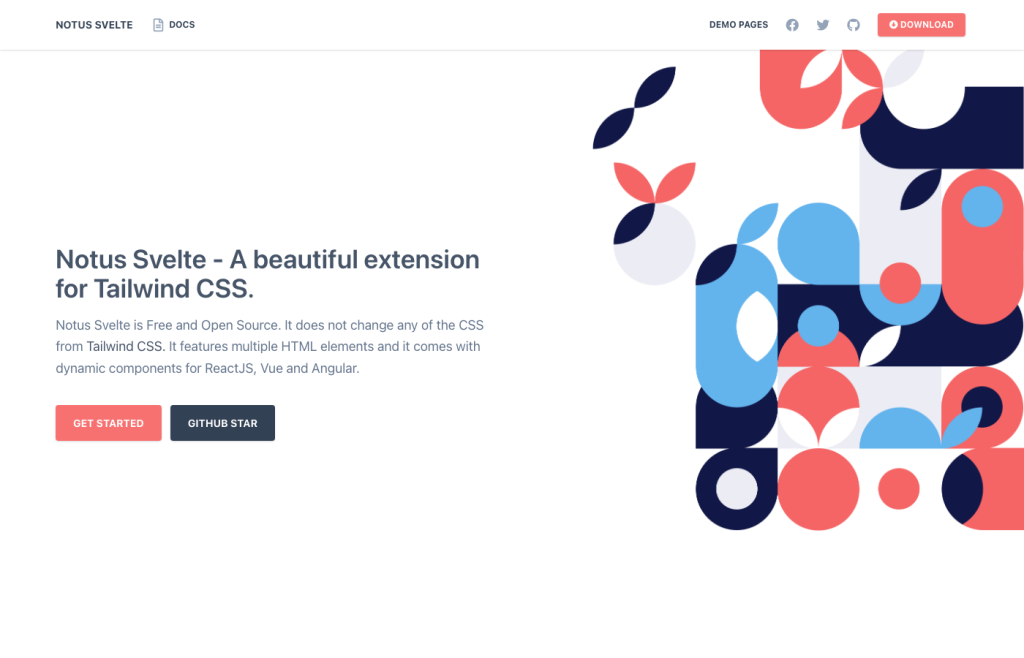
Notus Svelte is Creative Tim’s entry into the Svelte ecosystem and the most starred Svelte admin template on GitHub. It ships with over 50 components spanning a full admin dashboard, authentication pages (login, register), landing pages, and profile pages. The component library includes alerts, cards, chart integrations, navigation bars, dropdowns, popovers, tabs, and tooltips — all styled with Tailwind CSS. It’s a solid foundation if you want a pre-built component set without assembling everything from scratch.
The main caveat: Notus Svelte is built on Svelte 3 and hasn’t been updated to Svelte 5. The last commit landed in June 2024, so while the codebase is stable and functional, you’ll be working with an older Svelte version. The MIT license makes it usable for both personal and commercial projects. If you need a quick, good-looking Svelte dashboard and don’t mind Svelte 3, this is the safest bet with the largest community behind it.
3. Flowbite Svelte Admin Dashboard
⭐ 488 GitHub Stars
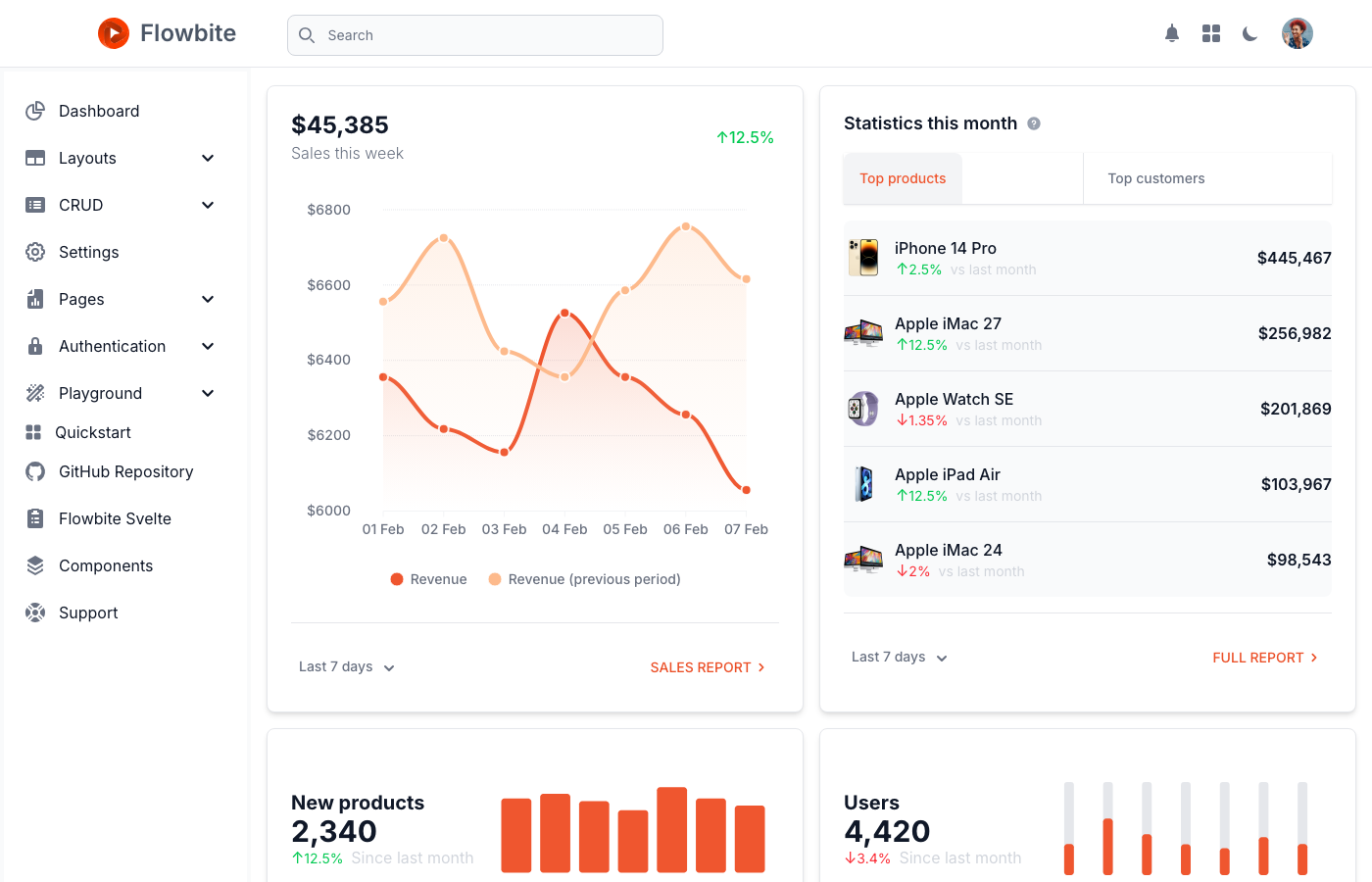
The most actively maintained Svelte admin dashboard on this list, and the one most likely to stay current. Flowbite Svelte Admin Dashboard runs on Svelte 5, SvelteKit 2, and Tailwind CSS 4 — the latest versions across the board. It’s built on top of Flowbite Svelte, the official Svelte component library from the Flowbite ecosystem, which gives you a rich set of pre-built UI components out of the box. The dashboard includes charts, data tables, widget cards, and a stacked layout variant for different navigation preferences.
What makes this stand out is the depth of included pages: full CRUD layouts for Products and Users, a Settings page, Pricing page, complete authentication flows (sign-in, sign-up, reset password, forgot password, profile lock), plus utility pages like Maintenance and 404/500 error screens. It’s published as an npm package, which means you can scaffold it directly into your project. If you want a Svelte 5 admin dashboard that’s production-ready and backed by an active team, Flowbite is the top pick.
4. Svelte 5 Dashboard (Coastal UI)
⭐ 47 GitHub Stars
This dashboard takes a configuration-driven approach, setting it apart from every other template on this list. Instead of hardcoding page layouts, you define your dashboard structure in JSON configuration files, so adding new sections, rearranging components, and customizing the layout can be done without touching component code. It’s part of the broader Coastal UI component ecosystem, with an active Discord community at coastalui.com for support and discussion.
Built specifically for Svelte 5 with full TypeScript support and SvelteKit 2 routing, this template also integrates with Supabase for backend services out of the box. The component library includes alerts, avatars, custom formatting utilities, and more. The Tailwind CSS 3 styling is clean and functional. No public demo is available, but the GitHub repository includes screenshots and setup instructions. If you’re building a data-driven dashboard that needs to be reconfigurable without code changes, this JSON-config approach is worth investigating.
5. Orbitale SvelteAdmin
⭐ 43 GitHub Stars
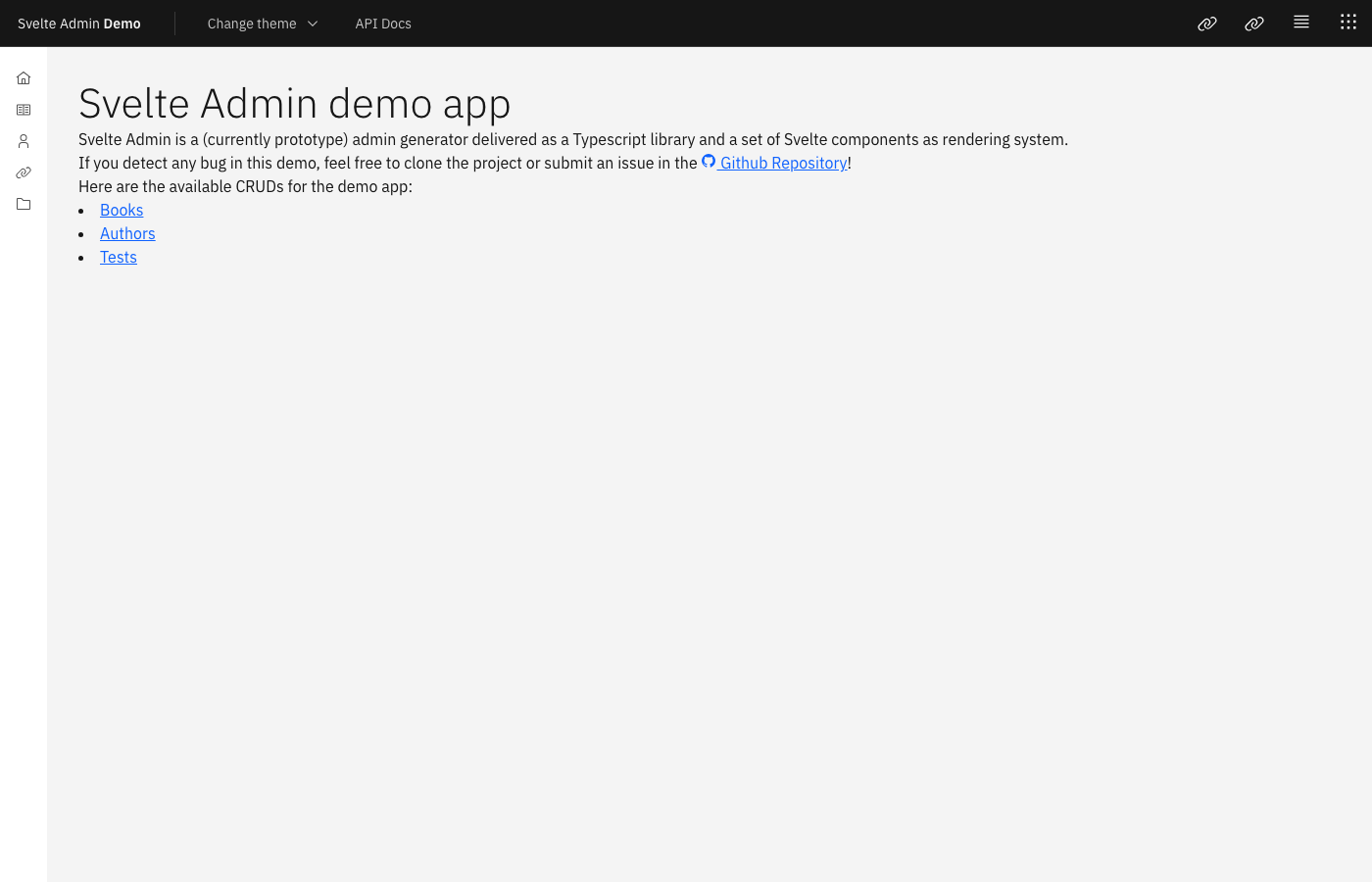
SvelteAdmin isn’t just a dashboard template — it’s a CRUD admin framework. You define your data models and configuration, and it dynamically generates list views, detail pages, and edit forms. This is closer to what Django Admin or Rails Admin does, but built entirely in the Svelte ecosystem. If you’re building an internal tool where you need to manage database records through a web interface, this can save you weeks of building repetitive CRUD pages by hand.
The framework supports multiple data sources including REST APIs, localStorage (useful for prototyping), and RPC calls via Tauri for desktop apps. Built-in features include filtering, pagination, sorting, and multi-language support. The UI is powered by Carbon Design System via carbon-components-svelte, which gives it a professional IBM-style look. It runs on Svelte 4 and SvelteKit 2. The project is in alpha status and uses the LGPL-3.0 license (not MIT — check compatibility with your project). Still, for its intended use case, nothing else in the Svelte ecosystem comes close.
Interested in the shadcn design system for admin panels? Check out our collection of best shadcn admin dashboard templates — several entries use the same design language you’ll find in the Svelte shadcn templates below.
6. shadcn-svelte-kit Admin Panel
⭐ 4 GitHub Stars
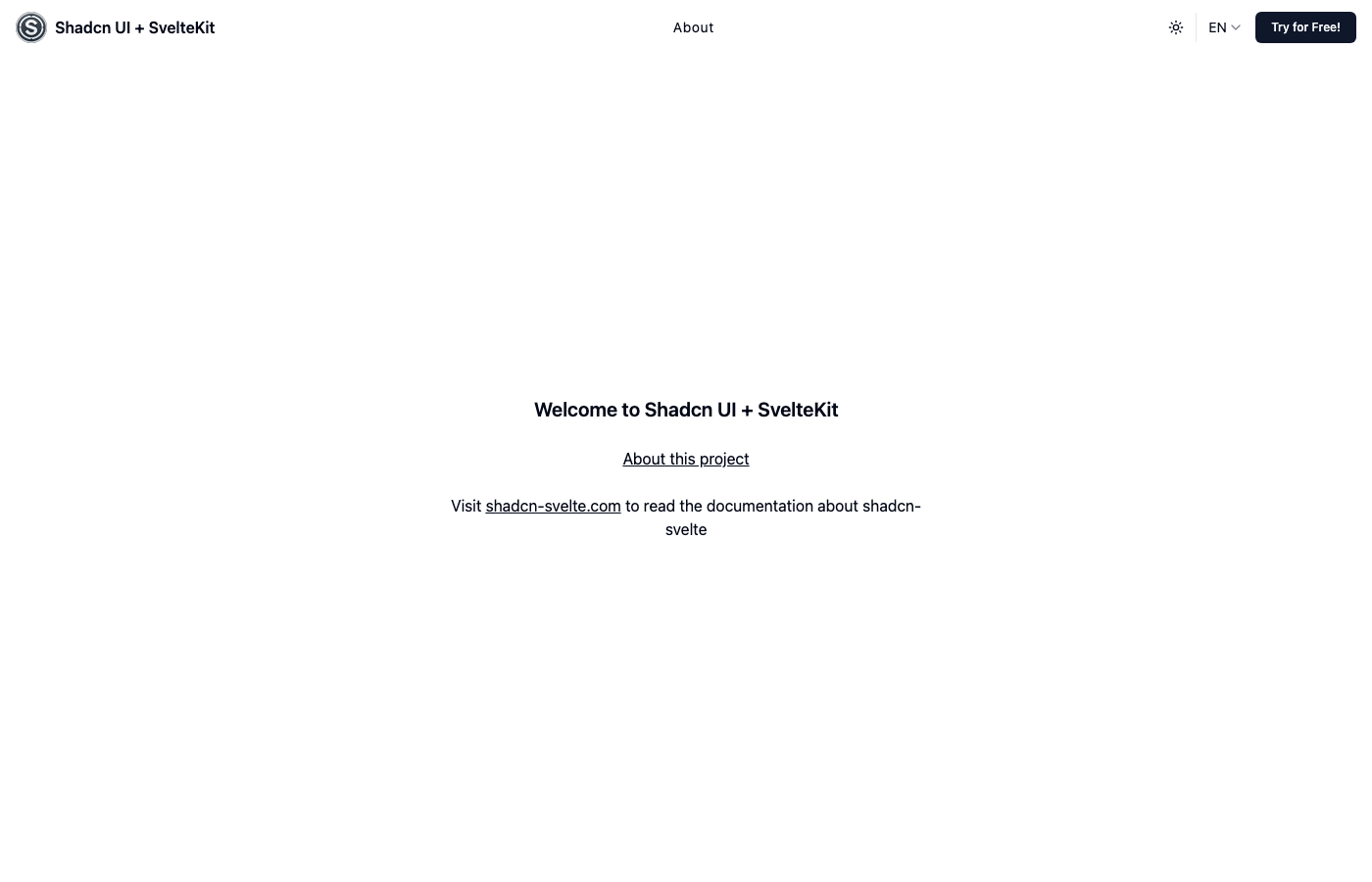
The shadcn/ui design system has become one of the most popular UI approaches in the React world, and shadcn-svelte brings that same philosophy to Svelte. This admin panel is built on that foundation, using bits-ui for headless, accessible components and layering on the clean, minimal shadcn aesthetic. The result is an admin dashboard that looks modern without the visual weight of traditional component libraries. It uses Svelte 5 and SvelteKit 2 with Tailwind CSS 3 for styling.
Under the hood, the template includes several thoughtful integrations: Svelte Radix icons for a consistent icon set, CSS container queries for component-level responsive design (not just viewport-based), sveltekit-i18n for internationalization, and Superforms for form handling with built-in validation. Despite the low star count, the technical choices are solid and current. If you’re already invested in the shadcn design system from React projects and want the same look in Svelte, this is your template.
For more options across the JavaScript framework landscape, see our guides to the best Next.js admin dashboard templates and best Vue admin dashboard templates.
7. SvelterApp
⭐ 3 GitHub Stars
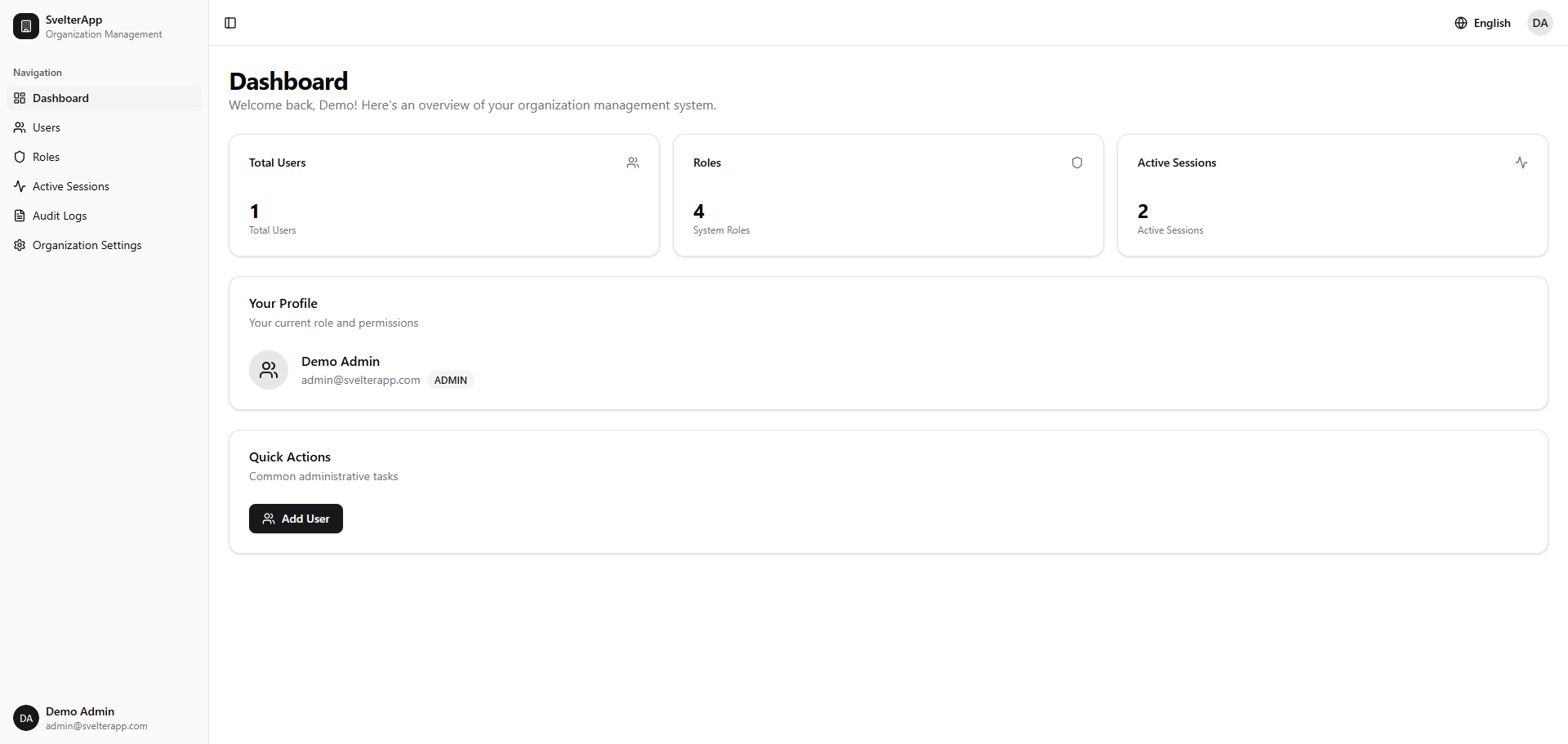
Don’t let the star count fool you — SvelterApp is one of the most feature-complete Svelte admin dashboards available. This is a full-stack SaaS admin panel with a four-tier role-based access control system (RBAC), multi-tenant organization support, and Auth.js authentication with email/password and verification flows. It includes user management with full CRUD operations, invitation workflows, session tracking, and audit logging with IP tracking. The stack is as modern as it gets: Svelte 5, SvelteKit 2, shadcn-svelte (bits-ui v2), and Tailwind CSS 4.
The internationalization support deserves special mention — it includes English, French, and Arabic translations, with proper RTL layout support for Arabic. The data layer uses PostgreSQL with Prisma ORM, giving you a real database setup instead of mock data. Dark mode is built in. The last commit was January 2026, making it one of the most recently updated templates here. If you’re building a SaaS product with Svelte and need actual multi-tenant auth, role management, and audit trails — not just a pretty dashboard UI — SvelterApp gives you a serious head start. MIT licensed.
For a wider look at admin dashboards across all frameworks, our free admin panel templates collection covers Bootstrap, React, Vue, and more. The Svelte admin dashboard ecosystem is small, but it’s growing in the right direction. The templates on this list cover a real range — from lightweight layout collections to full-stack dashboards with authentication, database integration, and role management. If you’re betting on Svelte for your next admin panel, you’re working with a smaller toolkit than React or Vue developers, but you’re also dealing with less bloat, faster builds, and a community that tends to ship polished work. Bookmark this page — we’ll update it as new Svelte admin templates hit GitHub.
You Might Also Like