7 Best shadcn/ui Pricing Page Templates 2026
Looking for a shadcn/ui pricing page you can ship this week? These 7 picks cover the canonical official blocks library, four block marketplaces (Shadcnblocks, Shadcn Studio, ShadcnStore, shadcn.io), one open-source registry component (Launch UI), and one complete deployed pricing-page demo you can fork. Every demo is re-checked before we republish this page.
A 2026-grade shadcn pricing page handles four surfaces: a tier comparison view (3-4 plans across columns with a feature checklist below each), a billing-cycle toggle (monthly vs. yearly with a discount badge on yearly), a “Most Popular” highlight on the recommended tier, and a conditional Enterprise tier with a “Contact us” CTA. Two practical paths: install copy-paste blocks from a shadcn registry (npx shadcn add ...) and customize, or fork a complete pricing-page demo and replace the data.
We’ve grouped the 7 picks below into the canonical official source (shadcn/ui Official Blocks), four shadcn block libraries with dedicated pricing sections (Shadcnblocks, Shadcn Studio, ShadcnStore, shadcn.io), one open-source registry component (Launch UI), and one complete fork-and-deploy pricing demo (shadcn-pricing-page on Vercel). Always start with the official blocks; reach for the third-party libraries when you need a specific layout the official set hasn’t built yet.
Related reading: our shadcn/ui SaaS starter kits for the full SaaS skeleton including pricing, shadcn/ui landing page templates for the marketing surface around the pricing page, login & signup templates for the post-purchase flow, and our shadcn/ui templates pillar for the broader catalog.
Quick Picks
- Best canonical source: shadcn/ui Official Blocks — start here, reach for third-party only when you need more
- Best dedicated pricing library: Shadcnblocks Pricing — 40+ pricing blocks in one place
- Best with Figma source: Shadcn Studio — Figma file plus React code
- Best for full marketing site: ShadcnStore — pricing + hero + features + FAQ in one bundle
- Best open-source registry: Launch UI —
npx shadcn add @launchui/pricing - Best for AI-assisted install: shadcn.io — MCP server lets Claude / Cursor install blocks
- Best fork-and-ship: shadcn-pricing-page — complete pricing page on Vercel, fork and customize
1. shadcn/ui Official Blocks
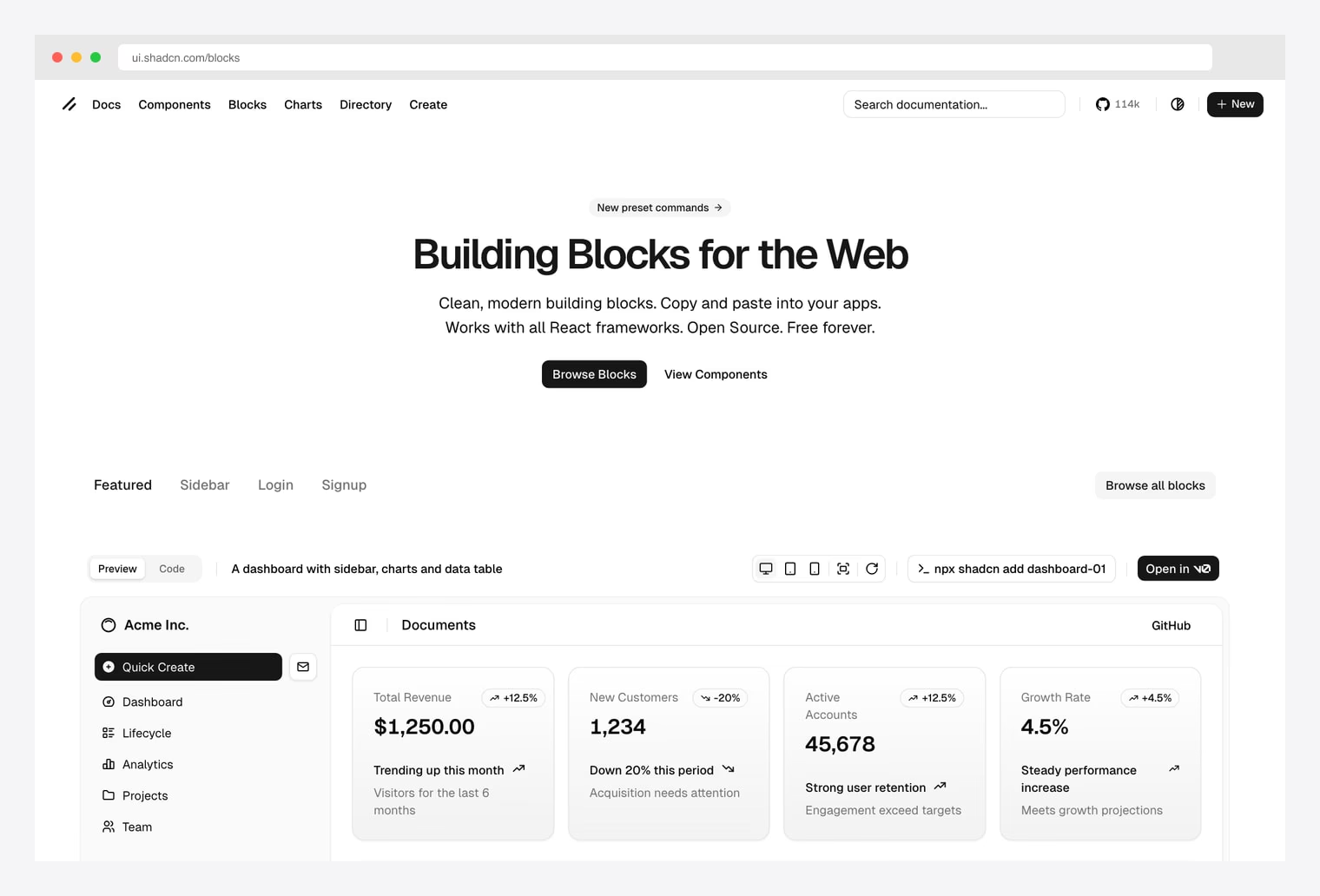
Why we like it: The canonical shadcn-ui blocks library by the project author — clean, modern building blocks designed to work with all React frameworks. Open source, MIT, free forever.
ui.shadcn.com/blocks. Featured blocks include dashboard, sidebar, login, and signup — install with npx shadcn add. The featured set doesn’t include a dedicated pricing block, but every other entry in this list is built on the same primitives shipped here. Always check the official source first; reach for third-party libraries only when you need a specific layout the official set hasn’t built yet.Pick this as your foundation. The third-party block libraries below all extend the same primitives — buttons, cards, badges, tabs — that ship inside the official package. If you need a pricing block specifically, jump to Shadcnblocks or Shadcn Studio below; otherwise start with what the official kit ships.
2. Shadcnblocks Pricing Library
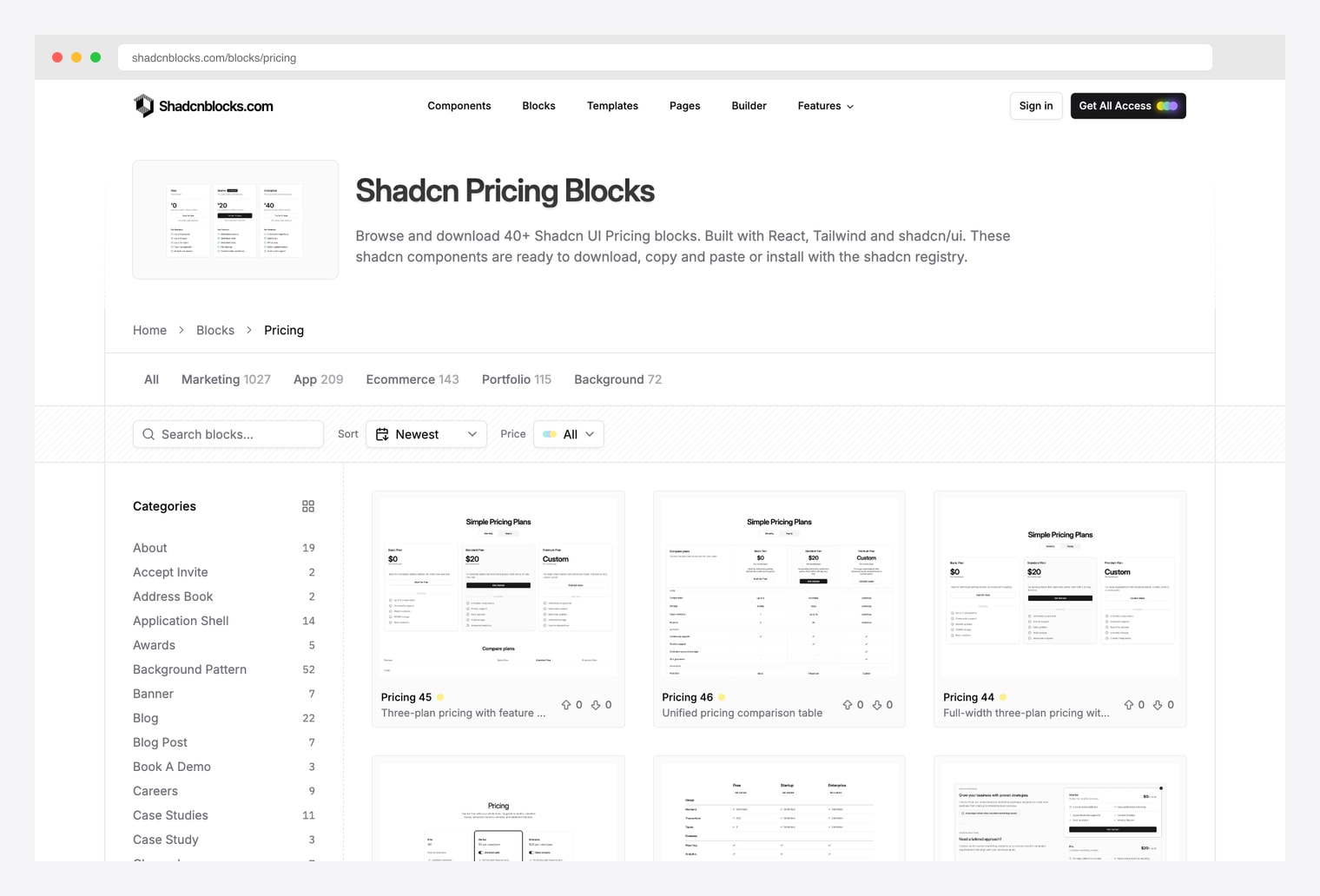
Why we like it: 40+ pricing blocks browseable in one place, built with React, Tailwind, and shadcn/ui. Free preview; All-Access plan unlocks the full source.
Pick this when you’re comparing many pricing layouts side by side and want one tab open with the most variety. Three-plan grid, comparison table, full-width pricing, simple two-column — all categorized and searchable.
3. Shadcn Studio Pricing
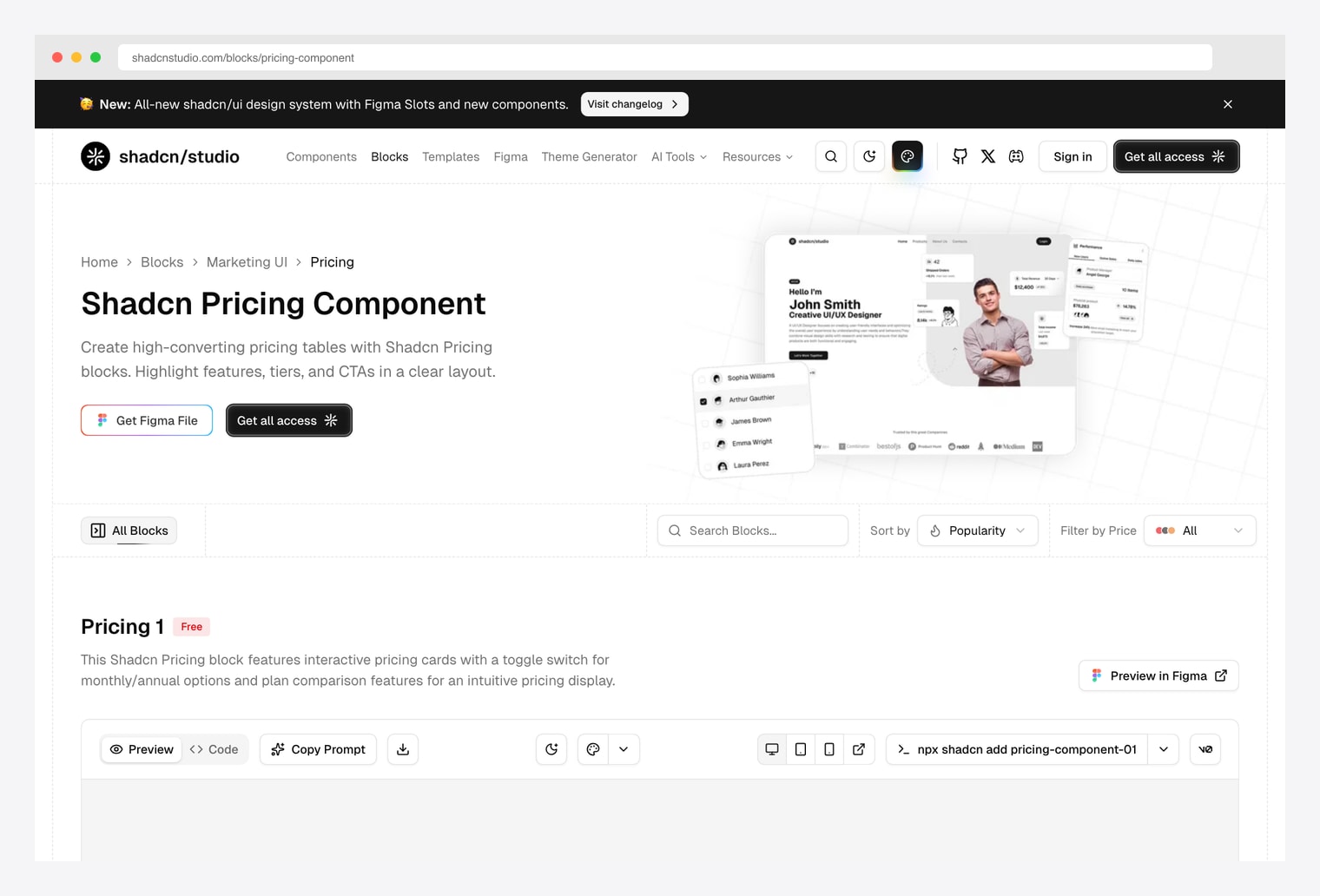
Why we like it: Shadcn pricing component library with both Figma source files and shadcn/ui React code. Interactive monthly / annual toggle, plan comparison features, and a one-line npx install.
Pick this when your design team works in Figma and you want one file that maps cleanly to the production React component. The free tier covers Pricing 1; All Access unlocks the full set across blocks + templates.
4. ShadcnStore Pricing Blocks
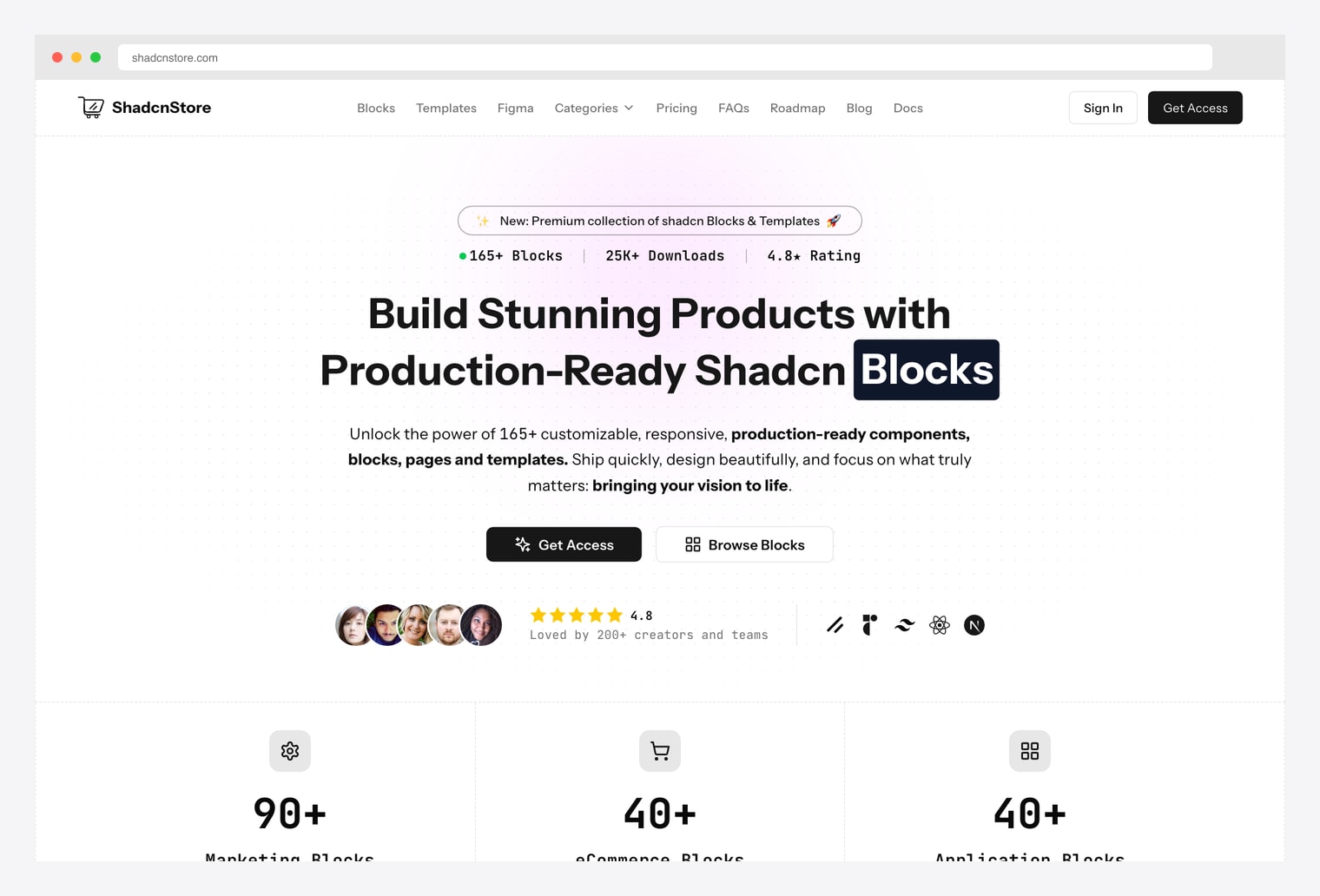
Why we like it: 165+ shadcn blocks across 90+ marketing, 40+ eCommerce, and 40+ application categories. 25K+ downloads. Pricing blocks live inside the marketing collection alongside hero, CTA, FAQ, and feature sections — useful when you need pricing AND the rest of the marketing surface.
Pick ShadcnStore when you’re building the entire marketing site (not just the pricing page) and want a single license to cover hero, features, CTAs, FAQ, and pricing. Trades depth in pricing-only variants for breadth across the full marketing funnel.
5. Launch UI Pricing
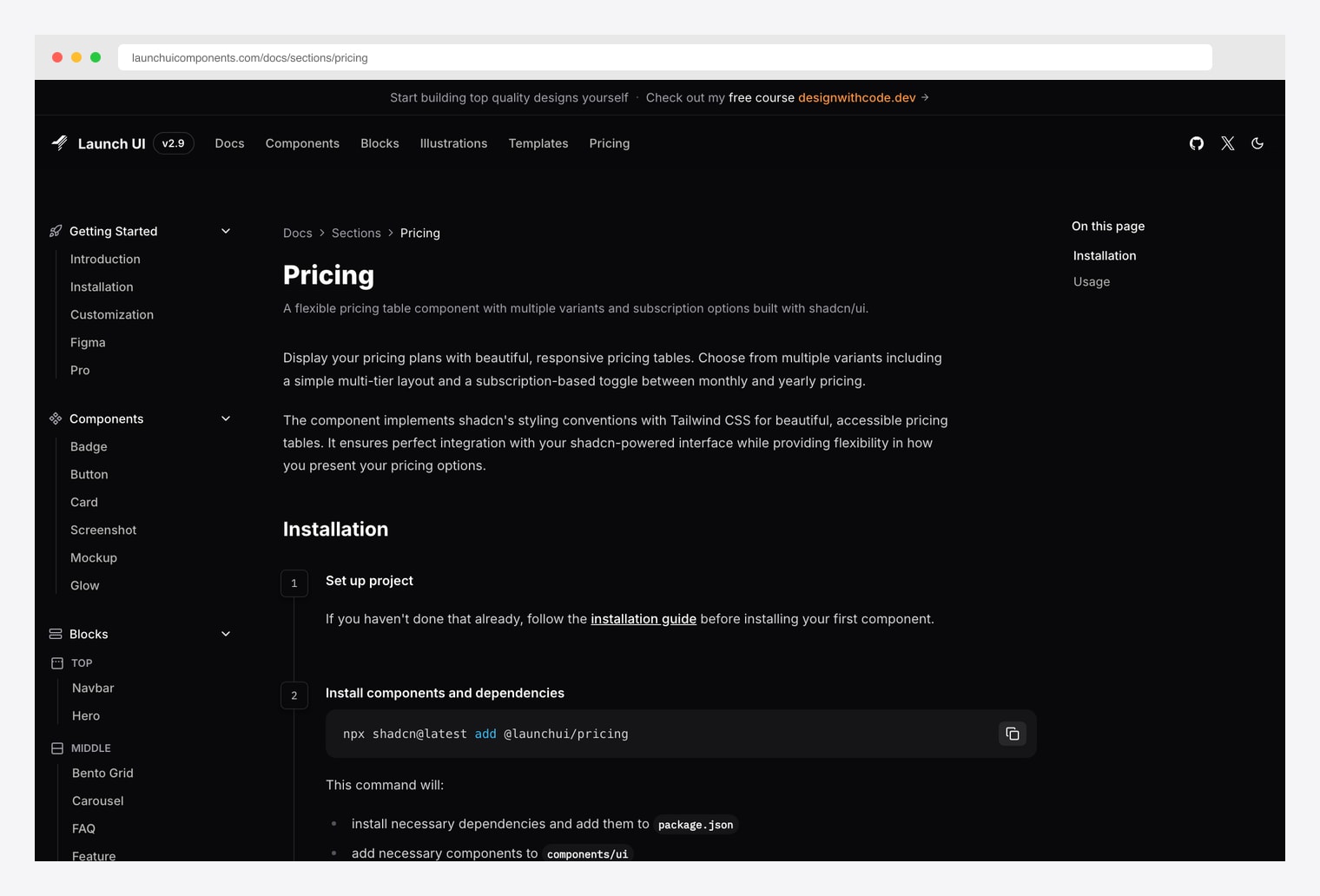
Why we like it: Open-source shadcn-based pricing component installed via the shadcn registry — npx shadcn@latest add @launchui/pricing. Multiple variants including a simple multi-tier layout and a subscription-based monthly / yearly toggle. Free, open source, dark-mode-first design.
Launch UI fits the canonical shadcn pattern most cleanly — copy a single command, get the source, customize from there. The pricing component implements shadcn’s styling conventions with Tailwind CSS for accessible pricing tables.
6. shadcn.io Pricing Blocks
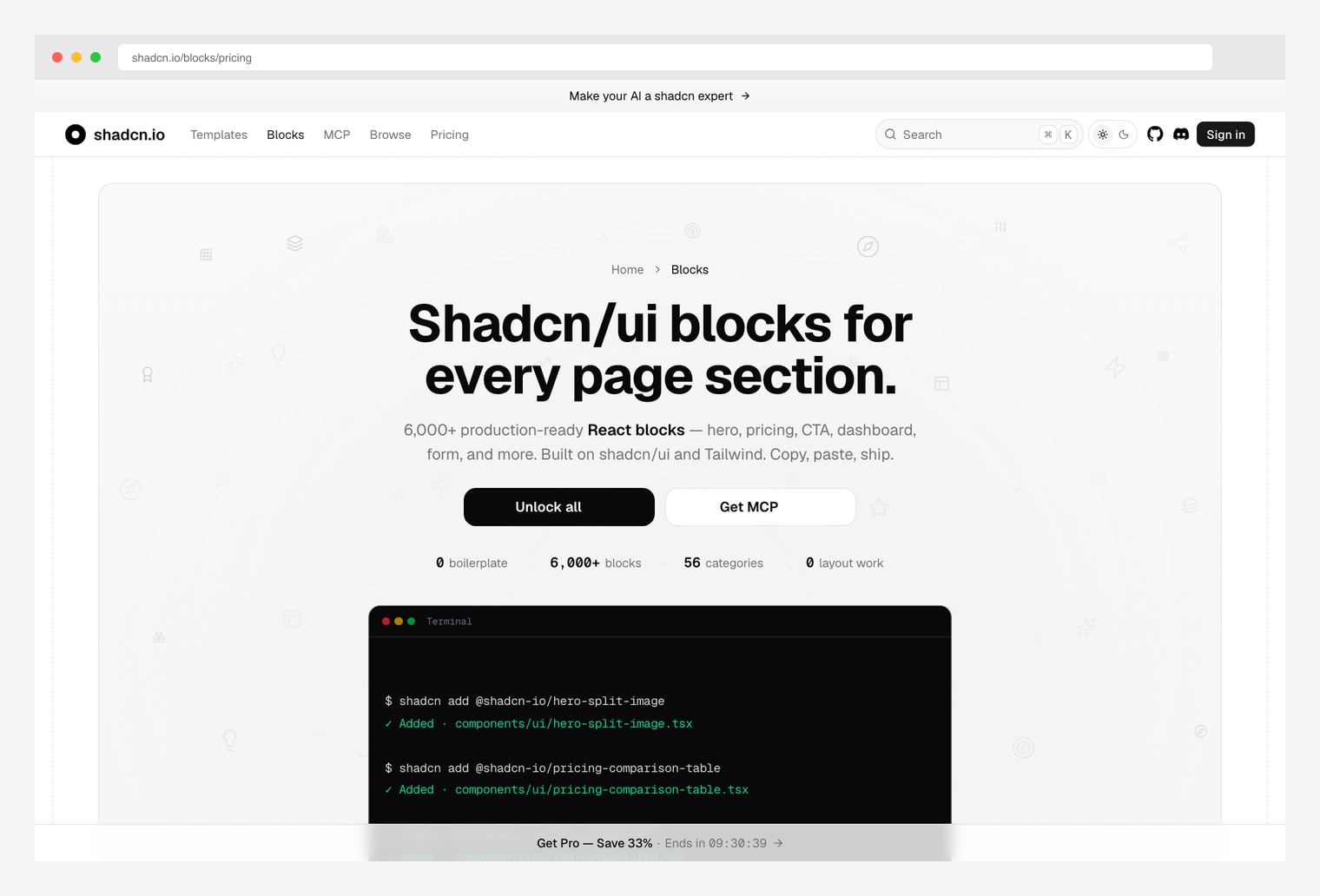
Why we like it: 6,000+ shadcn React blocks across 56 categories, built for AI-assisted installation via an MCP server. Pricing comparison tables, hero blocks, CTA, dashboard, form sections — copy / paste / ship or install via MCP.
shadcn add @shadcn-io/pricing-comparison-table.Pick this when you ship code with AI assistance and want your agent to install blocks itself. The MCP server lets Claude / Cursor / Continue install blocks directly into your repo without round-tripping through copy-paste.
7. shadcn-pricing-page (Vercel)
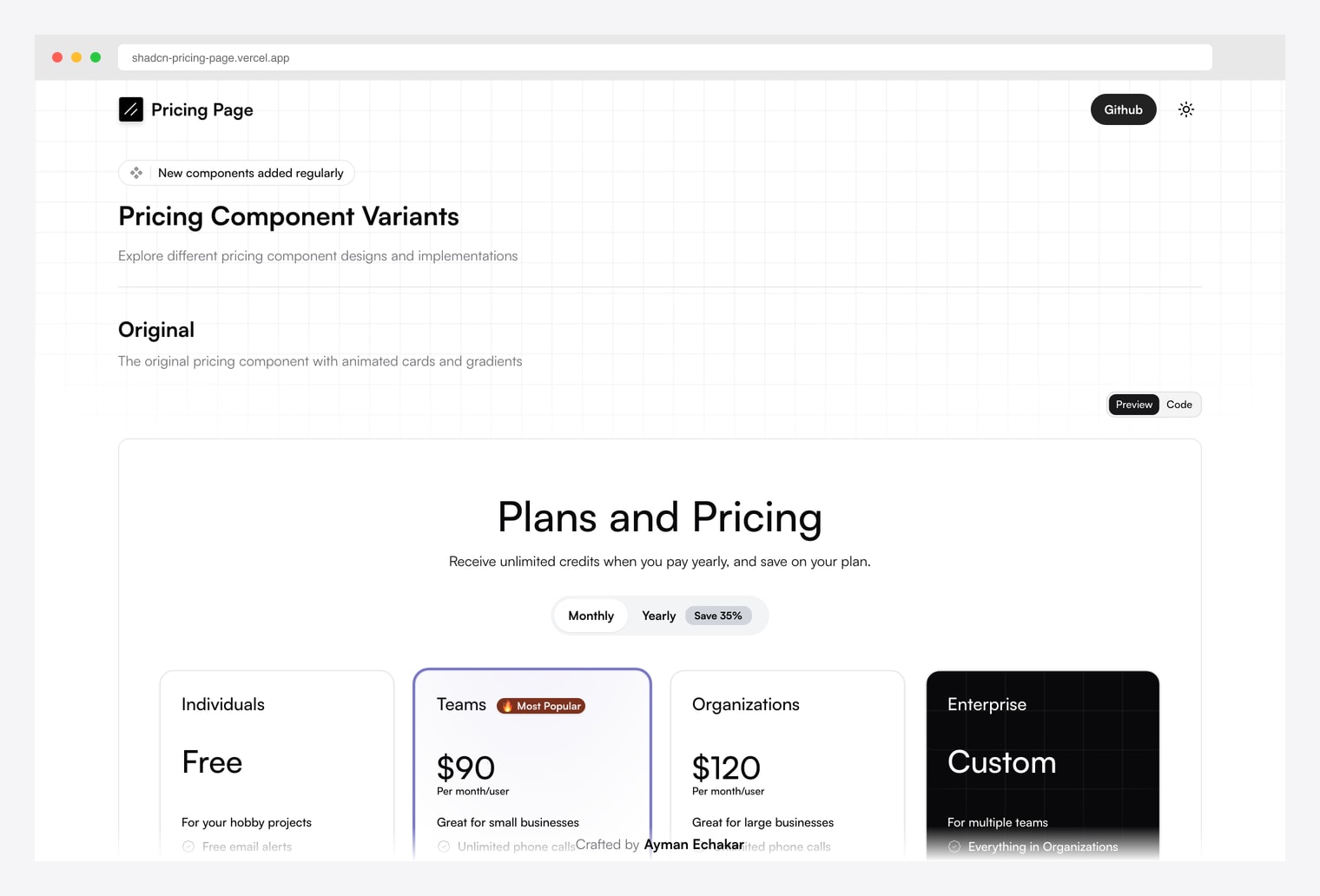
Why we like it: A full open-source pricing-page demo published on Vercel by Ayman Echakar — multiple pricing component variants on one page, animated cards, monthly / yearly toggle, 4-tier layout (Individuals Free / Teams / Organizations / Enterprise Custom), and a “Most Popular” highlight on the recommended tier.
Pick this when you want a complete deployed reference rather than a block library — fork the repo, customize the tier names and prices, deploy. The fastest path from “I need a pricing page” to “I have a working URL” without buying a license.
How to Choose the Right shadcn Pricing Source
The 7 options split along three practical axes:
By workflow
- Copy-paste from the canonical reference: shadcn/ui Official Blocks — always check here first.
- Browse a dedicated pricing-block catalog: Shadcnblocks (40+), Shadcn Studio, shadcn.io (6,000+ across categories).
- Install via shadcn registry command: Launch UI —
npx shadcn@latest add @launchui/pricing. - Install via MCP server (AI-assisted): shadcn.io — Claude / Cursor / Continue can install blocks autonomously.
- Fork a complete deployed demo: shadcn-pricing-page on Vercel — closest to a “drop-in pricing page” experience.
By scope
- Pricing-only: Shadcnblocks (dedicated catalog), shadcn-pricing-page (deployed demo), Launch UI (single component).
- Marketing site (pricing + hero + features + FAQ): ShadcnStore, shadcn.io, Shadcn Studio.
- Foundation / canonical primitives: shadcn/ui Official Blocks — buttons, cards, tabs that everything else builds on.
By license
- Free / open-source: shadcn/ui Official Blocks (MIT), Launch UI, shadcn-pricing-page.
- Free preview, paid All-Access for full library: Shadcnblocks, Shadcn Studio, shadcn.io.
- Paid bundle (one-time): ShadcnStore — single license unlocks the full 165+ block catalog.
A practical pattern in 2026: start at shadcn/ui Official Blocks to confirm the official set doesn’t already ship what you need, browse Shadcnblocks for the largest dedicated pricing-only catalog, install Launch UI as the fastest copy-paste-and-ship path via the shadcn registry, OR fork shadcn-pricing-page when you want a complete deployed pricing page in one move.

You Might Also Like