
25 Best Bootstrap Login Forms 2026 – Free Templates

Looking for the perfect login form for your website or application? We’ve curated an extensive collection of 25 beautiful, responsive Bootstrap login forms that are completely free to use. Need other form types? Explore our Bootstrap contact forms and form templates. Each template features modern design principles, mobile responsiveness, and easy customization options.
Whether you need a minimal sign-in page, a creative split-screen design, or an enterprise-grade authentication portal, this collection has you covered. All templates are built with the Bootstrap framework, ensuring compatibility and ease of integration into your existing projects.
Quick Picks
- Best overall: Login Form V01 — Clean split-screen layout with brand imagery and responsive design
- Best minimal: Login Form V11 — Ultra-minimal with focus on typography and whitespace
- Best animated: Login Form V07 — Animated geometric background with transparent overlay
- Best dark mode: Login Form V03 — Dark gradient theme with glowing inputs and social login
- Best social login: Modern Auth — Sliding panels with smooth login/signup transitions
- Best split-screen: Login Form V08 — Diagonal split design with bold geometric shapes
1. Login Form V01 – Minimal Split-Screen Design
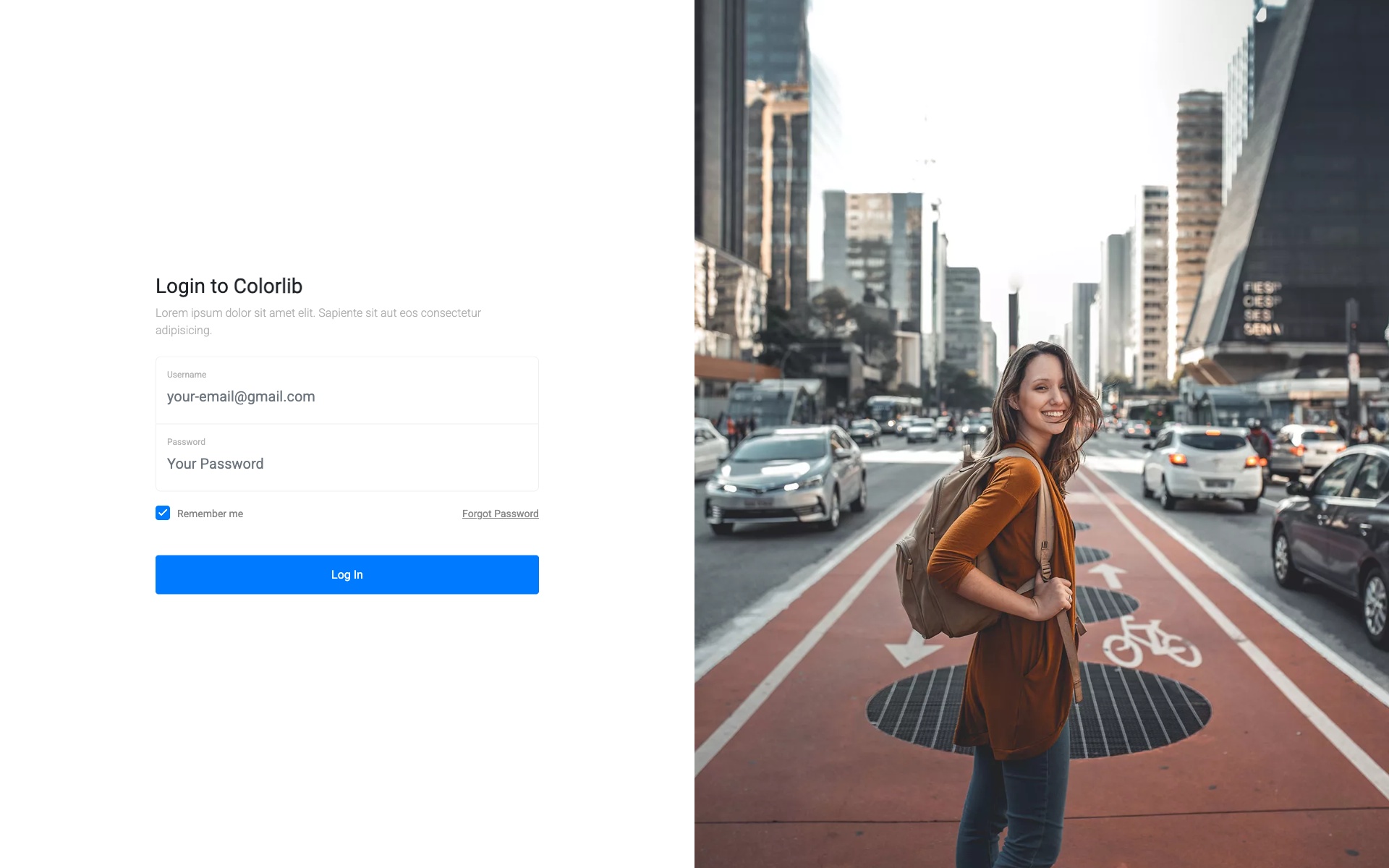
Why we like it: The split-screen layout elegantly balances brand imagery with a clean login area, and the responsive design adapts seamlessly to mobile.
A modern split-screen login form with a beautiful image panel on the left and a clean white login area on the right. Perfect for showcasing brand imagery while maintaining a professional login experience. The responsive design ensures the layout adapts beautifully on mobile devices.
2. Login Form V03 – Dark Theme Login
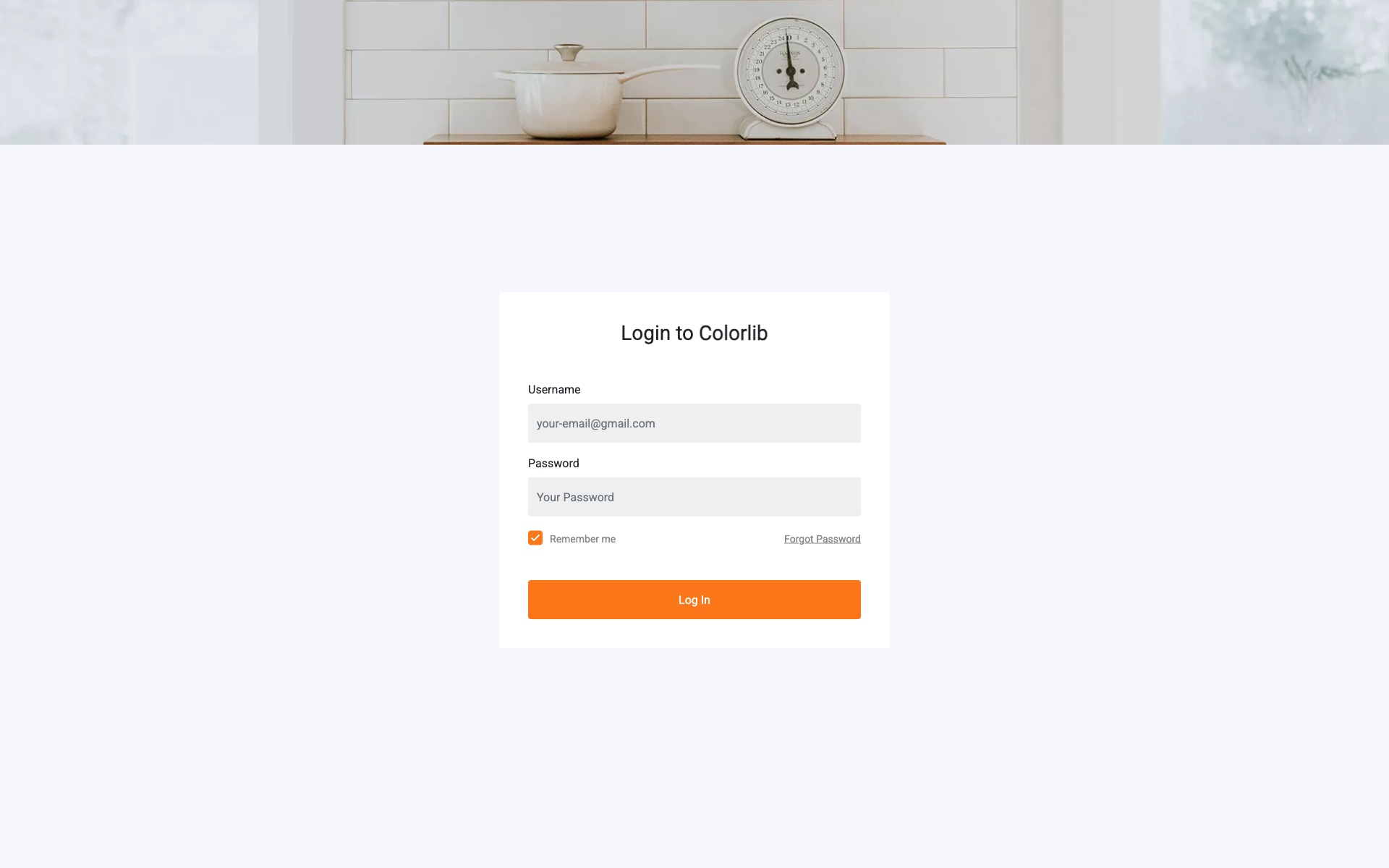
Why we like it: The dark gradient background with glowing input fields creates a striking visual that reduces eye strain in low-light environments.
Dark-themed login form with gradient background and glowing input fields. Includes social media login options and remember me functionality. The dark aesthetic is perfect for modern applications and reduces eye strain in low-light environments.
3. Login Form V05 – Material Design Login
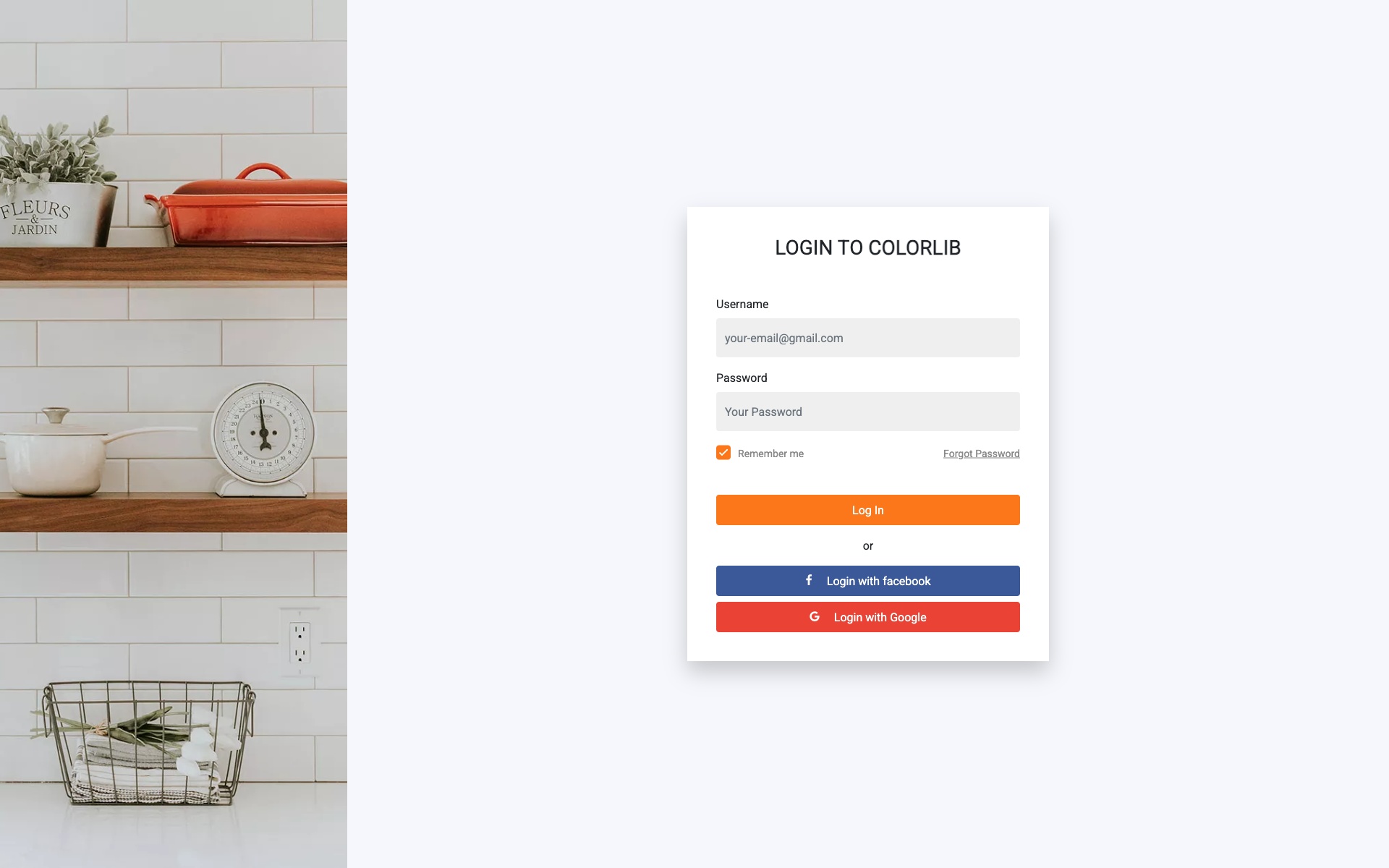
Why we like it: Floating label animations provide clear input field identification and a polished Material Design aesthetic.
Material Design inspired login form with floating labels, card-based layout, and subtle shadow effects for a modern appearance. The floating label animation provides excellent user experience and clearly indicates active input fields.
4. Login Form V07 – Animated Background Login
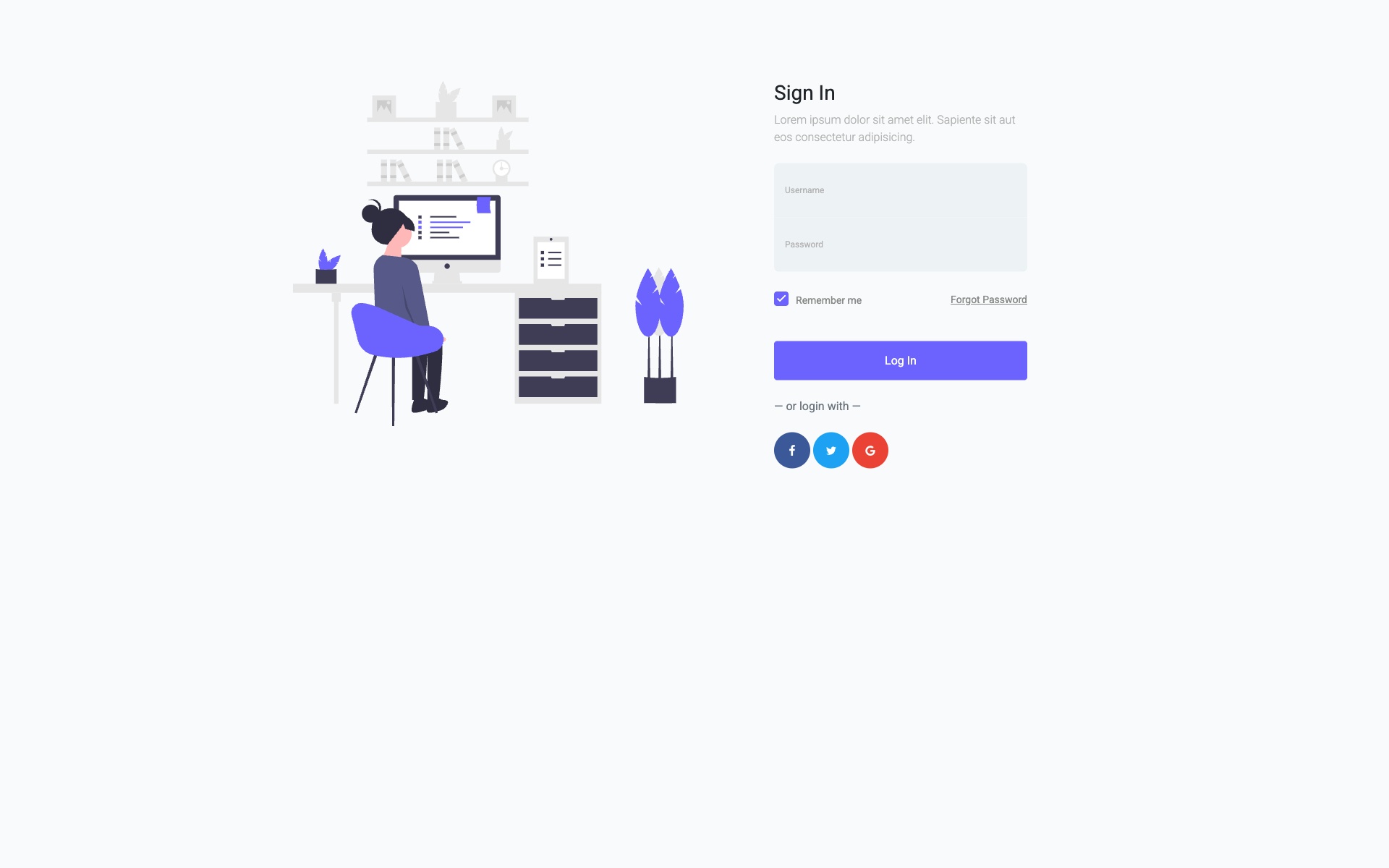
Why we like it: The animated geometric patterns create a memorable first impression without interfering with form usability.
Eye-catching login form with animated geometric background patterns and transparent form overlay. Perfect for tech and creative websites that want to make a strong first impression. The animations are smooth and don’t interfere with form usability.
5. Login Form V09 – Sidebar Login Panel
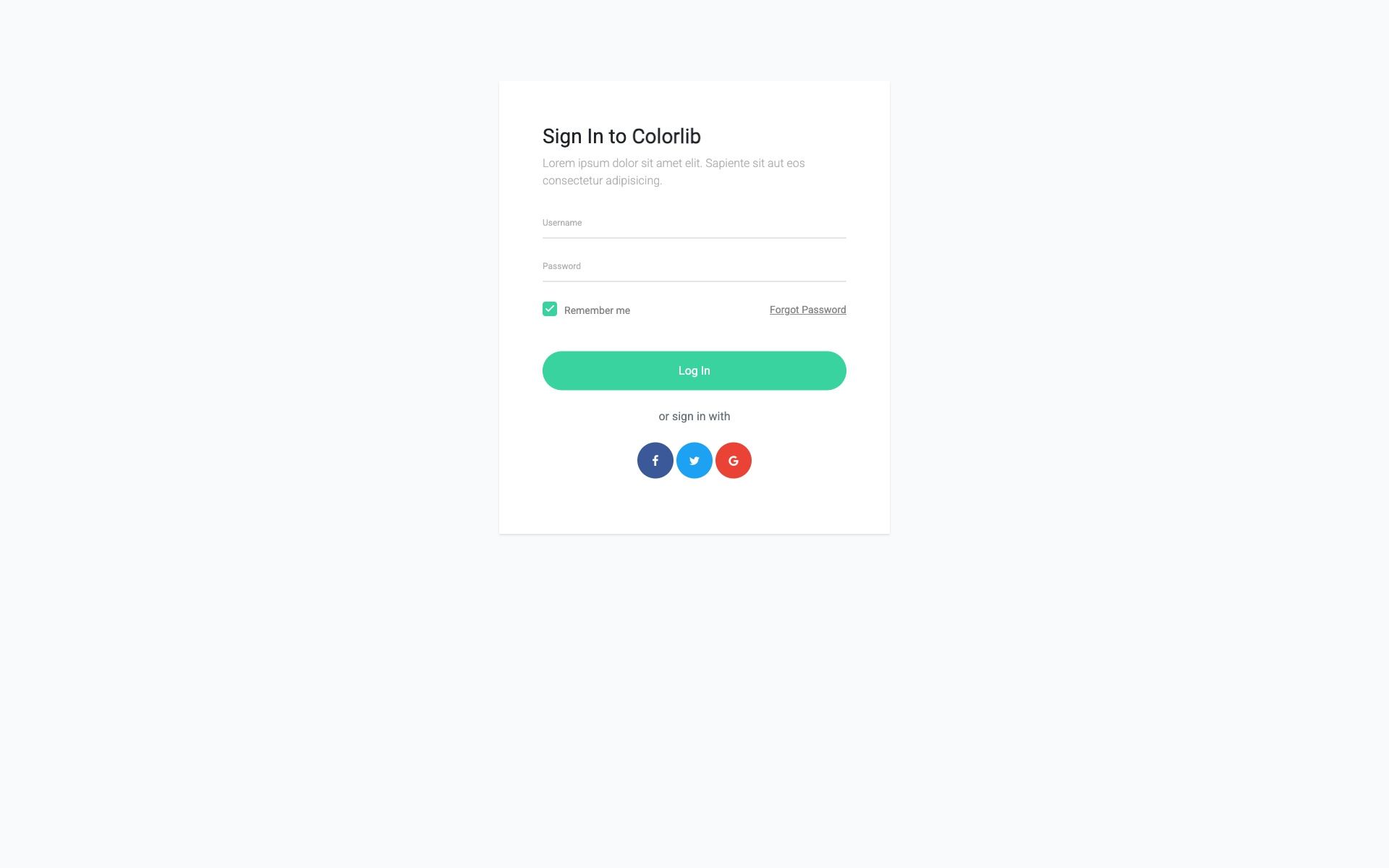
Why we like it: The sidebar approach maximizes visual space for background imagery while keeping the form prominently accessible.
Elegant sidebar-style login panel that slides in from the right with full-screen background image support. This design maximizes the use of visual space while keeping the login form prominently accessible.
6. Login Form V11 – Ultra-Minimal Login
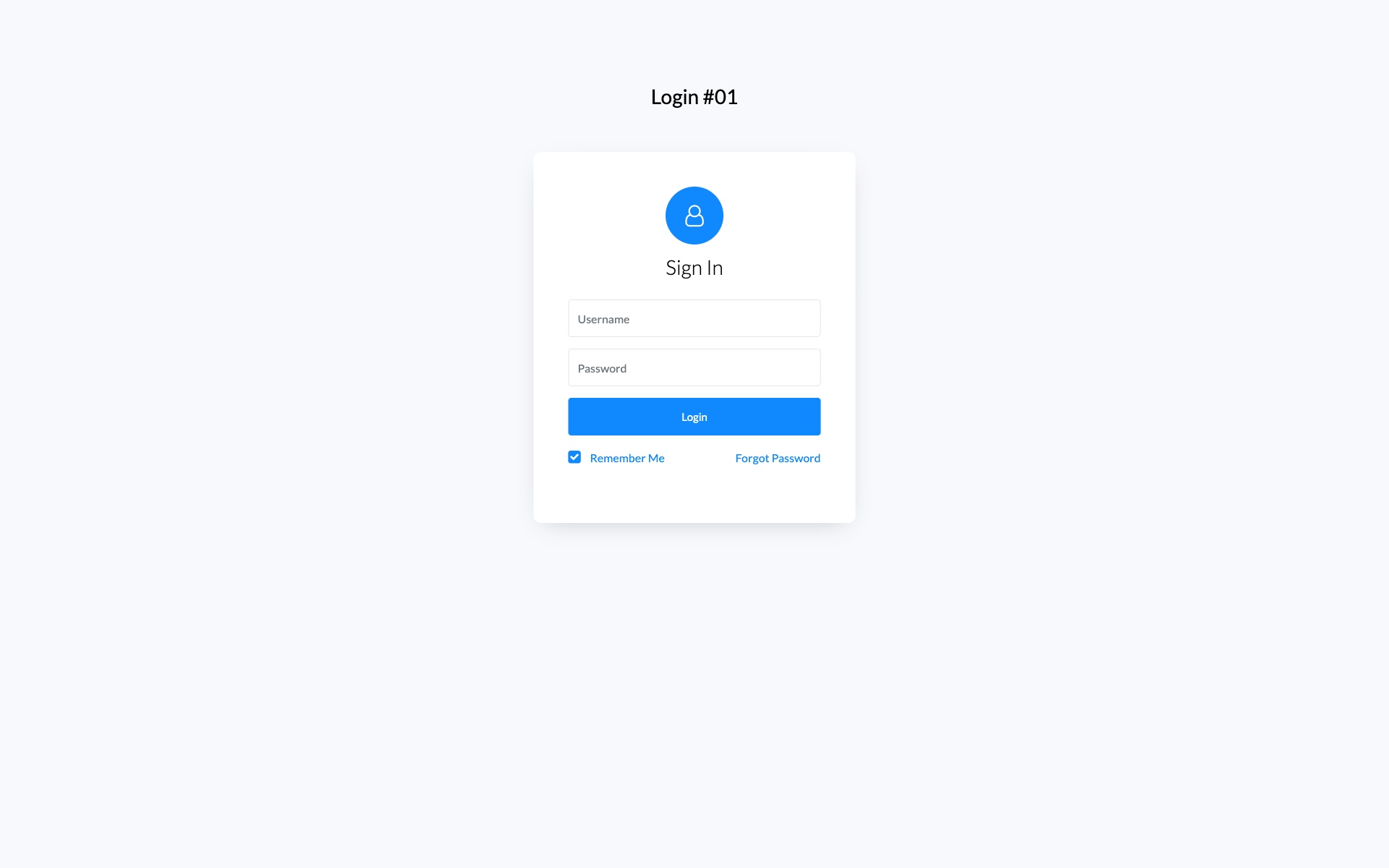
Why we like it: Distraction-free design that puts 100% focus on the login process with generous whitespace and clean typography.
Ultra-minimal login form focusing on typography and generous whitespace. Clean and distraction-free user experience that puts the focus entirely on the login process. Perfect for brands that value simplicity.
7. Login Form V13 – Gradient Card Login
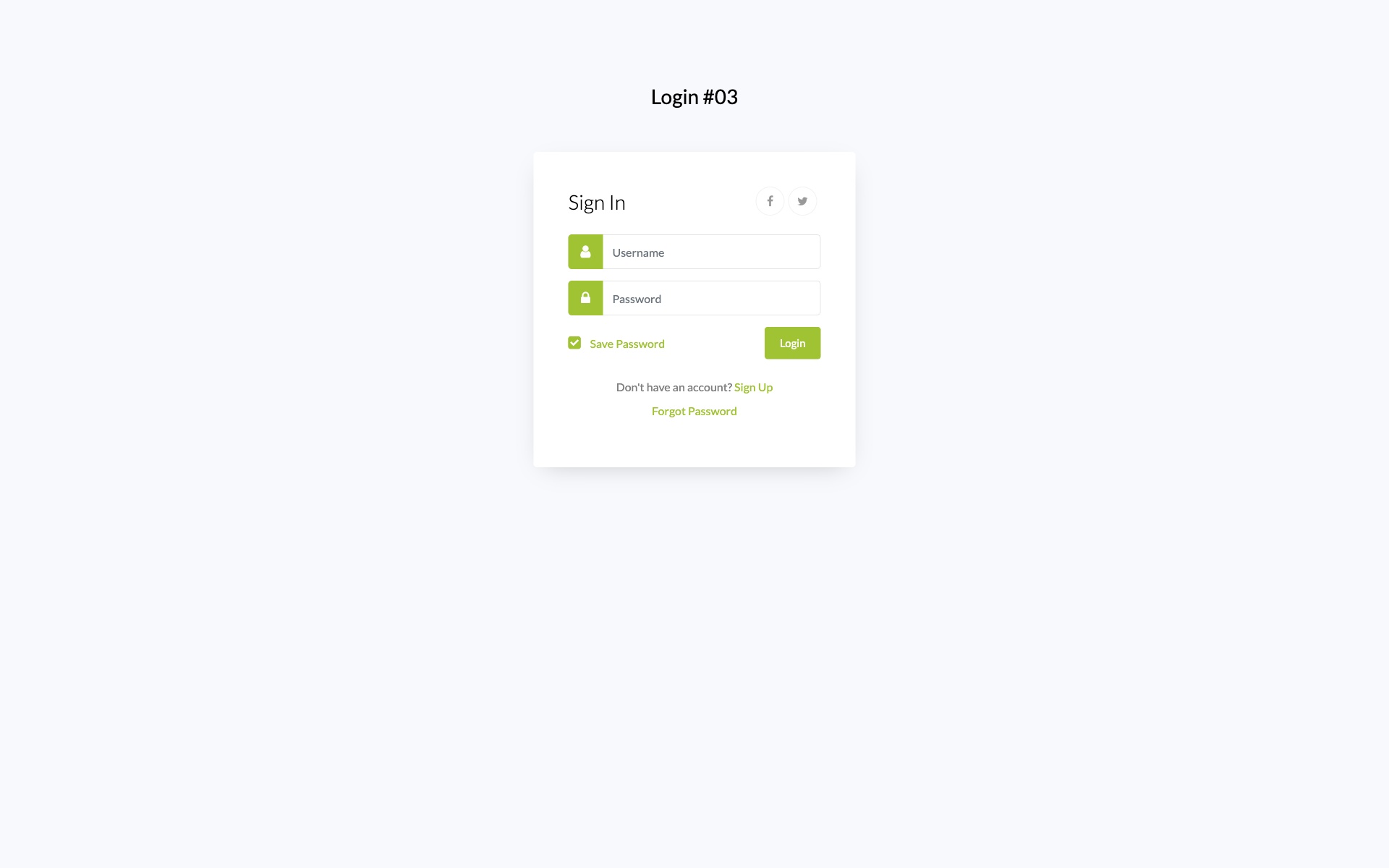
Why we like it: Smooth gradient transitions and soft shadows add visual interest while keeping the form professional and readable.
Beautiful gradient card-based login form with rounded corners, soft shadows, and smooth color transitions. The gradient design adds visual interest while maintaining professionalism and readability.
8. Login Form V15 – Video Background Login
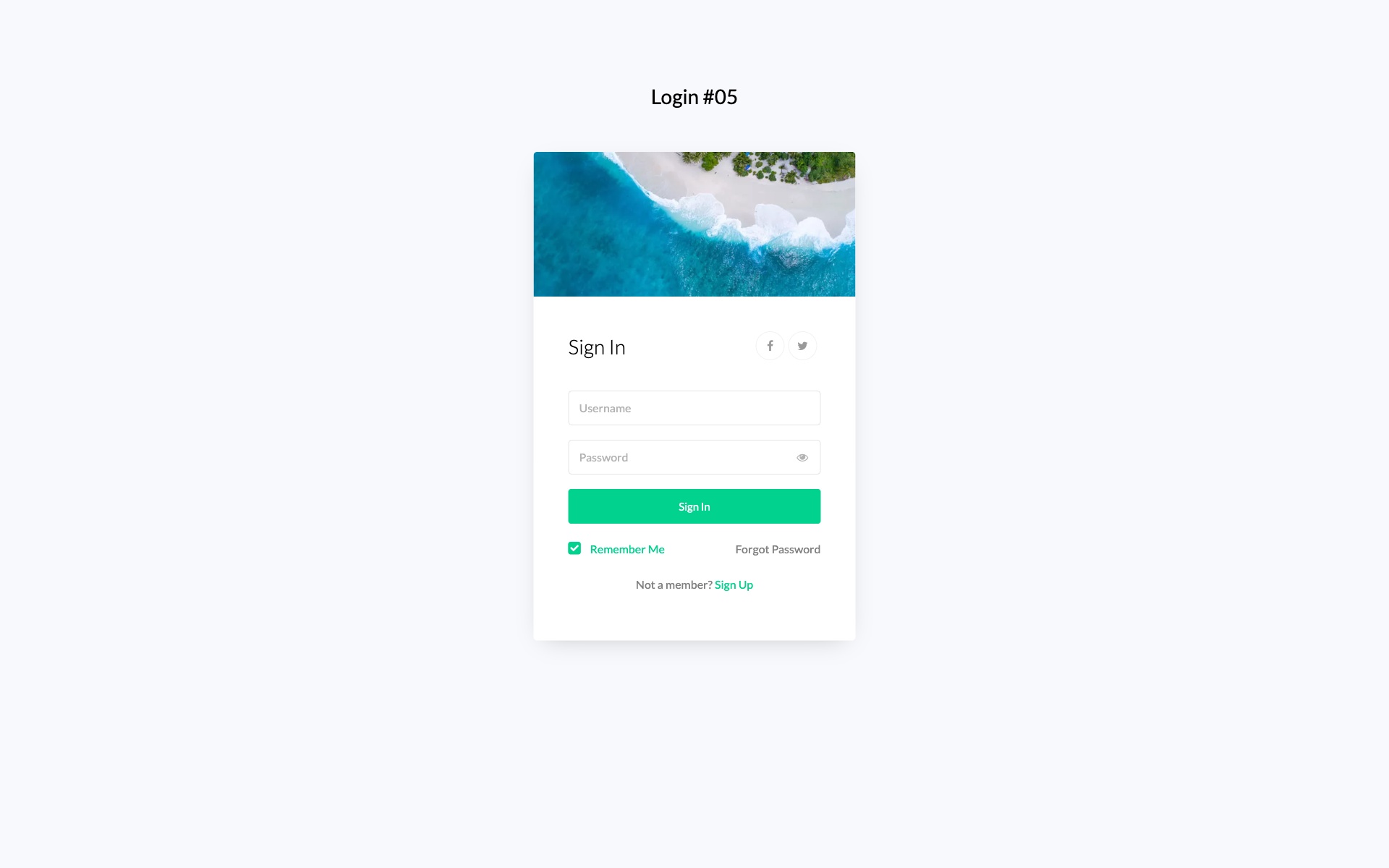
Why we like it: Video background support creates an immersive experience, with a semi-transparent overlay keeping the form readable.
Dynamic login form with video background support and semi-transparent overlay. Creates an immersive login experience perfect for entertainment, gaming, or creative industry websites.
9. Login Form V17 – Neumorphic Login Design
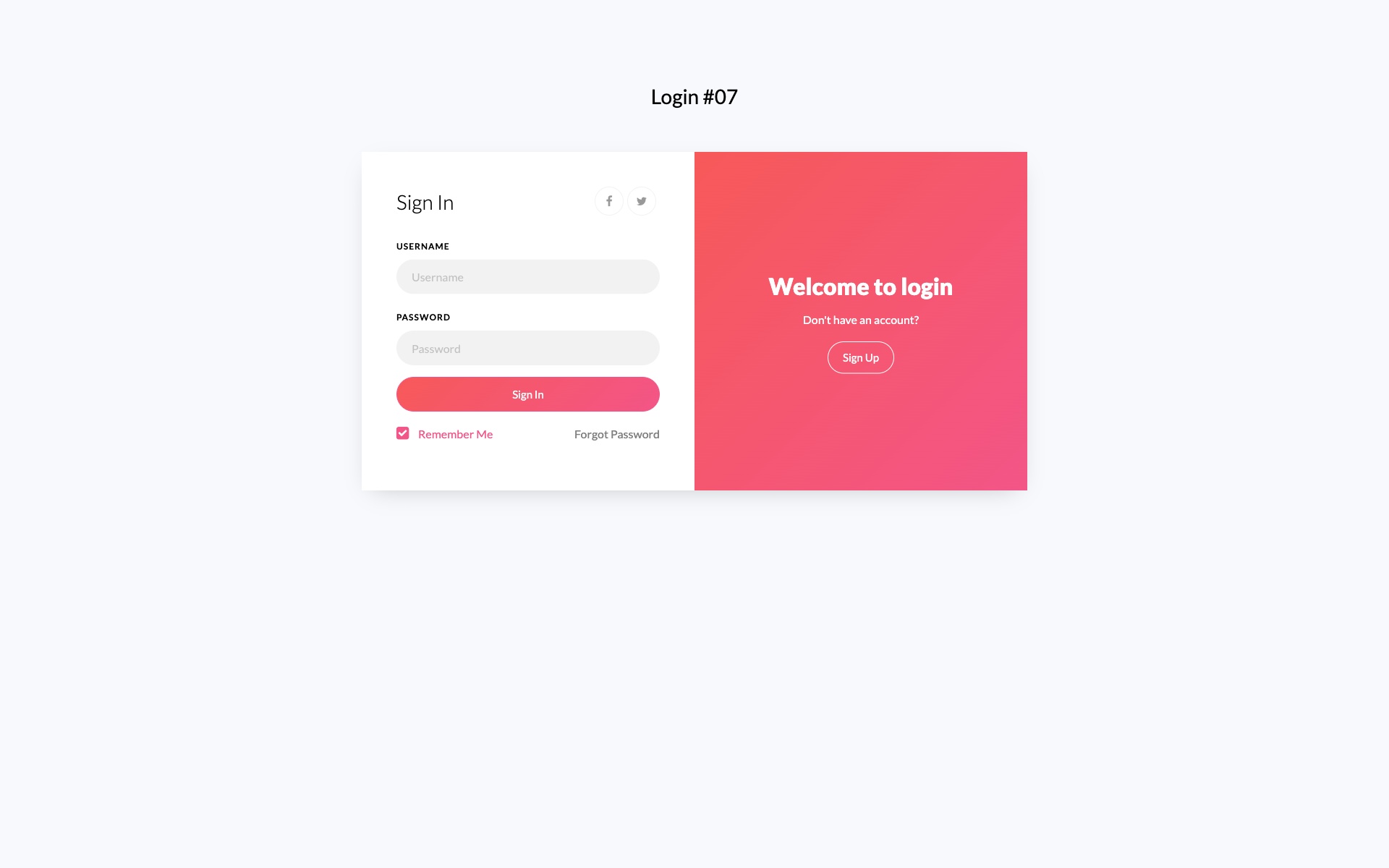
Why we like it: The neumorphic 3D effect creates depth without traditional borders, following one of the most popular modern design trends.
Trendy neumorphic design login form with soft shadows and extruded elements creating a 3D effect. This modern design trend creates depth without using traditional borders or harsh shadows.
10. Login Form V19 – Avatar-Focused Login
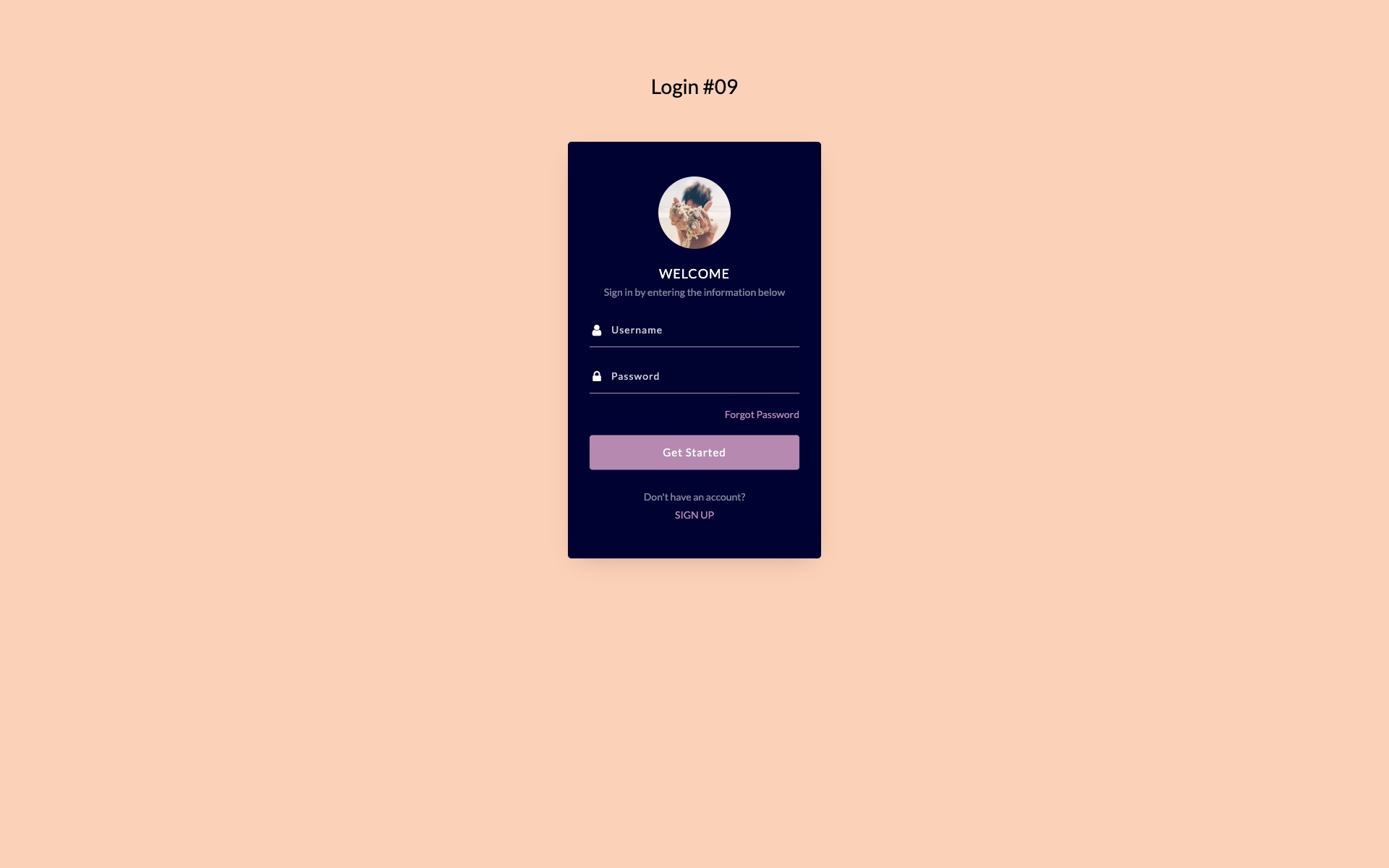
Why we like it: The avatar-focused layout adds a personal touch that enhances user identity and makes returning users feel welcomed.
Avatar-focused login form with vertical layout and user profile image display. Perfect for personalized user experiences and applications where user identity is important.
11. Login Form V02 – Classic Professional Login
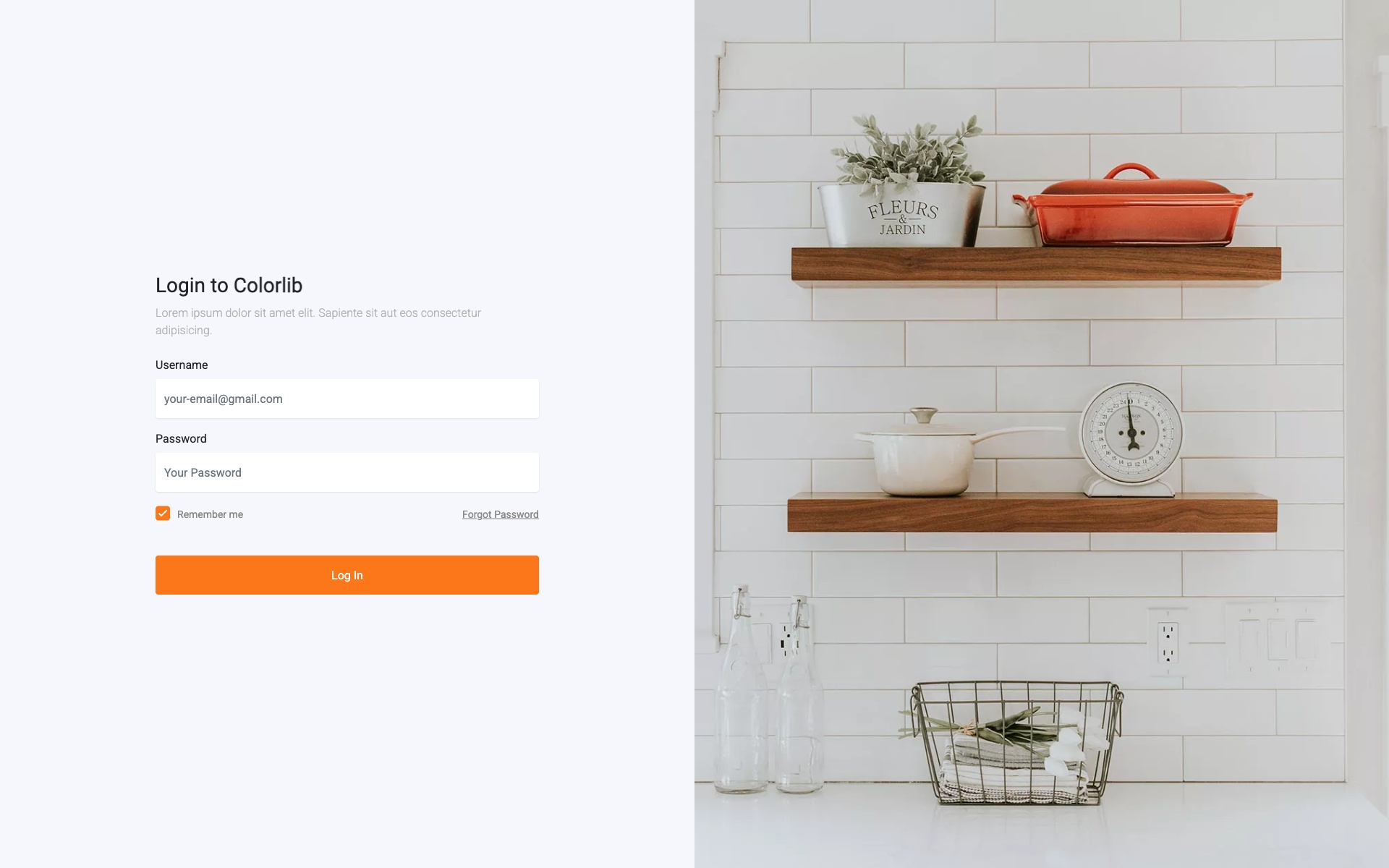
Why we like it: The classic blue accents and clean layout instill trust — exactly what enterprise users expect from a login page.
Traditional professional login form with blue accents and clean layout. Perfect for enterprise applications and business portals requiring a trustworthy and familiar interface.
12. Login Form V04 – Two-Tone Design
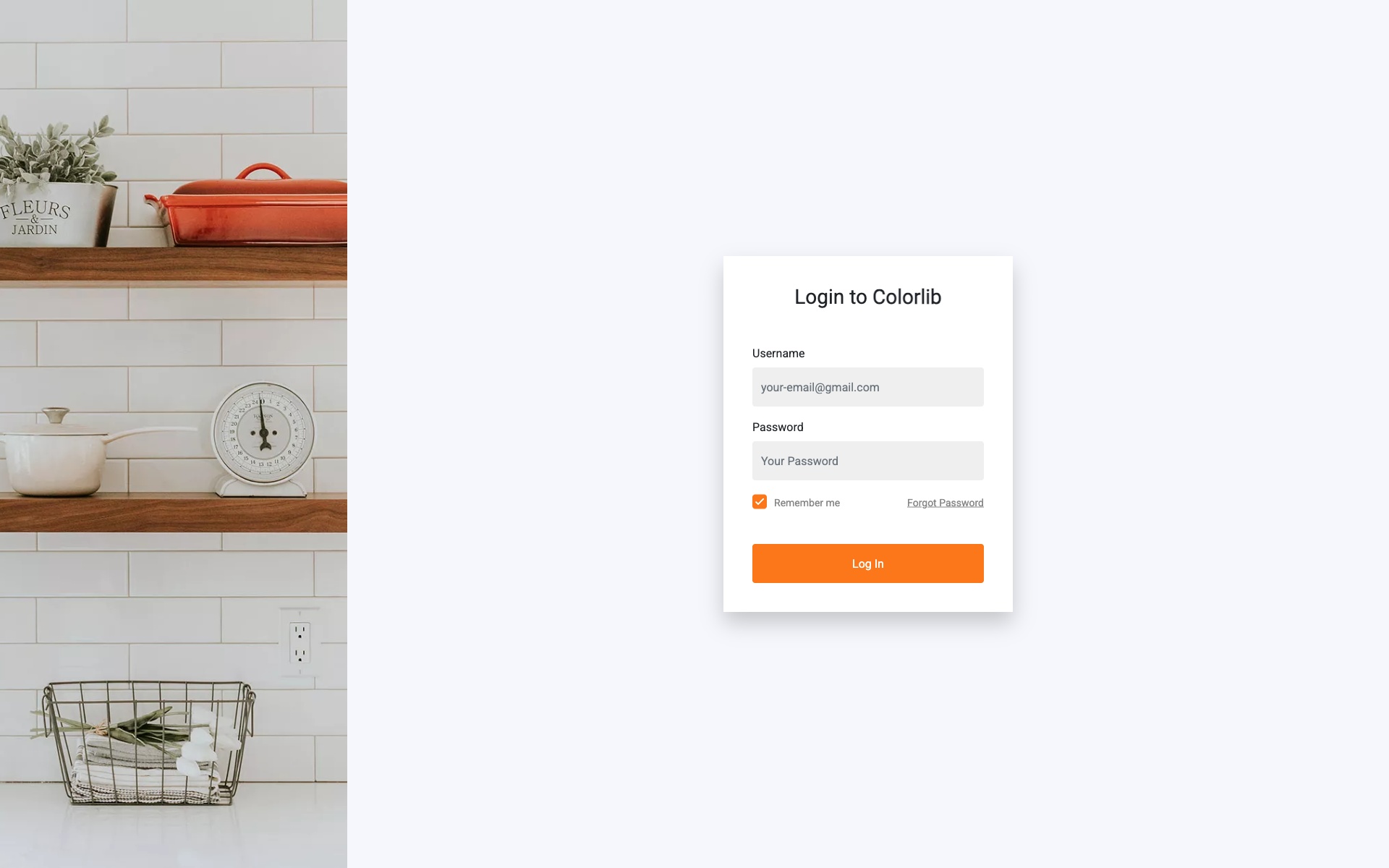
Why we like it: Bold contrasting colors create strong visual hierarchy that naturally guides users to the login fields.
Creative two-tone color scheme with bold typography. The contrasting colors create visual hierarchy and guide the user’s attention effectively to the login fields.
13. Login Form V06 – Centered Card Login
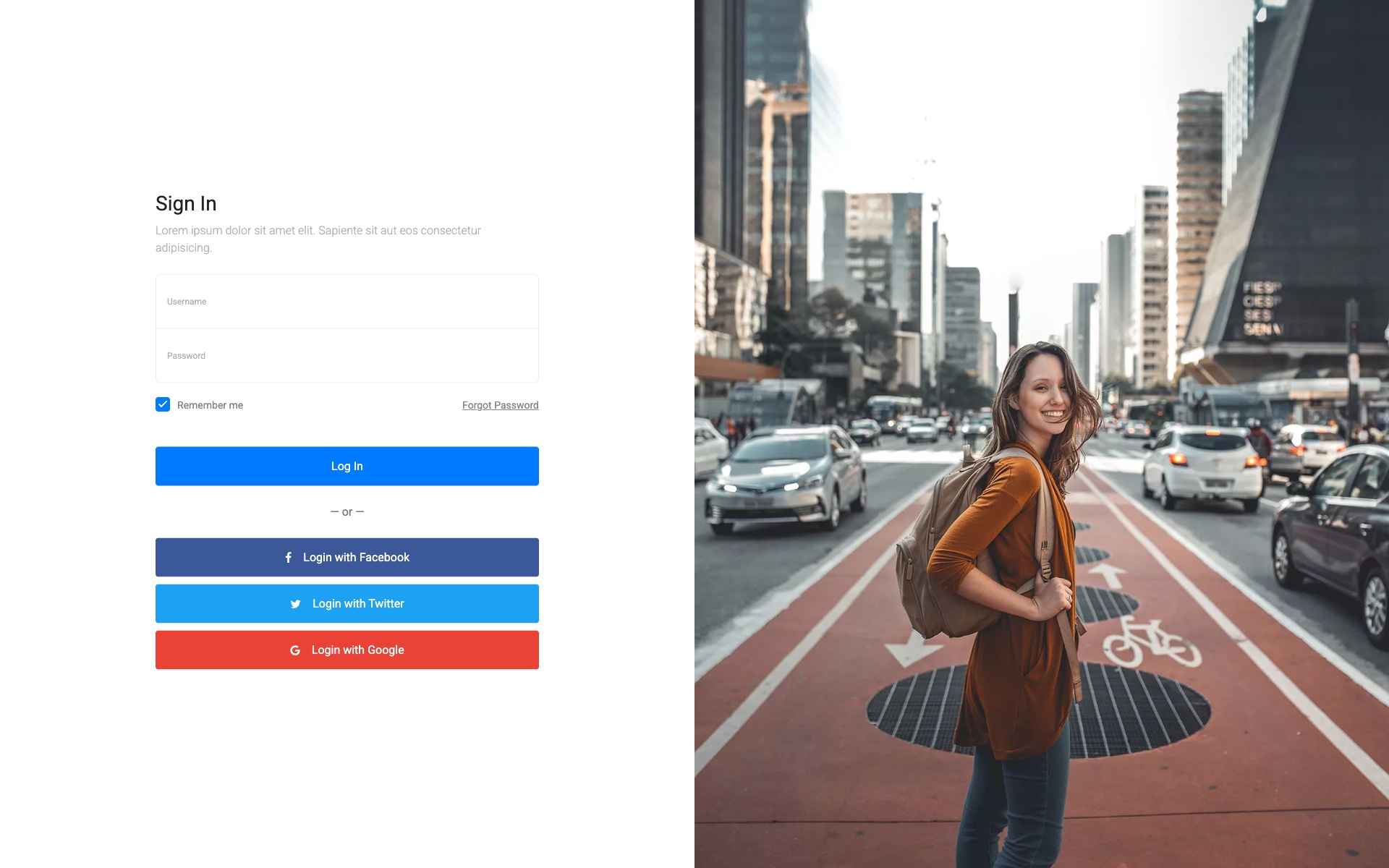
Why we like it: A timeless centered card pattern that works universally — impossible to go wrong with this classic approach.
Classic centered card design with shadow effects and clean typography. A timeless design that works for any type of website or application.
14. Login Form V08 – Diagonal Split Design
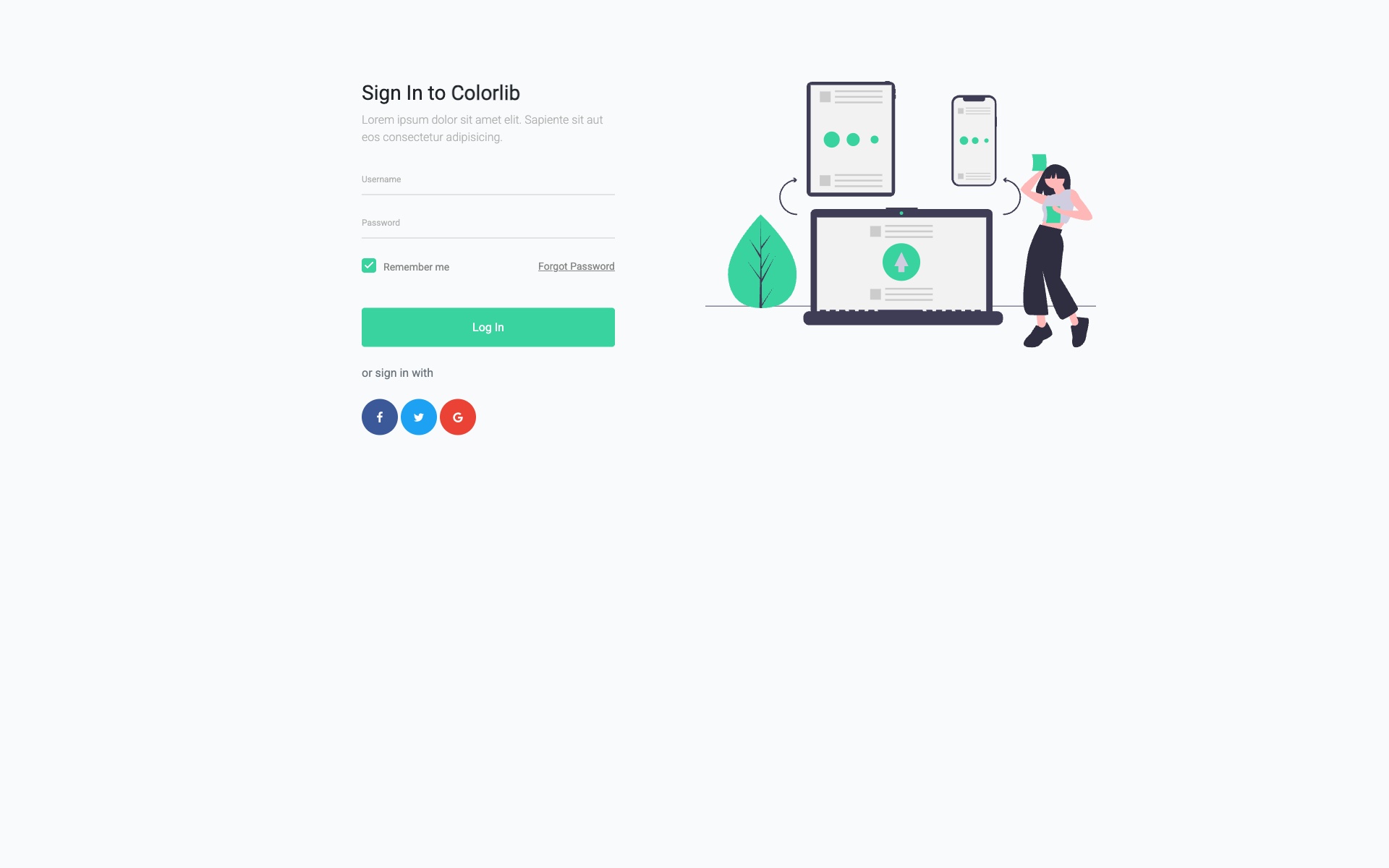
Why we like it: The diagonal geometric split adds dynamism and energy while still maintaining a professional appearance.
Unique diagonal split design creating visual interest with geometric shapes. The angular design adds dynamism while maintaining professional appearance.
15. Creative Login Form – Purple Gradient

Why we like it: The vibrant purple gradient makes a bold brand statement while the card design keeps the form clean and usable.
Vibrant purple gradient login form with modern card design and smooth color transitions. The bold color choice makes a strong brand statement while maintaining usability.
16. Professional Sign In – Business Blue
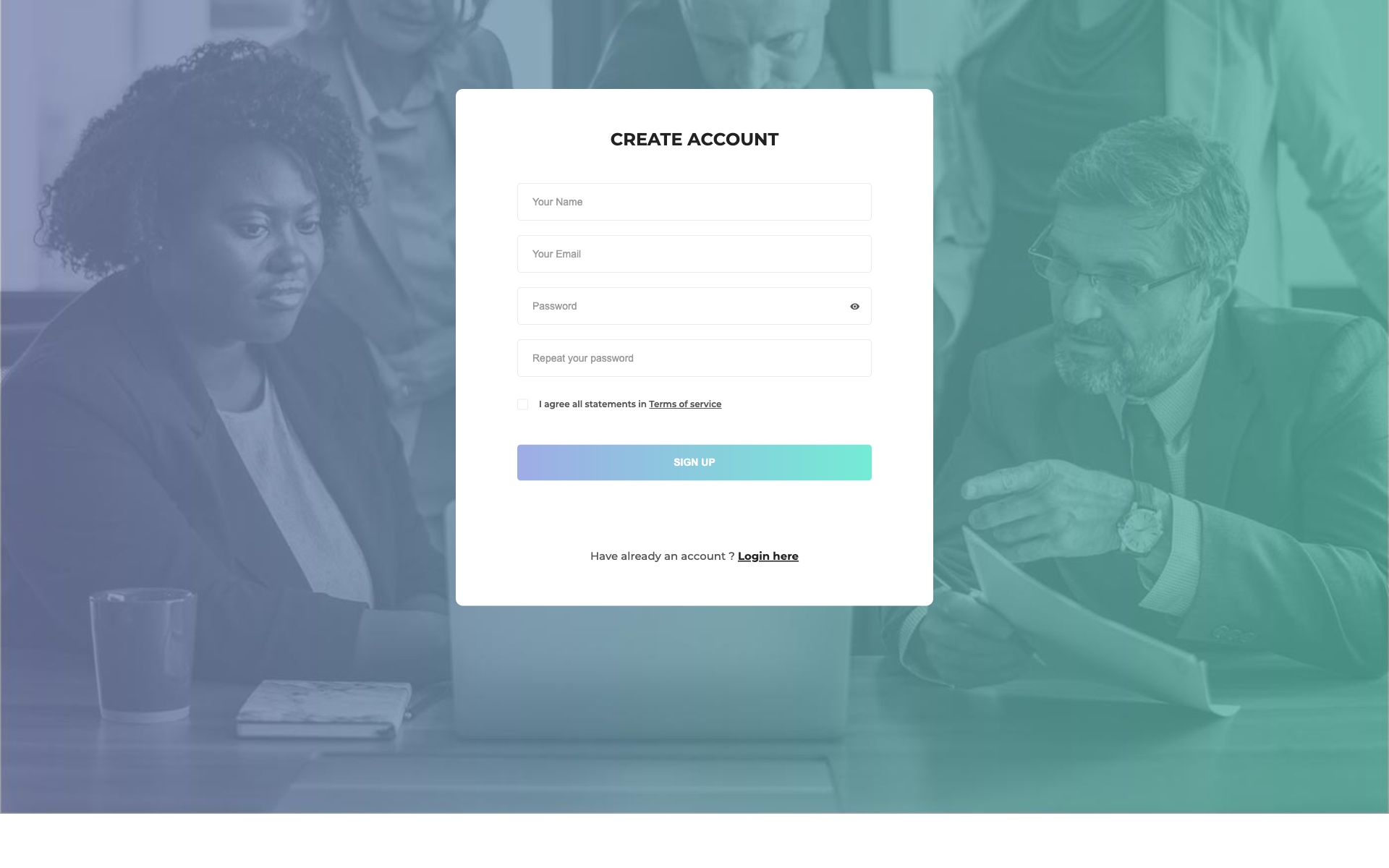
Why we like it: Conservative blue design that immediately communicates trust and professionalism — ideal for corporate environments.
Professional blue-themed sign-in form perfect for corporate and business applications. The conservative design instills trust and professionalism.
17. Soft Login Panel – Pastel Design
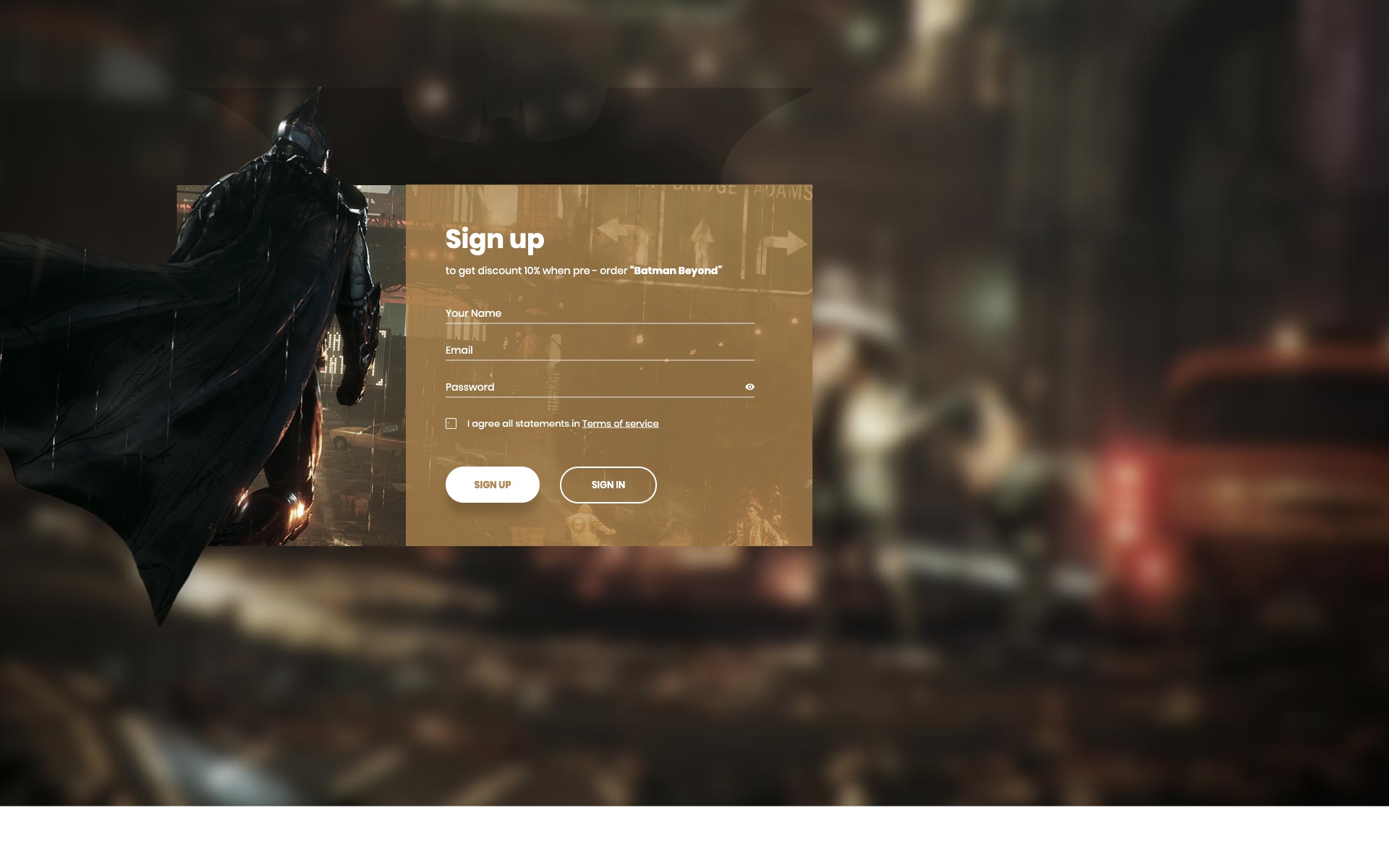
Why we like it: The soft pastel palette and rounded corners create an approachable, friendly feel perfect for non-technical audiences.
Soft and approachable login panel with rounded corners and pastel color palette. Ideal for wellness, lifestyle, or education platforms.
18. Two-Column Auth Form
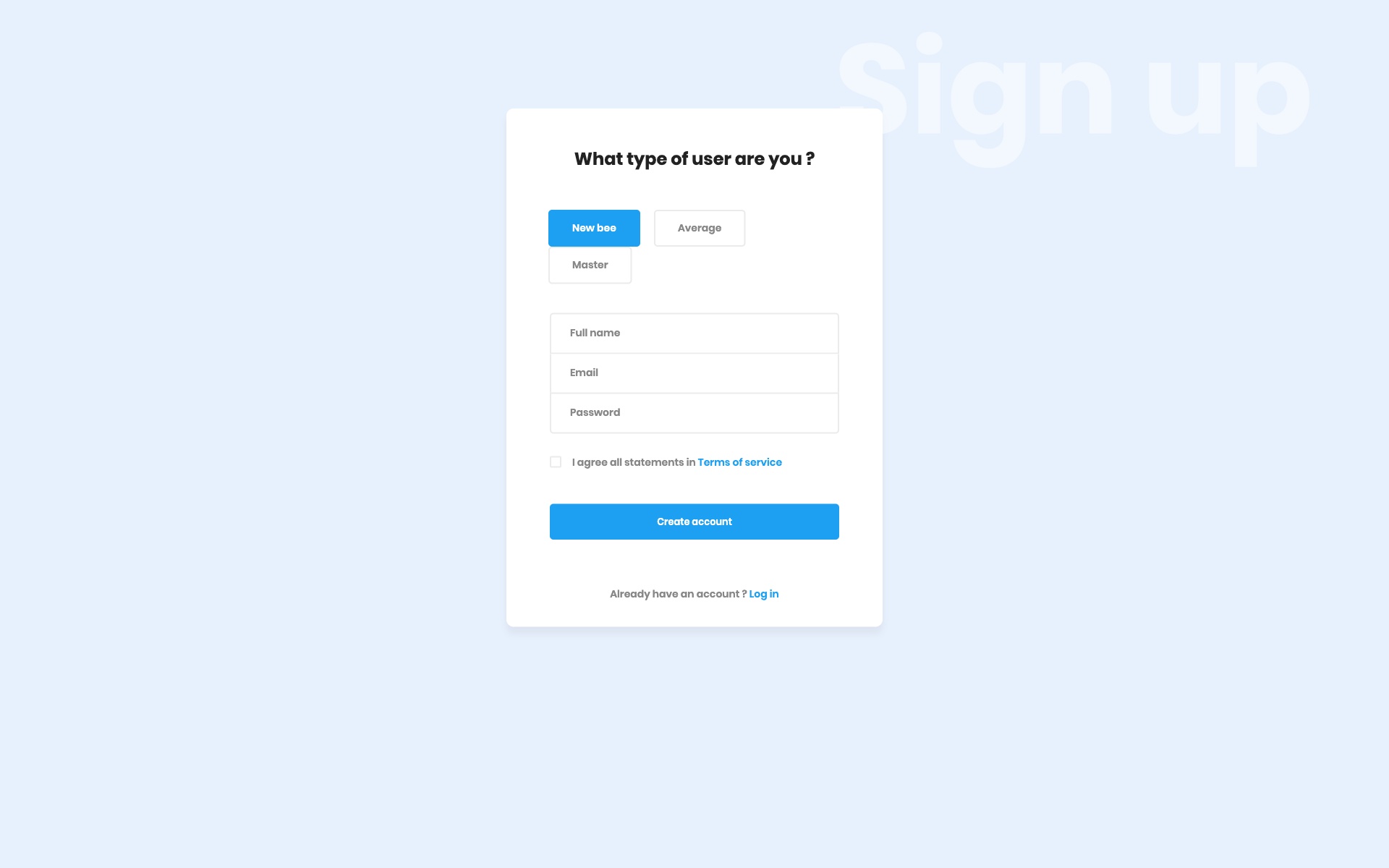
Why we like it: Combining login and registration in one view reduces friction for new users while keeping quick access for returning ones.
Efficient two-column layout allowing users to switch between login and registration seamlessly. Reduces friction for new users while maintaining quick access for returning users.
19. Icon-Enhanced Secure Login
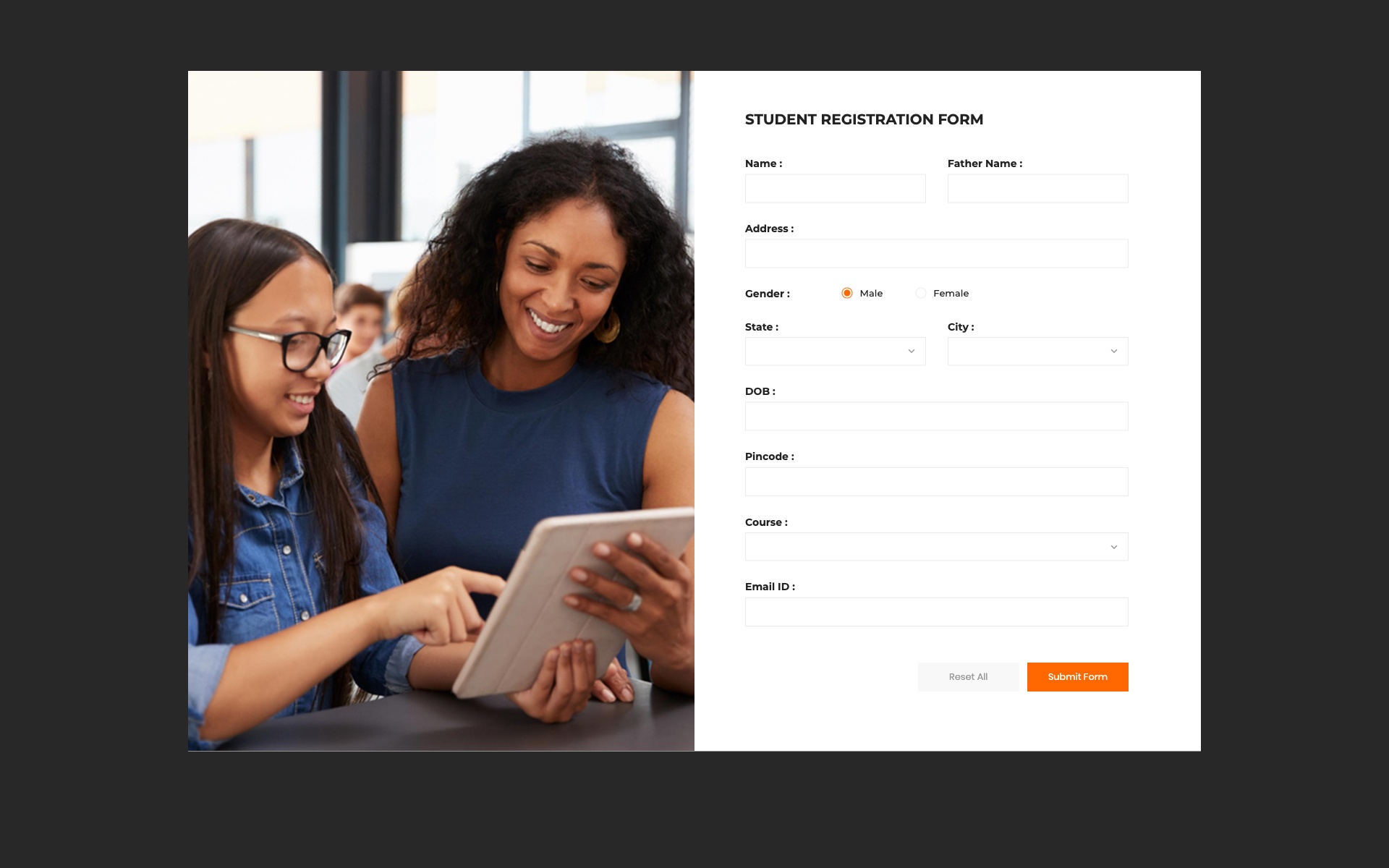
Why we like it: Icon-enhanced fields and security indicators help users quickly identify inputs and feel confident about data safety.
Security-focused login form with icon-enhanced fields and visual security indicators. The icons help users quickly identify input fields and security features.
20. Modern Auth – Sliding Panels
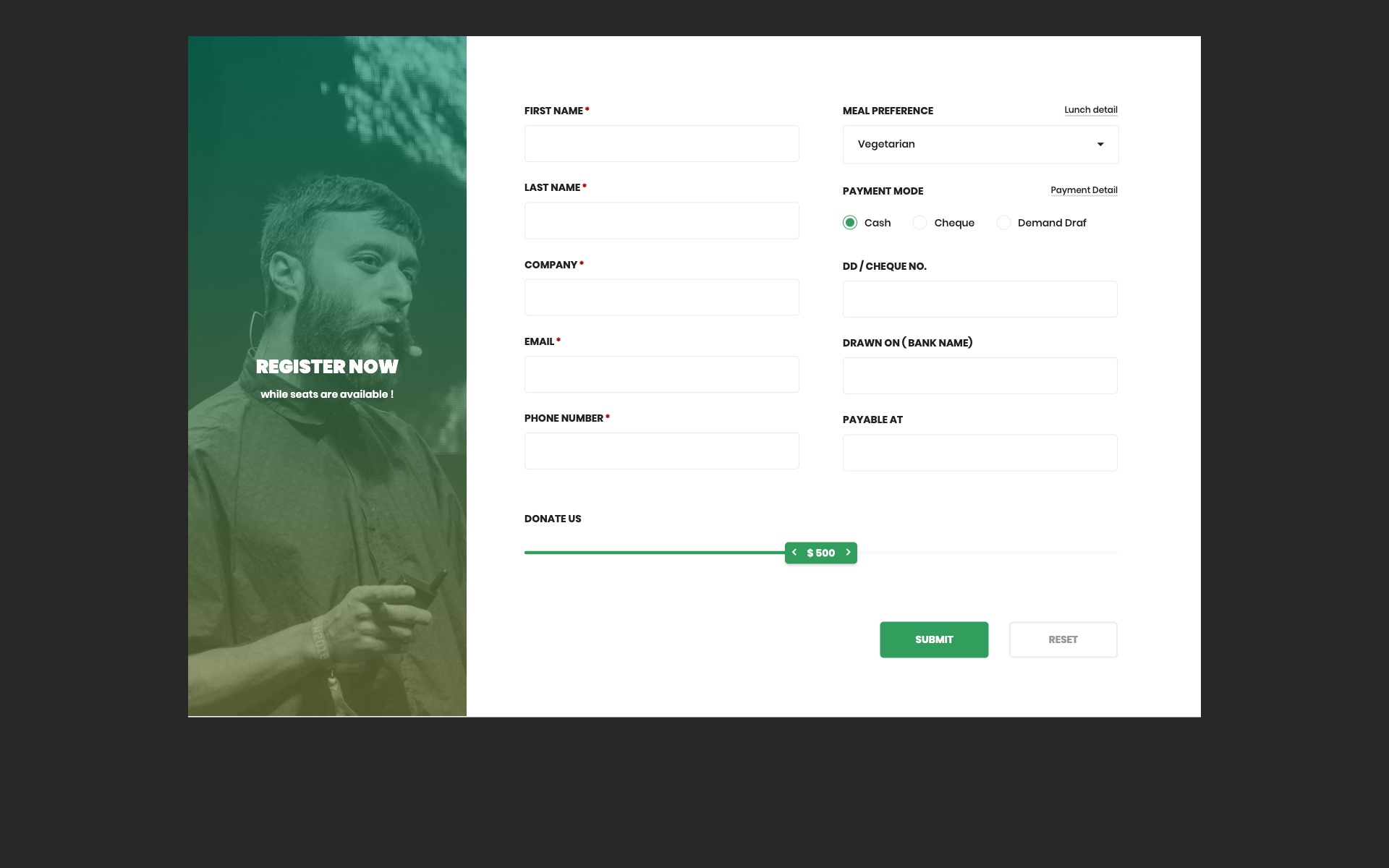
Why we like it: The sliding panel animation between login and signup creates a polished, app-like experience that reduces page navigation.
Interactive sliding panel design allowing smooth transitions between login and signup modes. The animation creates an engaging user experience.
21. Elegant Sign In – Centered Design
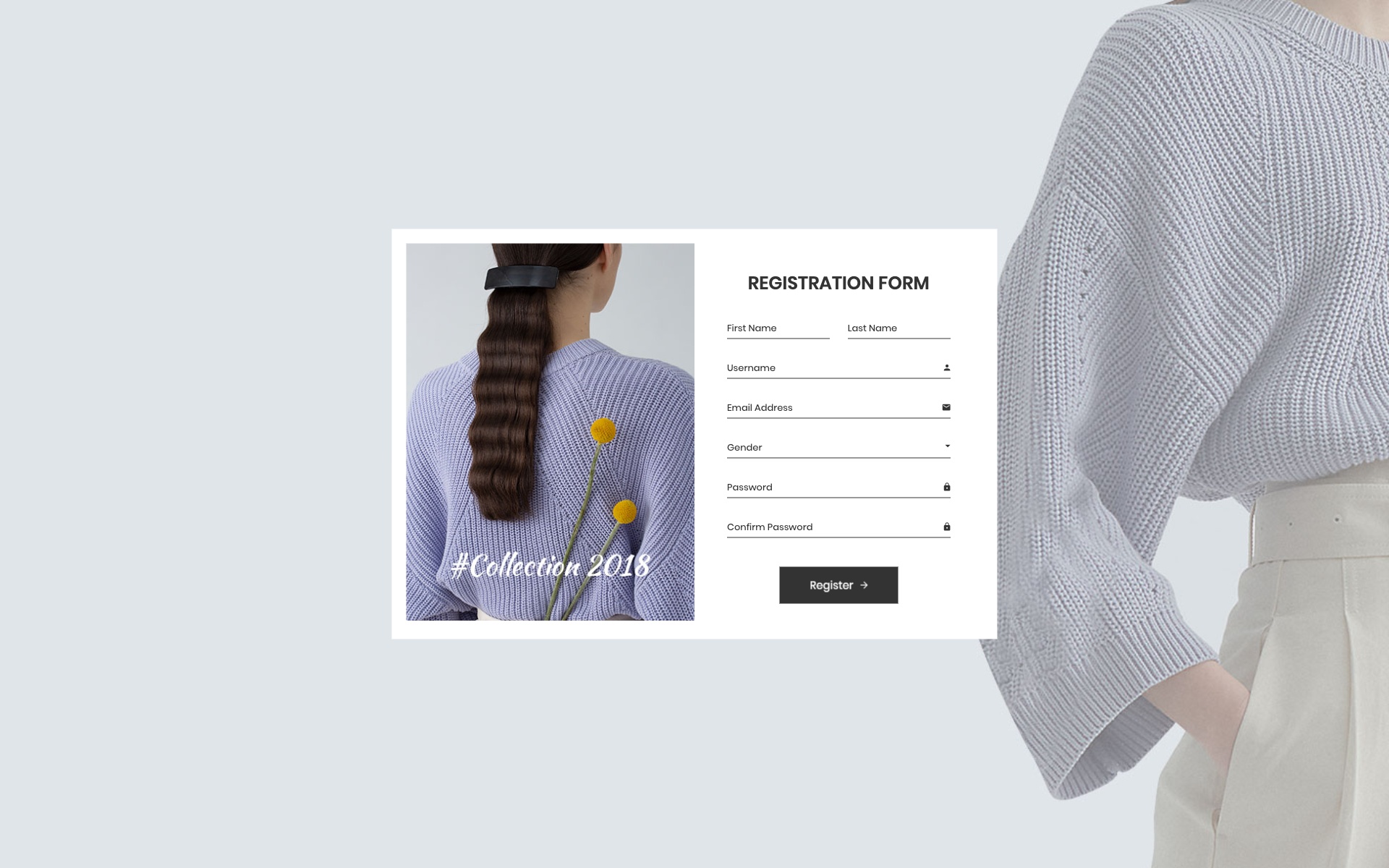
Why we like it: Perfectly balanced typography and visual hierarchy make this form effortless to use at first glance.
Elegantly centered login form with balanced typography and perfect visual hierarchy. The design focuses on clarity and ease of use.
22. Login Widget – Compact Design
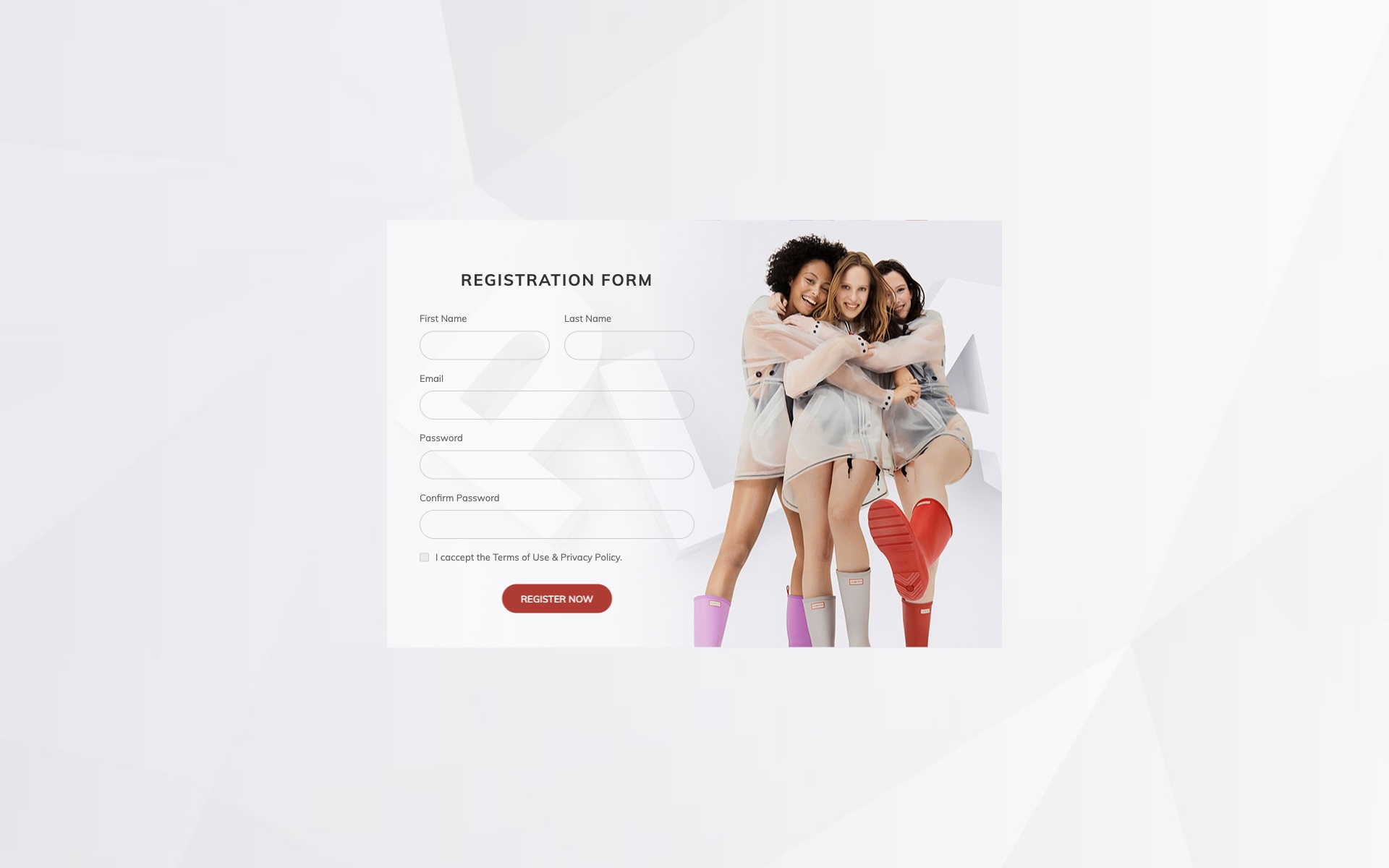
Why we like it: The compact footprint makes it uniquely versatile — embed it in a sidebar, modal, or any tight layout.
Compact and versatile login widget that can be easily embedded into any webpage layout. Perfect for sidebars or modal implementations.
23. Enterprise Access Portal
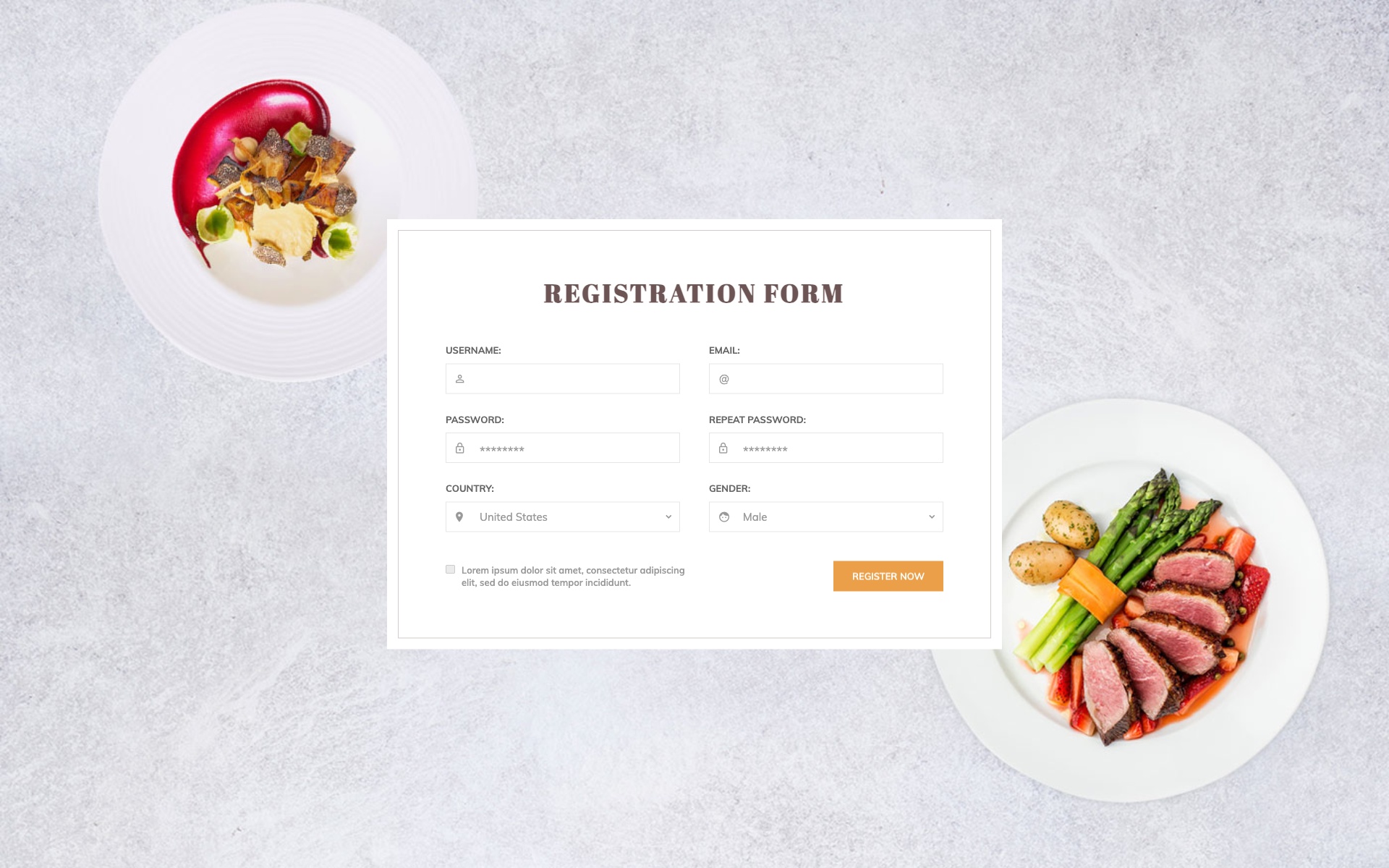
Why we like it: Enterprise-grade styling with a professional appearance that meets corporate authentication standards out of the box.
Enterprise-grade login portal with advanced security features and professional appearance. Designed for large organizations with complex authentication requirements.
24. Speed-Optimized Login
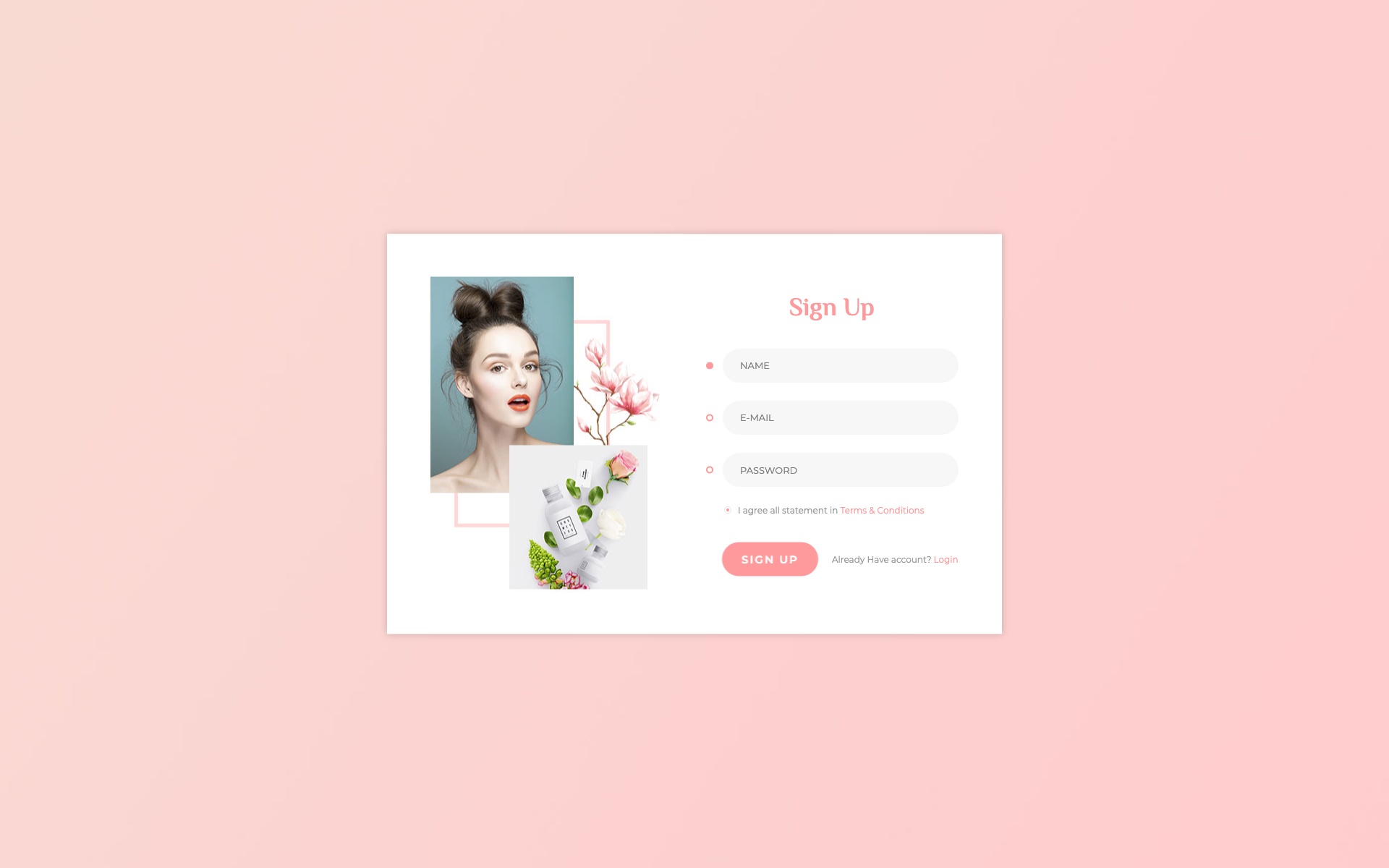
Why we like it: Every element is optimized for minimal loading time, making it ideal for users on slow connections or mobile networks.
Speed-optimized login form designed for minimal loading time and reduced user friction. Every element is optimized for performance.
25. Admin Dashboard Login

Why we like it: Role selection and dashboard access features make it ready-made for multi-user systems with different permission levels.
Admin-focused login form with role selection and dashboard access features. Perfect for multi-user systems with different permission levels.
Key Features Comparison
| Feature | Basic Forms | Advanced Forms | Enterprise Forms |
|---|---|---|---|
| Social Login Integration | Optional | Included | Customizable |
| Two-Factor Authentication | — | Optional | Built-in |
| Password Recovery | Link | Modal | Multi-step |
| Remember Me Option | Yes | Yes | Yes + Session Management |
| Form Validation | Client-side | Real-time | Advanced + Server-side |
Implementation Tips
Quick Integration Guide
- Download the template — Choose your preferred design from the collection above
- Extract files — Unzip the downloaded package to your project directory
- Link Bootstrap — Ensure Bootstrap CSS and JS are properly linked
- Customize colors — Modify the CSS variables to match your brand
- Add validation — Implement client and server-side form validation
- Connect backend — Link the form action to your authentication system
- Test responsiveness — Verify the form works on all device sizes
Conclusion
This comprehensive collection of 25 Bootstrap login forms provides everything you need to create professional, secure, and user-friendly authentication experiences. From minimal designs to feature-rich enterprise solutions, these templates cover every use case.
Remember that a well-designed login form is often the first interaction users have with your application. Make it count by choosing a template that aligns with your brand identity. All templates are built on Bootstrap 5 and user expectations. All templates are free, responsive, and ready to integrate into your projects today.
You Might Also Like

Comments (No Comments)