20 Best Free Bootstrap Sidebars 2026

You can quickly create a proper navigation (or something else) for your website to benefit from with our extensive review of Bootstrap sidebars.
Everyone knows the importance of a sidebar, but if you pick a template, you may choose an unreliable one.
Hence, we tested 30+ to bring you this condensed, powerful, practical list of various sidebars.
They all have different styles and designs, even for different purposes. But they all share modern technologies, responsiveness, and user-friendly code. If you need other Bootstrap UI components, check out our Bootstrap footers, Bootstrap admin panels, and free Bootstrap 5 templates.
Note: All these templates are FREE of charge. How cool is that?
You have nothing to lose yet all to gain. Enjoy!
Best Bootstrap Sidebars
We couldn’t decide which is our favorite because the template suits different purposes, so the list below is in no particular order.
1. Colorlib Sidebar V01
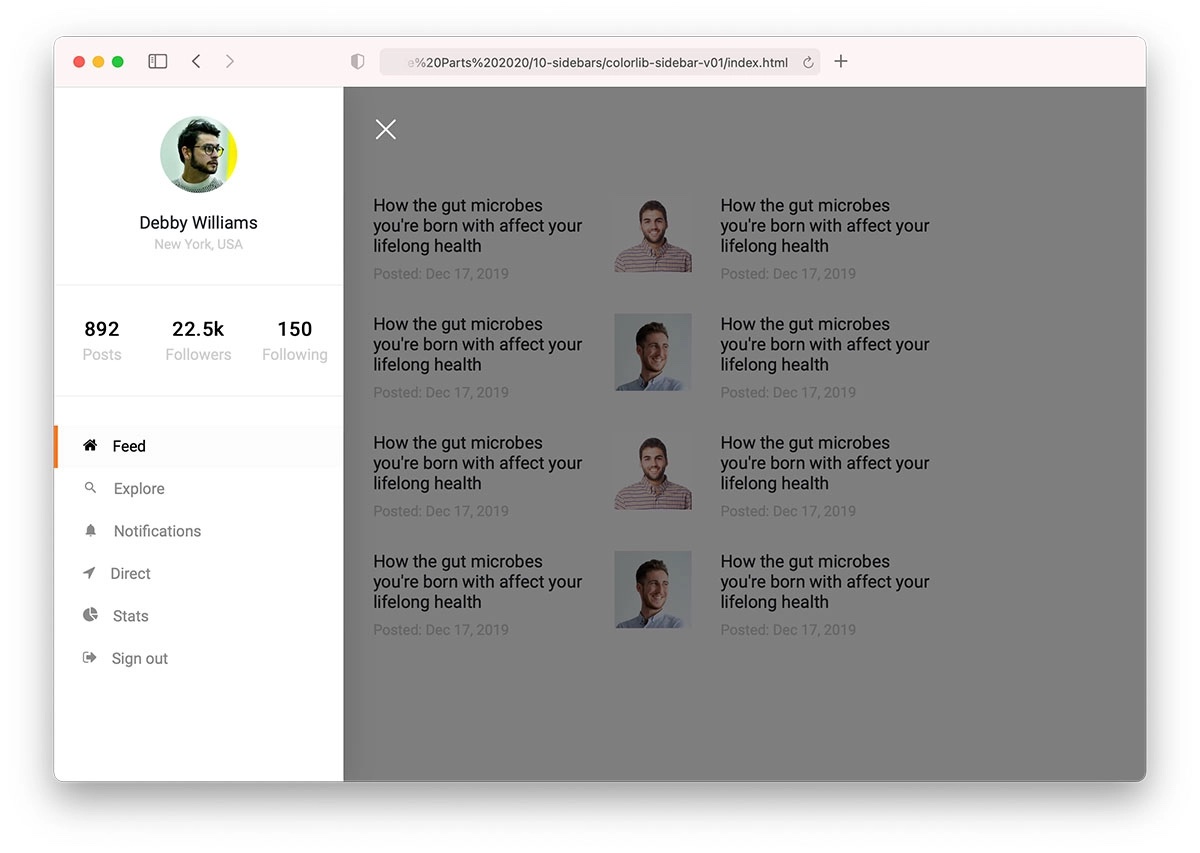
Why we like it: Perfect community-type sidebar with dimmed overlay effect and modern off-canvas design.
Colorlib Sidebar V01 is an ideal sidebar template for community-type websites and platforms. It appears from the left side and dims the rest of the page to highlight its content.
Keep in mind that you can opt for the default configurations or make adjustments. In other words, you can make Colorlib Sidebar V01 serve your project exclusively, which it will!
2. Colorlib Sidebar V02
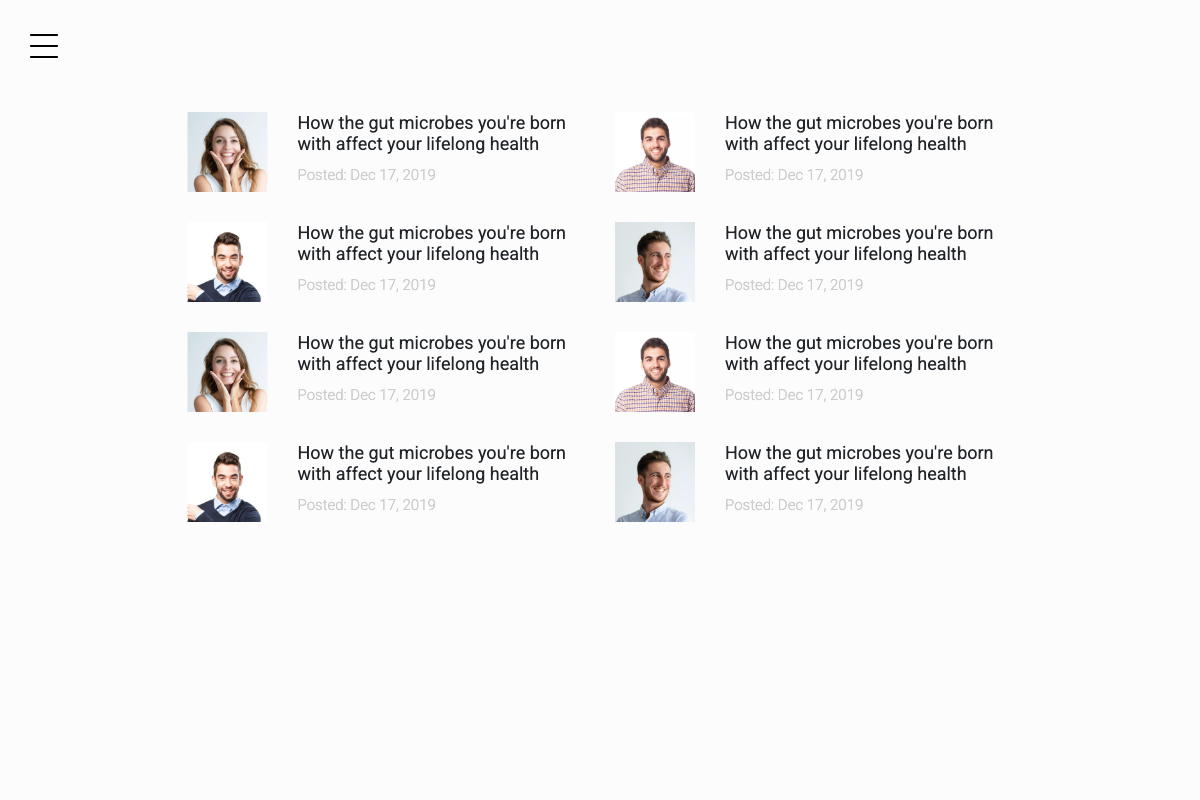
Why we like it: Minimal user profile sidebar with larger profile image, approval checkmarks, and social statistics display.
Colorlib Sidebar V02 focuses on user profiles and social features, displaying profile information with clean typography and intuitive layout. Perfect for social platforms, community sites, and user-centric applications requiring profile navigation. Features responsive design with mobile-optimized touch interactions.
3. Colorlib Sidebar V03
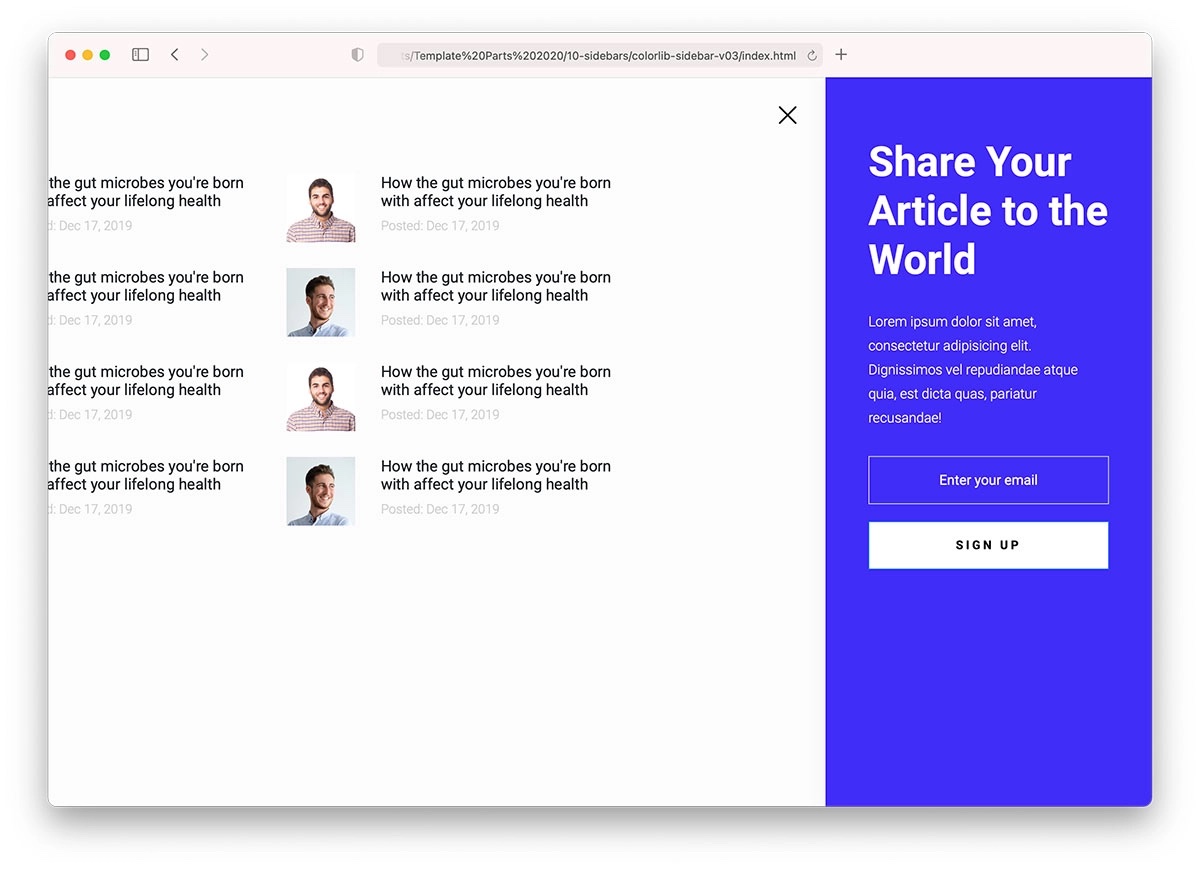
Why we like it: Newsletter-focused sidebar with impactful blue background and off-canvas subscription form.
Would you like to add a newsletter subscription form to your sidebar? If so, you can quickly do so by utilizing Colorlib Sidebar V03.
The off-canvas format keeps the same style across different screen sizes and devices. The text and color choice is easy to edit, as Colorlib Sidebar V03 ensures a quick development process with organized code.
But first, check the live demo preview, which allows you to experience this Bootstrap sidebar on any device you want.
4. Colorlib Sidebar V04
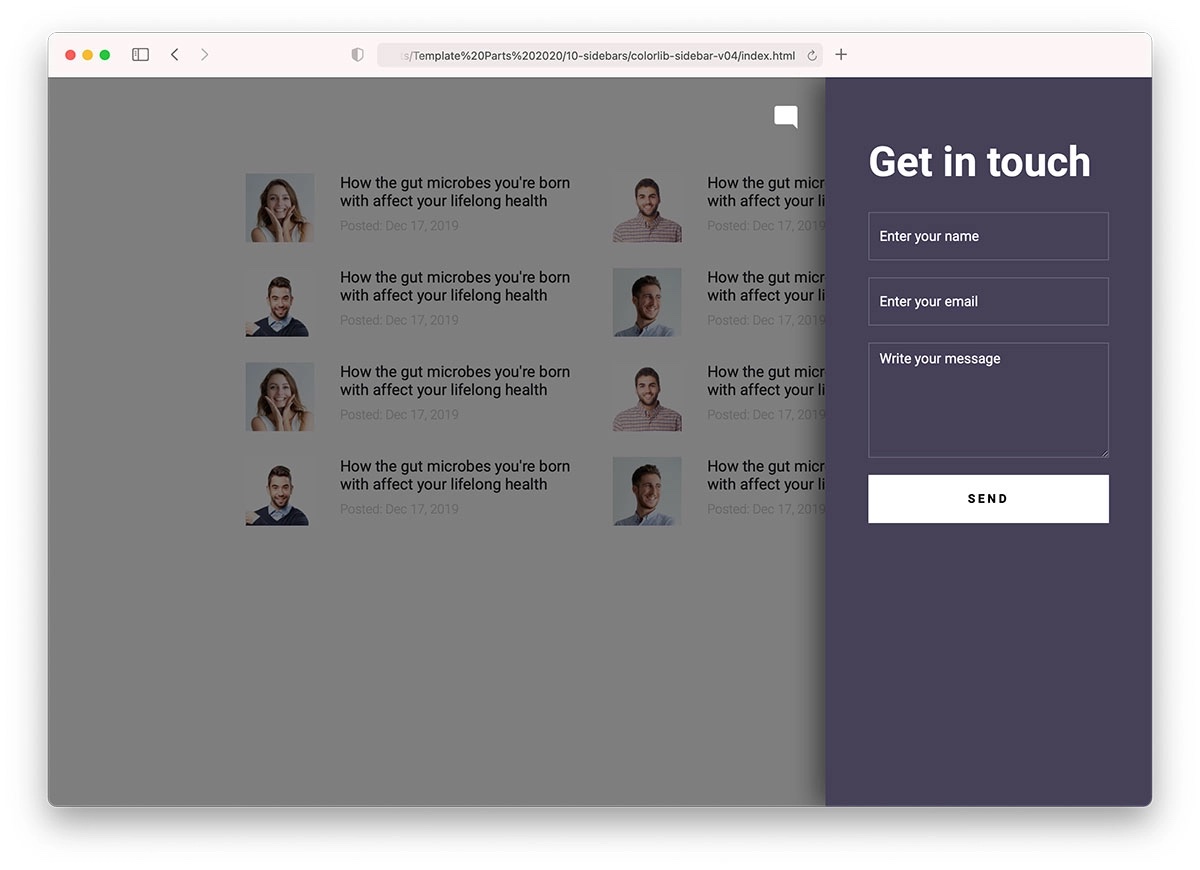
Why we like it: Contact form integration with chat icon and seamless user communication features.
You can also add a contact form in the sidebar. How cool does that sound? To achieve a great result fast and comfortably, go with Colorlib Sidebar V04.
It does a great job with the design, but you can brand and personalize it, too. The experience stays the same amazing on smartphones, tablets, and desktops.
Colorlib Sidebar V04 features a basic contact form, making it seamlessly integrate with your project.
5. Colorlib Sidebar V05
Why we like it: Clean modern sidebar with professional layout and versatile customization options.
Colorlib Sidebar V05 delivers a clean, professional sidebar solution perfect for business websites and corporate applications. Features modern design principles with excellent typography, smooth animations, and responsive behavior across all devices. Easy to customize and integrate into existing projects.
6. Colorlib Sidebar V06
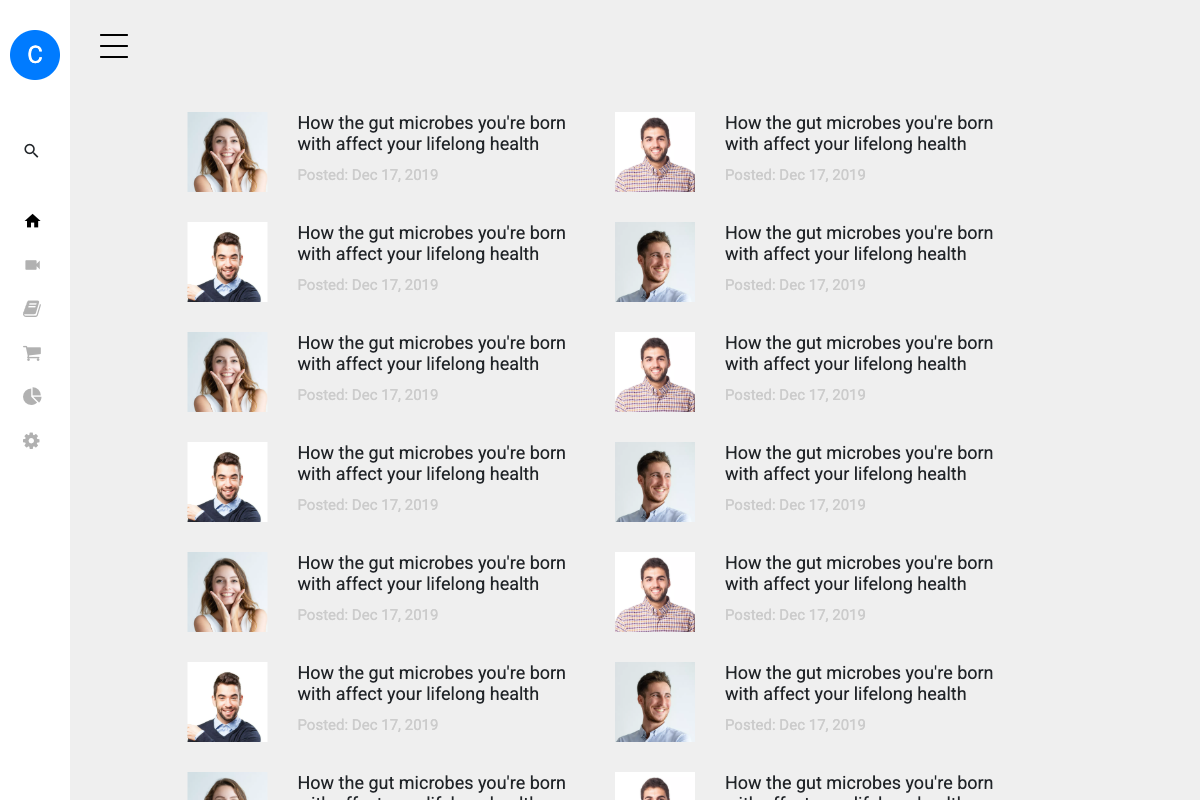
Why we like it: Advanced sidebar with multi-level navigation and sophisticated menu organization.
Colorlib Sidebar V06 provides advanced navigation capabilities with multi-level menu support and intuitive organization. Perfect for complex websites requiring detailed navigation structures, content management systems, and applications with extensive page hierarchies. Features smooth transitions and mobile-friendly collapsible menus.
7. Colorlib Sidebar V07
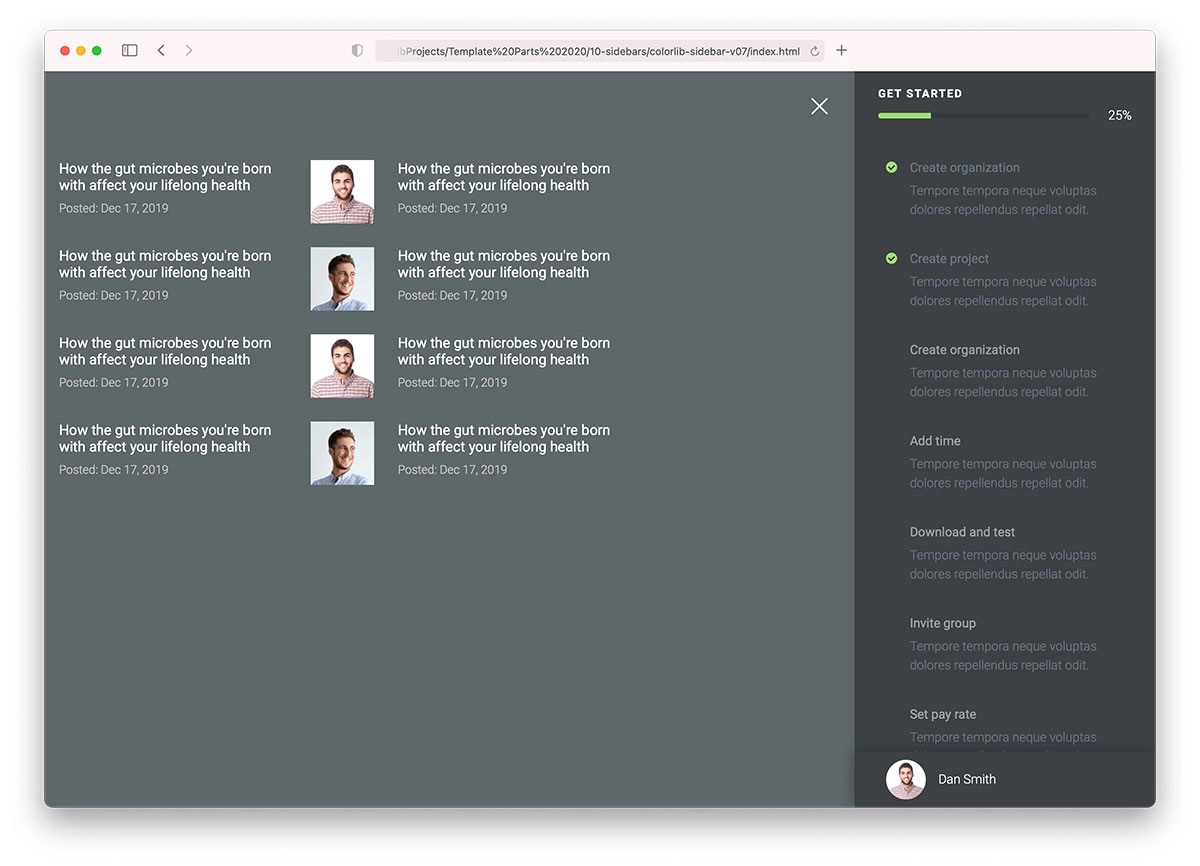
Why we like it: Progress bar integration for account creation with dark design and hover effects.
A sidebar can be used for many things, including accounts, profiles, and other creations. Colorlib Sidebar V07 is a neat solution with a progress bar that saves you plenty of time.
The tool also includes a hover effect, checkmarks, an avatar, and a mobile and browser-compatible structure.
A default configuration does not always suit all users. That said, Colorlib Sidebar V07 is fantastic due to its customization possibilities.
Make it yours.
8. Colorlib Sidebar V08
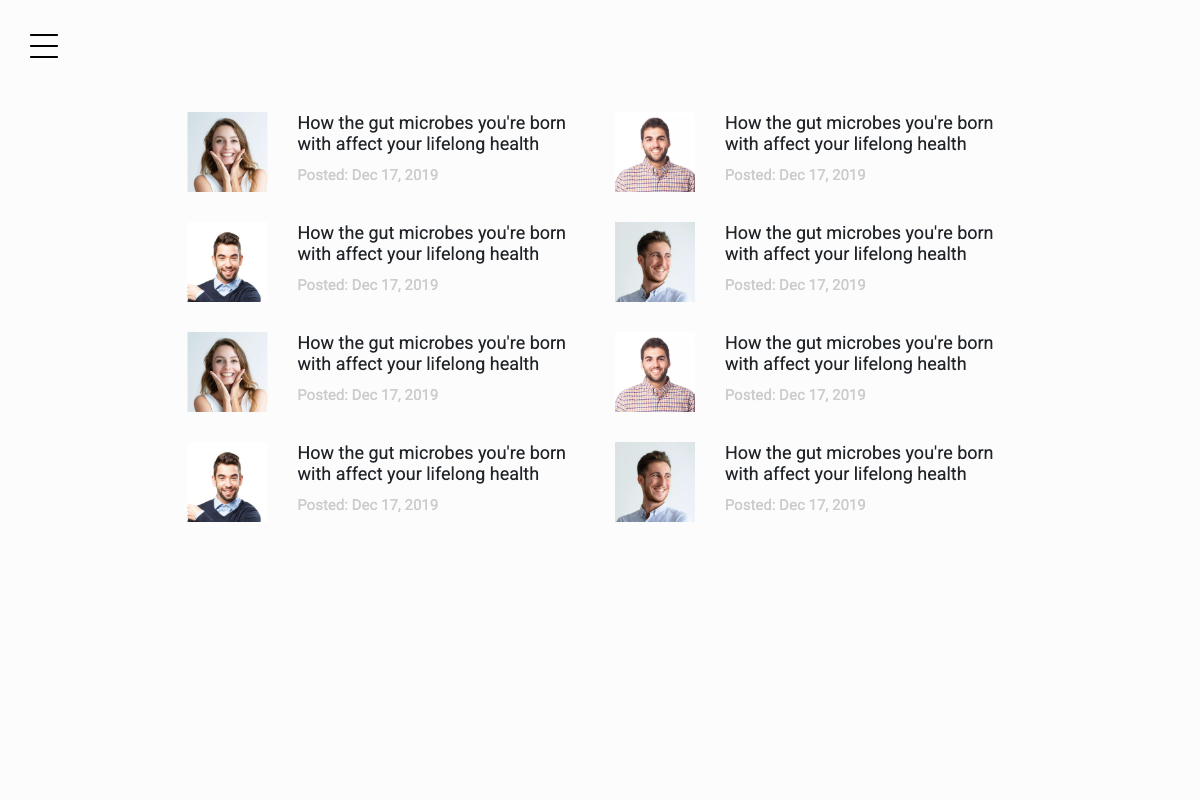
Why we like it: Elegant sidebar with sophisticated styling and premium-looking design elements.
Colorlib Sidebar V08 brings elegance to sidebar navigation with sophisticated styling, refined typography, and premium design elements. Features smooth animations, beautiful color schemes, and professional layout perfect for high-end websites, portfolios, and business applications requiring polished user interfaces.
9. Colorlib Sidebar V09
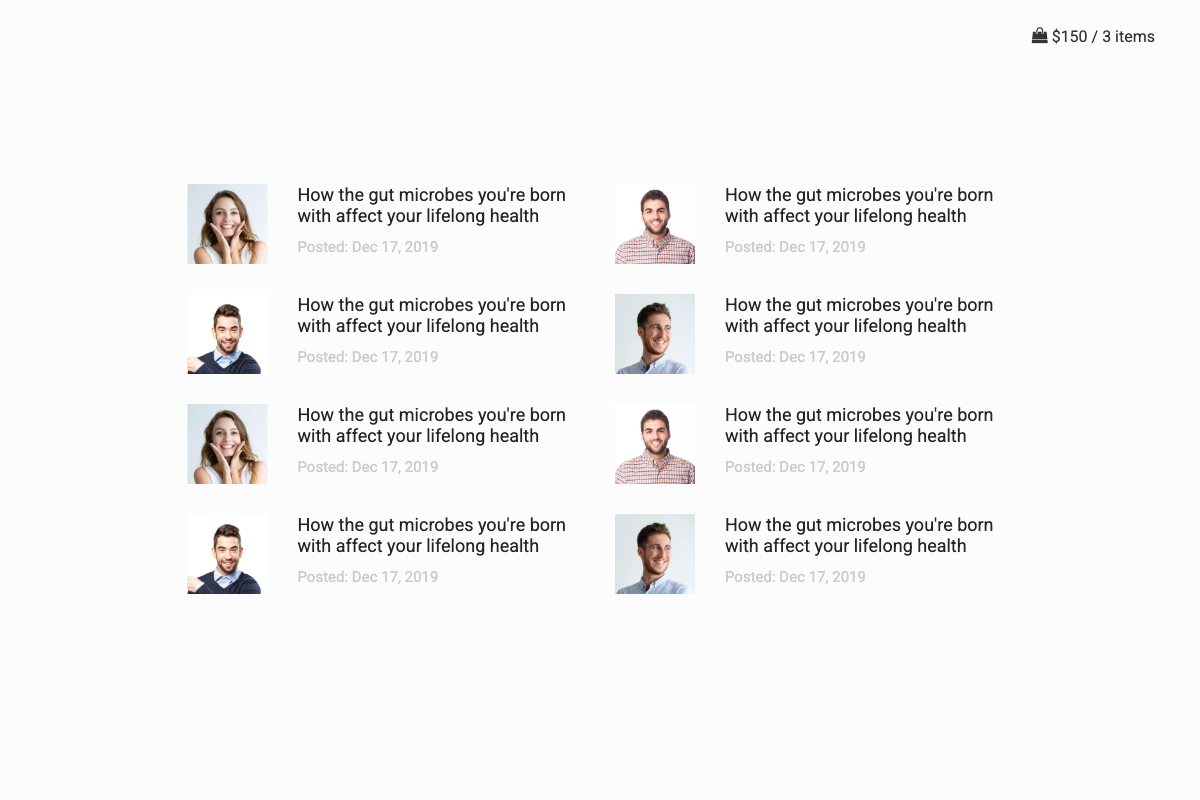
Why we like it: Shopping cart sidebar perfect for e-commerce with item display and checkout functionality.
Colorlib Sidebar V09 specializes in e-commerce applications, providing a dedicated shopping cart sidebar with item display, quantity controls, and checkout integration. Perfect for online stores, marketplace applications, and any site requiring shopping functionality. Features responsive design optimized for mobile shopping experiences.
10. Colorlib Sidebar V10
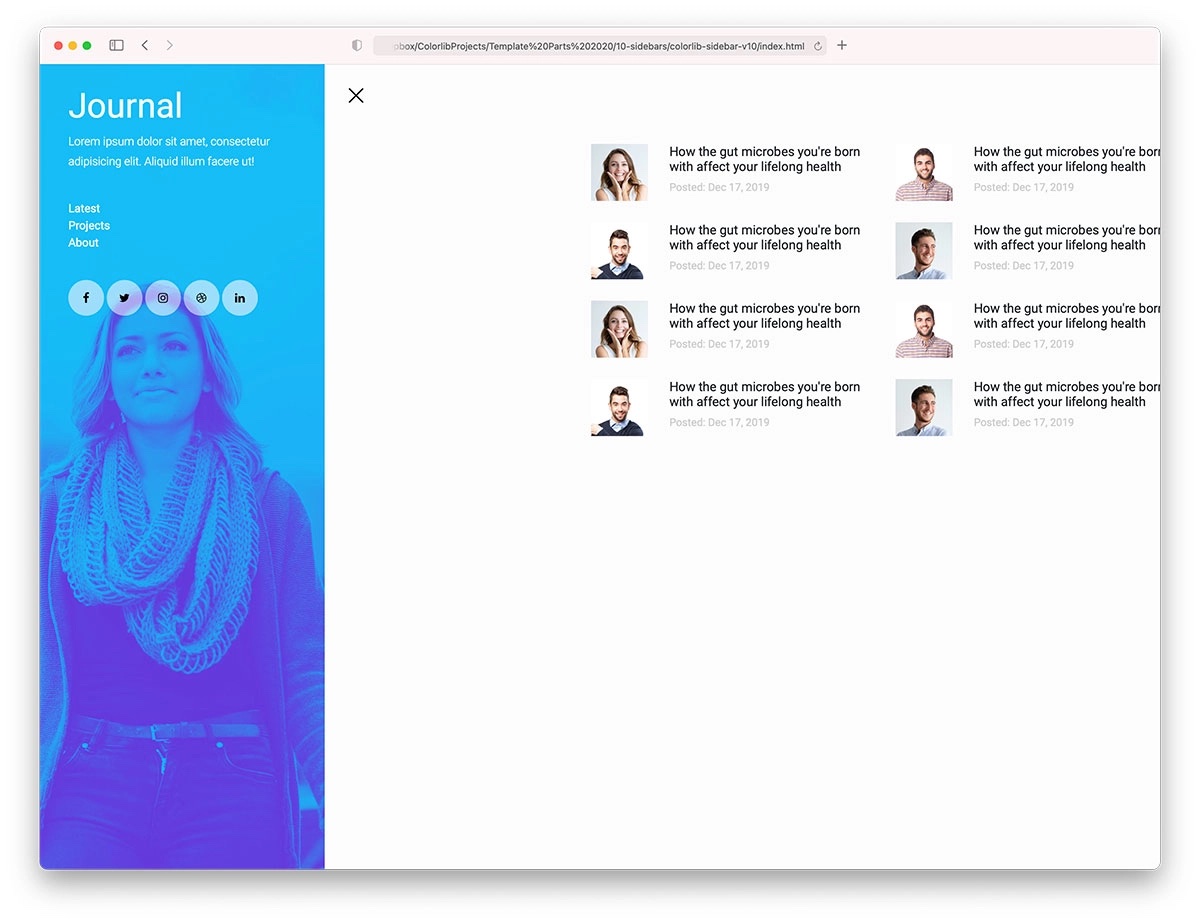
Why we like it: Background image sidebar with social media integration and modern navigation design.
Colorlib Sidebar V10 is an off-canvas sidebar based on Bootstrap that can be used as neat navigation. It features a background image, title, text, links, and social media icons.
It’s all neatly packed into one beautiful design that operates smoothly on any device and platform butter.
Moreover, you have the right to use it as is or fine-tune it further—that’s entirely up to you.
11. Bootstrap Sidebar V01
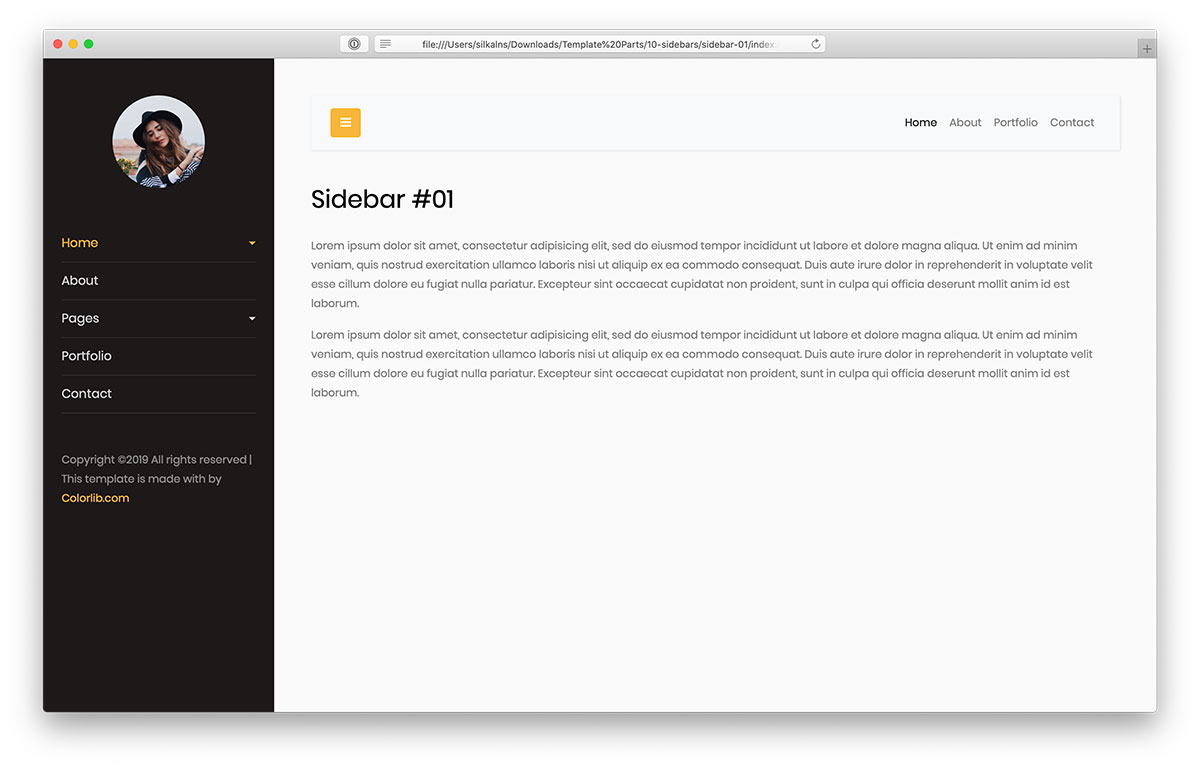
Why we like it: Personal portfolio sidebar with dark theme, avatar, and dropdown menu functionality.
If you are working on a personal portfolio website for yourself or your client, you can add a sidebar by choosing Bootstrap Sidebar V01.
The free Bootstrap template rocks a dark look with an avatar, drop-down menu option, and off-canvas format.
Remember, the main navbar is also in the kit with a full mobile version.
Working on a sidebar menu will never be as fun as it will be with this modern free snippet.
12. Bootstrap Sidebar V02

Why we like it: Gradient design sidebar with modern color scheme and smooth animations for contemporary websites.
Bootstrap Sidebar V02 features beautiful gradient backgrounds and modern color schemes perfect for contemporary web designs. Includes smooth slide animations, responsive behavior, and clean typography. Ideal for creative portfolios, design agencies, and modern business websites requiring eye-catching navigation elements.
13. Bootstrap Sidebar V03

Why we like it: Lightweight sidebar with clean white design and minimalist approach for maximum content focus.
Bootstrap Sidebar V03 embraces minimalism with a clean white design that keeps the focus on your content. Features subtle hover effects, organized navigation structure, and lightweight code. Perfect for blogs, documentation sites, and content-heavy websites where distraction-free navigation is essential.
14. Bootstrap Sidebar V04

Why we like it: Professional sidebar with structured navigation and business-oriented design elements.
Bootstrap Sidebar V04 provides professional navigation structure perfect for business websites and corporate applications. Features organized menu sections, clear hierarchy, and professional styling. Includes responsive design optimized for both desktop and mobile business environments.
15. Bootstrap Sidebar V05
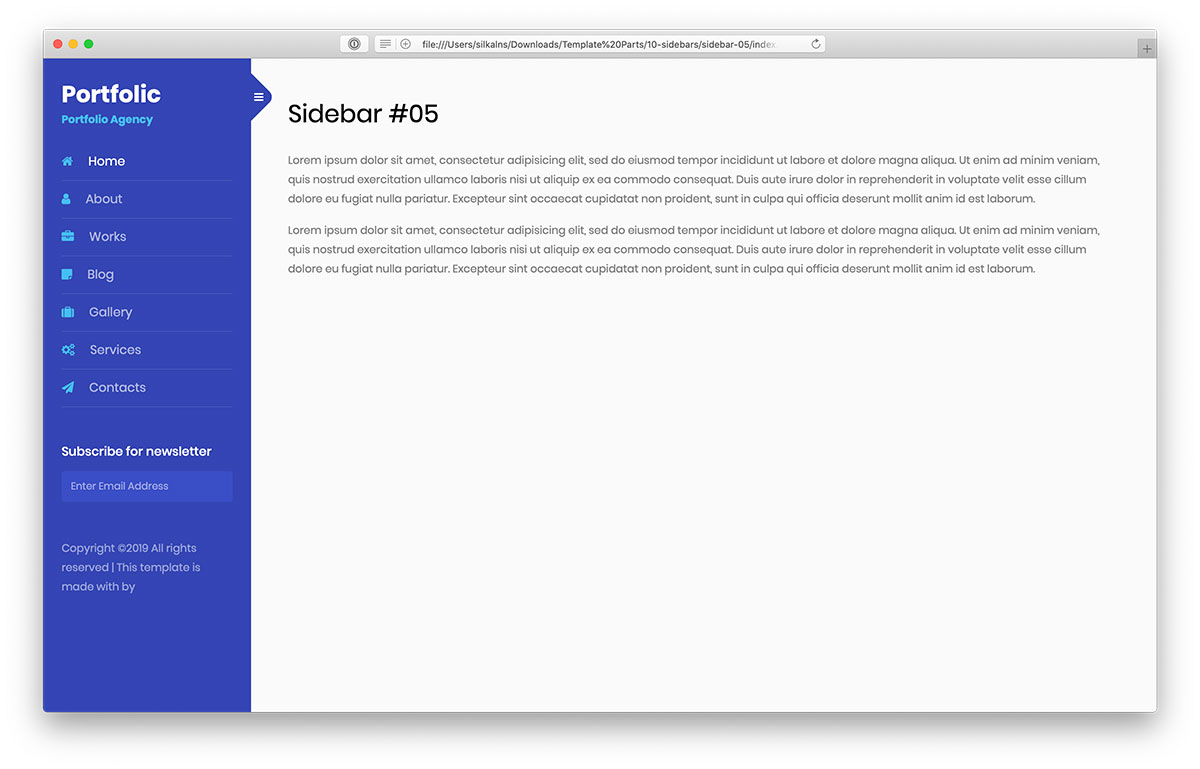
Why we like it: Business-oriented sidebar with newsletter subscription, hover effects, and corporate design elements.
If the last Bootstrap sidebar was more personal, this one is more business-oriented. Still, anyone who needs to add sidebar navigation to their website can use it.
You also get a newsletter subscription form with links and hover effects.
Note that this is still only the design, so you must activate your coding skills to successfully embed it into your web app.
16. Bootstrap Sidebar V06
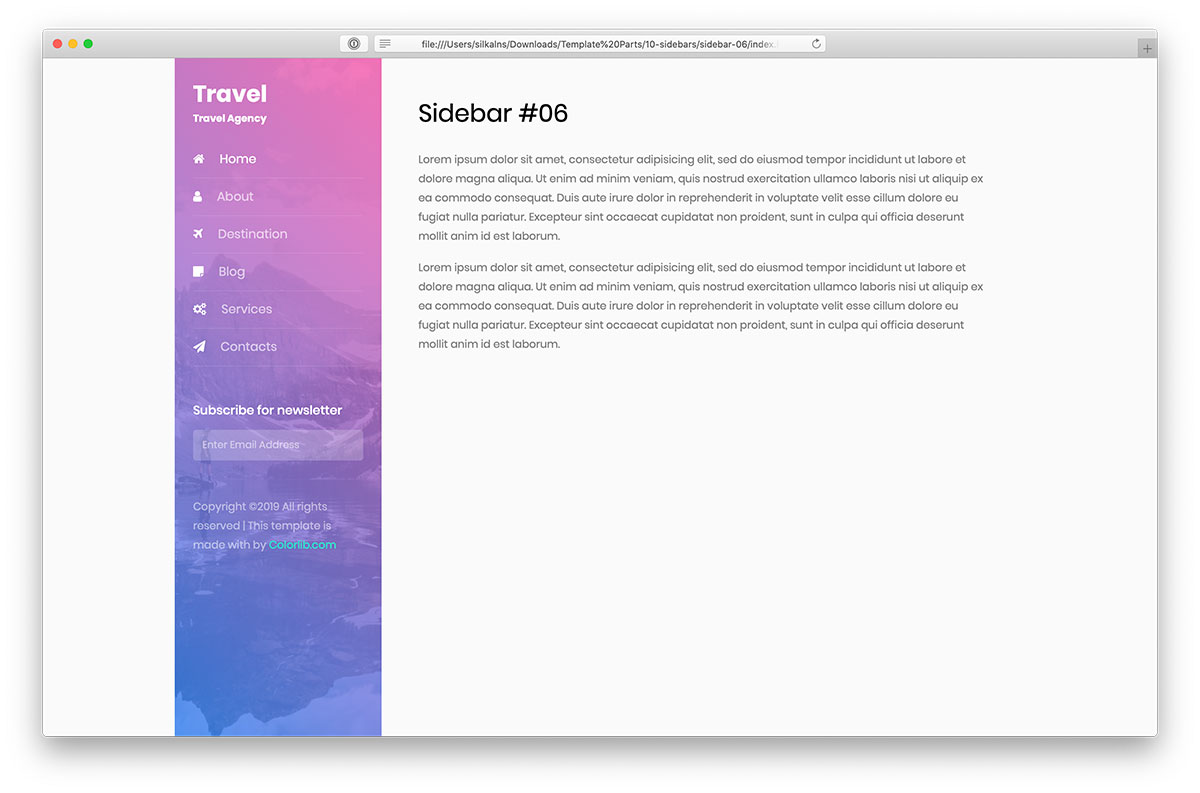
Why we like it: Gradient effects sidebar with background image and subscription form for visual impact.
Gradient effects and background image are the main specialties of this next Bootstrap sidebar. If you are still looking for the best alternative to add to your website, check Bootstrap Sidebar V06.
It’s a static sidebar menu with a subscription form that you can modify to fit your needs precisely. As a free snippet, you must follow copyright, which usually means keeping the backlink (you should not remove it).
17. Bootstrap Sidebar V07
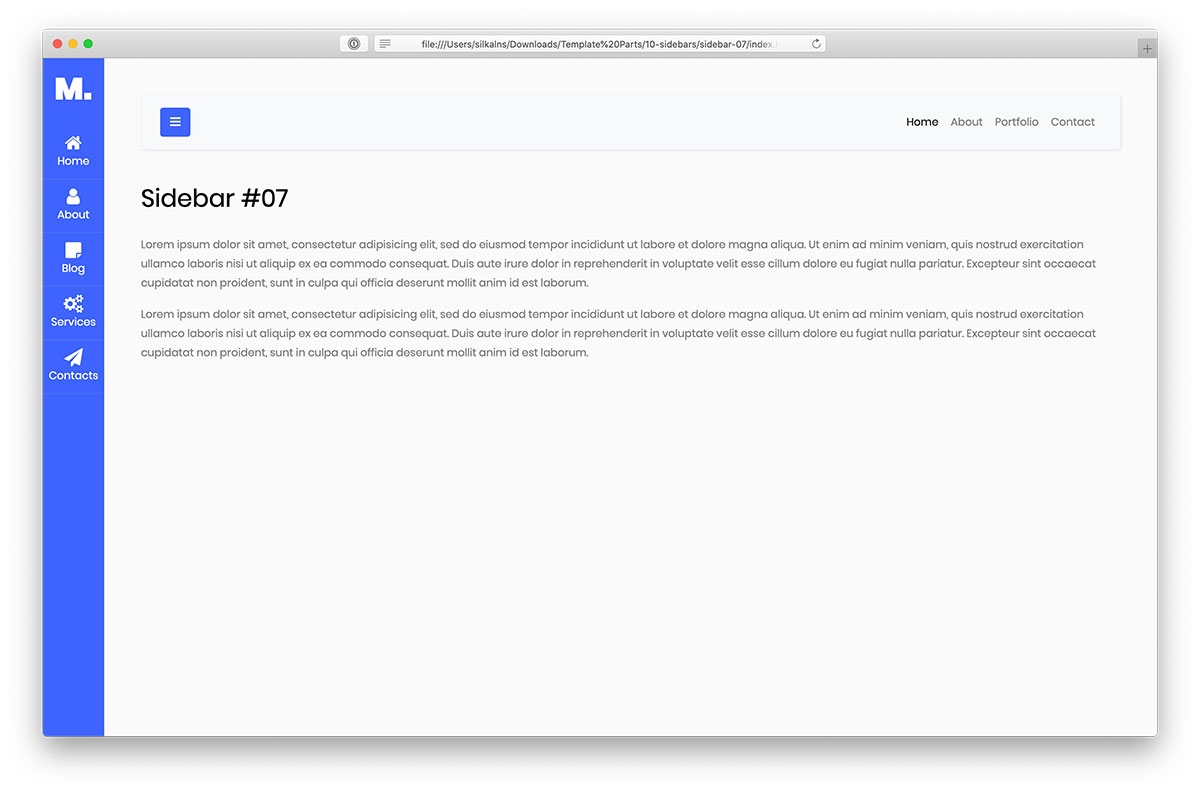
Why we like it: Quick-access sidebar with always-visible section and slide-in functionality for unique user experience.
Bootstrap Sidebar V07 is a pretty original template for creating a quick-access sidebar. In other words, a section of this Bootstrap sidebar is always visible, but the rest slides in only with a click.
To fully understand how it works, visit the live demo preview and test it on different devices.
You don’t always need to follow others. Do your thing and stand out from the crowd. This sidebar snippet can be a great start.
18. Bootstrap Sidebar V08
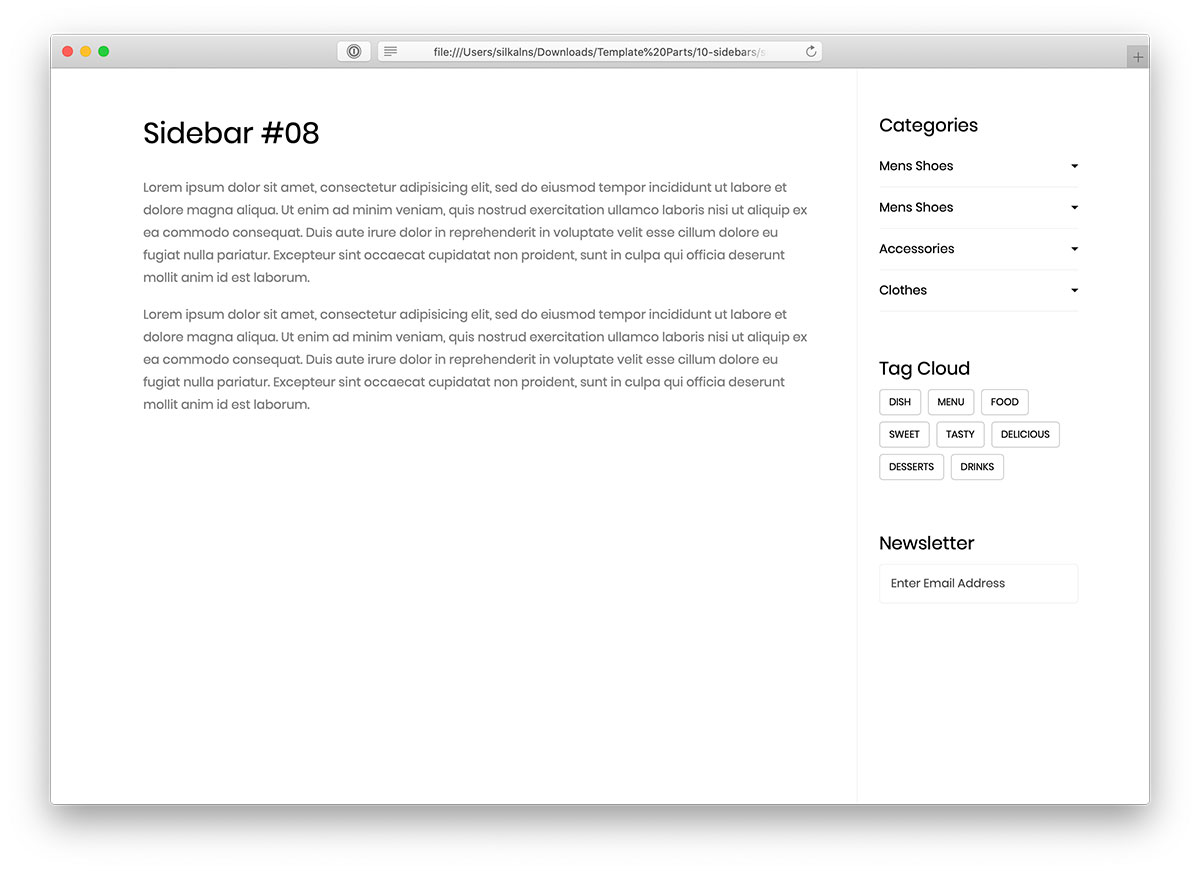
Why we like it: Minimalist blog sidebar with categories, tag cloud, and newsletter form with playful hover effects.
Creating a sidebar does not need to be done from scratch when working on a new website or a blog. Bootstrap Sidebar V08 is the most minimalist solution in this collection, easily adapting to all themes and branding regulations.
The free template features a categories section with drop-downs, a tag cloud, and a newsletter form. The tags have a cool hover effect that turns each tag pink, which is very playful.
19. Bootstrap Sidebar V09
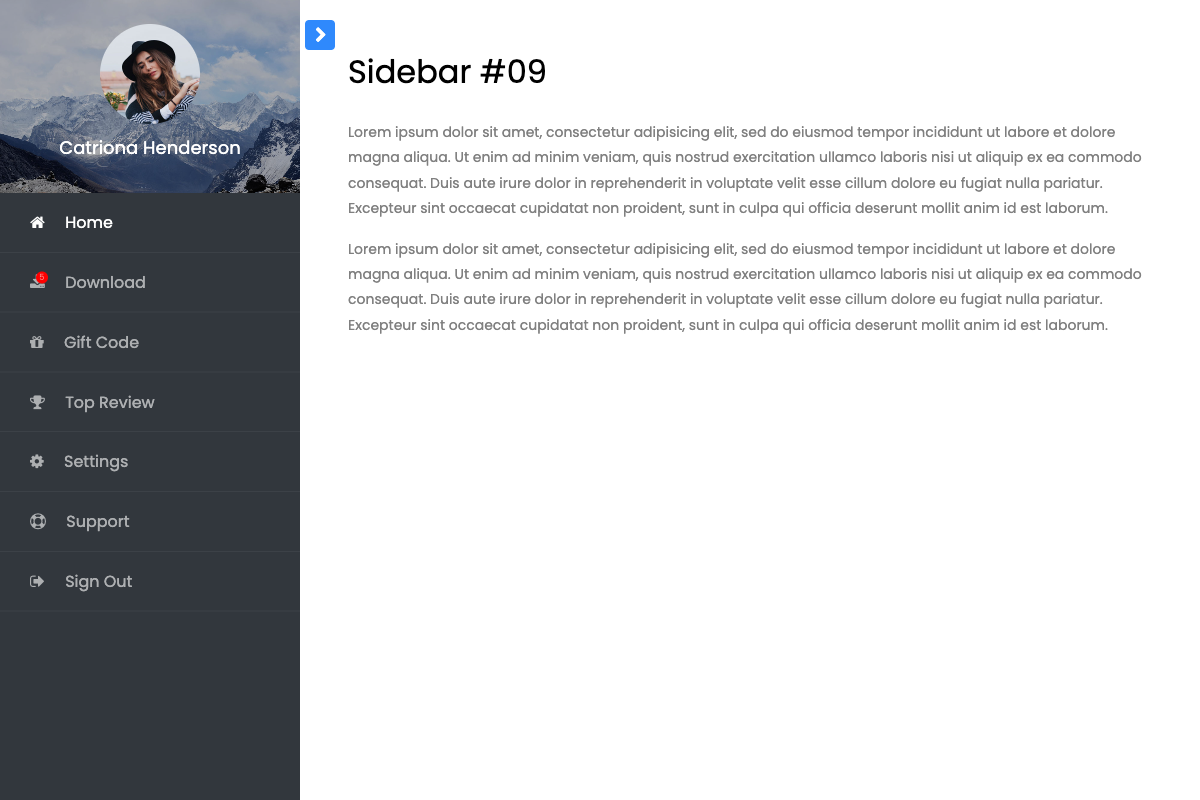
Why we like it: Dynamic content sidebar with flexible layout options and modern responsive design.
Bootstrap Sidebar V09 offers dynamic content organization with flexible layout options perfect for content-rich websites. Features adaptive design, smooth scrolling, and optimized performance for handling large amounts of sidebar content. Ideal for news sites, blogs, and content management platforms.
20. Bootstrap Sidebar V10
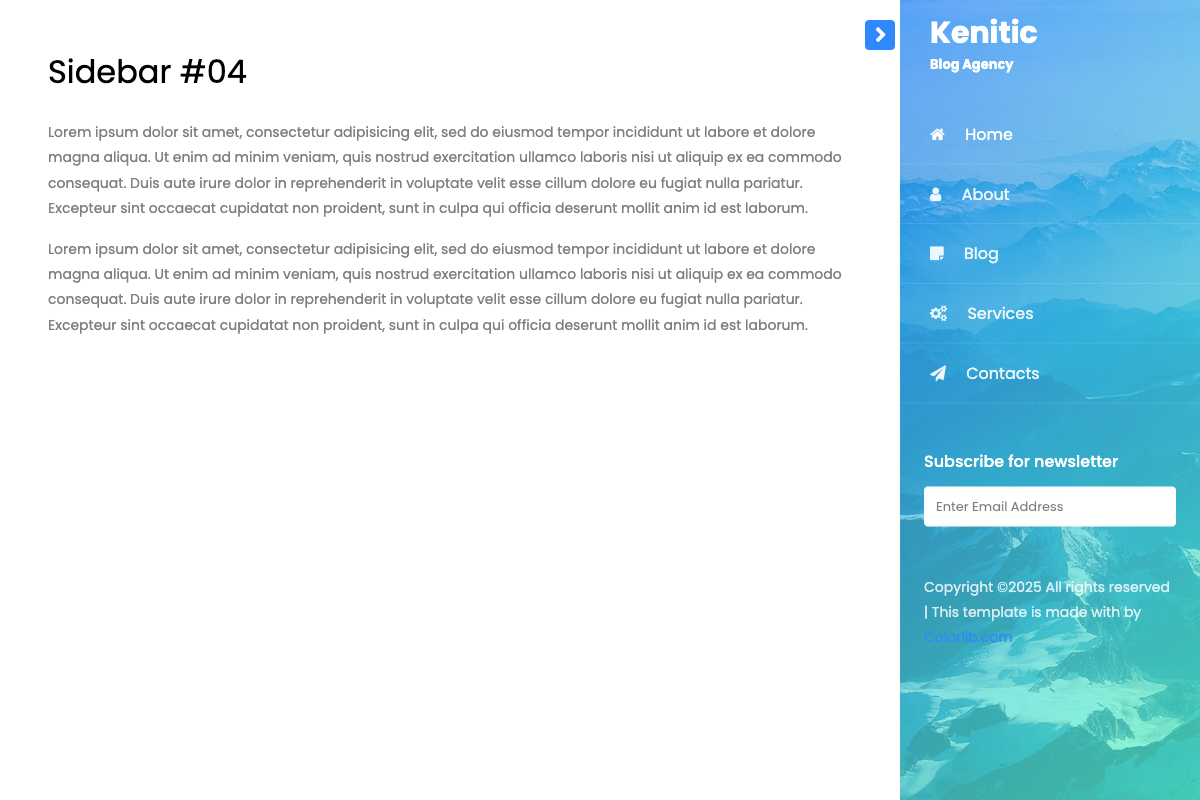
Why we like it: Modern sidebar with advanced features and cutting-edge design for next-generation web applications.
Bootstrap Sidebar V10 represents the latest in sidebar design with advanced features, modern animations, and cutting-edge styling. Features next-generation design patterns, optimized performance, and future-ready code structure. Perfect for innovative web applications and modern digital experiences requiring state-of-the-art navigation.
Choosing the Right Bootstrap Sidebar
When selecting a Bootstrap sidebar template, consider your website’s purpose, target audience, and functionality requirements. Whether you need user profiles, navigation menus, contact forms, or e-commerce features, there’s a perfect sidebar template in this collection.
All templates are free to use and built following Bootstrap best practices, ensuring compatibility, responsiveness, and ease of customization for your specific project needs.
You Might Also Like