
13 Best React Native Templates 2026 (Free + Premium)

Looking for a React Native template that ships with Expo, Expo Router, TypeScript, and NativeWind out of the box — not a 2021-era starter abandoned mid-upgrade? These 13 picks cover the modern Expo-first stack and the marketplace clone templates that turn weeks of UI work into a one-day customization job. Every demo and repository is re-checked before we republish this page.
React Native has matured significantly. The New Architecture (Fabric renderer and TurboModules) is now the default for all new projects. Expo is the officially recommended way to start and manage React Native projects — Expo SDK 53+ delivers first-class New Architecture support, Expo Router for file-based navigation (now part of the main Expo monorepo), and seamless OTA updates via EAS. TypeScript is the default for any new project, and NativeWind (Tailwind CSS for React Native) has become the styling default — copying the React/Next.js ecosystem’s preferred approach into mobile.
We’ve grouped the 13 picks below into modern Expo-first developer templates (Obytes, official Expo Examples, expo-router-template, expo-nativewind-template, Instamobile starter kit) and UI / design system kits + marketplace templates (UI Kitten + Kitten Tricks, gluestack-ui, React Native Paper, Creative Tim Material Kit, Instamobile premium, MStore Pro, Mobile App Templates) — both ends of the spectrum covered, from open-source skeletons you’ll build on to full marketplace apps you’ll re-skin.
Related reading: React templates (web), React portfolio templates, React admin dashboard templates, React UI frameworks and Flutter admin dashboard templates roundups.
Quick Picks
- Best production-grade free: Obytes React Native Template — 4.2k stars, Expo + Expo Router + TypeScript + NativeWind + EAS + 10+ GitHub Actions workflows
- Best premium marketplace: Instamobile — $99-249 templates, UberEats clone + Tinder clone + Airbnb clone, 5,500+ paid customers
- Best official starter: Expo Examples — 3.6k stars, official “blank” template + 80+ specialized examples maintained by Expo
- Best UI library + starter app: UI Kitten + Kitten Tricks — 10.6k + 7.2k stars, Eva Design System + 40 pre-built screens
- Best universal component library: gluestack-ui — 5.1k stars, NativeWind + RSC + copy-paste components across web and mobile
- Best Expo Router 4 modern starter: Expo Router Template (toyamarodrigo) — Expo 52 + Zustand + TanStack Query + Zod + NativeWind 4
- Best NativeWind dark-mode starter: Expo NativeWind Template — production-ready Expo + NativeWind + shadcn-style components + dark mode
- Best Firebase auth starter: Instamobile React Native Starter Kit — Firebase Auth + Google/Facebook login + Firestore + persistent sessions
- Best Material Design free: Creative Tim Material Kit React Native — 45k+ downloads, free with Pro upgrade at $149
- Best React Native Paper starter: React Native Paper — Material Design 3 component library by Callstack
- Best Argon design free: Argon React Native (Creative Tim) — 44k+ downloads, free with Pro at $149
- Best WooCommerce mobile: MStore Pro — turn any WooCommerce store into a native mobile app, multi-payment + push notifications
- Best food / delivery clone: Instamobile UberEats Clone — full Customer + Driver + Restaurant apps with Firebase + Stripe
1. Obytes React Native Template
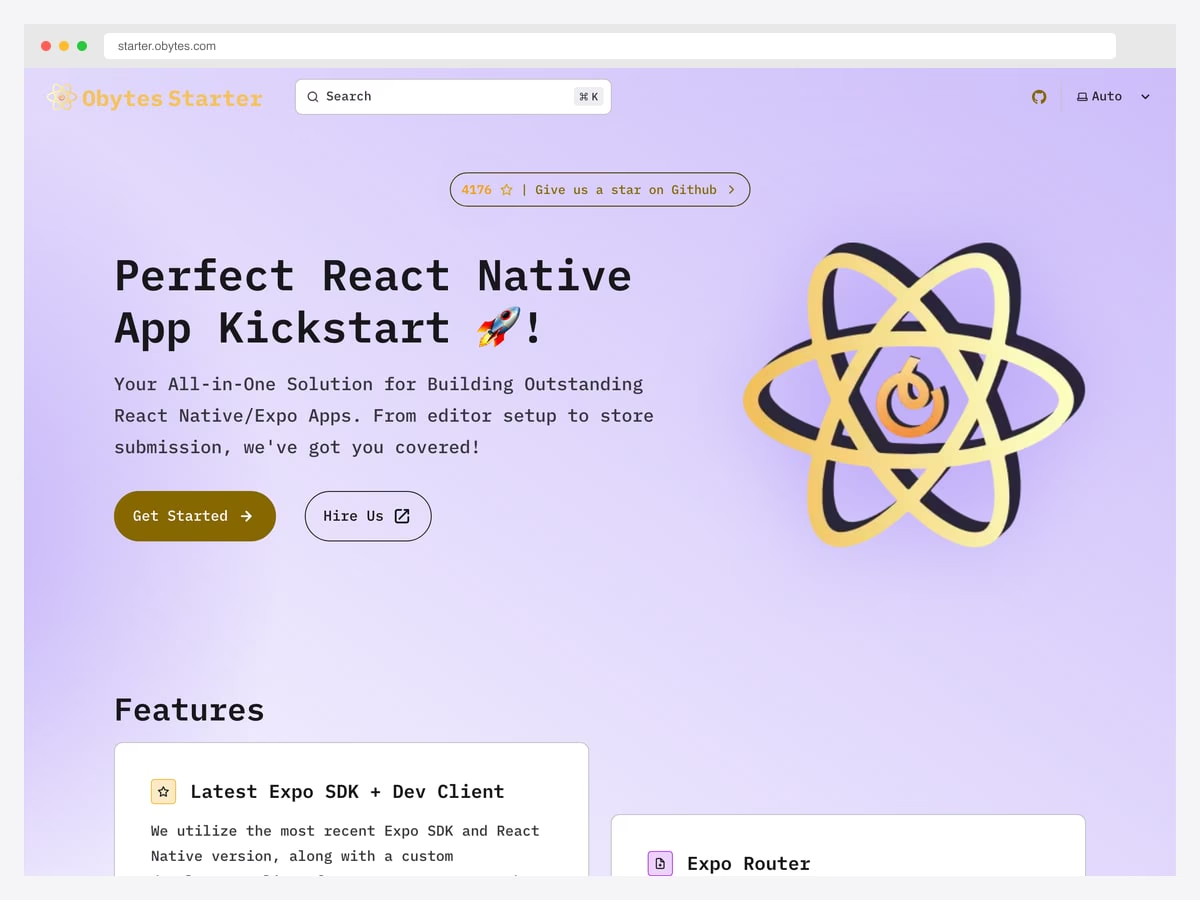
Why we like it: The most production-grade free React Native starter available. Multi-environment builds (Production, Staging, Development), Git automation via Husky + lint-staged, 10+ pre-configured GitHub Actions workflows for building and distribution, form handling with TanStack Form + Zod validation, secure storage via react-native-mmkv, authentication flow example using Zustand, and full localization support with i18next. Demo at starter.obytes.com.
The 10+ GitHub Actions workflows alone are worth weeks of setup work — automated EAS builds, app store deployments, lint + type checks on PRs, Maestro E2E tests, and version bumps all pre-configured. Maintained by the Obytes mobile tribe team.
2. Instamobile (Premium Marketplace)
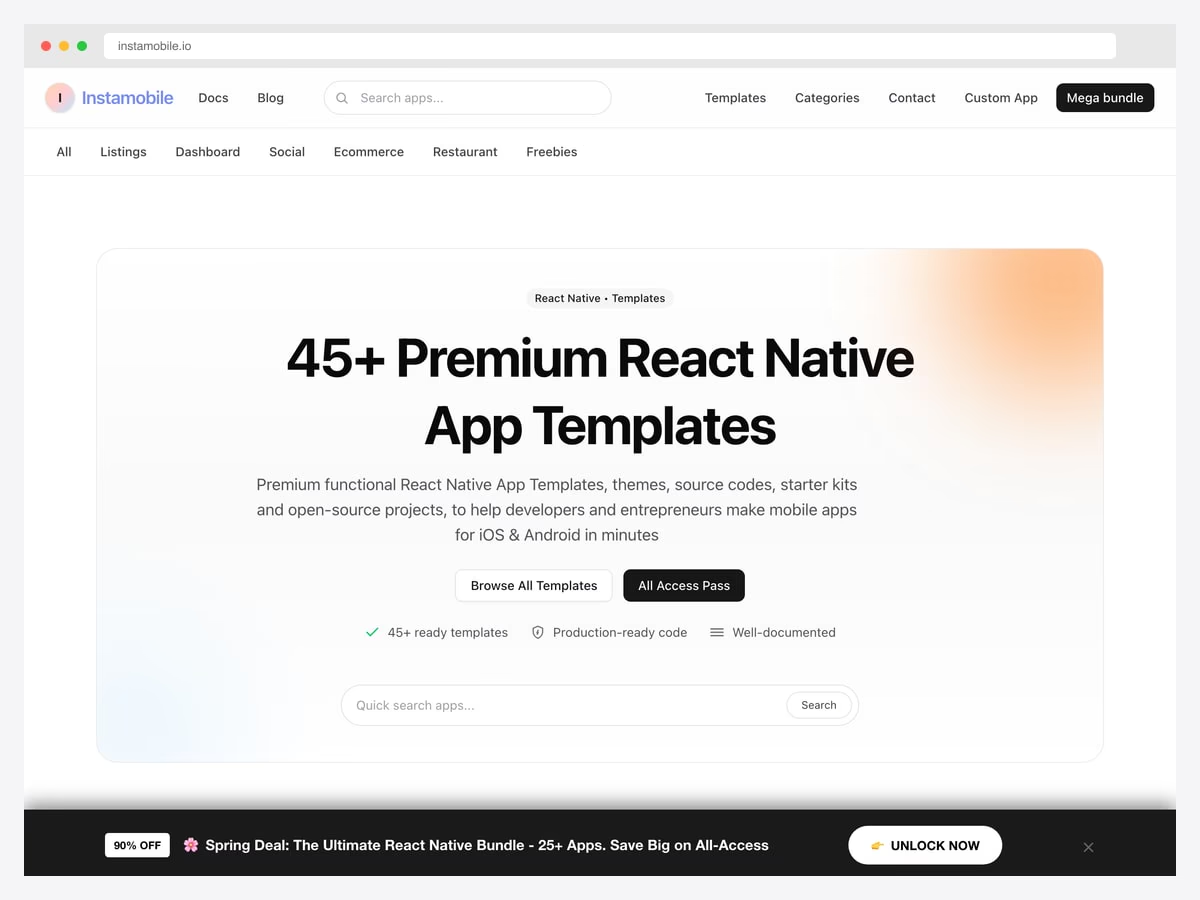
Why we like it: Premium React Native templates across 5 categories — listings, dashboards, social, e-commerce, restaurant — plus a free tier for learning. 500,000+ downloads across platforms, 150,000+ developers using their tools daily, 5,500+ paid customers building production apps. The UberEats clone alone ships Customer + Driver + Restaurant apps with real-time tracking, Firebase backend, and Stripe checkout — claims to save “1 year of dev time.”
The All Access Pass is the smart move if you’ll build more than two apps — covers every template Instamobile ships. For solo founders launching a single clone app, the individual purchase is fine.
3. Expo Examples (Official)
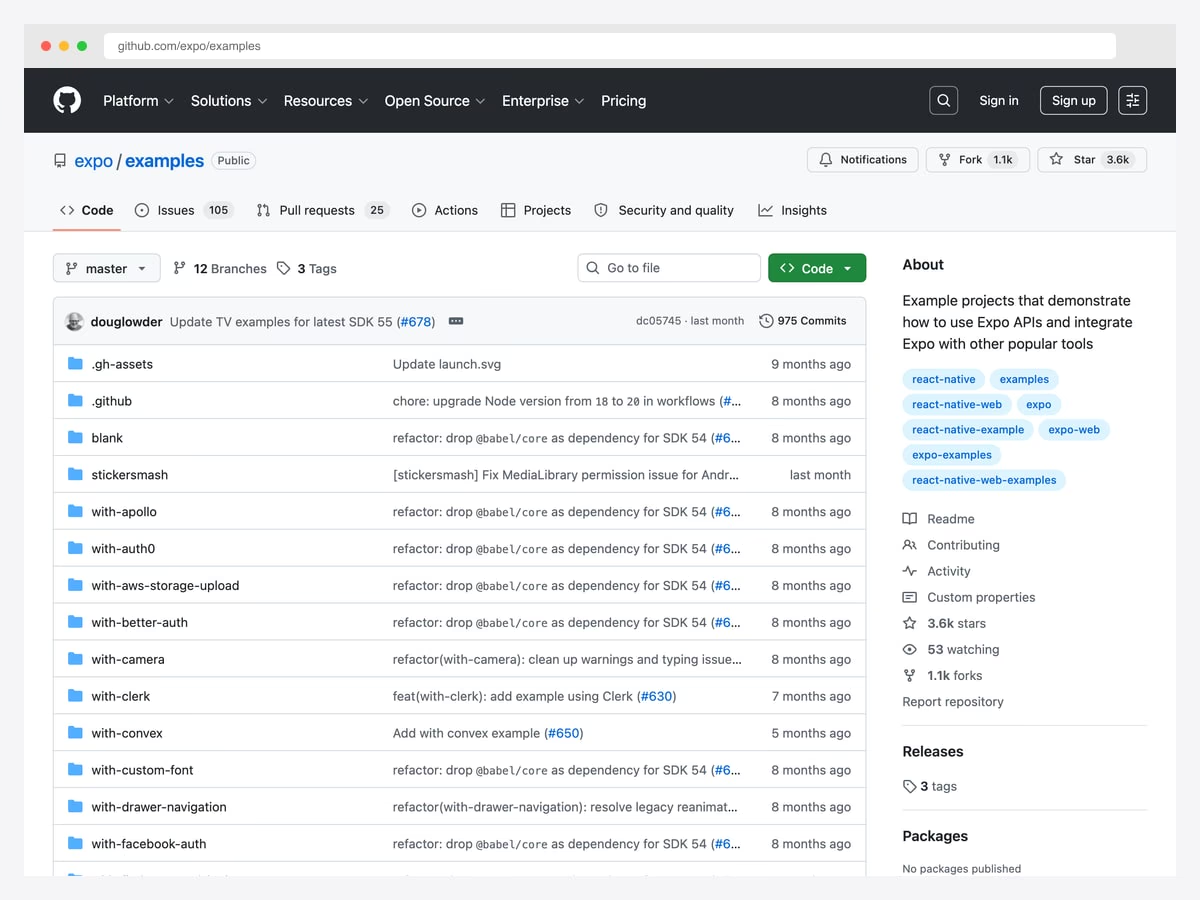
Why we like it: The official Expo examples directory maintained by the Expo team. 80+ specialized examples covering navigation (React Navigation, Expo Router, TV support, menus), integrations (Firebase, Auth0, Clerk, Magic, Supabase), graphics & animation (Three.js, Skia, Reanimated, Moti), state management (Zustand, TinyBase, Legend State), storage (SQLite, LibSQL, S3), and frameworks (Next.js, React Router). 77.5% TypeScript.
Bootstrap any example with: npx create-expo --example <Example> (or bun create expo). These are the canonical patterns Expo themselves recommend — always current with the latest SDK release. Best when you need to learn how to integrate a specific service (Stripe, Supabase, Firebase) into an Expo app without guessing patterns.
4. UI Kitten + Kitten Tricks
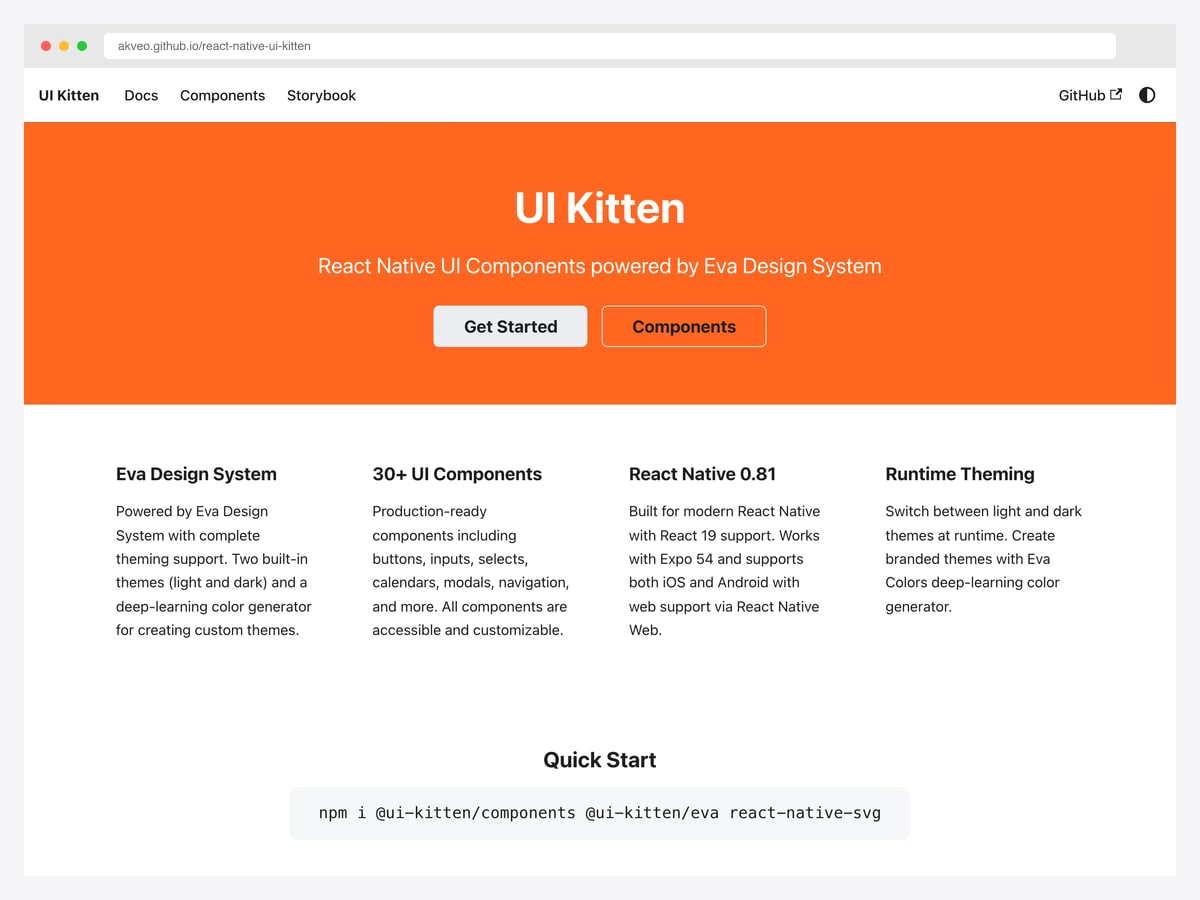
Why we like it: UI Kitten (10.6k+ stars) is a React Native UI library based on the Eva Design System — 25+ pre-built components, runtime theme switching (Light / Dark), 480+ Eva Design System icons. Kitten Tricks (7.3k+ stars) is the companion starter app with 40+ customizable screens across various domains. Together they’re the most polished free design-system + screen-template combo in the React Native ecosystem.
Caveat: Kitten Tricks’ v2.4.0 release dates back to February 2020 — the design language still holds up but you’ll want to bump the React Native + Expo versions before deploying. UI Kitten itself is more actively maintained. Best when you want a coherent design system rather than mixing component libraries.
5. gluestack-ui
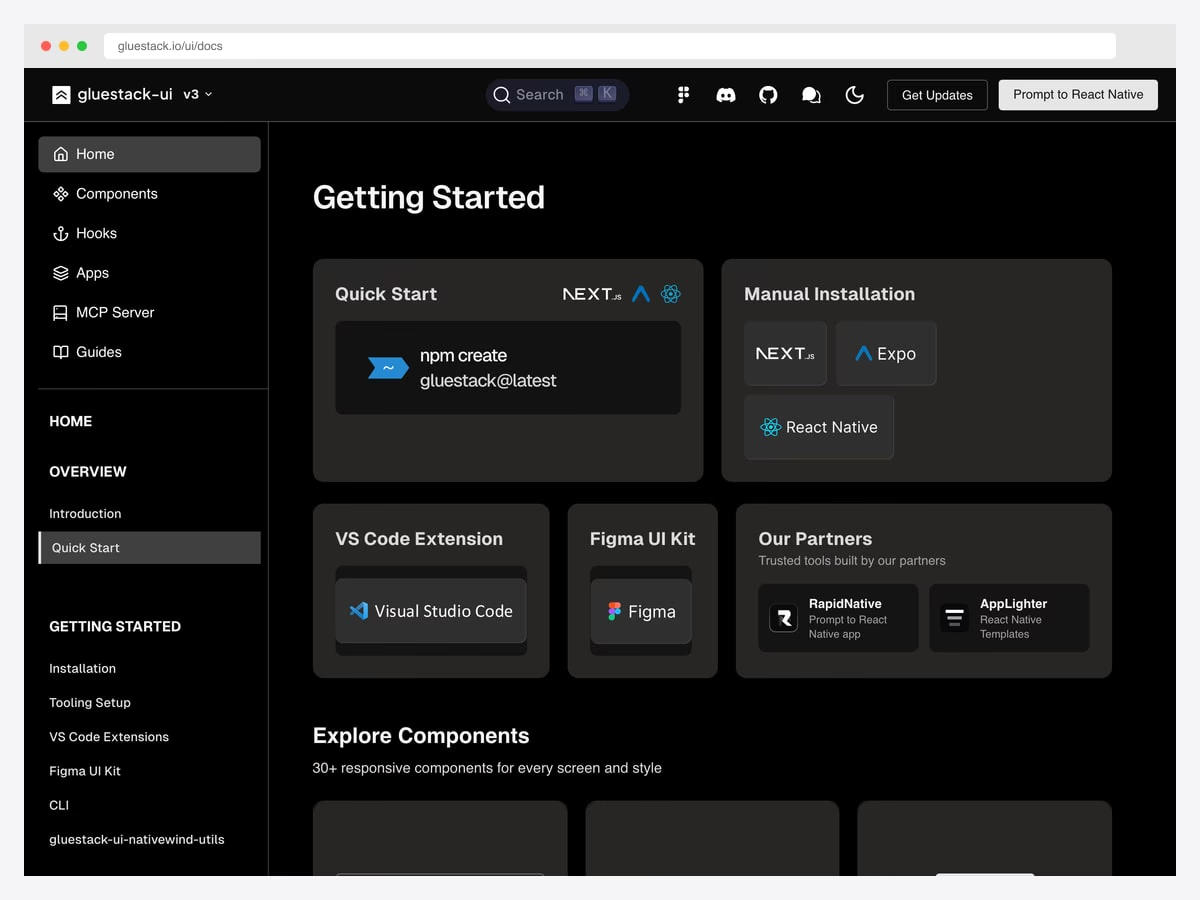
Why we like it: A universal copy-paste component library that works across React (web), Next.js, and React Native from one codebase. Modular architecture means you pick and choose components without unnecessary bloat. NativeWind integration brings Tailwind CSS across web and mobile. React Server Components compatible. The “Build once, deploy everywhere” promise that React Native always promised, finally with a serious component library backing it.
Best when your team is shipping both web and mobile from the same codebase — gluestack lets you write components once and reuse them across next/ and react-native/ projects. Pairs naturally with shadcn/ui patterns on the web side.
6. Expo Router Template (toyamarodrigo)
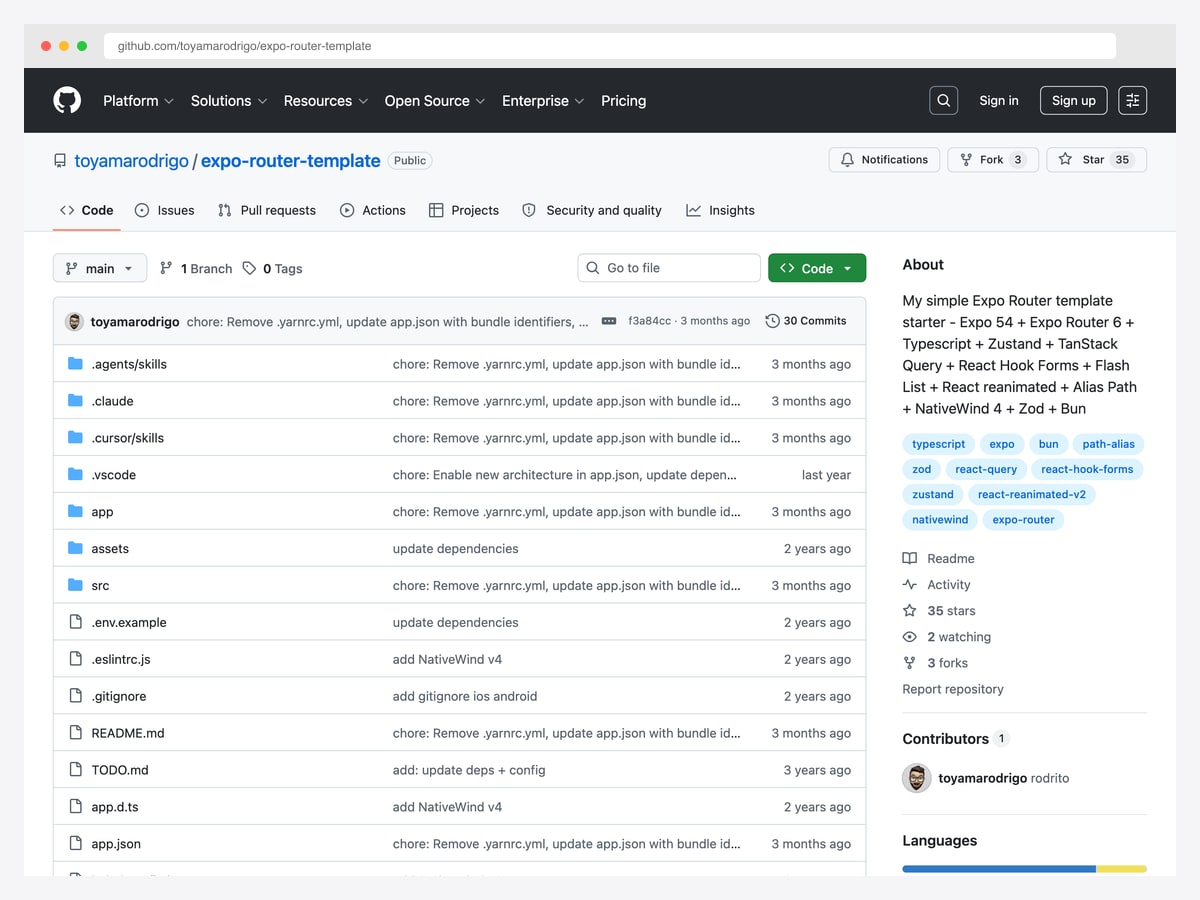
Why we like it: A clean, opinionated starter built specifically around Expo Router 4 (the file-based routing solution that’s become the React Native equivalent of Next.js App Router). Ships with Zustand for state, TanStack Query for data, React Hook Forms + Zod for type-safe forms, Flash List for performant lists, Reanimated for animations, and NativeWind 4 for Tailwind-style styling. Yarn-based.
Best when you want a starter that mirrors the modern Next.js stack patterns (TanStack Query, Zustand, Zod) but ported to React Native. The Expo Router 4 + NativeWind 4 combo is what most new Expo projects in 2026 default to. Smaller and more minimal than Obytes — easier to read end-to-end before committing.
7. Expo NativeWind Template
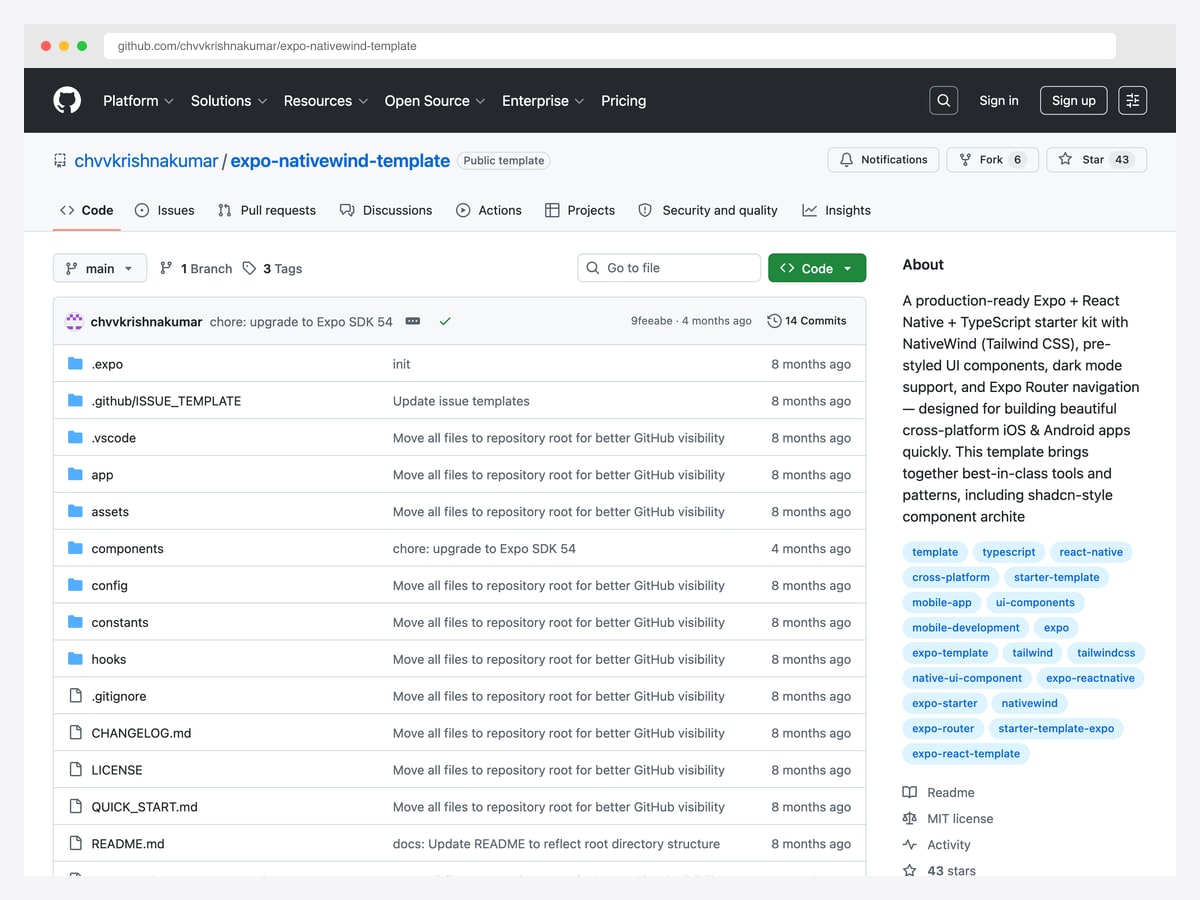
Why we like it: A “production-ready Expo + React Native + TypeScript starter kit” with NativeWind (Tailwind CSS), pre-styled UI components following shadcn-style component architecture, dark mode support, and Expo Router navigation. Designed for building beautiful cross-platform iOS & Android apps quickly. Best-in-class tools and patterns assembled for new projects.
The shadcn-style component architecture is the key differentiator — components live in your project (not in node_modules), so you can customize anything without fighting an abstraction. Best when your team already uses shadcn/ui on the web side and wants the same patterns on mobile.
8. Instamobile React Native Starter Kit (Free)
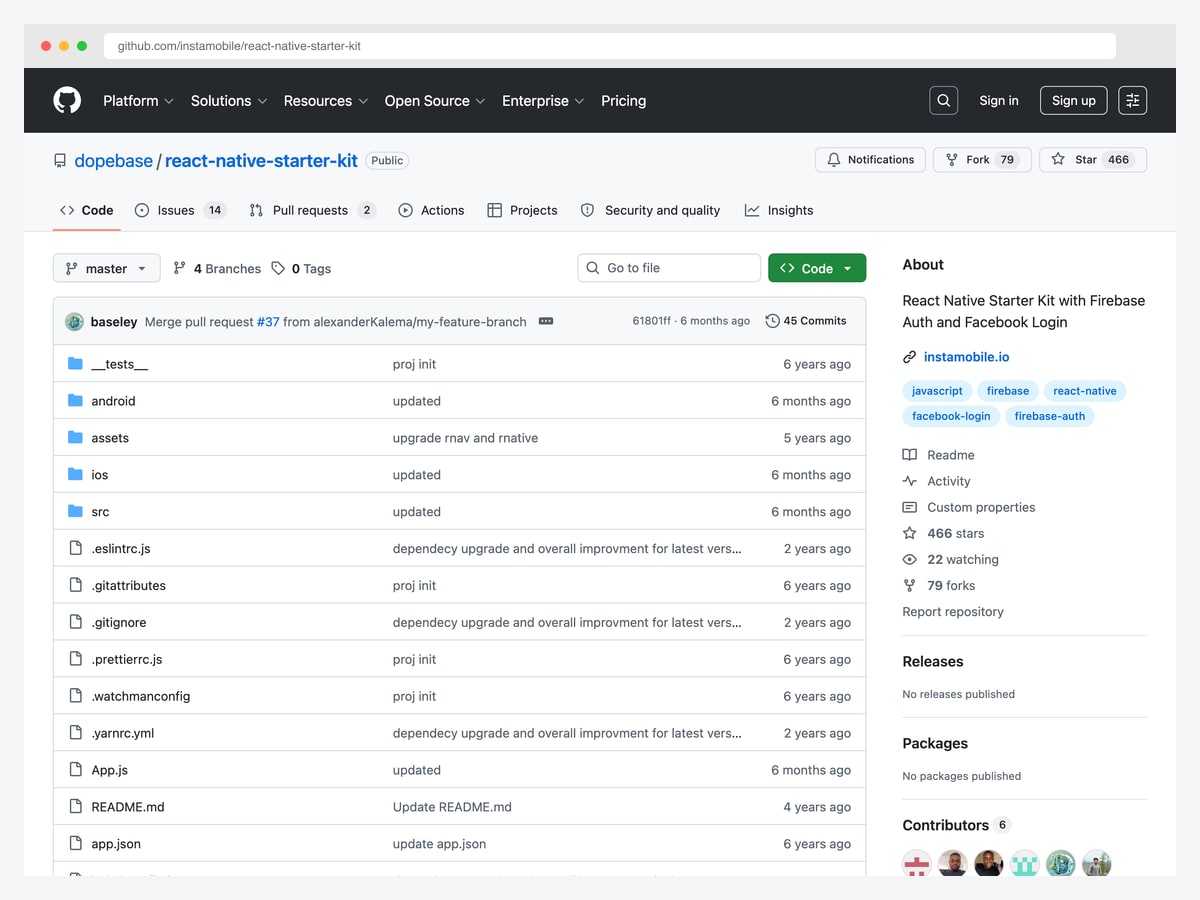
Why we like it: Instamobile’s free starter — Login with Facebook, Sign in with Google, user management with Firebase Auth, Firebase Firestore integration, email/password registration, persistent login credentials, logout, and UI transitions. Covers the auth + database scaffolding most React Native apps need on day one without paying for the full premium templates.
Best free pick when you specifically want Firebase as the backend — most other free templates skip auth or default to Supabase. The Instamobile starter shows the canonical Firebase + React Native integration patterns. Upgrade to the paid Instamobile catalog when you need full-feature clone apps.
9. Material Kit React Native (Creative Tim)
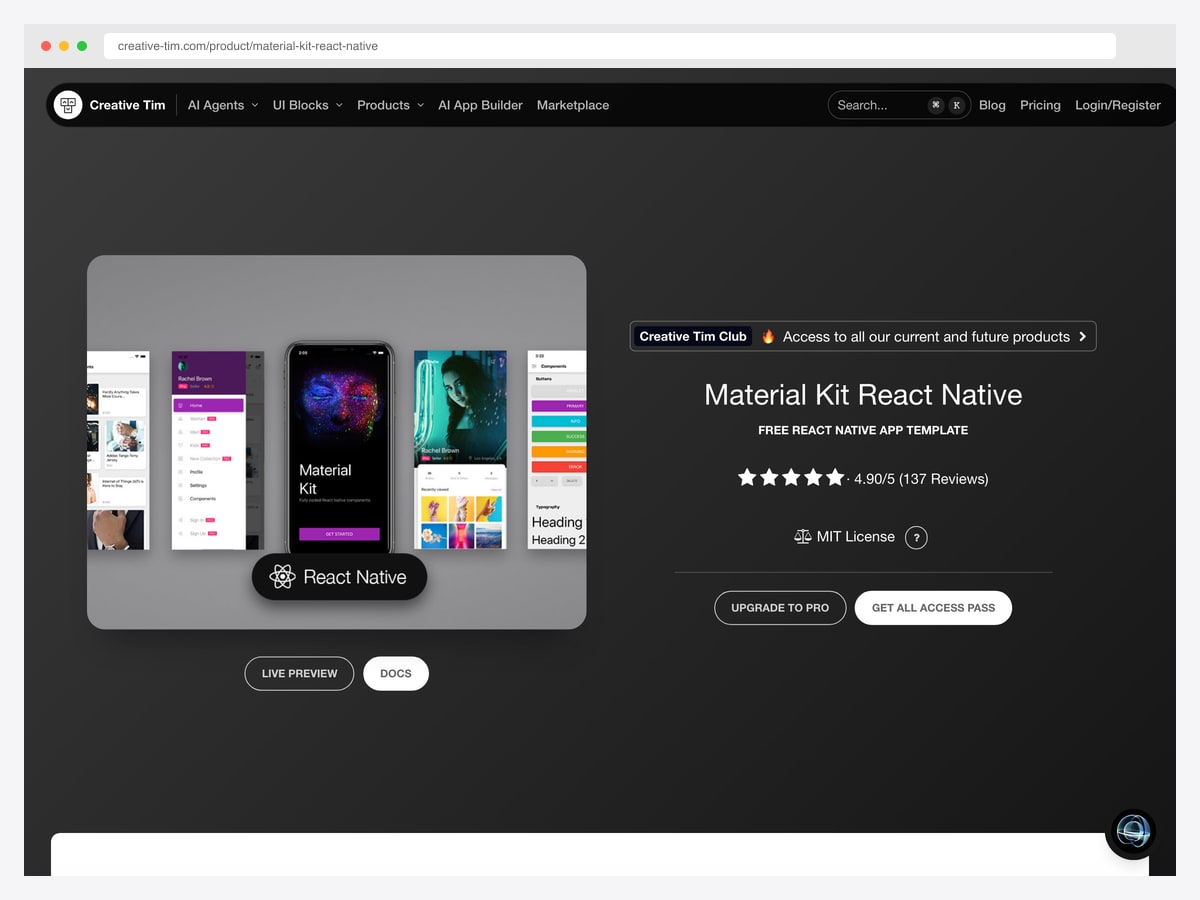
Why we like it: Creative Tim’s most-downloaded React Native template (45,103 downloads, 4.90/5 rating). Free Material Design React Native app template with iOS + Android support. Designed for “developers who want to write in JavaScript while still delivering a real native user interface.” Material Kit PRO ($149) adds advanced components and 30+ additional screens.
Best when you need Material Design specifically (most other templates default to either custom design systems or platform-native components). Creative Tim has been shipping React Native templates since 2018, so the codebase is battle-tested. Their 2.7M+ registered users across all template categories signals strong community support.
10. React Native Paper
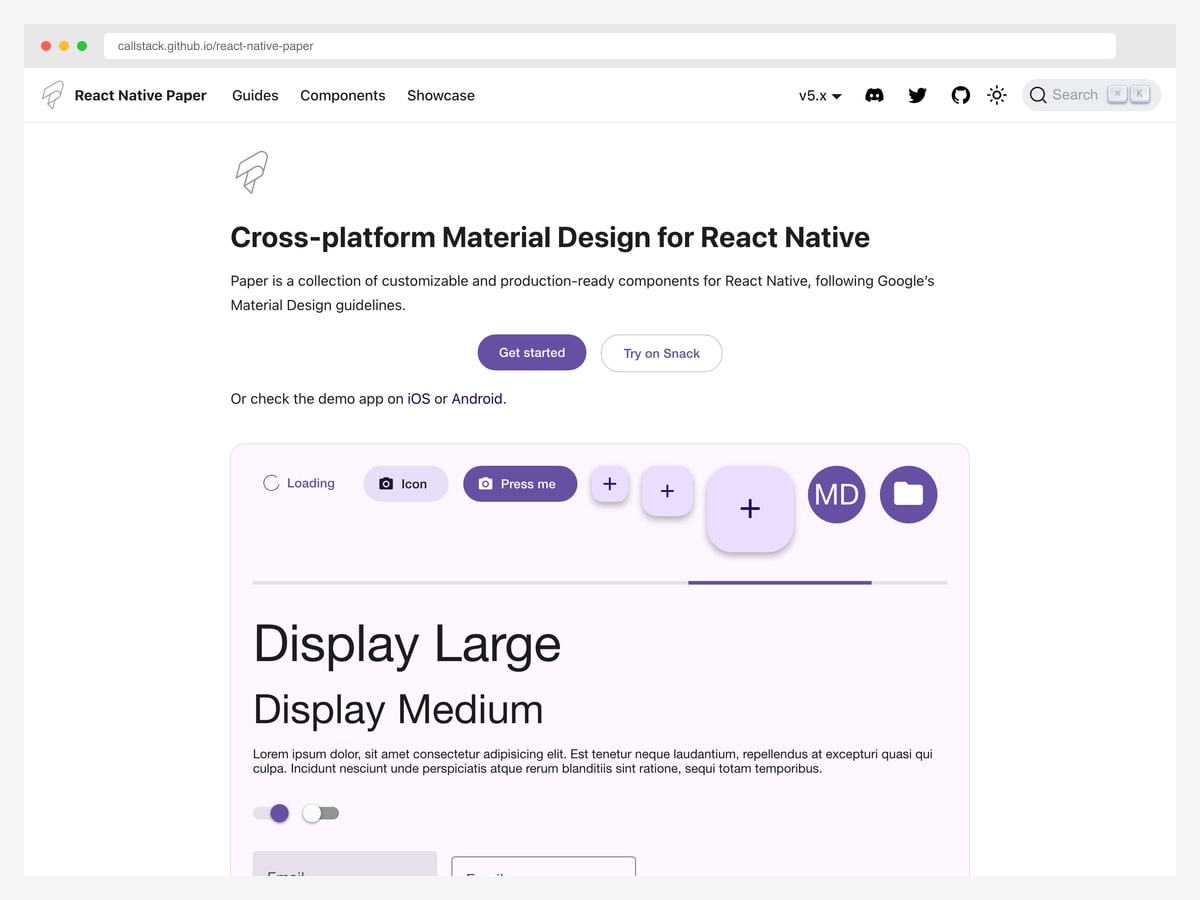
Why we like it: The most comprehensive Material Design 3 component library for React Native, maintained by Callstack (a React Native consultancy that maintains many core React Native packages). Built-in theming with light / dark / custom themes, full accessibility (screen reader support, focus management, color contrast), TypeScript types throughout, and SSR-ready for React Native Web.
Pair React Native Paper with the Expo Examples blank template for the most idiomatic “Material Design + Expo” starter. Best when your design constraint is Material Design 3 compliance — most other templates loosely interpret Material Design or invent custom design systems.
11. Argon React Native (Creative Tim)
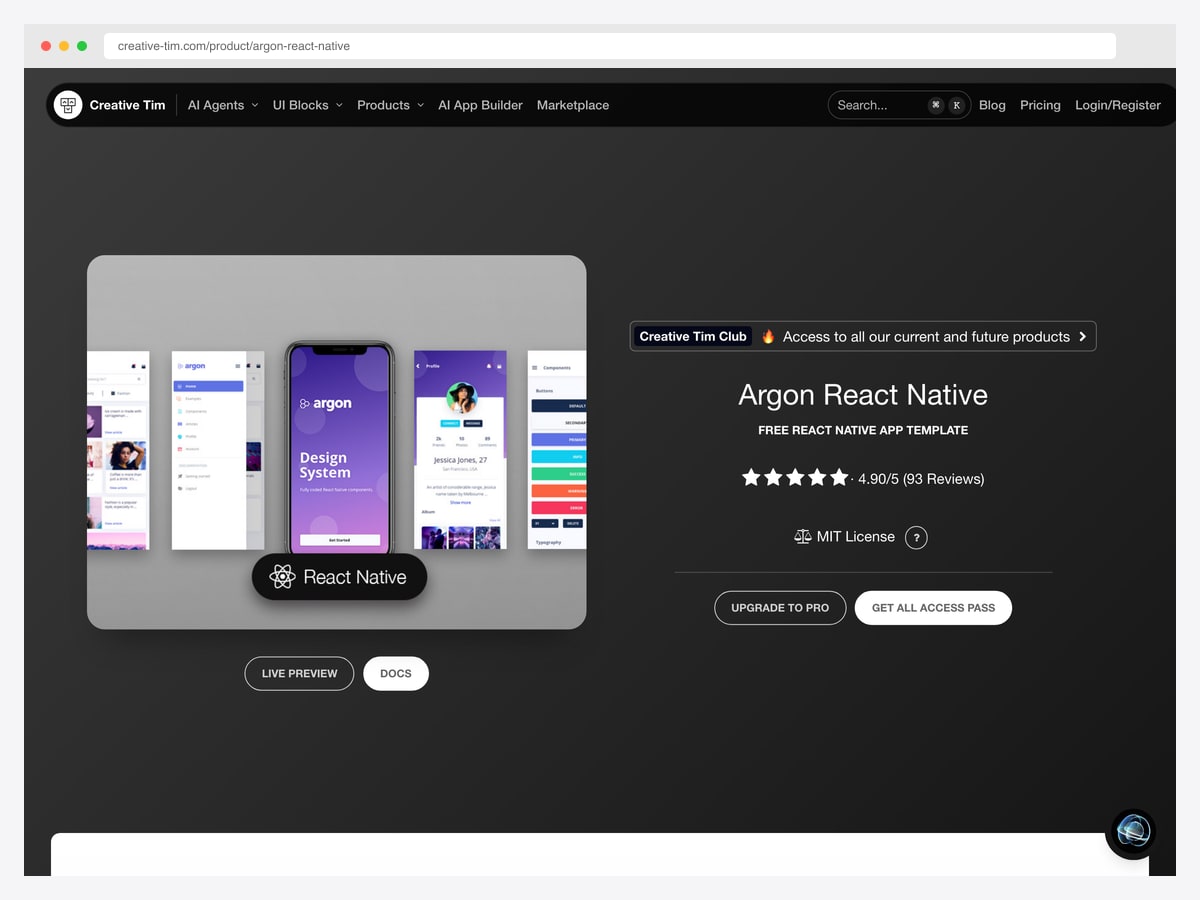
Why we like it: Creative Tim’s second most-downloaded React Native template (44,382 downloads, 4.90/5 rating). Argon Design’s modern minimal aesthetic — pastel color palette, generous whitespace, contemporary typography — gives it a different visual personality from Material Kit. The free version covers most use cases; Argon PRO ($149) adds advanced components and ~30 additional screens.
Best when you want a modern minimal aesthetic that doesn’t lock you into Material Design or iOS Human Interface Guidelines. Argon’s design language has been refined over multiple releases — the patterns are stable and ready for production.
12. MStore Pro
Why we like it: Turn any WordPress / WooCommerce store into a fully native mobile shopping experience. Push notifications for re-engagement, complete order history, polished dark mode, nine distinct home screen layouts, extensive payment gateway support (Stripe, PayPal, Cash on Delivery), and multi-language + RTL support for international stores. Regular updates to maintain compatibility with the latest React Native + WooCommerce API.
Best pick when you have an existing WooCommerce store and need a native mobile app without building one from scratch. Saves months of API integration work. The 9 home screen layouts let you match your existing brand identity without designing the mobile UI yourself.
13. Instamobile UberEats / Tinder / Airbnb Clones
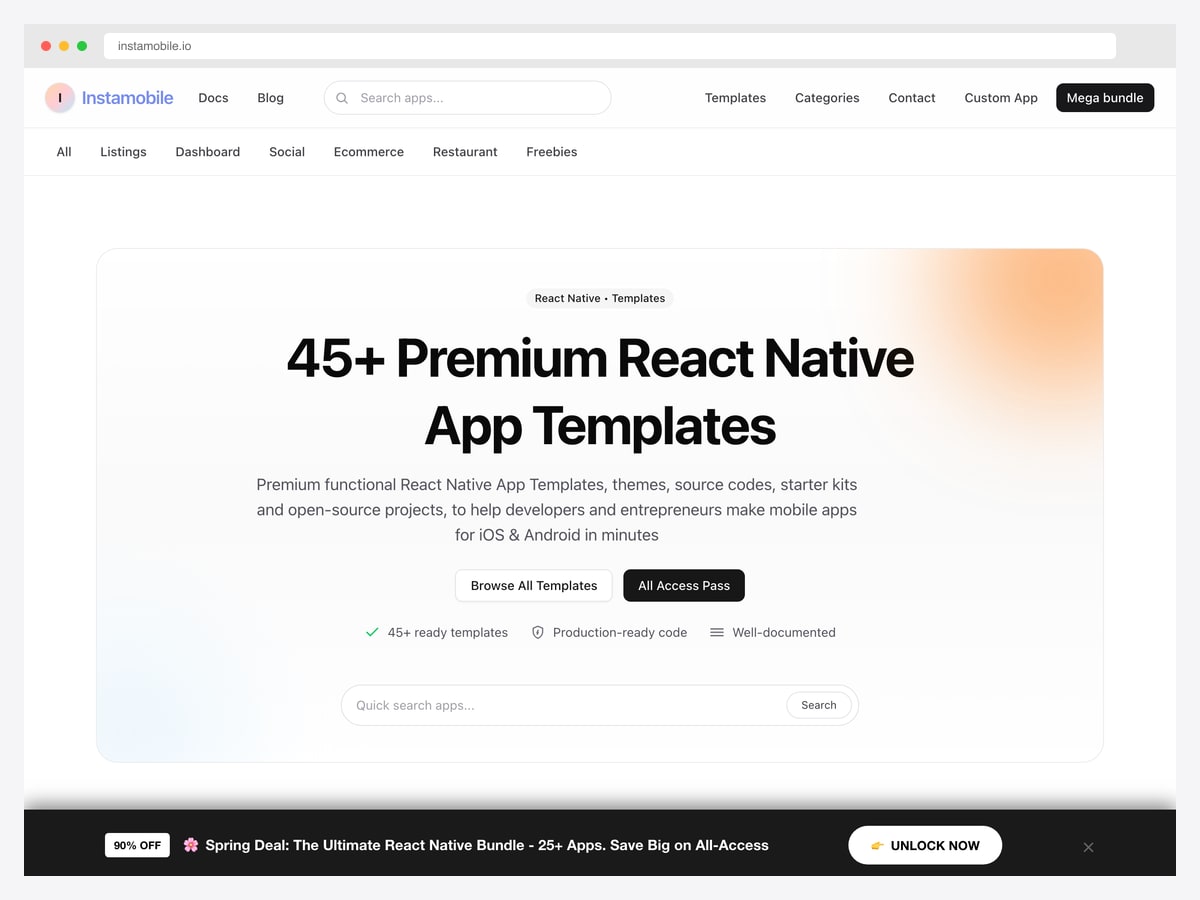
Why we like it: Instamobile’s clone catalog — UberEats clone (Customer + Driver + Restaurant apps with real-time tracking, Firebase backend, Stripe), Tinder clone (swipe matching + chat + premium subscriptions), Airbnb clone (listings + bookings + payments), and 30+ other vertical-specific clones. Each ships as a complete app with all the platform-specific complexity (real-time location, in-app purchases, push notifications, multi-role auth) already solved.
Claims to save “1 year of dev time” — accurate when you account for the back-end integration work (Firebase Functions, Firestore security rules, Stripe Connect for multi-party payments, push notification servers). Best when you specifically need a clone of an existing successful app and don’t want to architect the data model from scratch. The full source code is yours — no vendor lock-in.
How to Choose a React Native Template
The right pick depends on what your mobile app needs from day one:
- Building a production app from scratch? Obytes React Native Template — 4.2k stars, every modern tool wired in.
- Learning Expo + a specific integration (Firebase, Supabase, Stripe)? Expo Examples — 80+ canonical patterns by the Expo team.
- Want a complete design system + screens? UI Kitten + Kitten Tricks — Eva Design System with 40+ screens.
- Shipping both web and mobile from one codebase? gluestack-ui — universal components across React + React Native.
- Need Material Design specifically? React Native Paper (component library) or Creative Tim Material Kit (template).
- Want a shadcn-style component architecture on mobile? Expo NativeWind Template.
- Building a WooCommerce mobile app? MStore Pro — direct WooCommerce API integration.
- Building a vertical clone (food delivery, dating, listings)? Instamobile premium catalog — battle-tested clones at $99-249.
- Need Firebase auth scaffolding free? Instamobile React Native Starter Kit.
- Want the latest Expo Router 4 + NativeWind 4 stack? toyamarodrigo/expo-router-template.
React Native Templates FAQ
Expo vs. bare React Native — which for a new project in 2026?
Expo is the official recommendation from the React Native team and the default for almost every new project. SDK 53+ supports the New Architecture (Fabric + TurboModules), Expo Router 4 ships file-based navigation that matches Next.js App Router patterns, EAS Build handles native builds without Xcode / Android Studio locally, and EAS Update ships OTA updates without app-store review. Pick bare React Native only when: you need a specific native module Expo doesn’t support, you’re integrating into an existing native iOS / Android codebase, or you need fine-grained control of the build process.
Expo Router vs React Navigation in 2026?
Expo Router is the modern default — file-based routing, universal deep linking, automatic type-safe navigation, and the same mental model as Next.js App Router. React Navigation is still the underlying library Expo Router builds on, so the imperative API is available when you need it. New projects in 2026 should default to Expo Router; existing React Navigation projects don’t urgently need to migrate but should consider it for new feature branches.
NativeWind vs Restyle vs Unistyles vs Tamagui — which styling solution?
NativeWind (Tailwind CSS for React Native) is the most popular default in 2026 — same mental model as web Tailwind, used by Obytes, toyamarodrigo, Expo NativeWind Template, gluestack-ui. Tamagui is the performance king for animations and complex layouts but has a steeper learning curve. Unistyles and Restyle are alternatives with strong typing but smaller communities. For new projects, NativeWind is the safe pick — easiest hiring, biggest ecosystem, lowest risk.
Is TypeScript required for React Native in 2026?
Not required, but it’s the default in every template on this list and the recommended approach as of React Native 0.76+. The combination of TypeScript + Expo Router gives you type-safe navigation (errors caught at build time, not runtime). Most React Native job listings in 2026 require or strongly prefer TypeScript. Skip TypeScript only if you’re prototyping or learning the framework.
How do I publish to the App Store / Play Store?
Use EAS Build (Expo Application Services) — builds your iOS .ipa and Android .aab in the cloud without needing Xcode or Android Studio locally. Free tier covers small / hobby projects; paid tiers start at $19/month for unlimited builds. Then submit via EAS Submit (handles App Store Connect + Google Play Console upload). Total cost to ship a small app: ~$99/year (Apple Developer Program) + $25 one-time (Google Play Developer) + EAS Build credits.
Free template vs. paid marketplace template — which to pick?
Pay for a marketplace template (Instamobile, MStore Pro, Creative Tim PRO) when: you’re building a specific vertical clone (food delivery, dating, ecommerce) and don’t want to design the UX from scratch, your time is worth more than $50/hour and a $199 template saves you 80+ hours of work, or you need a polished design without hiring a designer. Stay free when: you’re learning React Native, your product has a unique UX you’ll design yourself, or you want full understanding of your codebase.
React Native vs Flutter vs native iOS / Android?
React Native wins on: code sharing with a React web codebase (gluestack-ui makes this real), JavaScript ecosystem (npm packages, community libraries), faster hiring (more React developers than Flutter / Swift / Kotlin specialists). Flutter wins on: rendering performance for animation-heavy apps, single language (Dart) across iOS / Android / web / desktop. Native wins on: performance at the edge (real-time AR, ML on device, low-latency audio), platform-specific UI conventions. For business apps and most consumer apps in 2026, React Native + Expo is the safest default.
Can I add server-side AI features (chat, generation) to a React Native app?
Yes — pair any React Native template with a Next.js backend (Vercel AI SDK, Anthropic / OpenAI API). The mobile app calls your Next.js API routes via fetch or TanStack Query; the server handles the LLM calls. Most templates on this list (Obytes, expo-router-template) ship TanStack Query already wired for this exact pattern. For backend-less AI mobile apps, the Vercel AI SDK has direct client integrations but you’ll pay LLM costs from the user’s account, not yours.
For web counterparts to your React Native work, see our roundups of React templates, React portfolio templates, React admin dashboard templates, React UI frameworks, and Next.js SaaS templates.

You Might Also Like


