
9 Best Flutter Admin Dashboard Templates (2026)

Flutter has quietly become a real option for admin dashboards — one Dart codebase that ships to web, desktop, and mobile, with WebAssembly builds making the web side faster every release. The template ecosystem is smaller than React’s but genuinely usable. Below are the 9 best Flutter admin dashboard templates and libraries in 2026 — every demo verified live — plus honest guidance on when Flutter is (and isn’t) the right tool for a web dashboard.
Short on time? Kite is the most complete free template and the only one built on current Flutter, Acnoo Admin is the premium heavyweight, and the 7k-star Flutter Responsive Admin Panel remains the best learning base.
Quick Picks
- Best free template overall: Kite — 22 screens, Flutter 3.47, MIT
- The classic: Flutter Responsive Admin Panel — 7k★ responsive reference, MIT
- Best with Firebase examples: FlareLine — full page set, wired to Firebase
- Best Material 3 build: htsuruo’s template — clean conventions, template repo
- Lightweight starter: FluttMin — small, tidy, easy to own
- Premium heavyweight: Acnoo Admin — 5 dashboards + PWA on CodeCanyon
- Component breadth: GetWidget — 1000+ open-source widgets
- Serious data viz: Syncfusion Flutter — 30+ charts + DataGrid, free community license
- Chart standard: fl_chart — the open-source charting default
When does Flutter make sense for a web dashboard?
- Great fit: internal tools and authenticated admin panels — the app lives behind a login, users install it as a PWA, and one team ships web, desktop, and mobile from a single codebase.
- Great fit: when your product’s mobile app is already Flutter — the admin reuses your widgets, theme, and business logic.
- The SEO caveat: Flutter web renders to canvas (CanvasKit/Wasm), so page content is not crawlable like HTML. For public, content-driven pages that need to rank, use an HTML-based stack — see our dashboard templates roundup. Admin panels behind auth never needed SEO anyway.
- Performance note: first load is heavier than an HTML admin (the engine ships with the app), then navigation is instant. WebAssembly builds keep narrowing the gap.
Flutter admin templates compared
| Name | Type | License | Last updated | Best for |
|---|---|---|---|---|
| Kite | Flutter · web + mobile + desktop | Free · MIT | Aug 2026 | A complete free admin on current Flutter |
| Flutter Responsive Admin Panel | Flutter · web + mobile + desktop | Free · MIT | Jul 2026 | Learning responsive Flutter layouts |
| FlareLine | Flutter web | Free · MIT | Nov 2024 | A full admin shell for Flutter web |
| Flutter Admin Dashboard Template | Flutter web · Material 3 | Free · no licence | Jul 2025 | Material 3 admin conventions |
| FluttMin | Flutter web | Free · MIT | Sep 2024 | A lightweight base with charts wired |
| Acnoo Admin | Flutter · premium (CodeCanyon) | Premium | 2026 | Shipping a full-featured admin fast |
| GetWidget | Component library · open source | Free · MIT | May 2026 | Filling component gaps fast |
| Syncfusion Flutter Widgets | Charts + DataGrid · commercial (free tier) | Free tier | 2026 | Serious charts and data grids |
| fl_chart | Charts · open source | Free · MIT | Jul 2026 | Beautiful custom charts in pure Dart |
Best free Flutter admin dashboard templates
1. Kite
The most complete free Flutter admin template
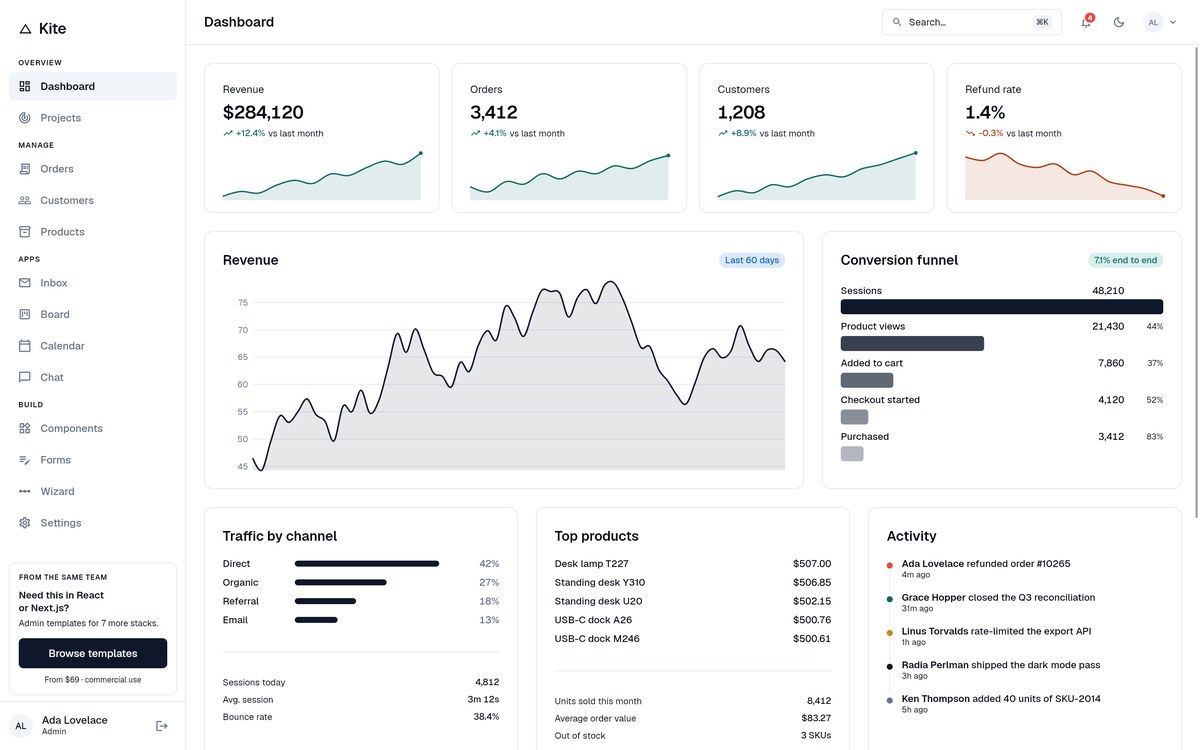
Why we like it: Every other free Flutter admin is either one beautiful screen or a project that stopped getting commits in 2024. Kite is 22 working screens on Flutter 3.47 with a swappable data layer, and we built it because that gap kept showing up in this list.
Full disclosure: Kite is ours. We put it first because of what the rest of this list looks like — of the four established free templates below, two have had no commit since 2024 and one ships without a licence file at all. Judge it against them and tell us if we are wrong.
What is in it: three dashboards, five auth screens, full list/detail/create/edit for three resources, plus inbox, kanban board, calendar, chat, a component showcase, forms, a multi-step wizard, settings, profile and both error pages. Charts are fl_chart; the data grid is trina_grid with server-side pagination; navigation is go_router with path URLs, so a row detail is a real linkable address that survives a refresh.
The part that matters if you intend to ship it is the data layer. Screens never call an API directly — they go through a five-method DataProvider interface, and the template ships three implementations: mock, REST and Supabase. Clone it and you get a fully working admin populated with realistic data before you have written any backend, then swap one class when the real API exists.
It runs from one codebase on web, iOS, Android, macOS and Windows, builds to WebAssembly, and has light and dark themes, a ⌘K command palette that searches real records, and drag-and-drop on the board. The trade-off is the honest one for any Flutter web app: a first load in the low megabytes, which is fine behind a login and wrong for a public marketing site.
2. Flutter Responsive Admin Panel
The 7k-star classic that started it all
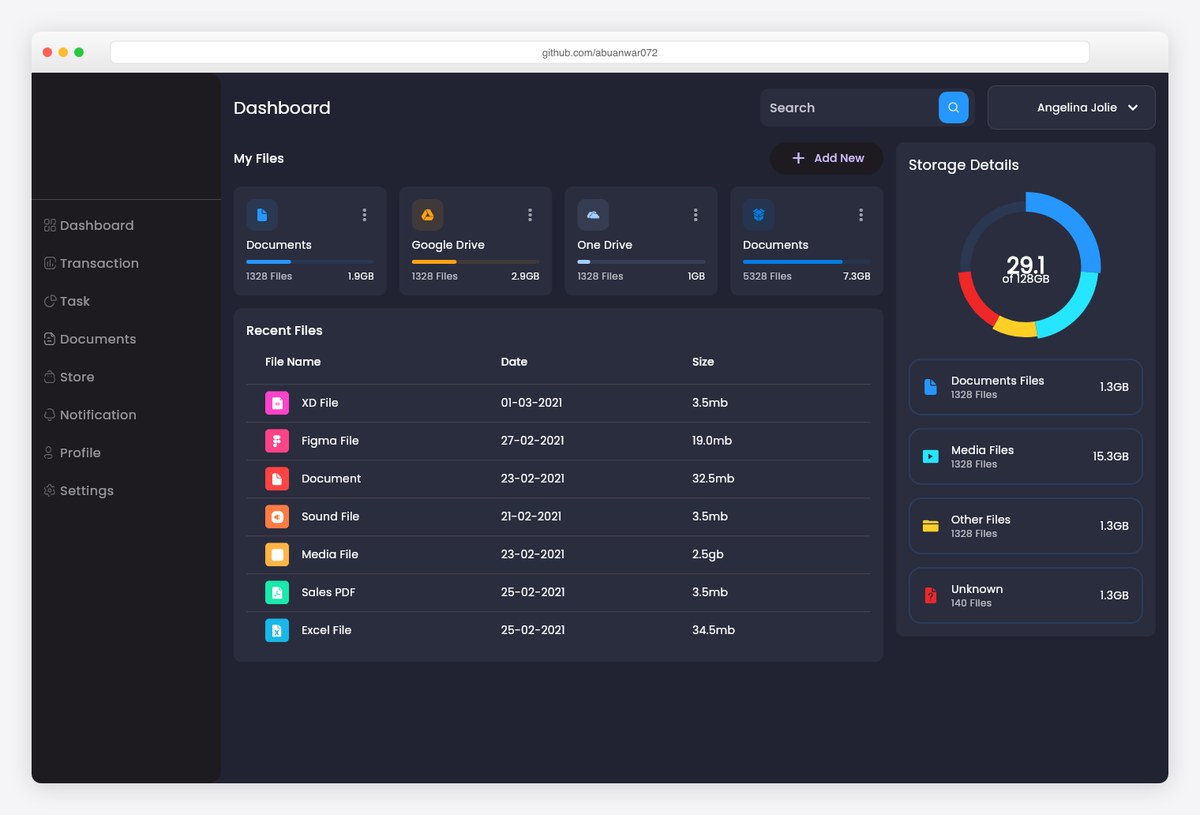
Why we like it: The most-starred Flutter admin template on GitHub — a dark file-management dashboard whose responsive layout logic (web, macOS, tablet, mobile from one codebase) is the reference implementation everyone copies.
Abu Anwar’s admin panel is where most developers first see Flutter’s responsive potential: one Dart codebase rendering a full dashboard — charts, storage cards, file tables — correctly on every screen size. The code stays deliberately simple (provider, flutter_svg, google_fonts), which is exactly why it works as a teaching base.
Start here to understand the patterns; graduate to the richer templates below for production.
3. FlareLine
The most complete free Flutter web admin
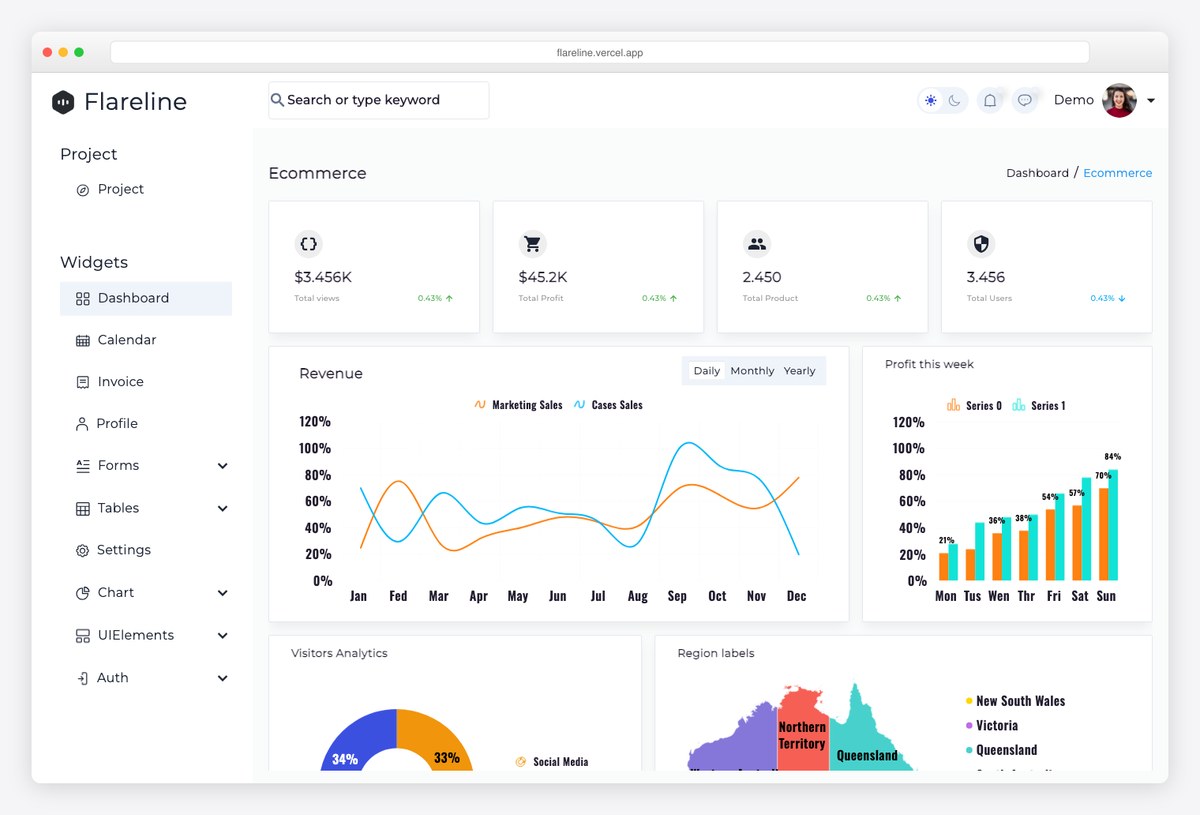
Why we like it: FlareLine ships what free Flutter admins usually lack: a complete page set — dashboards, charts, tables, forms, auth — plus Firebase integration examples and a CRM variant, all MIT-licensed.
FlareLine is the closest thing Flutter has to a TailAdmin-style free template: an ecommerce-flavored dashboard with revenue charts, widgets, and a proper sidebar shell, ready to strip and rebuild. The companion Firebase and CRM demos show real data wiring rather than static mocks.
The strongest free starting point for a Flutter web admin panel in production — with one caveat: it was last updated in late 2024, so budget for a dependency bump before you build on it.
4. Flutter Admin Dashboard Template (htsuruo)
Clean Material 3 reference build
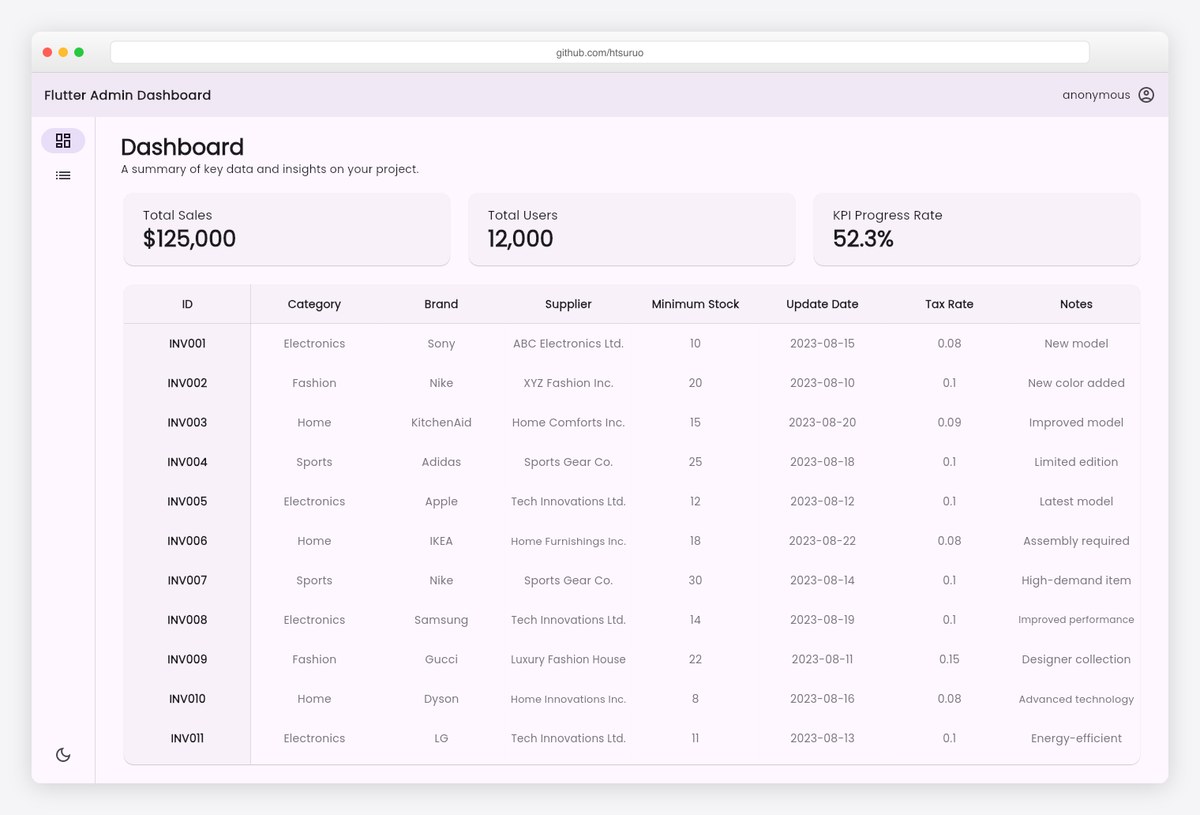
Why we like it: A tidy Material 3 dashboard — light/dark modes, declarative routing, responsive breakpoints, and two-dimensional scrollable data tables — published as a GitHub template repository you can instantiate in one click.
Hideki Tsuruoka’s template is the best-engineered small Flutter admin we found: idiomatic Material 3 theming, go_router-style navigation, and tables that scroll both axes properly (a detail most Flutter admins get wrong). The accompanying Medium write-up documents the architectural decisions.
Pick it when you want current Flutter conventions rather than the biggest feature list.
5. FluttMin
Minimal free starter to make your own
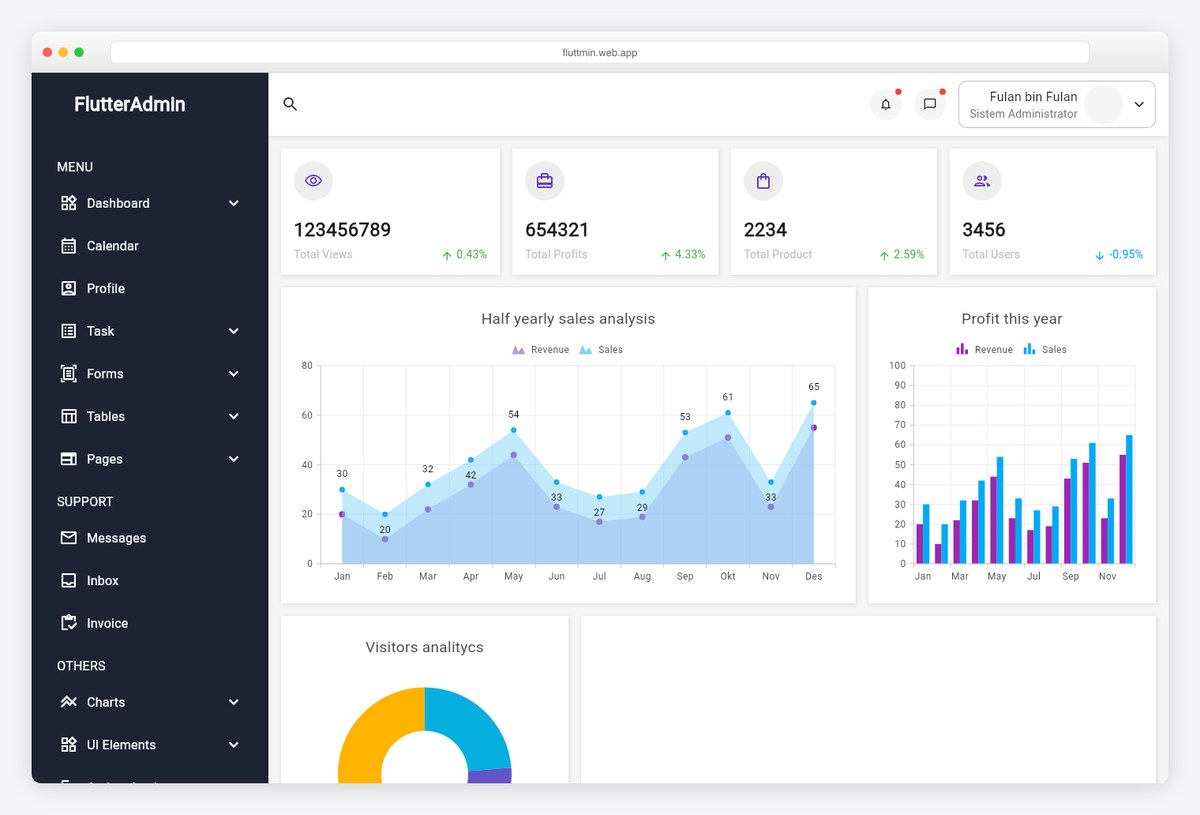
Why we like it: A small, tidy admin starter — sidebar, dashboard cards, sales charts, calendar and form pages — that stays simple enough to fully understand in an afternoon.
FluttMin is a small project without a big community — and it hasn’t seen updates since late 2024 — but it earns its slot: the responsive shell works from phones to desktops, the chart pages are already wired, and the MIT license invites forking. Treat it as scaffolding rather than a finished product.
A good middle ground between the teaching classic above and heavyweight kits.
Premium Flutter admin templates
6. Acnoo Admin (AdminPro)
The premium heavyweight: 5 dashboards + PWA
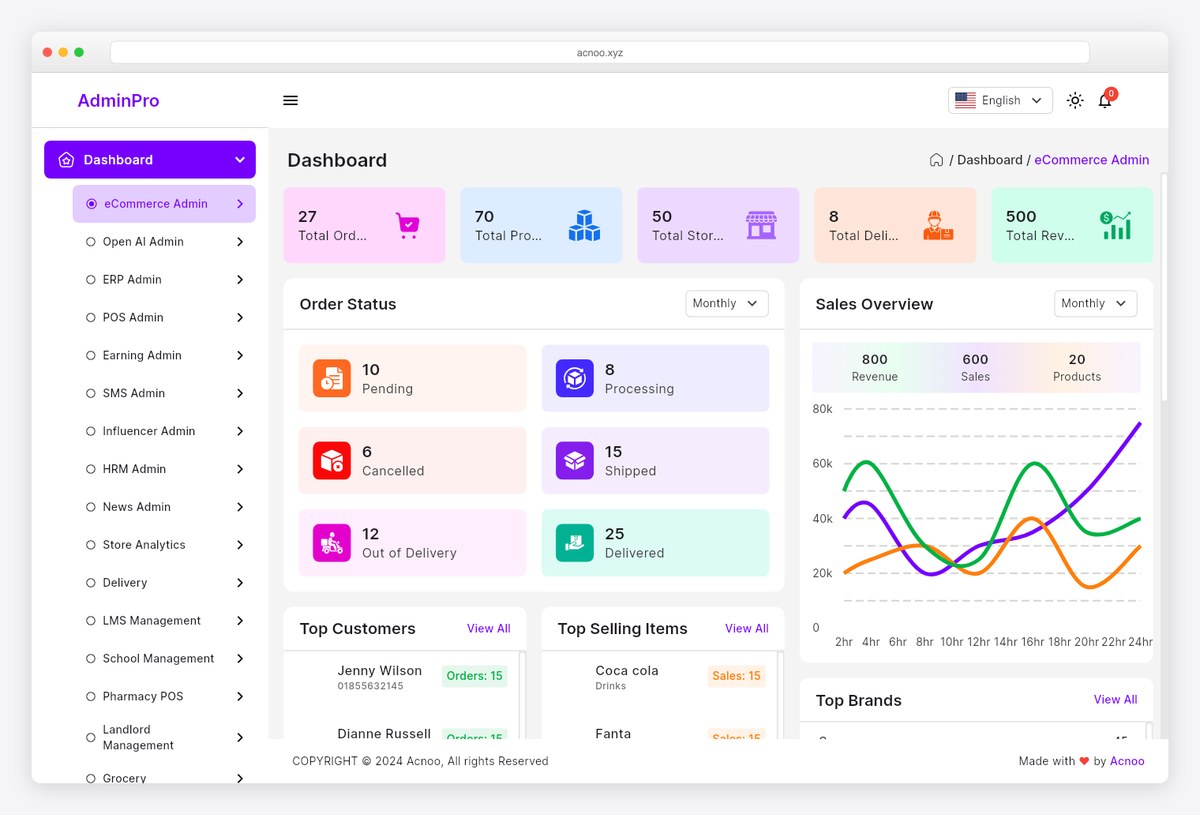
Why we like it: The most complete premium Flutter admin on CodeCanyon — 14 dashboards — from e-commerce, AI, ERP and POS to HRM, LMS and pharmacy — plus PWA support, and an app-sized widget library from calendars and kanban to chat and email, kept actively updated.
Acnoo Admin covers the surface area a real back office needs: data tables, forms, auth flows, drag-and-drop, maps, and theming across its 14 dashboard variants. PWA support means the same build installs like an app on desktop and mobile — a genuinely good fit for Flutter web’s strengths.
The regular license is impulse-purchase territory for the amount of UI you get.
Flutter UI kits & chart libraries for dashboards
7. GetWidget
1000+ open-source Flutter UI components
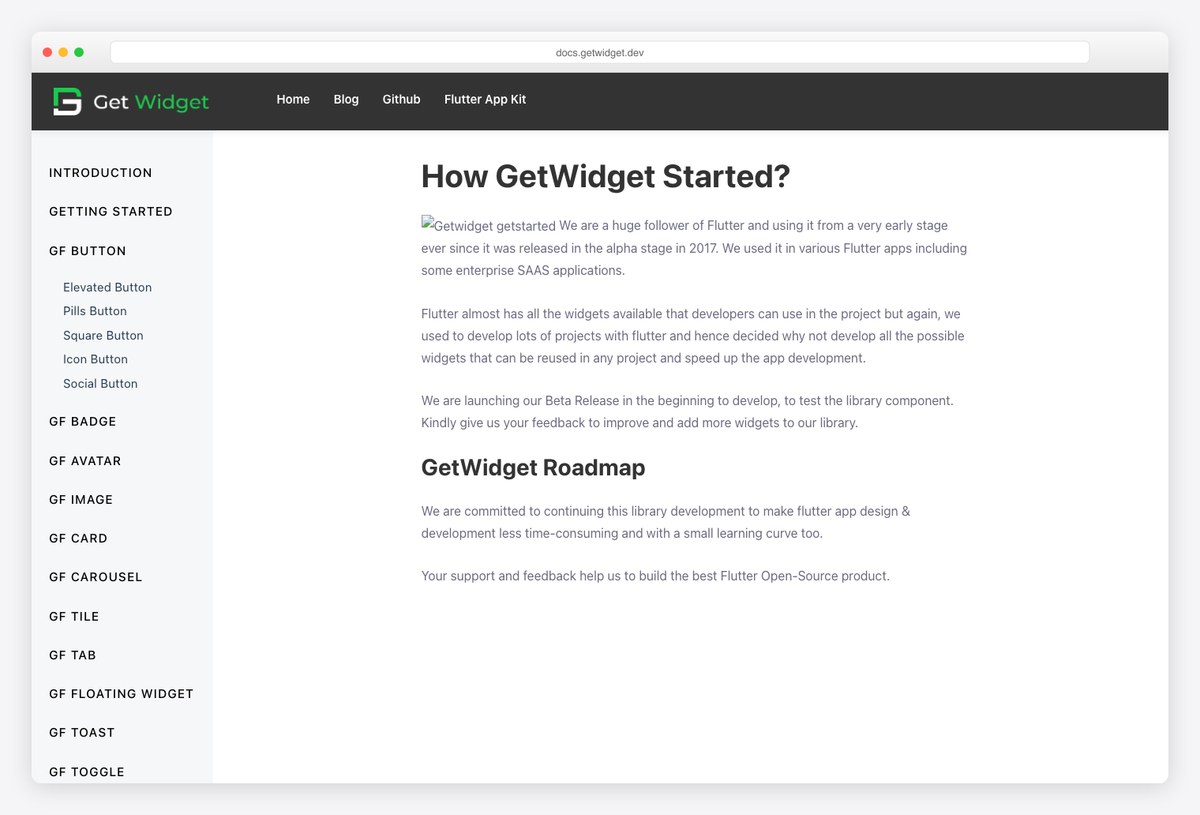
Why we like it: One of the largest open-source Flutter UI kits — buttons, cards, carousels, tabs, toasts, and dozens more prebuilt widgets that slot into any admin template on this list.
GetWidget’s value is breadth: instead of hand-rolling every badge, avatar stack, or floating widget your dashboard needs, you import battle-tested ones and theme them. The library has powered Flutter apps for years and remains a community staple.
Combine it with a template above rather than choosing between them.
8. Syncfusion Flutter Widgets
Enterprise charts & DataGrid, free community license
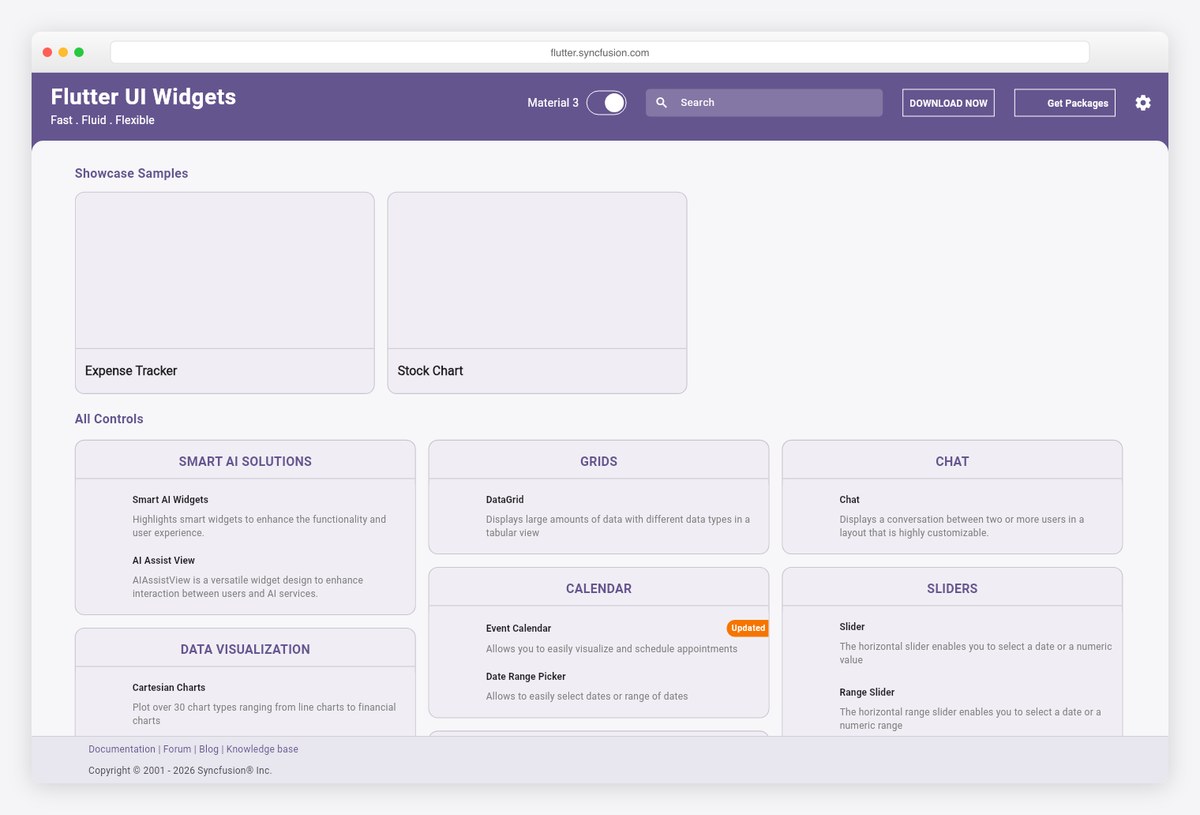
Why we like it: Syncfusion’s Flutter suite — 30+ chart types, a high-performance DataGrid, calendars, gauges — is enterprise-grade, and its community license makes it free for individual developers and small companies.
When your dashboard outgrows hobby charts, Syncfusion is the professional answer in Flutter: Cartesian and financial charts, pivot-style grids that handle large datasets, and event calendars, all with consistent theming and documentation. The community license (for smaller teams under the revenue threshold) removes the cost barrier.
The data-visualization ceiling for Flutter admins.
9. fl_chart
The community-standard chart library
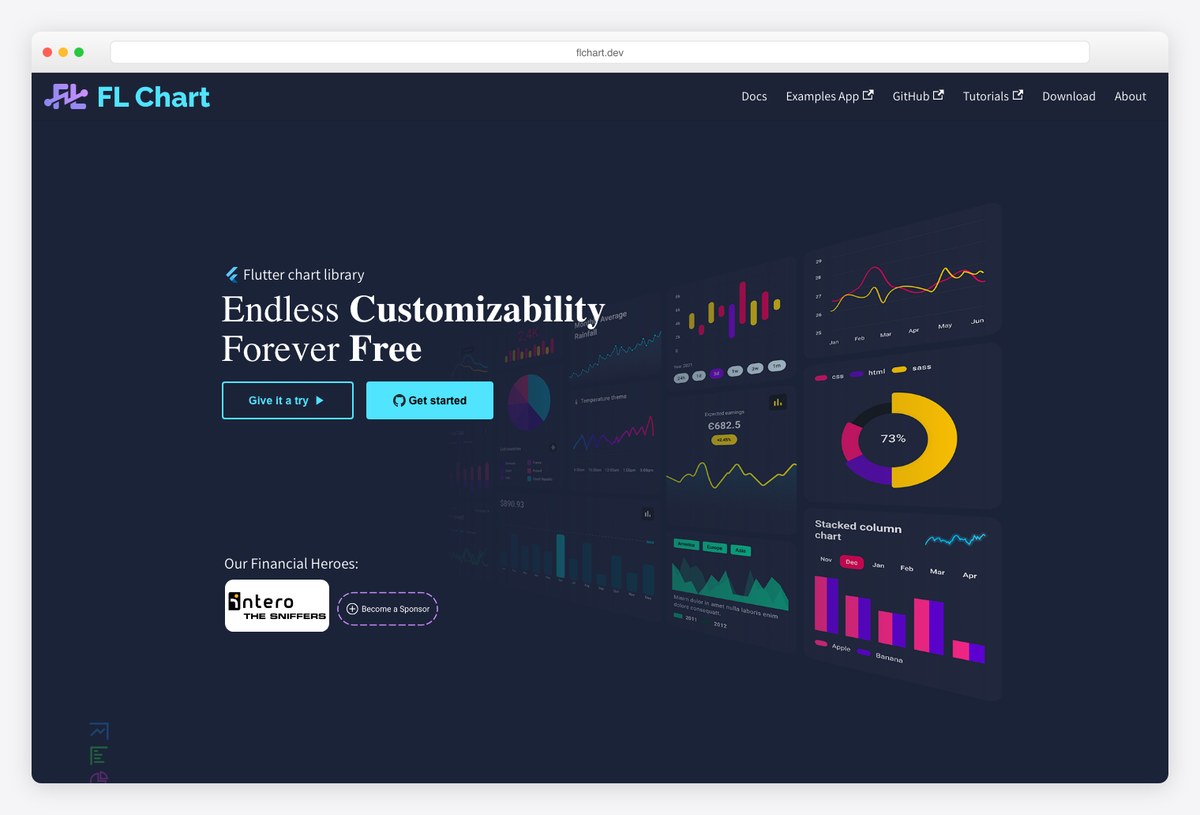
Why we like it: The most popular open-source charting package in the Flutter ecosystem — line, bar, pie, scatter, and radar charts with the “endless customizability” its site promises, free forever.
fl_chart powers the charts in the classic Responsive Admin Panel above and countless community dashboards: pure Dart, highly animated, and customizable down to individual dot painters. The trade-off versus Syncfusion is polish-by-default — fl_chart gives you primitives to style yourself.
The default choice for open-source Flutter dashboards.
How to choose a Flutter admin template
Match the template to your situation:
- Learning Flutter’s responsive patterns? The Flutter Responsive Admin Panel — read the code, then build.
- Free production web admin? FlareLine for breadth, htsuruo’s template for Material 3 discipline.
- Buying speed for a client project? Acnoo Admin — 14 dashboards and PWA support out of the box.
- Charts getting serious? fl_chart free, Syncfusion when you need DataGrid-class tables and 30+ chart types.
- Need a public, SEO-visible dashboard site? Use an HTML stack instead — our dashboard templates and MUI admin dashboards roundups cover that lane.
Frequently asked questions
What is the best free Flutter admin dashboard template?
Kite is the most complete free option and the only one kept current with Flutter 3.47 — 22 screens, MIT, with mock, REST and Supabase data providers. FlareLine is the strongest of the older free templates if you want Firebase examples, though it has had no commit since November 2024. The 7.1k-star Flutter Responsive Admin Panel by Abu Anwar remains the best learning base for responsive layout.
Is Flutter good for web admin dashboards?
Yes, with the right expectations: authenticated admin panels and internal tools are Flutter web’s sweet spot — one codebase for web, desktop, and mobile, PWA installability, and instant in-app navigation. The trade-offs are a heavier first load and canvas rendering that isn’t SEO-crawlable, which doesn’t matter behind a login.
Does Flutter web work for SEO?
Not well — Flutter web renders into a canvas (CanvasKit/WebAssembly), so search engines can’t read the content the way they read HTML. Keep Flutter for app-like, authenticated surfaces and use an HTML-based stack for public pages that need to rank.
Are Flutter admin templates responsive?
The good ones are — that’s Flutter’s strength. Every template in this list adapts from mobile through tablet to desktop from one codebase; the Flutter Responsive Admin Panel exists specifically to demonstrate those layout patterns.
Which chart library should I use in a Flutter dashboard?
fl_chart is the open-source default — free, animated, endlessly customizable. Move to Syncfusion’s Flutter charts when you need enterprise polish, 30+ chart types, or its high-performance DataGrid; its community license keeps it free for individuals and small teams.
Going cross-platform another way? See the best React Native templates — or stay web-first with our full dashboard templates collection and MUI admin dashboards for the Material look in HTML.

You Might Also Like


