8 Best shadcn/ui Themes & Theme Generators 2026
Looking for a custom shadcn/ui theme you can ship this week? These 8 picks cover the most popular generator (TweakCN), the canonical official picker, three serious alternatives with different control models (Shadesigner for granular HSL, Shadcn Studio for multi-surface preview, UIColorful for image-based palettes), two community theme browsers (ShadCN Themer, ui.jln.dev), and the maintained awesome/colors list of every theme tool in the ecosystem. Every demo is re-checked before we republish this page.
A 2026-grade shadcn theme handles four surfaces: a color palette (background, foreground, primary, secondary, muted, accent, destructive in both light and dark mode), typography (heading and body fonts), border radius, and component shadows. Two practical paths: pick a preset from a generator and adjust one or two values, or build the full palette from scratch with per-variable HSL control.
We’ve grouped the 8 picks below into the most-recommended generator (TweakCN — start here), the canonical official tool (shadcn/ui Official Themes), three serious alternatives with different control models (Shadesigner for granular HSL, Shadcn Studio for multi-surface preview, UIColorful for image-extracted palettes), two community theme browsers (ShadCN Themer, ui.jln.dev), and one curated reference list (shadcn.io awesome/colors) for tracking new tools as they ship.
Related reading: our shadcn/ui pricing page templates, shadcn/ui charts & data visualization, SaaS starter kits, landing page templates, and our shadcn/ui templates pillar — your theme will apply across every block from those roundups.
Quick Picks
- Best overall: TweakCN — fastest preset-to-Tailwind path, no signup, 9.8k stars
- Best canonical reference: shadcn/ui Official Themes — built into the shadcn project itself
- Best granular HSL control: Shadesigner — set each variable independently across light and dark mode
- Best multi-surface preview: Shadcn Studio — see your theme across Dashboard / Blocks / Mail in one tool
- Best community theme browser: ShadCN Themer — Twitter / Vercel / Supabase / Northern Lights and many more
- Best randomizer: ui.jln.dev — 10000+ themes, hit “Randomize” until something fits
- Best image-to-palette: UIColorful — extract a shadcn palette from a brand color or image
- Best meta-list: shadcn.io awesome/colors — maintained list of every theme tool
1. TweakCN
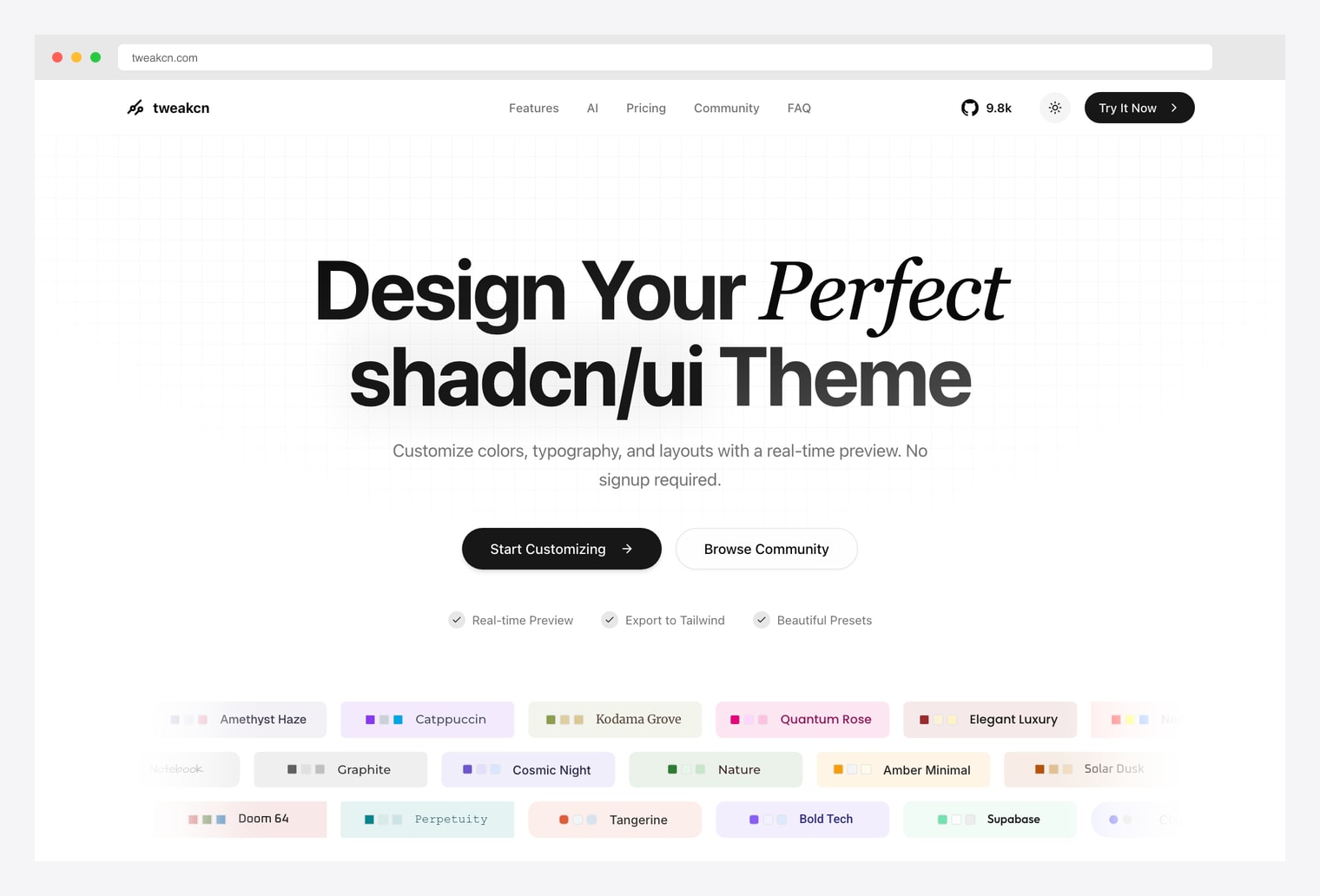
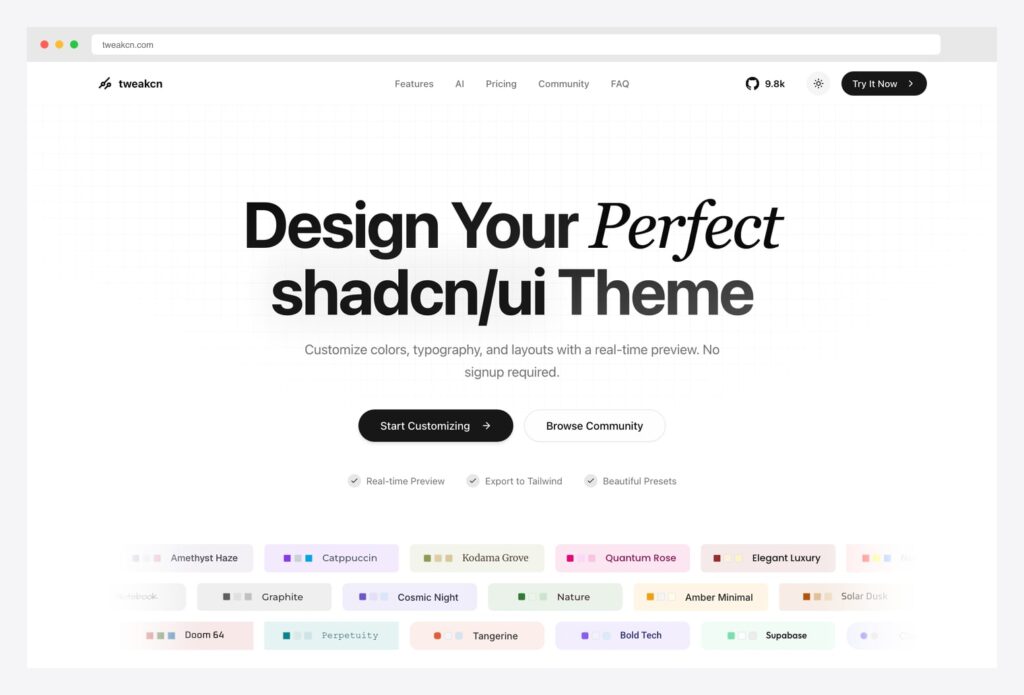
Why we like it: The fastest single-color palette generator in the shadcn ecosystem. Generates the full shadcn variable set in both light and dark mode, output maps directly to shadcn’s expected variable names, no signup required.
Pick TweakCN when you need a custom theme in under 5 minutes — pick a preset, adjust the primary color, export to Tailwind. The community gallery is also browseable for inspiration without committing to a generator.
2. shadcn/ui Official Themes
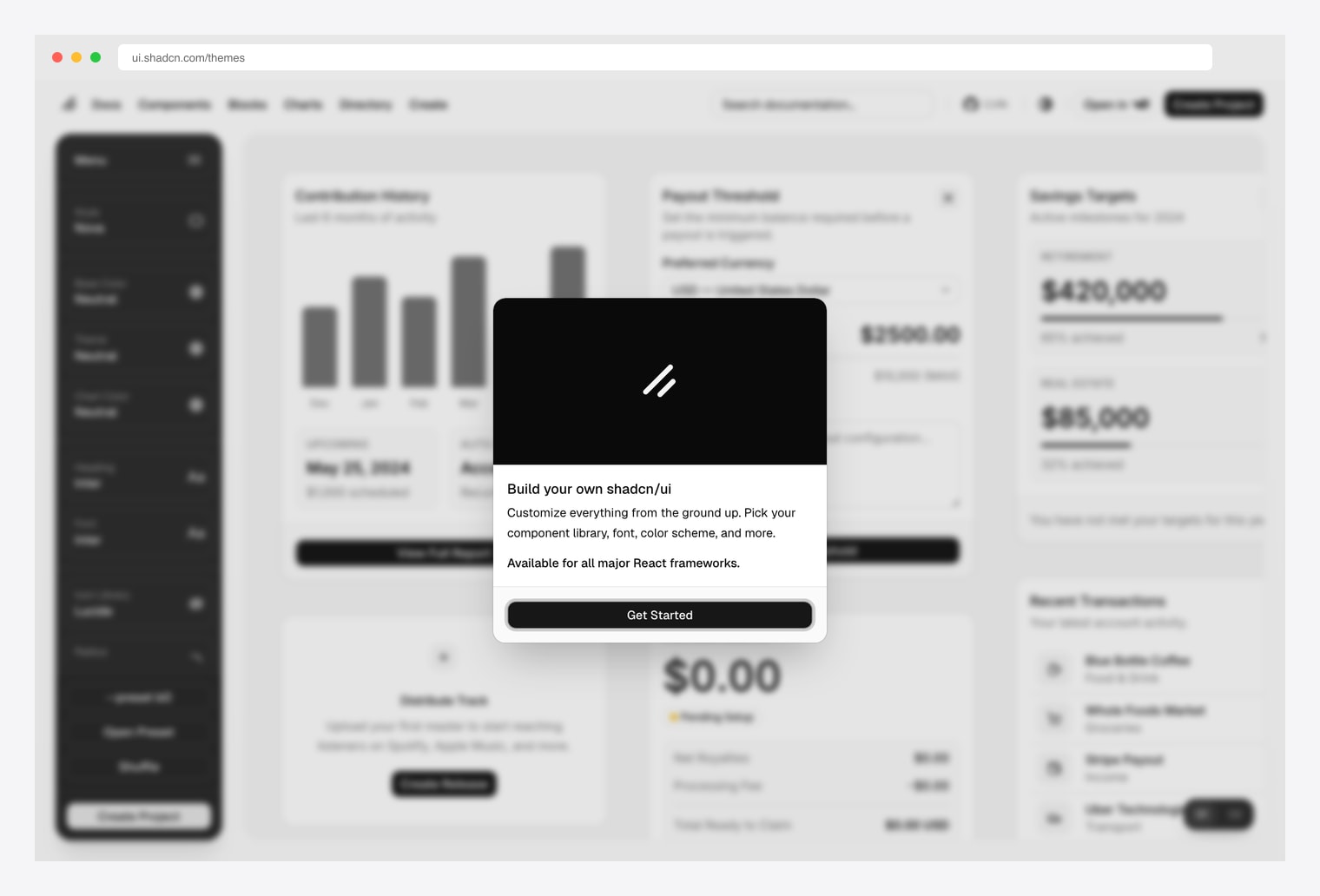
Why we like it: The official theme picker at ui.shadcn.com/themes — Style, Base Color, Theme, Color, Heading Font, and Body Font controls plus the Build-your-own-shadcn/ui wizard. Available for all major React frameworks.
Pick the official picker when you want the canonical reference workflow that the shadcn maintainers themselves use. Less customizable than TweakCN but the most predictable starting point — and it’s built into the same site as the official charts and pricing blocks you’ll layer on top.
3. Shadesigner
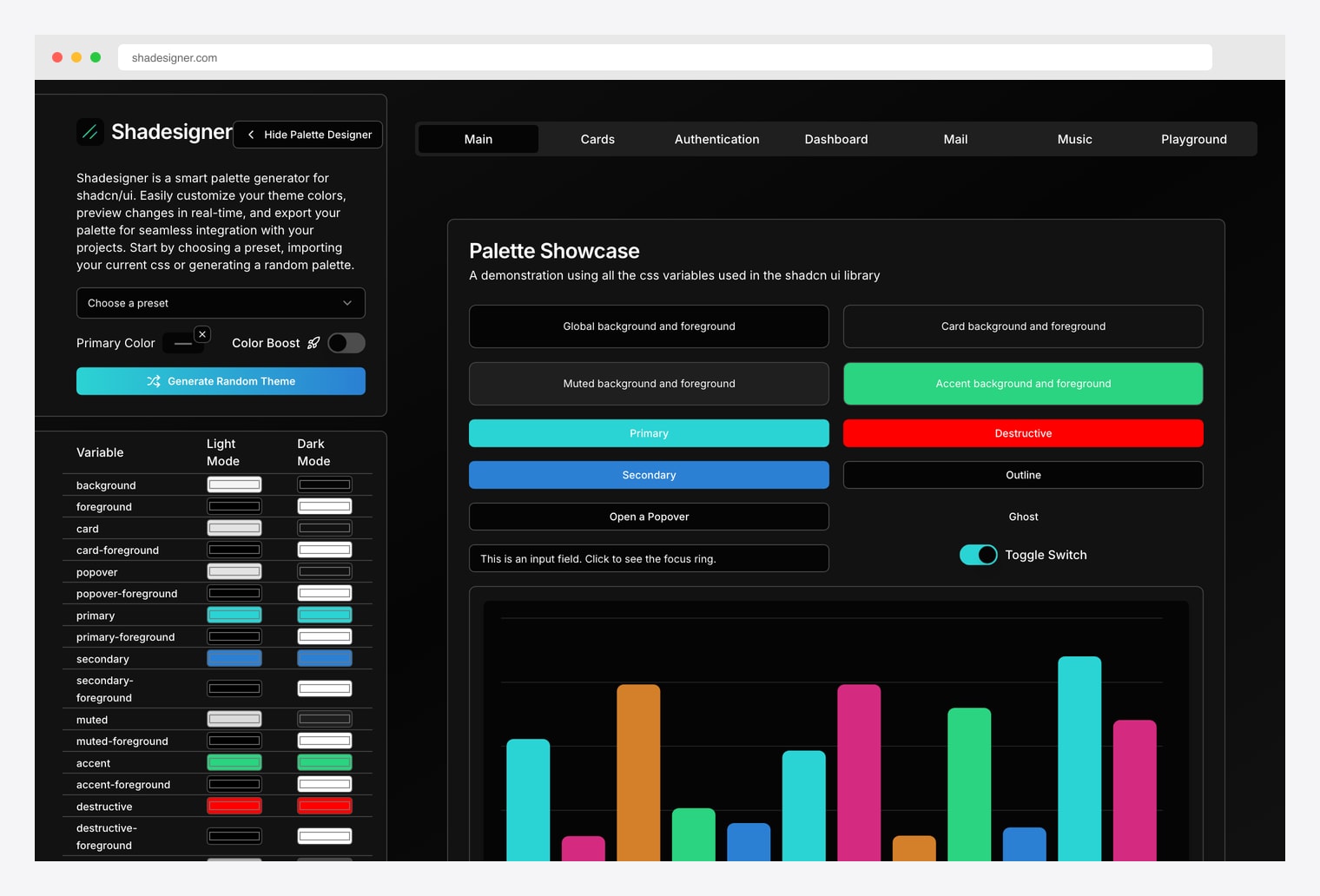
Why we like it: A smart palette generator with full per-variable Light Mode and Dark Mode control — background, foreground, card, popover, primary, secondary, muted, accent, destructive, border, input, ring. Pick a preset, import existing CSS, or generate a random palette; preview applies live to a Palette Showcase with buttons, inputs, switches, and a sample chart.
Pick Shadesigner over TweakCN when you need granular control: TweakCN derives variables from a primary color; Shadesigner lets you set each variable independently. The Color Boost toggle and Generate Random Theme button are good for breaking out of color-wheel ruts.
4. Shadcn Studio Theme Generator
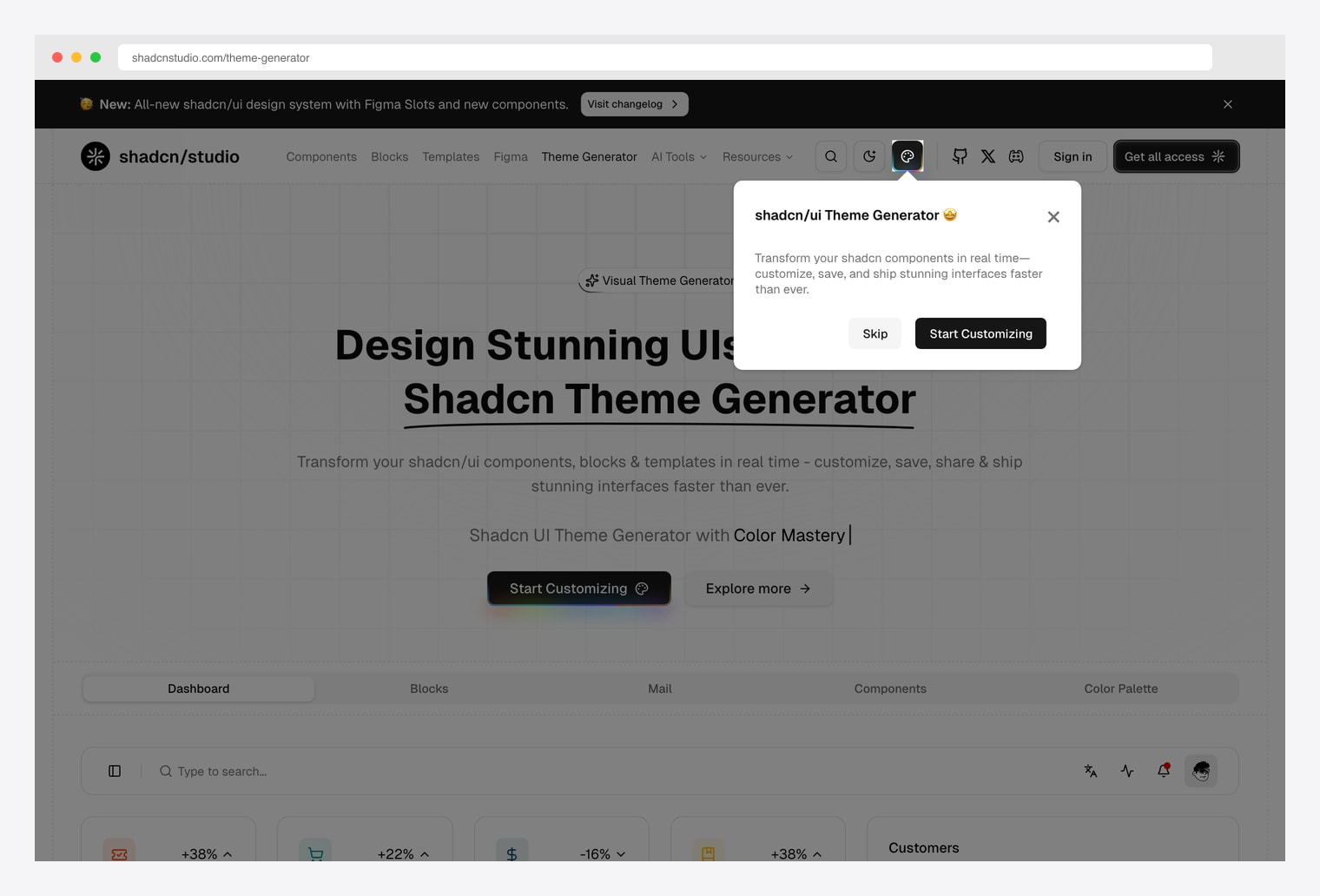
Why we like it: A visual theme generator with Dashboard, Blocks, Mail, Components, and Color Palette preview tabs — adjust theme variables and watch them propagate across multiple application surfaces simultaneously. Same vendor as our pick in the shadcn pricing roundup.
Pick Shadcn Studio when you want to see how theme changes ripple across multiple application surfaces (a dashboard, a blocks page, a mail app) in one tool — TweakCN and Shadesigner show only one preview surface at a time.
5. ShadCN Themer
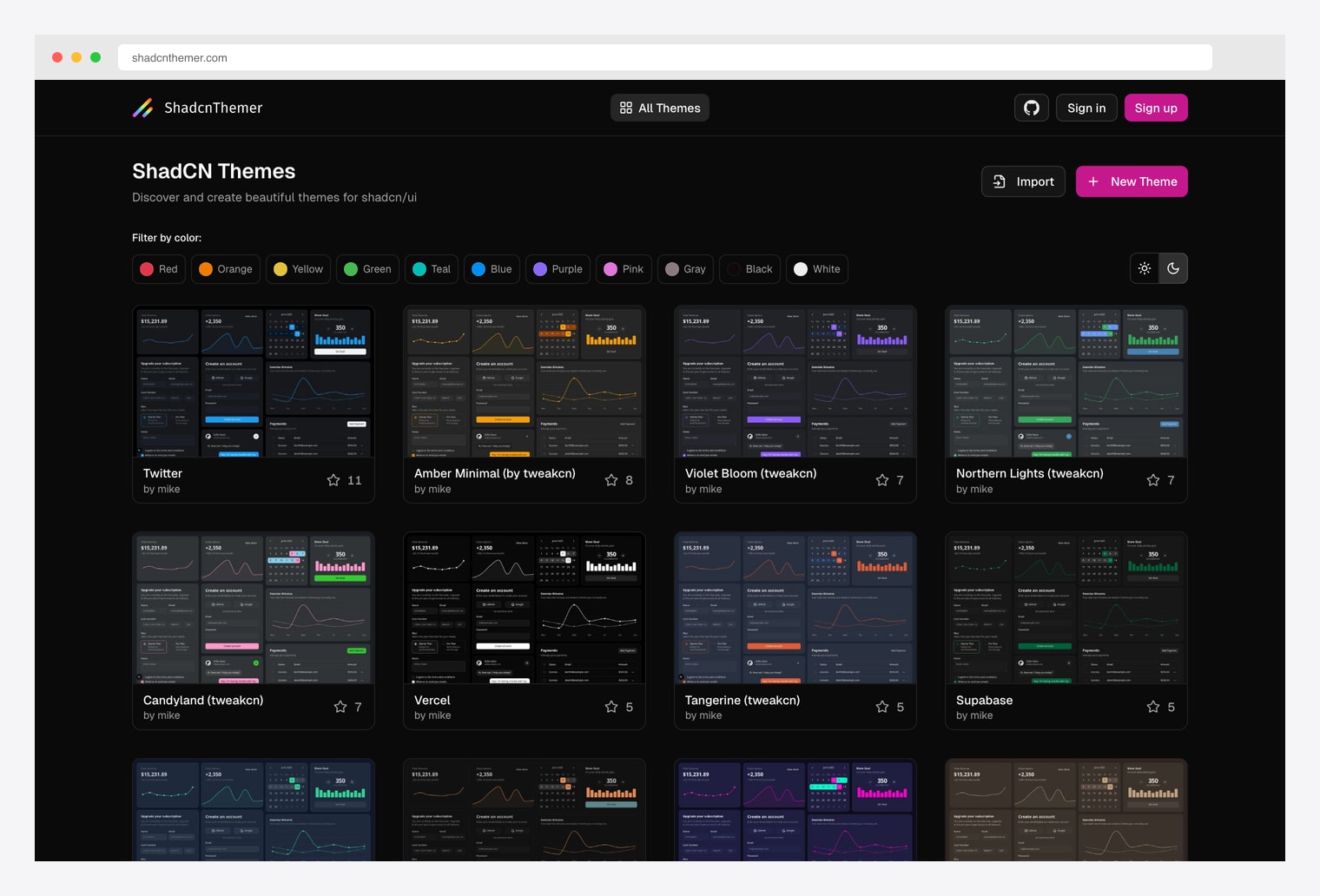
Why we like it: Community theme browser — Discover and create themes for shadcn/ui, filter by color (Red, Orange, Yellow, Green, Teal, Blue, Purple, Pink, Gray, Black, White), light/dark toggle. Includes prebuilt themes named after products (Twitter, Vercel, Supabase, Tangerine, Candyland, Northern Lights, Violet Bloom, Amber Minimal).
Pick ShadCN Themer when you want to browse what other people have built before opening a generator yourself. The “Twitter” / “Vercel” / “Supabase” themes are useful starting points if your design language is anchored to a specific product’s look.
6. ui.jln.dev (10000+ Themes)
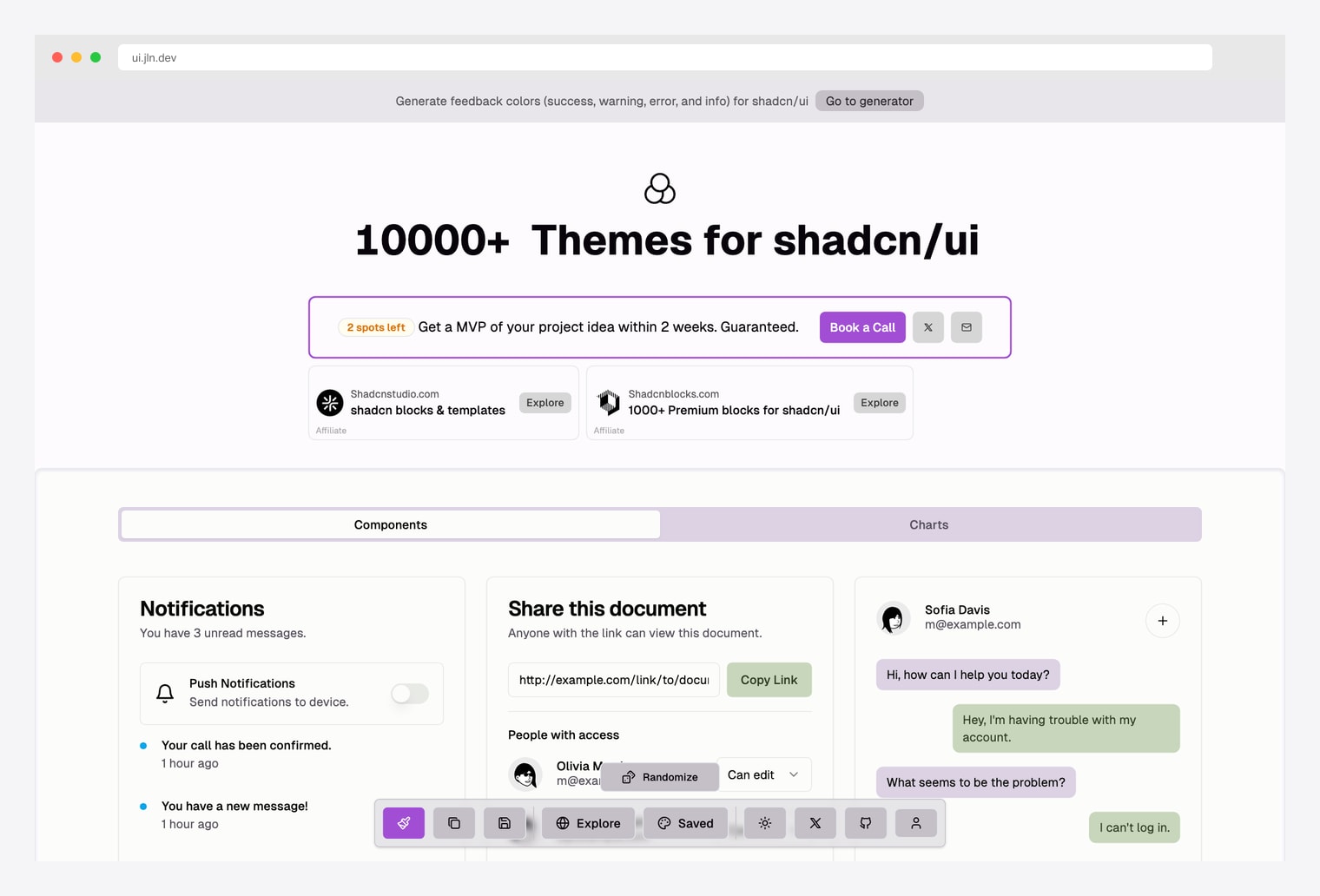
Why we like it: 10000+ themes for shadcn/ui in one explorer. Randomize button cycles colors across a Components and Charts preview surface (Notifications card, Share document widget, chat). Open the explorer and hit “Randomize” until something fits.
Pick ui.jln.dev when you want serendipity over directed editing — the 10000+ count is more about volume than quality, but it’s the fastest way to find a starting palette you didn’t know you wanted. Copy the variables you like into your own theme.
7. UIColorful
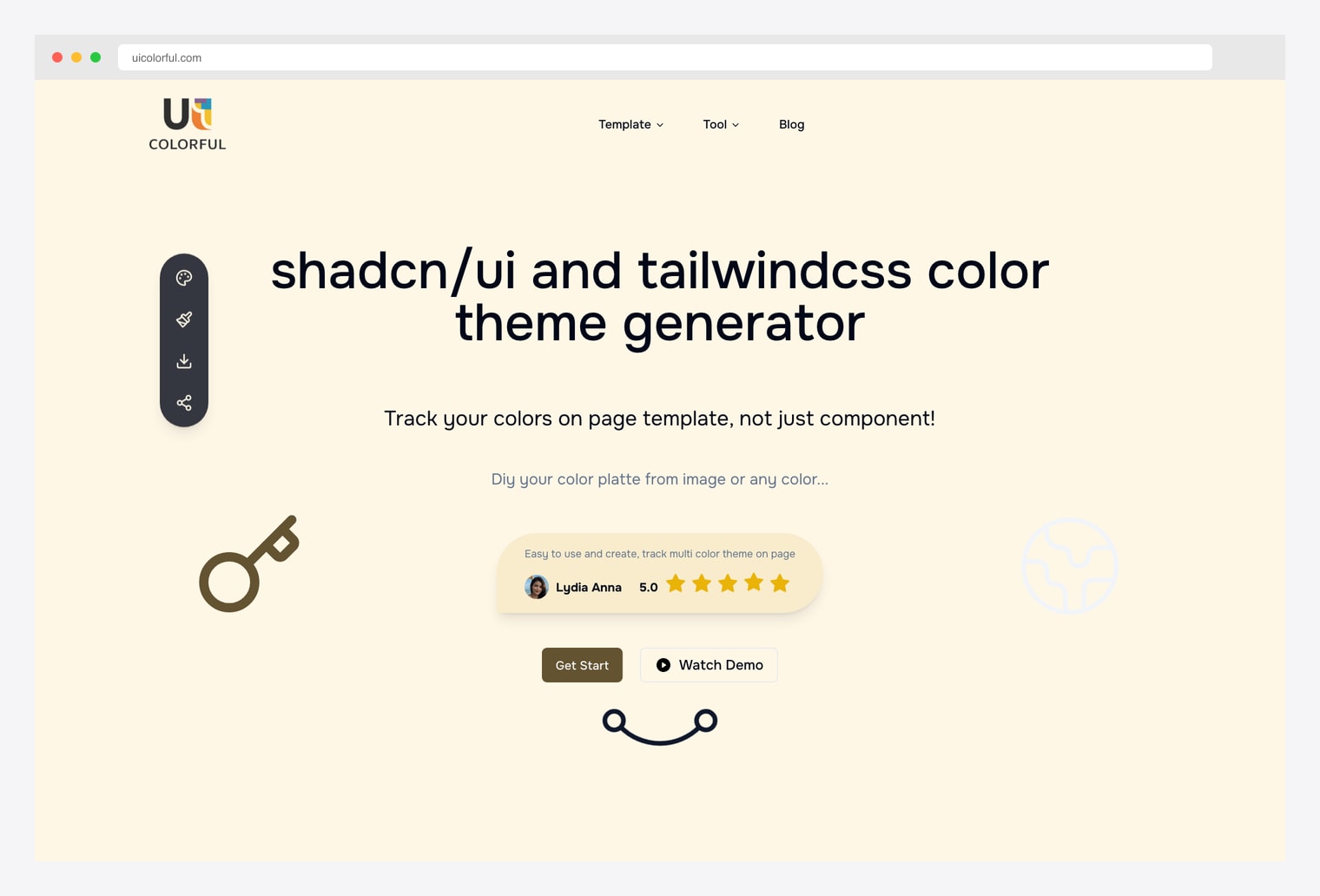
Why we like it: A shadcn/ui and tailwindcss color theme generator that explicitly tracks colors at the page-template level rather than the component level. DIY a color palette from an image or any color, then track how it propagates across multiple components on a page.
Pick UIColorful when you’re working from a brand color sample and want to extract a shadcn-compatible palette from it (logo, photo, brand asset). The image-to-palette extraction is its main differentiator over TweakCN and Shadesigner.
8. shadcn.io awesome/colors
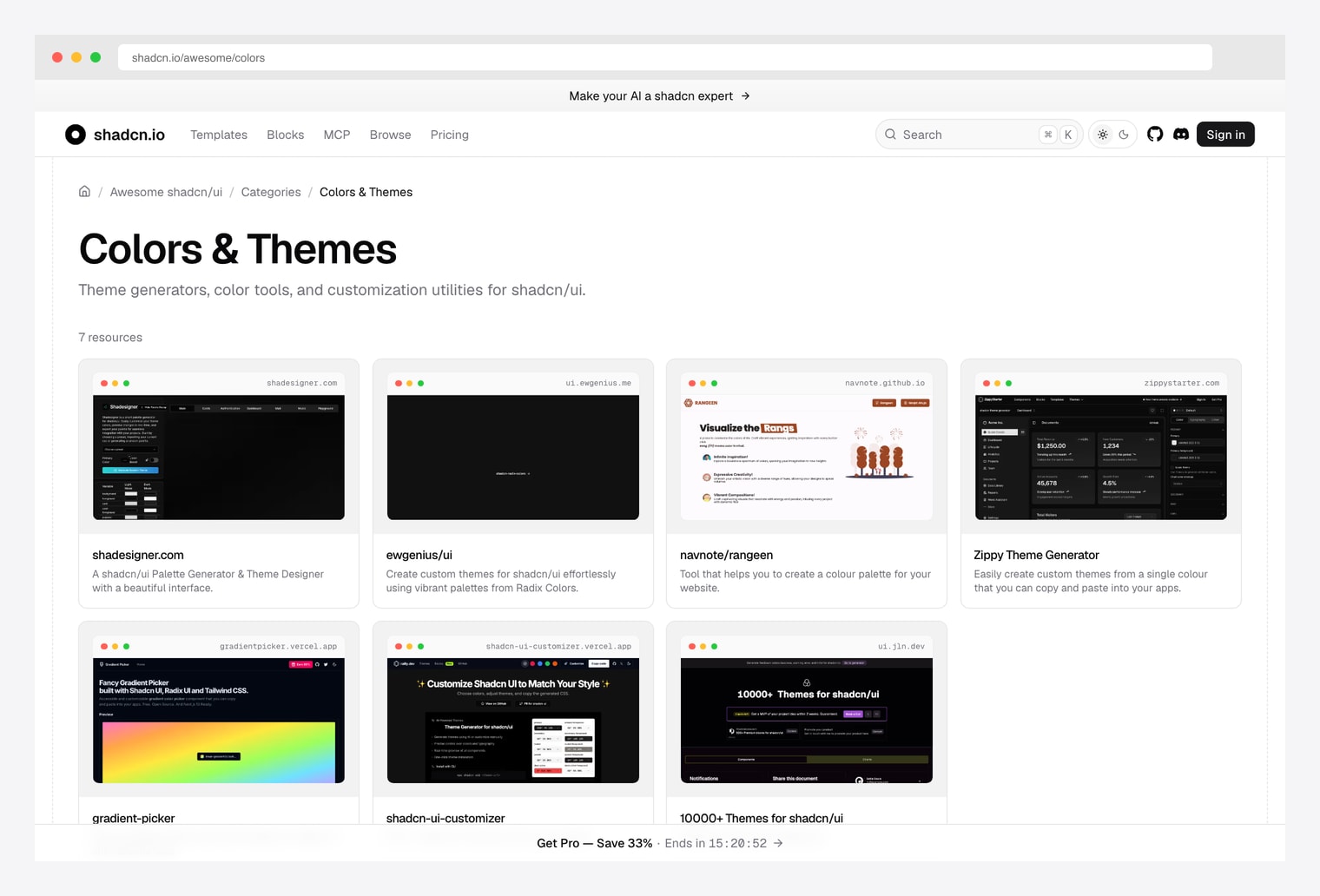
Why we like it: A curated collection of theme generators, color tools, and customization utilities for shadcn/ui — currently lists shadesigner.com, ewgenius/ui (Radix Colors), navnote/rangeen, Zippy Theme Generator, gradient-picker.vercel.app, shadcn-ui-customizer.vercel.app, and ui.jln.dev. Maintained as part of the broader Awesome shadcn/ui project.
Pick this as your “what other tools exist?” reference rather than a generator itself. New shadcn theme tools land here first — bookmark it and check back when you outgrow whichever tool you’re using today.
How to Choose the Right shadcn Theme Tool
The 8 options split along three practical axes:
By control model
- Single-color palette (derive everything from a primary): TweakCN, shadcn/ui Official Themes.
- Per-variable HSL (set each variable independently): Shadesigner.
- Visual editing across multiple preview surfaces: Shadcn Studio.
- Image-extracted palette: UIColorful.
- Browse / randomize community themes: ShadCN Themer, ui.jln.dev.
By starting point
- I have a brand color and need a full palette: TweakCN or shadcn/ui Official — drop in your primary, get the rest.
- I have a brand image / logo and need to extract colors: UIColorful — image-to-palette is its main differentiator.
- I want to start from a polished example: ShadCN Themer (named themes like Twitter / Vercel / Supabase) or TweakCN‘s 16+ presets.
- I want to set every variable manually: Shadesigner.
- I want to see what every tool looks like before committing: shadcn.io awesome/colors.
By output workflow
- Export directly to Tailwind config: TweakCN (real-time Tailwind export is its main feature).
- Generate the shadcn CSS variables block: all picks — every shadcn theme tool ultimately outputs the same set of CSS custom properties (
--background,--primary, etc.) that you paste intoglobals.css. - Save and share: ShadCN Themer (sign up for save/share), TweakCN (community gallery).
A practical pattern in 2026: start at TweakCN with one of the 16+ presets (Amethyst Haze, Catppuccin, Supabase, etc.) and tweak the primary color — most projects need nothing more. Drop down to Shadesigner when you need per-variable HSL control. Use UIColorful when you’re extracting from a brand image. Browse ShadCN Themer when you want to start from someone else’s polished work. Bookmark shadcn.io awesome/colors to track new tools as they ship.

You Might Also Like