20 Best Bootstrap Footer Templates 2026

These carefully reviewed Bootstrap footers will be handy when working on a new website or a blog.
We worked hard to pick the best alternatives. Pair these footers with matching Bootstrap sidebars for a complete layout so you can comfortably pick the design, knowing it functions properly.
Note: All these templates are entirely free of charge, built with Bootstrap 5. But they look more premium than anything else.
You can even pick a few, test them against each other, and then pick the clear winner. The options are numerous.
If you want to enrich the practical footer design with your ideas. You might also need a contact form to complement your footer, please do so.
Every Bootstrap footer is here to make a difference. Pick it, download it and quickly integrate it into your page.
Best Bootstrap Footer Templates
1. Bootstrap Footer V18
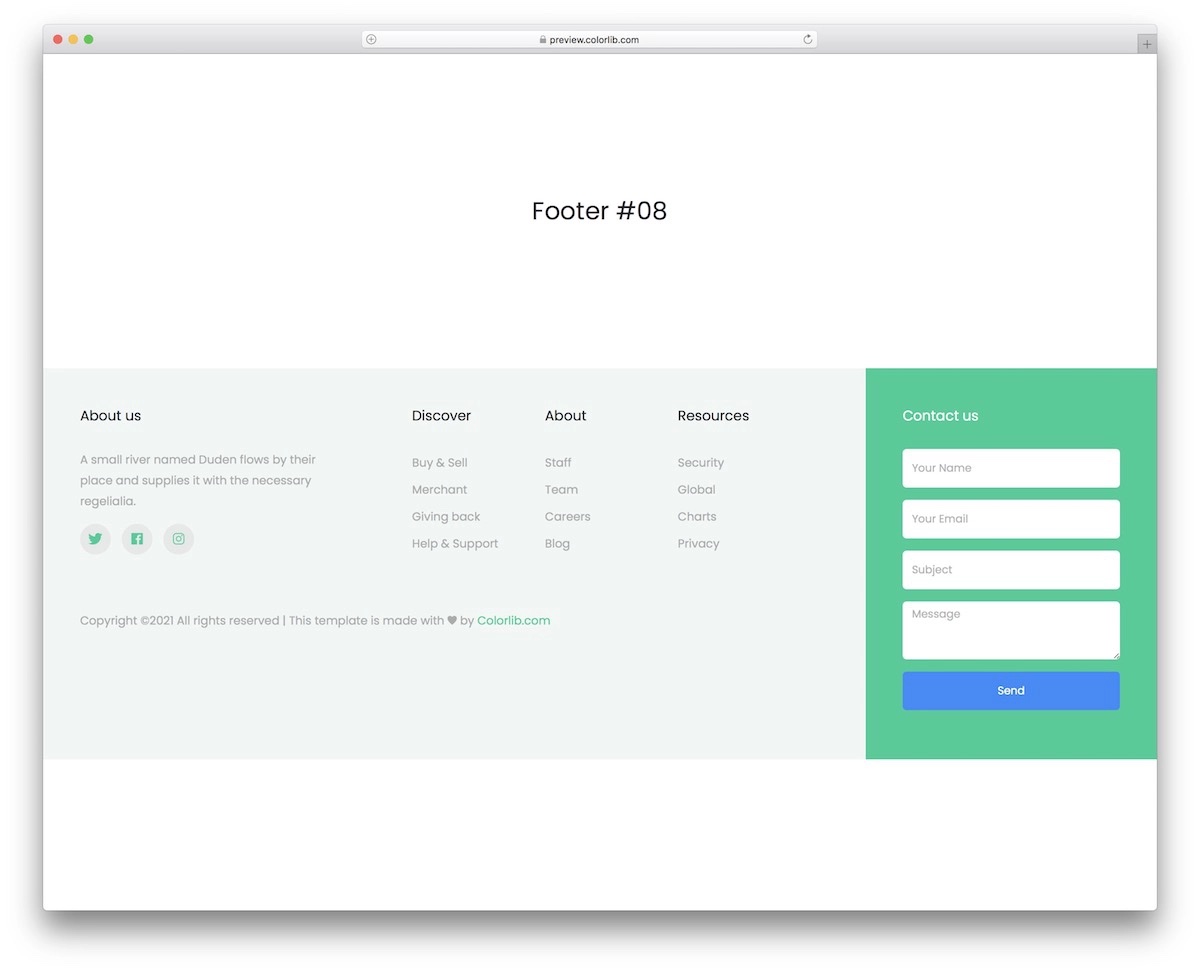
Bootstrap Footer V18 is no ordinary footer template, as it includes a contact form. With a footer like this, everyone can quickly contact you regardless of the section of your website they are reviewing.
It may not be for everyone, but we had a lot of fun using it. You can also improve and modify it at your own free will, activate social icons, and more.
2. Bootstrap Footer V20
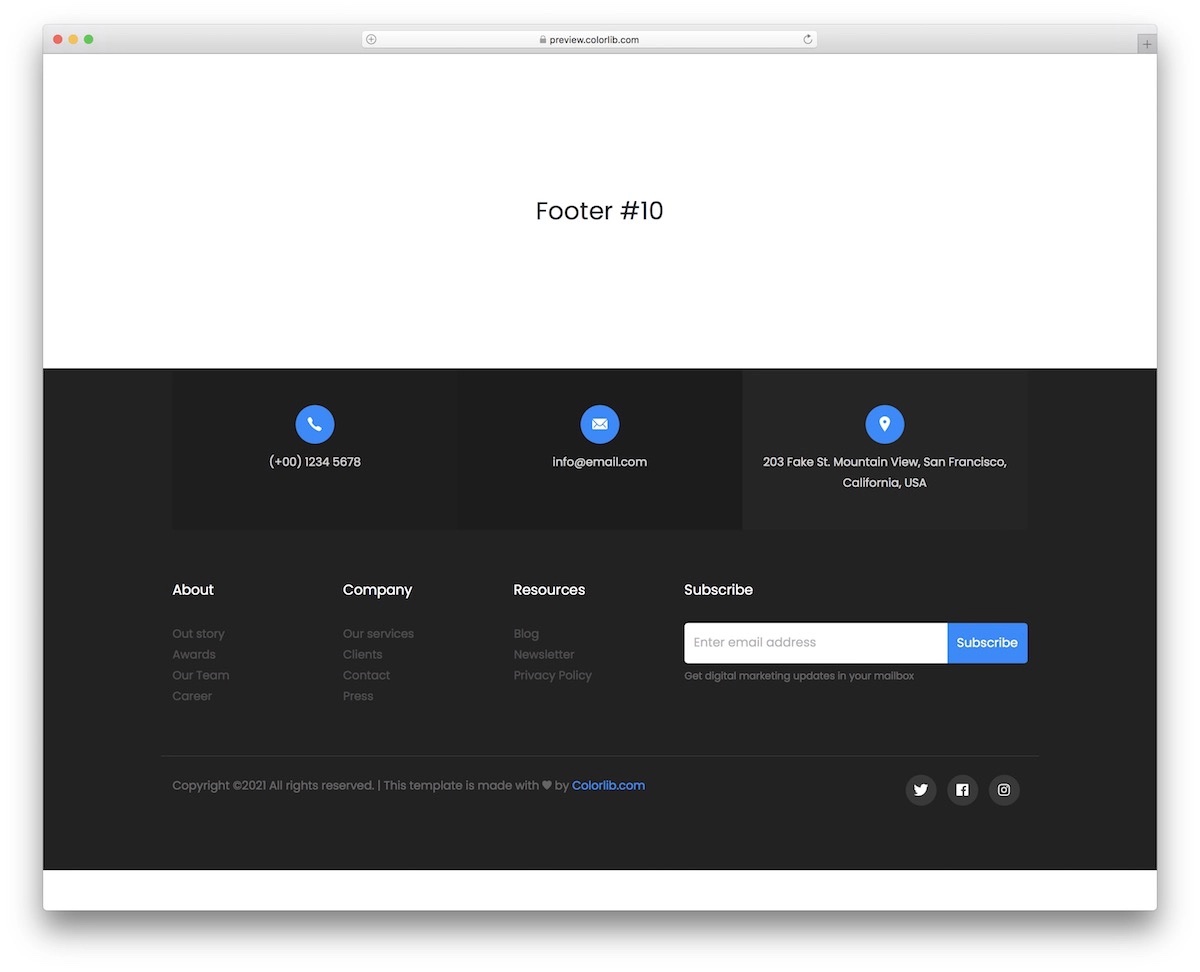
Grab this modern footer template with additional company details and a newsletter subscription form. It comes in dark, gray and blue, which you can fine-tune further.
Like other solutions, Bootstrap Footer V20 also ensures complete responsiveness. With this, you know the performance and practicality of your new footer area will be high class.
Don’t (never!) neglect the footer.
3. Bootstrap Footer V16
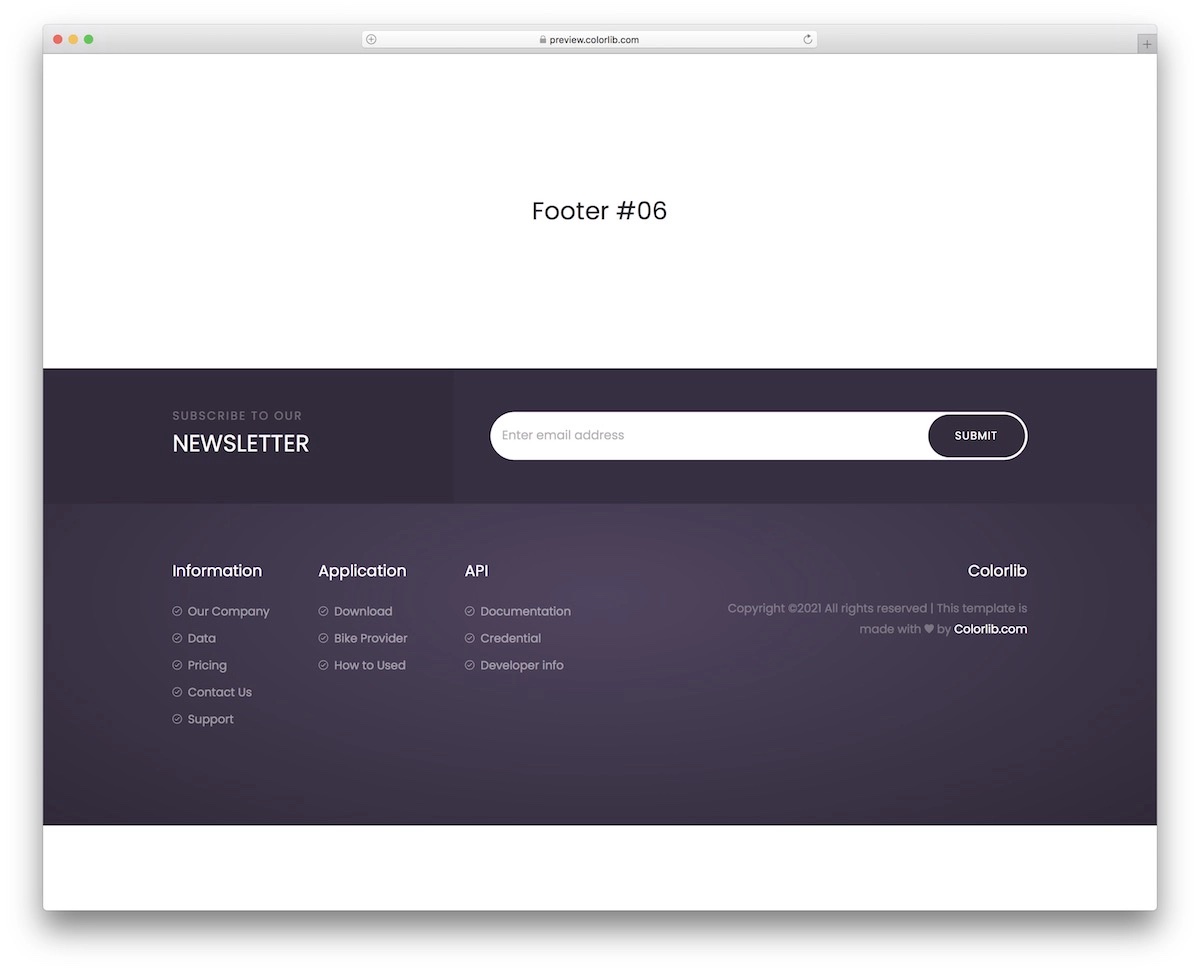
If you are looking for a more dark-ish approach to the footer, this is one of the Bootstrap templates available for download. It also includes a newsletter subscription form and different links for categories and pages.
The coding is not complicated. Whether a beginner web developer or an expert, you will enjoy embedding Bootstrap Footer V16.
4. Bootstrap Footer V14
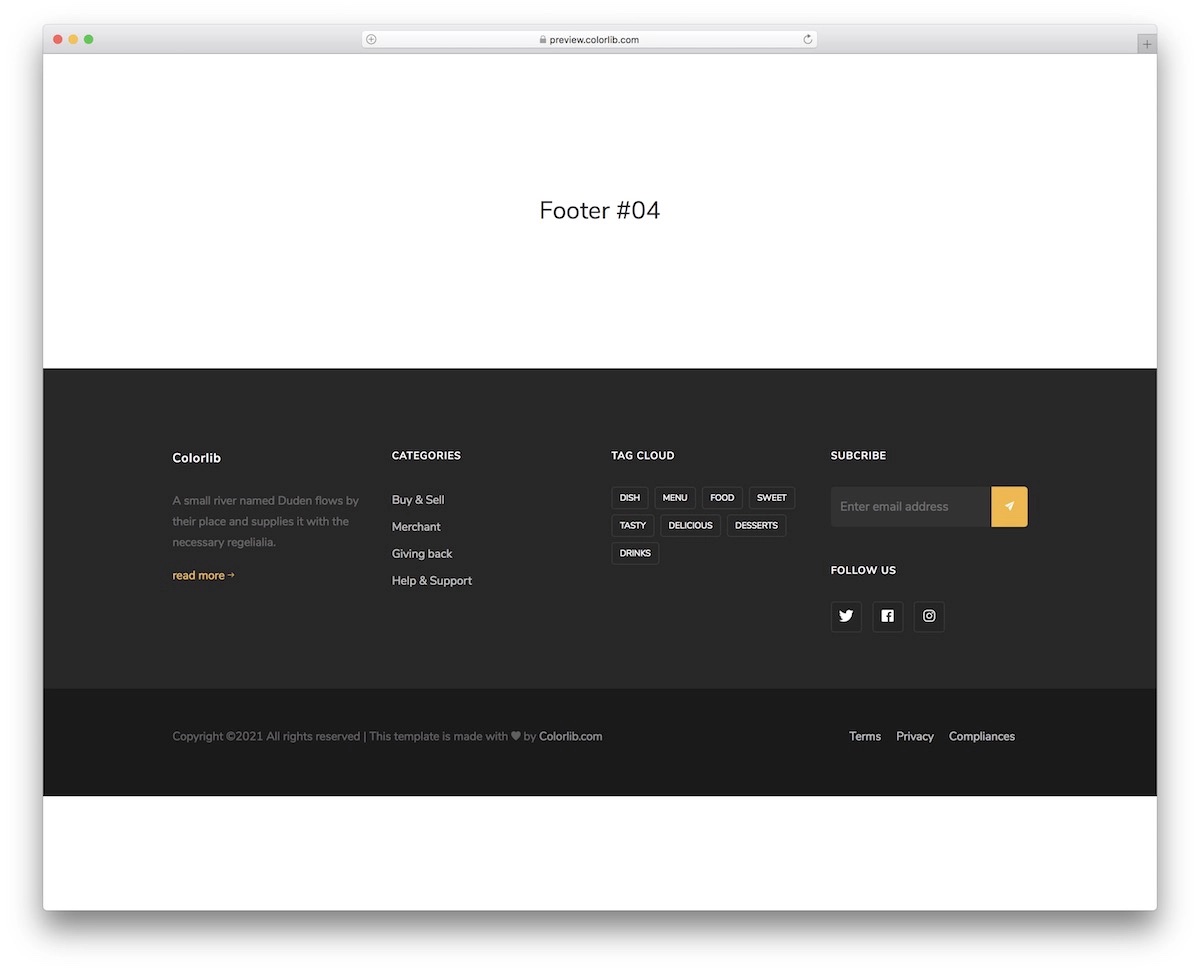
Bootstrap Footer V14 features a ton of material to make the footer area benefitting all your users. It has four columns that you can use for navigation, subscription, social buttons and more.
Since it’s a free snippet, you need to know the copyright regulations before using it, so make sure you read it. But for the most part, it’s all about leaving the backlink intact.
5. Bootstrap Footer V12
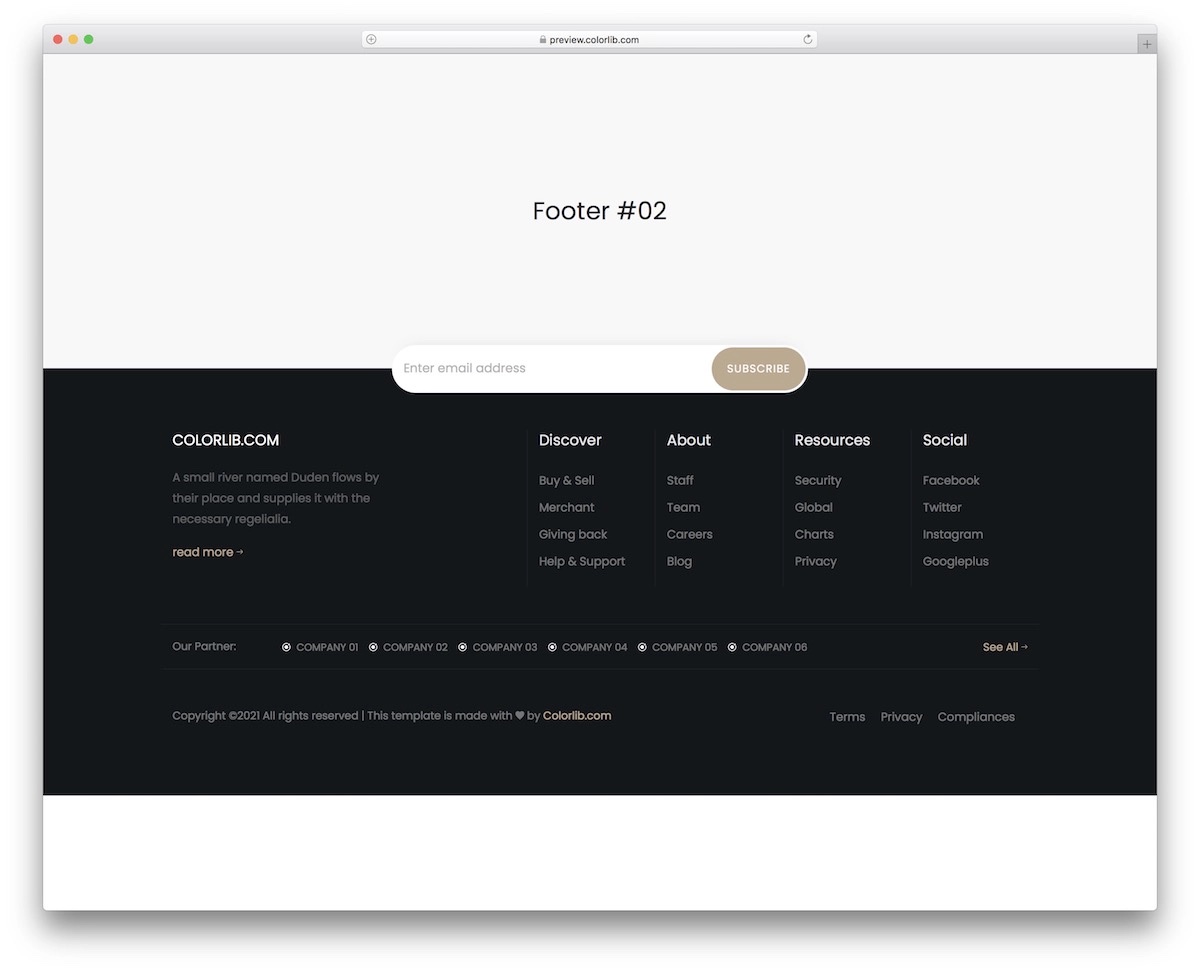
If your website’s main area is light, darkening the footer section can have a very nice effect. You can quickly test this with Bootstrap Footer V12.
You can leave the look intact but adjust the fonts and colors to your liking. The default setting is somewhat luxurious.
Save time when working on your footer with a professional template that happens to be free.
6. Bootstrap Footer V10
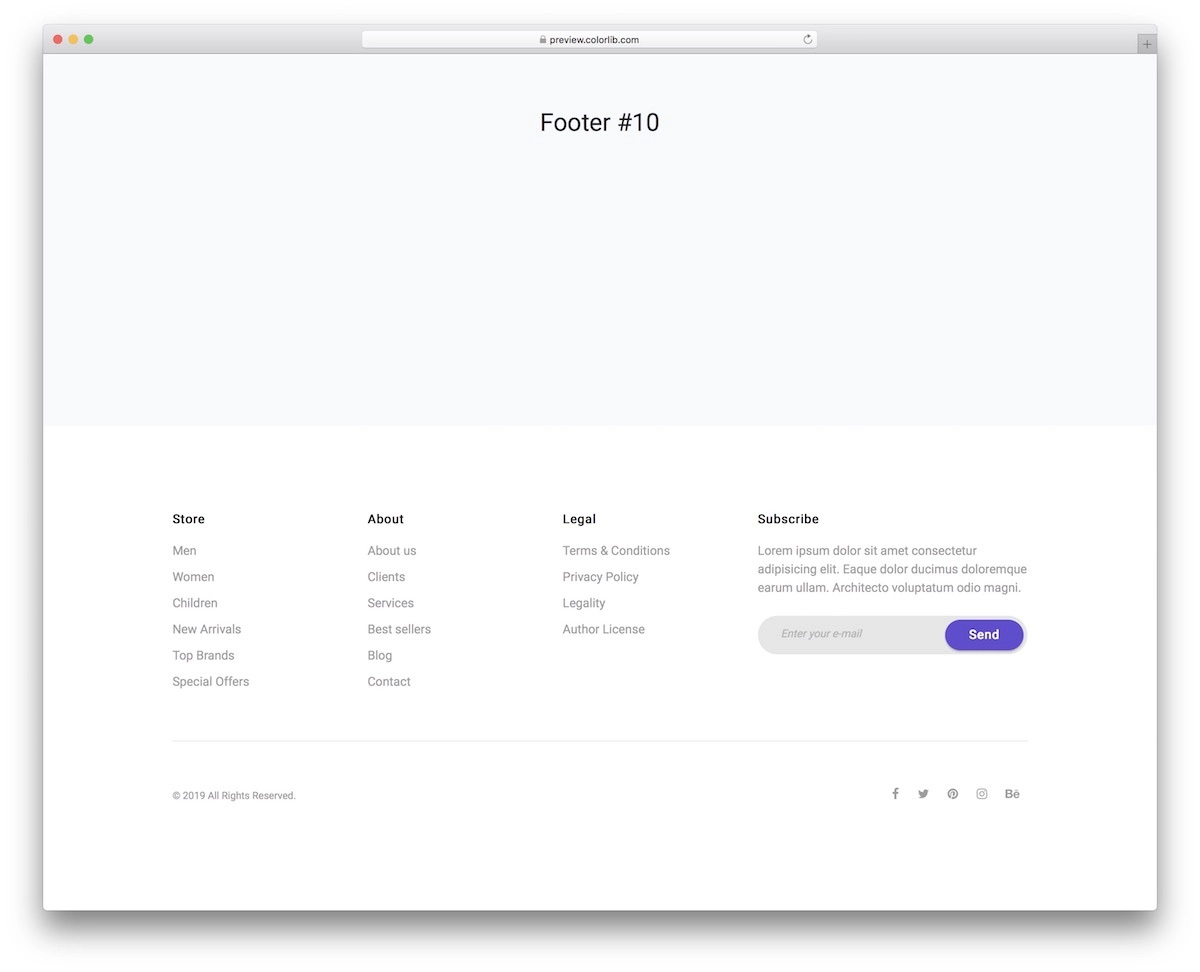
Bootstrap Footer V10 is a neat, light, white template that includes everything you need to add a practical footer section to your website.
If you want to design your page more minimalistically, this free tool will do the trick. You can still make adjustments, but I’m sure you’ll enjoy using it.
As you see from the screenshot above, along with links, Bootstrap Footer V10 also contains a subscription form and social media icons.
7. Bootstrap Footer V08
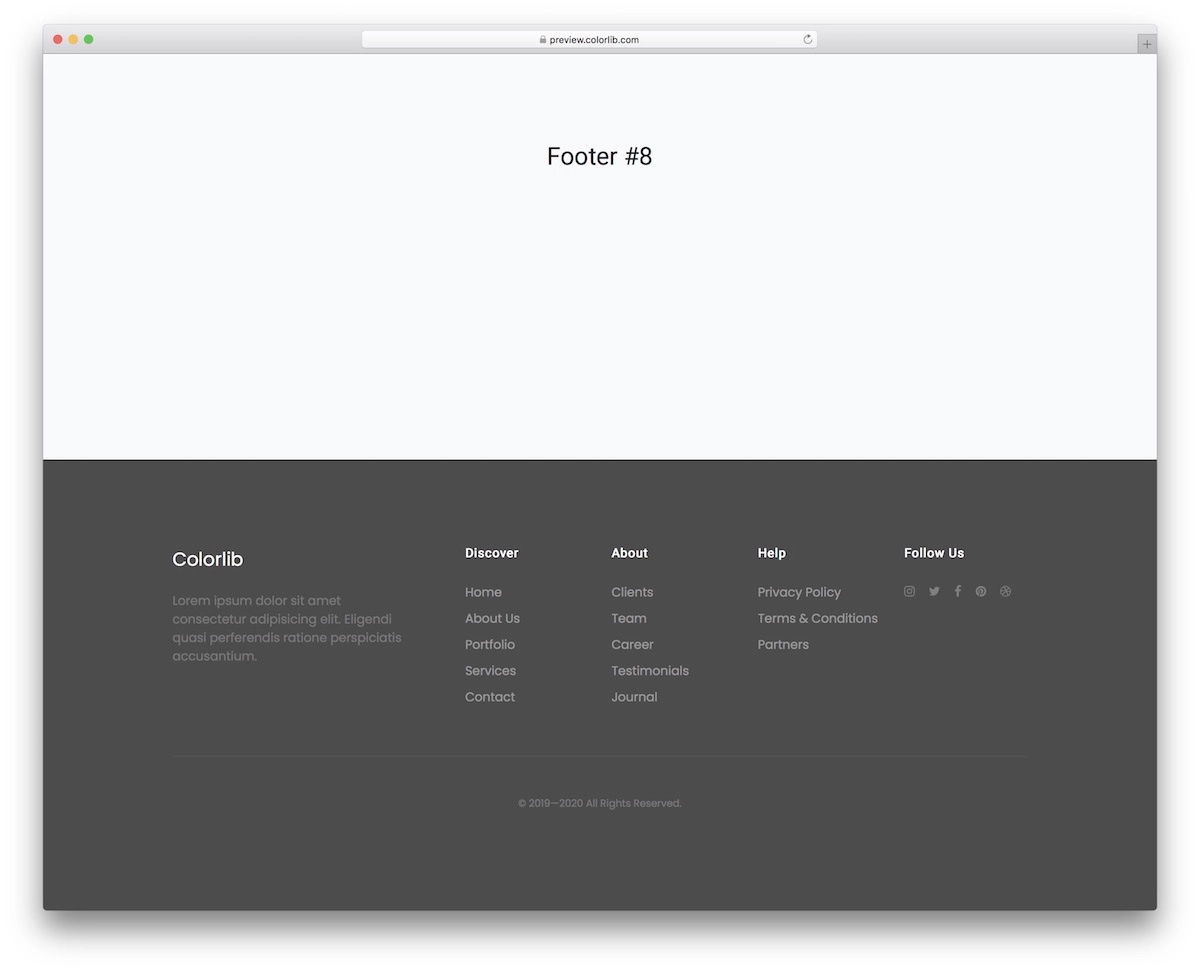
Bootstrap Footer V08 allows you to create a gray footer without starting from scratch. It is so clean that you will have a blast using it.
Add your content and links to social profiles, and that’s it. Of course, you still need to code it into your website, but that will be a little breeze. Even for an utter beginner!
8. Bootstrap Footer V06
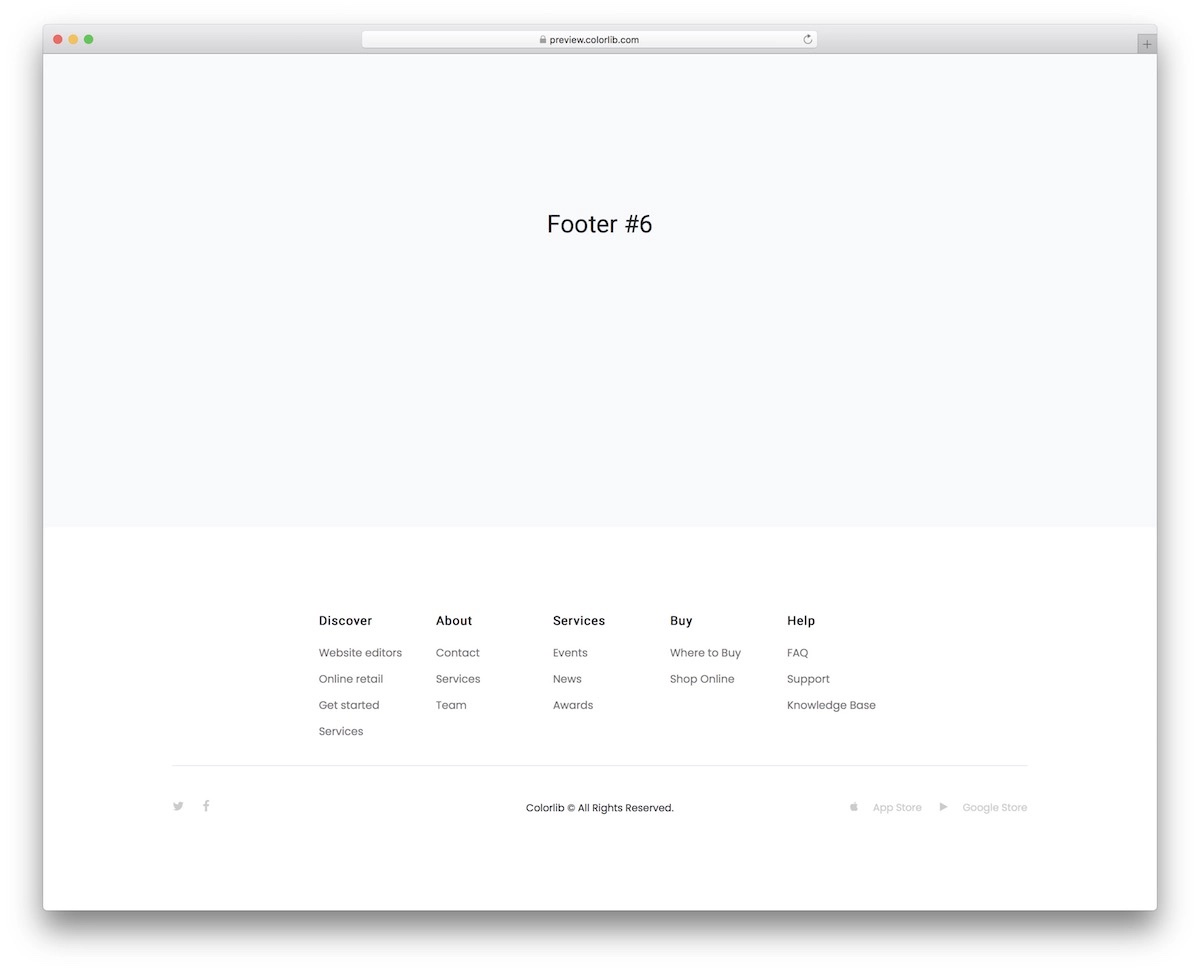
Simplicity at its finest. That’s what’s up when it comes to Bootstrap Footer V06. This template is great for nearly any website you work on. You can even alter it to a blog.
It has multiple columns for internal page links with icons for social media and App and Google store buttons.
You also know the layout is mobile-friendly entirely due to the Bootstrap base. Before clicking the download button, check the live demo preview.
9. Bootstrap Footer V04

Create an advanced footer area without starting from scratch. You can start with Bootstrap Footer V04, make adjustments (if necessary), and proceed from there.
If you like the demo look, you can enjoy an almost immediate integration into your page. But even if you perform edits and improvements to suit your needs particularly, little work is necessary to make it happen.
10. Bootstrap Footer V02

Would you like to feature social feeds and a subscription form in your footer section? Bootstrap Footer V02 is a free alternative that you can activate now.
It has preset Twitter and Instagram feeds, which you must code to activate and function properly.
Even though this is mainly just the design, you’ll save plenty of time.
11. Bootstrap Footer V01
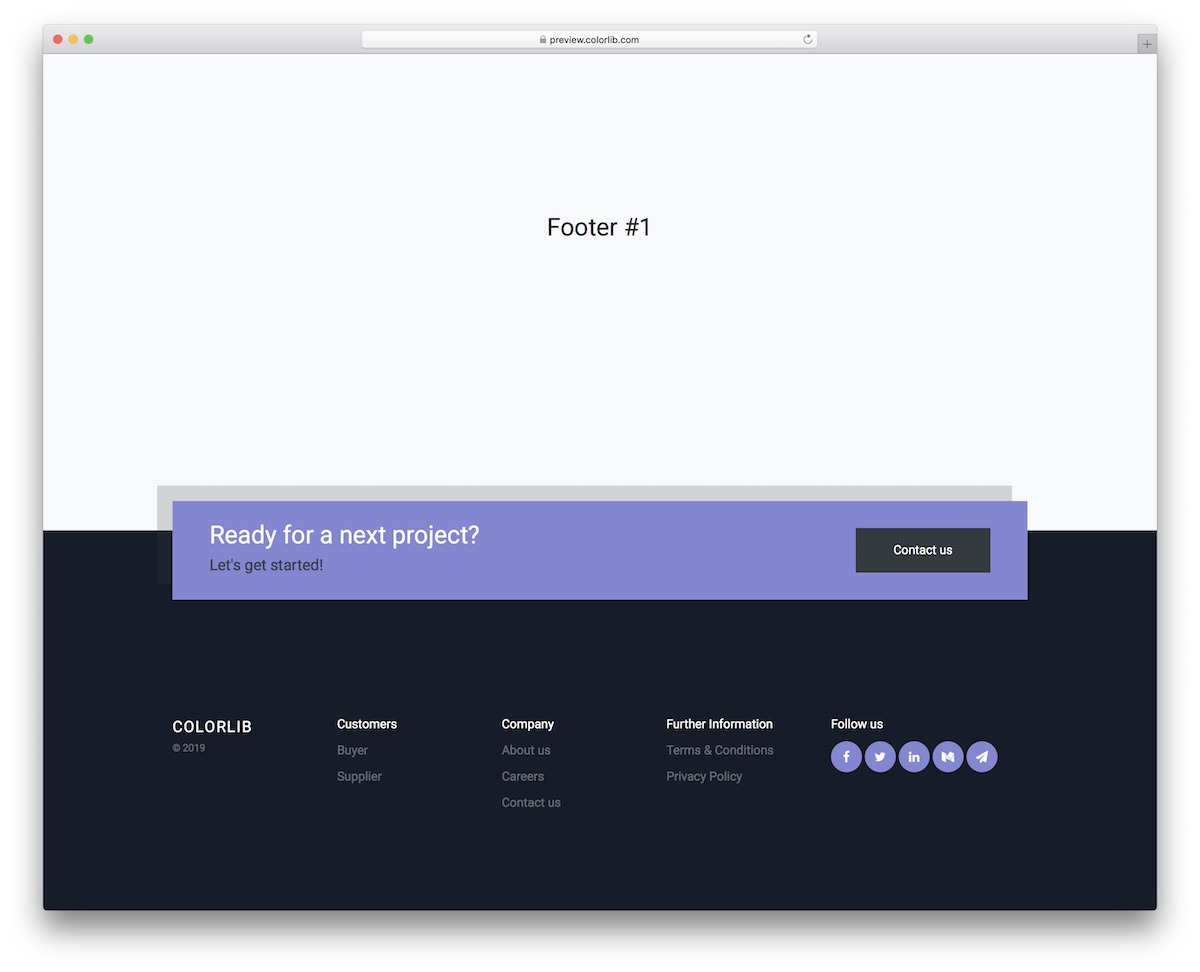
Bootstrap Footer V01 features a sleek gradient background design with multi-column content areas, social media icons, and a bottom copyright bar. The modern gradient treatment adds visual interest while maintaining readability for navigation links, contact information, and newsletter signup forms.
Like all templates in this collection, Bootstrap Footer V01 is fully responsive, free to download, and easy to integrate into any Bootstrap project. Just drop the footer HTML into your page and customize the content to match your brand.
12. Bootstrap Footer V03
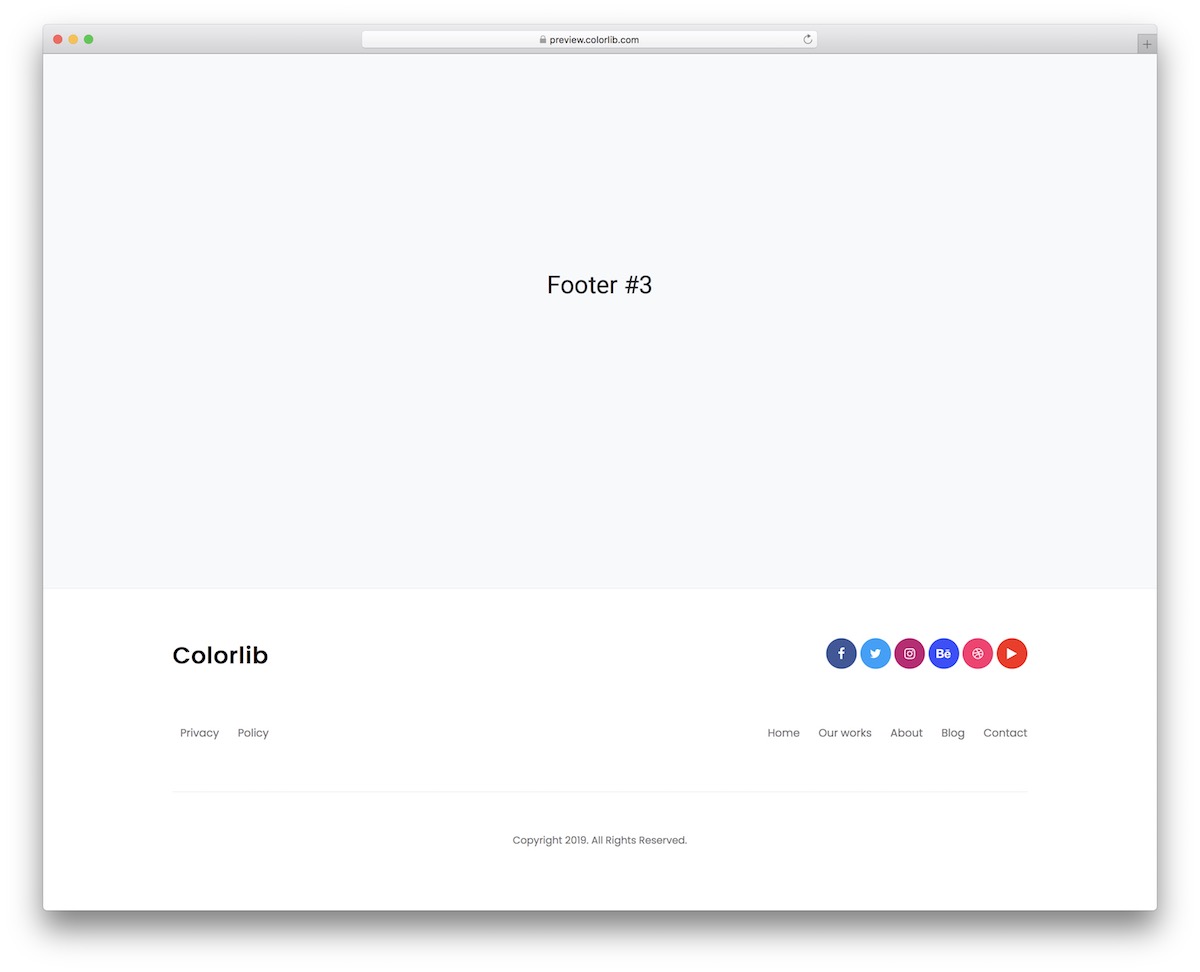
Bootstrap Footer V03 delivers a clean, corporate footer layout with organized columns for company info, quick links, recent posts, and contact details. The professional design fits business websites, agency pages, and corporate portals where a polished footer reinforces brand credibility.
Like all templates in this collection, Bootstrap Footer V03 is fully responsive, free to download, and easy to integrate into any Bootstrap project. Just drop the footer HTML into your page and customize the content to match your brand.
13. Bootstrap Footer V05
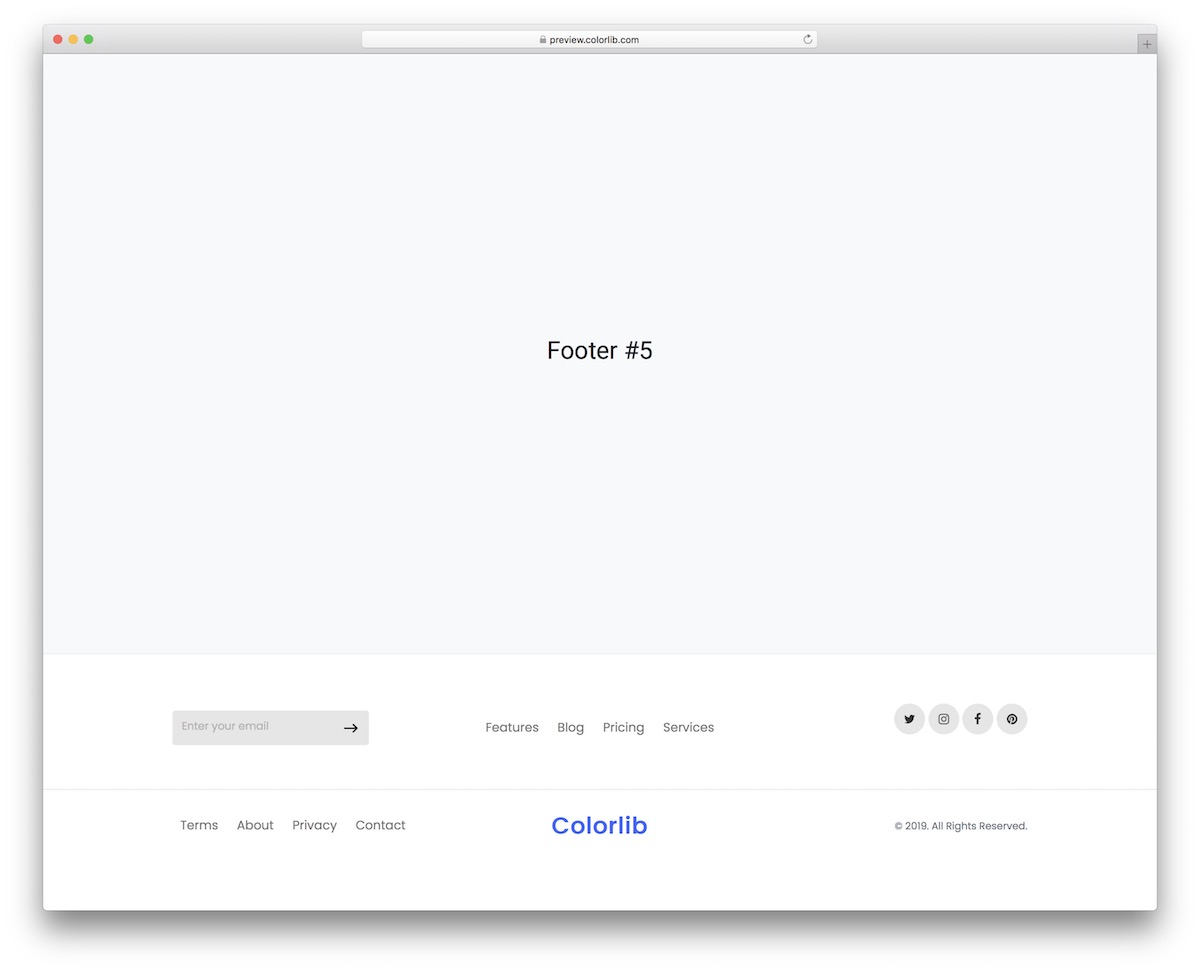
Bootstrap Footer V05 uses a dark background with contrasting text to create a sophisticated, elegant footer section. The multi-column layout accommodates navigation links, about text, contact information, and social icons — all styled with careful attention to typography and spacing.
Like all templates in this collection, Bootstrap Footer V05 is fully responsive, free to download, and easy to integrate into any Bootstrap project. Just drop the footer HTML into your page and customize the content to match your brand.
14. Bootstrap Footer V07
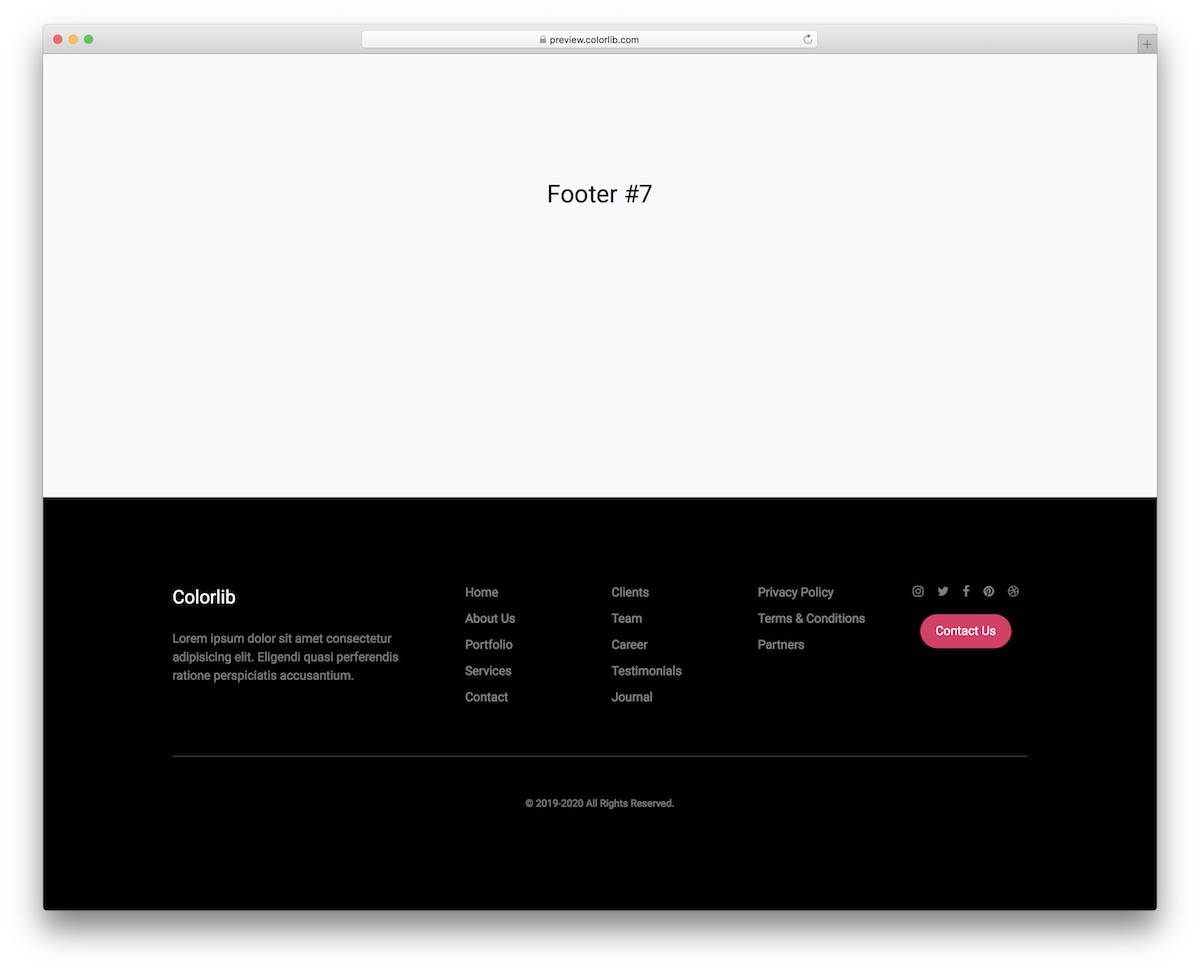
Bootstrap Footer V07 integrates a Google Maps embed alongside your contact information and navigation links. The map integration helps local businesses, restaurants, and service providers show their location directly in the footer — saving visitors a click to find directions.
Like all templates in this collection, Bootstrap Footer V07 is fully responsive, free to download, and easy to integrate into any Bootstrap project. Just drop the footer HTML into your page and customize the content to match your brand.
15. Bootstrap Footer V09
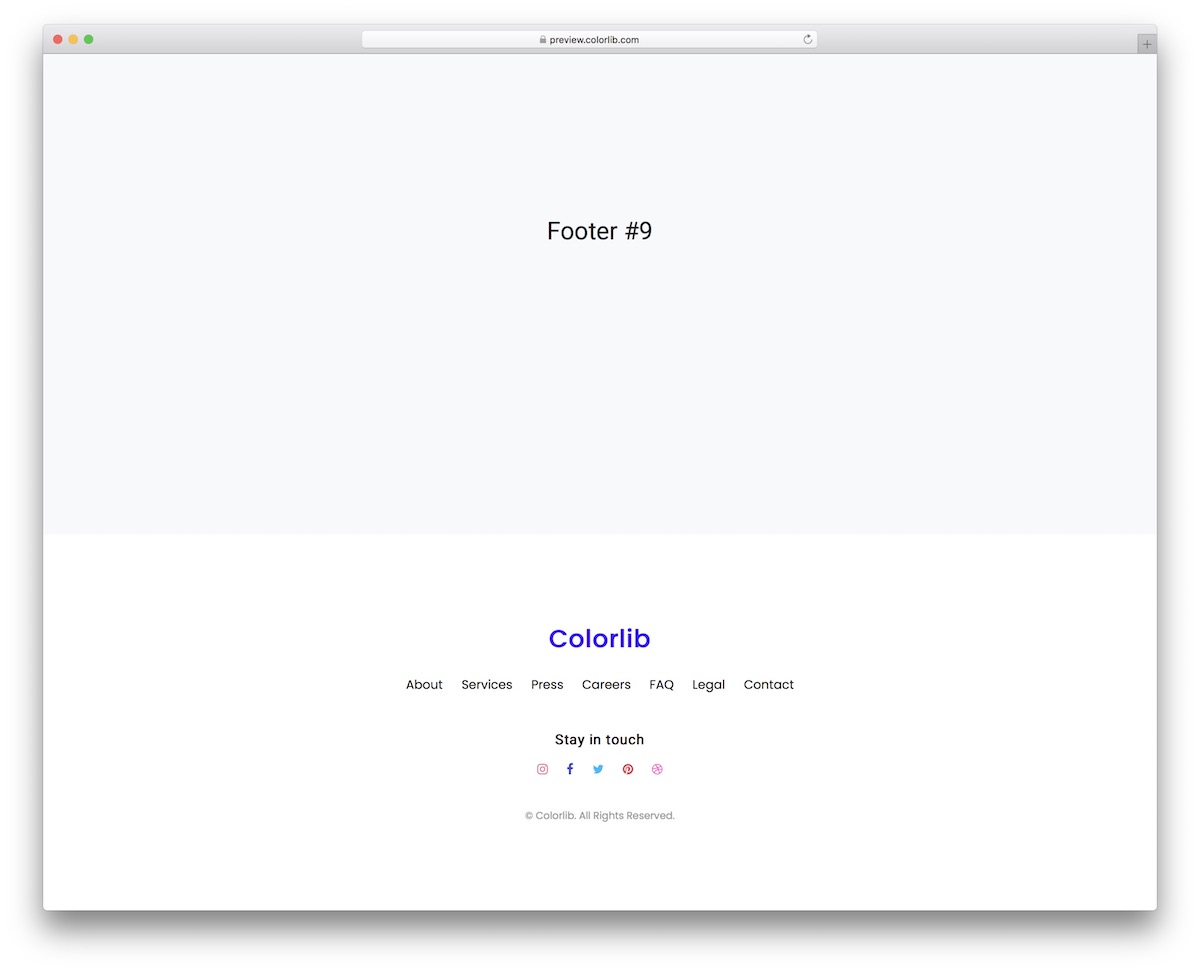
Bootstrap Footer V09 puts email subscription front and center with a prominent newsletter signup section above the traditional footer columns. The layout is ideal for content sites, blogs, and eCommerce stores that prioritize building an email list from every page visit.
Like all templates in this collection, Bootstrap Footer V09 is fully responsive, free to download, and easy to integrate into any Bootstrap project. Just drop the footer HTML into your page and customize the content to match your brand.
16. Bootstrap Footer V11
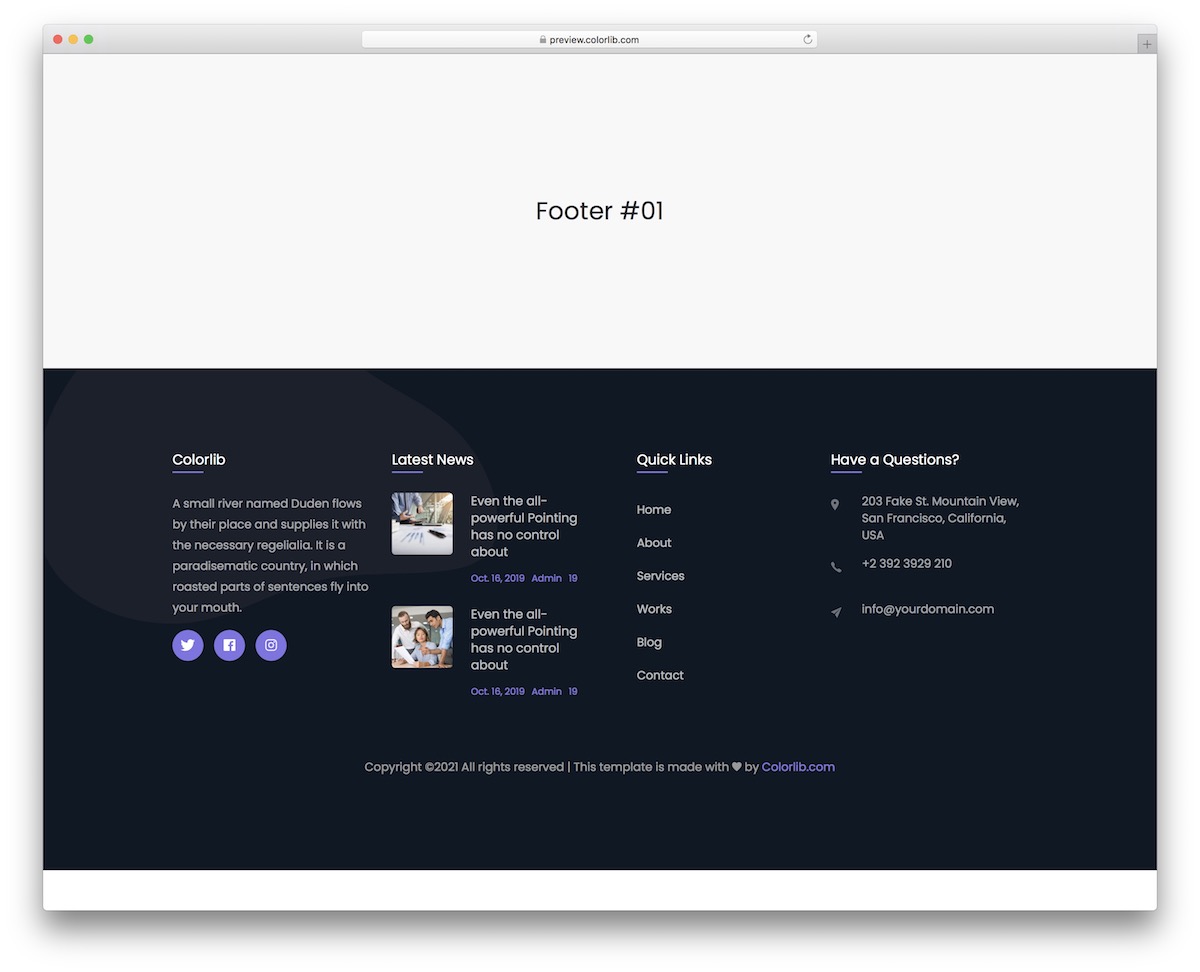
Bootstrap Footer V11 uses a two-tone color scheme to visually separate the main footer content from the copyright bar below. The minimal design keeps things clean while still providing space for navigation links, social icons, and company information.
Like all templates in this collection, Bootstrap Footer V11 is fully responsive, free to download, and easy to integrate into any Bootstrap project. Just drop the footer HTML into your page and customize the content to match your brand.
17. Bootstrap Footer V13
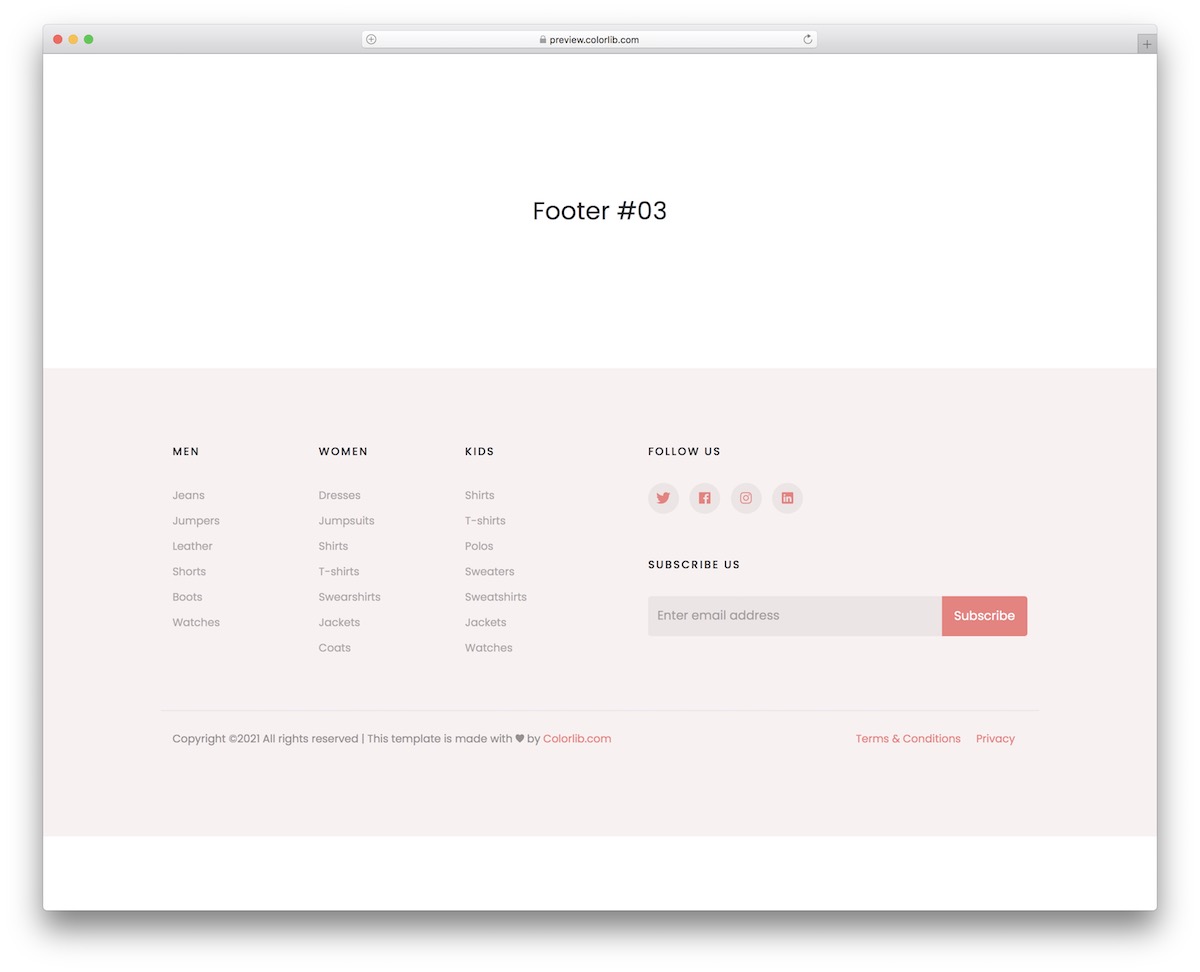
Bootstrap Footer V13 features a widget-rich layout with dedicated areas for recent blog posts, tag clouds, Instagram feeds, and quick links. The information-dense design is perfect for blogs, news sites, and content-heavy websites that want to maximize footer engagement.
Like all templates in this collection, Bootstrap Footer V13 is fully responsive, free to download, and easy to integrate into any Bootstrap project. Just drop the footer HTML into your page and customize the content to match your brand.
18. Bootstrap Footer V15
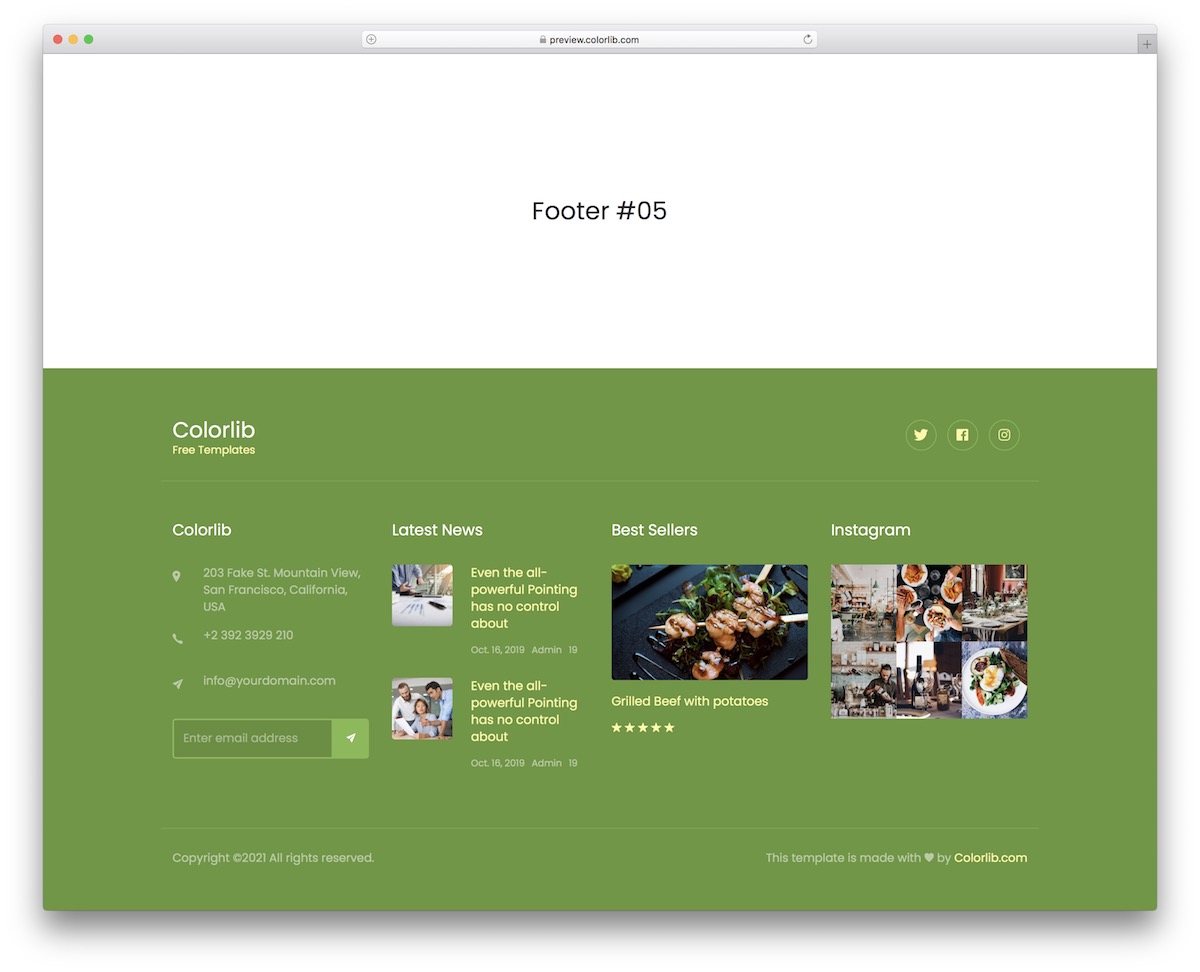
Bootstrap Footer V15 includes animated social media icons that draw attention to your social profiles. The layout combines smooth hover effects with a clean column structure for contact details, navigation links, and copyright information.
Like all templates in this collection, Bootstrap Footer V15 is fully responsive, free to download, and easy to integrate into any Bootstrap project. Just drop the footer HTML into your page and customize the content to match your brand.
19. Bootstrap Footer V17
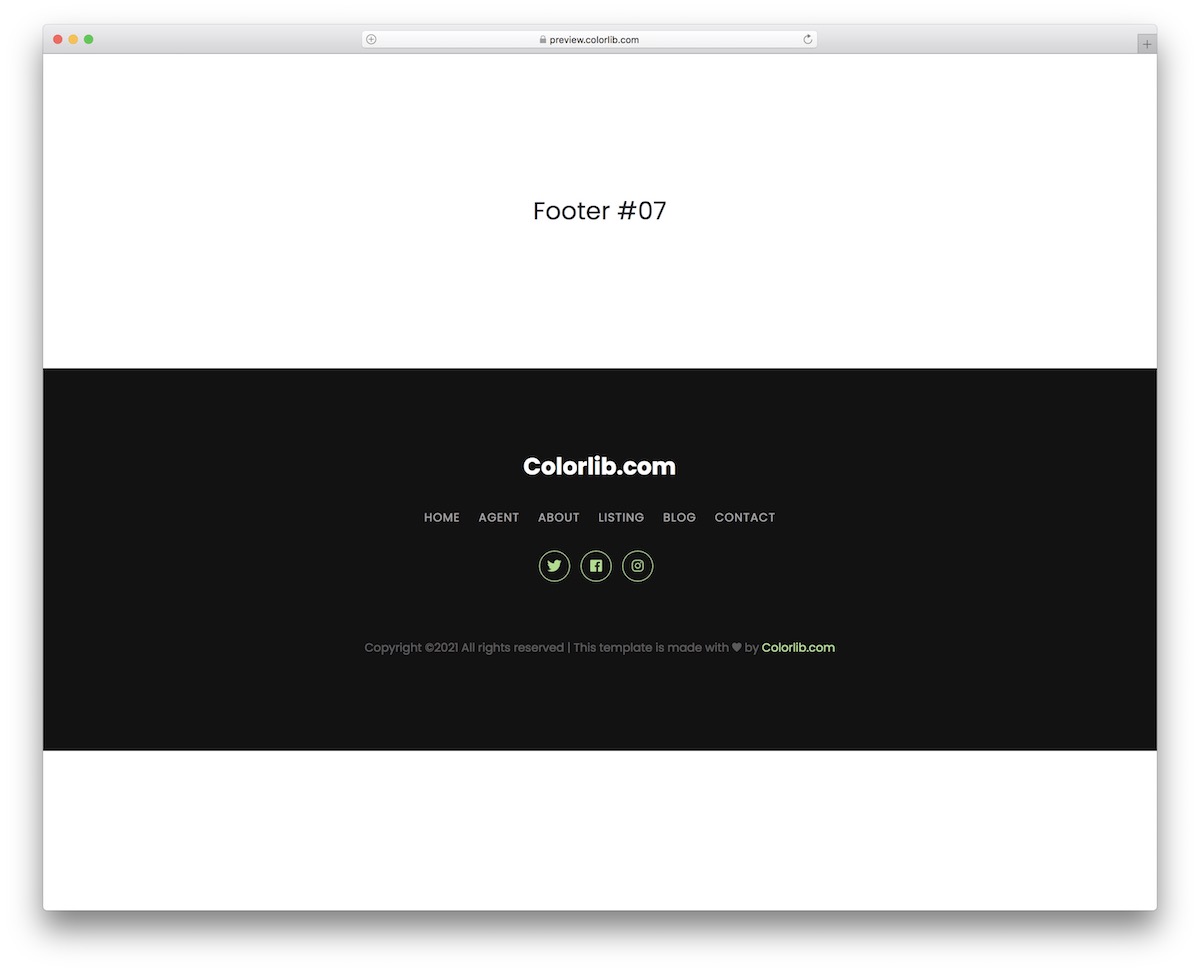
Bootstrap Footer V17 puts contact information front and center with prominent phone numbers, email addresses, and office hours. The layout is designed for service businesses where visitors need to reach you quickly — no hunting through navigation menus required.
Like all templates in this collection, Bootstrap Footer V17 is fully responsive, free to download, and easy to integrate into any Bootstrap project. Just drop the footer HTML into your page and customize the content to match your brand.
20. Bootstrap Footer V19
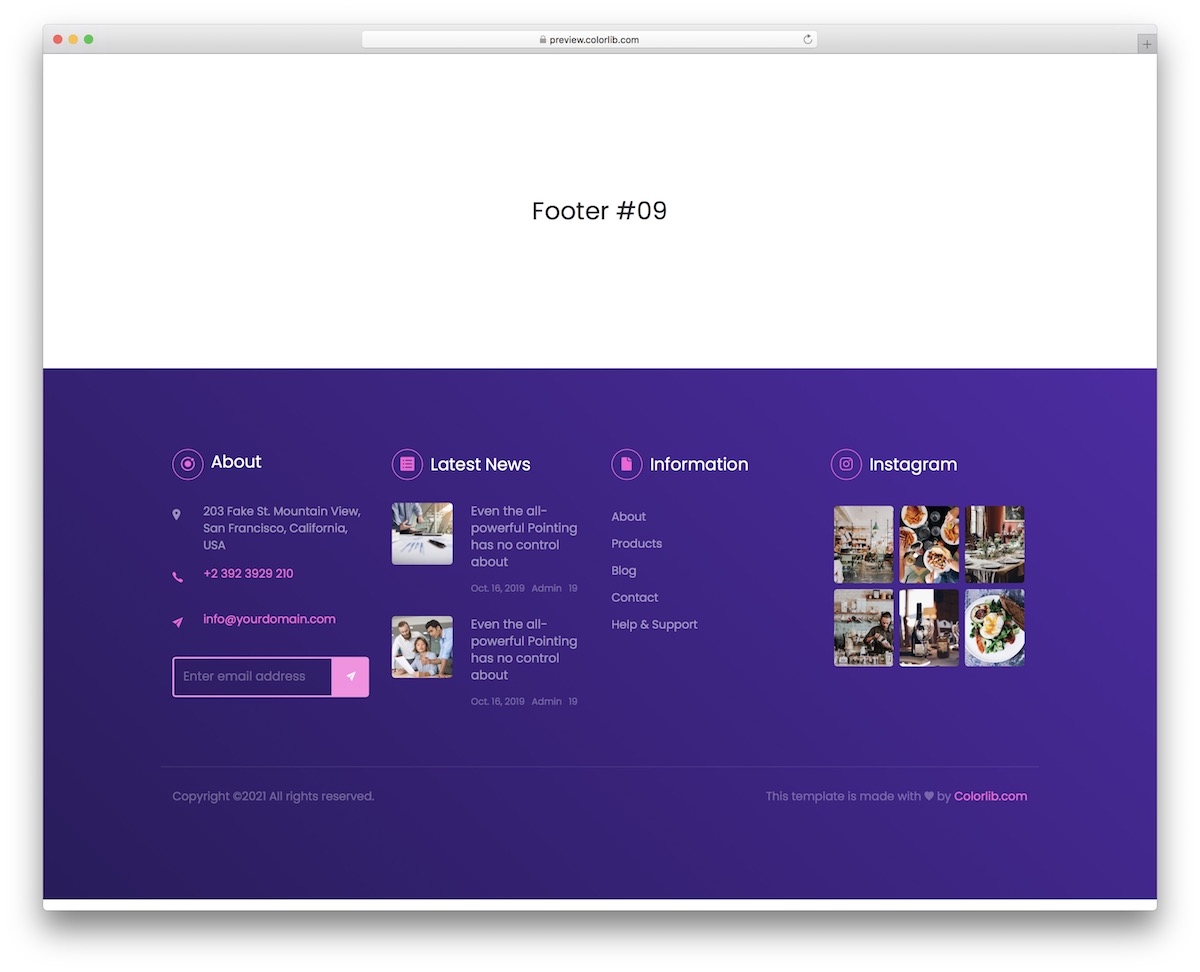
Bootstrap Footer V19 uses a creative split layout that divides the footer into distinct visual sections. The design stands out from standard columnar footers while still organizing content logically — navigation links, company info, and social icons all have clear visual separation.
Like all templates in this collection, Bootstrap Footer V19 is fully responsive, free to download, and easy to integrate into any Bootstrap project. Just drop the footer HTML into your page and customize the content to match your brand.
You Might Also Like