
7 Best Helpdesk Dashboard Templates 2026

Need a helpdesk or support ticketing system without paying Zendesk’s $55-per-agent-per-month? These 7 picks cover Chatwoot (the default omnichannel open-source default), Zammad (cleanest OSS interface), FreeScout (lightweight Help Scout alternative), osTicket (oldest established), GLPI (IT-helpdesk plus asset management), the CoreUI React adaptable Bootstrap admin, and the GitHub helpdesk catalog. Every demo is re-checked before we republish this page.
A 2026-grade helpdesk dashboard typically covers five surfaces: a ticket queue (open / assigned / pending tickets, sortable and filterable), an agent workload view (who has what, SLA timers, escalations), a customer profile (history, prior tickets, custom fields), a knowledge base / portal (self-service articles, customer login), and reporting (response times, resolution times, CSAT, agent performance). Conversational helpdesks (Chatwoot) also add channel inboxes for live chat and messaging apps.
We’ve grouped the 7 picks below into five full open-source helpdesks (Chatwoot omnichannel, Zammad modern UI, FreeScout lightweight, osTicket established, GLPI IT-shaped), one adaptable generic admin (CoreUI React for custom builds), and one catalog (GitHub topic). Chatwoot is the right default for customer-facing support; GLPI is the right default for internal IT support.
Related reading: our SaaS admin dashboard templates for the broader multi-tenant context, shadcn/ui CRM dashboard templates for the contact-management adjacent (helpdesk and CRM share data layers), social media dashboard templates for the cross-channel inbox angle that pairs with Chatwoot, sales dashboard templates for the rep-performance pattern that maps to agent-performance, and our broader best admin dashboard templates pillar.
Quick Picks
- Best omnichannel default (Intercom alternative): Chatwoot — 28k+ stars, MIT
- Best modern UI for OSS: Zammad — cleanest interface
- Best lightweight (1-2 GB RAM): FreeScout — Help Scout alternative
- Best established / proven: osTicket — deployed since 2013
- Best IT helpdesk + asset management: GLPI
- Best adaptable admin (custom backend): CoreUI React
- Best discovery catalog: GitHub topic: helpdesk
1. Chatwoot
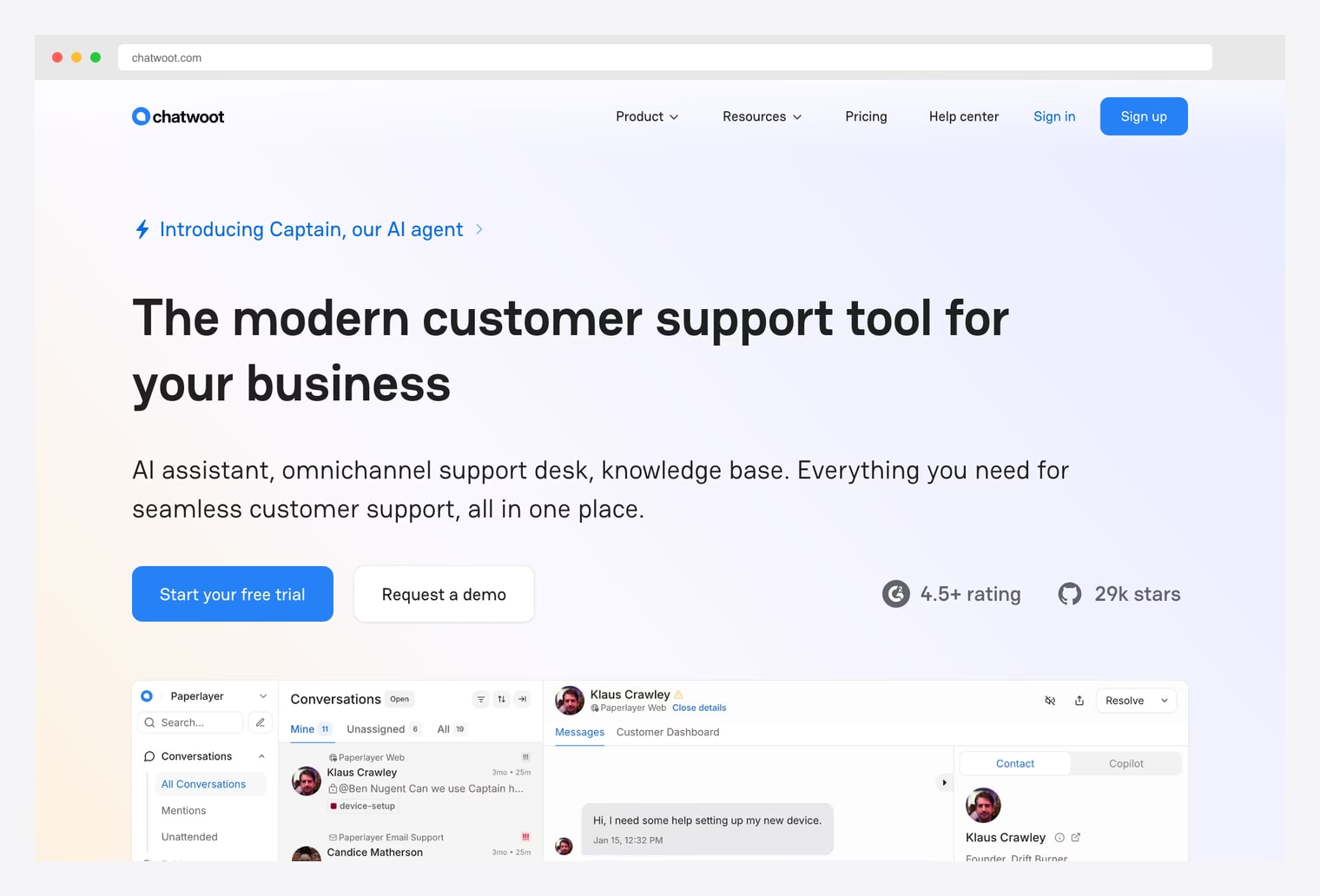
Why we like it: An open-source customer engagement suite with omnichannel shared inbox (live chat, email, WhatsApp, Facebook, Instagram, Telegram, SMS in one queue), multi-agent conversations, AI Captain for triage, MIT license. 28k+ GitHub stars. Self-hostable or hosted on Chatwoot Cloud.
Pick Chatwoot when your support model is conversational (live chat plus messaging apps plus email) rather than ticket-only. The MIT license and omnichannel inbox are the two biggest differentiators versus the picks below — most other open-source helpdesks lean toward email ticketing.
2. Zammad
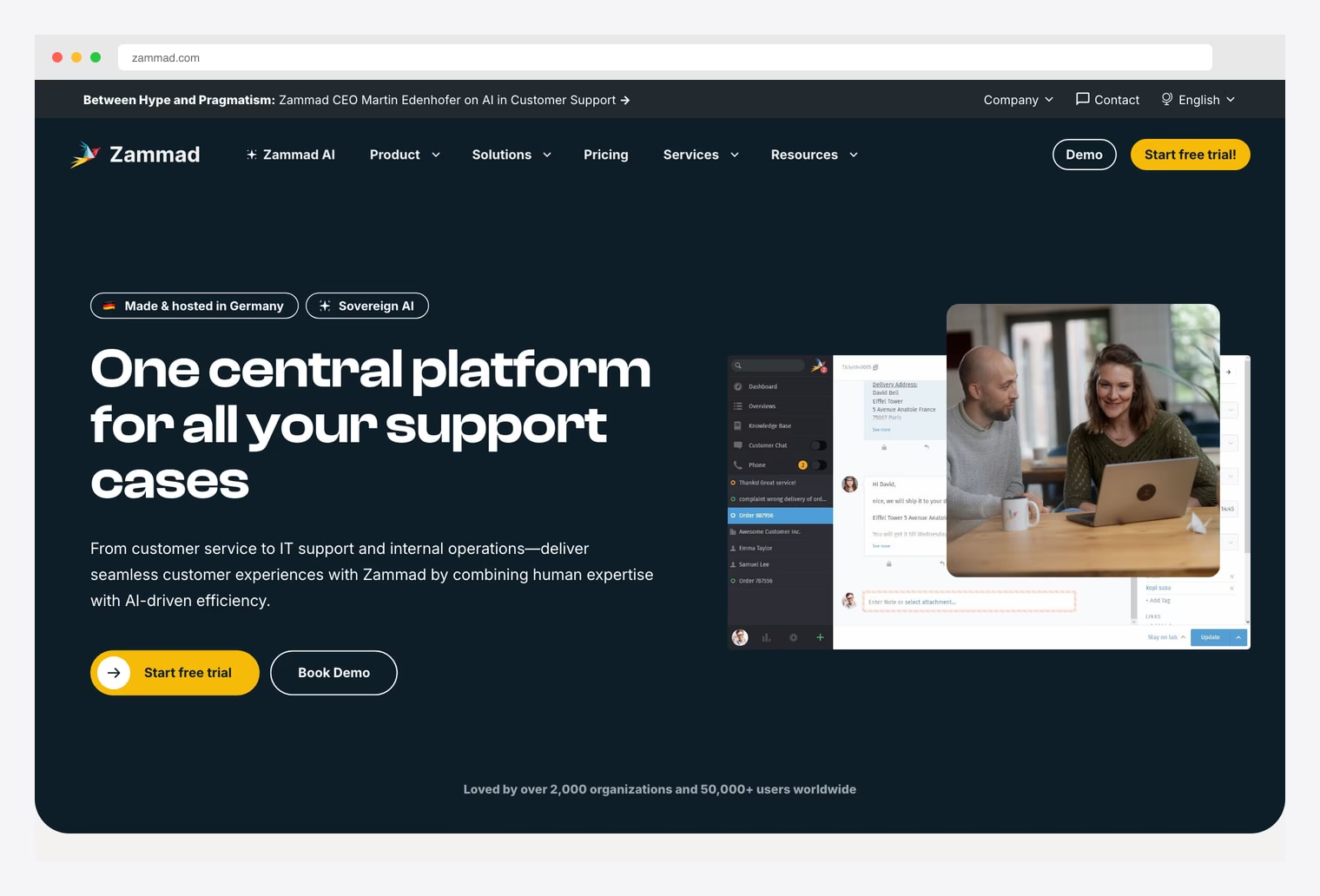
Why we like it: A modern, clean, responsive open-source helpdesk with an interface that reduces adoption friction typically associated with open-source support tools. Multi-channel inbox covering email, phone, Twitter, Facebook, Telegram, WhatsApp, and SMS. ITIL-aligned ticketing workflows, time accounting, knowledge base, SLA management. AGPL license. Requires 4-8 GB RAM (Elasticsearch is the main resource consumer).
Pick Zammad when interface quality matters most. The UI is the closest of any open-source helpdesk to a commercial SaaS product — agents adopt it without complaint. Trade-off: needs 4-8 GB RAM versus FreeScout’s 1-2 GB; Elasticsearch is the main resource consumer.
3. FreeScout
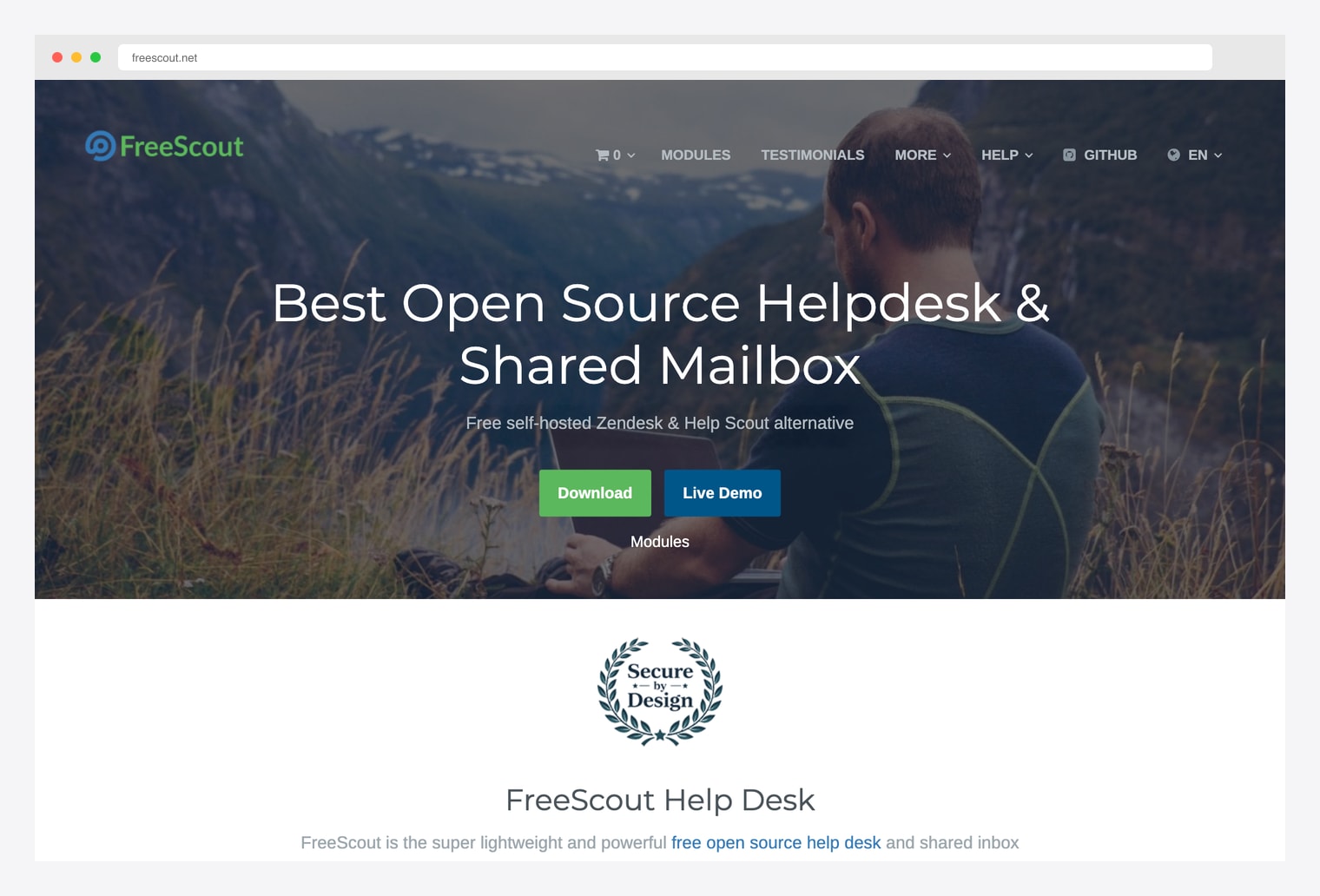
Why we like it: A lightweight self-hostable Help Scout alternative for email-based shared-inbox support. Runs on modest server infrastructure (1-2 GB RAM is enough). Shared inbox, conversation threading, customer profiles, knowledge base, customer portal, mobile apps. Free Community Edition plus a paid Modules marketplace for advanced features.
Pick FreeScout when server resources are constrained (1-2 GB RAM versus Zammad’s 4-8 GB) and email is your primary support channel. The Modules marketplace is the differentiator — you pay only for the specific features you need (WhatsApp module, custom fields module, etc.) instead of a full Pro tier.
4. osTicket
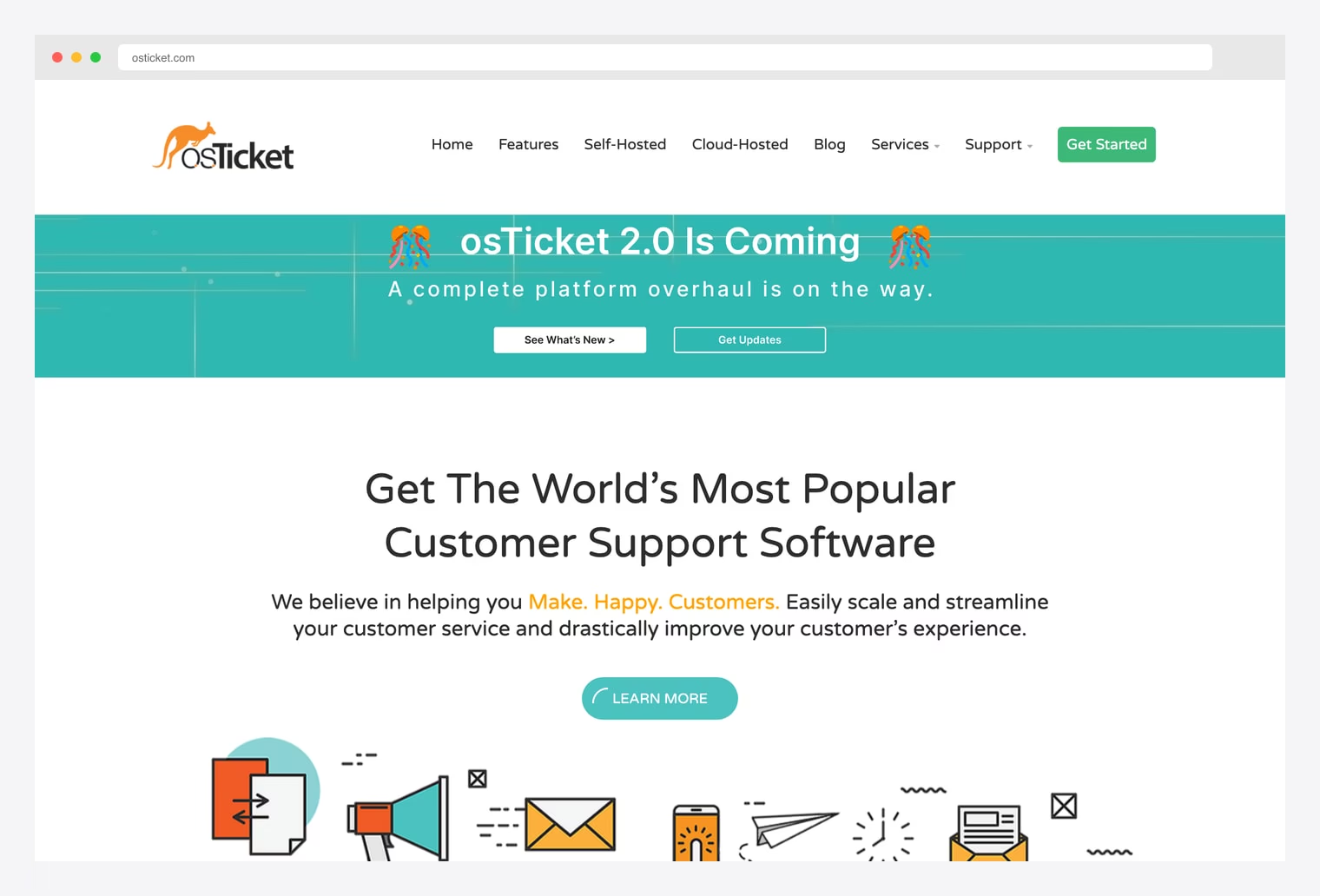
Why we like it: One of the oldest open-source support ticket systems — first GitHub release in 2013, used widely across many production deployments. Custom fields, ticket filters, agent collaboration, knowledge base, customer portal, multi-language. Interface looks a bit dated versus Zammad / Chatwoot, but the feature set has been proven in production for over a decade.
Pick osTicket when stability and feature maturity matter more than UI freshness. The codebase has been deployed at scale for over a decade — fewer surprise breaking changes than newer projects. GPLv2 license; commercial Cloud and Enterprise tiers available for hosted operation.
5. GLPI
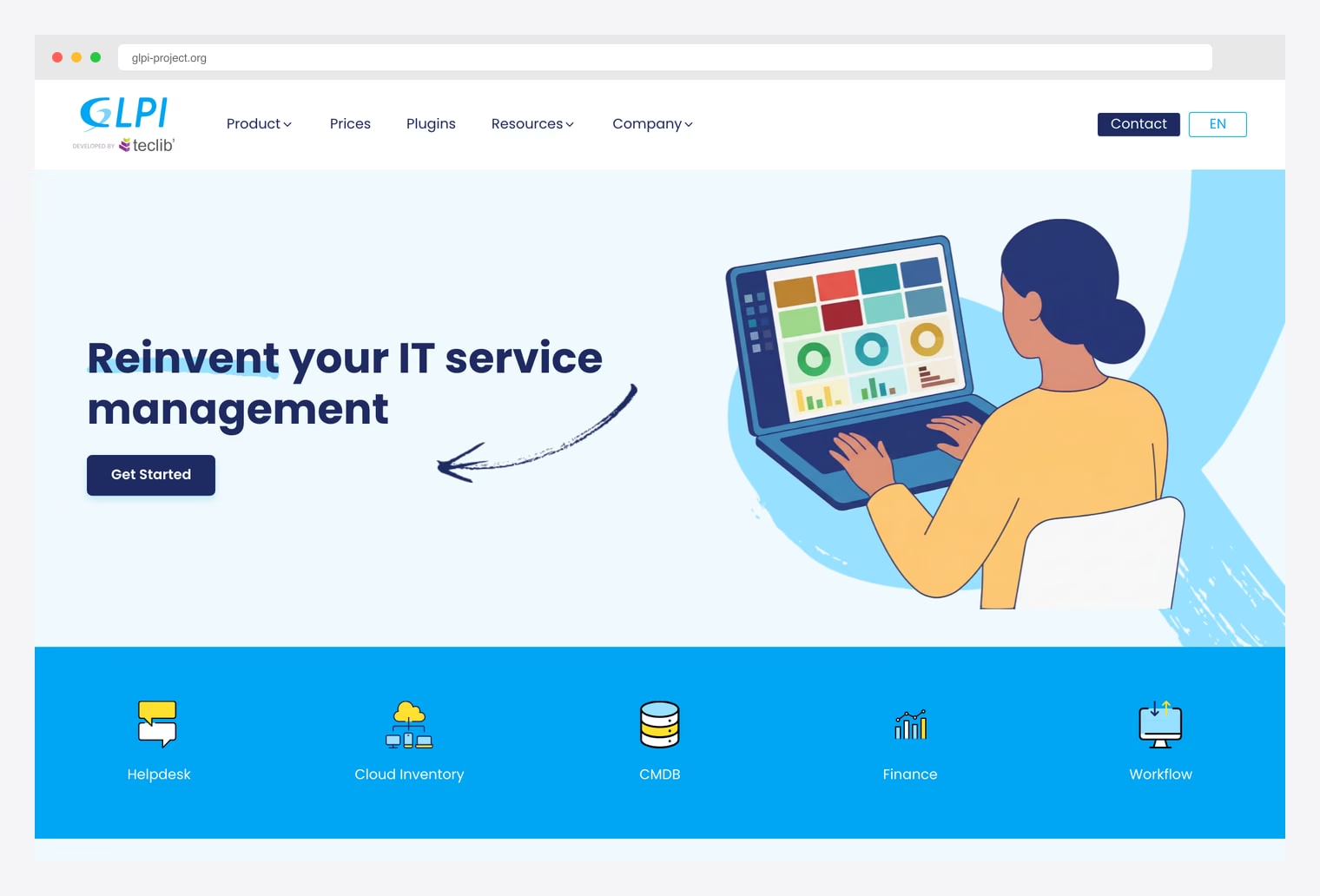
Why we like it: An open-source IT asset management and helpdesk system with integrated incident / problem / change management alongside inventory tracking for IT hardware, software licenses, and contracts. Popular in European MSP and IT department deployments. GPLv3 license. ITIL alignment built in.
Pick GLPI when the helpdesk is primarily IT-shaped (internal IT support, hardware tickets, software licensing) rather than customer support. The asset management integration is the differentiator — most helpdesks ignore the underlying assets, but GLPI tracks them alongside the tickets they generate.
6. CoreUI React (adaptable)
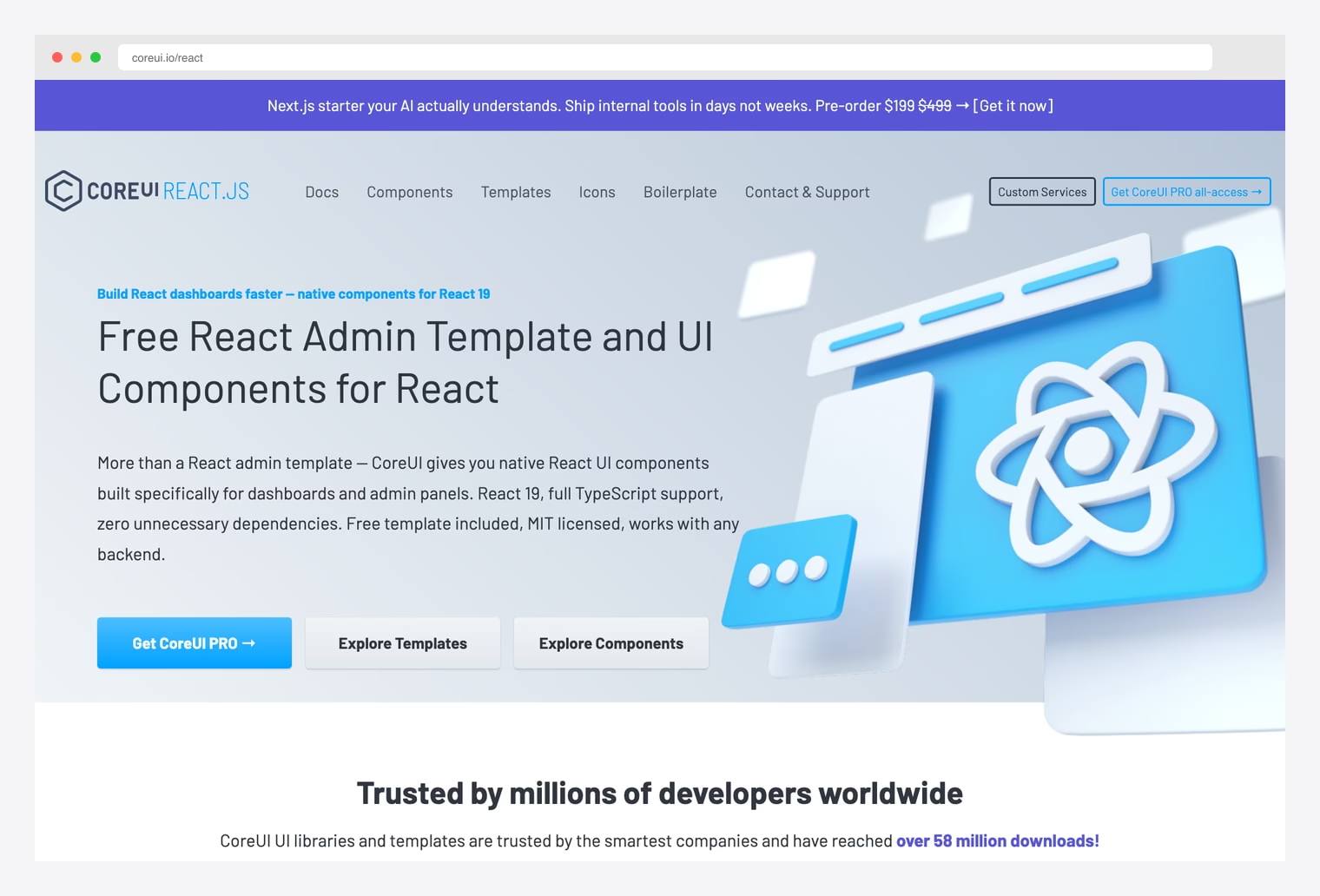
Why we like it: A free, production-ready React 19 + Bootstrap 5 admin foundation with 30+ reusable components, customizable layouts, multiple color themes, Chart.js integrations, and responsive sidebar navigation. Not helpdesk-specific, but the data table + chart + sidebar combination is the right shape for building a ticket queue + agent dashboard on your own backend.
Pick CoreUI when none of the open-source helpdesks above match your use case and you’re building a custom support system on your own backend. The data-table + chart combination is what most helpdesk dashboards need, and CoreUI ships both wired up.
7. GitHub Topic: helpdesk
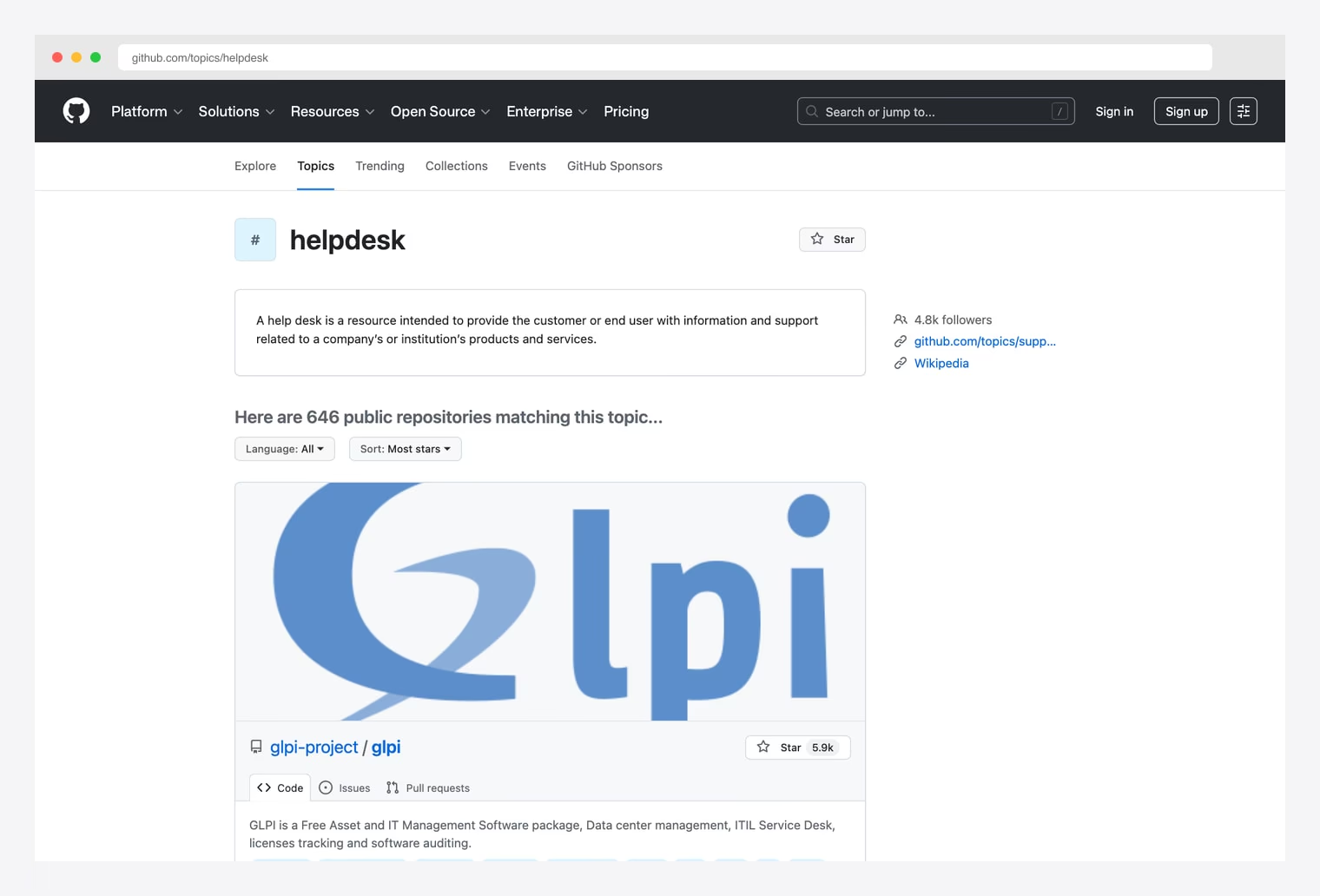
Why we like it: GitHub’s helpdesk topic catalog — public repositories tagged for helpdesk, sorted by stars. Sibling topics include ticketing-system and customer-support. Useful for finding niche-specific picks (developer-only support, single-channel chat, MSP-specific tools) that aren’t in the curated picks above.
Pick the catalog as the “did I miss anything?” check after the picks above. The five curated open-source helpdesks (Chatwoot, Zammad, FreeScout, osTicket, GLPI) cover most use cases — the catalog is the right place to find smaller stack-specific or niche alternatives.
How to Choose the Right Helpdesk
The 7 picks split along three practical axes:
By support model
- Conversational / omnichannel (live chat plus messaging apps plus email): Chatwoot.
- Ticket-based / email-first (traditional helpdesk): Zammad, FreeScout, osTicket.
- IT helpdesk plus asset management: GLPI.
- Custom (build your own on top of an admin shell): CoreUI React.
By resource footprint
- Lightweight (1-2 GB RAM): FreeScout.
- Medium (2-4 GB RAM): osTicket, GLPI.
- Heavier (4-8 GB RAM with Elasticsearch): Zammad, Chatwoot.
By stack
- Ruby on Rails + Vue: Chatwoot, Zammad.
- PHP + Laravel: FreeScout.
- Plain PHP: osTicket, GLPI.
- React + Bootstrap: CoreUI React.
A practical pattern in 2026: pick Chatwoot as the default open-source helpdesk for customer-facing support — the omnichannel inbox (live chat plus WhatsApp plus email plus social) covers what most teams need. Switch to Zammad when interface quality matters most and you have the RAM. Pick FreeScout when server resources are constrained or email is your only support channel. Use GLPI when the helpdesk is internal IT-shaped (hardware tickets, software licensing) rather than customer support. osTicket stays the right pick for organizations that prize stability over fresh UI.

You Might Also Like


