
20 Best Bootstrap Contact Forms 2026
When working on a contact section for your website, you’d better not miss our list of the most promising Bootstrap contact forms.
We reviewed and thoroughly tested multiple variations. For other form types, browse our Bootstrap form templates and login forms collections on the market, but settled on these. They work for just about any website you want.
Plus, they are free of charge and easy to customize — what’s not to like?
All are also 100% responsive by default and equipped with the latest technologies.
You will enjoy smooth work that lets you quickly embed a contact form into your website or blog — pair them with stylish Bootstrap footers.
Nothing needs to start from square one these days. Jump-start your task with a reliable template instead.
Quick Picks
- Best overall: Contact Form V20 — Sleek split-screen layout with image panel and smooth validation animations.
- Best minimal: Contact Form V17 — Clean card-based design with floating labels, perfect for SaaS and corporate sites.
- Best with map: Contact Form V15 — Two-column layout pairing Google Maps with form fields for local businesses.
- Best animated: Contact Form V18 — Full-width background image with frosted glass card overlay for a premium feel.
- Best for business: Contact Form V12 — Dual-panel design with dark sidebar showing contact info and social links.
- Best multi-step: Contact Form V05 — Service selection, budget range, and adaptive fields that qualify leads automatically.
Ultimate Bootstrap Contact Forms
1. Contact Form V20
Why we like it: The split-screen layout with a vivid image on one side and clean form fields on the other creates a polished, professional feel that elevates any contact page.
A sleek split-screen contact form with a vivid image on one side and clean form fields on the other. This modern layout works perfectly for creative agencies, photography studios, or any business that wants their contact page to feel as polished as their portfolio.
Built with Bootstrap 5, it includes name, email, phone, and message fields with smooth validation animations. Fully responsive — the image gracefully stacks above the form on mobile.
2. Contact Form V18
Why we like it: The frosted glass effect over a full-width background image gives it a premium, immersive feel while keeping form fields crisp and readable.
A bold contact form with a full-width background image and a centered translucent card that draws immediate attention. The frosted glass effect gives it a premium feel while keeping form fields crisp and readable.
Includes standard fields (name, email, subject, message) with custom styling and a prominent submit button. The responsive layout collapses cleanly on smaller screens.
3. Contact Form V17
Why we like it: Floating labels that animate into position and a clean card layout with subtle shadow make this one of the most refined minimal contact forms available.
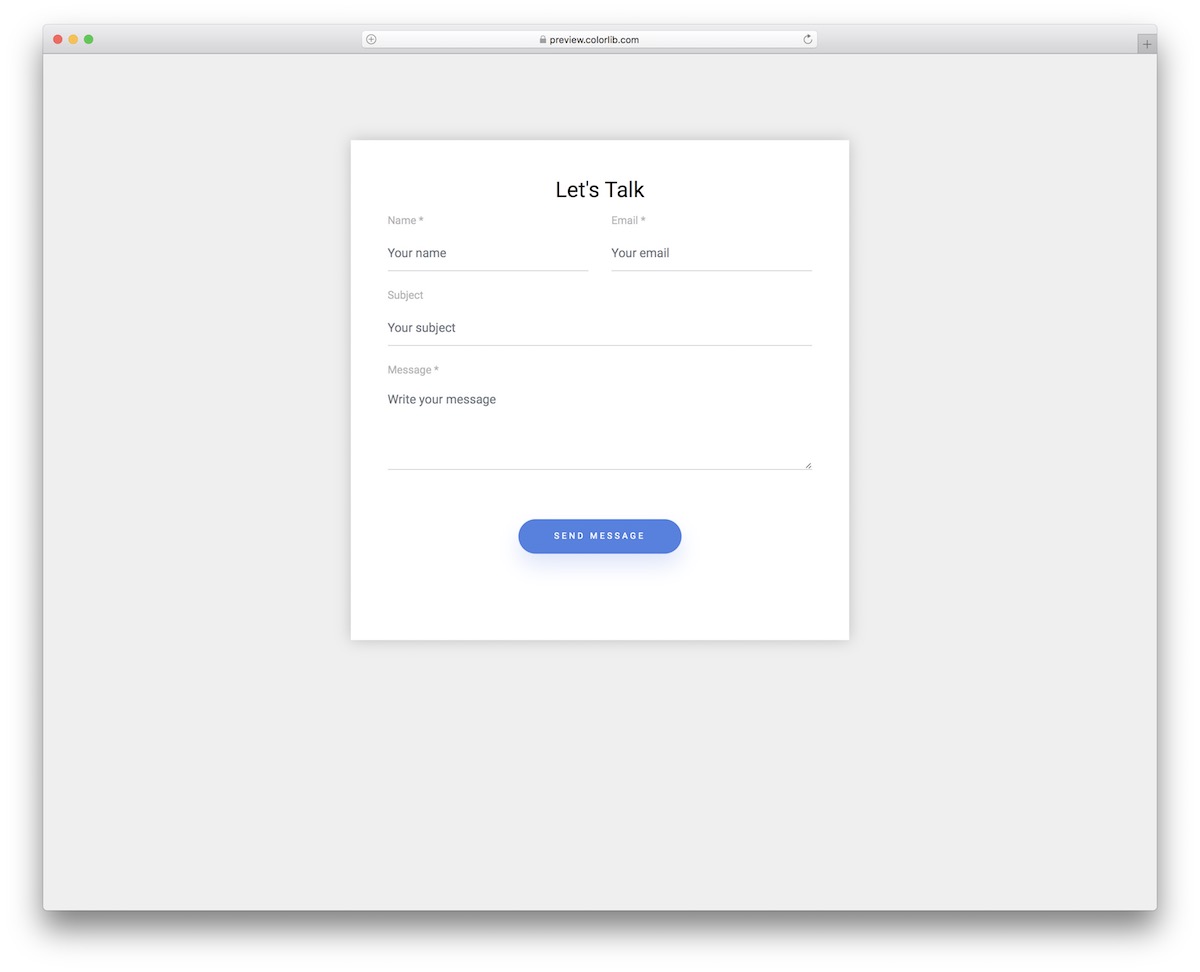
A minimal, card-based contact form with a clean white background and subtle shadow that floats on the page. The rounded corners and generous padding create an inviting feel perfect for SaaS landing pages and corporate websites.
Features standard contact fields with floating labels that animate into position when the user starts typing. Built on Bootstrap 5, the form includes validation states and a customizable color scheme.
4. Contact Form V15
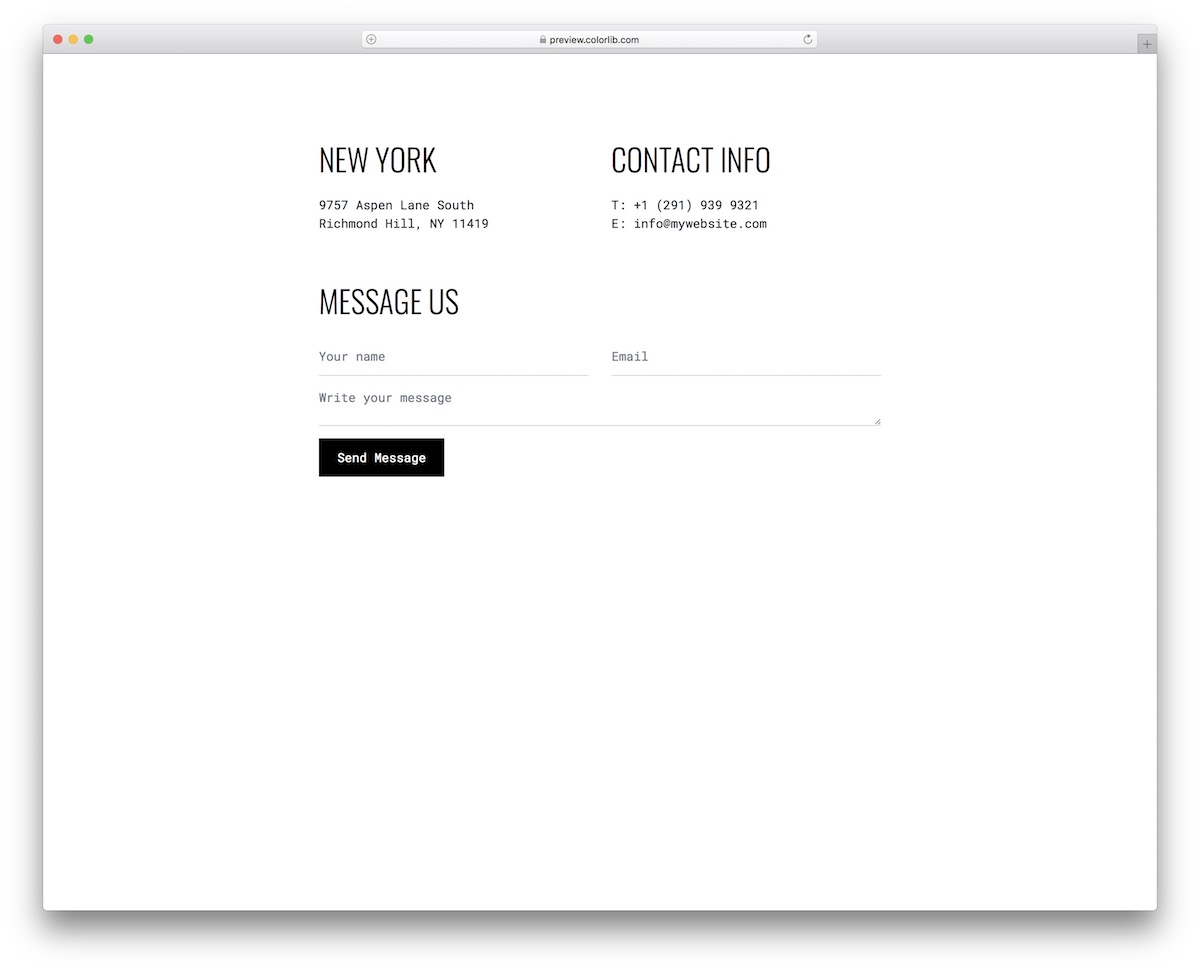
Why we like it: The integrated Google Maps panel alongside the form fields gives visitors immediate location context, reducing friction for local inquiries.
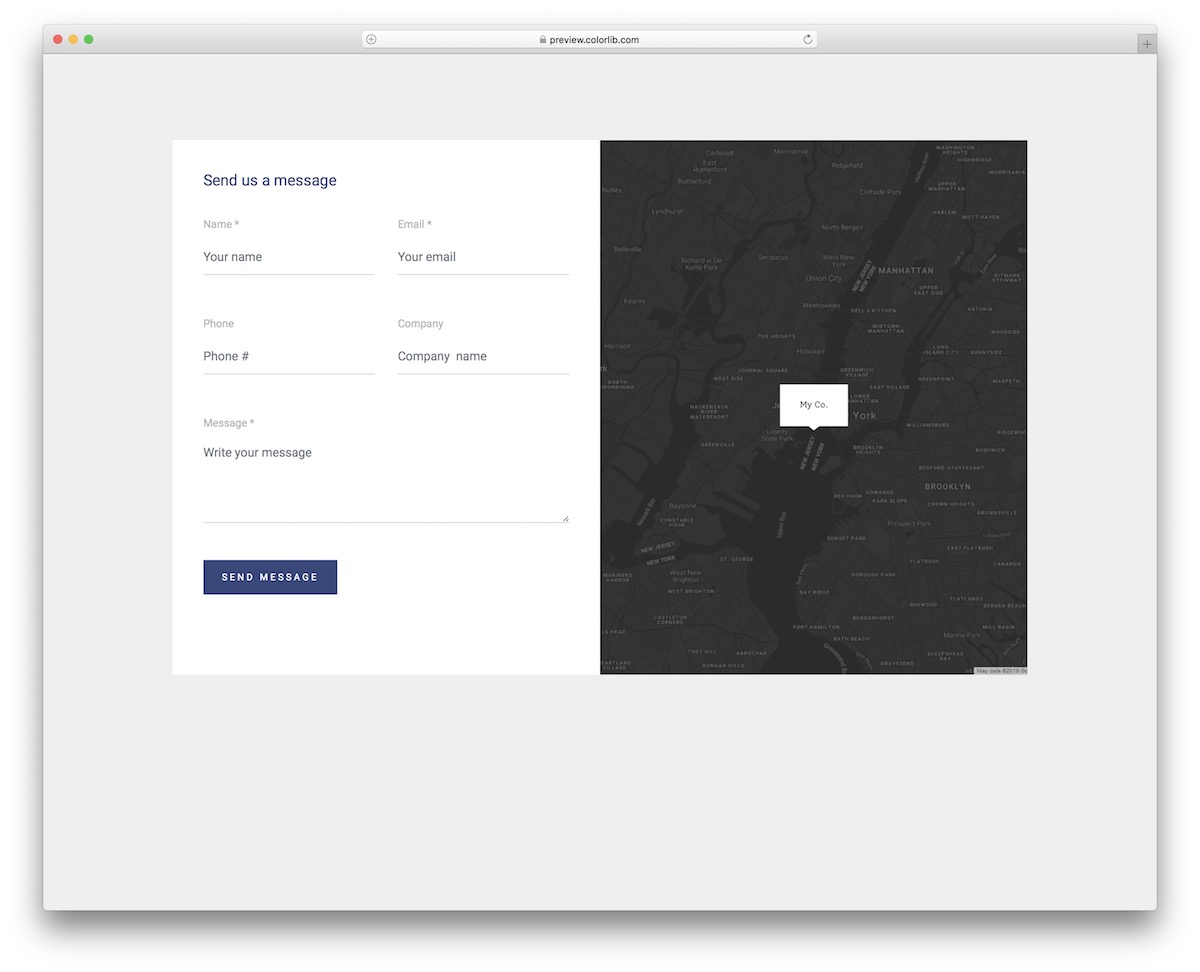
A two-column contact form layout that pairs a Google Maps integration on one side with form fields on the other. Ideal for local businesses, restaurants, or service companies where location context matters alongside the contact form.
The map section can be customized with your business marker, and the form includes fields for name, email, phone, and a text area for messages. Clean Bootstrap 5 grid ensures proper alignment across devices.
5. Contact Form V13
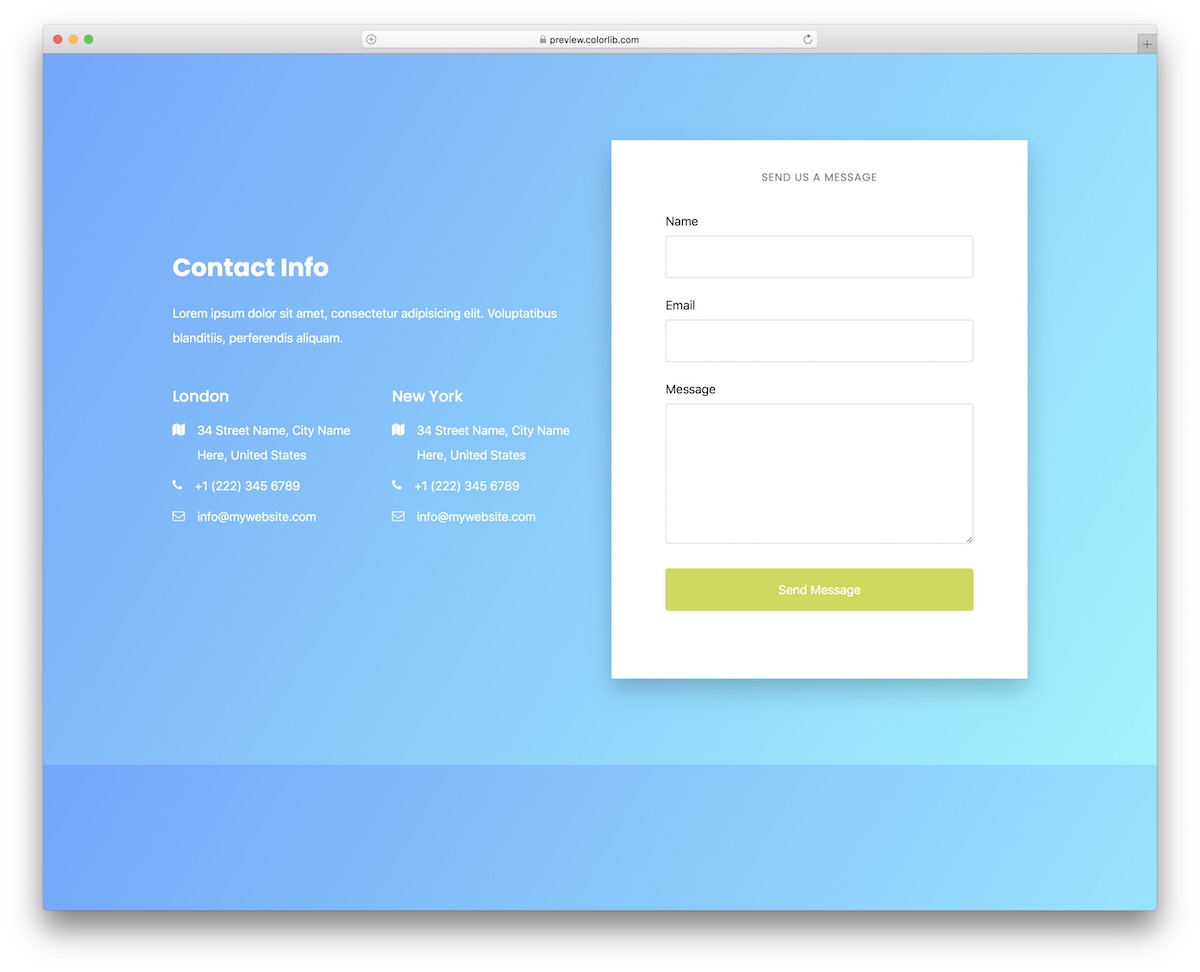
Why we like it: The blue-to-purple gradient background with a contrasting white card creates a striking visual that works as both a full page and an embedded section.
A compact contact form with an eye-catching gradient background that transitions from blue to purple. The contrasting white form card pops beautifully, making it perfect as a standalone contact page or an embedded section within a larger landing page.
Includes name, email, and message fields with a clean submit button. The gradient is easily customizable through CSS variables, and the entire component is fully responsive.
6. Contact Form V12
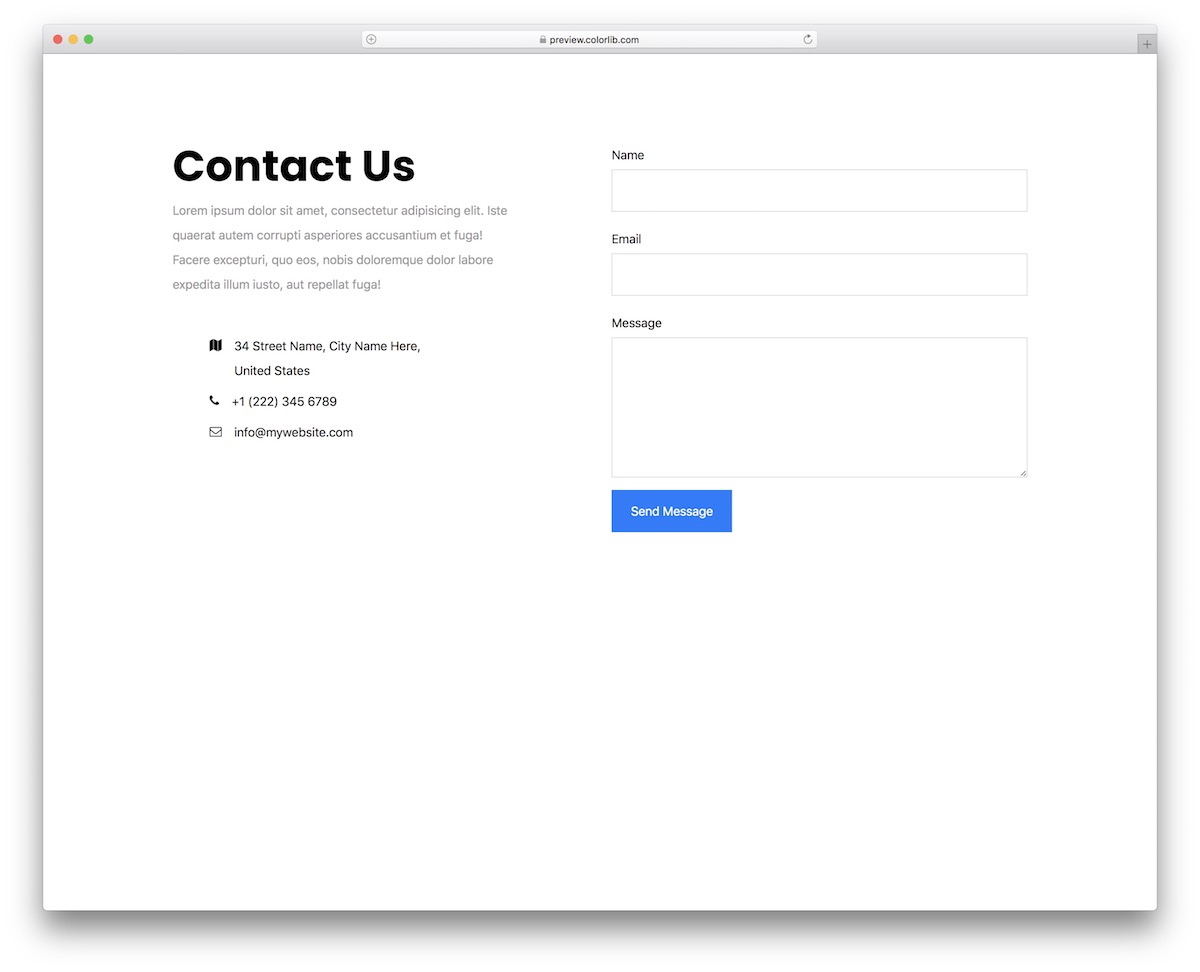
Why we like it: The dark sidebar with contact details and social media icons alongside the bright form area gives visitors everything they need at a glance.
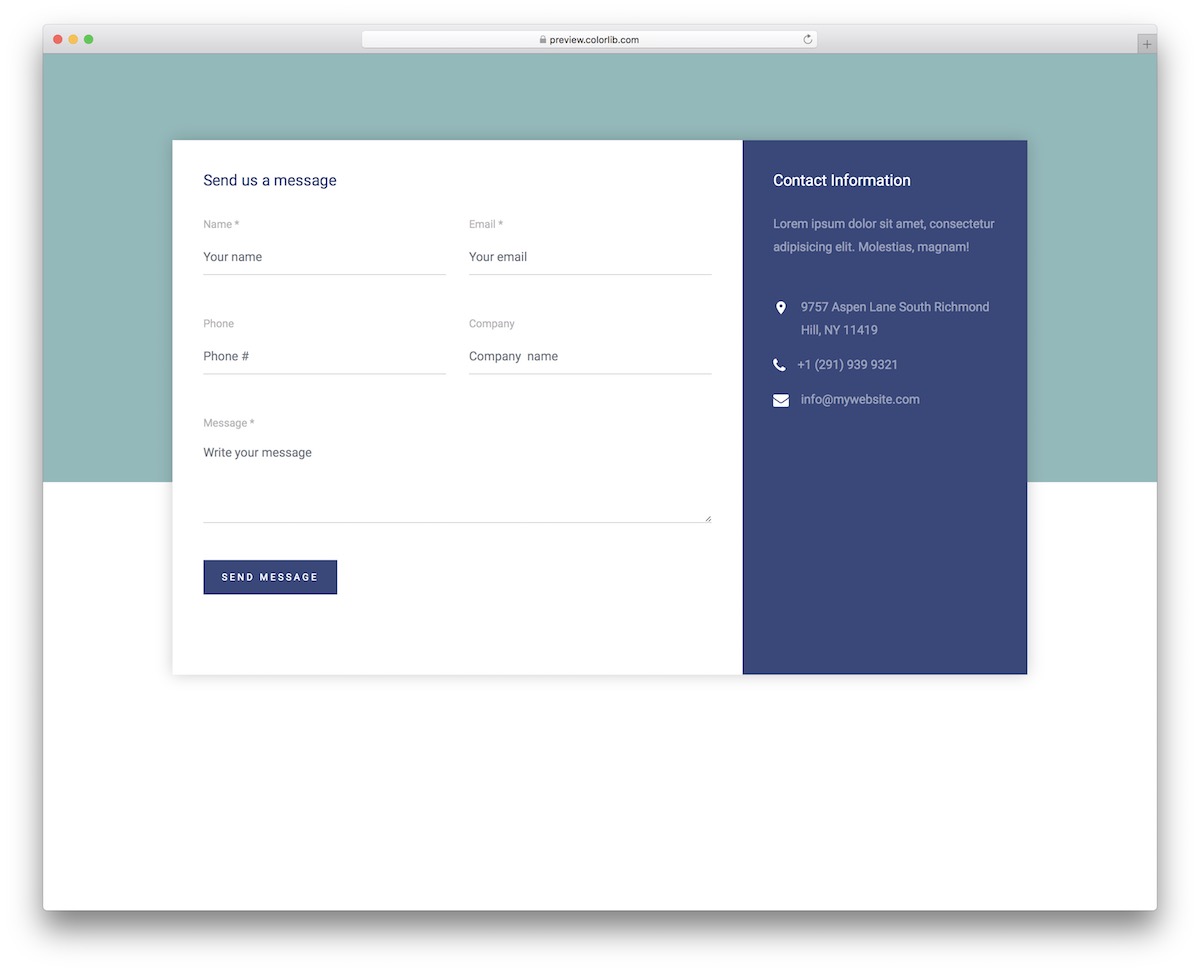
A professional contact form featuring a dark sidebar with contact information alongside a bright form area. This dual-panel design gives visitors your phone, email, and address at a glance while they fill out the form.
The sidebar includes social media icons and a mini map link, while the main form area features floating labels and a clean layout. Built on Bootstrap 5 with responsive stacking for mobile.
7. Contact Form V10
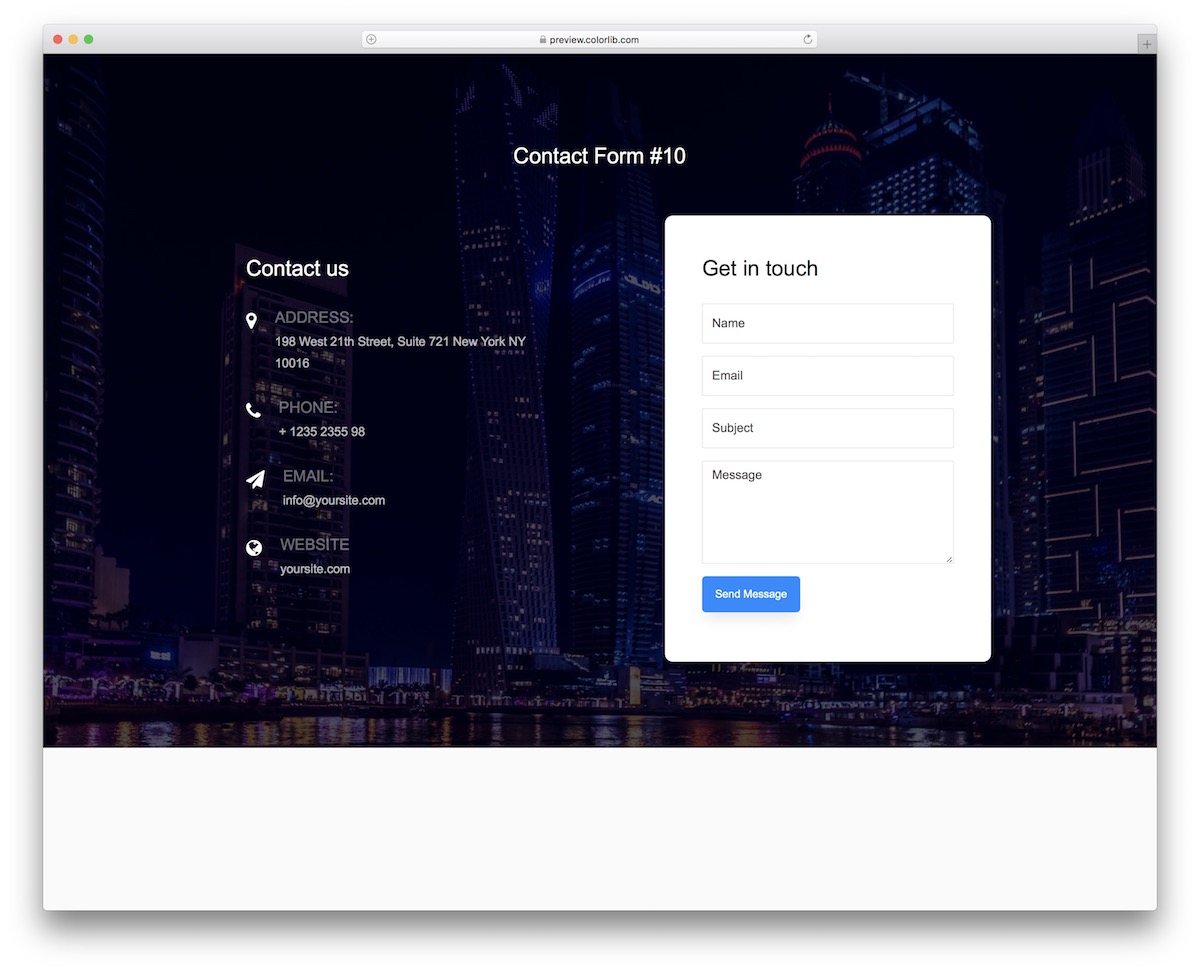
Why we like it: The semi-transparent fields over a full-bleed background image create an immersive experience that stands out from standard contact forms.
A visually striking contact form with a full-bleed background image and overlay. The form fields use a semi-transparent design that lets the background image show through, creating a unique and immersive experience.
Includes name, email, subject, and message fields, plus a dropdown for inquiry type. The responsive design maintains its visual impact even on mobile with a darkened overlay for readability.
8. Contact Form V08
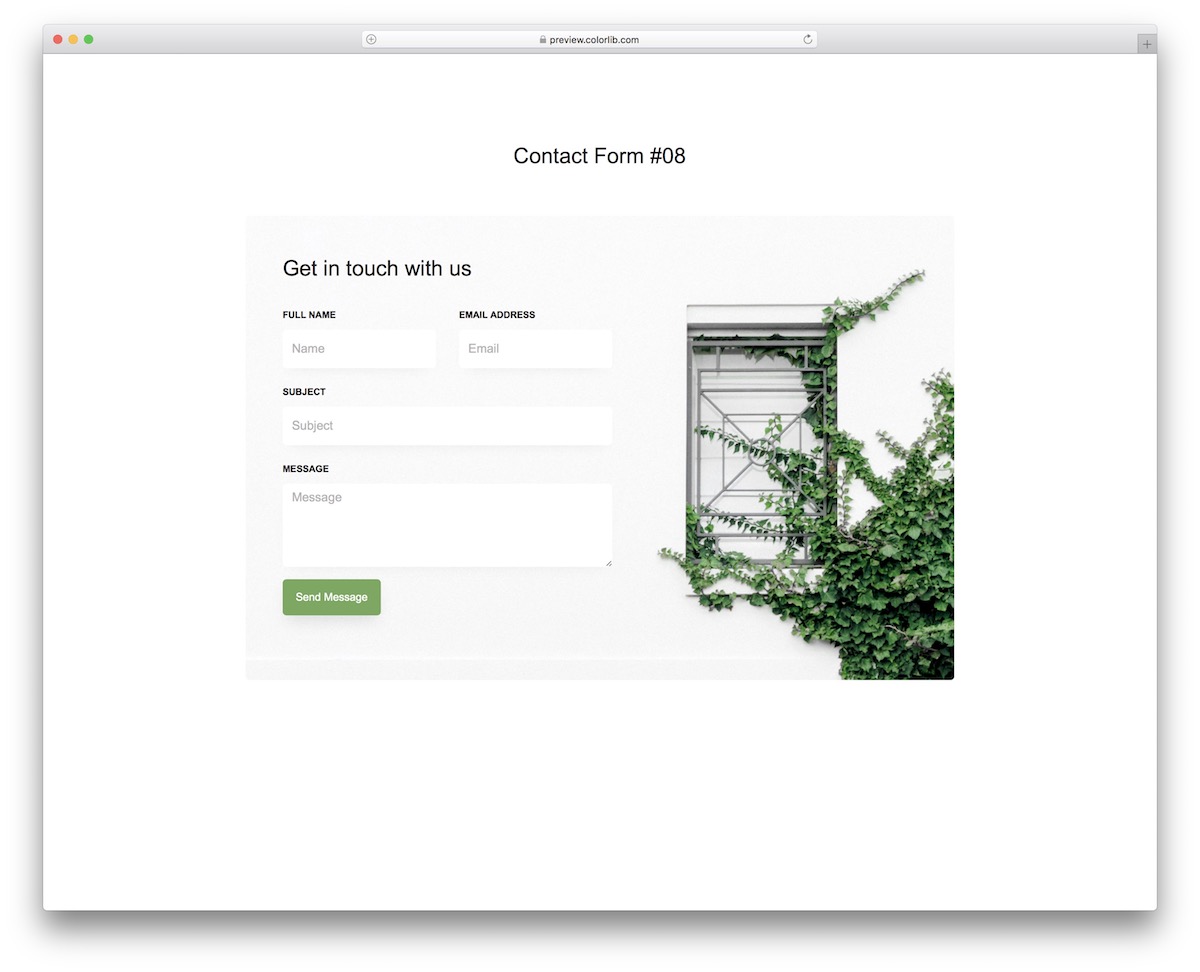
Why we like it: Generous whitespace and a subtle color palette let this form adapt to virtually any brand without modification.
A clean, minimal contact form with a side-by-side layout — company info on the left and form fields on the right. The design uses ample whitespace and a subtle color palette that adapts to any brand.
Features include name, email, phone number, and a message textarea. The form validation provides real-time feedback, and the responsive layout stacks vertically on mobile for optimal usability.
9. Contact Form V07
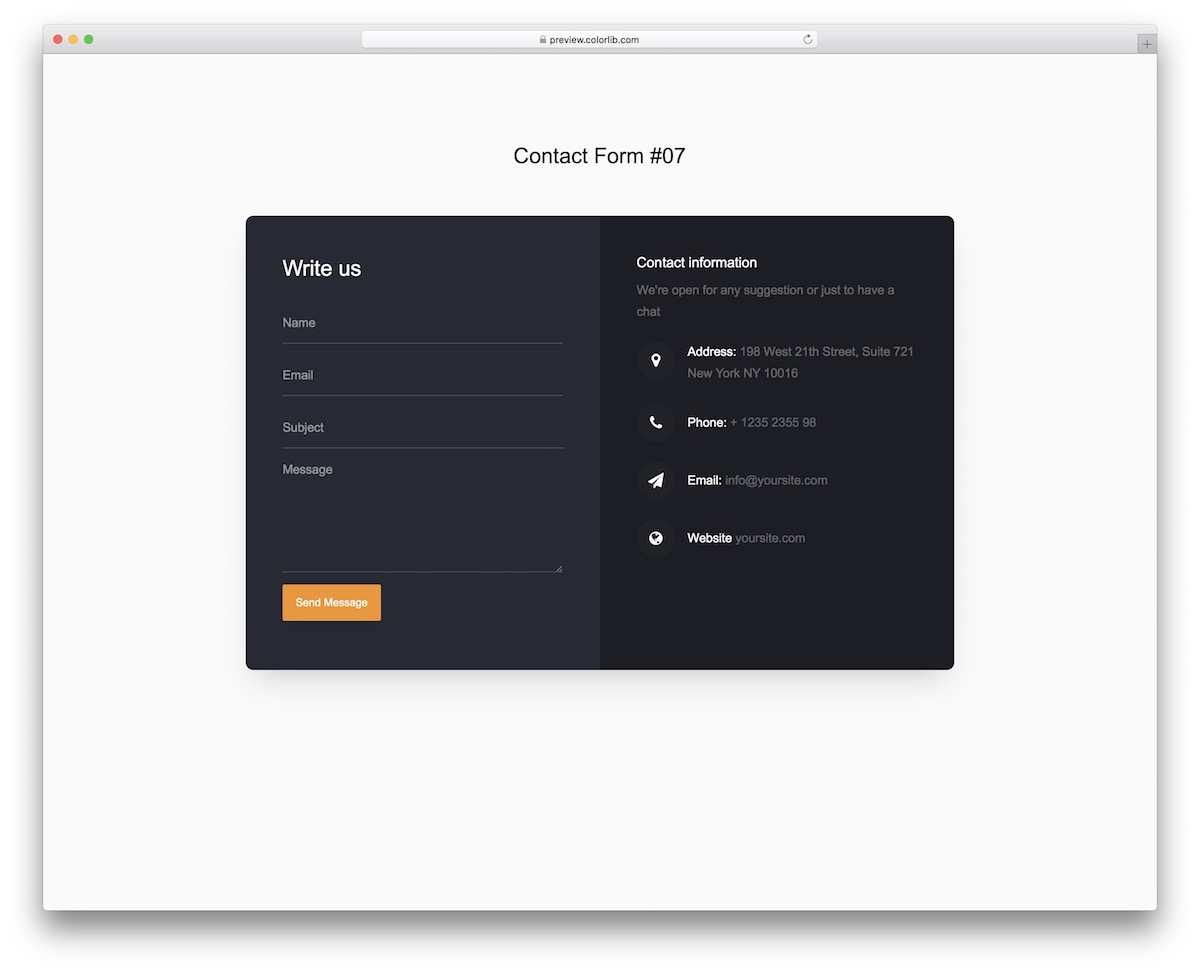
Why we like it: Rounded elements and a friendly color scheme create a warm, approachable contact form that suits personal and small business sites perfectly.
A warm, inviting contact form with rounded elements and a friendly color scheme. The design features a centered card with a prominent heading, making it ideal for personal websites, blogs, or small businesses.
Includes standard contact fields with Bootstrap 5 form controls and custom placeholder animations. The compact design works perfectly embedded within a page section or as a full-page contact layout.
10. Contact Form V05
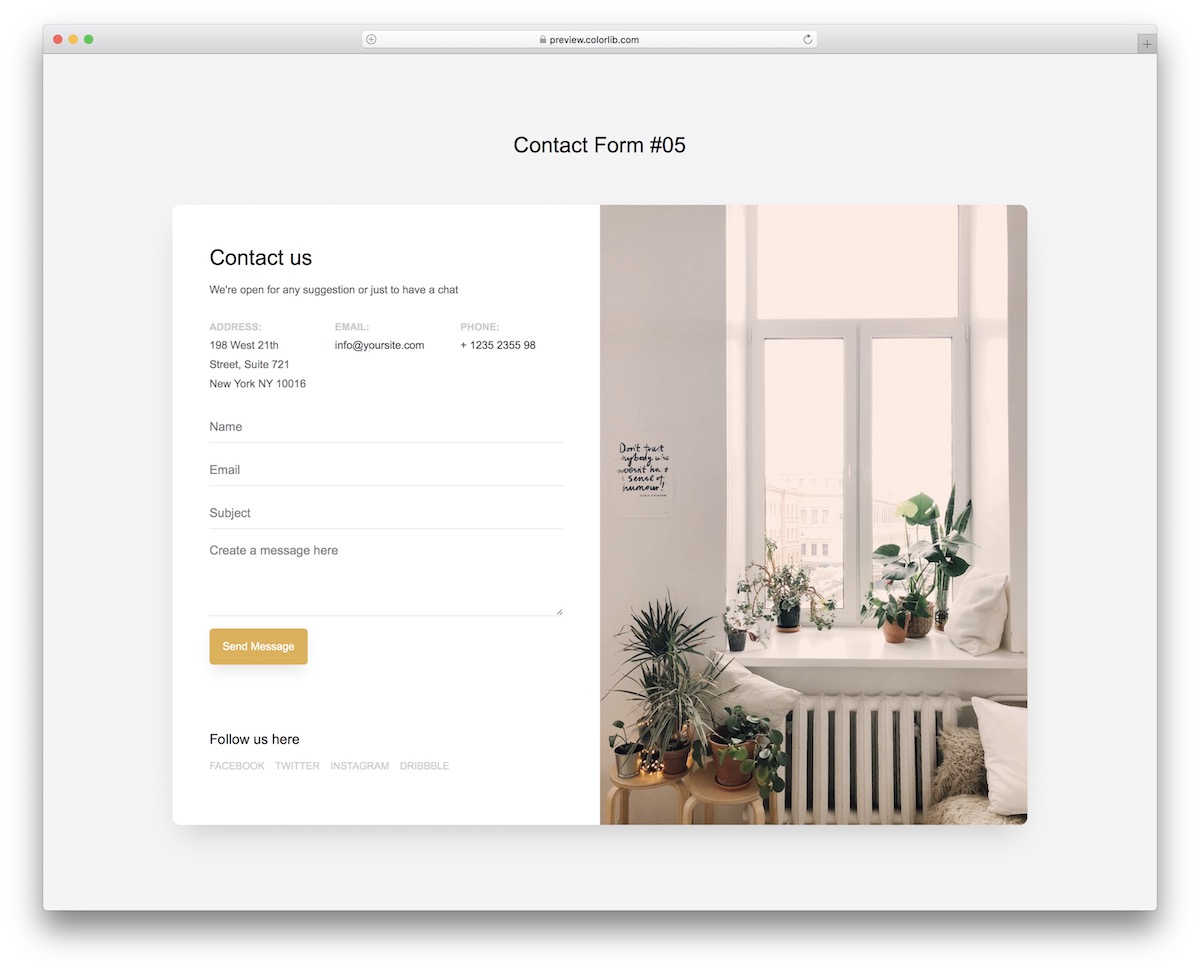
Why we like it: Goes beyond basic contact forms by qualifying leads with service selection, budget ranges, and adaptive fields — saving you time on back-and-forth emails.
An advanced contact form with a service selection dropdown, budget range selector, and a dynamic multi-step feel. This template goes beyond basic contact forms by qualifying leads before they even hit your inbox.
The form adapts its fields based on the selected service type, making it ideal for agencies, consultants, or any business that needs structured inquiry data. Built with Bootstrap 5 and fully responsive.
11. Contact Form V02
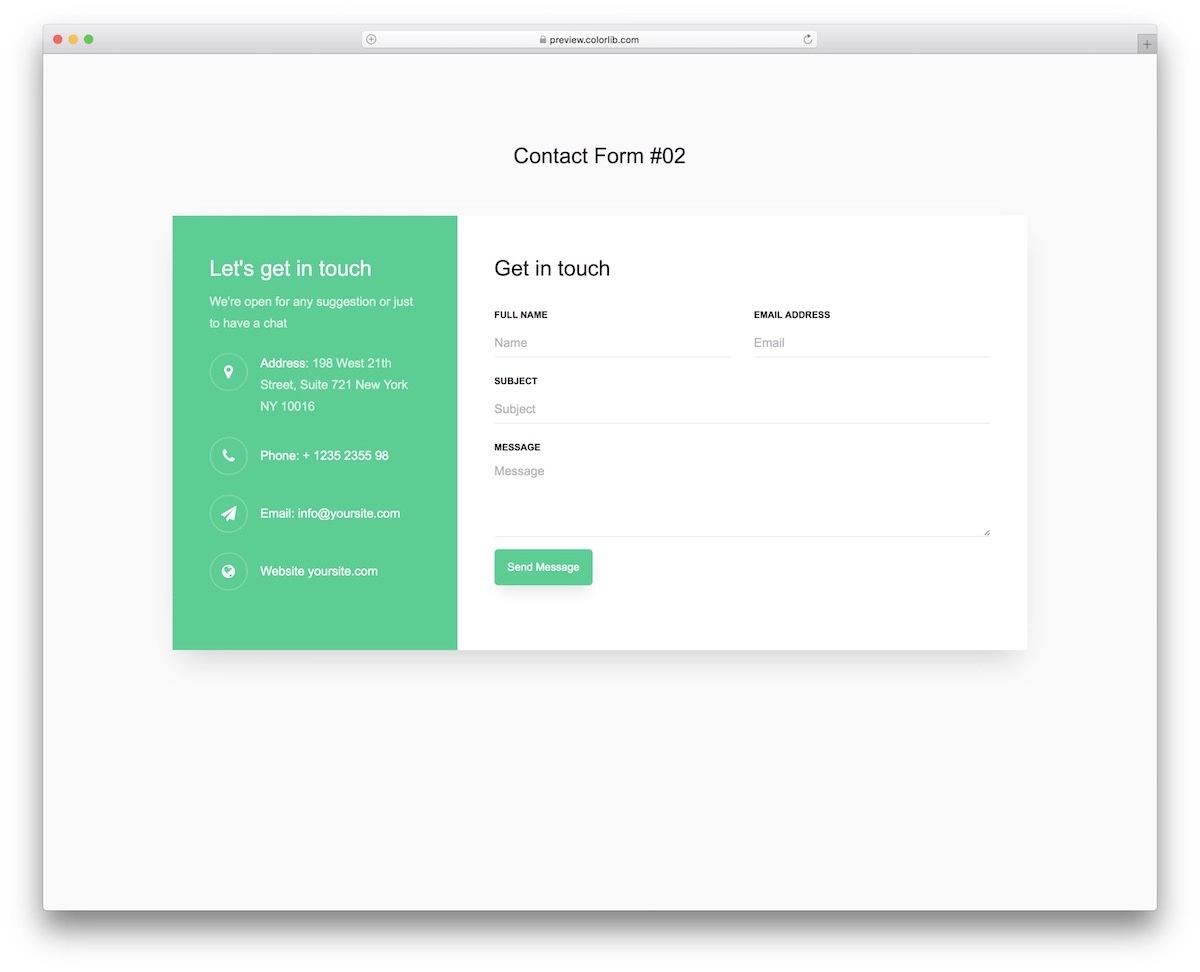
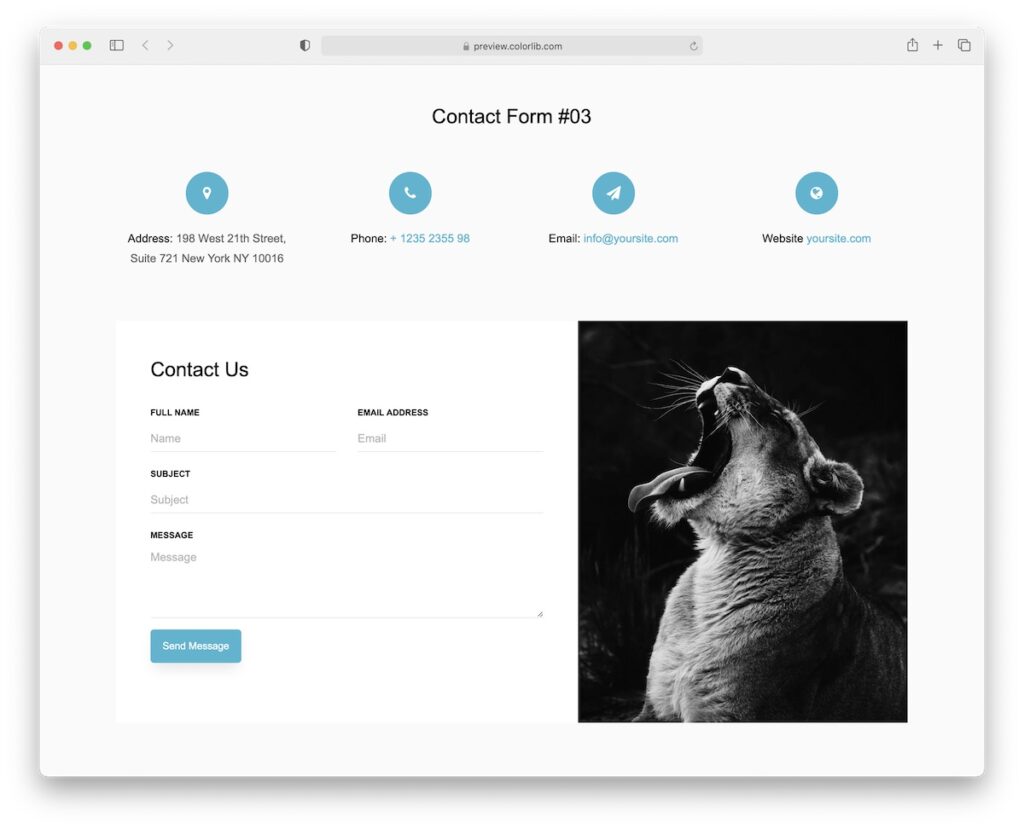
Why we like it: Lets you display location, phone, email, and website link alongside the form — great when you need more than just a basic contact form.
Adding more information to your contact page can be effective. And that’s what you can do with Contact Form V02. You can include your location, telephone number, email address, and link to your website.
You can even leave some stuff out if you want.
Contact Form V02 is green and white by default, but you can comfortably alter it to match your style if it doesn’t match.
12. Colorlib Contact Form V23
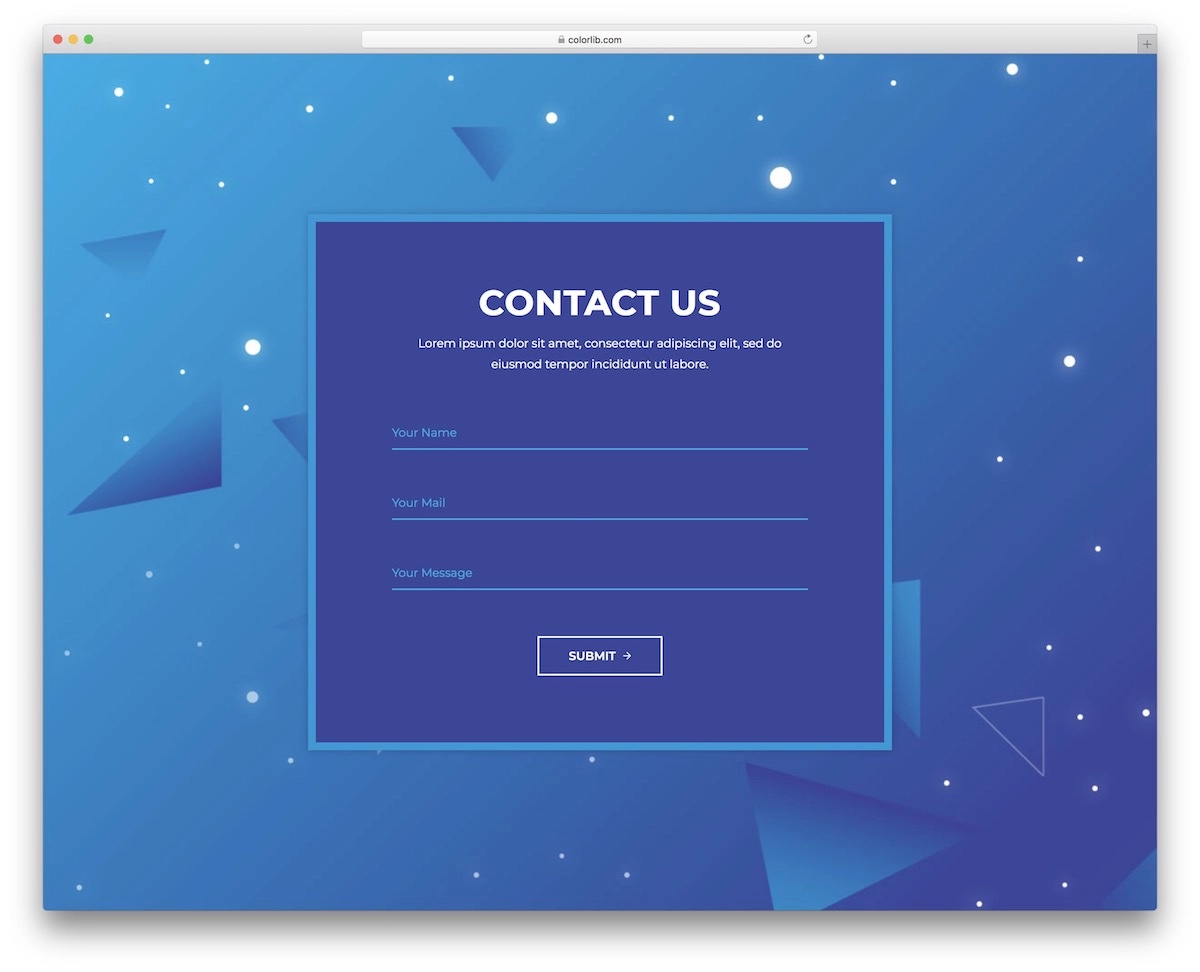
Why we like it: Works as a standalone page or embedded section, with autocompletion and validation built in — minimal setup required.
Even though simplicity wins in our case, we still like this design. You can use it as a stand-alone page or include it in a particular section of your website.
You can quickly adjust the default configuration or keep it as is to save even more time. Autocompletion and form validation are integrated by default.
13. Contact Form V19
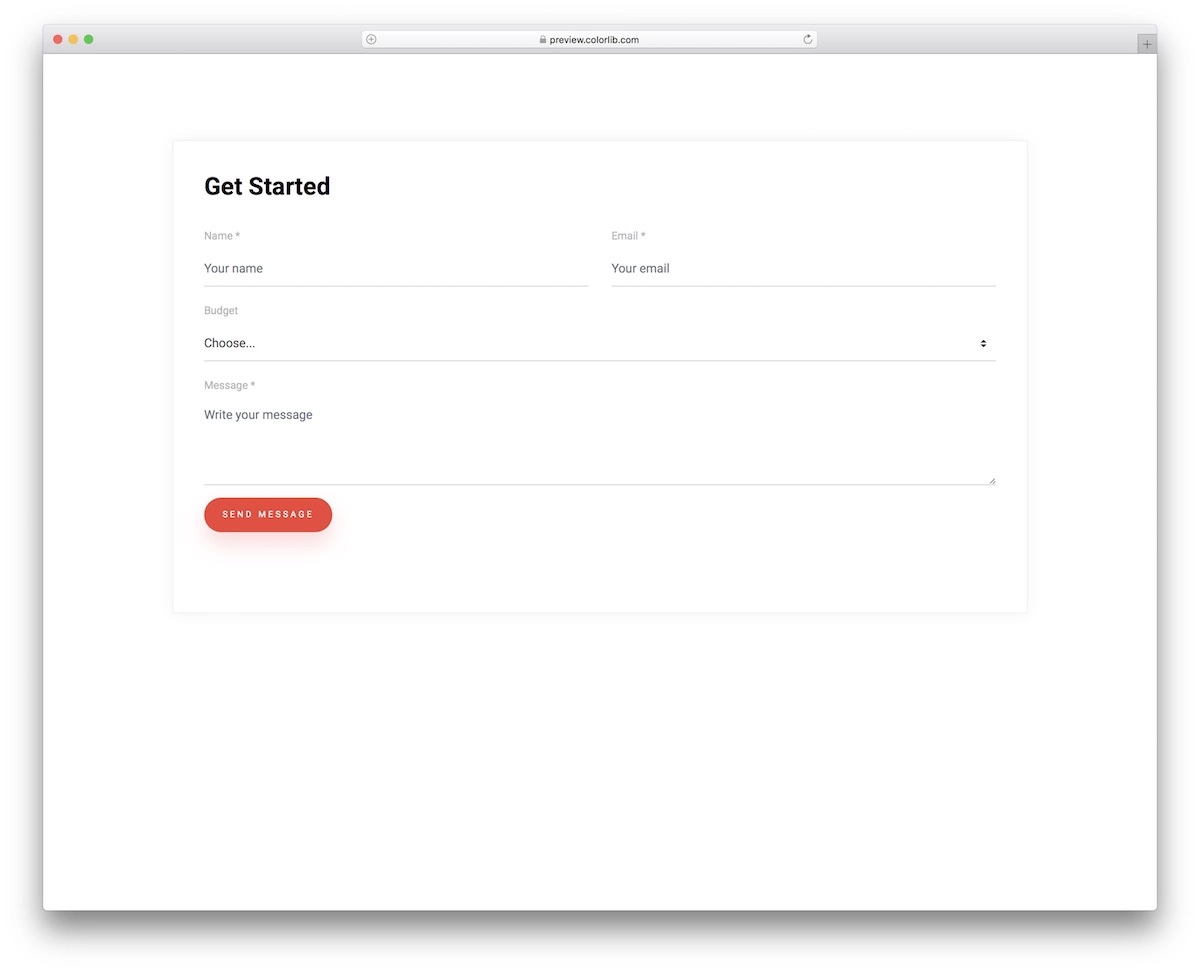
Why we like it: Clean simplicity with a useful budget dropdown selector — a safe choice when you’re unsure about the style direction.
If you are unsure about the style and design of the contact form you’d like to introduce to your website, Contact Form V19 will always do the trick. Again, simplicity is always a good solution.
Contact Form V19 keeps things pretty basic with one special effect: clickable button. (Go ahead, see it for yourself.)
Another useful feature is the drop-down you can use to select the budget (default) or edit it.
14. Contact Form V16
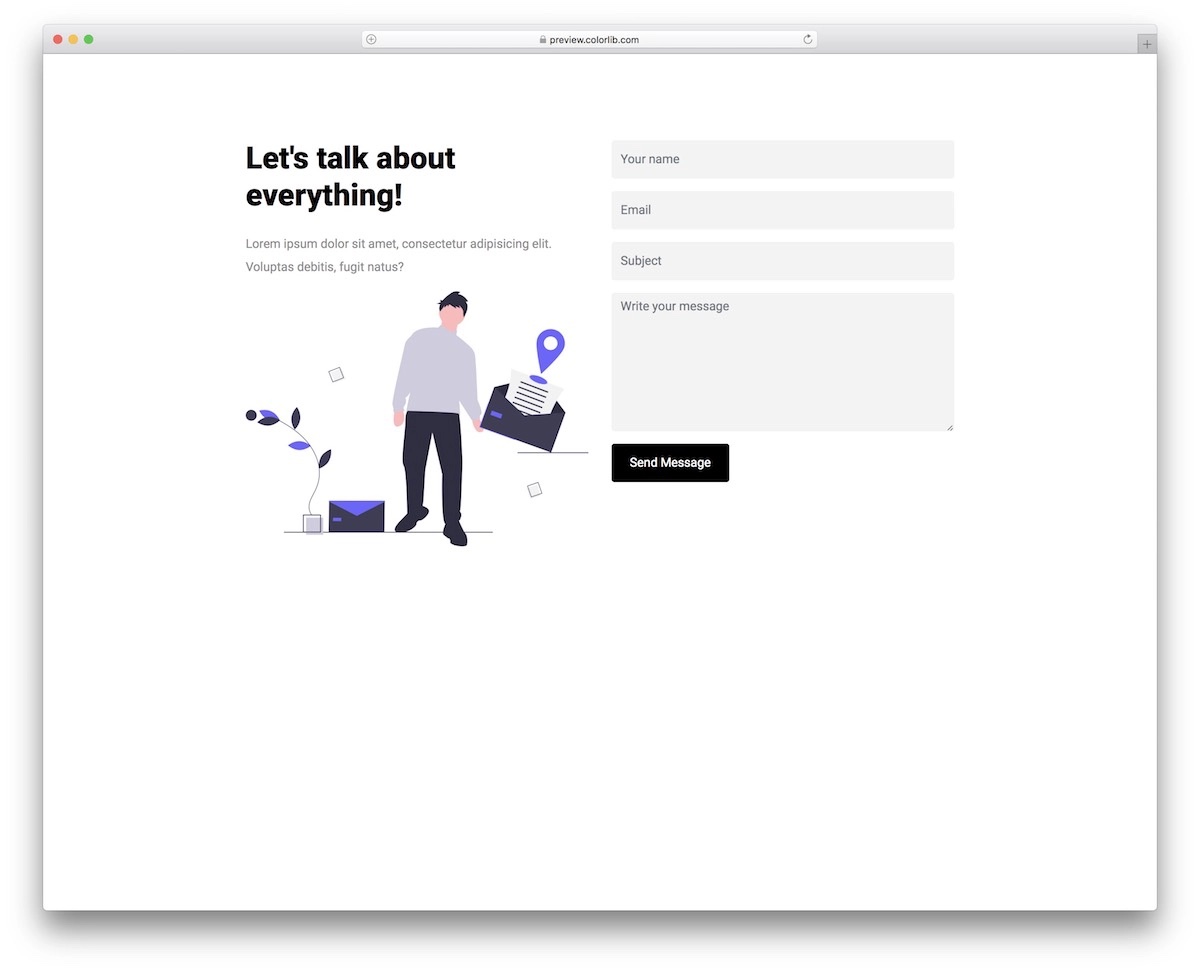
Why we like it: Versatile design that works for startups, agencies, or freelancers — responsive on every screen size with a clean professional look.
Contact Form V16 is ideal for startups, agencies, or freelancers. But that does not necessarily mean you should feel limited — you can use it for anything you find appropriate.
Since it’s a Bootstrap contact form, you know operation will be top-notch on every screen size. You can access the live preview before you hit the download page.
See it in action first-hand and then make the move. We love it!
15. Contact Form V14
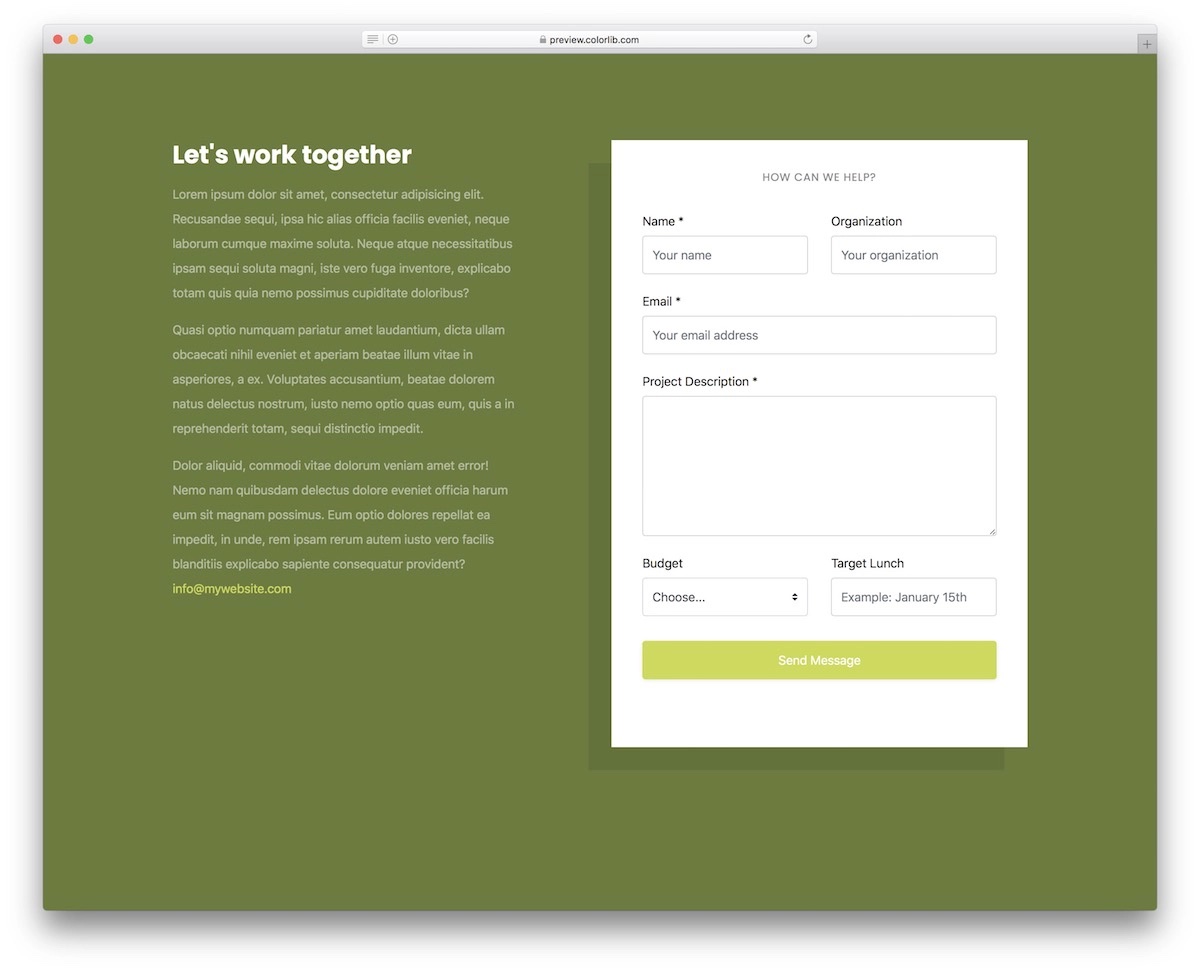
Why we like it: The dual-panel layout with a text section for services and an advanced form section helps you understand potential clients before you even speak to them.
Contact Form V14 is a strong solution for various agencies, especially in marketing.
It includes an advanced form section to understand your potential client better.
Plus, the text section on the left is perfect for sharing more about your services and why someone should work with someone as awesome as you.
16. Contact Form V11
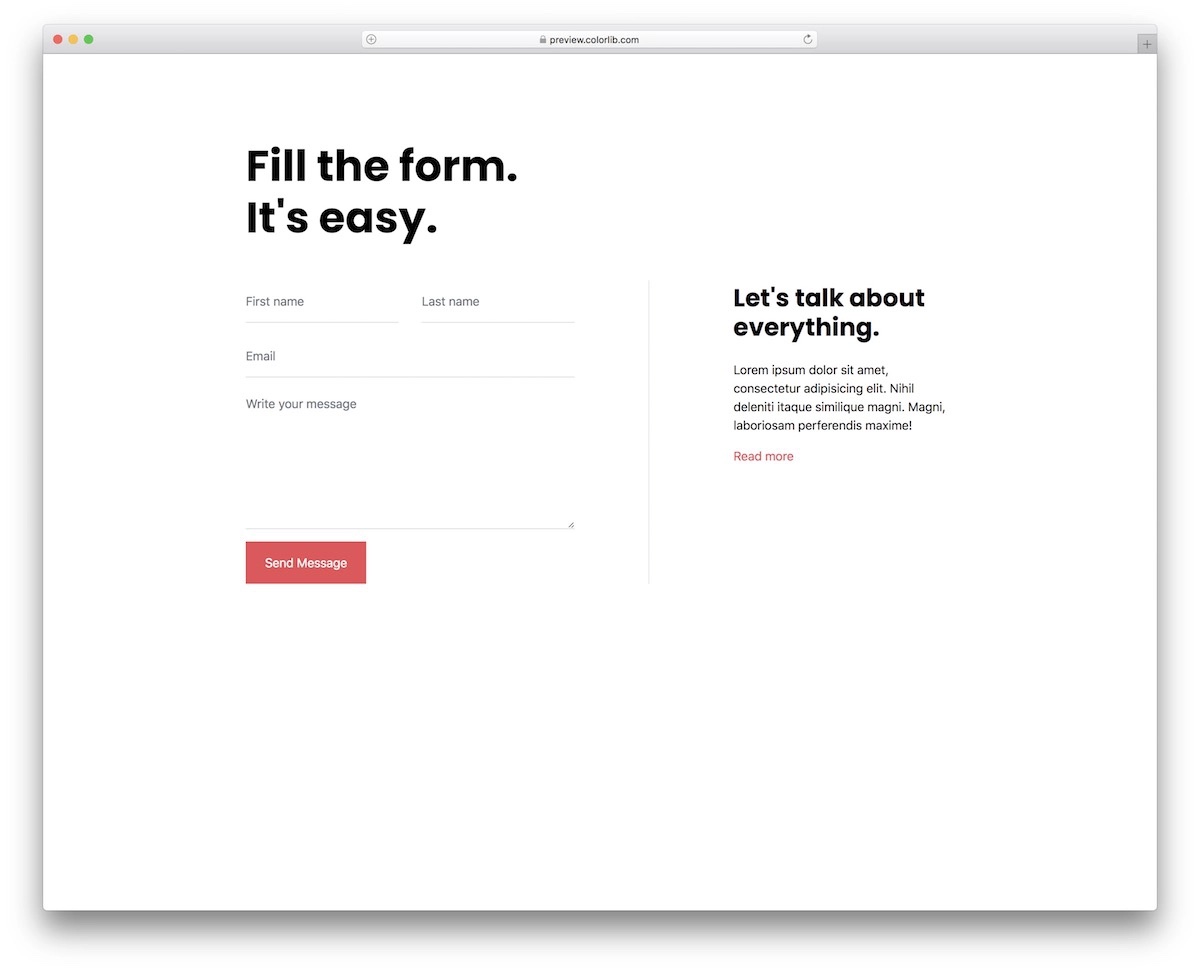
Why we like it: Prioritizes simplicity above all — easy to integrate, easy to customize, and supports additional text content alongside the form.
Contact Form V11 is another excellent solution if you prioritize simplicity. Integrating a ready-to-use Bootstrap contact form will be a breeze if you already have a similar style on your website.
If you would like to add additional text and not use only the form, Contact Form V11 will work.
Last but not least, you can easily modify the existing Contact Form V11 configurations. Make it yours.
17. Contact Form V09
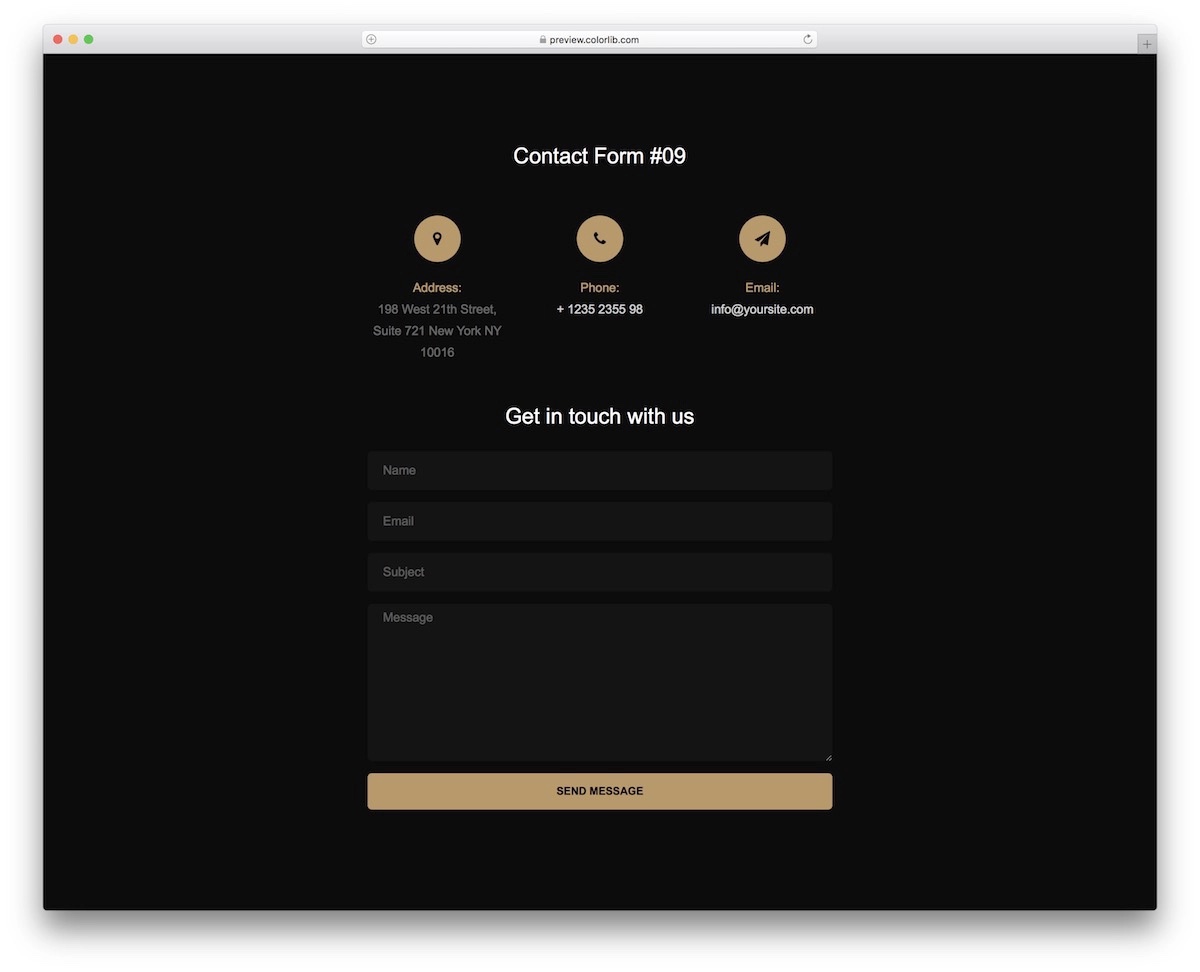
Why we like it: One of the few dark-themed contact forms available — transparent field highlighting on click adds a polished interactive touch.
We don’t focus solely on light design. Here’s a dark Bootstrap contact form. This may be the best choice for more creative websites, but that’s not a rule you must follow.
You can also include additional company and contact details, and transparent fields highlighting on click.
You can also edit fonts and color choices or stick to the default version — it’s entirely up to you!
18. Contact Form V06
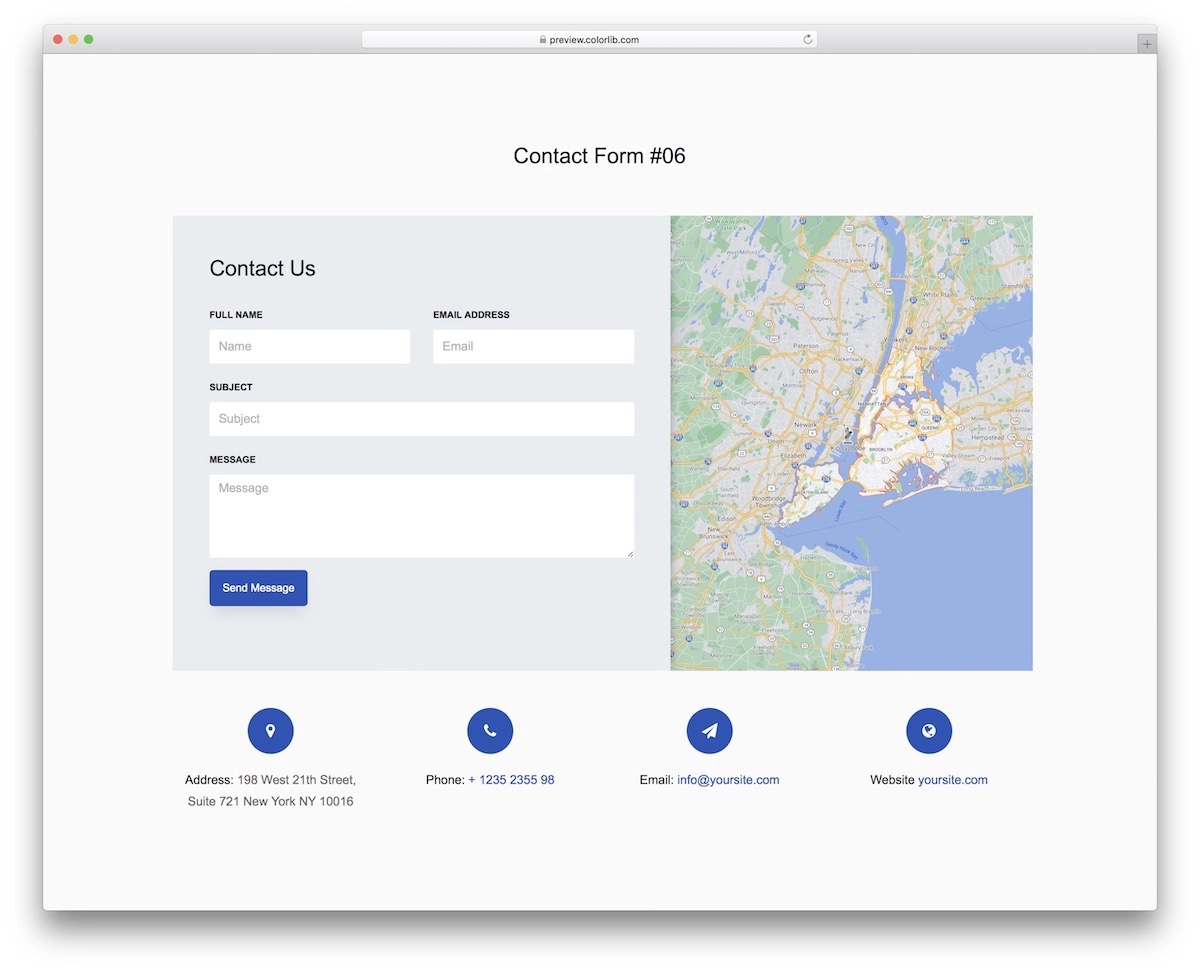
Why we like it: Combines a contact form with Google Maps in a single widget — perfect when you need to show your physical location alongside the inquiry form.
There are many occasions when a brand or a company wants to showcase its location. A contact section is a great place to do that.
You don’t need to code it, as Contact Form V06 includes Google Maps. But you can modify it to align with your branding guidelines.
There you have it — contact form and Google Maps sorted with one simple widget.
19. Contact Form V04
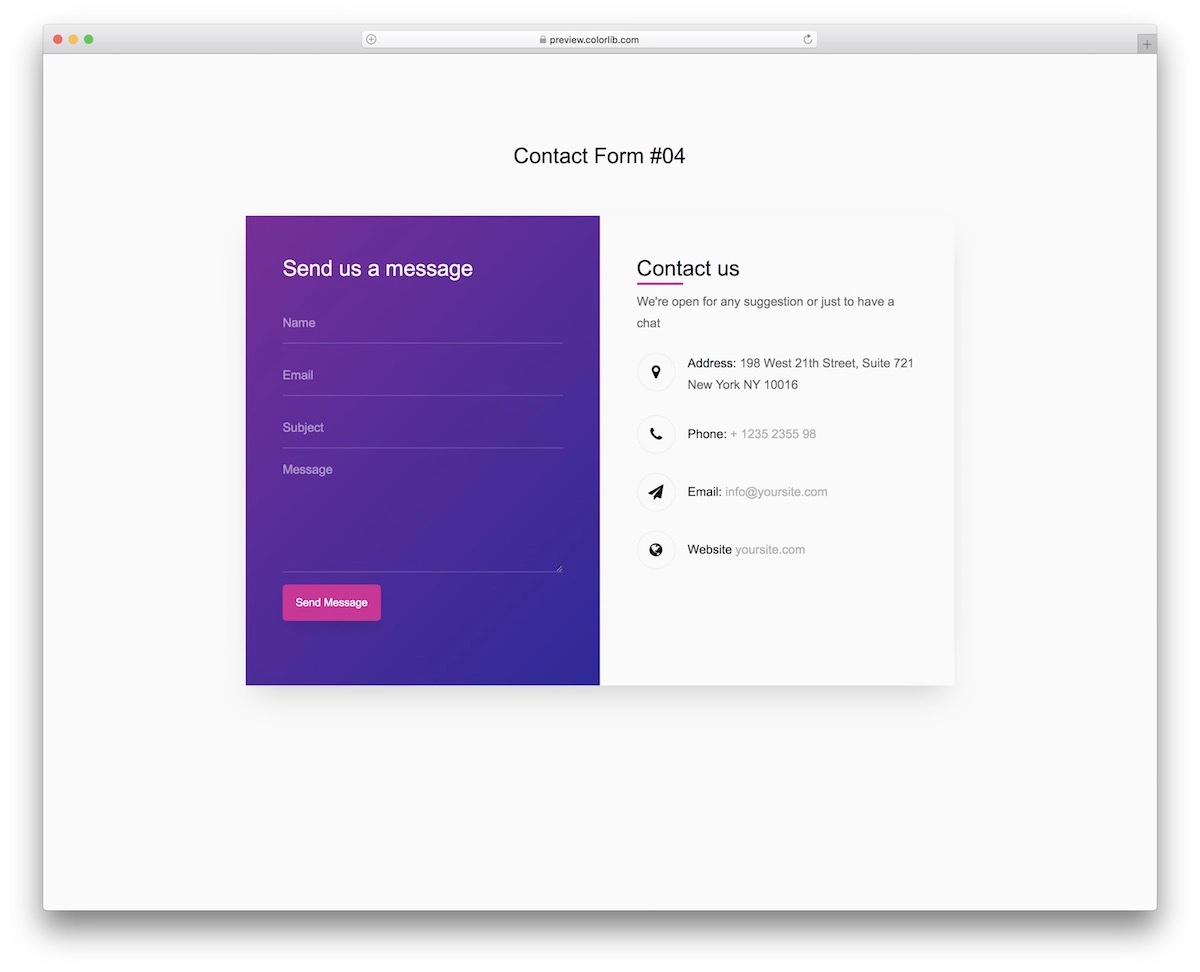
Why we like it: Focuses on effective content distribution with autocomplete and validation, plus space for additional contact details and a home page link.
We made sure to present you with as many different Bootstrap contact forms as possible with our list. (You can always check back as we’ll add more.)
Contact Form V04 focuses on effective content distribution through a functional form. The latter also does not miss autocomplete and validation.
Contact Form V04 allows you to provide additional contact details and include a link to the home page.
20. Contact Form V01
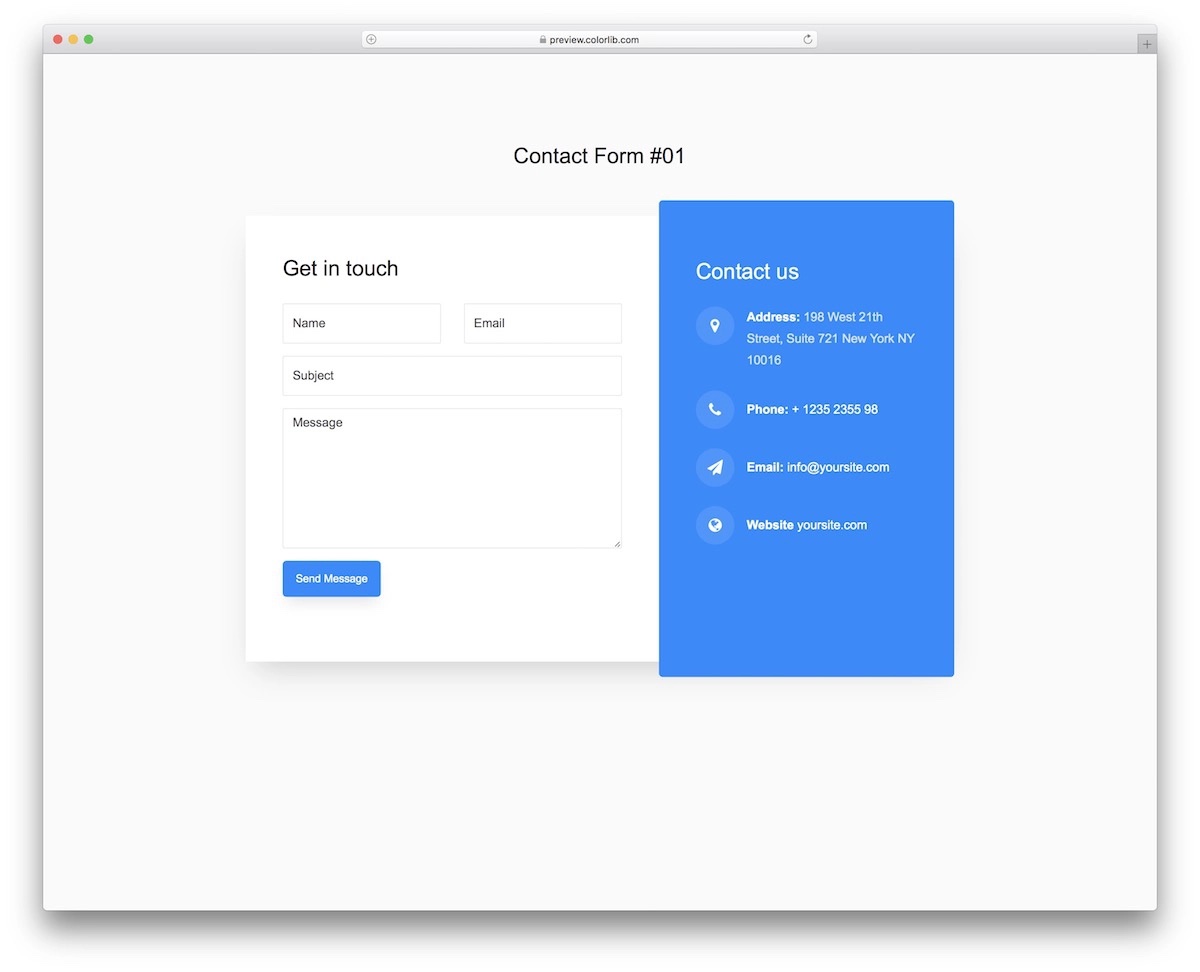
Why we like it: Beginner-friendly code with a distinctive backdrop frame design, autocomplete support, and a blue color scheme that’s easy to customize.
Contact Form V01 features extra details on the right and is more dynamic with different backdrop frame sizes. This detail sets Contact Form V01 apart from an ordinary contact form.
Blue as the color choice, autocomplete, responsive structure, and beginner-friendly code — that’s what’s up!
Ultimately, all these Bootstrap contact forms are free, so you can even conduct a test. Try a few solutions and see which best fits your web project.
You Might Also Like
The comments are closed.
Comments (1 Comment)
these forms are great but I want only email form.
sufyan bawnay
15 March, 2026