
20 Best Free Email Templates (HTML + React) 2026

Email development is stuck in 2006. While the rest of the web moved to flexbox, CSS Grid, and component frameworks, email clients still require inline styles, table-based layouts, and manual cross-client testing. The good news: modern tools and templates handle that pain for you.
We compiled the 20 best free email templates and frameworks for 2026 — from React-based component libraries that let you build emails like web apps, to battle-tested HTML templates that render perfectly in Outlook, Gmail, and Apple Mail.
Quick Picks
- Best React framework: React Email — 18k stars, built by Resend, templates for Stripe/Vercel/Notion
- Best markup language: MJML — 18k stars, the industry standard for responsive email
- Best with Tailwind: Maizzle — Write Tailwind CSS, get inlined email HTML
- Best ready-to-use templates: Postmark Templates — 10 production transactional templates, MIT licensed
- Best single template: Lee Munroe’s Template — 14k stars, the most popular email template on GitHub
Why email HTML is not web HTML
Every template below exists because of one fact: email clients do not render HTML the way browsers do. If you have only written web markup, the constraints look absurd until you know why they are there — and knowing why is what stops you fighting them.
Tables, still
Layout in email is built from nested <table> elements, not flexbox or grid. This is not nostalgia: several major clients still strip or ignore modern layout CSS, so a table is the only structure guaranteed to hold. That is the single biggest reason to start from a template rather than hand-rolling — the nesting is fiddly, and the templates here have already absorbed years of client bug reports.
CSS has to be inline
Some clients discard <style> blocks entirely, so styles need to live in style attributes on the elements themselves. Nobody writes that by hand. Every serious workflow authors readable CSS and runs an inliner at build time — which is precisely what MJML, Maizzle and the React-based tools on this page are doing for you. Keep a <style> block as well for the clients that do support it, since media queries cannot be inlined at all.
Outlook is its own rendering target
Classic Outlook on Windows renders mail with Microsoft Word’s engine rather than a browser engine, which is why background images, rounded corners and margins behave unpredictably there. The usual workaround is conditional comments that serve Outlook a simpler table-based variant — again, already handled in Cerberus and the framework outputs. Microsoft’s newer Outlook builds use a web engine and behave far better, but both are in the wild simultaneously, so test against both rather than assuming the modern one.
Design for 600 pixels and one column
Roughly 600px is the long-standing safe content width, and single-column layouts survive small screens and narrow preview panes without media-query gymnastics. Multi-column designs are possible, but every column you add multiplies the number of clients where it can break.
Assume images are blocked
Many clients block images until the reader opts in, so an email whose message lives inside a graphic arrives blank. Keep the essential message and the call to action in live text, always set alt text, and never build a button as an image — style a table cell with a text link instead so it renders and stays clickable regardless.
Dark mode is the current hard part
This is the constraint that has changed most recently, and the one older templates handle worst. Clients differ sharply: some respect prefers-color-scheme, some force-invert your palette, and some leave it alone. The practical defences are to avoid pure white and pure black, give logos and icons transparent backgrounds so an inverted background does not box them in, and check that dark text on a light card does not become dark text on a dark card once a client inverts it. Any template last updated before dark mode became widespread will need this work doing by hand.
Test on real clients before you send
There is no equivalent of “works in Chrome, ships everywhere”. The rendering surface is dozens of client-and-version combinations, and the differences are not subtle. Send yourself real test messages across the clients your audience actually uses, and for anything going to a large list, a preview service that renders across clients pays for itself the first time it catches a broken layout.
React & JSX Email Frameworks
If you’re already building with React, these frameworks let you write emails using the same component patterns you use for your web app. They compile JSX to cross-client compatible HTML at build time.
1. React Email
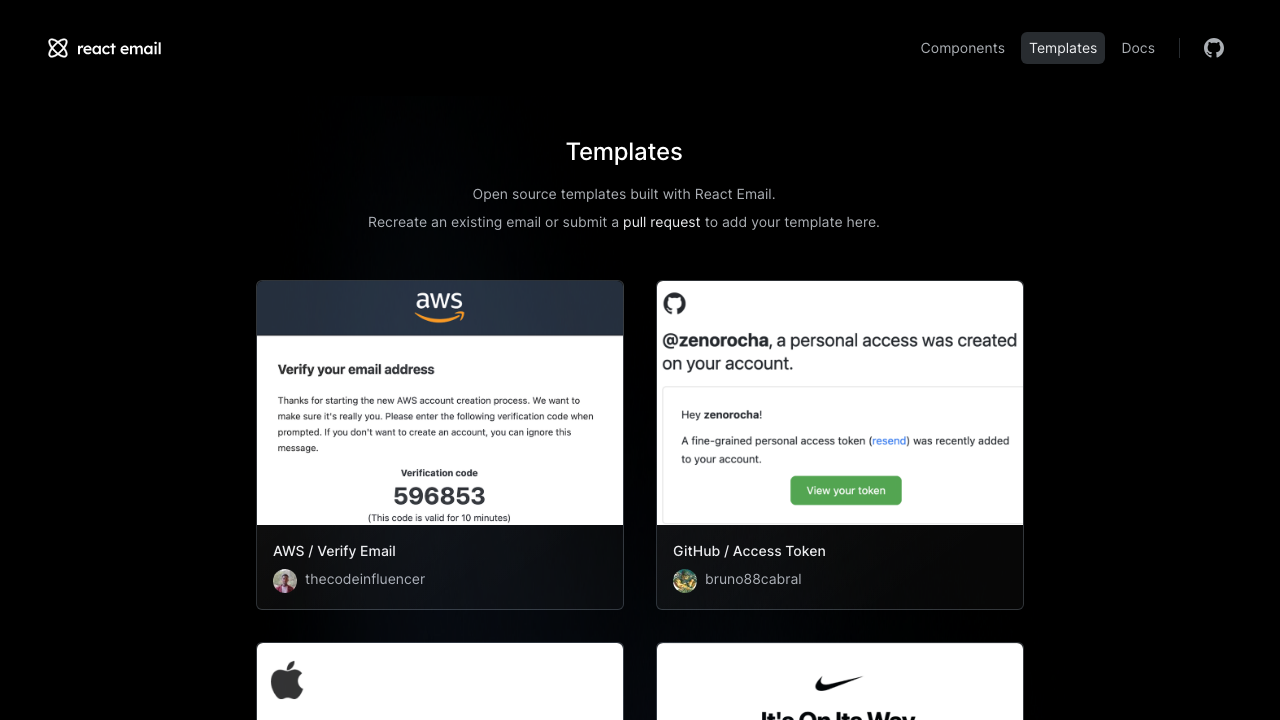
Why we like it: React Email doesn’t just give you components — it ships with production-quality recreations of emails from Stripe, Vercel, Notion, Linear, AWS, Apple, and Nike. You can clone and customize real-world email designs from top companies.
Built by the team behind Resend, React Email provides a set of components (Html, Head, Section, Row, Column, Button, Img) that render to cross-client HTML. The development experience includes a local preview server where you see live updates as you code — just like developing a React app.
With 18k+ GitHub stars and active development, React Email has become the standard for React-based email development. The template gallery alone is worth bookmarking.
2. JSX Email
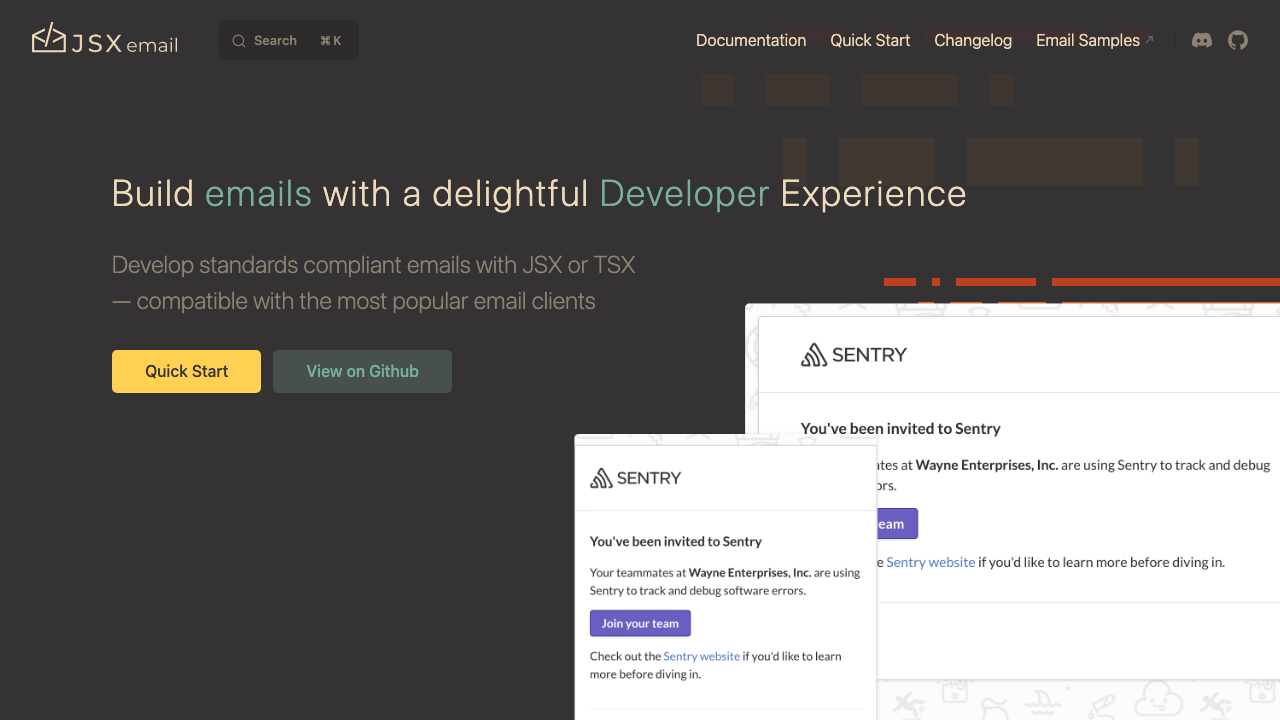
Why we like it: JSX Email adds what React Email lacks — native Tailwind CSS support and a plugin system for inline CSS, minification, and Markdown rendering. If your codebase is Tailwind-first, this is the natural choice.
JSX Email is an alternative to React Email that focuses on developer experience and extensibility. The component API is similar, but it adds first-class Tailwind CSS support (classes compile to inline styles), a plugin architecture, and built-in Markdown rendering for content-heavy emails.
3. Mailing
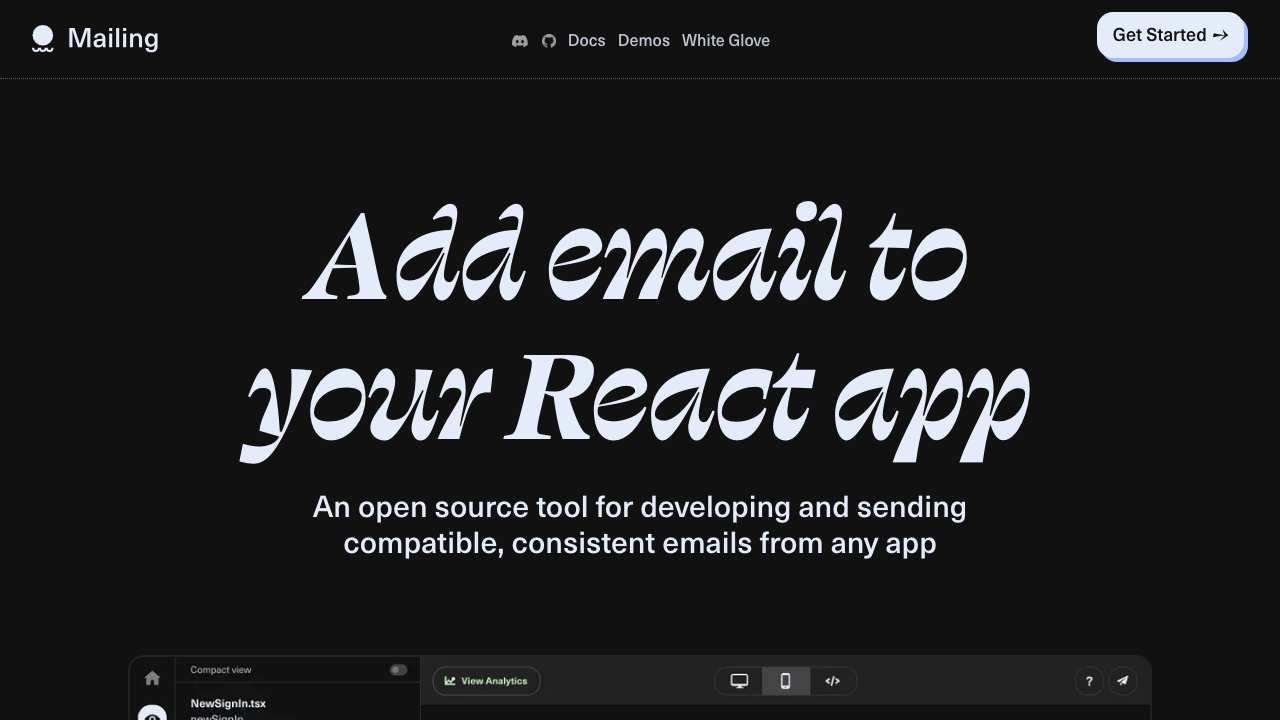
Why we like it: Mailing gives you the full pipeline — build React email components, preview them in a local development UI, test across clients, and send via any provider. It’s the most complete React email workflow tool.
With 3.6k GitHub stars, Mailing goes beyond just rendering HTML. It integrates with your Next.js app, provides a local preview server with hot reload, supports test sending to real inboxes, and handles transport via any email provider (Sendgrid, SES, Postmark, etc.).
4. MJML-React
Why we like it: Combines the best of both worlds — React’s component model with MJML’s proven email rendering engine. If you already know MJML, the transition is seamless.
Maintained by Faire (the B2B marketplace), this fork of the original Wix mjml-react project is actively updated. It wraps MJML components as React elements, so you write JSX that compiles to MJML, which then compiles to cross-client HTML.
5. Vue Email
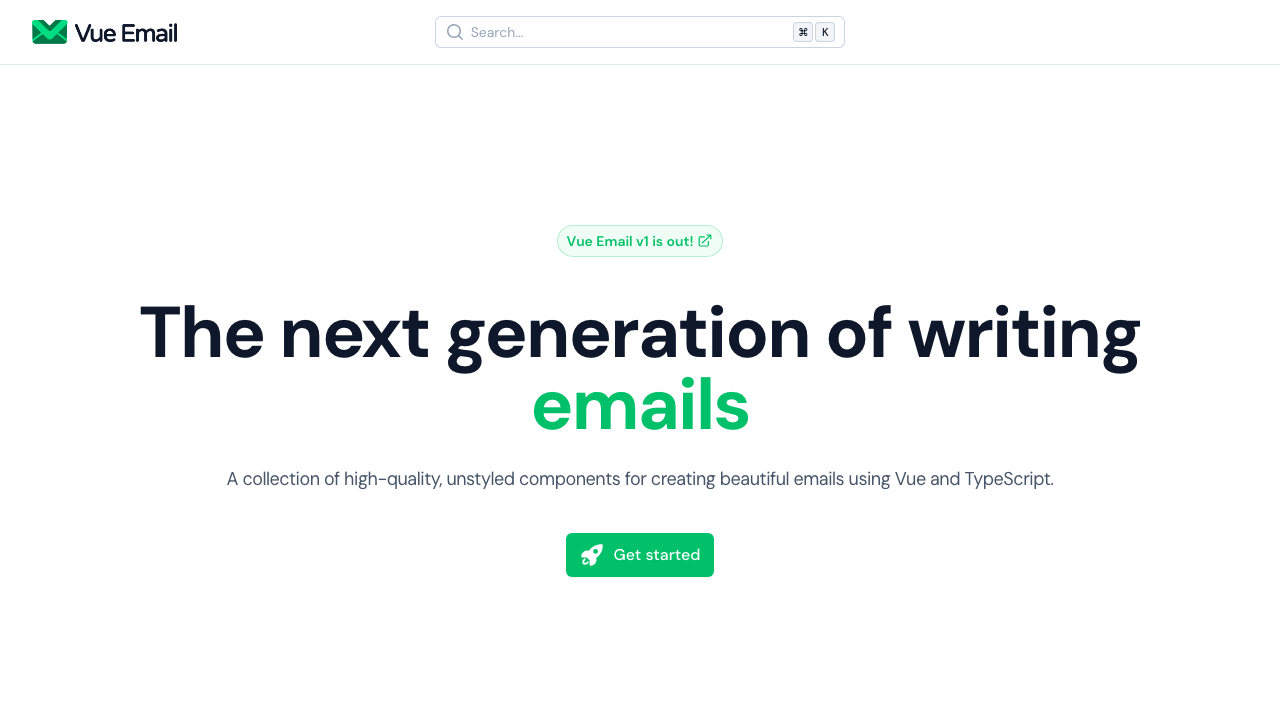
Why we like it: Finally, Vue developers don’t need to context-switch to React for email development. Vue Email ports the React Email component model to Vue with an idiomatic API.
Vue Email brings the React Email concept to the Vue ecosystem with 1k+ GitHub stars. Components like EButton, ESection, and EColumn compile to cross-client HTML. The development experience includes Nuxt integration and a preview UI.
Email Markup Languages & Frameworks
These tools provide custom markup languages or build systems that compile to cross-client HTML. They abstract away the inline styles, table layouts, and client-specific hacks.
6. MJML
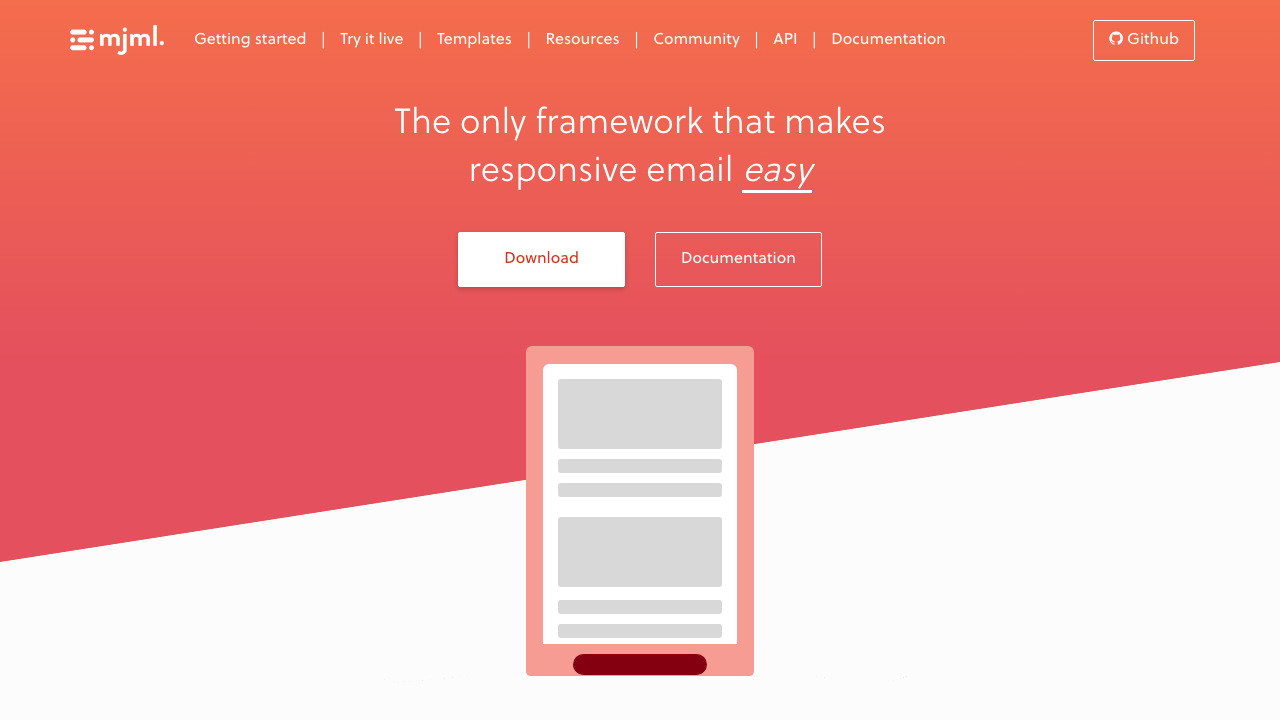
Why we like it: MJML is the industry standard for email development. Write simple, semantic markup like <mj-section> and <mj-column>, and MJML compiles it into the complex table-based HTML that email clients need. 18k GitHub stars for good reason.
Created by Mailjet, MJML has been the go-to email framework for years. The online editor at mjml.io lets you try it instantly, and the VS Code extension provides syntax highlighting and live preview. MJML integrates with Node.js, Python, and most major email service providers.
7. Maizzle
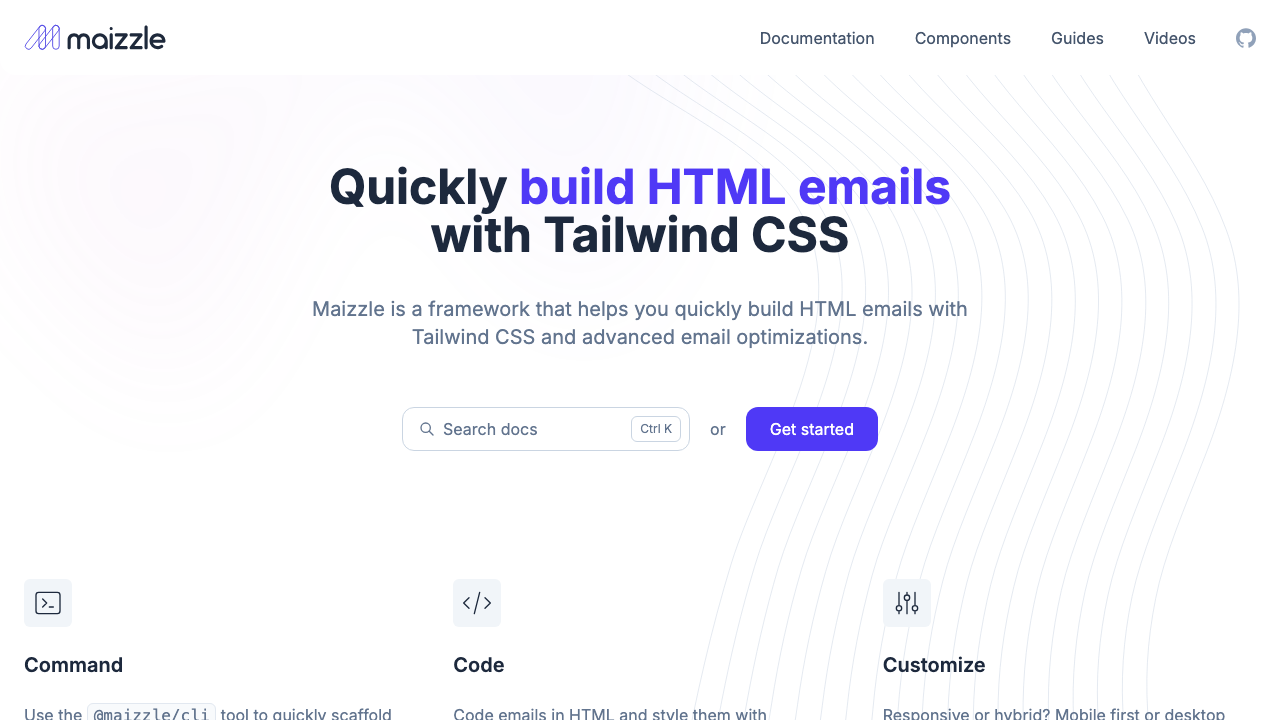
Why we like it: Maizzle bridges the gap between modern web development and email. Write actual HTML with Tailwind utility classes, and the build system handles inlining styles, removing unused CSS, and generating email-client-safe output.
Unlike MJML’s custom syntax, Maizzle uses real HTML augmented with Tailwind CSS. The build process inlines styles, purges unused CSS, minifies the output, and applies email-specific optimizations. With 2.7k stars and growing, Maizzle is the best choice for teams already using Tailwind. If you’re working with Tailwind beyond email, you might also like our Tailwind portfolio templates roundup.
8. Foundation for Emails
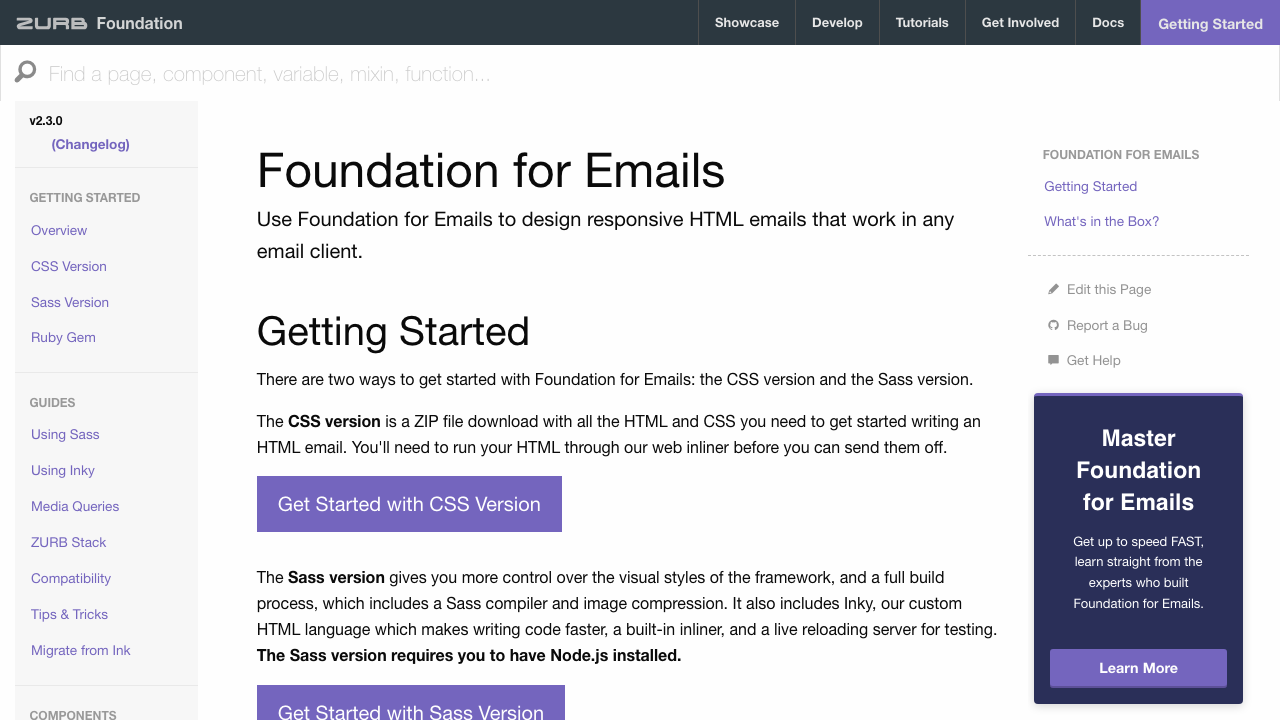
Why we like it: Foundation for Emails has been battle-tested for years with 7.8k GitHub stars. The Inky templating syntax simplifies responsive grids, and the Sass-based styling gives you full control over the design system.
By Zurb, Foundation for Emails (formerly Ink) provides a responsive grid system, button styles, and common email patterns. The Inky templating language converts simple tags like <row>, <column>, and <button> into the complex table HTML required by email clients.
9. HEML
Maintenance: HEML has had no commits since 2020. As a build tool with a JavaScript toolchain — rather than plain markup you can copy — that matters: expect dependency and Node compatibility problems, and treat it as a historical reference rather than a starting point. MJML solves the same problem and is actively developed.
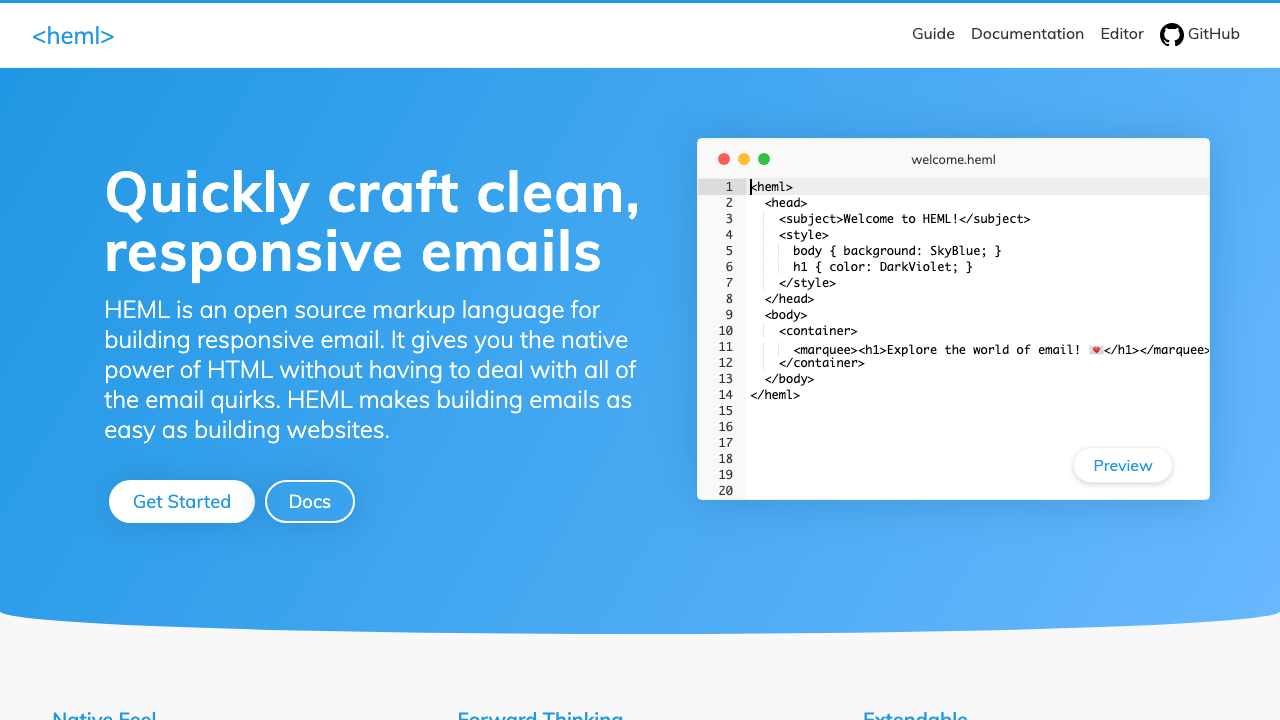
Why we like it: HEML’s online editor gives you instant visual feedback as you write. It’s the fastest way to prototype an email layout without installing anything.
Built by SparkPost, HEML (4.3k stars) is a markup language that compiles to responsive HTML email. The syntax is cleaner than MJML — closer to standard HTML — and the online editor at heml.io provides real-time preview.
10. Hermes
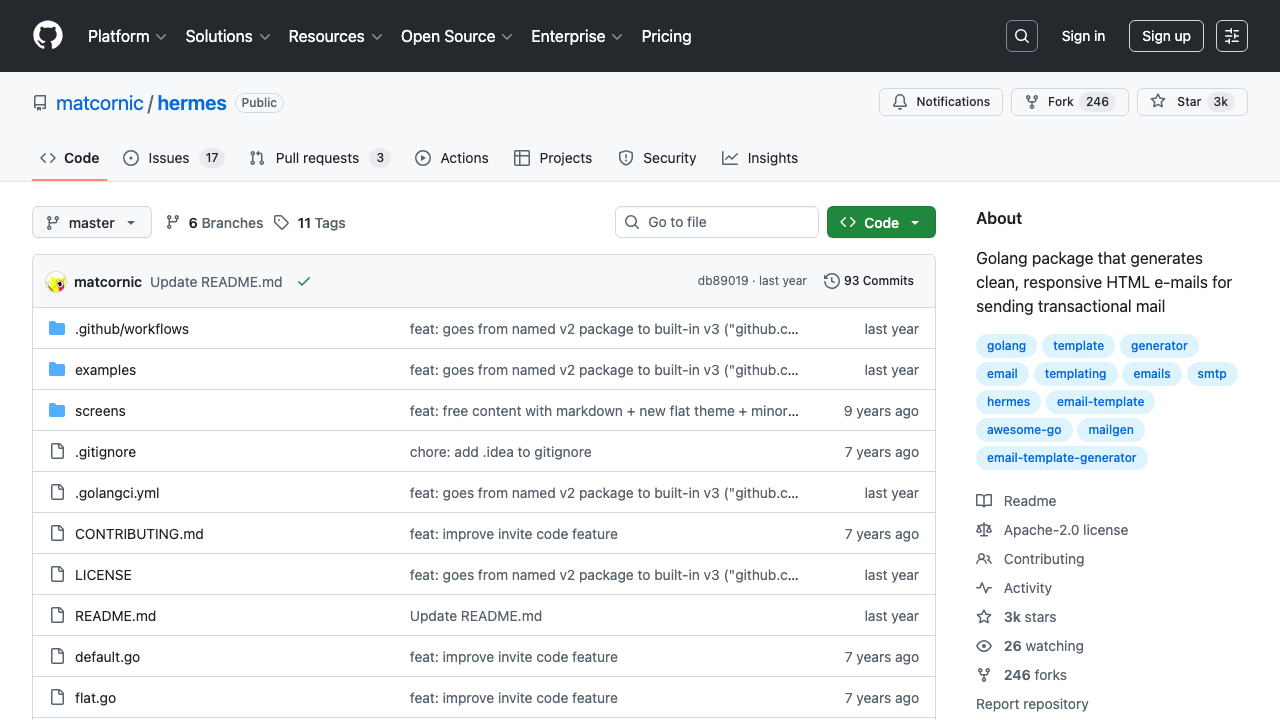
Why we like it: Hermes generates beautiful transactional emails programmatically from Go structs — no HTML templates needed. Perfect for Go microservices that need to send emails without a frontend build step.
With 3k stars, Hermes generates clean, responsive HTML emails from Go code. Define your email content as a struct (intro, action button, table data, outro), and Hermes renders a polished email with consistent styling. Supports themes and multiple languages.
Email Builder Tools
11. Unlayer React Email Editor

Why we like it: Need to let non-developers design emails inside your SaaS product? Unlayer gives you a full drag-and-drop email editor as a React component. 5k GitHub stars and used by companies like Wix and Freshworks.
Unlayer provides an embeddable visual email editor that you drop into your React app with a single component. Users can drag and drop content blocks, edit text, upload images, and export the result as HTML. The free tier covers basic use cases; premium tiers add custom blocks and advanced features.
12. EmailBuilder.js
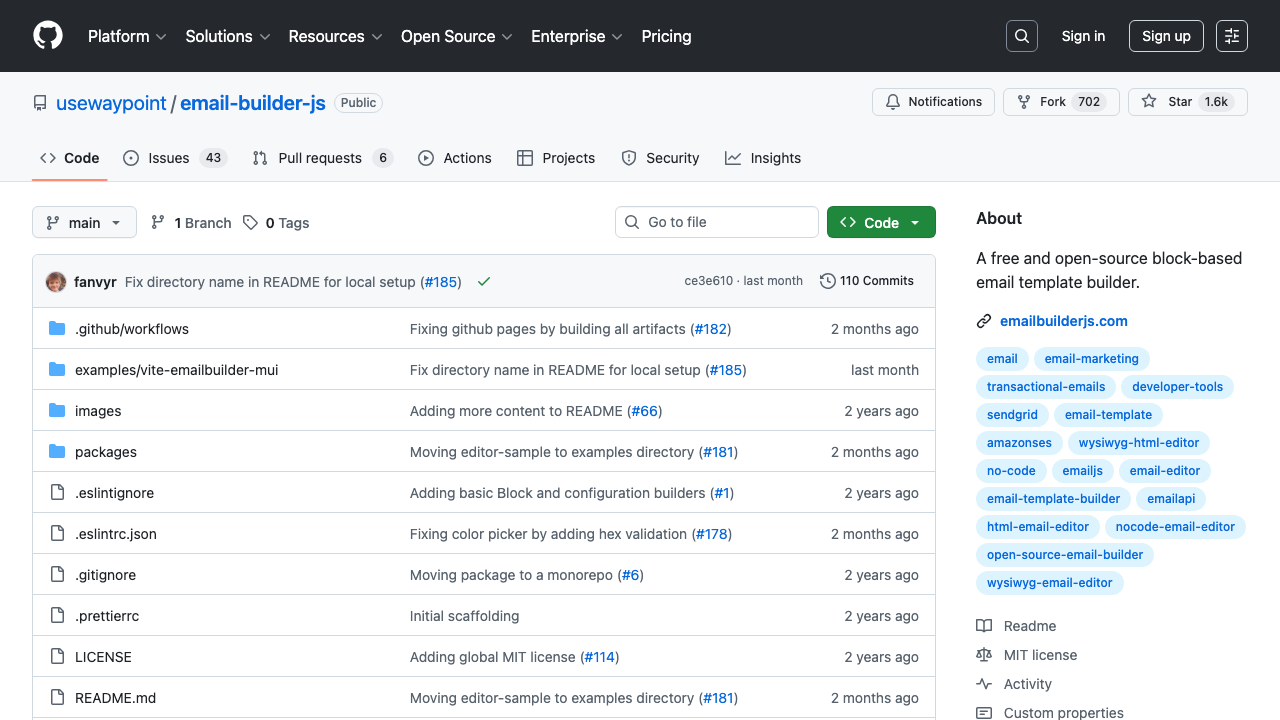
Why we like it: Fully open-source alternative to Unlayer. JSON-defined email structures that render to HTML — perfect for embedding in SaaS products where users need to customize email templates.
By Waypoint, EmailBuilder.js (1.6k stars) uses a block-based approach where email templates are defined as JSON. This makes them easy to store in a database, version, and render server-side. The visual editor component can be embedded in any React application.
13. email-templates
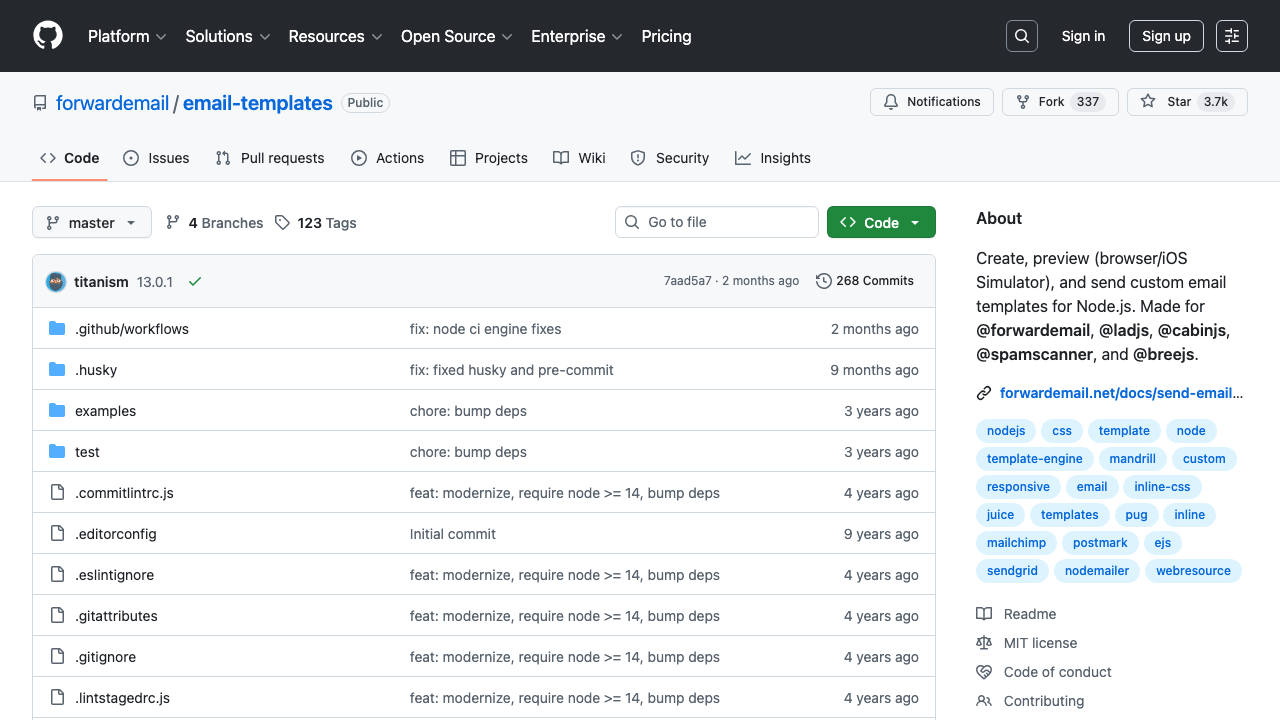
Why we like it: Supports Pug, EJS, Nunjucks, and any other template engine. With 3.7k stars and active maintenance through 2026, it’s the most flexible Node.js email rendering solution.
By Forward Email, this package creates, previews, and sends emails using any Node.js template engine. It handles CSS inlining, responsive design, and includes a browser preview feature for development. Works with any transport (Nodemailer, SES, etc.).
HTML Email Template Collections
Not everyone needs a framework. Sometimes you just want a well-tested HTML file you can customize — similar to how our SaaS landing page templates collection offers ready-to-use designs for marketing. These template collections are cross-client tested and ready to use.
14. Lee Munroe’s Responsive Email Template
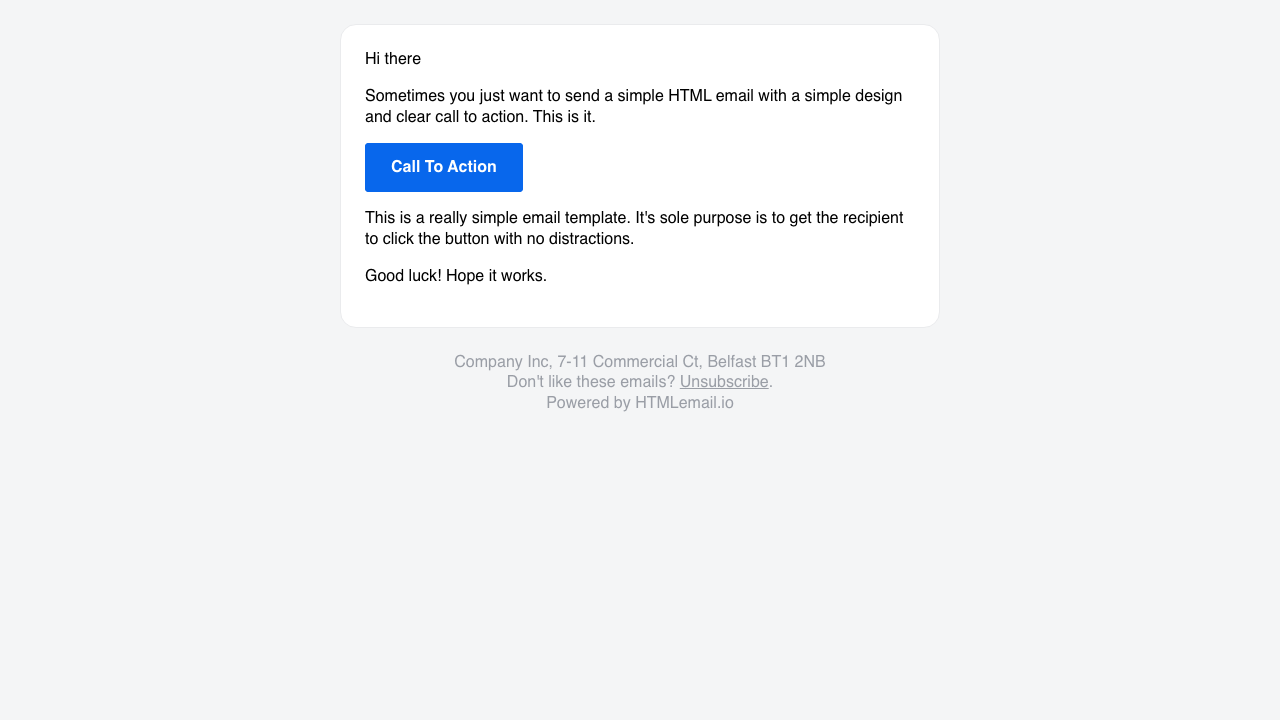
Why we like it: With 14k GitHub stars, this is the single most popular email template on GitHub. One file, responsive, works everywhere. If you need a quick transactional email template and don’t want to set up a framework, this is it.
A single HTML file with inline styles that works in every major email client. Simple, clean, and thoroughly tested. It’s a basic transactional email layout — logo, text content, call-to-action button, footer — that covers 80% of transactional email needs.
15. Postmark Transactional Email Templates
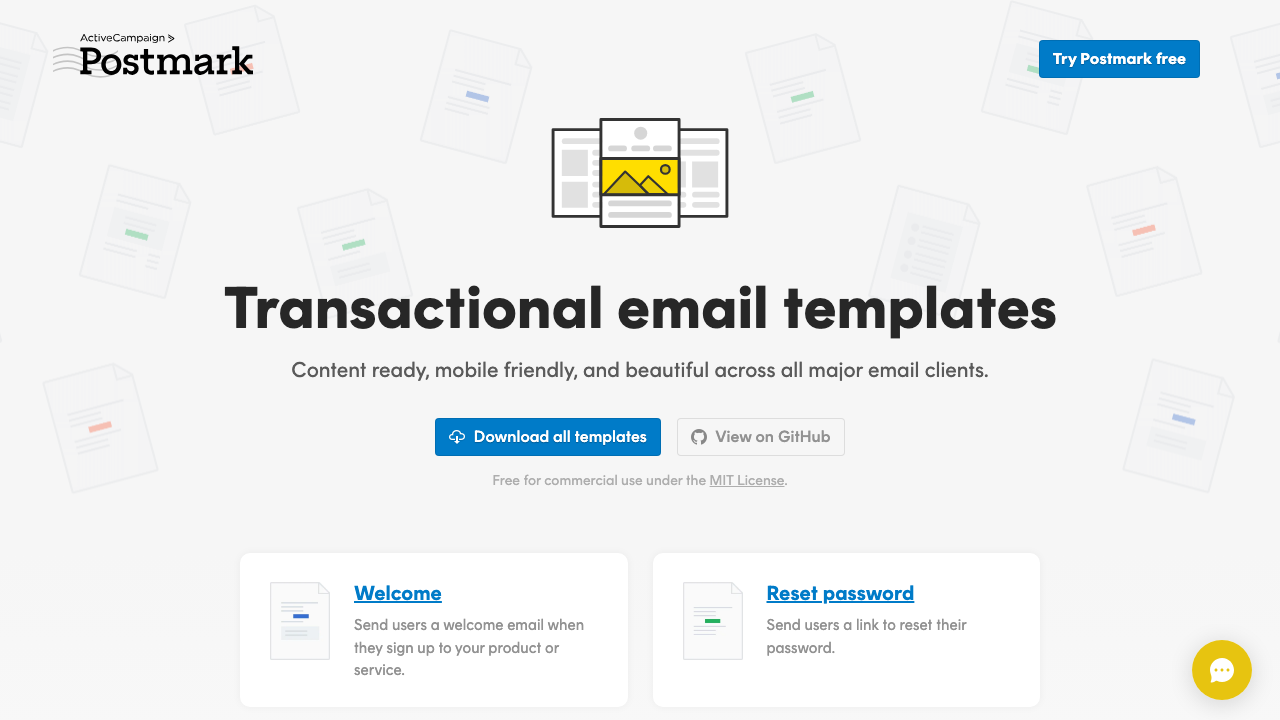
Why we like it: Ten production-ready templates covering every common transactional email: Welcome, Password Reset, Receipt, Invoice, Trial Expiring, Dunning/Failed Payment, User Invitation, and more. Each is thoroughly tested across all major email clients.
By ActiveCampaign/Postmark (3.2k stars), these templates include the MailMason build system for customizing colors, fonts, and content. Each template has been tested in 50+ email clients including Outlook 2007–2021, Gmail, Apple Mail, and Yahoo.
16. Cerberus
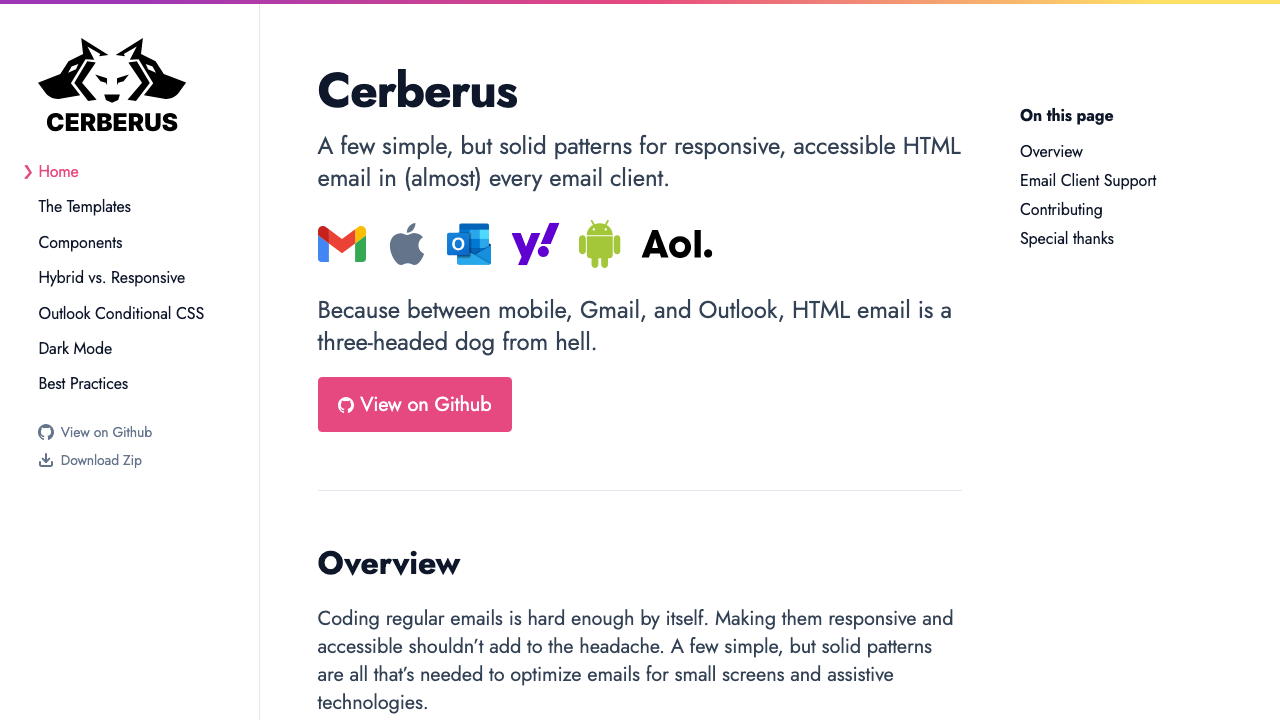
Why we like it: Cerberus focuses on reliability, not features. Three rock-solid responsive patterns that work in the most hostile email clients — including Outlook on Windows, which destroys most email layouts.
Created by Ted Goas, Cerberus (5.1k stars) provides three email patterns: a fully fluid layout, a responsive layout with media queries, and a hybrid approach. These are building blocks, not complete templates — use them as the foundation for any email design.
17. Mailchimp Email Blueprints
Maintenance: unchanged since 2019, which predates widespread dark-mode handling in email clients. The table structures are still sound and worth reading, but budget time to add dark-mode defences and retest — the newer collections here start from a better baseline.
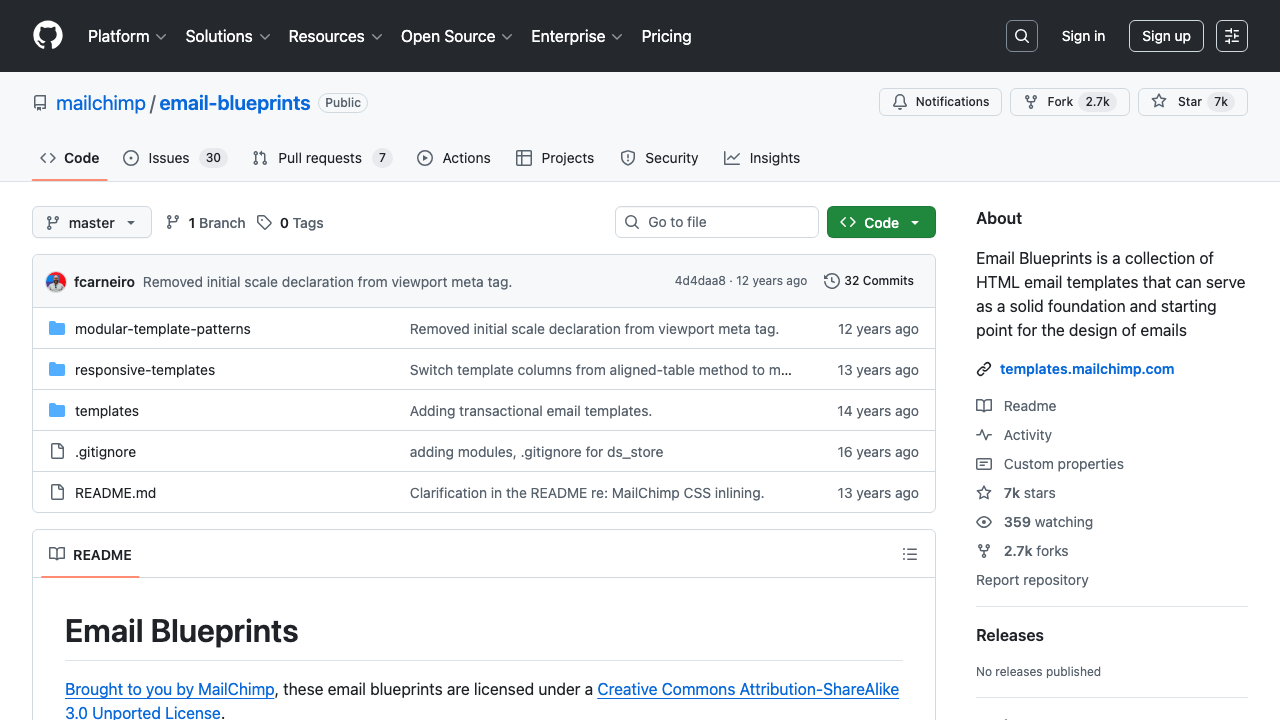
Why we like it: Backed by Mailchimp’s email expertise and 7k GitHub stars. These blueprints are the foundation behind millions of email campaigns and include responsive and modular layout patterns.
Mailchimp’s open-source email blueprints provide starter templates for newsletters, announcements, and marketing emails. While originally designed for Mailchimp, they work with any email service provider and follow email best practices refined over years of Mailchimp’s platform data.
18. Mailgun Transactional Templates
Maintenance: last updated in 2022. Fine as transactional layouts, which change slowly, but check dark-mode rendering yourself before shipping them.
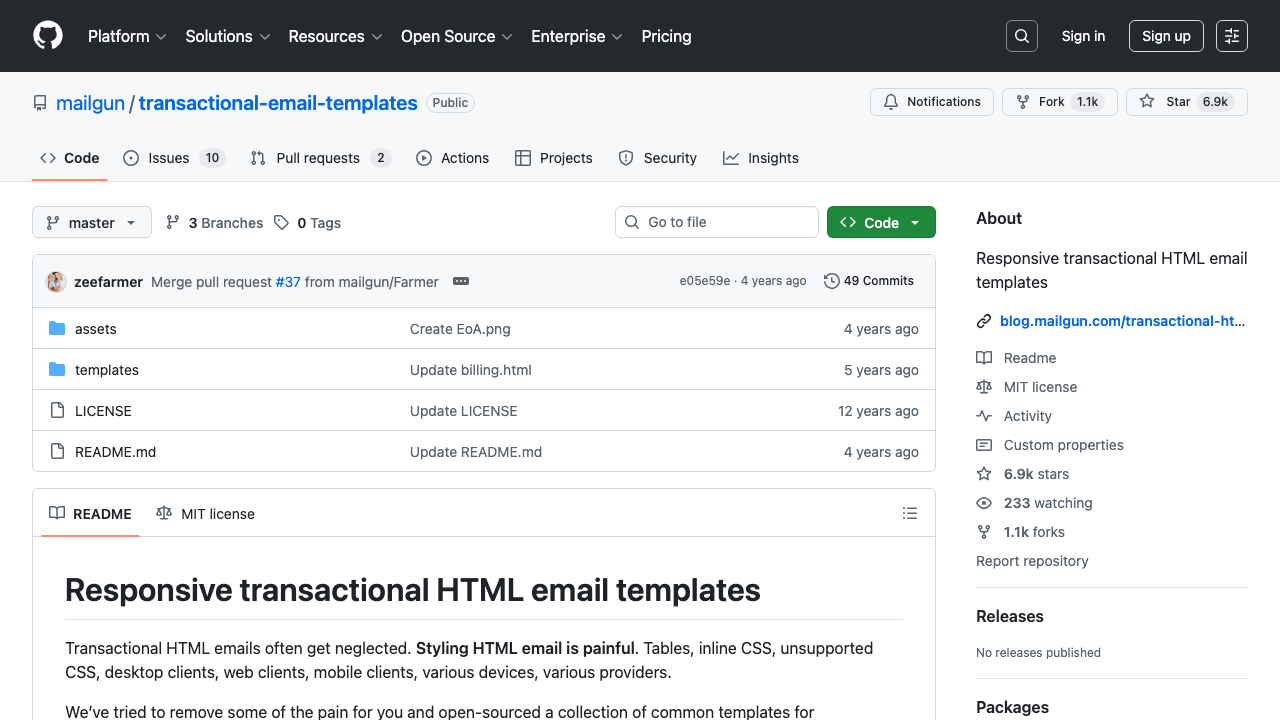
Why we like it: Clean, minimal transactional email templates for alerts, billing notifications, and action-required emails. 7k stars and used across thousands of production applications.
Mailgun’s templates are clean and minimal — perfect for automated notifications and alerts where you don’t need complex layouts. The inline styles mean you can copy-paste them into any email system without a build step.
19. Sendwithus Templates
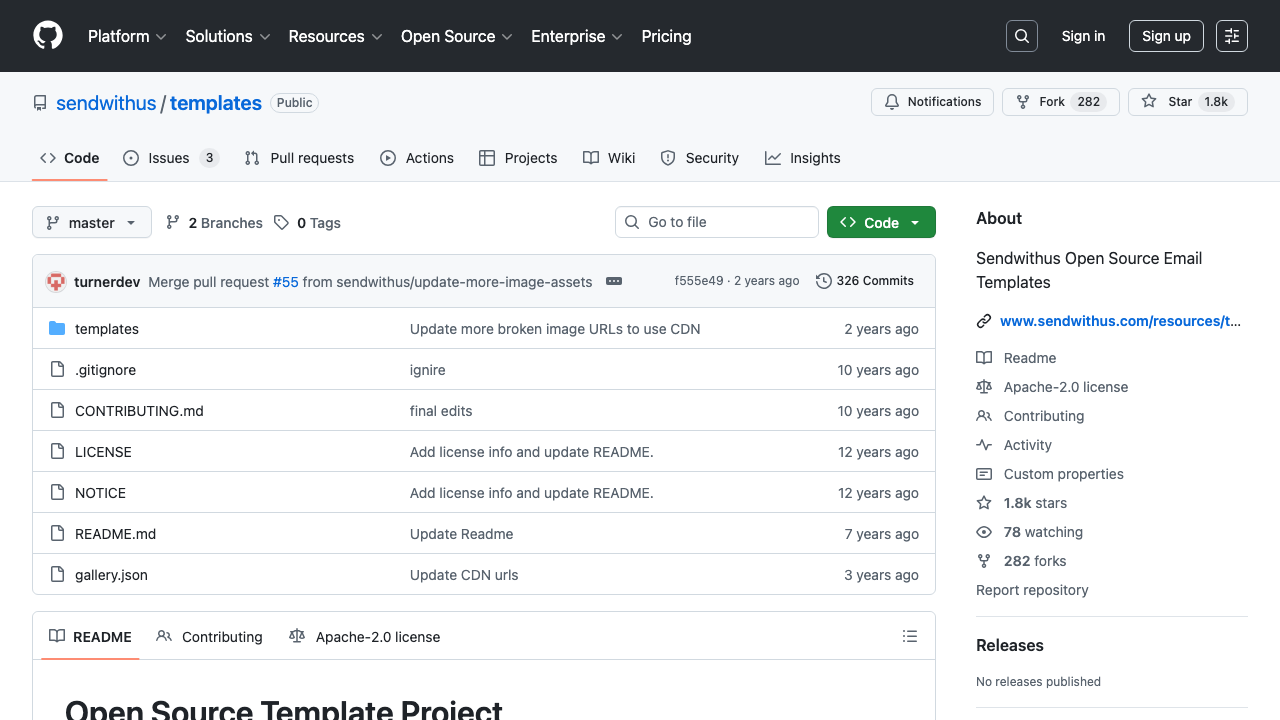
Why we like it: A solid collection of responsive email templates with modern designs covering newsletters, promotions, and transactional use cases. The Apache license makes them suitable for any commercial project.
Sendwithus’ open-source templates (1.8k stars) include responsive layouts for marketing, promotional, and transactional emails. The designs are clean and professional, and the templates are ready to customize for any brand.
20. Colorlib Email Templates
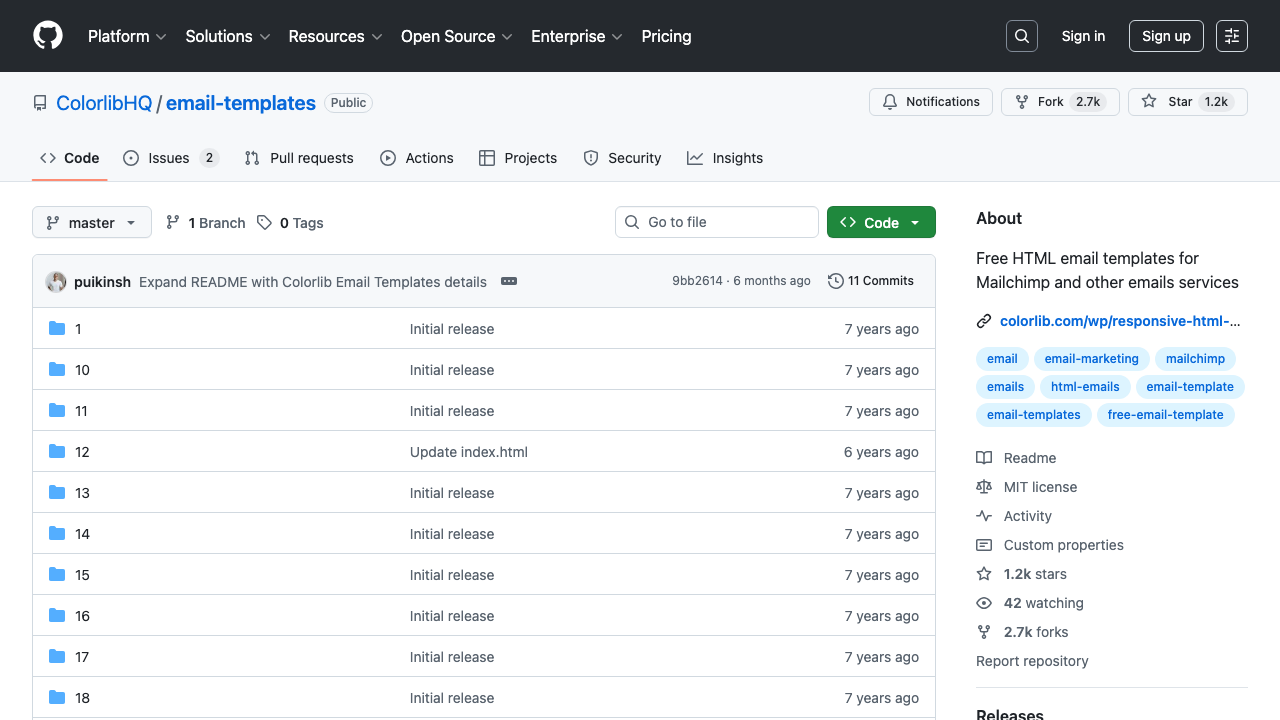
Why we like it: Colorlib’s email templates stand out visually — they’re more design-forward than most free options, with modern layouts, bold typography, and colorful sections that work for newsletter and promotional use cases.
Colorlib’s email template collection (1.2k stars) includes multiple layout styles for newsletters, notifications, and promotional emails. The templates are fully responsive and use inline styles for maximum compatibility.
How to Choose the Right Approach
Use React/JSX frameworks (React Email, JSX Email, Mailing) when your team already works with React and you want component reuse, TypeScript safety, and a modern development experience.
Use markup languages (MJML, Maizzle, HEML) when you want a dedicated email build system that handles cross-client compatibility automatically. MJML is the safest bet; Maizzle if you prefer Tailwind CSS.
Use HTML template collections (Postmark, Cerberus, Lee Munroe) when you need production-ready templates you can customize quickly without setting up a build system. Best for small teams that send fewer than 5 different email types. If you also need dashboard interfaces alongside your email system, check out our free admin panel templates collection.
Use builder tools (Unlayer, EmailBuilder.js) when non-developers need to create and edit email templates inside your application.
HTML email FAQ
Why do email templates still use tables?
Because several major email clients strip or ignore modern layout CSS such as flexbox and grid, so nested tables remain the only structure that holds together everywhere. It is not a stylistic preference — it is the one layout method with reliable support across the client landscape, which is also why starting from an established template saves so much time.
Does CSS have to be inline in HTML email?
Largely yes, because some clients discard style blocks entirely, so styles need to sit in style attributes on the elements. Nobody writes that by hand: you author normal CSS and run an inliner at build time, which is exactly what MJML, Maizzle and the React-based tools here do. Keep a style block as well for media queries, since those cannot be inlined.
Why does my email look broken in Outlook?
Classic Outlook on Windows renders mail with Microsoft Word’s engine rather than a browser engine, so background images, rounded corners and margins behave unpredictably. The standard fix is conditional comments serving Outlook a simpler table-based variant, which the frameworks and Cerberus already handle. Microsoft’s newer Outlook uses a web engine and behaves much better, but both versions are in use, so test against each.
How wide should an email template be?
About 600 pixels is the long-standing safe content width, and a single column is the most robust layout — it survives narrow preview panes and small screens without complex media queries. Multi-column designs are possible but multiply the number of clients in which they can break.
How do I handle dark mode in email?
Expect inconsistency: some clients respect prefers-color-scheme, some force-invert your palette, and some ignore it. Avoid pure white and pure black, give logos and icons transparent backgrounds so inversion does not box them in, and confirm that light-card-dark-text combinations do not collapse into dark-on-dark. Templates last updated before dark mode became common will need this added by hand.
What is the difference between MJML and React Email?
MJML is a markup language: you write its own tags and it compiles to table-based HTML, which suits any stack. React Email lets you build emails as React components, which is the better fit if your application is already React or Next.js and you want to share design tokens and types with your app. Both solve the same underlying problem of not hand-writing nested tables.
Are these email templates really free?
Yes, every option on this page is free and open source, though licences differ — check each repository before commercial use. Note that the template is only the markup: actually sending mail requires an email service, and those are priced separately.

You Might Also Like


