
17 SEO Dashboard Templates and Examples

Most “free” SEO dashboard templates are not free to run. They are free to copy, and then they ask for a paid data connector before a single number appears. That distinction decides whether a template is useful to you, and almost nobody publishing these lists makes it.
So this list marks every template with what it actually costs to operate. 6 of the 17 below run on Google’s own Search Console and Analytics connectors and cost nothing to keep running, ever. 3 more are free once you have done a one-time setup step. 3 are free to copy and then need a paid connector before they show a single number, which is the trap this page exists to flag. Each one was opened and checked while writing this, and each links to the live report so you can look before you copy.
One naming note before the list. Google has renamed Looker Studio back to Data Studio, the name it carried before 2022. Nothing about the product broke in the change: existing reports, data sources and sharing permissions all carried over, and old lookerstudio.google.com links now redirect to datastudio.google.com on their own. Most template roundups still say Looker Studio. If you see the two names used interchangeably elsewhere, they are the same tool.
SEO dashboard templates compared
| Template | Data source | Free to run? | Preview | Best for |
|---|---|---|---|---|
| 1. #SEOSLY Looker Studio SEO Template | Search Console | Yes — Google connectors | Sample data | Client-ready reports |
| 2. GA4 Organic Search Template | GA4 | Yes — Google connectors | Sample data | Landing page analysis |
| 3. SEO GA4 Dashboard v1.0 | GA4 | Yes — Google connectors | Sample data | Proving organic revenue |
| 4. Google Search Console Rankings | Search Console | Yes — Google connectors | Sample data | Rank movement |
| 5. The What, Where, Why, How and AI Overview GSC Dashboard | Search Console | Yes — Google connectors | Layout only | Question queries, AI Overviews |
| 6. Keyword Ranking Tracker | Search Console | Yes — Google connectors | Layout only | Zero-budget rank tracking |
| 7. Core Web Vitals Auditor v2.0 | PageSpeed / CrUX | Yes — after setup | Sample data | Performance evidence |
| 8. Core Web Vitals v2.7 | CrUX via BigQuery | Yes — after setup | Sample data | Long-run CWV trends |
| 9. Search Console URL Inspection API Dashboard | URL Inspection API | Yes — after setup | Sample data | Indexing at scale |
| 10. Technical SEO Dashboard | Search Console via Coupler | Copy free, refresh paid | Sample data | Designed technical report |
| 11. SEO Cannibalization Checker | Search Console via Coupler | Copy free, refresh paid | Sample data | Content overlap audits |
| 12. Top Search Query Performance | Search Console via Coupler | Copy free, refresh paid | Sample data | Monthly what-changed |
| 13. Databox SEO dashboards | 100+ sources | No — paid platform | Sample data | Hosted, has a free tier |
| 14. Whatagraph SEO report template | Multi-channel | No — paid platform | Sample data | High-volume client reports |
| 15. AgencyAnalytics SEO dashboard | 80+ integrations | No — paid platform | Sample data | Agency client rosters |
| 16. SE Ranking SEO dashboard | Own crawler, GA4 | No — paid platform | Sample data | Tracker plus reporting in one |
| 17. SEODash | Your own API | Free download | Sample data | Building your own product |
That preview column is worth explaining, because it catches people out. A report can be shared publicly while the data behind it is not, and when that happens you get the layout with empty grey panels reading “no access to the data set” instead of sample numbers. The template is not broken and it is not a trick — it starts working the moment you copy it and point it at your own property. You just cannot judge it before you commit, so the 2 marked layout only are the ones to copy first and evaluate second.
Free SEO dashboard templates that run on Google connectors
These are the templates worth starting with. Every one runs on Google’s own Search Console or Analytics 4 connector, which are free and unlimited, so the report keeps refreshing forever without a subscription behind it. All of them are public files: open the link, then use File and Make a copy to get your own editable version pointed at your own property. The numbering is for reference rather than ranking, but the ones that show you sample data before you copy them come first.
1. #SEOSLY Looker Studio SEO Template by Olga Zarr
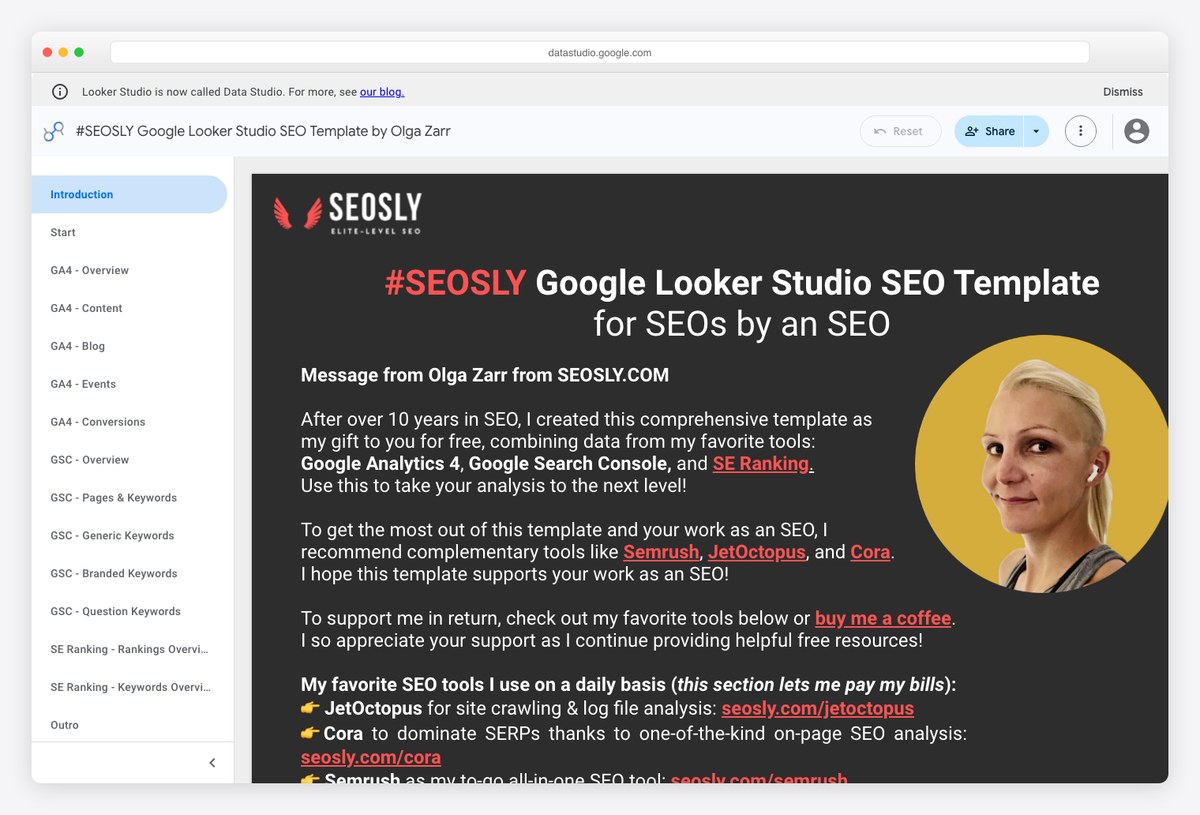
A working SEO consultant’s own reporting template, published free and built to be read by clients rather than analysts. The layout front-loads the four Search Console headline numbers and then drills into pages and queries, so a non-technical reader gets the story in the first screen.
- Best for: Freelancers and consultants who need a client-ready report without a platform subscription
- Data sources: Google Search Console
- Free to run: Yes — Google connectors
- Copy link: Public — open and use File → Make a copy
- Preview without an account: shows sample data
- Watch out for: It is deliberately Search Console only, so there is no conversion or revenue data unless you add GA4 yourself.
2. GA4 Organic Search Template by CRO:NYX Digital
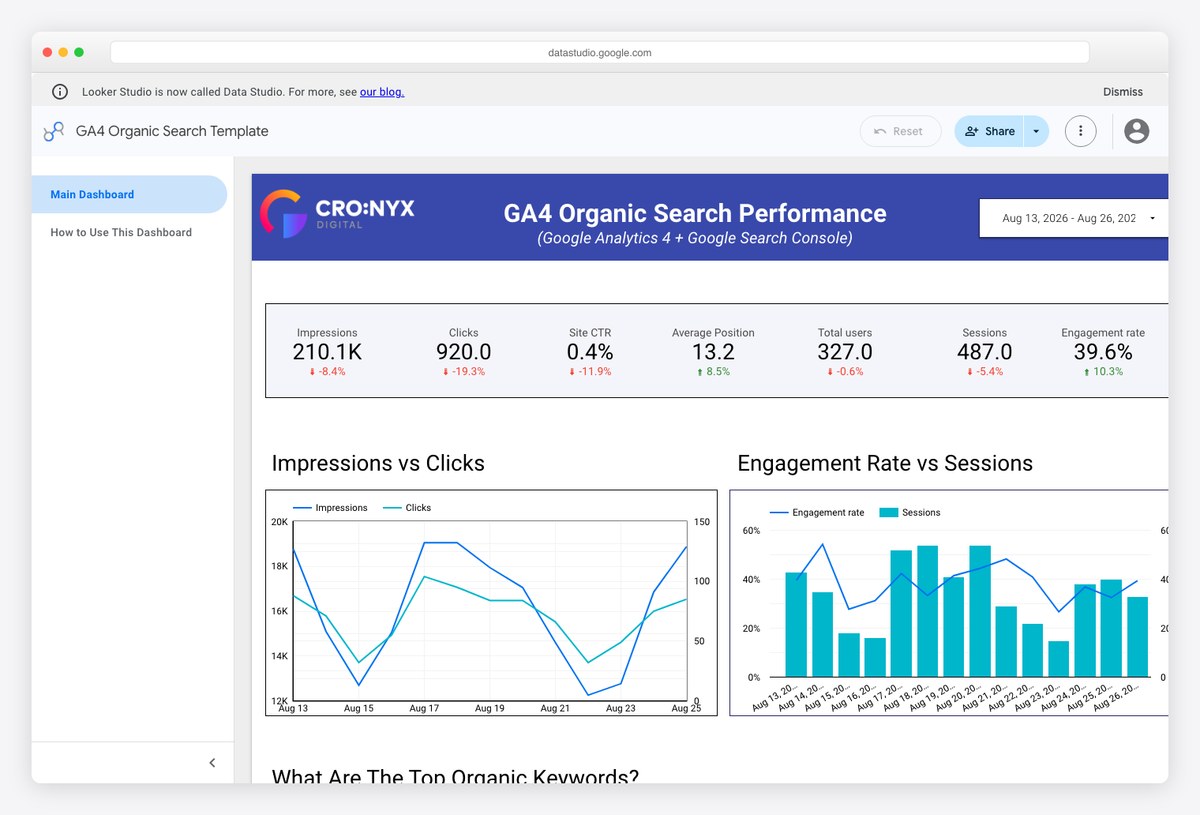
A leaner GA4 organic view than the Piped Out build, focused on landing page performance. It is the better pick when the question is which pages earn the sessions rather than what the whole channel did, and it loads faster because it asks GA4 for less.
- Best for: Landing-page-level analysis and content pruning decisions
- Data sources: Google Analytics 4
- Free to run: Yes — Google connectors
- Copy link: Public — open and use File → Make a copy
- Preview without an account: shows sample data
- Watch out for: Landing page reports in GA4 are session-scoped, so totals will not reconcile with user-scoped numbers elsewhere.
3. SEO GA4 Dashboard v1.0 by Piped Out
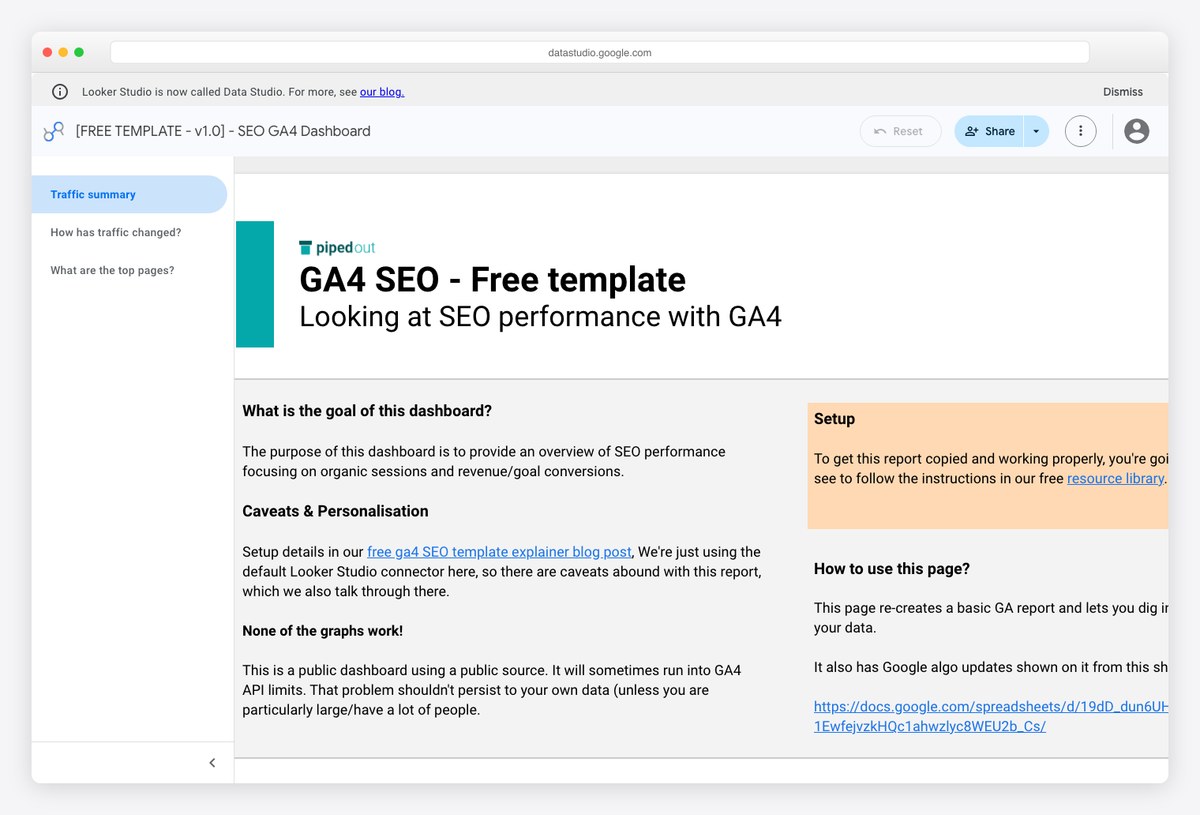
Built by an SEO agency to answer the question Search Console cannot: what did the organic traffic actually do once it arrived. Sessions, engagement and conversions are segmented to organic search throughout, so nothing on the page is diluted by paid or direct traffic.
- Best for: Proving organic search contributed revenue, not just clicks
- Data sources: Google Analytics 4
- Free to run: Yes — Google connectors
- Copy link: Public — open and use File → Make a copy
- Preview without an account: shows sample data
- Watch out for: Your GA4 conversion events need to be configured properly first, or the conversion tiles read zero and the template looks broken.
4. Google Search Console Rankings by Radyant
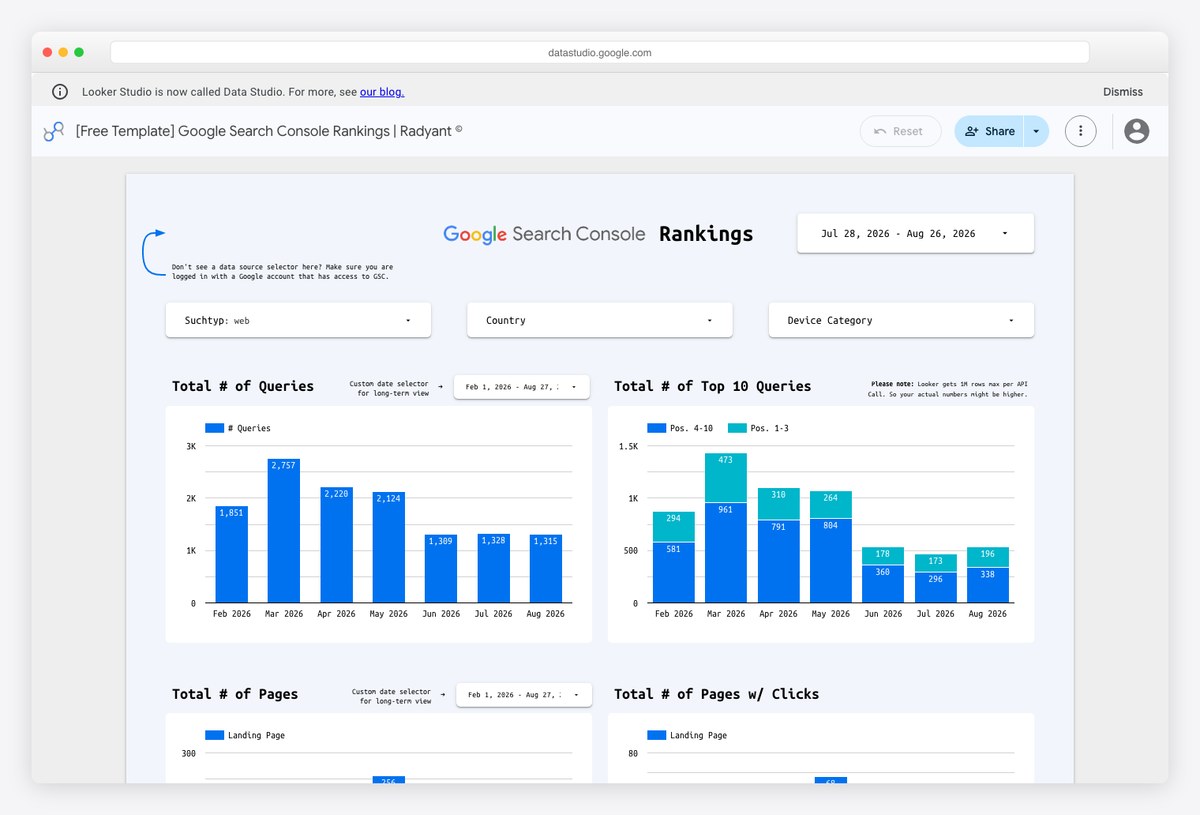
Narrow on purpose: this one does position tracking out of Search Console data and little else. Because it is not trying to be a full report, the ranking tables are roomier and easier to scan than the equivalent tab buried inside a bigger template.
- Best for: Anyone who wants rank movement from Search Console without paying for a rank tracker
- Data sources: Google Search Console
- Free to run: Yes — Google connectors
- Copy link: Public — open and use File → Make a copy
- Preview without an account: shows sample data
- Watch out for: Search Console average position is not the same measurement a rank tracker gives you — see the section below on why.
5. The What, Where, Why, How and AI Overview GSC Dashboard by Andy Simpson
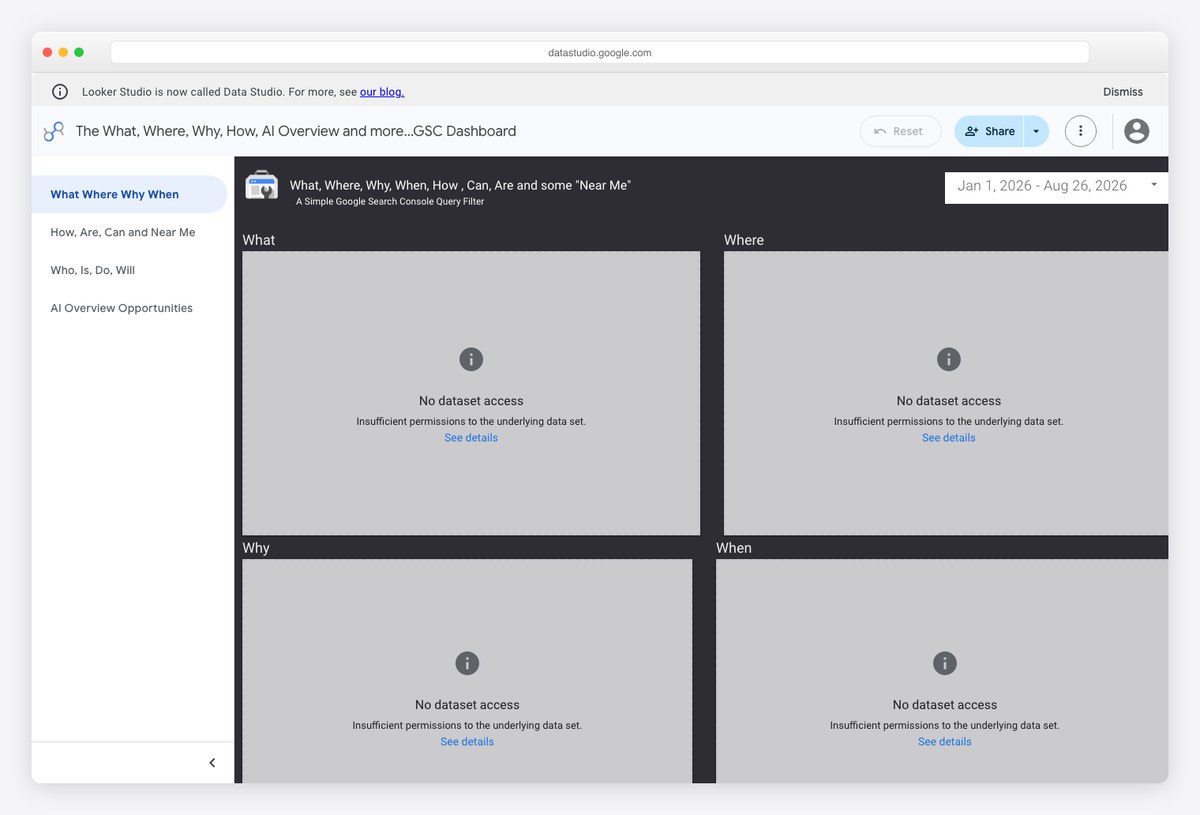
Organises Search Console queries by the question they ask — what, where, why, when, then a separate page each for how/are/can/near-me and who/is/do/will — and adds a page dedicated to AI Overview opportunities. That last page is the reason to copy this one: almost nothing else shared publicly treats AI Overview appearances as their own reporting surface.
- Best for: SEO leads who report on question queries and want AI Overview appearances broken out
- Data sources: Google Search Console
- Free to run: Yes — Google connectors
- Copy link: Public — open and use File → Make a copy
- Preview without an account: layout only — the data source is not shared, so copy it before you can judge it
- Watch out for: The question grouping is regex-based, so it sorts English queries well and other languages poorly. You also cannot evaluate it before copying, because the data source is not shared.
6. Keyword Ranking Tracker by Porter Metrics
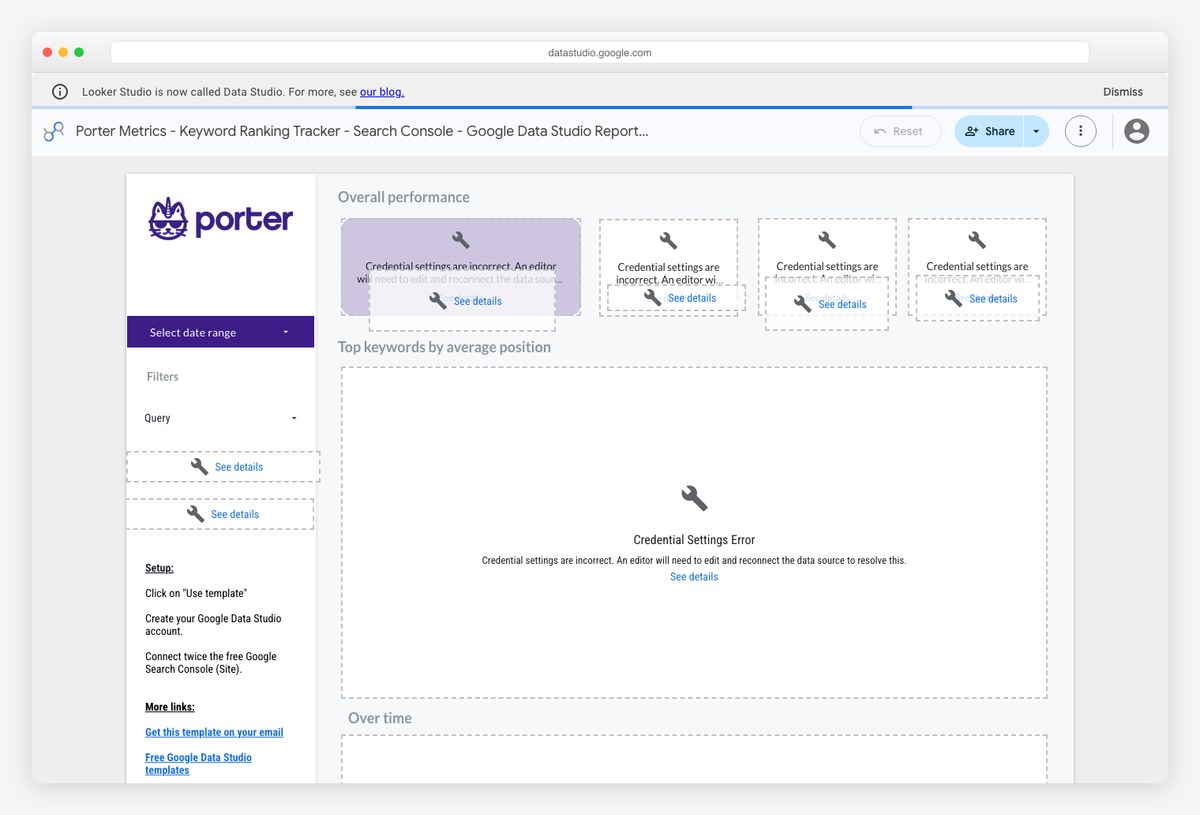
The unusual one in Porter’s catalogue, because its own setup instructions tell you to connect Google’s free Search Console connector rather than a Porter one. Overall performance, top keywords by average position and an over-time view are the three panels, which is the right scope for a tracker you check weekly.
- Best for: Keyword position monitoring on a zero budget
- Data sources: Google Search Console
- Free to run: Yes — Google connectors
- Copy link: Public — open and use File → Make a copy
- Preview without an account: layout only — the data source is not shared, so copy it before you can judge it
- Watch out for: Opened without an account it shows a credential error rather than sample data. Most other templates in the same gallery do need a paid Porter connector, so do not assume the next one you open is free too.
Technical SEO and Core Web Vitals dashboards
Search Console templates stop at clicks and positions. These three go after the technical layer instead — real-user performance data and indexing status at scale. They are still free, but each needs a setup step through Google Sheets or BigQuery rather than a single connector click.
7. Core Web Vitals Auditor v2.0 by Lazarina Stoy
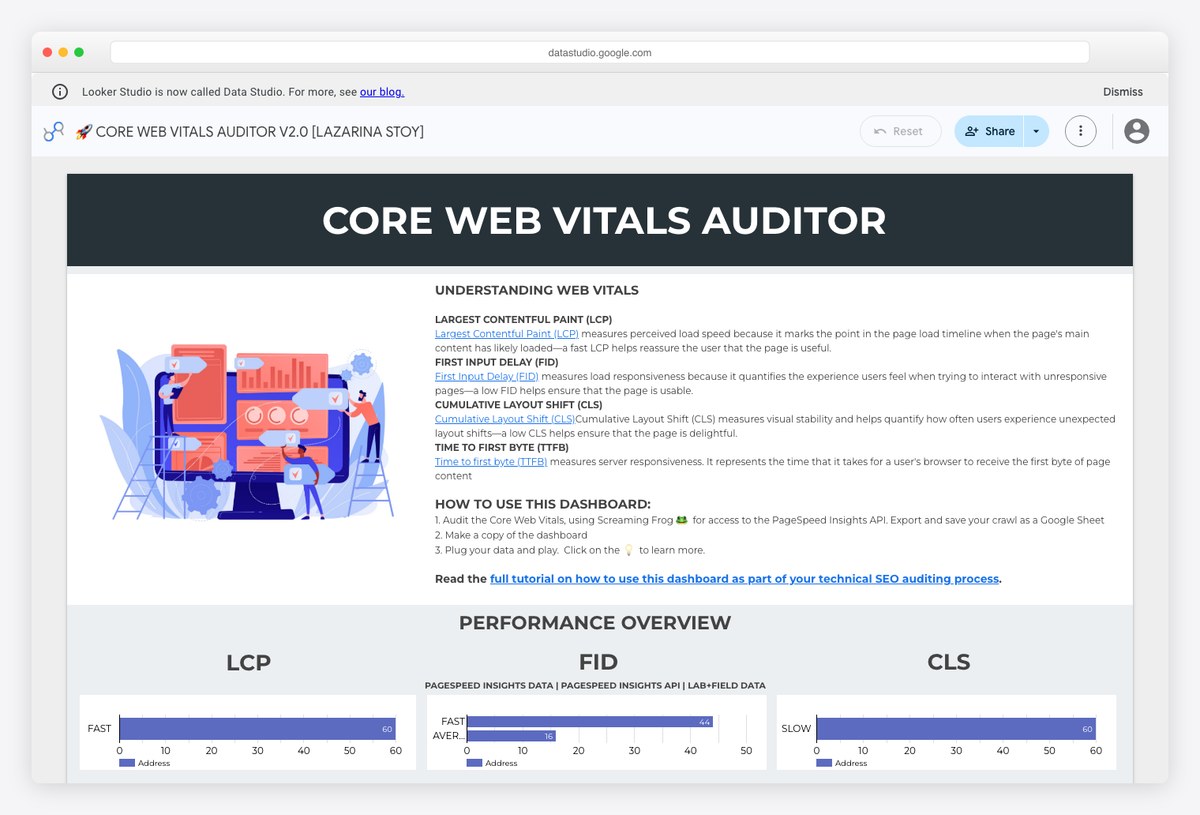
Field data rather than lab scores, which is the distinction that matters when someone asks whether Core Web Vitals are hurting rankings. It reports LCP, INP and CLS as real users experienced them, split by device, with the pass thresholds drawn on the charts.
- Best for: Making a technical performance case to developers with evidence rather than a Lighthouse number
- Data sources: PageSpeed Insights and CrUX via Google Sheets
- Free to run: Yes — after setup
- Copy link: Public — copy the report, then connect the maker’s companion Google Sheet
- Preview without an account: shows sample data
- Watch out for: The Sheets step needs a free API key and about fifteen minutes; it is free but not one-click.
8. Core Web Vitals v2.7 by Web Site Advantage
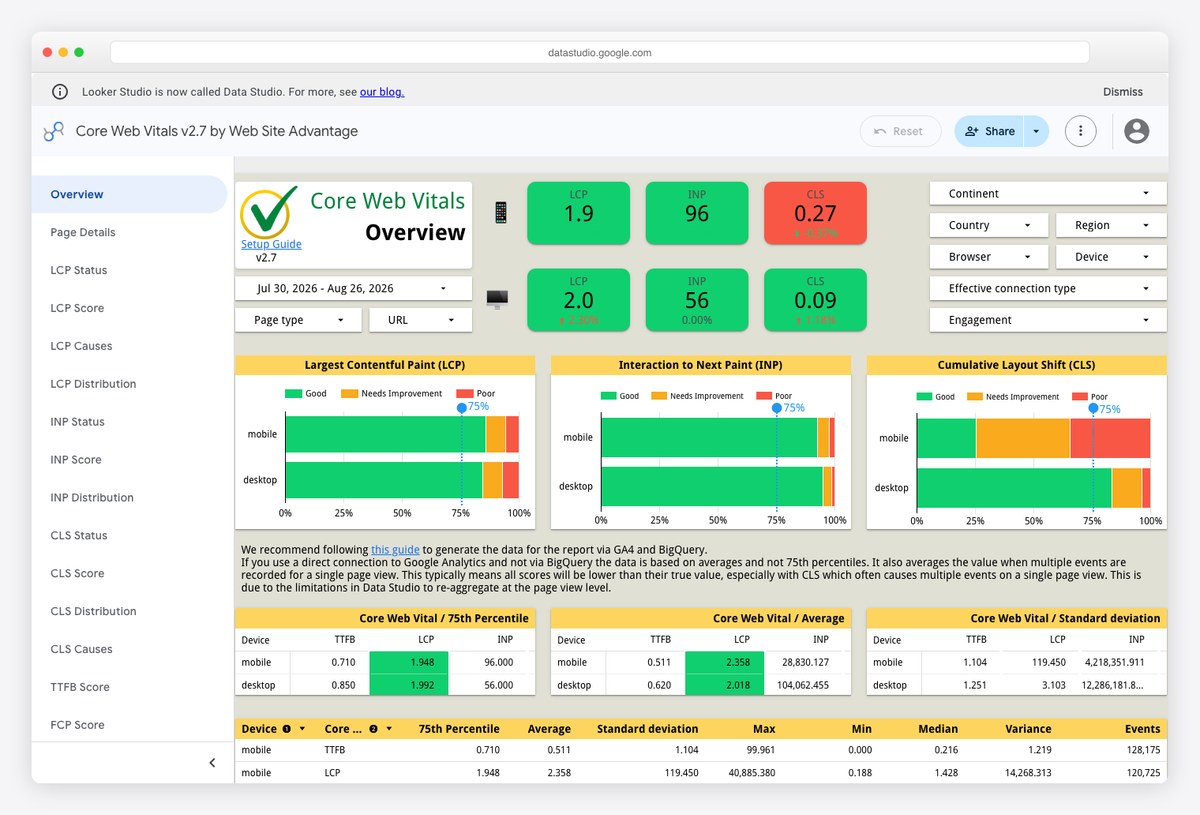
Reads the public CrUX dataset in BigQuery directly, which gives it something no PageSpeed-based template has: month-over-month history, and the ability to chart competitors’ Core Web Vitals next to your own without asking anyone’s permission.
- Best for: Long-run performance trends and competitor benchmarking
- Data sources: Chrome UX Report via BigQuery
- Free to run: Yes — after setup
- Copy link: Public — copy the report and point it at your own BigQuery project
- Preview without an account: shows sample data
- Watch out for: BigQuery queries are free within the monthly free tier, but the setup assumes you are comfortable in the Google Cloud console.
9. Search Console URL Inspection API Dashboard by Lazarina Stoy
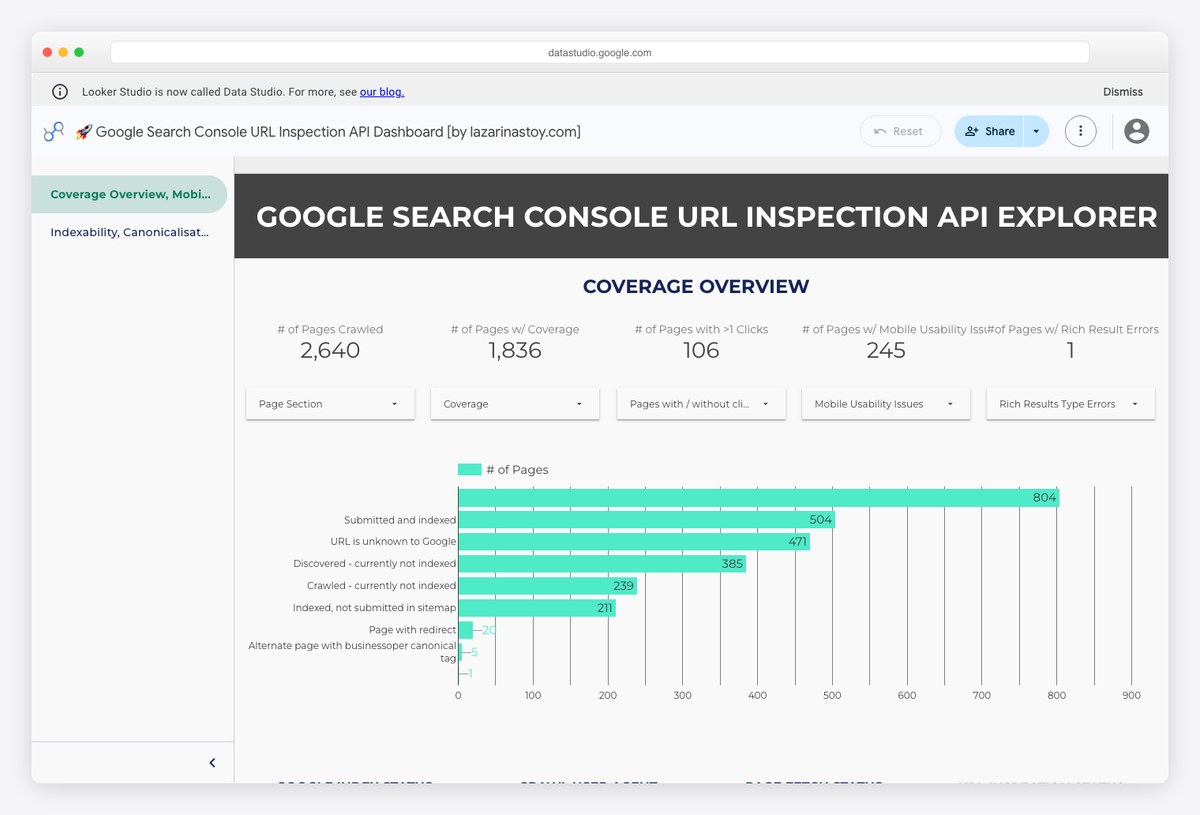
Answers the indexing question at scale, which the Search Console interface refuses to do — it inspects URLs in bulk through the API and reports coverage, canonical mismatches and crawl status as a dashboard instead of a one-URL-at-a-time lookup.
- Best for: Diagnosing indexing problems across a large site
- Data sources: Search Console URL Inspection API via Google Sheets
- Free to run: Yes — after setup
- Copy link: Public — copy the report, then run the companion Sheets script
- Preview without an account: shows sample data
- Watch out for: The URL Inspection API is capped at 2,000 URLs per property per day, so very large sites need several passes.
Templates that are free to copy but need a paid connector
These are well-designed reports published by a connector vendor. The file itself is public and copying it costs nothing, but the data behind it flows through Coupler.io, whose free tier caps out at 100 rows per run with manual refresh — enough to evaluate the layout, not enough to run a live dashboard. Judge them as designs you may end up paying to operate.
10. Technical SEO Dashboard by Coupler.io
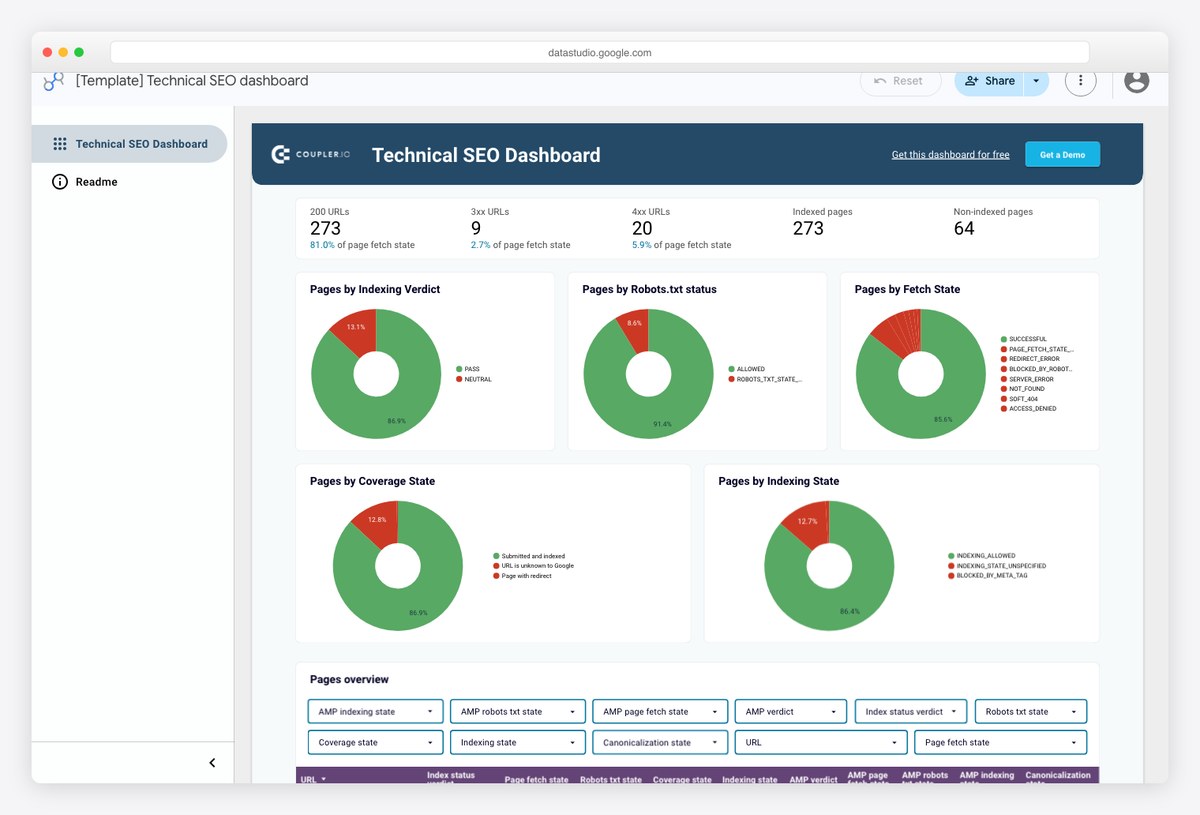
A polished technical health view covering indexing, crawl and page performance in one layout. The design work is a clear step above the community templates above it, and the report is a genuinely public file you can open and inspect before deciding anything.
- Best for: Agencies who want a designed technical report and already pay for a data pipeline
- Data sources: Google Search Console via Coupler.io
- Free to run: Copy free, refresh paid
- Copy link: Public to view and copy; live data needs a Coupler.io account
- Preview without an account: shows sample data
- Watch out for: Copying it is free, refreshing it is not — Coupler’s free tier is capped at 100 rows per run with manual refresh only.
11. SEO Cannibalization Checker by Coupler.io
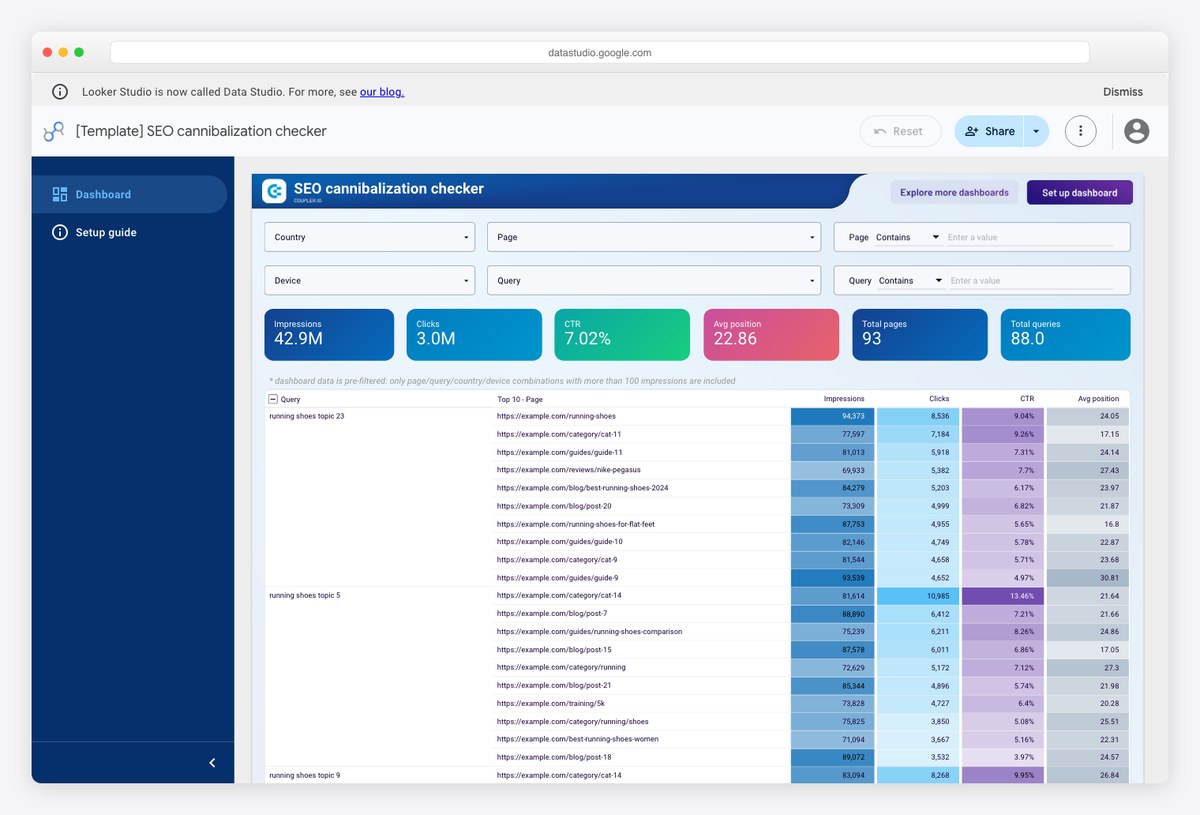
Surfaces queries where several of your own URLs compete for the same result, which is tedious to find by hand and expensive to leave alone. It is the most specific and most immediately actionable template in this list.
- Best for: Content teams auditing an established site for overlap before writing anything new
- Data sources: Google Search Console via Coupler.io
- Free to run: Copy free, refresh paid
- Copy link: Public to view and copy; live data needs a Coupler.io account
- Preview without an account: shows sample data
- Watch out for: It flags overlap, not intent — some of what it reports is legitimate, so treat the output as a shortlist rather than a task list.
12. Top Search Query Performance by Coupler.io
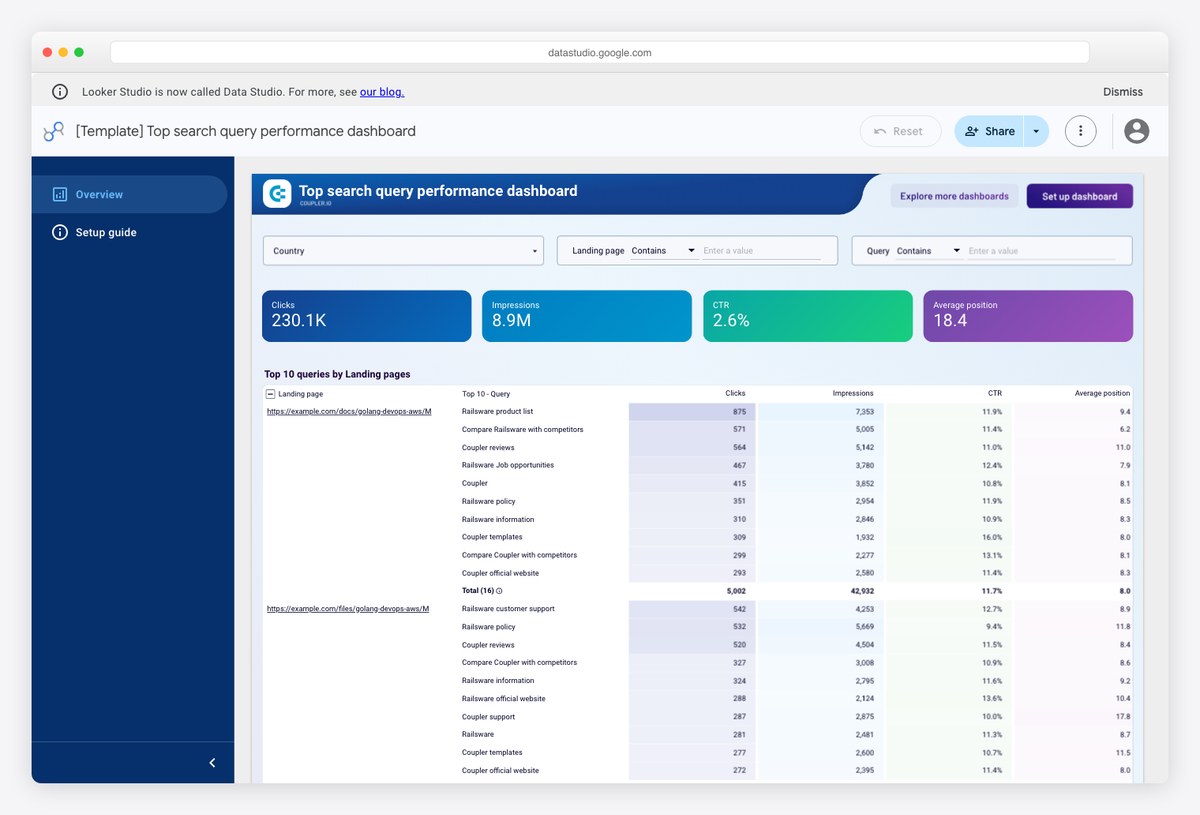
Period-over-period query comparison, which is the single view most free Search Console templates skip. Rather than showing what ranks, it shows what moved, which is the shape a monthly report actually needs.
- Best for: Monthly reporting where the question is what changed since last month
- Data sources: Google Search Console via Coupler.io
- Free to run: Copy free, refresh paid
- Copy link: Public to view and copy; live data needs a Coupler.io account
- Preview without an account: shows sample data
- Watch out for: Comparison periods are baked into the template; changing them means editing several charts rather than one control.
All-in-one SEO reporting platforms
If you would rather not maintain a Data Studio file at all, these platforms host the dashboard, own the connectors and handle client access. You are buying away maintenance. Pricing models differ sharply between them — per client, per data source, or a flat platform fee — and that difference matters more than the feature lists.
13. Databox SEO dashboards by Databox
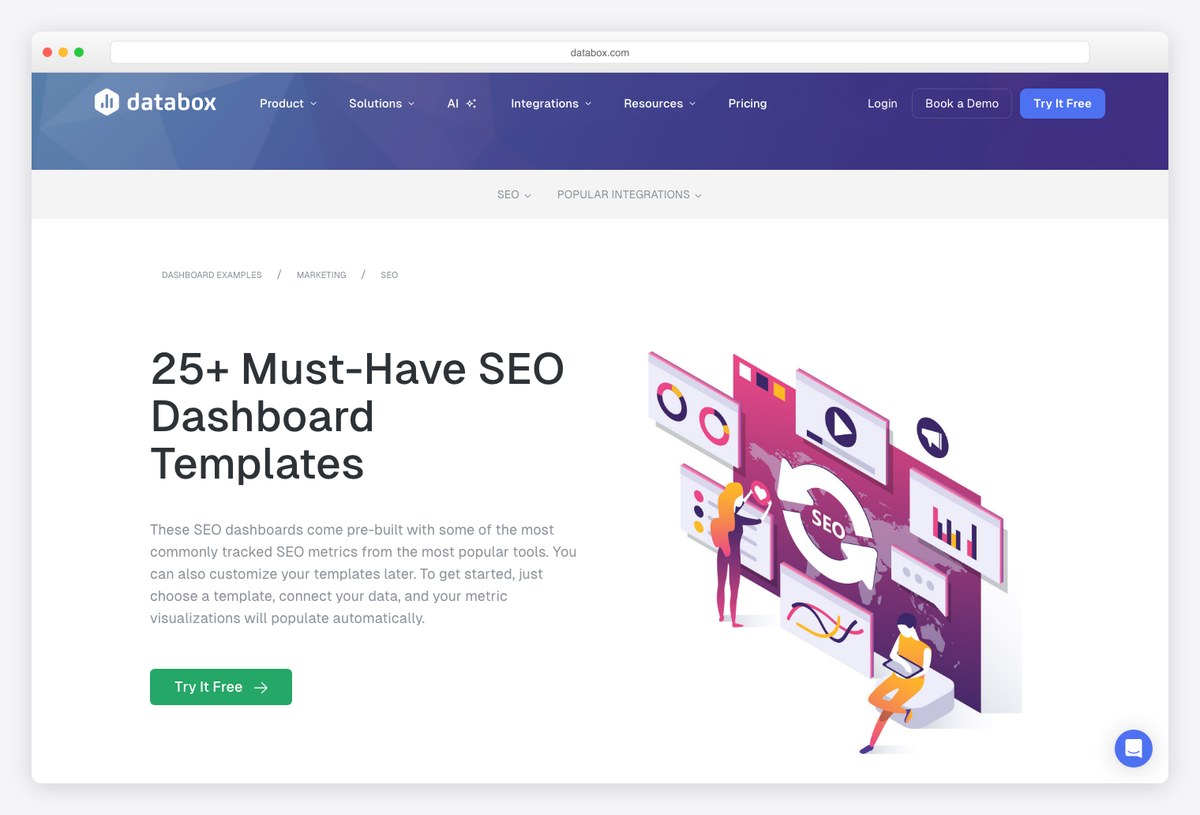
The largest prebuilt SEO library of any reporting platform, spanning Search Console, Semrush, Ahrefs and GA4 sources. Databox is also the only major platform here with a genuinely free tier, which makes it the realistic starting point if you want a hosted tool rather than a Data Studio file.
- Best for: Teams that want hosted dashboards and alerting without an agency-scale budget
- Data sources: Search Console, GA4, Semrush, Ahrefs and 100-plus others
- Free to run: No — paid platform
- Copy link: Browsing is open; using a template requires a signup
- Preview without an account: shows sample data
- Watch out for: The free tier stops at three data sources and one dashboard, and their Benchmarks feature — long a reason to choose them — is being retired.
14. Whatagraph SEO report template by Whatagraph
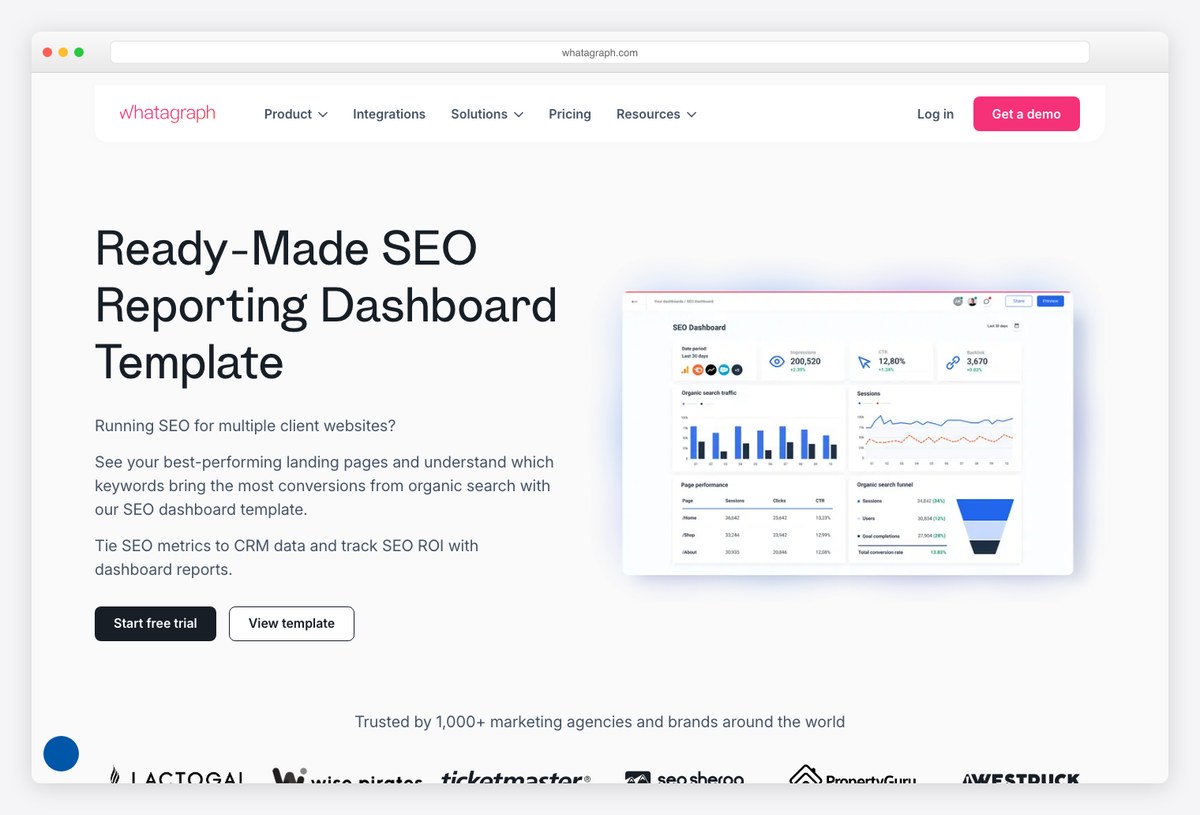
Client-facing reporting is what this platform is built for, and the SEO template shows it: cross-channel by default, heavily branded, and designed to be sent rather than explored. The template pages are worth studying for layout ideas even if you never buy it.
- Best for: Agencies sending high-volume branded reports who have budget to match
- Data sources: Search Console, GA4, Ahrefs, Semrush, AccuRanker and more
- Free to run: No — paid platform
- Copy link: Template pages are viewable; using one requires a trial or subscription
- Preview without an account: shows sample data
- Watch out for: There is no free plan and no SMB tier any more — entry pricing starts in the high hundreds per month, so verify the current figure before you invest time in a trial.
15. AgencyAnalytics SEO dashboard by AgencyAnalytics
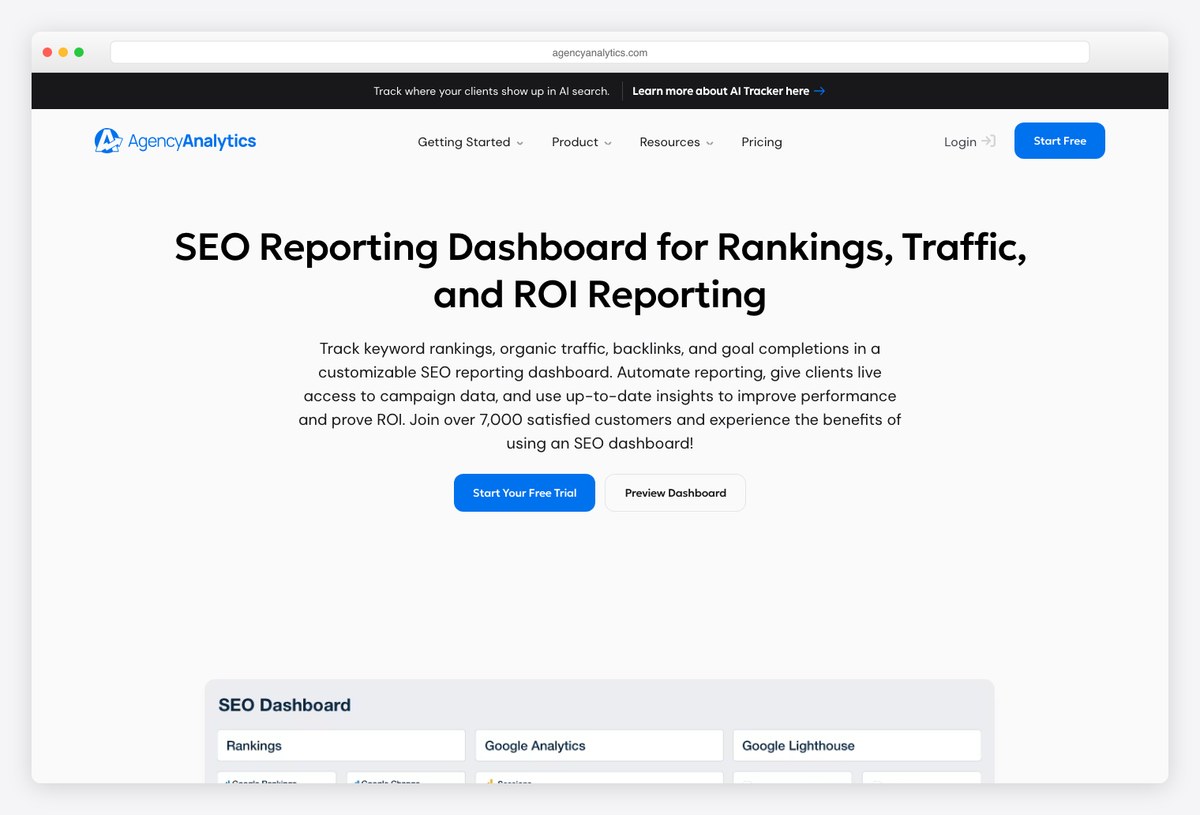
Priced per client rather than per seat or per data source, which is the model that fits an agency roster most naturally. Rank tracking is built in rather than bolted on, so it replaces two subscriptions for many small agencies.
- Best for: Agencies with a stable client roster who want reporting and rank tracking in one bill
- Data sources: Search Console, GA4, rank tracker, 80-plus marketing integrations
- Free to run: No — paid platform
- Copy link: Template gallery is public; use requires an account
- Preview without an account: shows sample data
- Watch out for: Per-client pricing scales linearly and has risen sharply in recent years, so do the arithmetic at your actual client count before committing annually.
16. SE Ranking SEO dashboard by SE Ranking
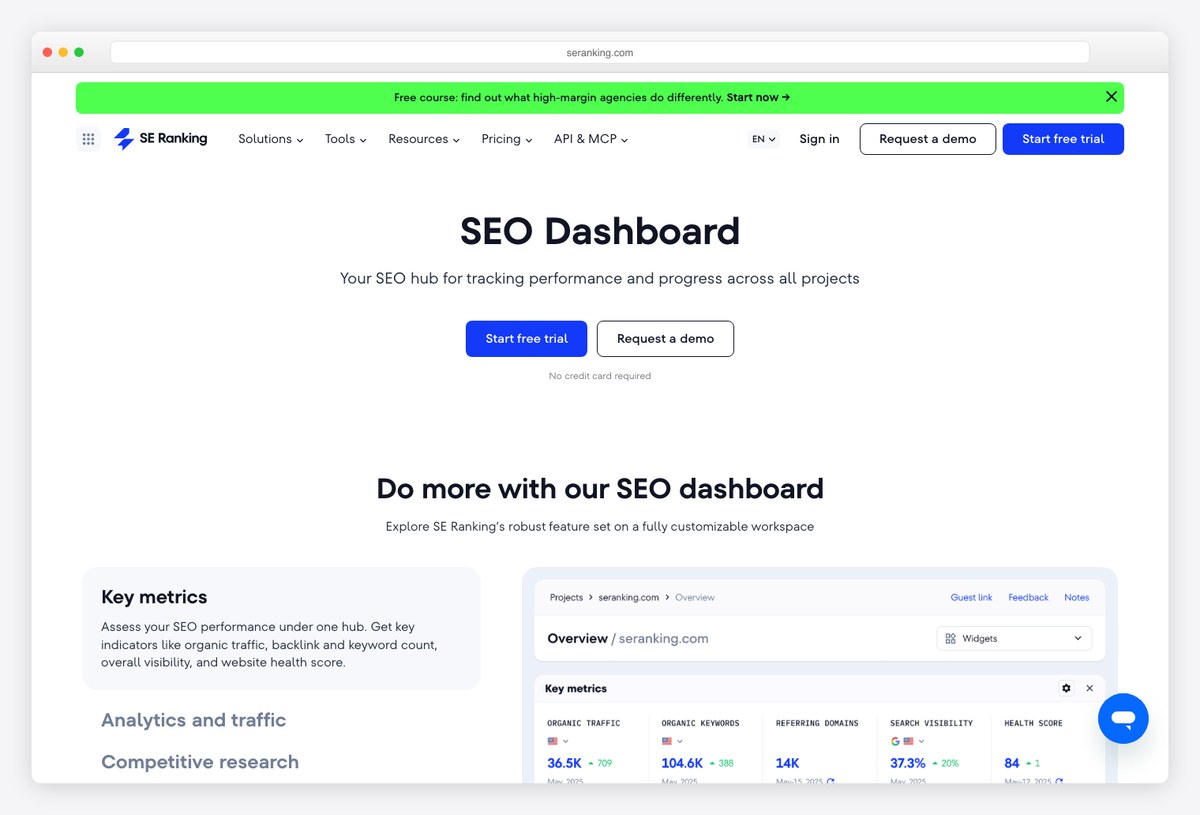
A full SEO toolset rather than a reporting layer, so the dashboard is fed by its own crawler and rank tracker instead of third-party connectors. It also publishes free Data Studio templates that plug its data into reports you already run.
- Best for: Small teams who would otherwise buy a rank tracker and a reporting tool separately
- Data sources: SE Ranking crawler and rank tracker, GA4, Search Console
- Free to run: No — paid platform
- Copy link: Data Studio templates are public to view; data requires an SE Ranking plan
- Preview without an account: shows sample data
- Watch out for: Its Data Studio templates only populate with an active subscription, so they are marketing for the platform rather than free tools.
Building the dashboard into your own product
The templates above all live inside somebody else’s tool. If the dashboard has to be part of an application you ship — a client portal, an SEO product, an internal tool — you need a front end instead of a report. That is a different category of template, and we keep separate lists of analytics dashboard templates and client dashboard designs for it.
17. SEODash by ThemeWagon
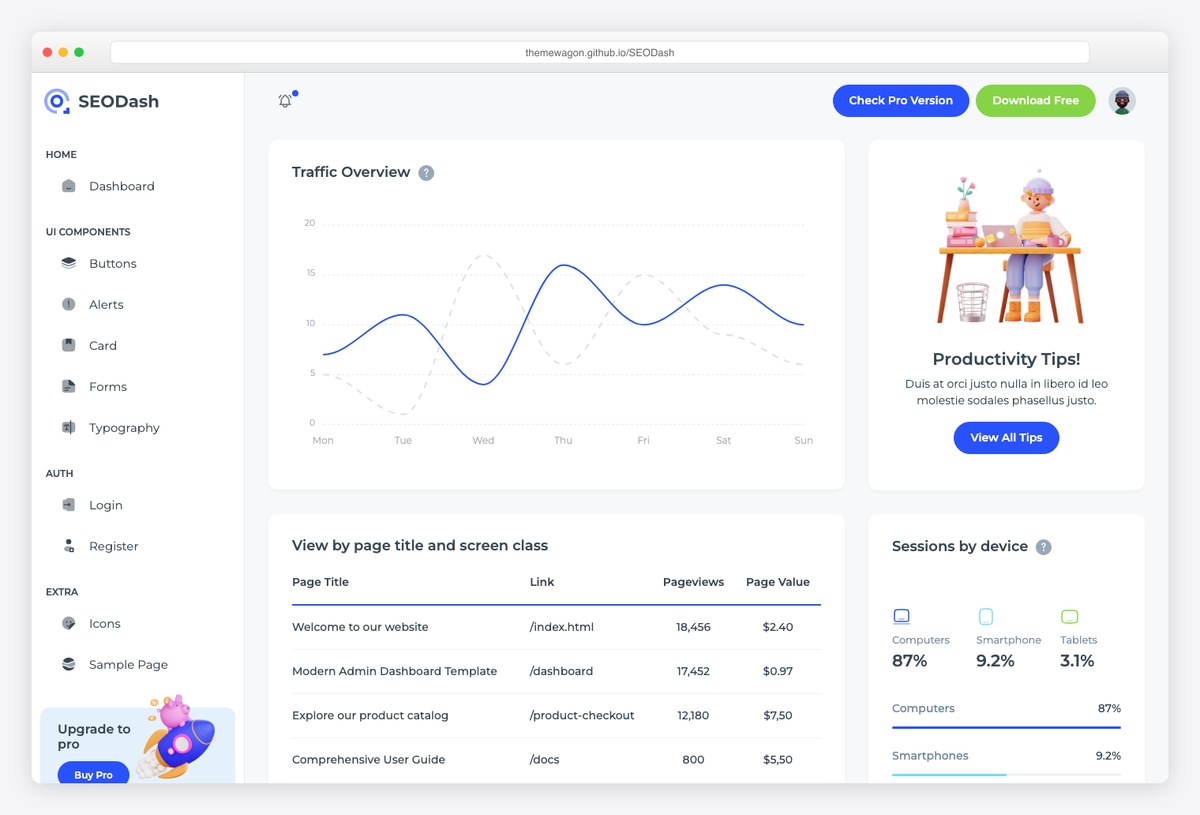
Not a reporting template at all but an HTML admin theme built for SEO products — Bootstrap 5, ApexCharts, and a full set of screens you can wire to your own API. This is the answer when the dashboard has to live inside your own application rather than in Google’s.
- Best for: Developers building an SEO tool or client portal that needs its own front end
- Data sources: Whatever you connect it to
- Free to run: Free download
- Copy link: Free download behind an email form; live demo is open
- Preview without an account: shows sample data
- Watch out for: It ships with placeholder data and no backend, so everything on the demo is static until you build the data layer.
What a good SEO dashboard actually shows
Every template above is a different answer to the same question, and the ones that work share a structure. Read from the top down, a dashboard should move from what happened, to where it happened, to what to do about it.
| Layer | What it answers | Metrics |
|---|---|---|
| Headline | Did organic search go up or down | Clicks, impressions, average CTR, organic sessions |
| Segment | Where the change came from | Branded vs non-branded, landing pages, countries, devices |
| Diagnostic | Why it moved | Query position bands, indexing coverage, Core Web Vitals |
| Outcome | Whether it mattered commercially | Conversions, revenue, assisted conversions from organic |
The fourth row is where most free Search Console templates end. Search Console has no idea what happened after the click, so if your dashboard has to prove commercial value, you need a GA4 source alongside it — which is why several templates on this list pair the two.
Why average position is the most misread number on your dashboard
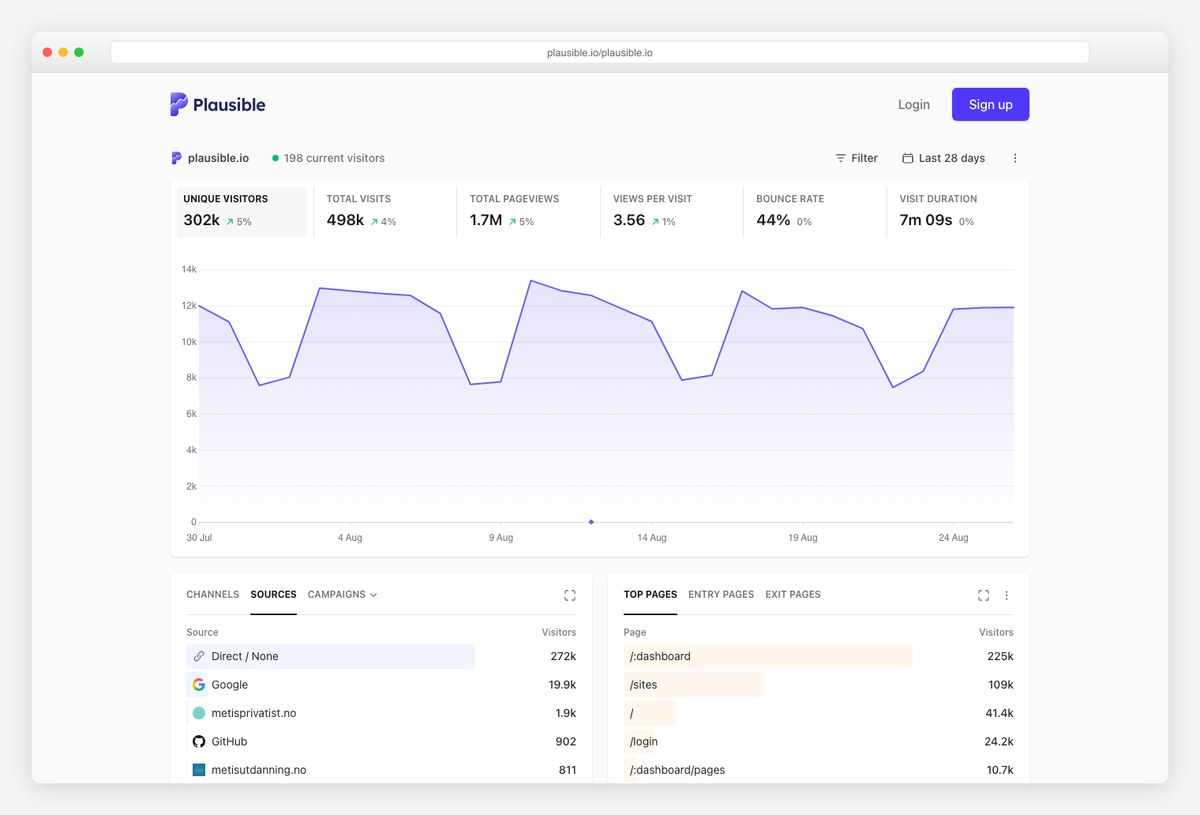
Search Console reports average position, and nearly every template above puts it on the first screen. It is not what most people assume. The figure is averaged across every impression the query generated, so a keyword sitting at position 3 in one country and position 40 in another reports as roughly 21 — a position it never actually held anywhere.
It also moves when you do nothing. Gaining impressions on a page-two query drags the average down even though nothing lost a ranking, which is why a good month can look like a decline. If a client asks why rankings fell while traffic rose, this is almost always the answer. Use average position for trends within a fixed query set, and use a rank tracker when you need to state where a keyword actually ranks.
The sixteen-month wall
Search Console keeps sixteen months of performance data and no more. Every template on this page inherits that limit, so year-over-year comparison works and anything longer does not. If long-run history matters to you, the fix is to export Search Console data somewhere permanent — a bulk BigQuery export or a scheduled Sheets archive — before the window rolls past it. Start that early, because the data you did not save is gone for good.
SEO dashboard template FAQ
What is an SEO dashboard?
An SEO dashboard is a single screen that pulls organic search data — usually Google Search Console and Google Analytics 4 — into one continuously updating report, so you can see clicks, rankings, landing page performance and technical health without opening several tools. Most are built in Google Data Studio, which is free, or inside a hosted reporting platform.
What should an SEO dashboard include?
At minimum: clicks, impressions and click-through rate from Search Console; average position for your tracked query set; a landing page table; a branded versus non-branded split; and organic conversions from GA4. Technical dashboards add indexing coverage and Core Web Vitals. What matters more than the metric list is the order — headline numbers first, diagnostics below.
Are free SEO dashboard templates really free?
Some are, many are not. A template that reads Google Search Console, Google Analytics 4 or Google Ads uses Google’s own connectors, which are free with no limits, so those templates run indefinitely at no cost. A template built on a third-party connector such as Coupler.io, Supermetrics or Windsor is free to copy but needs that vendor’s paid plan before it shows live data. This list marks which is which.
Can I build an SEO dashboard with ChatGPT or Claude?
They will not build the dashboard for you, but they are useful either side of it. An assistant can write the regex for a branded query filter, draft the calculated fields, or interpret an exported report. Some reporting tools now expose their data to assistants directly, so you can ask questions of the numbers in a chat window instead of reading a chart.
What is the best free SEO dashboard template?
For most people it is one of the Search Console templates in the first section — they cost nothing to run, need no third-party account, and cover the reporting a client or manager expects. Which one depends on the job: a consultant sending client reports and a technical SEO diagnosing indexing want different files.
Do I need Data Studio to build an SEO dashboard?
No, but it is the path of least resistance. Data Studio is free, connects natively to Search Console and GA4, and every template on this page except the last one is built in it. The alternatives are a hosted reporting platform, a spreadsheet, or building the dashboard into your own application.
Is Looker Studio the same thing as Data Studio?
Yes. The tool launched as Data Studio, was renamed Looker Studio in 2022, and has now been renamed back to Data Studio to separate it from Google’s enterprise Looker product. Reports, data sources and permissions carried over untouched, and lookerstudio.google.com links redirect to datastudio.google.com automatically. Any template described as a Looker Studio template works exactly the same way.
How do I track AI Overview and ChatGPT traffic in an SEO dashboard?
Two separate problems. AI Overview appearances show up in Search Console impressions, and at least one template here breaks them out. Traffic arriving from AI assistants shows up in GA4 as referral traffic from those domains, so you can segment it there. Neither gives you the citation-level view most people want yet.
How often should an SEO dashboard update?
Daily is enough for almost everyone. Google publishes Search Console data roughly forty-eight hours after it collects it, so refreshing more often than once a day shows you the same numbers. Hourly refresh is a feature paid connectors sell that SEO reporting rarely needs. What matters more is that the report updates without someone remembering to press a button.
Choosing between them
If you have no budget and need a report this week, copy one of the 6 templates in the first section. They are free permanently, not free until a trial expires, and take about ten minutes to point at your own property. If you are reporting to clients and your time is worth more than the subscription, a hosted platform removes the maintenance, and Databox is the only one of the four with a free tier you can test the idea on. If the dashboard has to live inside something you are building, start from a front-end template and wire it to the Search Console API yourself.
What none of them solve on their own is the harder problem. A dashboard showing average position rising while conversions fall is accurate and useless at the same time. Pick the template that answers the question you are actually being asked, then delete the panels nobody reads.

You Might Also Like


