9 Best Tremor Dashboard Templates & Components (2026)
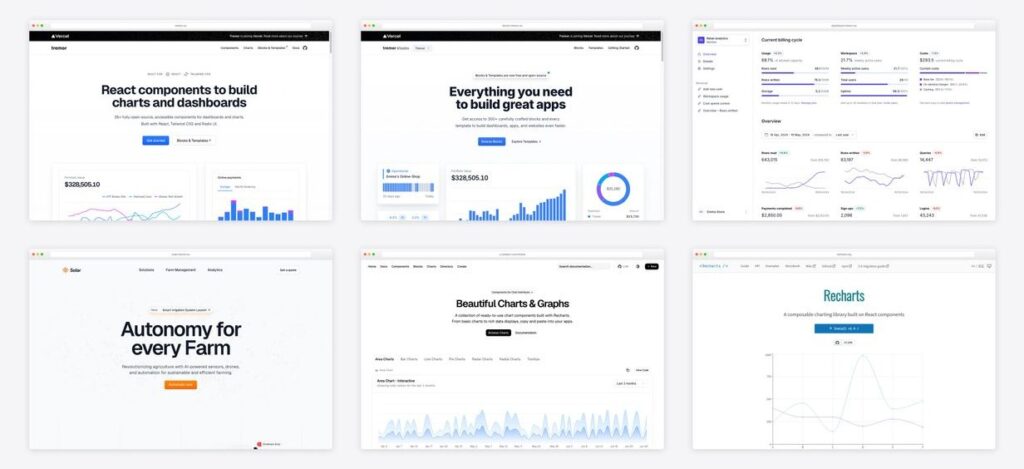
Tremor has become the default way React teams build analytics dashboards — 35+ open-source components in the copy-paste model, now backed by Vercel, with a design philosophy of “show the data, hide the chrome.” And the news that changes the math in 2026: Tremor Blocks — 300+ sections and every official template — is now completely free and open-source. Here are the 9 best Tremor templates, blocks, and components, plus how Tremor compares with shadcn/ui charts, Recharts, and Nivo.
Short on time? Start with the Dashboard Template for a ready SaaS-metrics UI, browse Tremor Blocks for sections, and use the core library when you build custom.
Quick Picks
- The core library: Tremor — 35+ copy-paste components, Vercel-backed
- Biggest news: Tremor Blocks — 300+ blocks + templates, now free
- Best ready-made dashboard: Dashboard Template — usage & billing analytics, fork-ready
- Best for reports: Insights Template — transactions, filters, dense layouts
- Matching marketing site: Solar Template — SaaS one-pager in the same design language
- Prefer npm installs: @tremor/react — the classic packaged distribution
- Already on shadcn/ui: shadcn/ui Charts — same idea, native to your design system
- Need full control: Recharts — the engine both kits build on
- Exotic chart types: Nivo — sankeys, chords, heatmaps on D3
What Tremor gives an analytics dashboard
- Purpose-built components. KPI cards, progress and data bars, trackers, spark lines, and full chart types — the vocabulary of metrics UIs, not generic UI widgets.
- The copy-paste model. Like shadcn/ui, components live in your repo — style them with Tailwind, extend them freely, no library lock-in.
- Accessible and consistent by default. Radix UI underpinnings and a restrained visual language mean charts read clearly in light and dark without design iteration.
- An ecosystem, not just a library. Blocks for sections, templates for whole apps, and an npm package when you’d rather install than vendor — all free.
Tremor vs shadcn/ui charts vs Recharts vs Nivo
| Library | Model | Chart engine | Best for |
|---|---|---|---|
| Tremor | Copy-paste components + blocks | Recharts | Analytics/SaaS dashboards, fastest to polished |
| shadcn/ui Charts | Copy-paste, shadcn design system | Recharts | Charts inside an existing shadcn/ui app |
| Recharts | npm library, composable API | — (is the engine) | Full control over chart behavior |
| Nivo | npm library, rich config API | D3 | Exotic chart types (sankey, chord, heatmap) |
The Tremor family
1. Tremor (component library)
Copy-paste React components for data UIs
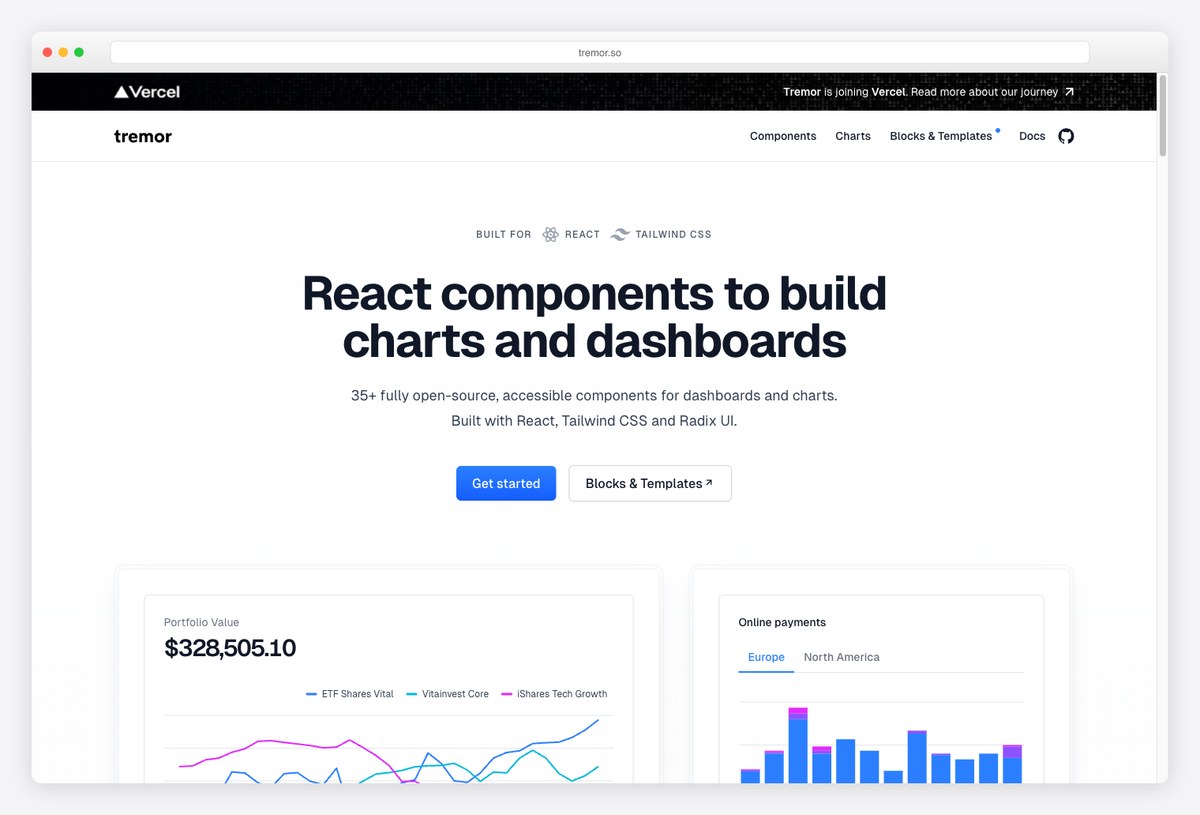
Why we like it: The core library: 35+ open-source, accessible React components — charts, KPI cards, tables, trackers — in the copy-paste model, built on Tailwind CSS and Radix UI and now backed by Vercel.
Tremor’s components follow a “show the data, hide the chrome” philosophy: clean line/bar/area/donut charts, spark lines, badges, and data bars that look right next to each other without design work. Like shadcn/ui, you copy the source into your project and own it outright.
With Vercel behind it and one of the largest communities in the dashboard space, it’s the safest default for React analytics UIs.
2. Tremor Blocks
300+ blocks and templates — now free
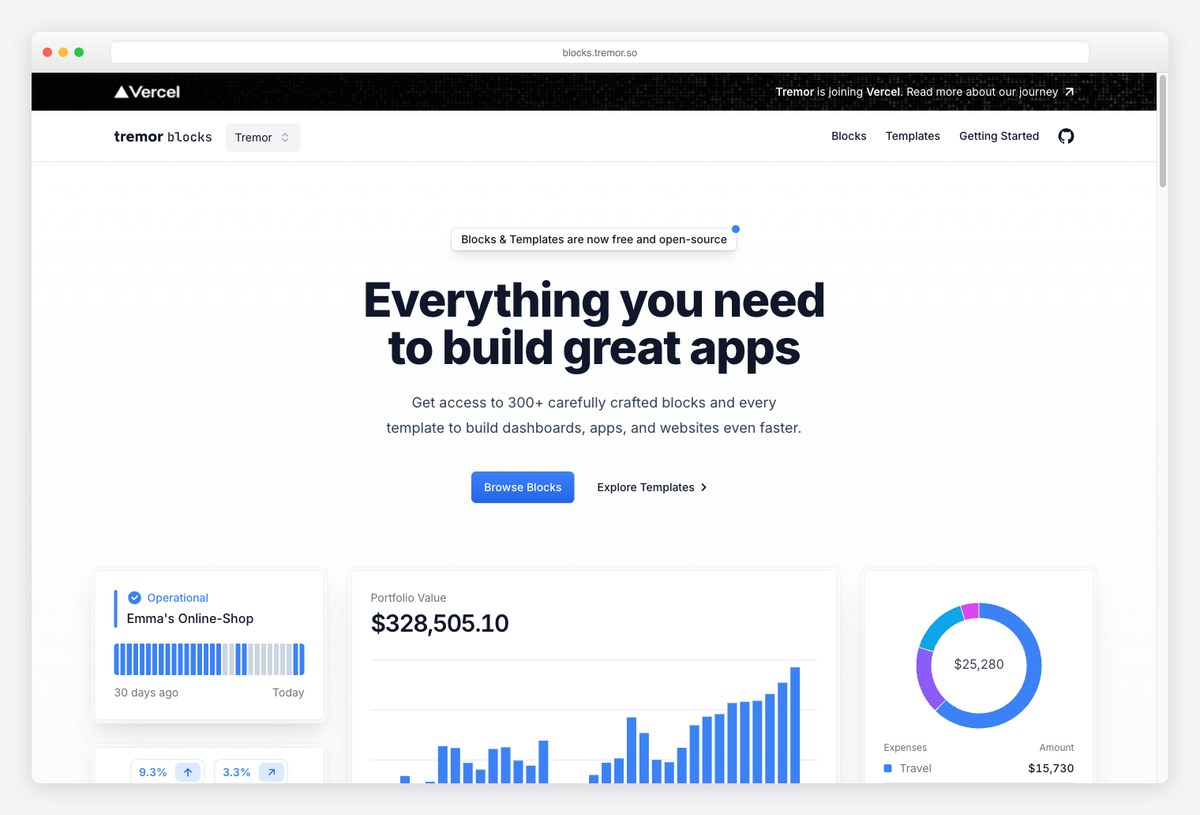
Why we like it: Formerly a paid product, Tremor Blocks is now entirely free and open-source: 300+ production-ready sections — chart groups, KPI grids, filter bars, tables, banners — plus the full template collection.
This is the biggest recent news in the Tremor ecosystem: the whole Blocks catalog opened up. Each block is Tremor components + Tailwind, so you compose a dashboard the way you’d assemble a landing page — pick a KPI header, a chart section, a table block, and ship.
Between Blocks and the templates below, most teams never need to design a dashboard from zero again.
3. Tremor Dashboard Template
The flagship analytics template
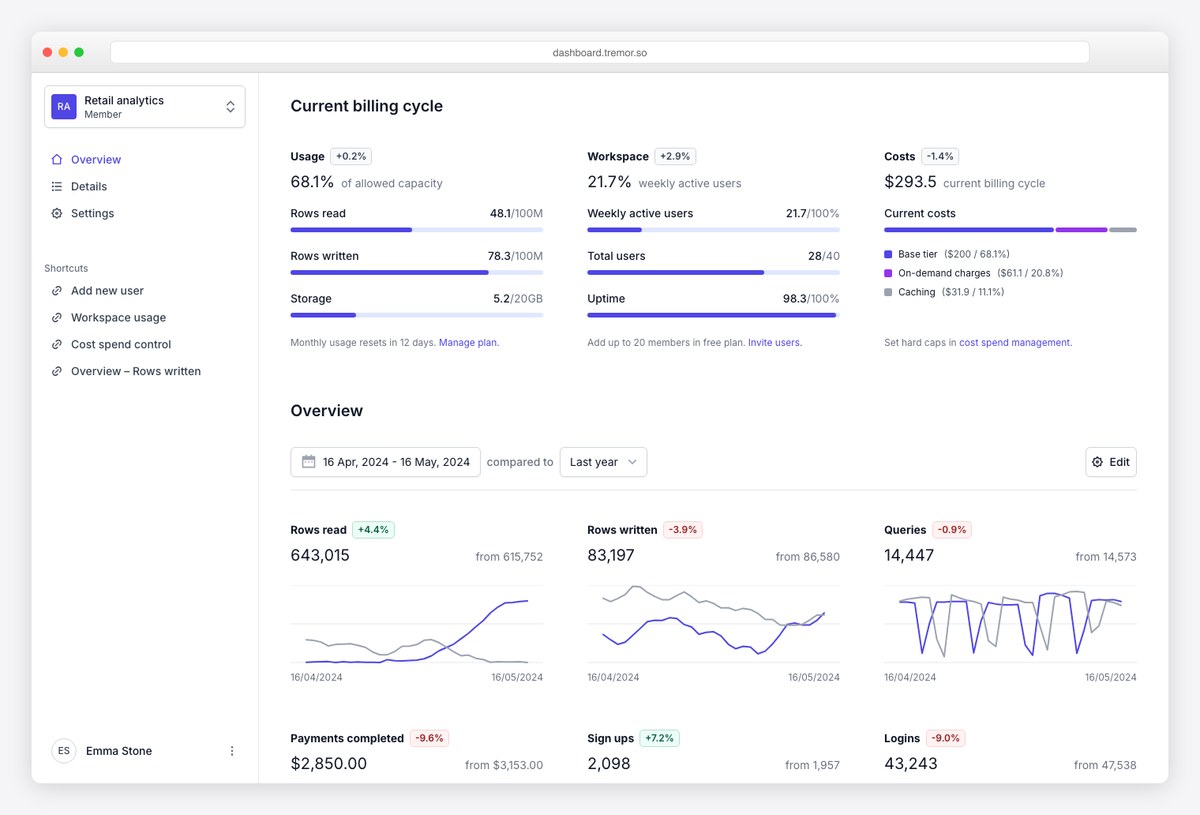
Why we like it: A complete Next.js dashboard — usage meters, billing-cycle costs, workspace analytics, tables with filters — that maps almost one-to-one onto what a SaaS or API product needs to show customers.
The dashboard template is the best single demonstration of Tremor in production shape: KPI summaries with progress bars, comparison charts, and drill-down tables in a clean app shell. If your product bills on usage (API calls, tokens, seats), this template is uncannily close to done.
Fork it, swap the data layer, and you have a customer-facing usage dashboard.
4. Tremor Insights Template
Report pages for internal analytics
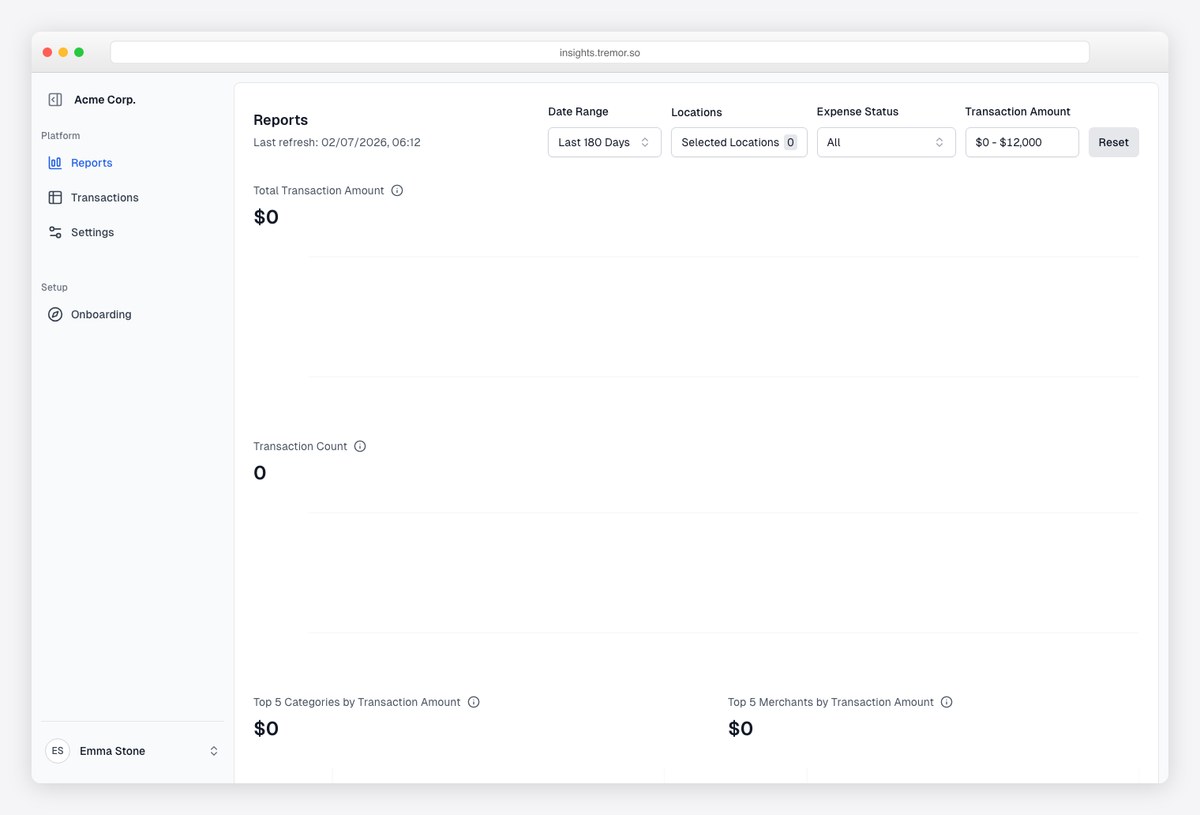
Why we like it: A reports-oriented template — date-range filters, transaction tables, expense summaries — for the internal-analytics side of a product rather than the customer-facing one.
Insights covers the reporting patterns finance and ops teams ask for: filterable transaction lists, per-category totals, and export-ready layouts. It’s intentionally more austere than the flagship dashboard — reports want density and scannability over decoration.
A strong base for admin-side reporting screens.
5. Tremor Solar Template
The SaaS website that matches your dashboard
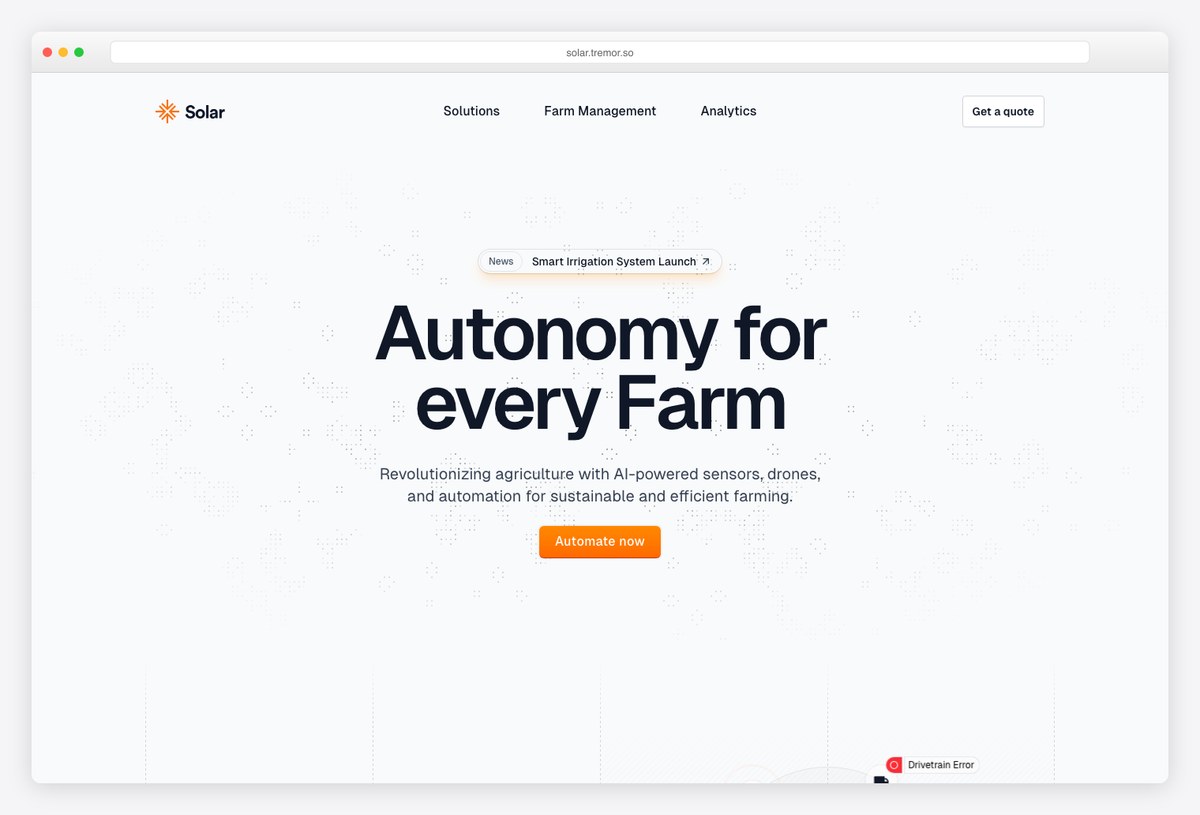
Why we like it: Solar is the odd one out — a marketing/one-pager template rather than a dashboard — but it lets you ship a product site that visually matches the Tremor dashboard behind the login.
Built with the same components and Tailwind conventions, Solar covers the hero, feature sections, and call-to-action patterns of a modern SaaS site. Pair it with the dashboard template and your marketing site and app stop looking like two different products.
Useful precisely because design consistency across site and app is usually expensive.
6. Tremor NPM (@tremor/react)
The classic packaged version
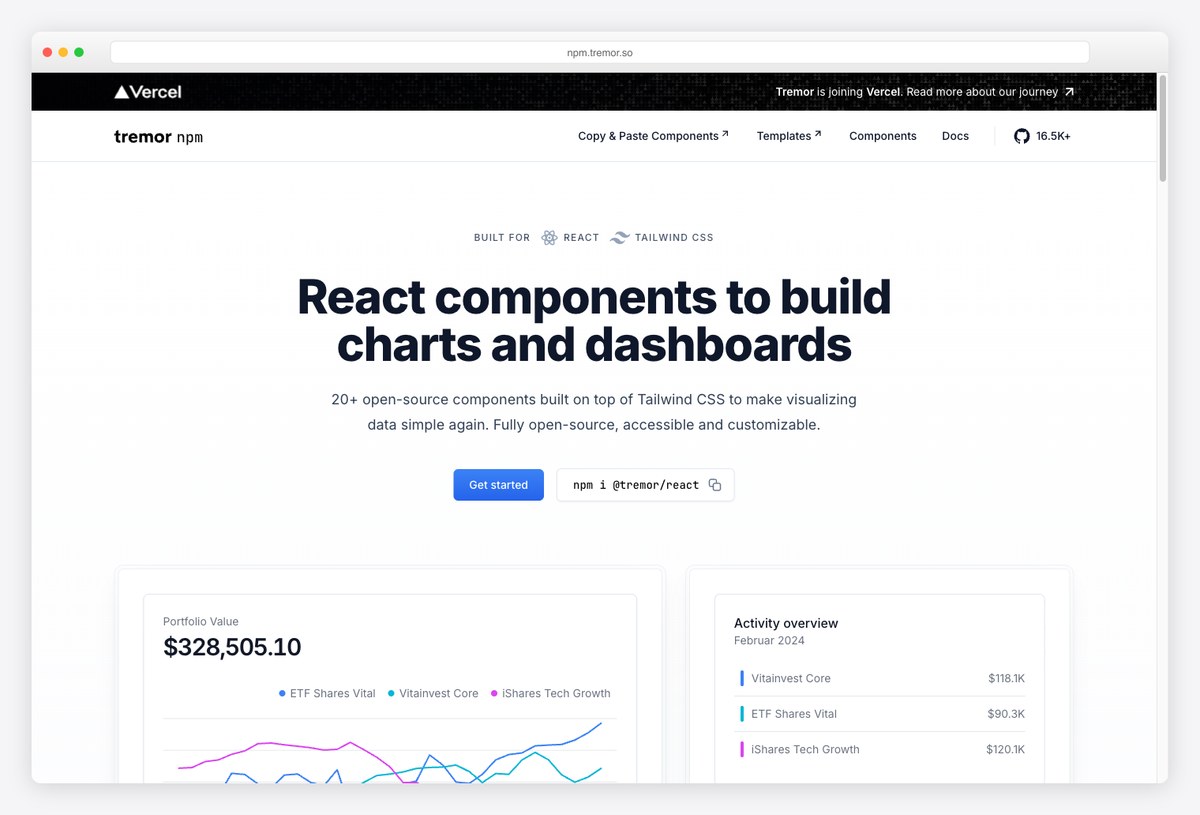
Why we like it: Before the copy-paste era, Tremor shipped as the @tremor/react package — still downloaded hundreds of thousands of times a month and the right fit when you want versioned updates instead of vendored source.
The npm distribution gives you the same chart and dashboard components as an installable dependency: less control than copy-paste, but simpler upgrades and a smaller diff in your repo. Plenty of production dashboards run on it happily.
Choose it when your team treats UI kits as dependencies, not as scaffolding to own.
Alternatives worth knowing
7. shadcn/ui Charts
The house style of modern dashboards
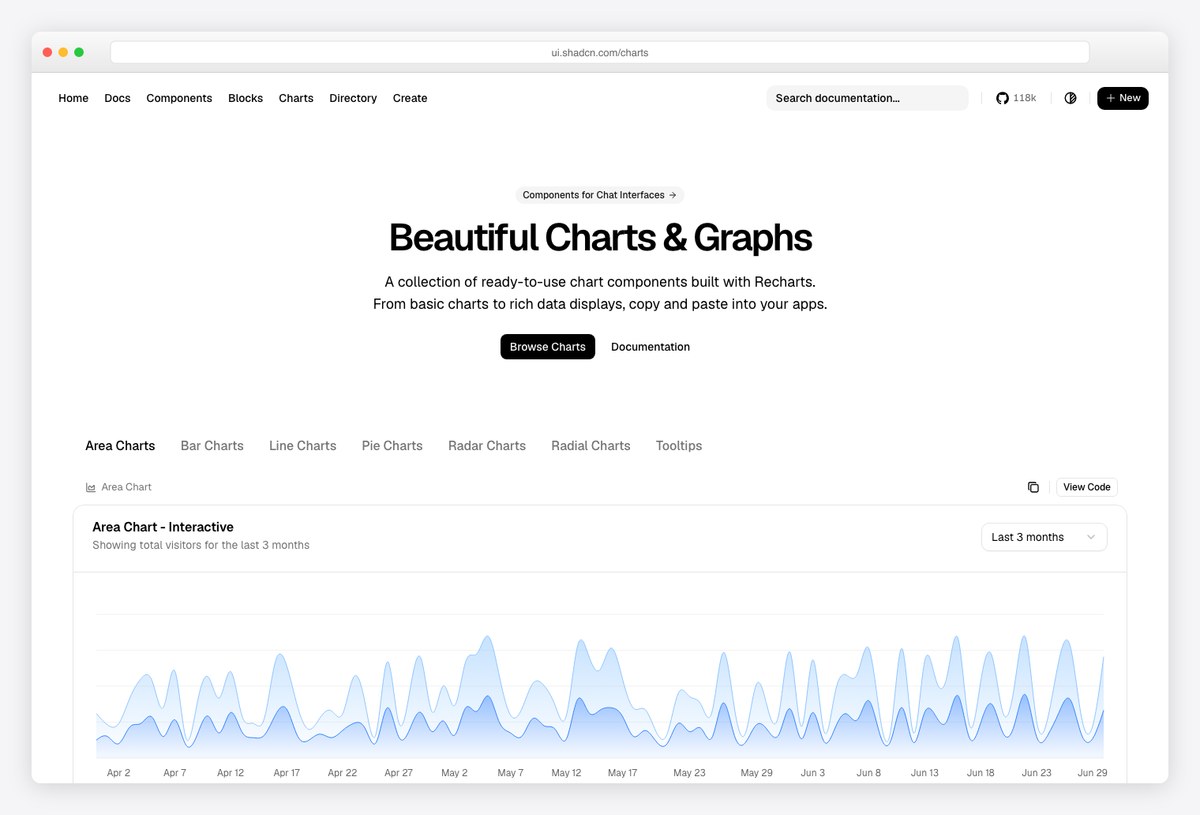
Why we like it: If your dashboard is already built on shadcn/ui, its official charts — beautiful Recharts-based components with theming built in — keep everything in one design system.
shadcn/ui charts and Tremor overlap heavily (both are copy-paste, Tailwind-styled, Recharts-powered under the hood). The deciding factor is your component base: in a shadcn/ui app, the native charts win on consistency; in a data-first product, Tremor’s KPI cards, trackers, and blocks go further.
See our full roundup of shadcn/ui chart templates for that side of the fence.
8. Recharts
The engine under the hood
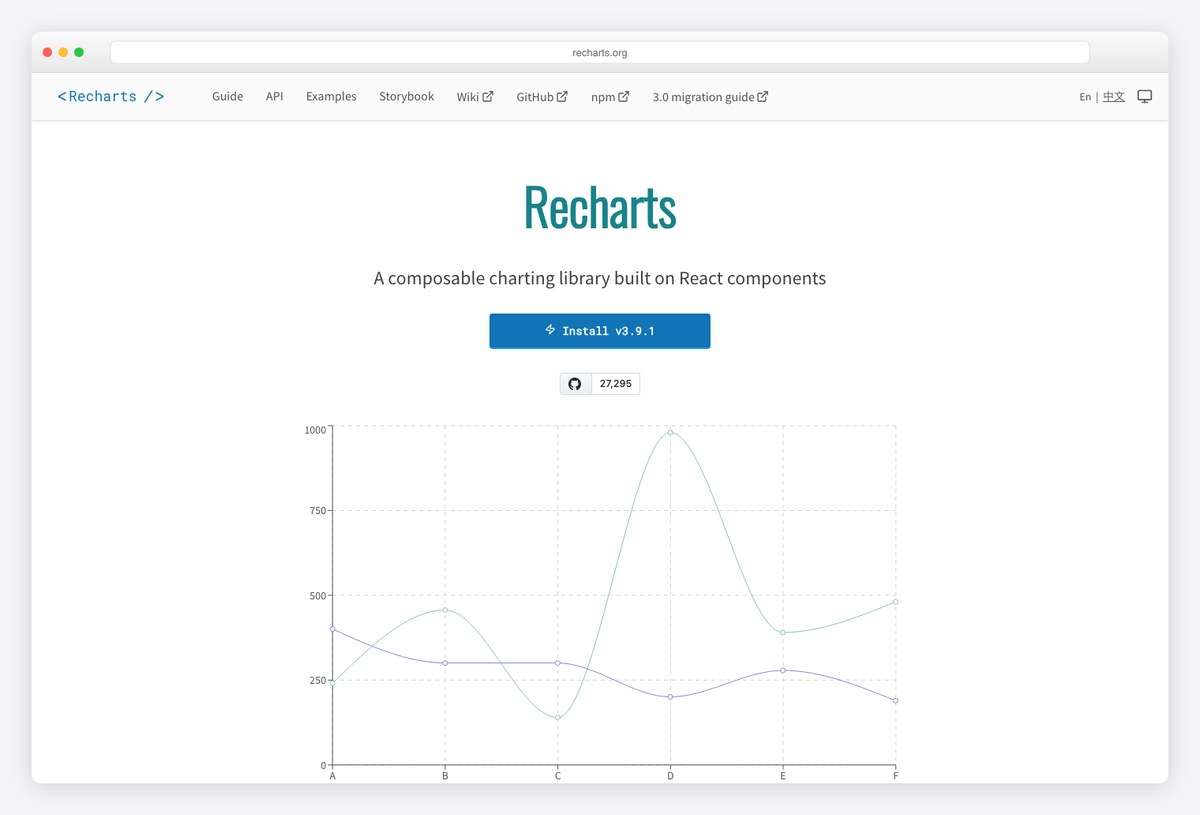
Why we like it: Recharts is the composable SVG charting library that powers both Tremor and shadcn/ui charts — go straight to it when you need chart types or interactions the higher-level kits don’t expose.
Working with Recharts directly trades convenience for control: every axis, tooltip, and animation is yours to compose. Most teams are happier one level up (Tremor or shadcn charts), but knowing the engine matters when requirements get specific — custom tooltips, synced charts, exotic compositions.
The escape hatch every Tremor project eventually appreciates.
9. Nivo
The richest chart-type catalog
Why we like it: Built on D3, Nivo offers the widest set of chart types in React — heatmaps, sankeys, chord diagrams, sunbursts, calendars — with SVG, canvas, and server-side rendering options.
When a dashboard needs visualizations beyond the line/bar/donut canon, Nivo is usually the answer. It’s a different philosophy than Tremor — a big configurable API rather than pre-styled components — so budget more design time, and expect charts that can do almost anything.
Reach for it for the 10% of charts Tremor doesn’t cover.
How to choose in the Tremor ecosystem
A quick decision path:
- Need a working dashboard this week? Fork the Dashboard Template (customer-facing metrics) or Insights (internal reports).
- Building custom but want speed? Compose from Tremor Blocks — now free — over the core components.
- App already standardized on shadcn/ui? Use shadcn/ui charts for consistency; borrow Tremor’s KPI/tracker patterns where shadcn has gaps.
- Hit a chart the kits can’t draw? Drop to Recharts for control, or Nivo for exotic types.
- Want the marketing site to match? Solar keeps the whole product in one design language.
Frequently asked questions
What is Tremor?
Tremor is an open-source React library of 35+ components purpose-built for dashboards and analytics — charts, KPI cards, trackers, tables — styled with Tailwind CSS on Radix UI primitives. It uses the copy-paste model (components live in your codebase), and the project joined Vercel, which now backs its development.
Is Tremor free?
Yes — entirely. The component library is open source, and Tremor Blocks (300+ prebuilt sections) plus all official templates, formerly paid products, are now free and open-source as well. There is currently nothing to buy in the Tremor ecosystem.
Tremor vs Recharts — what’s the difference?
Recharts is the low-level charting engine; Tremor builds on top of it, adding pre-styled chart components plus the non-chart parts of a dashboard (KPI cards, data bars, trackers, tables). Use Tremor for speed and consistency; drop to Recharts directly when you need custom chart behavior the Tremor API doesn’t expose.
Should I use Tremor or shadcn/ui charts?
They’re siblings — both copy-paste, Tailwind-styled, and Recharts-powered. If your app is already built on shadcn/ui, its native charts keep one design system. If the product is data-first, Tremor goes further: richer metric components, 300+ blocks, and full dashboard templates. Many teams use shadcn/ui for the app shell and Tremor for the analytics pages.
Does Tremor work with Next.js?
Yes — Next.js is the primary target: the official Dashboard, Insights, and Solar templates are all Next.js apps, and the components work in any modern React setup including Vite and TanStack Start.
Putting Tremor to work? Browse the best analytics dashboard templates and SaaS admin dashboards for the app around your charts — or compare shadcn/ui chart templates and the wider field of React admin dashboard templates.

You Might Also Like