
12 Best Analytics Dashboard Templates 2026
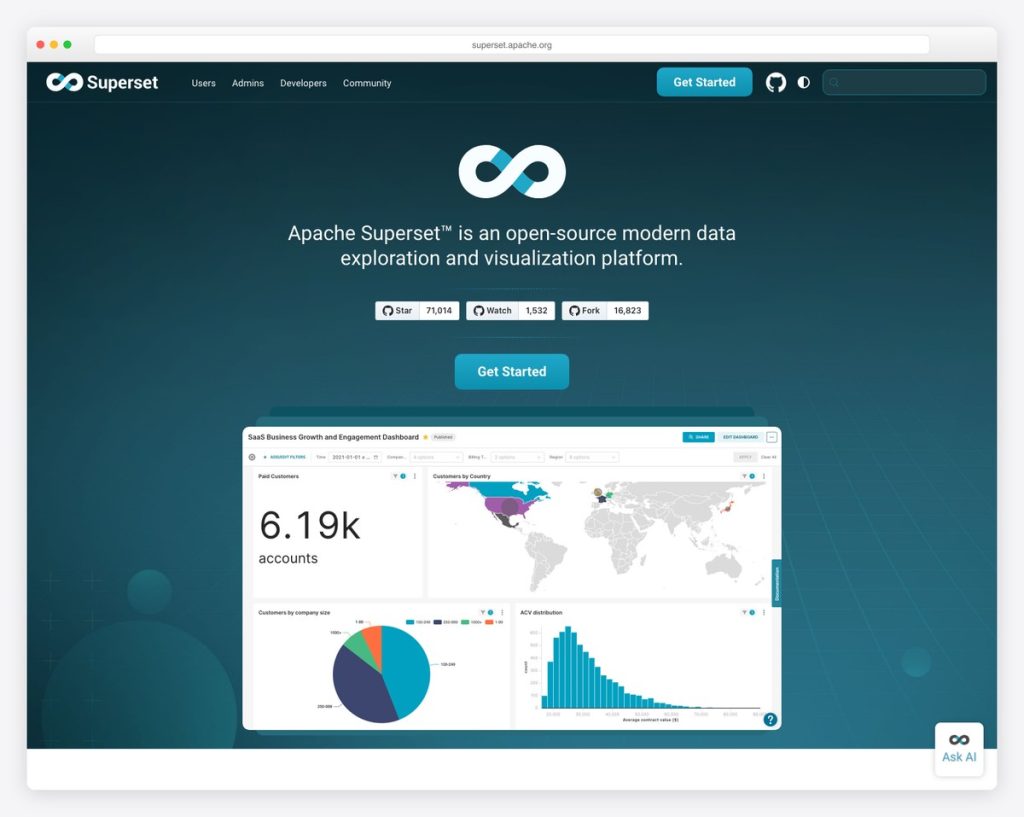
Data-driven decisions start with the right analytics dashboard. Whether you’re tracking website traffic, monitoring infrastructure metrics, visualizing business KPIs, or analyzing user behavior, the right analytics template turns raw data into actionable insights. We evaluated 12 analytics dashboard templates and platforms — from enterprise BI tools with 70K+ GitHub stars to polished premium admin panels with dedicated analytics views.
The options below range from full analytics platforms you can self-host (Superset, Grafana, Metabase) to lightweight web analytics alternatives (Umami, Plausible) to frontend dashboard templates with analytics-specific pages (Apex, Flux, Signal). For each entry, we cover the tech stack, pricing, and what makes it stand out for analytics use cases.
For broader admin dashboard options, check out our roundups of React admin dashboard templates, DevOps monitoring dashboards, and our guide on how to choose the right admin dashboard template.
Quick Picks
- Best BI platform: Apache Superset — 71K stars, 40+ visualization types, drag-and-drop chart builder, connects to 50+ databases
- Best monitoring: Grafana — 72K stars, industry-standard for real-time metrics with 100+ data source plugins
- Best no-SQL analytics: Metabase — 46K stars, visual query builder lets non-technical users build dashboards without SQL
- Best privacy-first: Umami — 35K stars, lightweight Google Analytics alternative with 2KB tracking script
- Best premium template: Apex Dashboard — Dedicated Analytics variant with time-period filters, geographic breakdowns, and 10 chart types
Best Analytics Dashboard Templates
1. Apache Superset
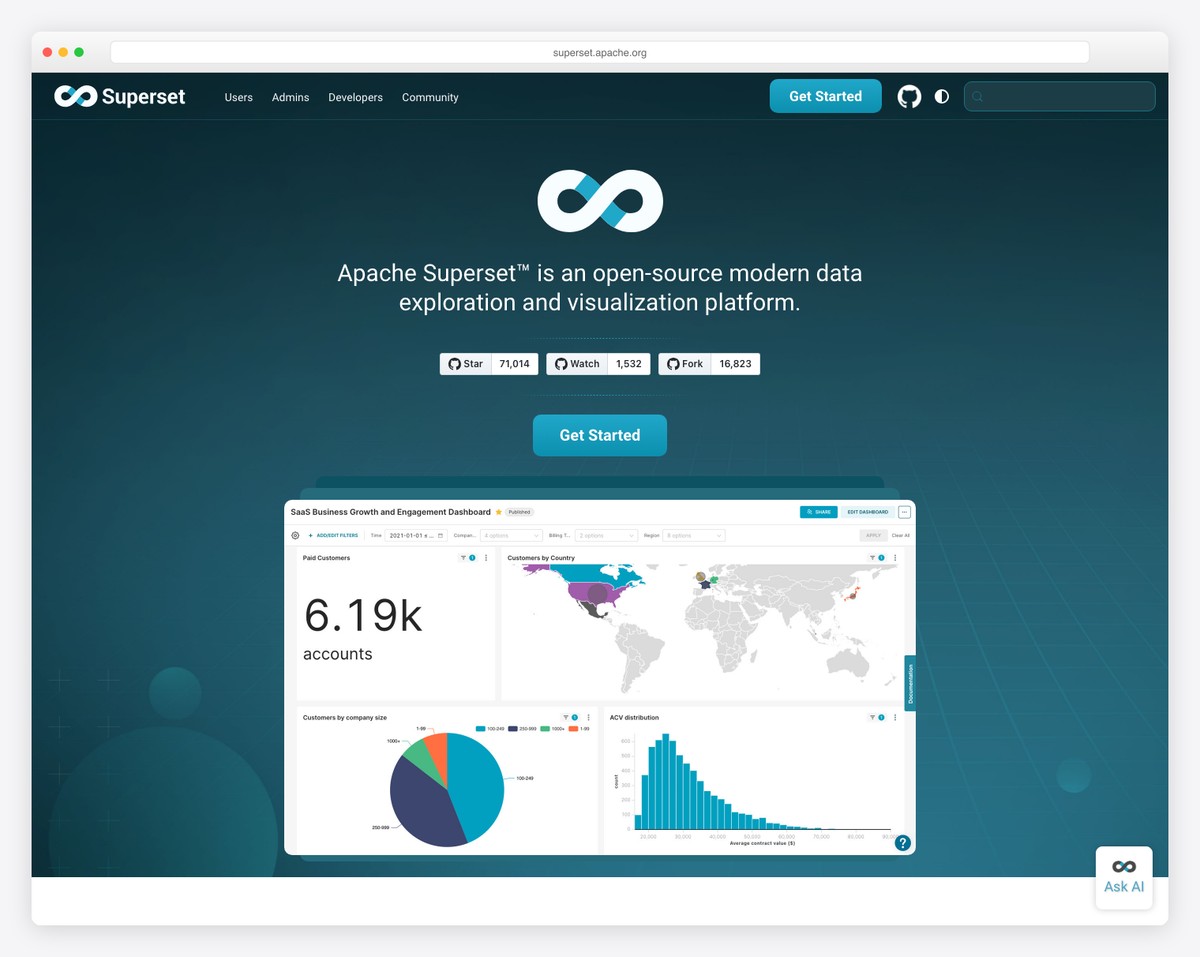
Why we like it: 40+ built-in visualization types with drag-and-drop building — the most versatile open-source BI tool for teams that want Tableau-level capability without the cost.
Apache Superset provides a complete data exploration and visualization platform with 40+ pre-installed chart types, interactive dashboards with cross-filtering, drill-to-detail capabilities, semantic layers for SQL transformations, Jinja templating, and built-in data caching. It’s the go-to choice for data teams who need to build complex analytics dashboards from multiple data sources.
The platform handles everything from simple bar charts to complex geospatial visualizations, with a visual query builder for non-technical users and a full SQL IDE for analysts. Cross-filtering between charts means clicking a bar in one chart filters every other chart on the dashboard.
2. Grafana
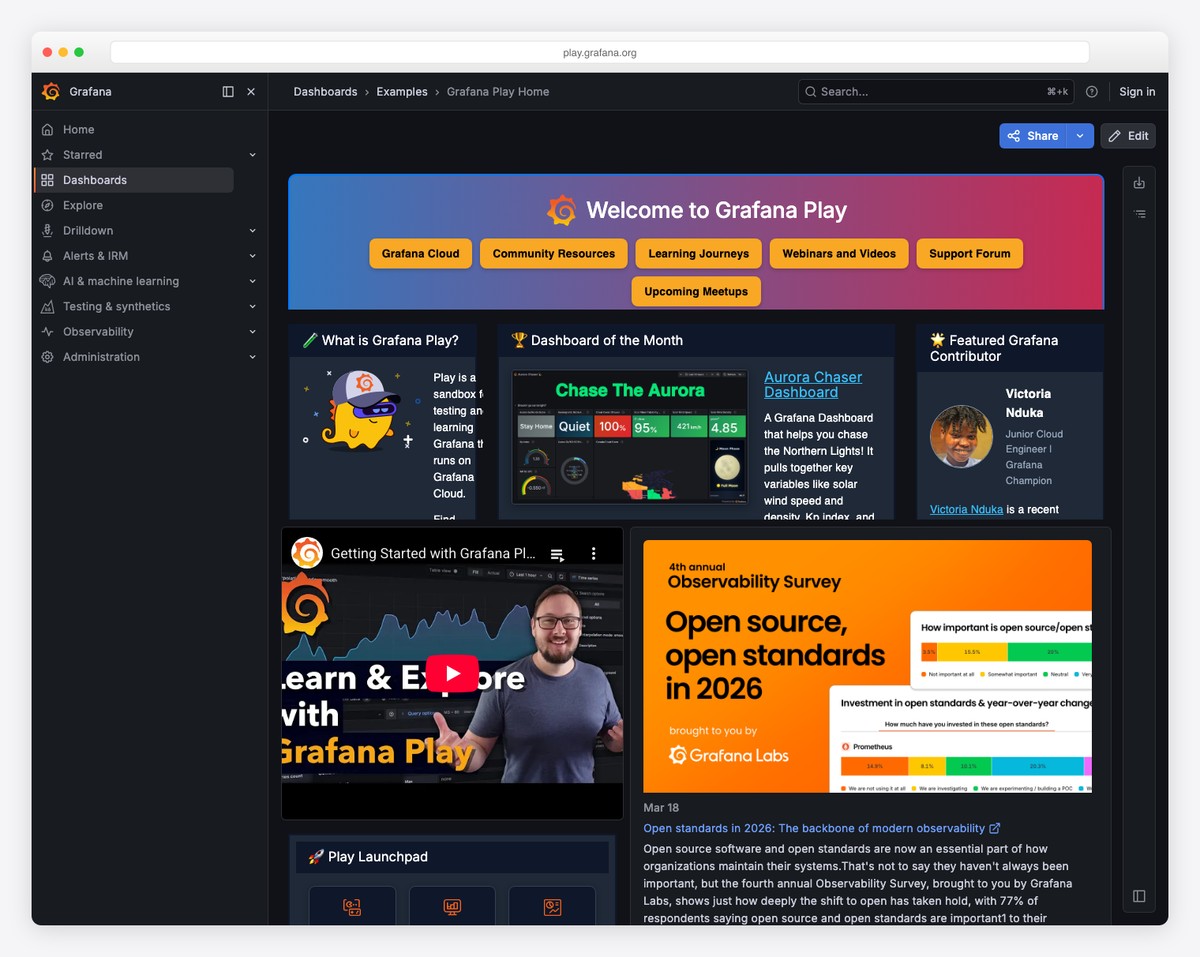
Why we like it: The live playground at play.grafana.org lets you explore fully functional dashboards immediately, and 100+ data source plugins mean it connects to virtually anything.
Grafana (72,700 stars) is the industry-standard open-source observability platform for visualizing metrics, logs, and traces from multiple data sources. Features highly customizable dashboards with panels for time series, heatmaps, histograms, gauges, and more. Supports alerting, annotations, and templated variables for dynamic dashboards.
Pair Grafana with Prometheus for metrics and Loki for logs to build a complete observability stack. The community has published thousands of pre-built dashboards you can import with one click. For more monitoring-focused options, see our DevOps monitoring dashboard templates roundup.
3. Metabase
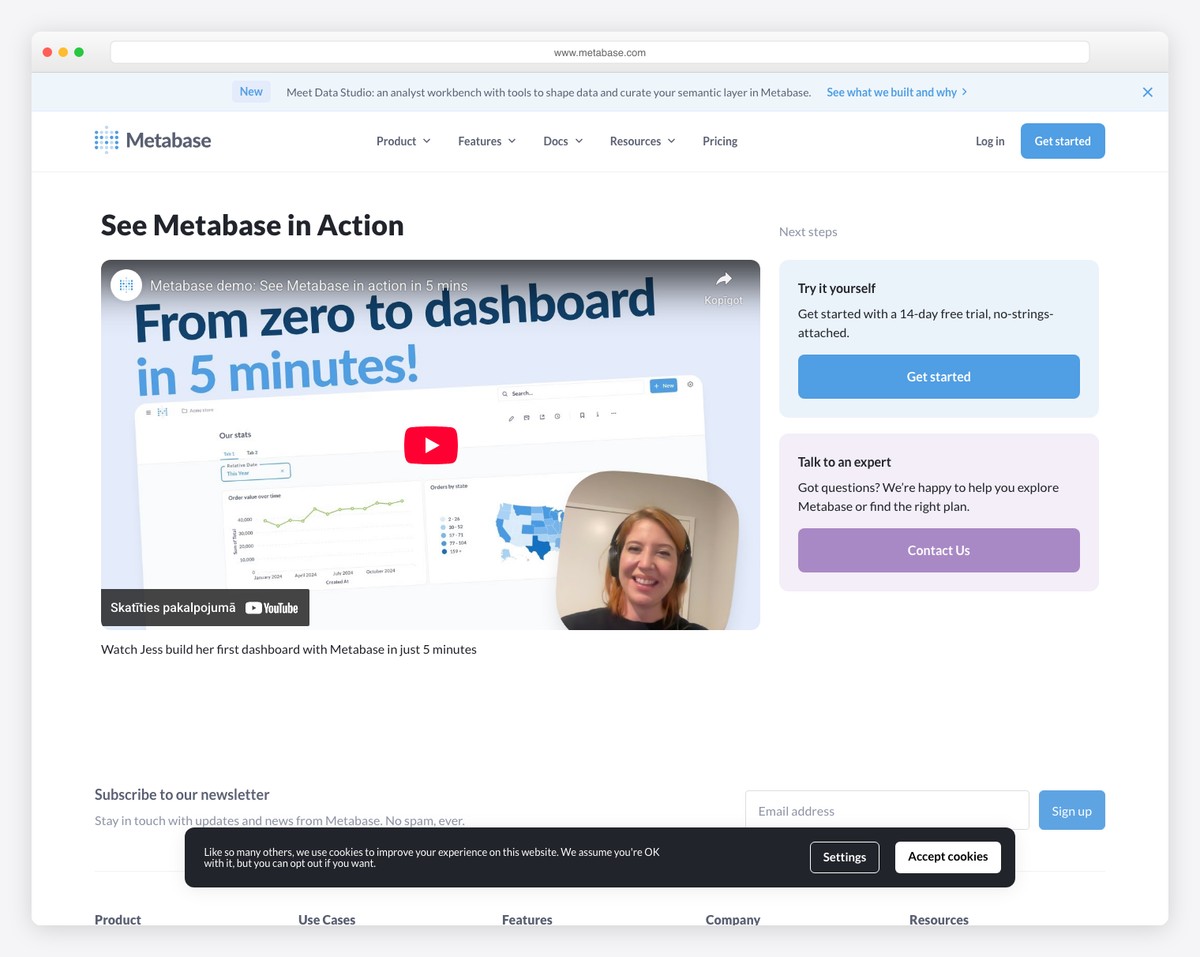
Why we like it: The AI-powered Metabot lets non-technical users ask questions in plain English and get charts back — the lowest barrier to entry of any BI tool on this list.
Metabase (46,400 stars) lets anyone build analytics dashboards through a visual query builder — no SQL required. Features drill-through capabilities, interactive dashboards, and a semantic layer (Data Studio) for curating metrics. Supports 20+ data sources including PostgreSQL, MySQL, MongoDB, BigQuery, and Snowflake. Trusted by 90,000+ companies.
The AI-powered Metabot takes it further — ask “what were our top products last month?” in plain English and get a chart back. For teams where business stakeholders need self-service analytics, Metabase removes the bottleneck of waiting for engineering to build reports.
4. Apex Dashboard
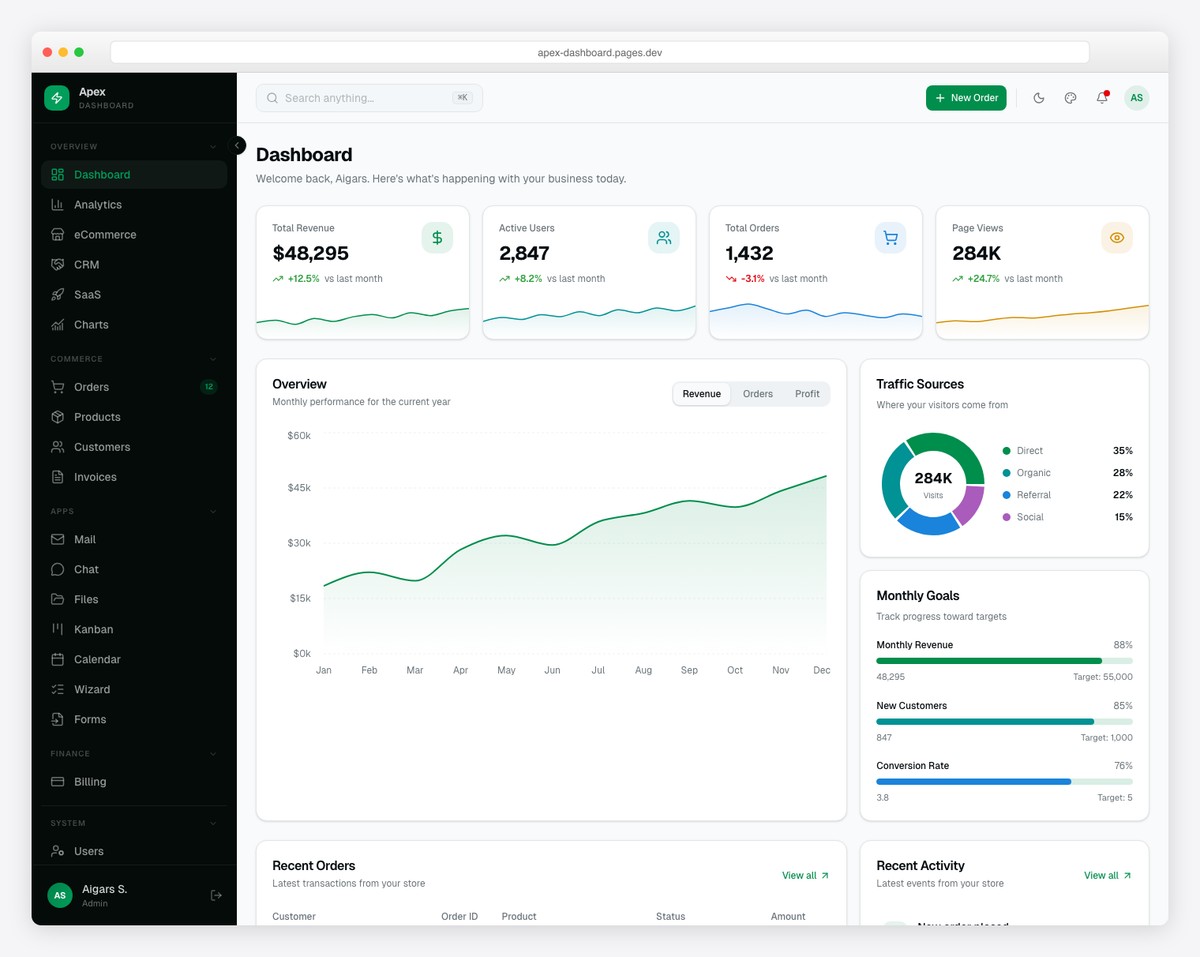
Why we like it: The Analytics dashboard variant is purpose-built for traffic analysis with time-period filters (7d/30d/90d/1y) and geographic breakdowns — not just a generic admin with a chart bolted on.
Apex ships with 5 dashboard variants including a dedicated Analytics view with line/bar charts, time-period filters, date range picker, top pages ranking, and geographic traffic visualization. The template includes 10 Recharts chart types, TanStack Table v8 with CSV export, and a live theme customizer with 6 color presets.
With 125+ pages covering analytics alongside eCommerce, CRM, SaaS, and overview dashboards, Apex provides the most comprehensive analytics-ready admin template available. For more Next.js options, see our Next.js + shadcn/ui dashboard roundup.
5. Umami
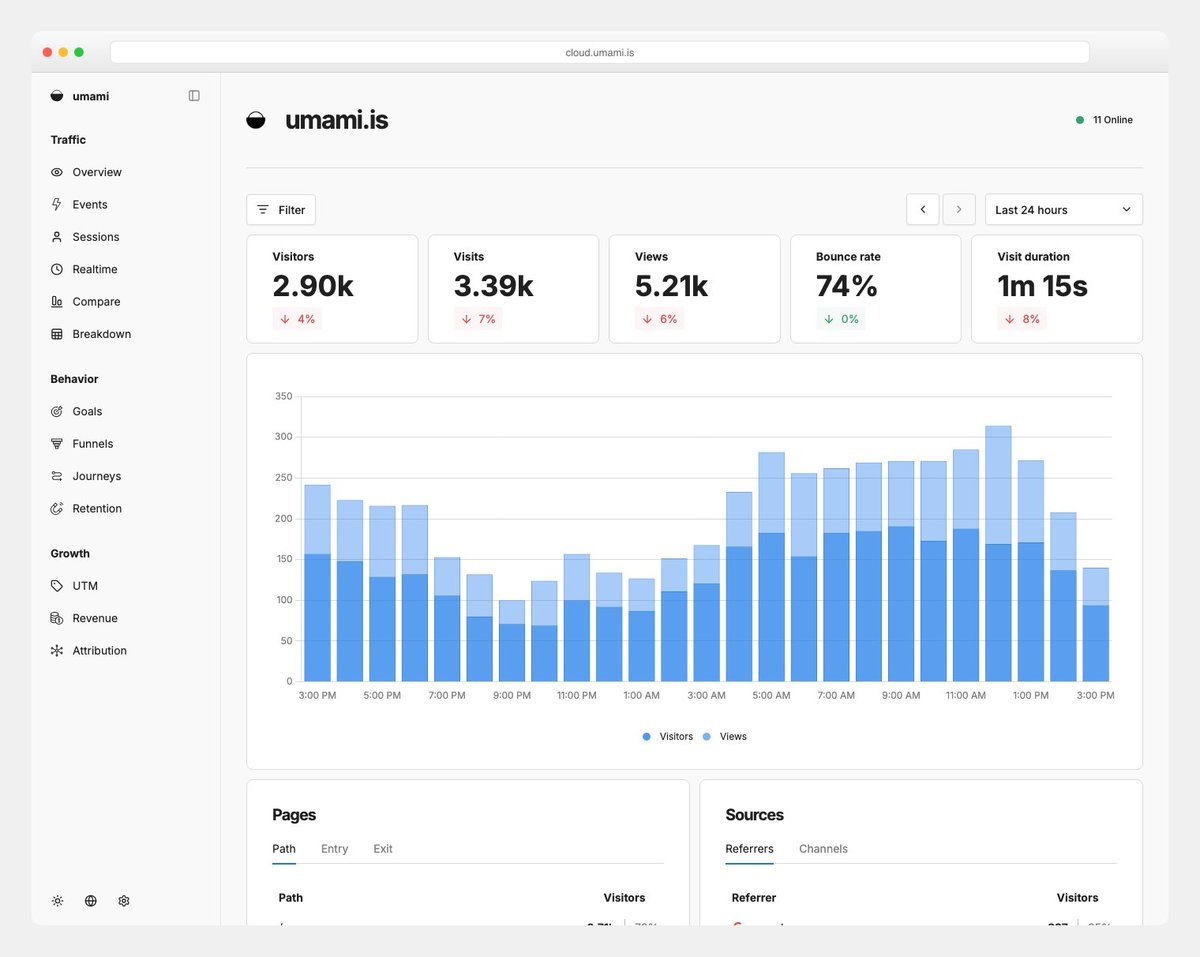
Why we like it: The entire tracking script is ~2KB (vs Google Analytics at ~45KB), making it the fastest-loading analytics solution — perfect for performance-conscious developers.
Umami (35,700 stars) is a modern, privacy-focused web analytics platform serving as a lightweight alternative to Google Analytics. Provides pageview tracking, custom events, real-time visitor data, referrer analysis, browser/OS/device breakdowns, and geographic mapping — all without cookies. Self-hostable or available as managed cloud service.
Built on Next.js with Prisma, Umami is particularly appealing to developers who want analytics they can understand, extend, and self-host. The MIT license means unlimited commercial use with no restrictions.
6. PostHog

Why we like it: The only open-source platform combining product analytics with session replay, feature flags, and A/B testing — replaces 4-5 separate tools.
PostHog (32,100 stars) is an all-in-one product analytics platform combining web analytics, session replay, error tracking, feature flags, A/B testing, surveys, and a data warehouse. Provides funnels, retention analysis, user paths, and cohort breakdowns. Built on ClickHouse for fast analytics queries at scale.
For product teams, PostHog eliminates the integration tax of using separate tools for analytics (Amplitude), session replay (FullStory), feature flags (LaunchDarkly), and A/B testing (Optimizely). Everything lives in one platform with a unified user identity.
Looking for more dashboard options across different use cases? Browse our collections of CRM dashboard templates, e-commerce admin dashboards, and fintech dashboard templates.
7. Flux Dashboard
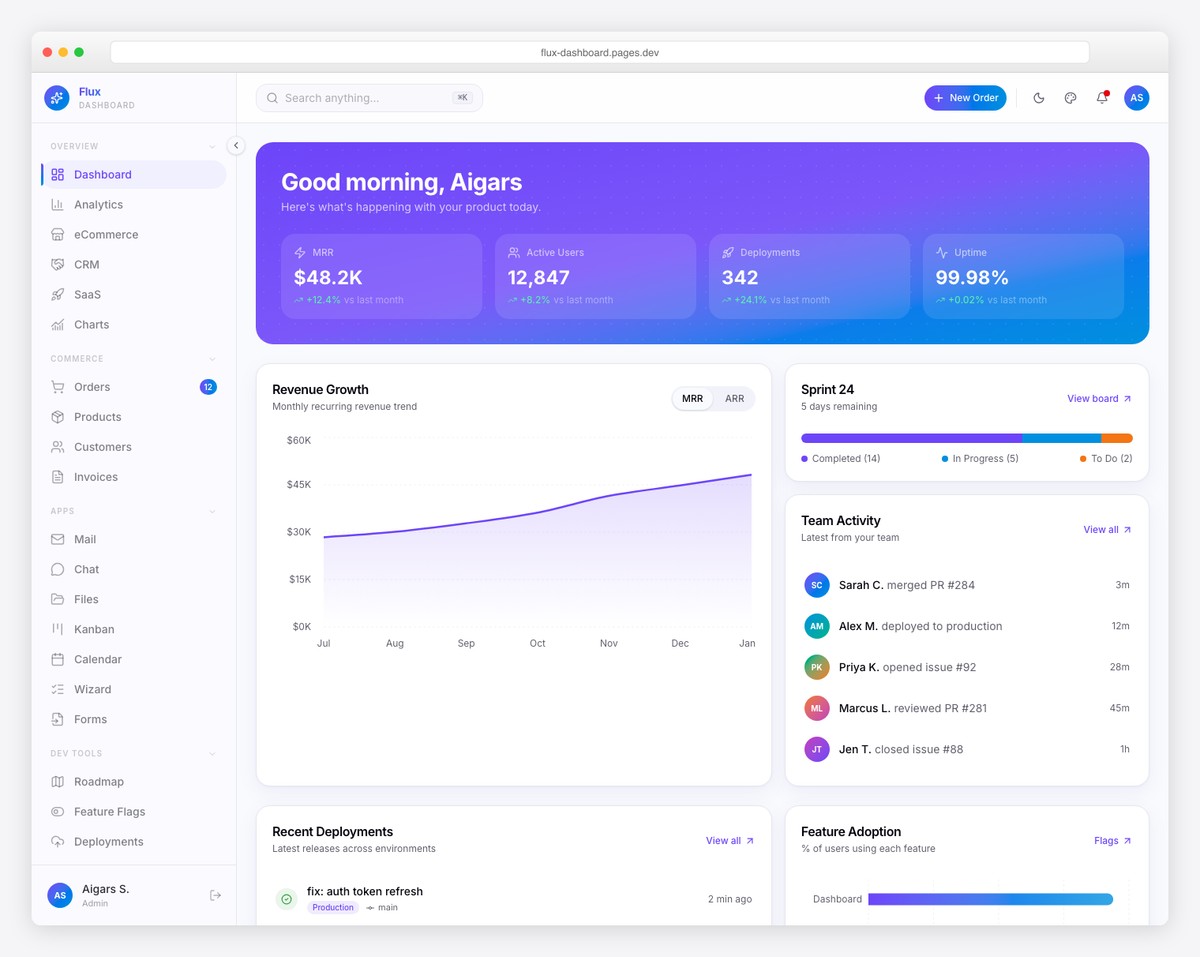
Why we like it: The combination of analytics dashboards with product management pages (roadmap, feature flags, changelog) makes it uniquely suited for SaaS product teams.
Flux delivers 64+ pages across 5 dashboard variants including a dedicated Analytics view with line/bar charts, time-period filters, date range picker, top pages ranking, and geographic traffic tracking. Framer Motion animations and gradient-forward design give it a distinctively modern feel.
What sets Flux apart is the 7 specialty pages — Product Roadmap, Feature Flags, Sprint Board, Deployment Log, and Changelog — alongside the analytics dashboard. For SaaS teams that want both product metrics and development tracking in one admin panel, Flux is the natural choice.
8. Redash
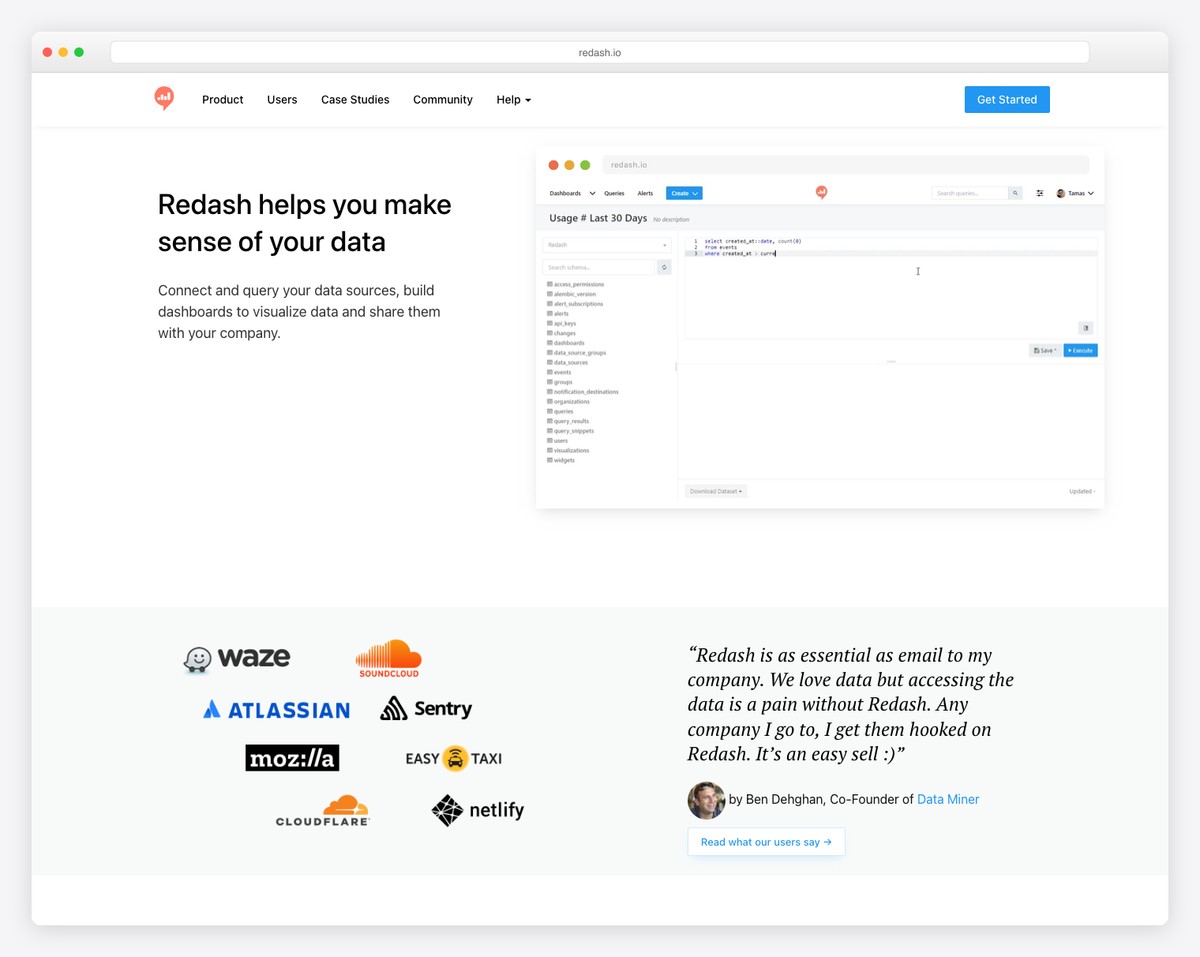
Why we like it: The SQL-first approach with parameterized queries and scheduled refreshes makes it the best choice for analyst teams that live in SQL.
Redash (28,300 stars) lets you query any data source, build visualizations, and assemble them into shareable dashboards. Supports 35+ data sources including relational databases, NoSQL stores, and APIs. Features parameterized queries, scheduled refreshes, alerts based on query results, and a query snippets library for reusable SQL.
For data teams that are comfortable writing SQL, Redash provides the shortest path from query to dashboard. Write your SQL, pick a chart type, and pin it to a shared dashboard. No drag-and-drop builder, no visual query language — just SQL and results.
9. Plausible Analytics
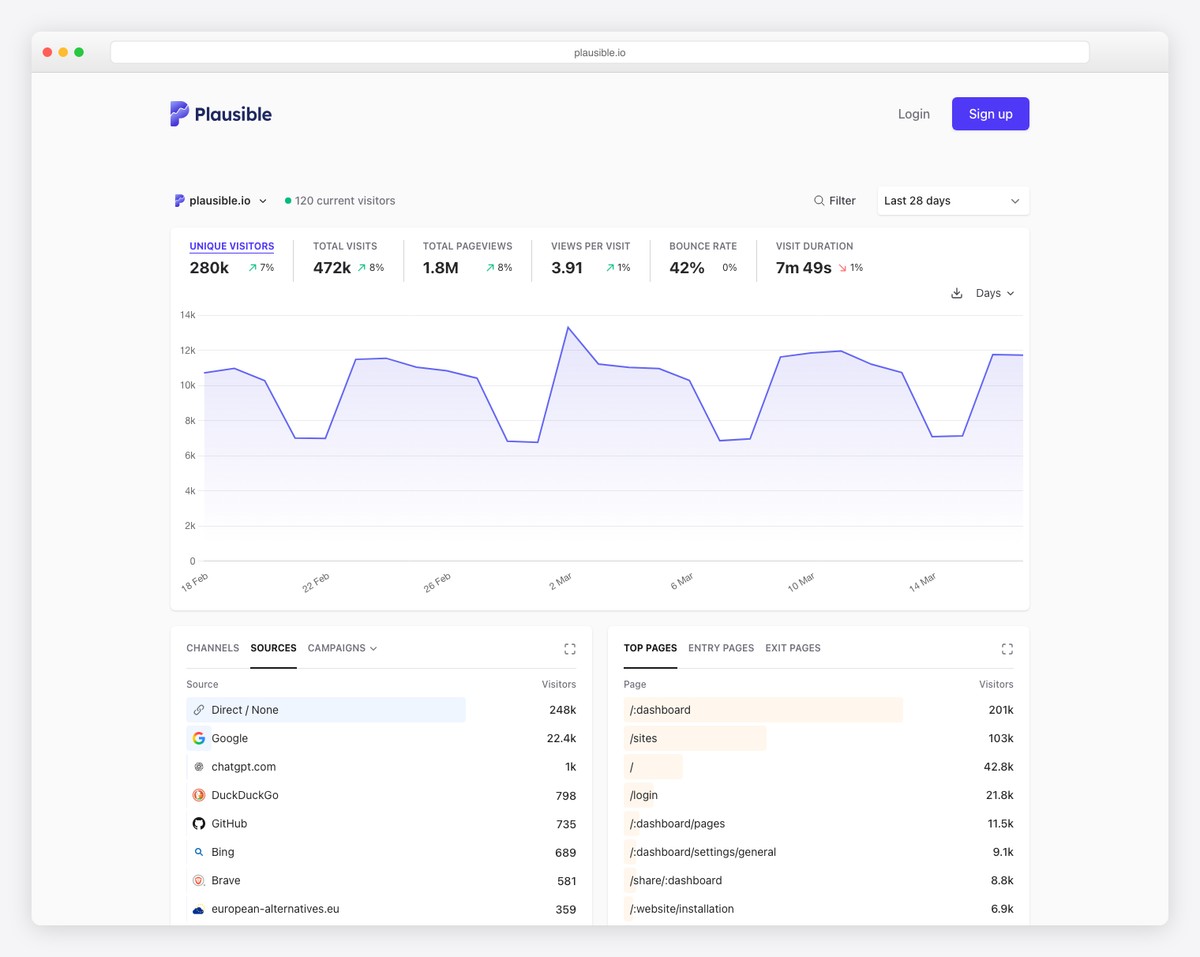
Why we like it: AI tool traffic detection (identifying visits from ChatGPT, Perplexity, Claude) is a uniquely forward-looking feature no other analytics platform offers.
Plausible (24,400 stars) is a lightweight, privacy-friendly web analytics alternative to Google Analytics — with a tracking script 75x smaller than GA. Features a real-time dashboard updating every 30 seconds, automatic scroll depth tracking, UTM campaign tracking with automatic channel grouping, and codeless goal/revenue tracking.
The standout feature in 2026: AI tool traffic detection. Plausible identifies visits from ChatGPT, Perplexity, Claude, and other AI tools — giving you visibility into a traffic source that most analytics platforms can’t distinguish from regular referrals.
10. Signal Dashboard
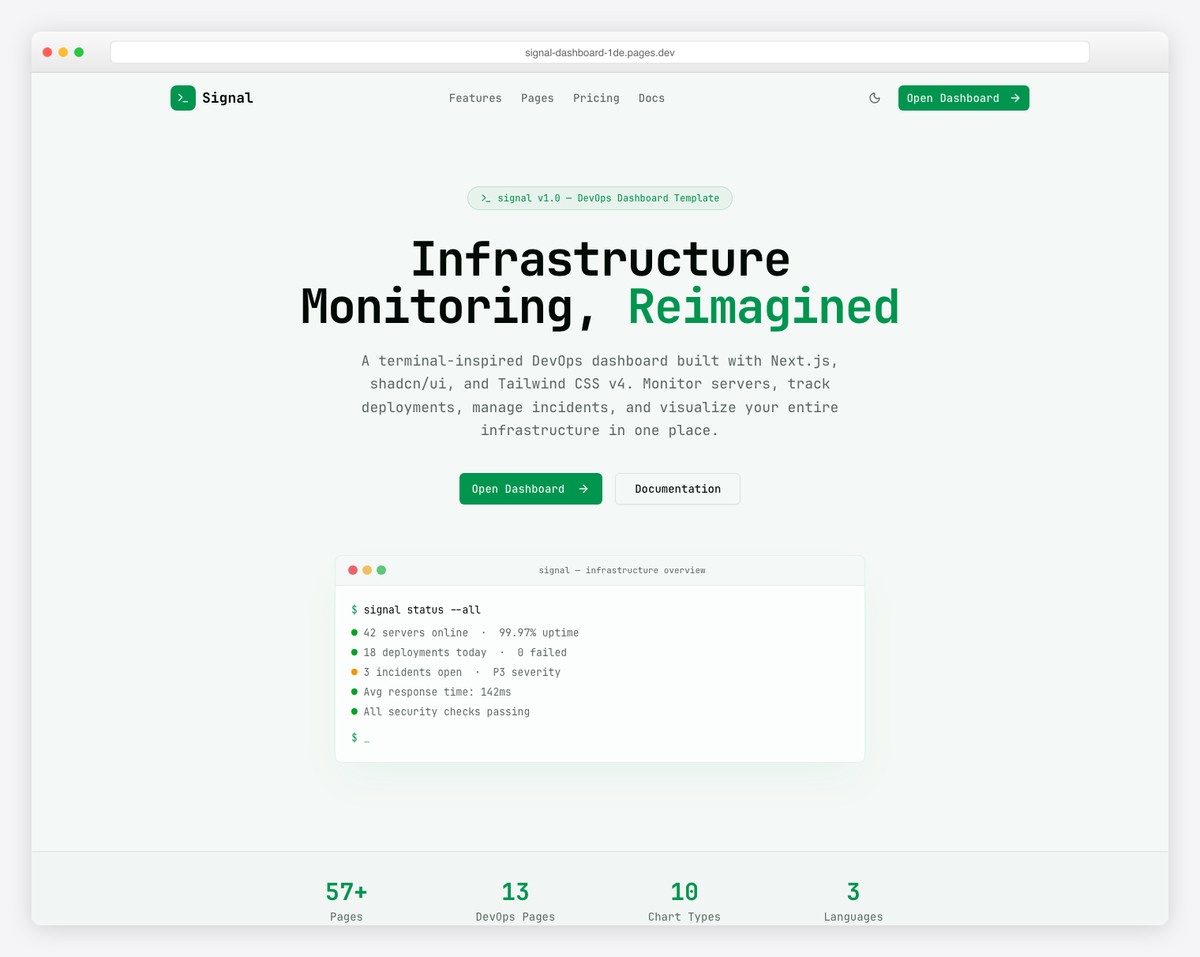
Why we like it: API latency percentile tracking (p50/p95/p99) and Kubernetes health monitoring are analytics features you rarely see in dashboard templates.
Signal takes a terminal-inspired design approach with JetBrains Mono typography and dark-first neon aesthetics. The 57+ page dashboard provides full-stack observability with 13 DevOps-specific pages: Server Fleet, Containers, Deployments, Incidents, Log Explorer, Uptime Monitor, CI/CD Pipelines, Databases, Security Audit, API Monitoring, Kubernetes, Cloud Costs, and public Status Page.
For infrastructure analytics specifically — tracking API latency percentiles, CI/CD success rates, container resource utilization, and cloud spend trends — Signal is purpose-built. The information-dense layouts mirror professional monitoring tools like Datadog and New Relic.
11. Matomo
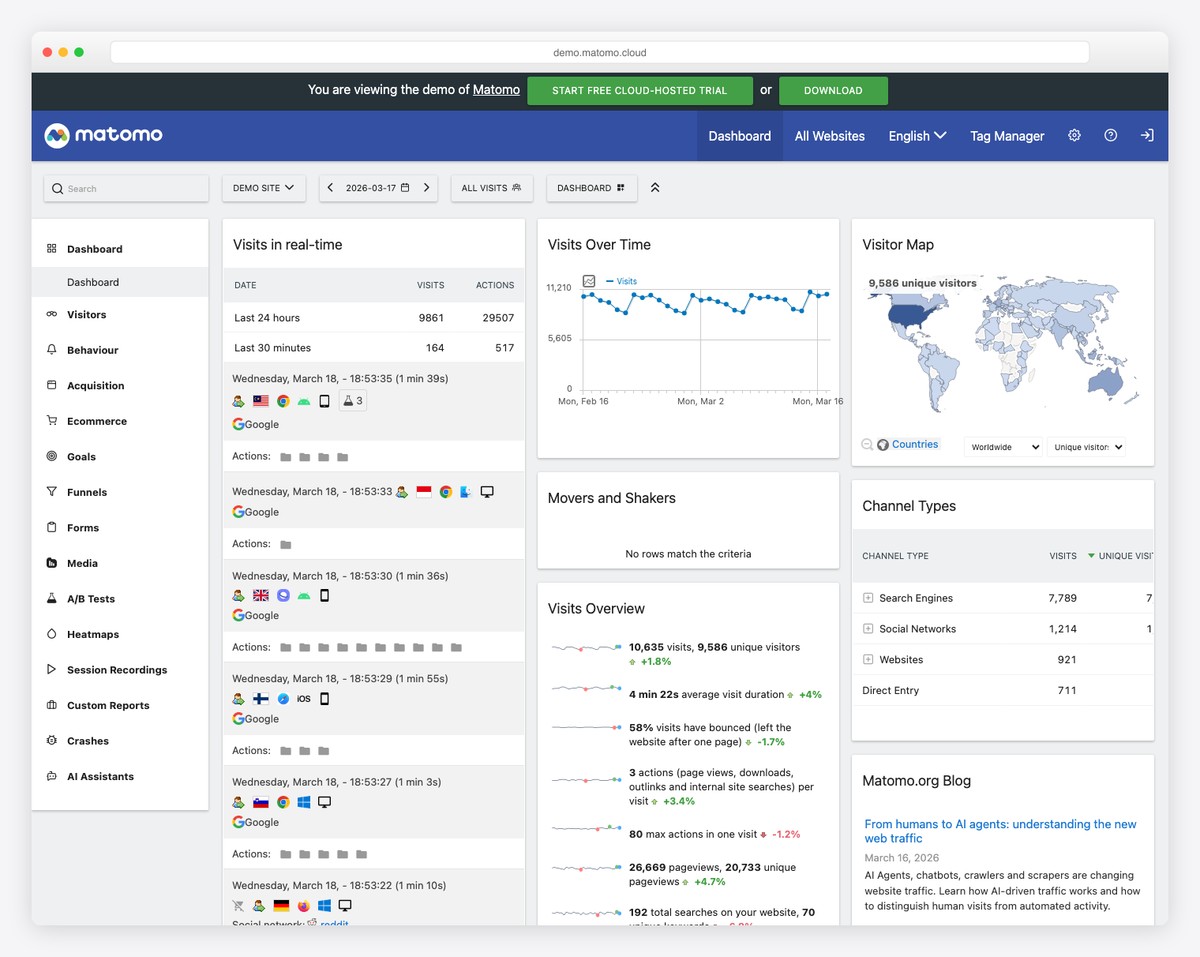
Why we like it: The closest feature-parity replacement for Google Analytics in the open-source world — includes heatmaps, session recordings, and a tag manager that most alternatives lack.
Matomo (21,400 stars, formerly Piwik) is the most feature-complete open-source web analytics platform, offering everything Google Analytics does with full data ownership. Includes real-time analytics, heatmaps, session recordings, A/B testing, funnels, cohorts, custom dimensions, tag manager, and roll-up reporting for multi-site analytics. Used by over 1 million websites including the UN and NASA.
If your organization needs to replace Google Analytics for privacy/compliance reasons but can’t sacrifice features, Matomo is the only open-source option with feature parity — heatmaps, session recordings, tag manager, and ecommerce tracking are all built in.
12. Mantine Analytics Dashboard
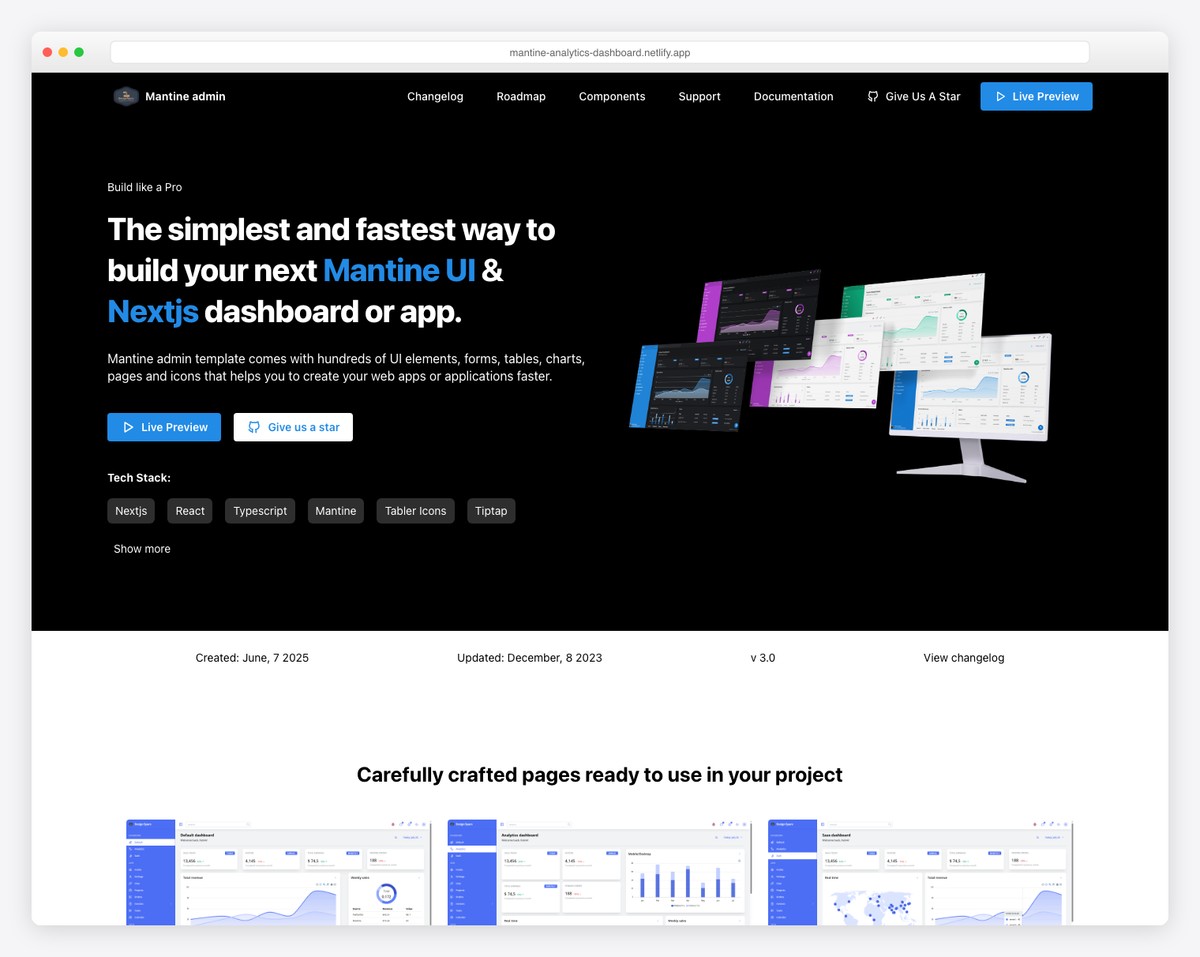
Why we like it: One of the few purpose-built analytics dashboard templates (not a generic admin) that’s MIT-licensed and uses Mantine — a great starting point for Mantine projects.
A free, open-source analytics dashboard template with 2+ dashboard layouts, 45+ UI components, and geographic data visualization via React Simple Maps. Built on Mantine 8 with ApexCharts for data visualization, Mantine DataTable for tabular data, and full dark mode support. Includes 10+ theme color options.
For teams already using Mantine as their component library, this is the most natural analytics dashboard starting point. The MIT license means full commercial freedom, and the purpose-built analytics focus means every component is relevant — no filler pages. For more React component library comparisons, see our Mantine vs Chakra UI vs MUI article.
How to Choose the Right Analytics Dashboard
The decision depends on whether you need a full analytics platform, a web analytics tool, or a dashboard template:
Full Analytics / BI Platforms
- Visual query builder (no SQL): Metabase — easiest for non-technical teams
- 40+ chart types (power users): Apache Superset — most versatile visualization
- SQL-first workflow: Redash — best for analyst teams comfortable with SQL
- Real-time monitoring: Grafana — industry standard for infrastructure metrics
Web Analytics (GA Alternatives)
- Lightest weight (2KB): Umami — MIT license, Next.js-based
- AI traffic detection: Plausible — identifies ChatGPT/Claude referrals
- Full GA replacement: Matomo — heatmaps, session recording, tag manager
- Product analytics + more: PostHog — analytics + session replay + feature flags + A/B testing
Dashboard Templates (Build Your Own)
- Most comprehensive: Apex — 125+ pages, 5 dashboard variants, 10 chart types
- SaaS product teams: Flux — analytics + roadmap + feature flags
- Infrastructure analytics: Signal — API latency, CI/CD, Kubernetes monitoring
- Mantine users: Mantine Analytics Dashboard — MIT, purpose-built for analytics
Conclusion
The analytics dashboard landscape in 2026 ranges from enterprise BI platforms with 70K+ GitHub stars (Superset, Grafana) to lightweight privacy-first alternatives (Umami, Plausible) to polished premium templates with dedicated analytics views (Apex, Flux, Signal). The right choice depends on whether you need a full analytics platform, a Google Analytics replacement, or a frontend template to build custom analytics into your own application.
For more admin dashboard options, explore our collections of best admin templates, dashboard templates, and our industry-specific roundups for CRM, e-commerce, and fintech dashboards.
You Might Also Like


Comments (No Comments)