
21 Best Laravel Admin Panels & Dashboard Templates 2026

Two completely different products answer the words “Laravel admin panel”, and picking the wrong kind costs you weeks. One is a package you install that generates the whole admin from your Eloquent models — login, permissions, CRUD screens, the lot. The other is a UI template: designed markup you wire to your own controllers. This roundup covers both, clearly separated, because almost every other list mixes them and leaves you to work out which is which.
It is also an unusually brutal field. We checked every project here against Laravel 13 on 19 August 2026, and only five of the thirteen admin-panel packages still support current Laravel. Several of the most-starred options have not shipped a real commit since 2023. We have left those out of the list entirely and said why in a section at the end, because you will meet them in search results and deserve to know before you install one.
Not on Laravel? Our PHP admin dashboard templates roundup covers plain-PHP builds, and Laravel templates covers front-end work rather than admin panels.
Quick Picks
- Want the admin generated for you: Filament — the default choice, free and MIT
- Commercial support and a long track record: Backpack — free core, paid PRO
- Lighter alternative to Filament: MoonShine — smaller surface, actively developed
- Editorial and content-heavy sites: Twill — a CMS rather than a CRUD generator
- Best free UI template: Laravel-AdminLTE — the de-facto AdminLTE package for Laravel
- Best premium UI template: Vuexy — the most complete commercial Laravel build
- Cheapest credible premium: Skote — Laravel 13, low entry price
Panel or template? Decide this first
Everything below follows from this one choice, so it is worth thirty seconds up front.
- An admin panel package (Filament, Backpack, Orchid, MoonShine) reads your models and produces working screens. You get authentication, roles, list views, filters and edit forms without writing them. The trade is that you adopt the package’s conventions, and its look is its own — customising deeply means learning its component layer.
- A UI template (AdminLTE, Vuexy, Sneat, Velzon) is markup and styling. It has no idea what a model is. You get complete design control and a screen set that looks the way you want, and you write every controller, form and permission check yourself.
The short version: if the hard part of your project is the business logic, take a package and let it generate the admin. If the hard part is the interface — because clients see it, or it has to match a brand — take a template and accept the plumbing work. Teams that need both usually build with a package and theme it, which is why Filament’s theming layer gets as much attention as it does.
Laravel admin panels — packages that build the admin for you
Install one of these and you have a working admin in an afternoon. The list is ordered by how viable each is today rather than by star count, because star count is exactly what misleads here — the most-starred package in this section has been unmaintained since 2023.
1. Filament
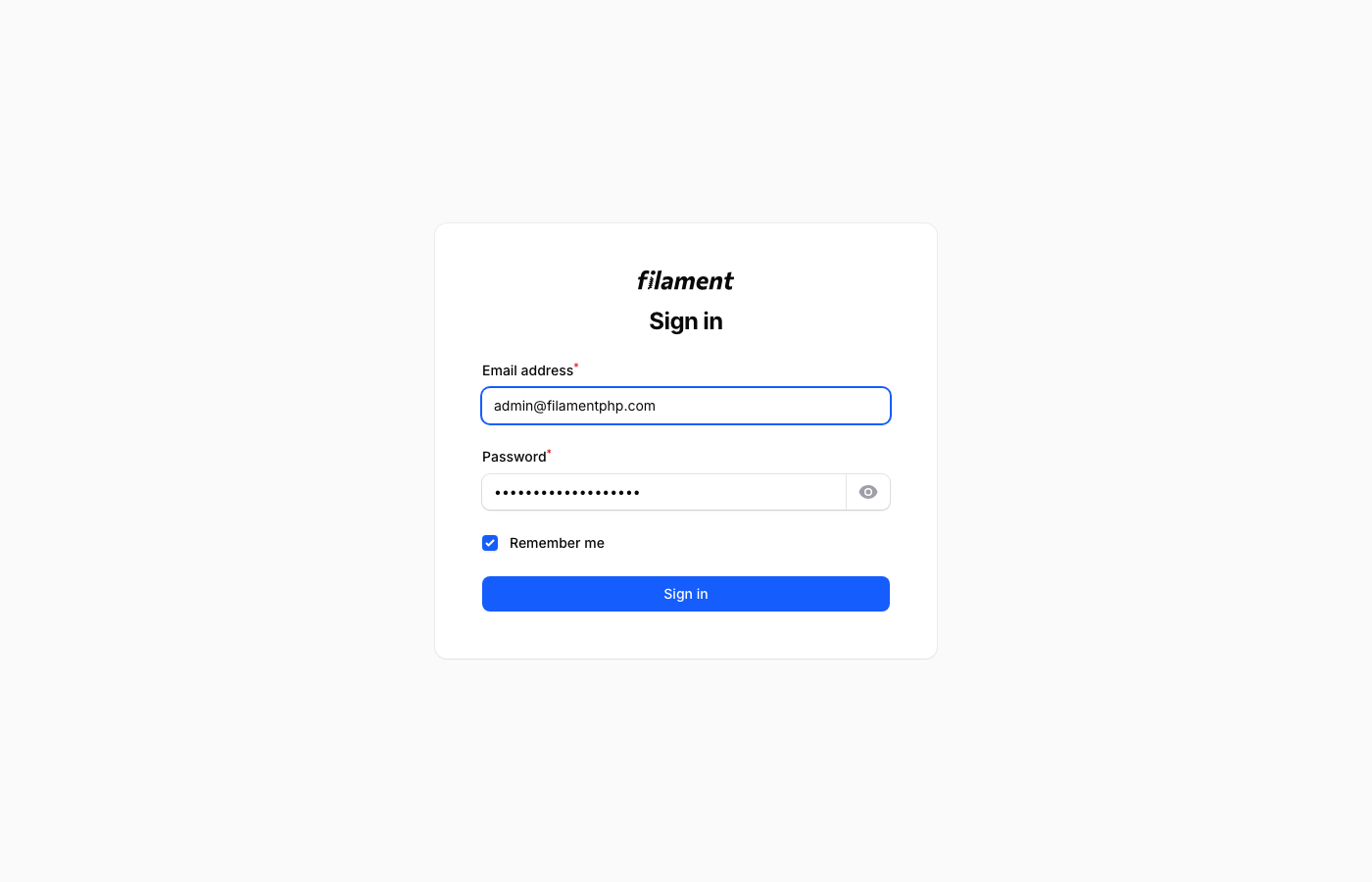
Why we like it: 29.1k GitHub stars, 50+ field types, modular architecture, and hundreds of community plugins — you can build a complete admin panel without writing JavaScript.
Filament is the undisputed king of Laravel admin panels right now. It’s not just a template — it’s a complete admin panel framework built on the TALL stack (Tailwind, Alpine.js, Livewire, Laravel). You define your resources as PHP classes, and Filament generates everything: tables with sorting and filtering, forms with 50+ field types, relation managers, widgets, notifications, and dashboards. The amount of functionality you get without writing a single line of JavaScript is genuinely impressive.
Version 3 brought a modular architecture where you can use the Form Builder, Table Builder, Notifications, and Actions packages independently or together. The plugin ecosystem is thriving too, with hundreds of community packages adding everything from Kanban boards to map widgets. If you’re starting a new Laravel project in 2026 and need an admin panel, Filament should be your default choice unless you have a very specific reason to go elsewhere.
2. Backpack for Laravel
Why we like it: 3.4k stars, 50+ field types, 20+ column types, best-in-class documentation, and 8+ years of production hardening. The Bootstrap alternative to Filament.
Backpack has been around since 2016 and has the battle-tested feel to prove it. The CRUD package provides 50+ field types, 20+ column types, filters, buttons, and widgets — all configurable through a fluent PHP API in your controller. Version 6 brought Bootstrap 5, improved theming via CoreUI, and better performance. The ecosystem includes official add-ons for permissions, page management, settings, log viewing, and more.
The licensing is worth understanding: the core CRUD package is MIT and genuinely free. Some add-on packages require a Backpack license for commercial projects, but you can build a fully functional admin panel using only the free components. The documentation is some of the best in the Laravel ecosystem — detailed, well-organized, and full of real-world examples. If Filament’s Livewire-first approach doesn’t fit your project, Backpack’s traditional Blade + jQuery stack might feel more comfortable, especially for teams coming from older Laravel versions.
3. Orchid Platform
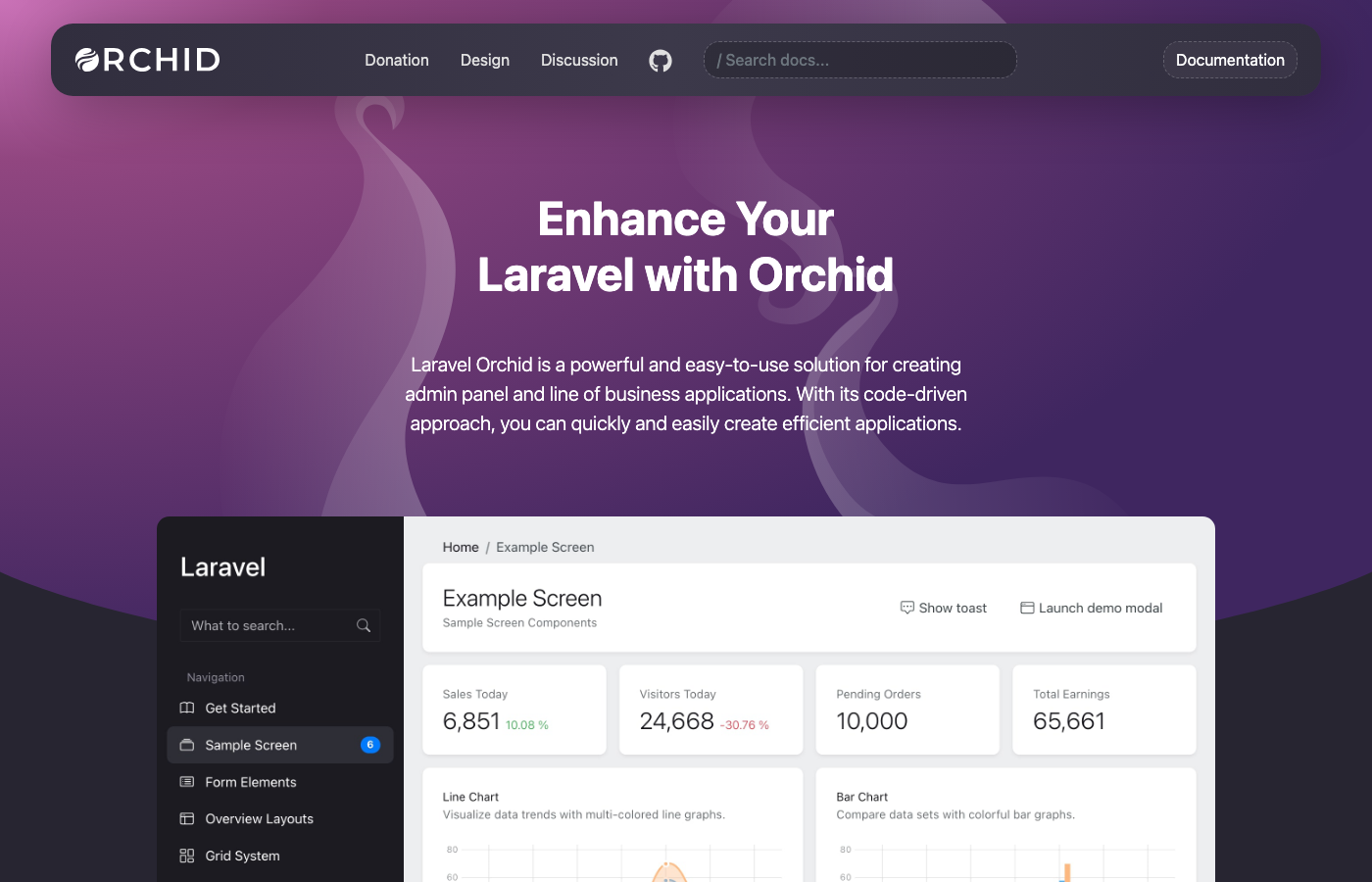
Why we like it: 4.8k stars, unique Screen-based architecture, Hotwire for fast page transitions, and solid English documentation. Steeper learning curve but more control than convention-based alternatives.
Orchid takes a different architectural approach from most Laravel admin builders. Instead of auto-generating CRUD from models, it uses a “Screen” pattern where each admin page is a Screen class containing its own layout definition, data queries, and action methods. Think of it like Laravel controllers that also define their own views — it gives you significantly more control over the UI while still providing pre-built layout components.
The frontend runs on Hotwire (Turbo + Stimulus) with Bootstrap 5, which means fast page transitions without the complexity of a full SPA. Orchid ships with form fields, tables, charts, filters, and modals as reusable layout elements. It’s actively maintained with regular releases and solid English documentation. The learning curve is steeper than Filament’s convention-over-configuration approach, but developers who want more explicit control over their admin UI often prefer it.
4. MoonShine
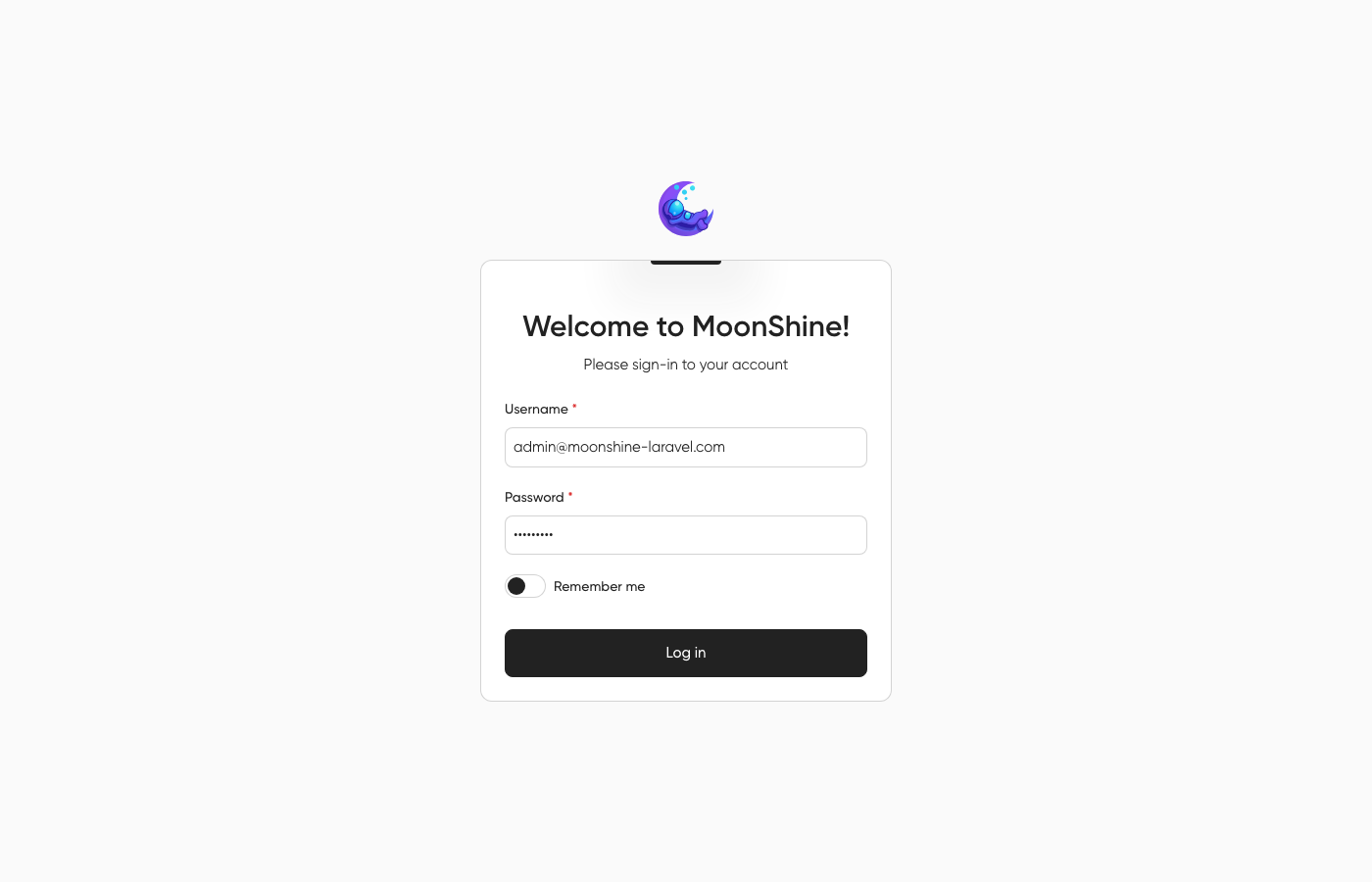
Why we like it: 1.3k stars, modern TALL stack, genuinely good dark mode, step-by-step documentation, and weekly commits. Build a working admin panel in under an hour.
MoonShine is the most exciting newcomer on this list. Built from the ground up with a modern TALL stack (Tailwind, Alpine.js, Livewire, Laravel), it offers the same “define your admin in PHP” developer experience as Filament but with its own design language and component system. The form builder, table builder, and dashboard widgets are all well-thought-out, and the dark mode looks genuinely good — not just “we inverted the colors” good.
What sets MoonShine apart is its focus on developer experience for beginners. The documentation walks you through everything step-by-step, and the API is intuitive enough that you can build a working admin panel in under an hour. It’s actively maintained with commits landing weekly, and the community is growing fast. If Filament ever feels too heavy for your needs, MoonShine provides a lighter alternative without sacrificing the modern stack.
5. Twill
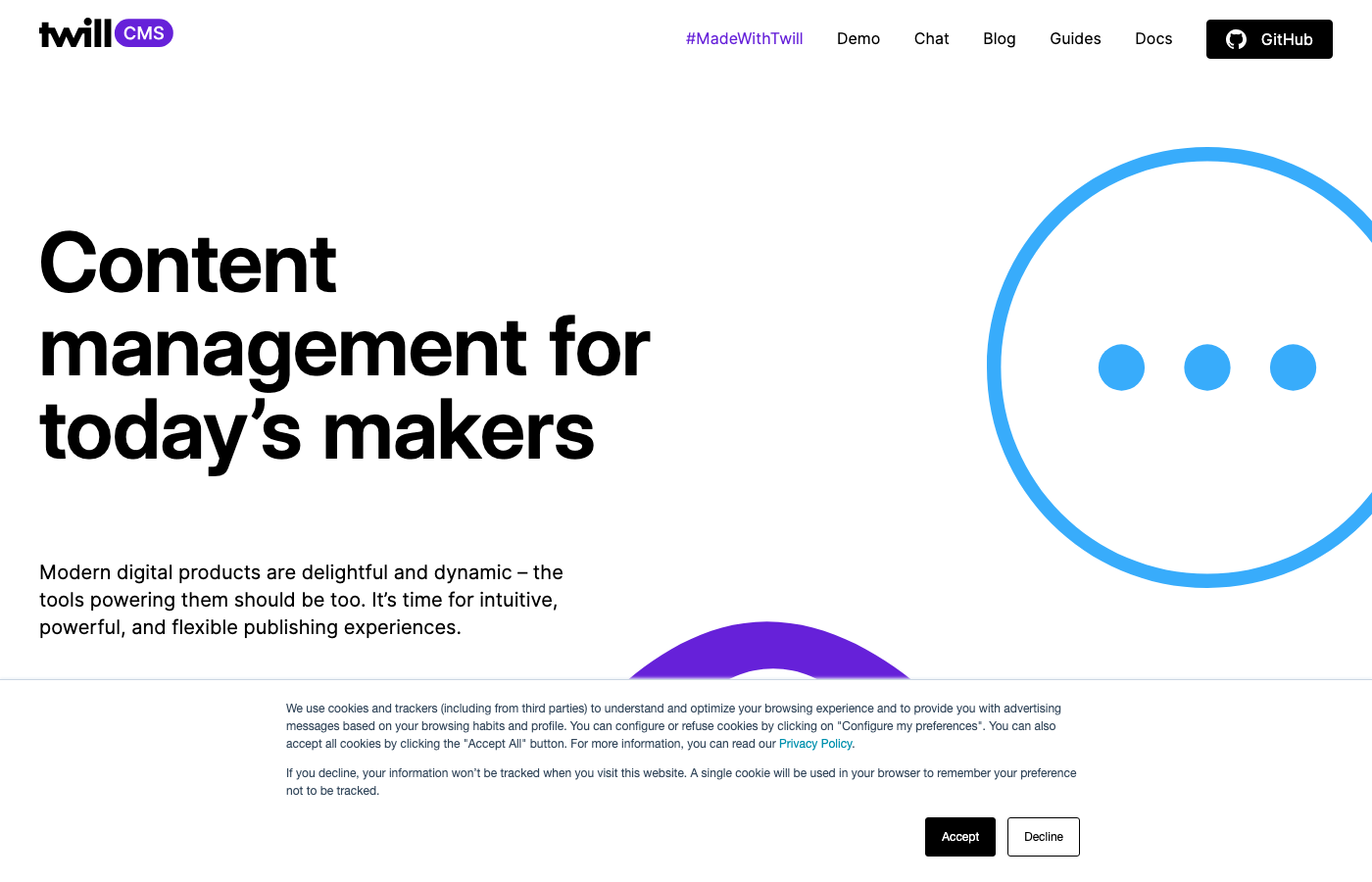
Why we like it: 3.9k stars, built by agency AREA 17 and used by major publishers. The block editor, media library, and revision system are best-in-class for content management.
Twill isn’t really an “admin panel” in the traditional CRUD sense — it’s a CMS toolkit built by the digital agency AREA 17 for content-heavy applications. If you’re building something that involves managing articles, media, pages, or any structured content, Twill gives you a polished editorial interface that content teams actually enjoy using. The block editor, media library, and revision system are genuinely well-designed.
Under the hood, it’s Vue.js on the frontend with Tailwind CSS, and even the current 3.x releases are built on Vue 2.7. Vue 2 reached end of life in December 2023, so expect Vue 2 conventions when you customise it. The admin interface is opinionated in a good way — browser/listing views, form modules, and nested content blocks follow consistent patterns. It’s used by major publishers and agencies in production, which shows in the attention to content workflow details. Not the right tool for a generic admin panel, but unbeatable for content management within Laravel.
Looking for more options beyond Laravel? Our free admin panels collection covers the best dashboards across all backend frameworks.
That is the whole list of maintained options — five. Everything else in this category is behind on Laravel, and the section below says which and why rather than padding the count with projects you should not install.
Free Laravel dashboard templates
UI you wire up yourself. Two things worth knowing before you pick one. Several of these are Laravel application skeletons rather than packages — you clone the project instead of requiring it, which means you inherit its Laravel version and cannot bump it independently. And the free tier of this market ages badly: most of the well-known free Laravel templates stopped at Laravel 8 to 10.
6. AdminLTE 4 for Laravel (Official)
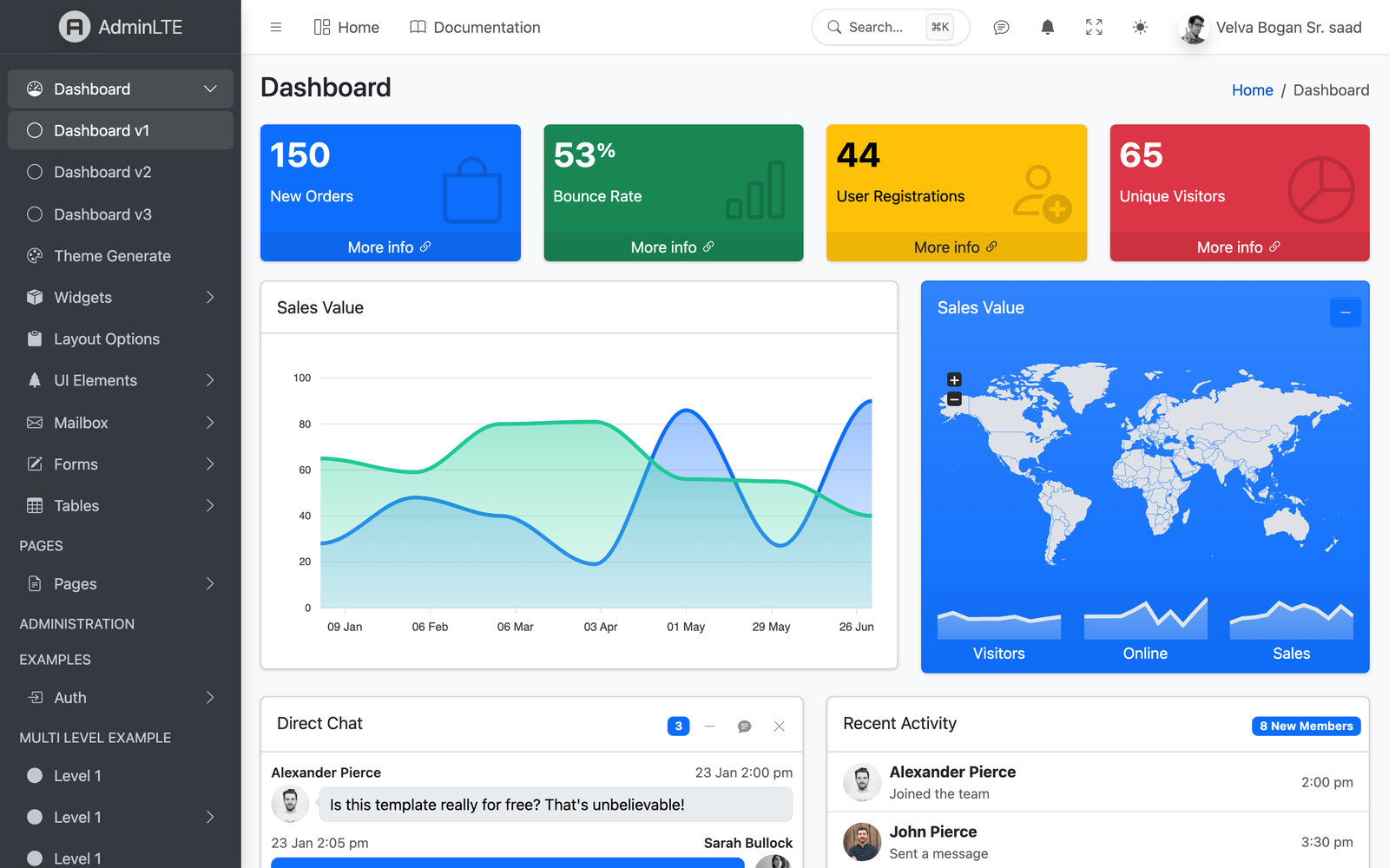
Why we like it: The classic AdminLTE 4 admin wired into Laravel — Bootstrap 5.3, vanilla JS, Vite-ready, with Blade components and themed authentication.
Free and open-source under the MIT license, it’s the quickest way to give a Laravel app the familiar AdminLTE dashboard without paying for a template — run collectstatic-style asset publishing and you’re running.
7. Laravel-AdminLTE (jeroennoten)
Why we like it: This is what most Laravel projects actually use when they say they use AdminLTE, and it is the most-installed AdminLTE integration for Laravel by a wide margin.
It installs as a package rather than a project skeleton, which is the important structural difference from most of this section: your application stays yours, and the admin layout arrives as Blade components and a config-driven menu you can bump independently of your Laravel version. It supports a wide range of Laravel releases rather than pinning to the newest, so it fits existing codebases as easily as new ones.
It is a community project rather than an official one, which is worth stating plainly given the entry above it. Today it is the more established of the two — it has been maintained for years and installs across a wide range of Laravel versions, where the official package is new and targets Laravel 13. Both are actively developed: we maintain the official integration alongside AdminLTE’s other framework editions and track each Laravel release as it lands.
8. Sneat Laravel Admin Template
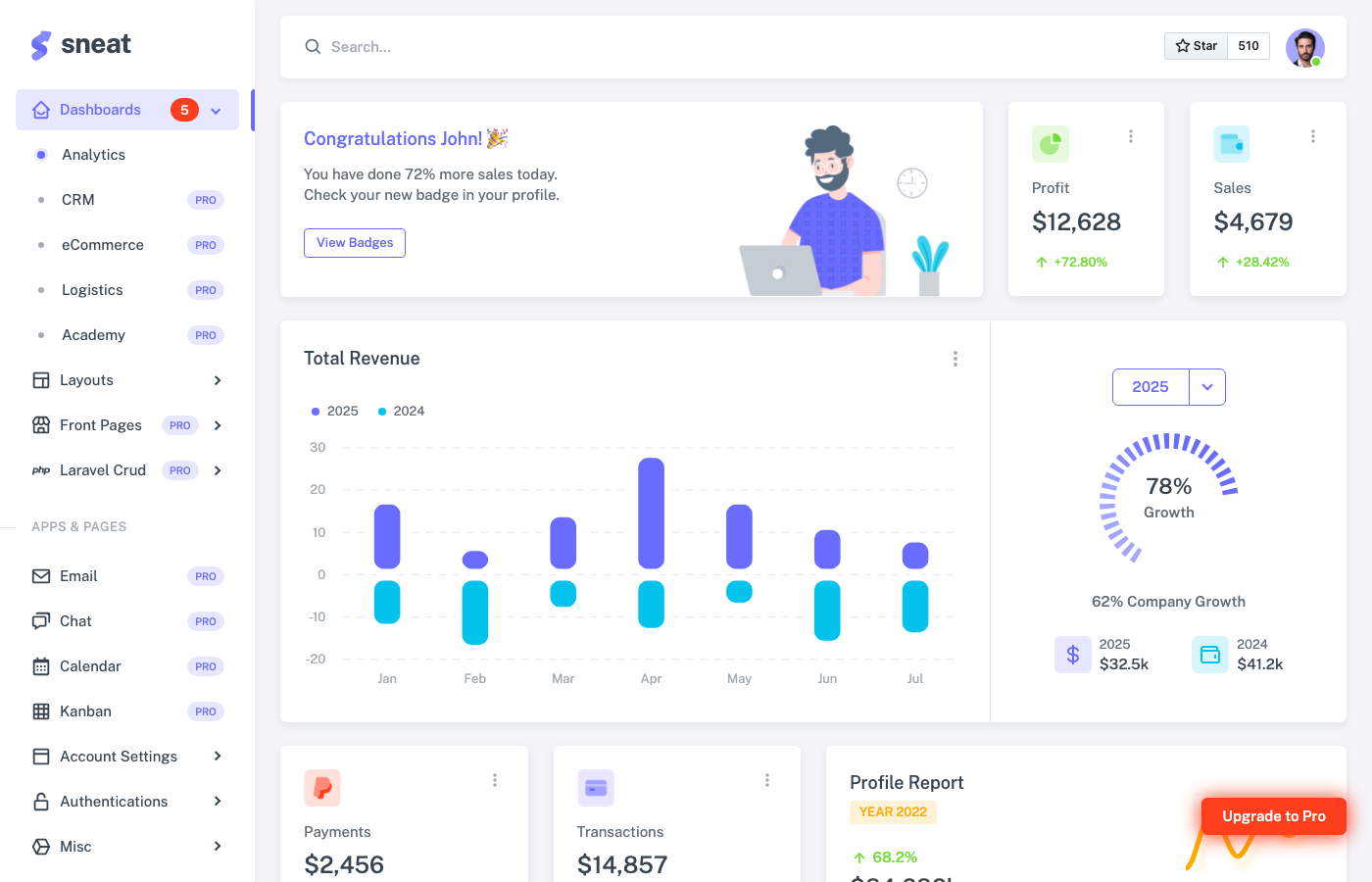
Why we like it: . Design quality rivals paid templates — clean typography, consistent spacing, and thoughtful color usage. Free version includes dashboard, auth flows, and account settings.
Sneat is a polished admin UI template from ThemeSelection, and this is their free Laravel integration. Unlike the admin panel frameworks we’ve covered, Sneat is purely a frontend template — beautifully designed dashboard pages, auth screens, user management views, and UI components that you integrate with your own Laravel controllers and logic. The design quality rivals paid templates, with clean typography, consistent spacing, and thoughtful color usage throughout.
The tech stack is Bootstrap 5 with jQuery and SCSS, compiled through Laravel Mix. Pre-built pages include a main dashboard, login/register flows, account settings, and various UI element showcases. ThemeSelection offers a PRO version with significantly more pages and components, but the free version is a fully functional starting point. If you prefer Bootstrap’s component patterns over Tailwind’s utility approach and want a dashboard that looks professional without custom design work, Sneat delivers.
9. Laravel AdminTW
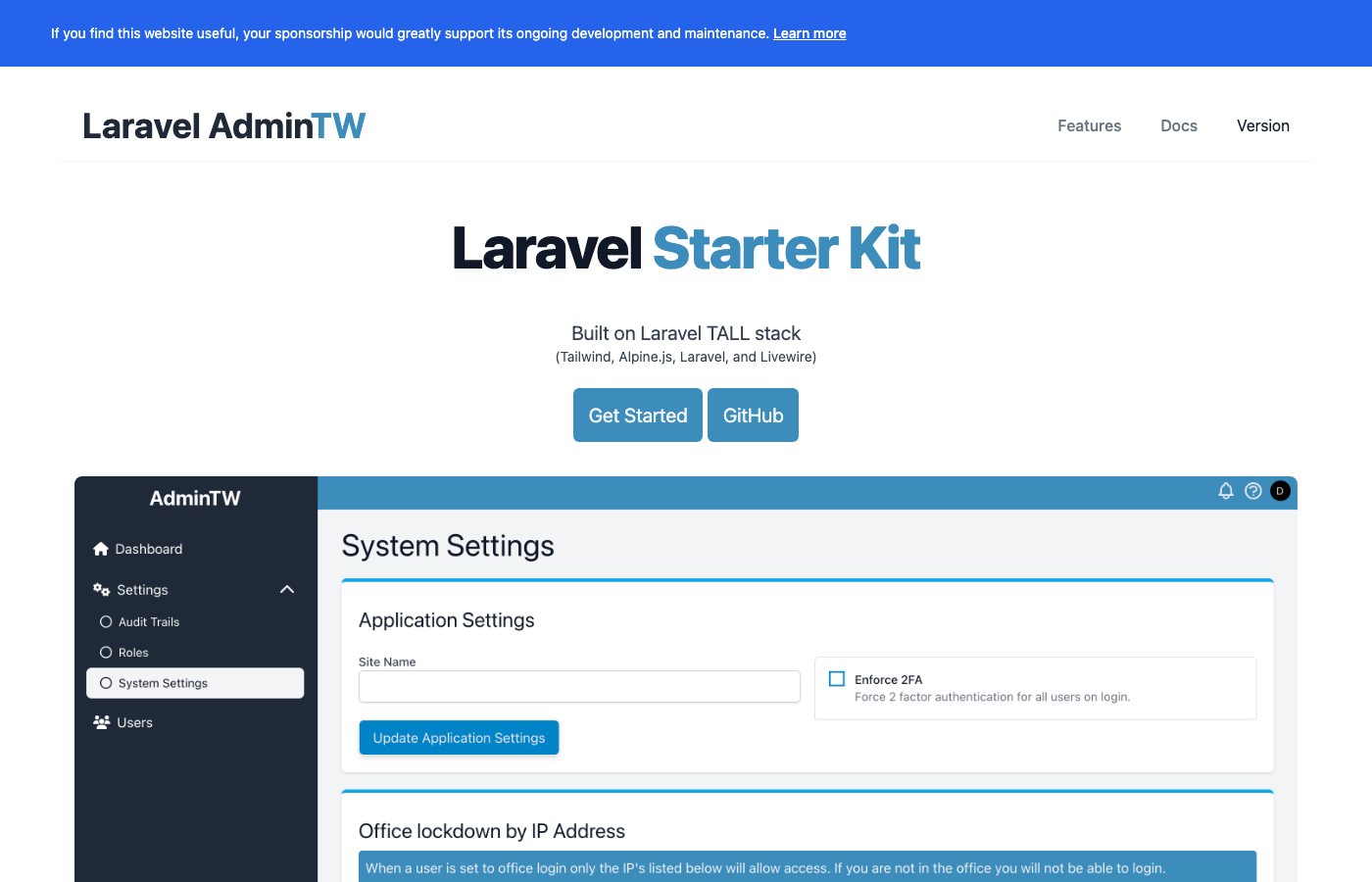
Why we like it: . Lean, practical starter kit — auth, user management, roles, permissions, dark mode, and zero unnecessary abstractions. Saves a solid day of boilerplate setup.
AdminTW is less of a template and more of a production-ready TALL stack starter kit. It gives you a fresh Laravel installation with Livewire, Alpine.js, and Tailwind CSS pre-configured, plus authentication, user management, roles and permissions, and a clean admin layout with dark mode support. Think of it as Laravel Breeze but specifically designed for admin panel development.
The star count is modest, but the project is practical and well-maintained. The codebase is lean — no bloated component libraries or unnecessary abstractions. Every piece of functionality is there because an admin panel actually needs it. For developers who want to build their admin interface from scratch but don’t want to spend hours on the authentication and layout boilerplate, AdminTW saves a solid day of setup work. The TALL stack foundation means you can incrementally add Filament components or custom Livewire features as your project grows.
10. Mosaic Lite Laravel
Maintenance: last commit February 2025 — more than a year and a half ago. The code is still usable, but the framework has shipped major releases since, so budget time to update dependencies yourself and check anything that touches build tooling.
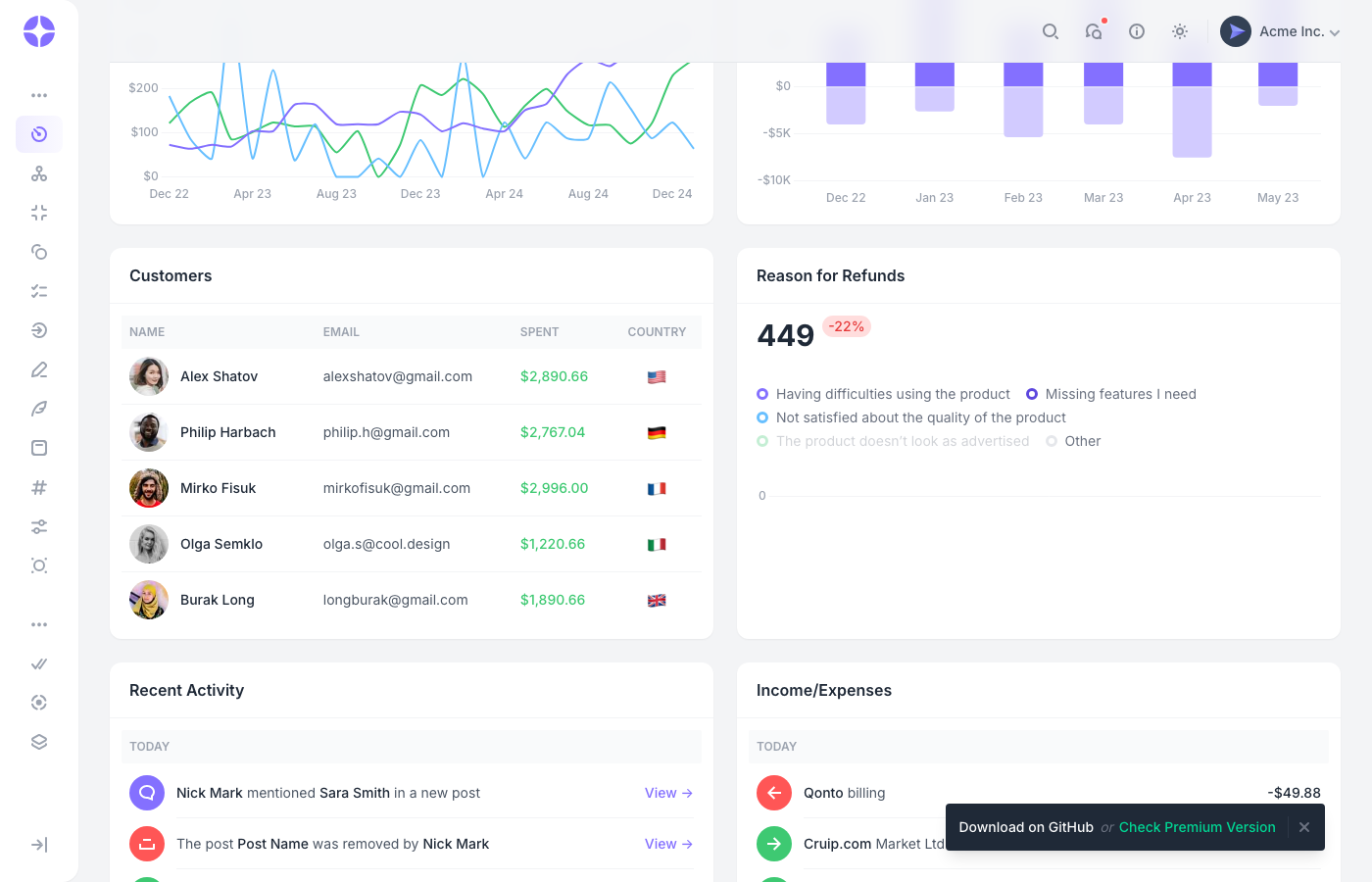
Why we like it: . Looks like a finished SaaS product, not a starter template. Jetstream gives you auth, 2FA, and email verification out of the box.
Cruip’s Mosaic template has earned a reputation for looking like a finished product rather than a starting template, and the Laravel version carries that same polish. Built on the TALL stack with Livewire, Jetstream, and Tailwind CSS, it provides a clean analytics dashboard with Chart.js widgets, data cards, and a well-designed sidebar layout. The design aesthetic is modern SaaS — think Stripe’s dashboard or Linear’s interface.
Since it uses Jetstream, you get authentication, registration, email verification, and two-factor authentication baked in from the start. The free version focuses on the dashboard layout and core components, while Cruip’s paid tier adds more page templates. It’s one of the few Laravel admin templates that uses Tailwind CSS natively rather than Bootstrap, making it a natural fit if your application’s frontend is already Tailwind-based.
Premium Laravel dashboard templates
Paid templates buy you a far wider screen set — CRM, ecommerce, chat, invoicing, calendars — and, more usefully, a vendor with a reason to keep the Laravel build current. Prices below are the entry (single-application) licence.
11. Vuexy Laravel
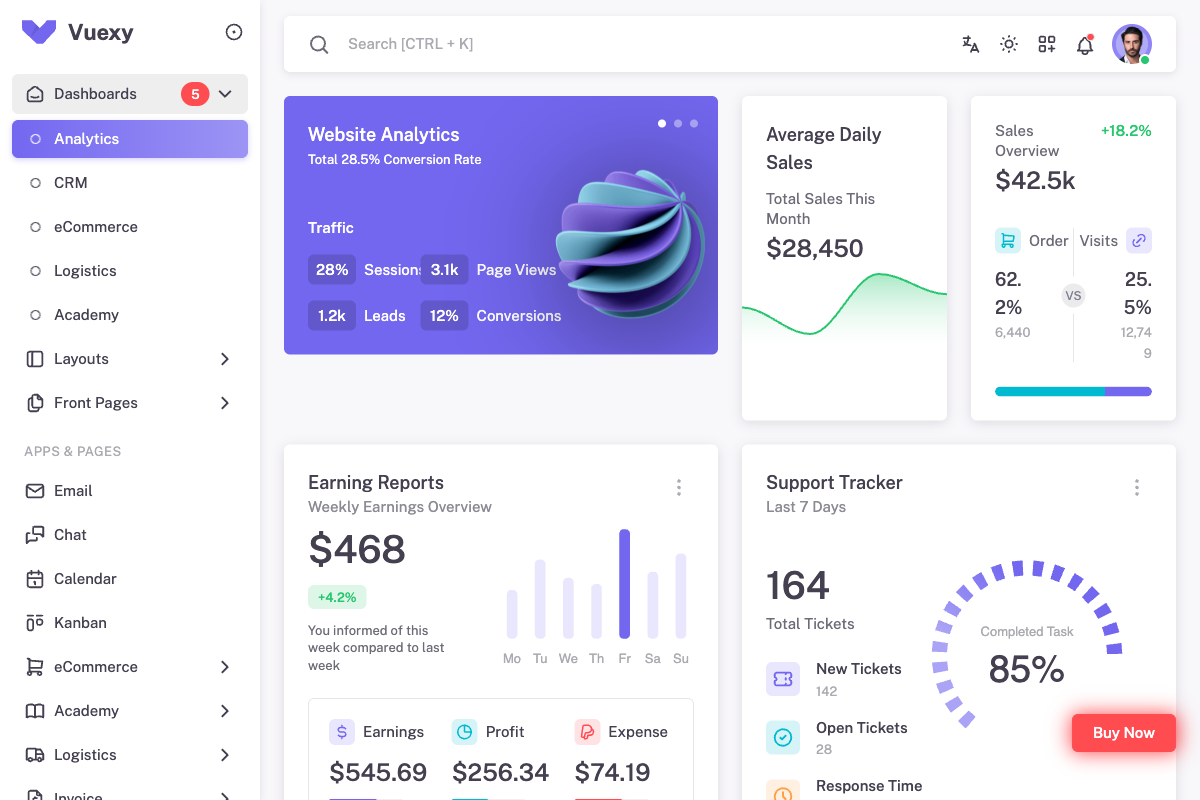
Why we like it: Most developer-friendly Laravel template combining Laravel backend with Vue.js frontend and atomic design system.
Vuexy Laravel delivers exceptional developer experience by combining Laravel’s robust backend with Vue.js reactive frontend. Features 30+ Laravel pages, 60+ UI components, pre-built authentication system, and seamless API integration. The atomic design system ensures consistent, scalable development while Vue.js provides reactive user interfaces perfect for modern Laravel applications.
12. Frest Laravel
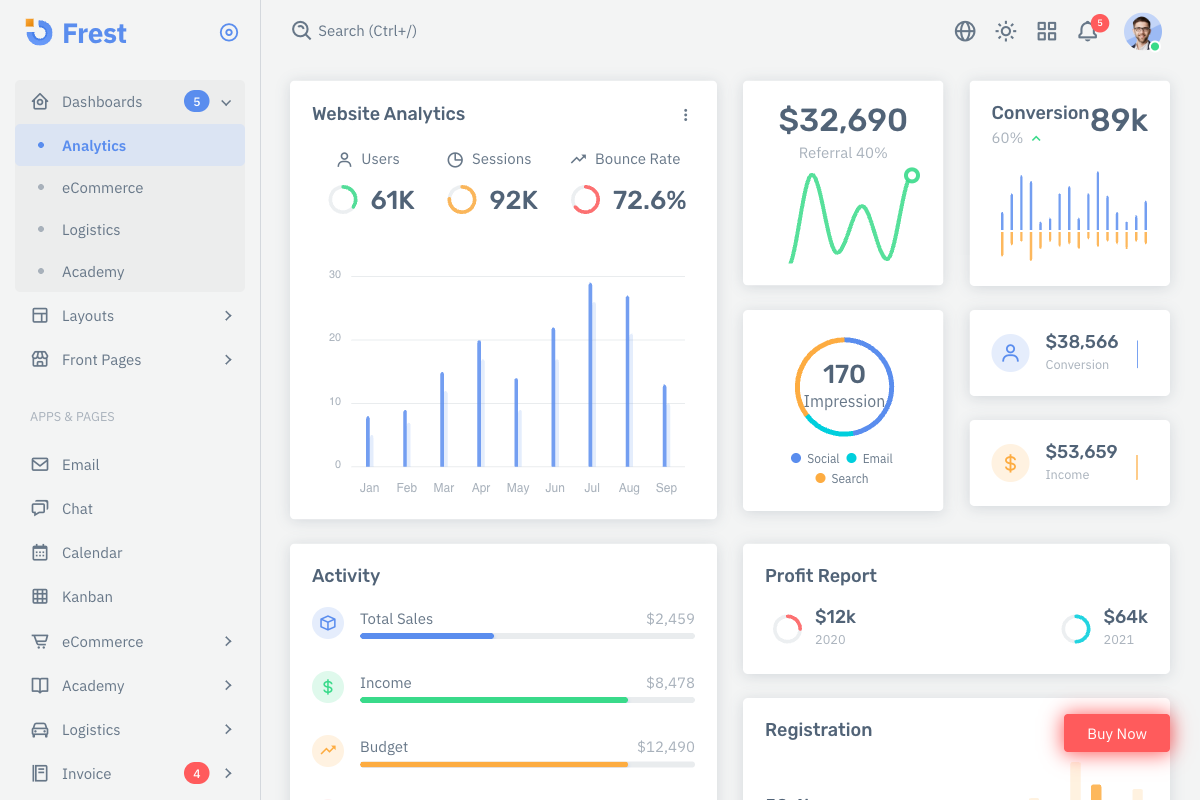
Why we like it: Most comprehensive Laravel Bootstrap 5 template with clean design and extensive Laravel-specific features.
Frest Laravel combines clean aesthetics with powerful Laravel functionality, offering vertical and horizontal layouts, light/dark modes, and RTL support. Built specifically for Laravel developers with pre-configured authentication, database migrations, and API endpoints. Includes 40+ Laravel pages, advanced components, and seamless integration with Laravel’s ecosystem.
13. Materialize Laravel
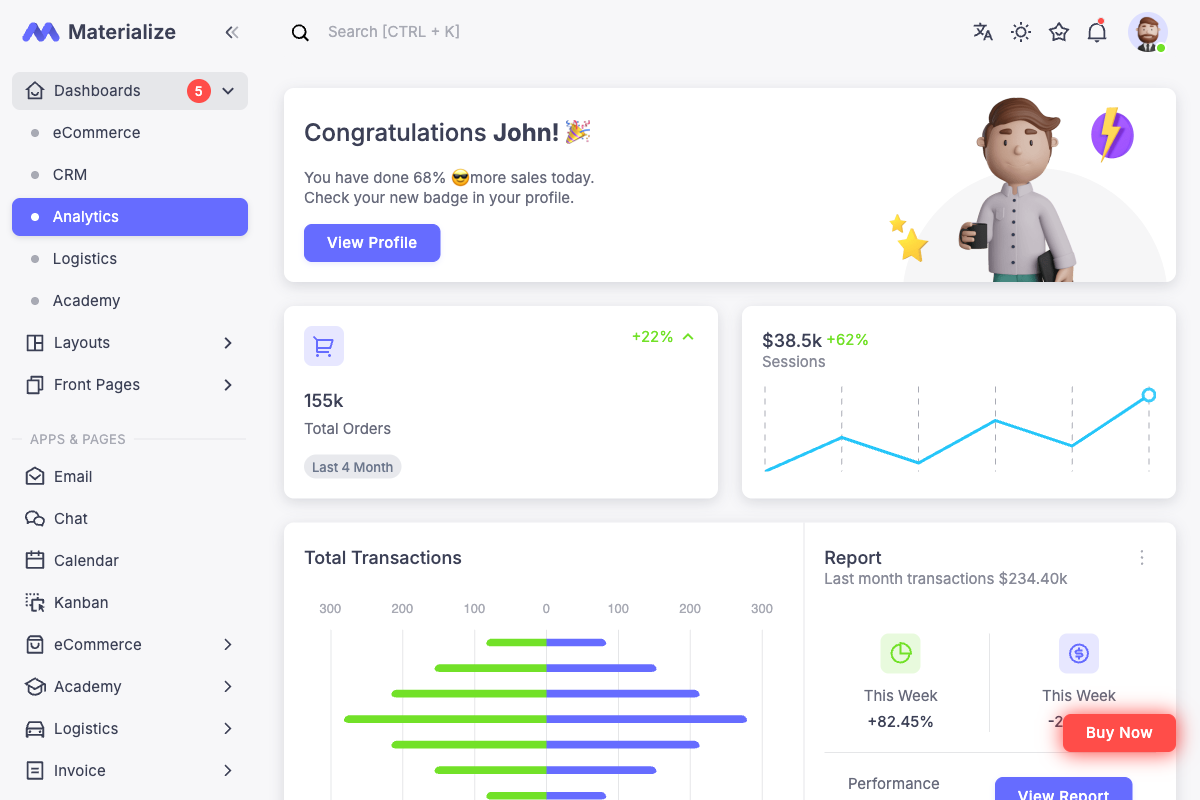
Why we like it: #1 selling Material Design Laravel template with Google’s design principles and Laravel authentication integration.
Materialize Laravel brings Google’s Material Design 2 to Laravel applications with seamless framework integration. Features advanced animations, comprehensive component library, pre-built Laravel authentication, and CRUD operations. Includes 5 niche dashboards, 10 Laravel applications, and updates aligned with Material Design guidelines. Perfect for Laravel projects requiring beautiful, consistent Material Design interfaces.
14. OneUI Laravel

Why we like it: Super flexible Laravel template with included Laravel ter kit and comprehensive UI framework.
OneUI Laravel provides unmatched flexibility for modern Laravel development with included Laravel ter kit and comprehensive UI framework. Features responsive design, extensive Laravel documentation, and modular architecture that scales from simple dashboards to complex enterprise Laravel applications. Perfect for developers seeking multi-framework Laravel support.
15. Skote Laravel
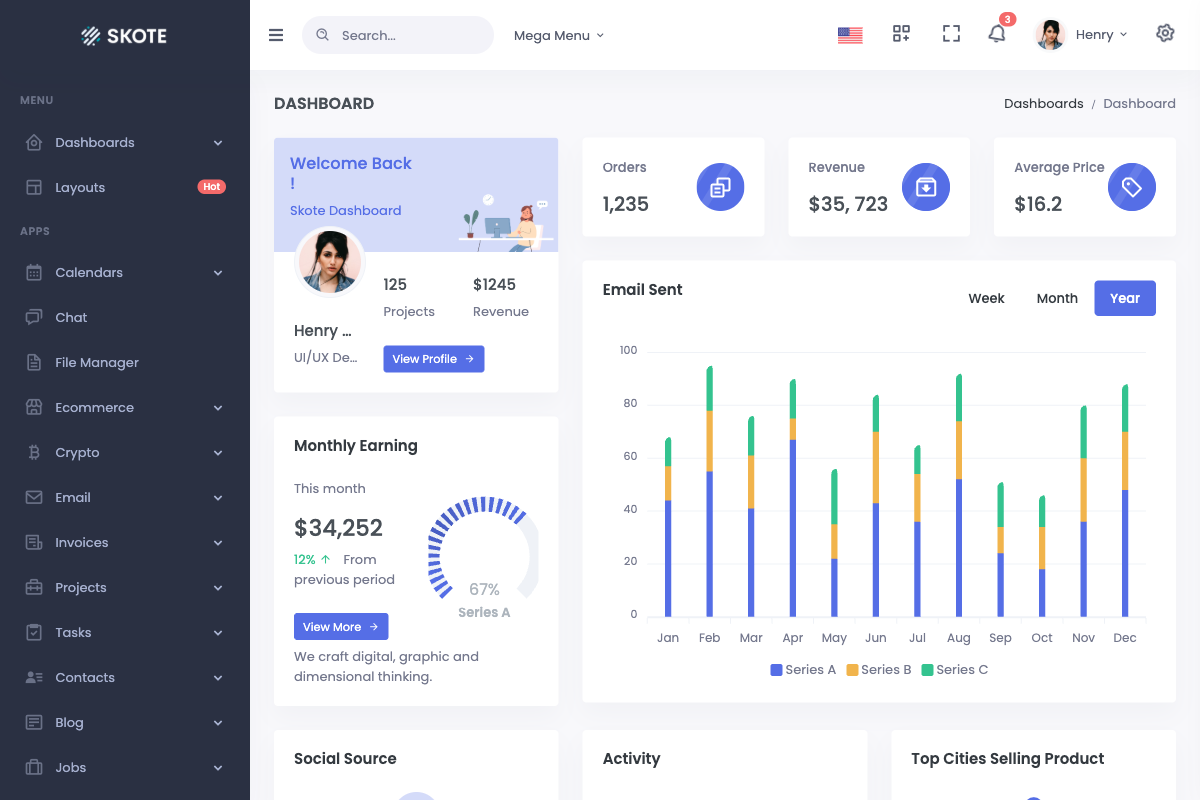
Why we like it: Feature-rich Laravel 12 template with multi-lingual support and comprehensive Laravel integration.
Skote Laravel is a fully featured premium admin dashboard template built specifically for Laravel 12 with developer-friendly code and multi-language support. Features Bootstrap 5.3.5 integration, 7 different Laravel layouts, RTL/LTR support, and is perfect for Laravel-based SaaS, eCommerce, CRM, and CMS applications with complete Laravel backend integration.
16. Minia Laravel
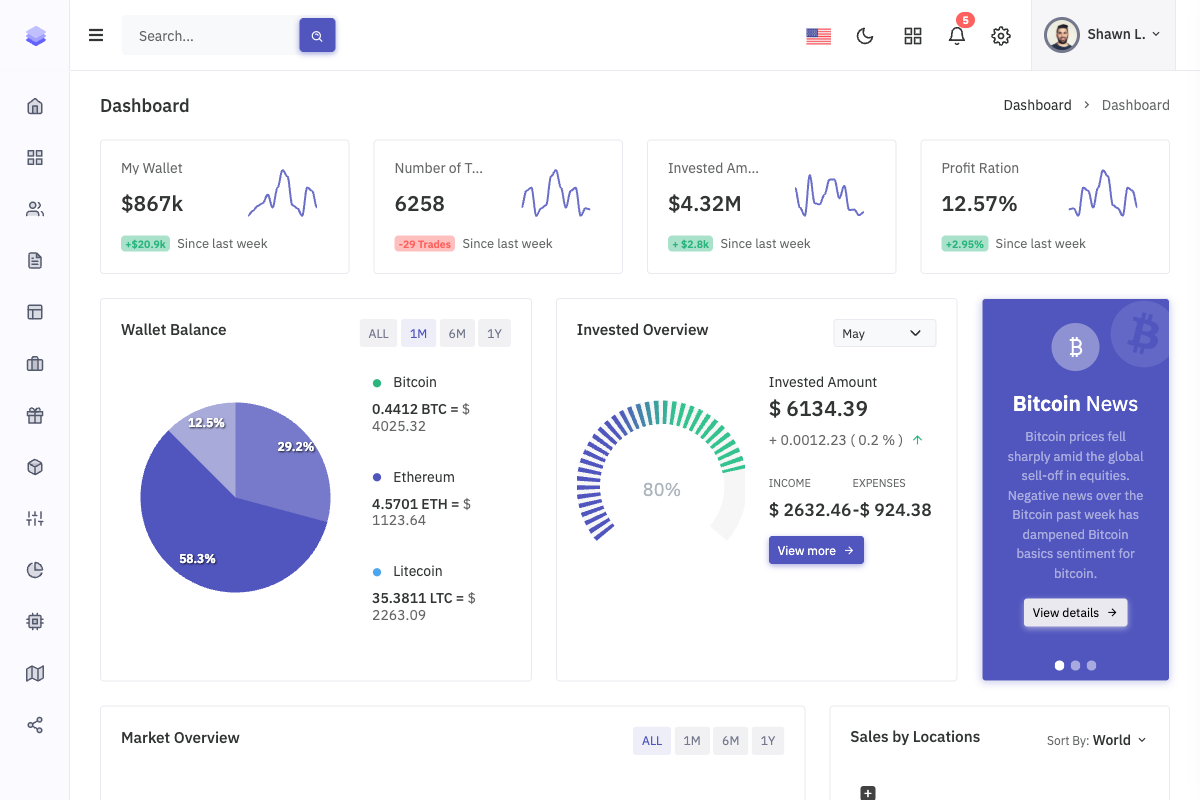
Why we like it: Lightweight Laravel 11 admin template with exceptional performance and clean code architecture.
Minia Laravel offers a simple and beautiful admin template built specifically for Laravel 11 with Bootstrap and webpack integration. Features 6+ Laravel layouts, Dark/Light modes managed by SCSS, and excellent performance optimization. Perfect for Laravel developers seeking a lightweight yet feature-rich admin solution with clean Laravel code structure.
17. Velzon Laravel

Why we like it: Modern responsive Laravel template with 6 dashboards and comprehensive Laravel ecosystem integration.
Velzon Laravel is a fully responsive premium Laravel template built with Laravel 12 support. Features 6 different Laravel dashboards, 12+ Laravel apps, 165+ pages, and complete Laravel ecosystem integration. Includes advanced Laravel features like authentication, middleware support, and database integrations perfect for large-scale Laravel applications.
Our own Laravel kits
Disclosure: the four below are ours. They are complete Laravel applications rather than markup — Laravel 13 and PHP 8.3 with an Inertia and React front end, Fortify authentication including two-factor, and role-based permissions seeded with admin, editor, moderator and viewer. They are not multi-tenant; permissions are flat roles per user. If you want the admin generated rather than designed, Filament above is free and does that better — these are for teams who want a finished interface and the plumbing, with the source in their own repo.
18. Apex Dashboard Laravel
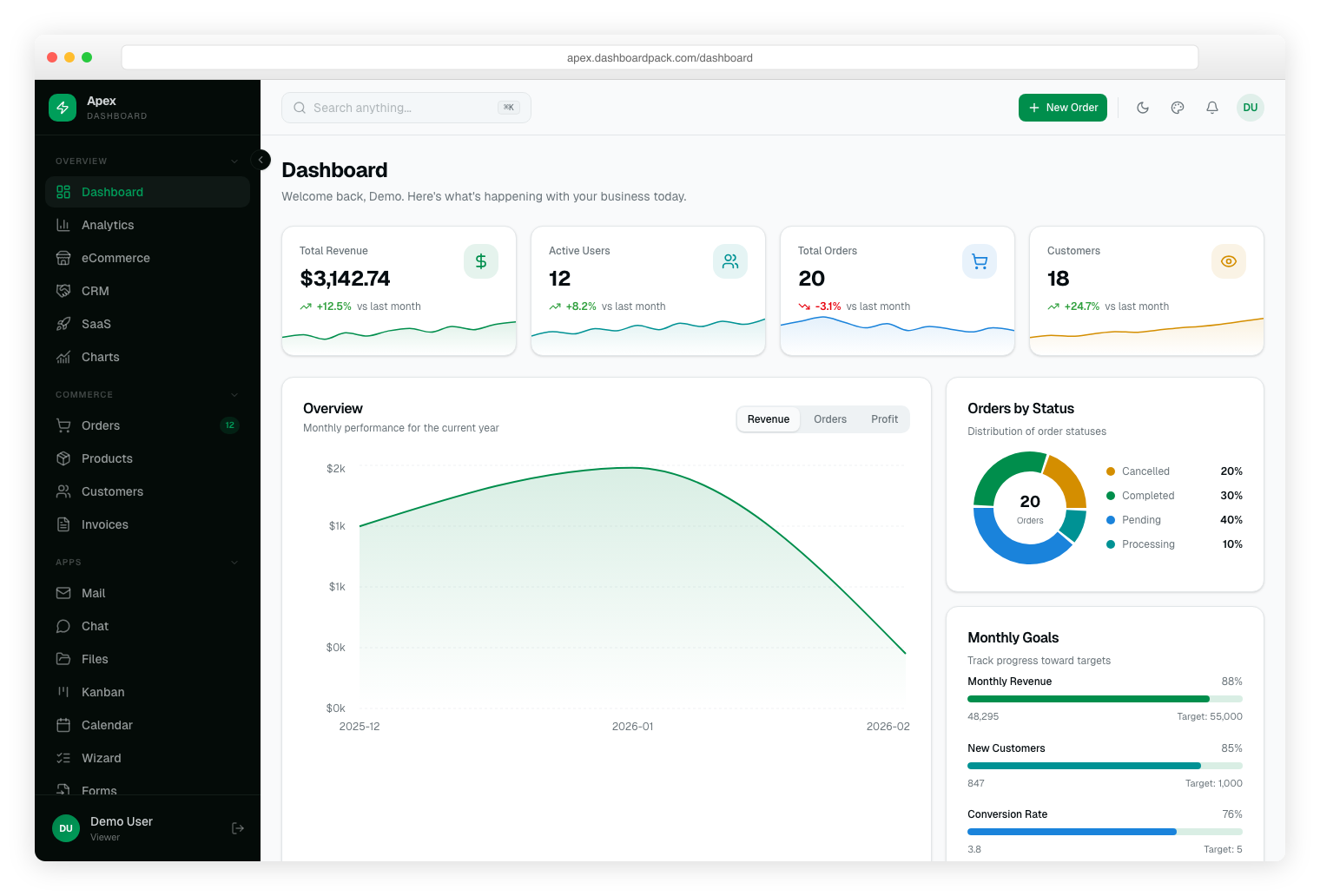
Why we like it: The most comprehensive Laravel admin dashboard available, with 30+ pages, Spatie RBAC, Fortify 2FA, full eCommerce CRUD, Kanban, Calendar, Charts, and a live theme customizer with 6 color presets — all on the latest stack.
The most comprehensive Laravel admin dashboard available, with 30+ pages built on Laravel 13, Inertia.js 3, React 19, TypeScript, and Tailwind CSS v4. Full backend with Eloquent ORM, Spatie role-based access control, Fortify authentication with 2FA, and CRUD operations for orders, products, customers, and invoices. Includes 5 dashboard views, Kanban, Calendar, Charts, and a live theme customizer with 6 color presets.
19. Admindek Dashboard Laravel
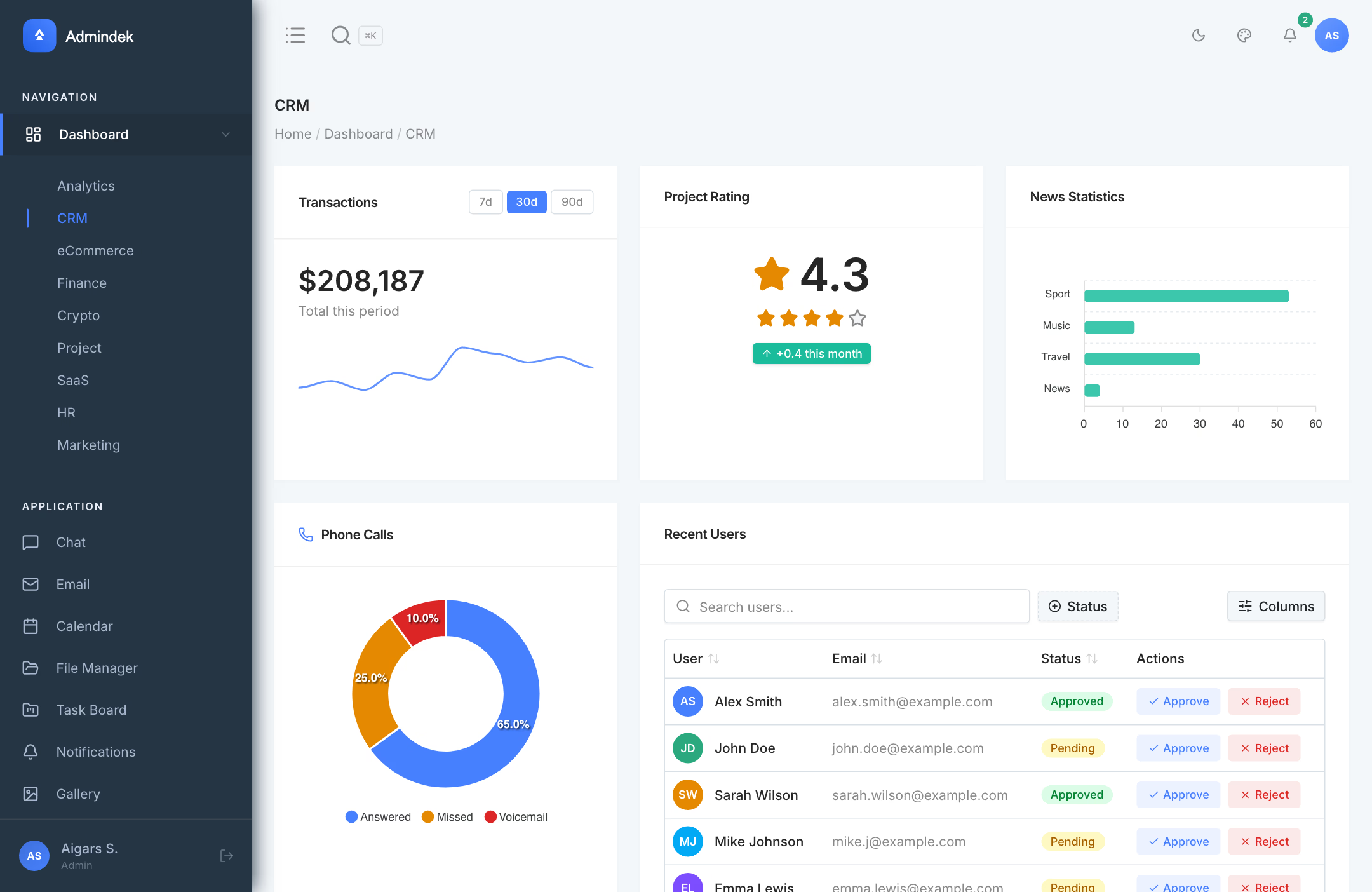
Why we like it: A real Laravel 13 backend that runs locally in minutes with SQLite default, then scales to MySQL/PostgreSQL — no mock data, no REST glue code, full Spatie + Fortify out of the box.
Admindek Laravel pairs a premium React 19 + shadcn/ui frontend with a real Laravel 13 backend you can run locally in under a minute. Inertia.js 3 bridges Laravel routes to React pages without REST boilerplate, while the SQLite-by-default setup lets you prototype instantly and switch to MySQL or PostgreSQL when you’re ready for production. Spatie permissions, Fortify auth with 2FA, and Eloquent CRUD are wired up out of the box across 30+ pages.
20. Zenith Dashboard Laravel
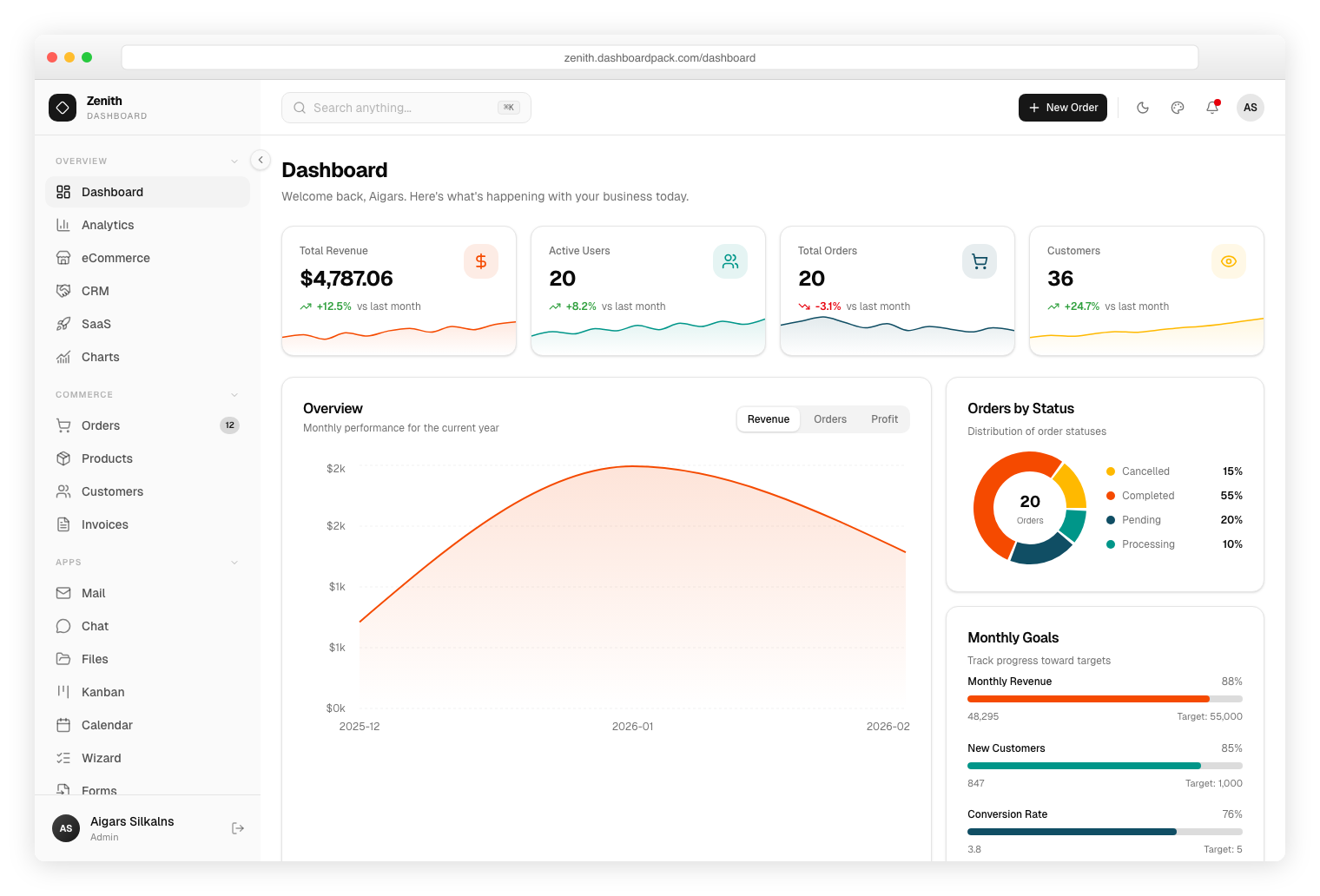
Why we like it: Ultra-minimal achromatic design with shadcn/ui components, precise spacing, and SQLite-by-default simplicity — perfect for teams that value clean aesthetics.
An ultra-minimal, achromatic Laravel dashboard with clean typography and precise spacing. Built on Laravel 13, Inertia.js 3, and React 19 with full Eloquent backend, Spatie permissions, and Fortify auth. Ships 30+ pages including eCommerce CRUD, Analytics, Kanban, Calendar, and vendored shadcn/ui components. SQLite by default with MySQL/PostgreSQL support.
21. Signal Dashboard Laravel
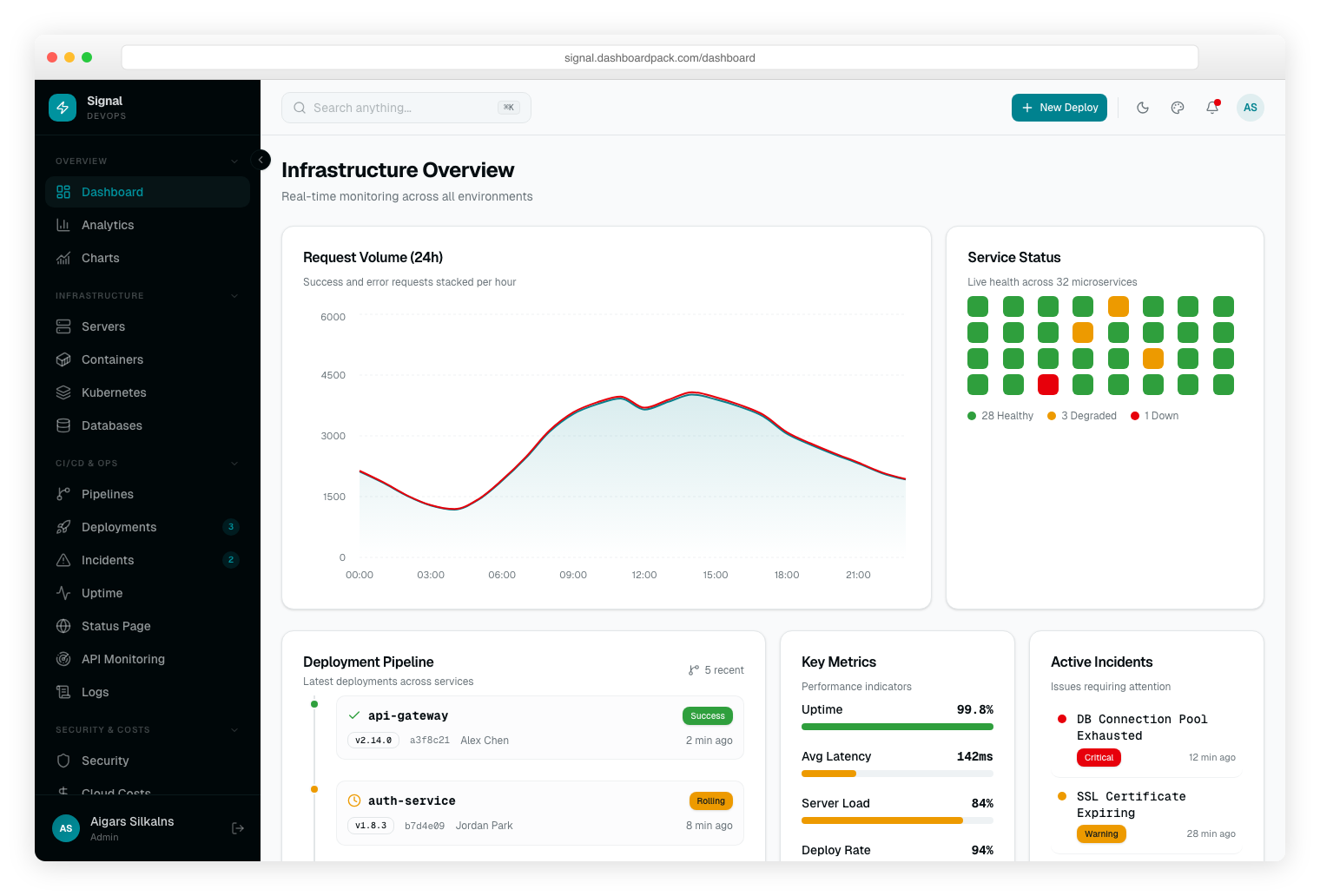
Why we like it: Terminal-inspired dark-first design with neon green aesthetic, JetBrains Mono typography, and OKLCh color tokens — a unique visual identity for developer tools.
A terminal-inspired DevOps Laravel dashboard with dark-first neon green aesthetic and JetBrains Mono typography. Built on Laravel 13, Inertia.js 3, and React 19 with full Eloquent backend, Spatie role-based access, and Fortify authentication. Ships 30+ pages with eCommerce CRUD, Analytics, Kanban, Calendar, and OKLCh color tokens.
Checked and left out
These come up constantly in other roundups and in search results. We checked each one against Laravel 13 on 19 August 2026 and left it out — not because it was never good, but because you cannot start a project on it today. The rule applied throughout: nothing capped at Laravel 10 or older, nothing its own vendor has discontinued, and nothing whose hosting has gone.
- Laravel Admin — the most-starred of the lot, and the most misleading. Recent repository activity is automated dependency pushes; the last real commit was early 2023. Its open-ended version constraint means Composer will install it on Laravel 13, and it will then break.
- Dcat Admin — last stable release 2020, and the project’s own site no longer resolves at all.
- Craftable — its maintainers announced end of support at the end of 2024. The demo still runs, which makes it look healthier than it is.
- InfyOm Laravel Generator — Laravel 10, last release 2023; the vendor has moved to separate commercial products.
- Badaso — development stopped mid-2025 and the hosting went with it; the docs site fails its TLS handshake.
- LaraAdmin — the installable package still requires Laravel 5, eight major versions old.
- Laravel EasyPanel — Laravel 10, last commit mid-2024.
- CoreUI Laravel, Laravue, Argon Dashboard Laravel and Material Dashboard Laravel — free templates frozen between Laravel 8 and 10. Creative Tim has clearly stopped porting the last two.
- Metronic — listed as Laravel by other roundups and by its own marketplace title, but Keenthemes confirms v9 has no full-stack Laravel version. What exists is a guide to converting its HTML to Blade.
The shortlist at a glance
The projects worth shortlisting, across both kinds. “Max Laravel” is the highest version the project declares support for — the single most useful filter in this category.
| Project | Type | Price | Max Laravel | Maintained |
|---|---|---|---|---|
| Filament | Panel | Free (MIT) | 13 | Yes |
| Backpack | Panel | Core free, PRO paid | 13 | Yes |
| Orchid | Panel | Free (MIT) | 13 | Yes |
| MoonShine | Panel | Free (MIT) | 13 | Yes |
| Twill | Panel (CMS) | Free (Apache-2.0) | 13 | Yes |
| Laravel-AdminLTE | Template (package) | Free (MIT) | 8+ | Yes |
| AdminLTE 4 official | Template (package) | Free (MIT) | 13 only | Yes |
| Sneat | Template (skeleton) | Free, PRO $79 | 12 | Slow |
| Frest | Template | $79 | 12 | Yes |
| Vuexy | Template | $39 | 12 | Yes |
| Skote | Template | $23 | 13 | Yes |
| Velzon | Template | $25 | 13 | Yes |
| Apex / Zenith / Signal / Admindek | Laravel app (ours) | $69 | 13 | Yes |
How to choose
- Answer the panel-or-template question first. Everything else follows from it, and it is the reason most people end up with the wrong thing.
- Check the maximum Laravel version before the star count. The most-starred package here is unmaintained; a project capped at Laravel 10 is three majors behind and will fight your upgrade path.
- Package or project skeleton? A package you require keeps your application yours. A skeleton you clone means inheriting its Laravel version and its structure permanently.
- Free first, on the panel side. Filament is free, MIT and covers most of what the paid options do. Reach for commercial support when you need the support, not the features.
- Buy on screen coverage, on the template side. The gap between a $23 and a $79 template is how many app screens already exist — not the dashboard.
Frequently Asked Questions
What is the difference between a Laravel admin panel and a Laravel dashboard template?
An admin panel framework like Filament or Backpack generates the admin interface from your PHP code — you define resources and it renders CRUD screens, forms, and tables for you. A dashboard template is a pre-built frontend UI kit — layouts, charts, and components — that you connect to your own controllers and views. Pick a framework for CRUD-heavy internal tools, and a template when you want full control over the frontend.
What is the best free Laravel admin panel?
Filament is the strongest free option for most projects — it is MIT-licensed, actively maintained, and built on the TALL stack. Backpack has a solid free core with paid add-ons, and MoonShine is a lighter modern alternative. For a classic free dashboard UI, AdminLTE 4 integrates cleanly with Laravel and Blade.
Are there free versions of premium Laravel dashboard templates?
Yes. Creative Tim publishes free versions of Argon Dashboard Laravel and Material Dashboard Laravel, though both stopped receiving updates in 2024 and are capped at Laravel 10, and Mosaic Lite and Laravel AdminTW are fully free. Free versions typically include fewer pages and components than their pro counterparts, but they are enough to evaluate the design and code quality.
Which Laravel admin template works best with a Vue or React frontend?
Vuexy pairs a Laravel backend with a Vue.js frontend out of the box, and Apex Dashboard Laravel ships Laravel with Inertia.js and React. If you prefer to keep the frontend in Blade with reactive components, TALL-stack options like Filament or AdminTW avoid a separate JavaScript SPA entirely.
Do these admin templates keep up with new Laravel releases?
The actively maintained ones do — Filament, Backpack, MoonShine, and commercial templates like Vuexy, Skote, and Velzon track current Laravel releases closely. Many others do not — several widely recommended packages are capped at Laravel 10 or older. Before buying or adopting any template, check its changelog and last release date; ongoing maintenance matters more than the feature list.
Related reading: our Ruby on Rails admin templates roundup.

You Might Also Like


