
14 Best CMS Admin Dashboards & Templates (2026)

“CMS admin template” means three different things, and the SERP mixes them. It can mean a headless CMS whose admin you configure and hand to editors; a full CMS platform with its own editorial back office; or an admin framework you build a CMS admin with. The first two are this page. The third — react-admin, Refine, Twill, Backpack, Filament — already lives in our React and Laravel roundups, and is pointed to below rather than re-listed.
Every entry was checked against its repository and licence file before it was listed. Two findings change how you should read the usual roundups: October CMS is proprietary (a paid EULA, by its own description “source-available”), and Directus, Statamic and Craft are source-available under their own licences, not MIT or Apache. Each is labelled accordingly.
Quick Picks
- Best headless default: Strapi — visual content-type builder, MIT core
- Best for Next.js: Payload — installs into your /app folder
- Best for an existing database: Directus — wraps any SQL database in an admin
- Best Git-based editor: Decap CMS — drop into /admin, public demo
- Best for Markdown sites: TinaCMS — visual editing on MDX and frontmatter
- Best for publications: Ghost — posts, members and newsletters in one admin
- Best on Django: Wagtail — StreamField block composer
- Best finished admin on Laravel: Statamic — flat-file, Git-friendly, free Solo tier
- Best in-context editing: ApostropheCMS — edit the live page, Node.js underneath
What a CMS admin has to do
Generic admin templates give you tables and forms. A CMS admin has a specific job list, and the entries below are judged on it:
- Content modelling — define types, fields and relationships without hand-building every screen; the admin should follow the model.
- Editorial workflow — drafts, review, scheduled publishing and revisions with a diff, not just “save”.
- A media library — uploads, focal points or crops, and reuse across entries.
- Editing model — admin forms, a block composer, in-context editing on the live page, or Git-backed editing: pick the one your editors will actually use.
- Roles and permissions — per-type, per-field where it matters, and an audit trail.
- Delivery — a REST or GraphQL API for a headless front end, or templates if the CMS also renders the site.
CMS admin dashboards compared
| Tool | Stack | Licence | Editing model | Best for |
|---|---|---|---|---|
| Strapi | Node.js · self-hosted or Strapi Cloud | Open source (MIT core) | Admin forms | A content API with an editor-friendly admin, fast |
| Payload | Next.js · TypeScript | Open source (MIT) | Admin forms + live preview | Next.js teams who want the admin inside the app |
| Directus | Node.js · any SQL database | Source-available (Monospace Sustainable Core License) | Admin forms | Wrapping an existing SQL database in a CMS admin |
| Keystone | Node.js · GraphQL · Prisma | Open source (MIT) | Admin forms | Developers who want a bespoke backend without boilerplate |
| Sanity Studio | React · hosted content lake | Studio open source (MIT); hosted backend with a free tier | Configurable workspace · real-time · visual editing | Editorial teams that need a tailored workspace |
| Decap CMS | Single-page app · Git backend | Open source (MIT) | Git-based editorial workflow | Static-site generators with content in a repository |
| TinaCMS | React · Git-backed | Open source (Apache 2.0); hosted cloud optional | Visual editing on Git content | Markdown-based sites that want in-page editing |
| Ghost | Node.js · self-hosted or Ghost(Pro) | Open source (MIT); managed hosting paid | Editor-first admin | Publications with subscribers |
| Wagtail | Python · Django | Open source (BSD) | Block-based page composer | Content-heavy sites on Django |
| Statamic | PHP · Laravel · flat files or database | Source-available; free Solo, paid Pro | Admin forms + live preview | Laravel teams who want a finished editorial admin |
| Craft CMS | PHP · Twig templates · GraphQL | Source-available; free Solo, paid Pro/Team | Admin forms + live preview | Bespoke content models with a first-class editor UI |
| October CMS | PHP · Laravel | Proprietary (EULA); paid licence | Admin forms | Laravel shops that accept a commercial licence |
| ApostropheCMS | Node.js · MongoDB | Open source (MIT) | In-context editing | Teams that want in-context editing on a JavaScript stack |
| Umbraco | .NET · C# | Open source (MIT) | Admin forms | Microsoft-stack teams |
Headless CMS admins you configure
You define the content model; the CMS generates the admin and an API, and your front end is whatever you want. Seven options, from the most conventional (Strapi) to the most opinionated (Git-backed editing).
1. Strapi
The default open-source headless CMS
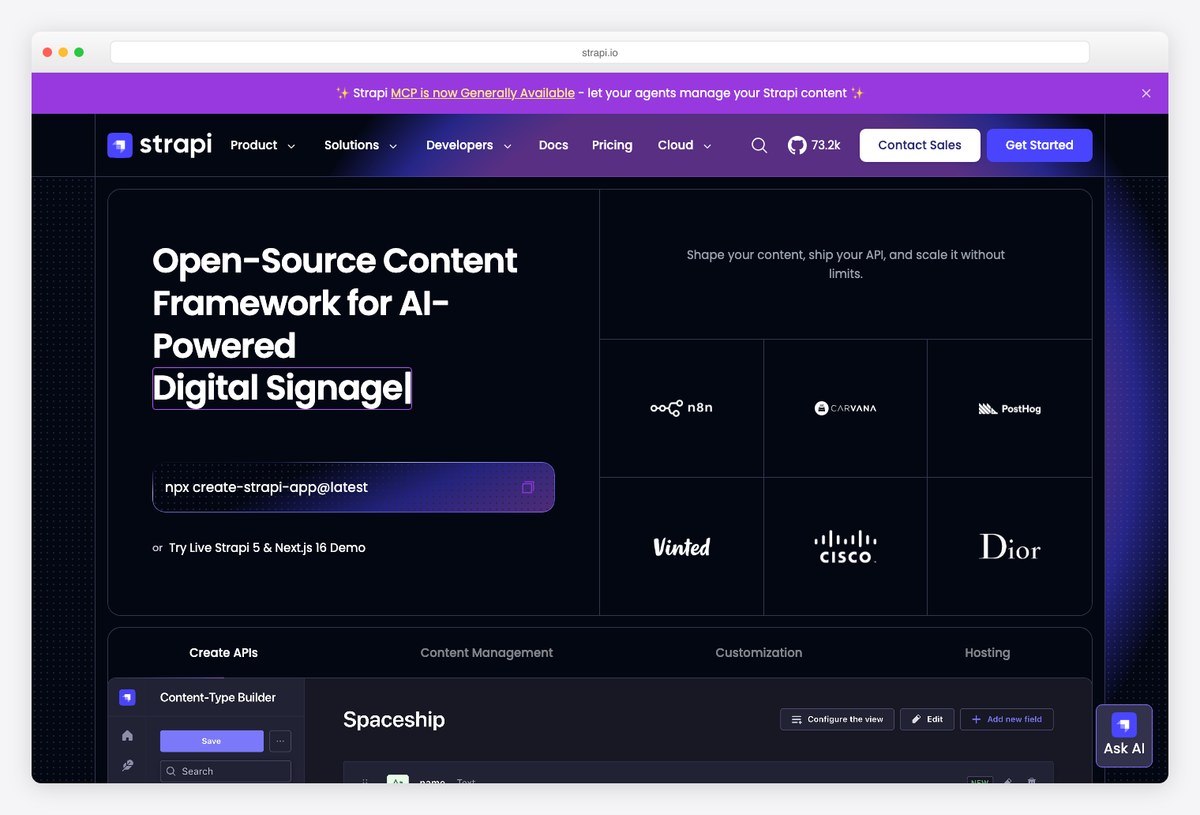
Why we like it: Design content types visually in the admin, get REST and GraphQL APIs generated for every one, and hand editors a clean interface — 100% JavaScript/TypeScript, self-hosted or on Strapi Cloud.
Strapi’s admin is the reference point most other headless CMSs are measured against: a Content-Type Builder for modelling without code, a content manager with roles and permissions, and a media library, all served from the same Node process as the API. Plugins extend the admin itself, which is how teams add workflow, i18n and custom panels.
The core is MIT-licensed; features under the ee/ directory carry a separate enterprise licence, so check which edition a feature belongs to before you depend on it.
2. Payload
A CMS that installs into your Next.js app folder
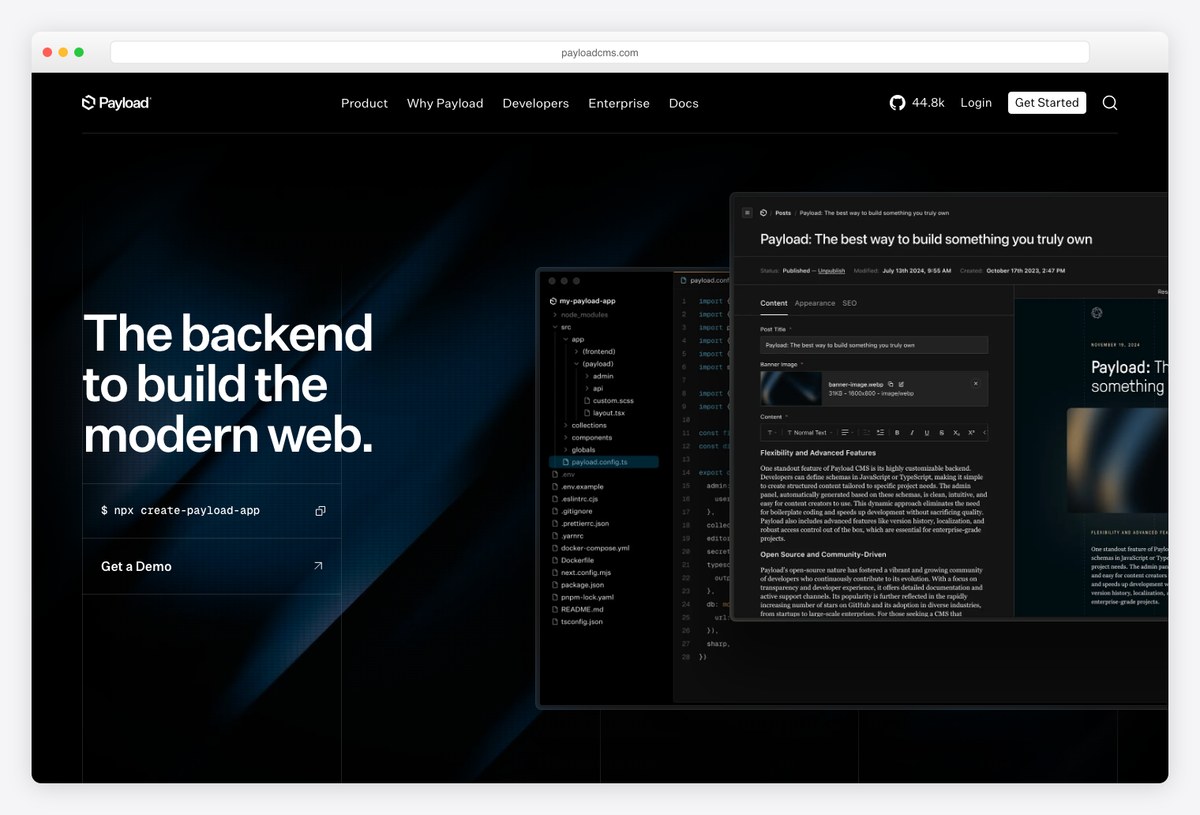
Why we like it: Payload describes itself as the first Next.js-native CMS: it installs directly into an existing /app folder, so the admin, the API and your front end ship as one deployable — including serverless on Vercel.
Config is TypeScript, which means collections, fields, access control and hooks are code you can review and version rather than settings clicked together in a UI. The generated admin follows that config, and because it lives in the same Next.js project there is no second service to run.
It is both an application framework and a headless CMS, which is the right shape for a product team that wants one repository and one deploy.
3. Directus
An admin for the database you already have
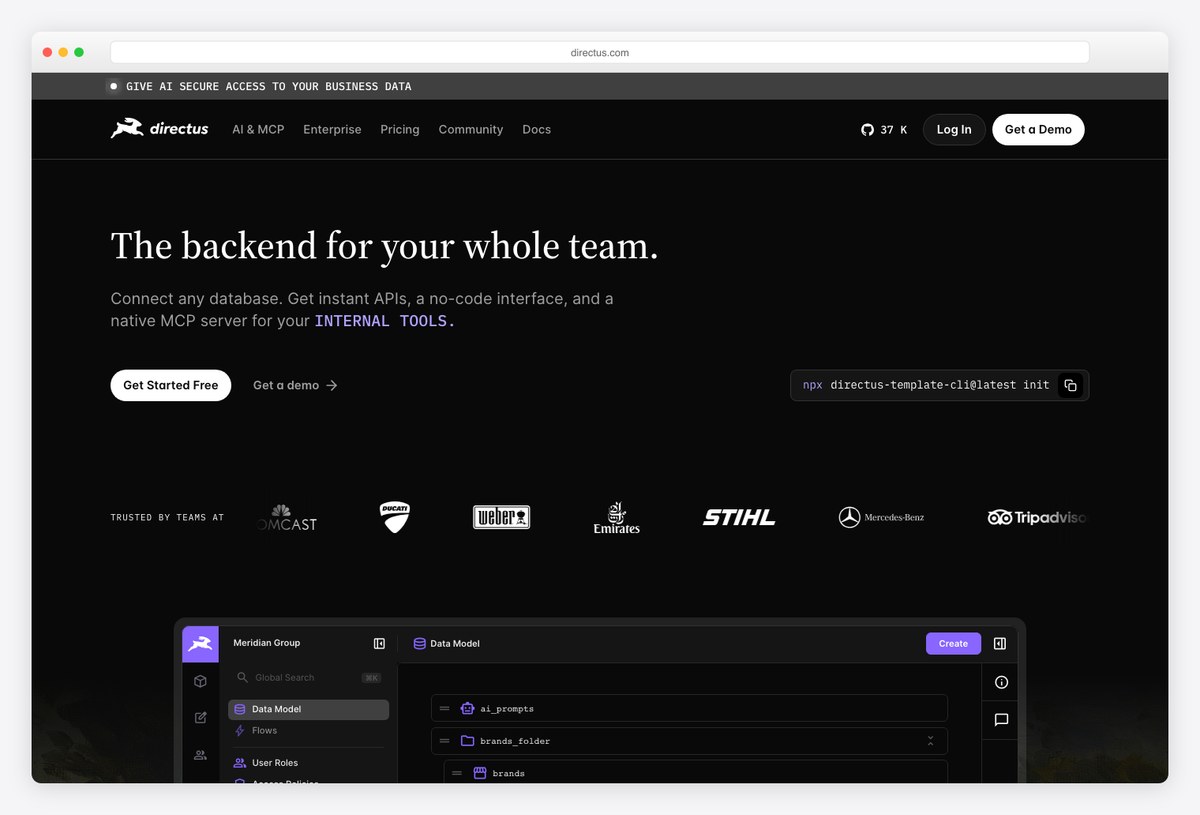
Why we like it: Directus sits on top of any SQL database and turns it into a headless CMS and data platform — an admin app, REST and GraphQL APIs, and access control over tables you already own, without migrating your data into a CMS schema.
Where most CMSs want to own the schema, Directus introspects yours. That makes it the pragmatic choice for adding an editorial interface to a legacy database, an analytics store or an application that already exists. The admin app covers collections, files, users, roles and flows (automation).
Read the licence before adopting it as a dependency: it is not MIT or Apache but the Monospace Sustainable Core License, which permits any use except a “competing use” — offering the software in competition with Monospace’s own paid Directus offering. Internal use and non-competing products are fine; a hosted-Directus business is not.
4. Keystone
Schema in, GraphQL API and admin out
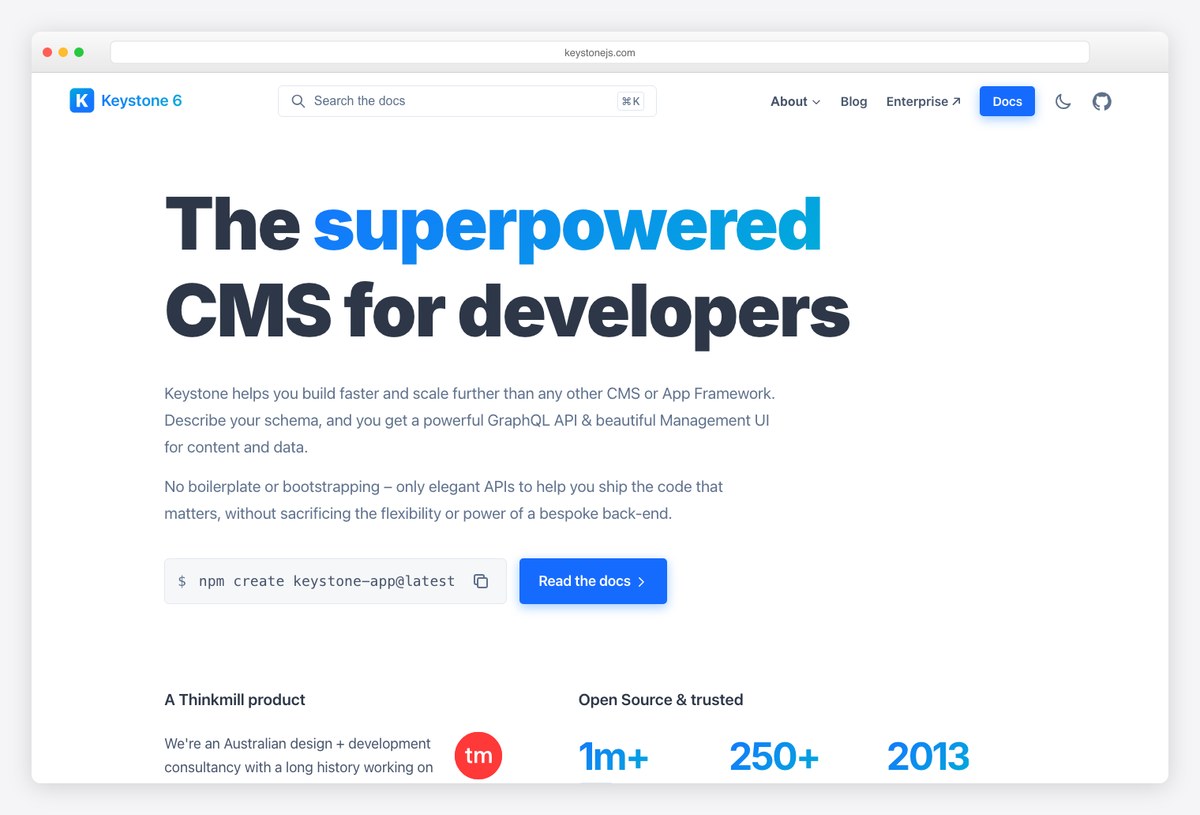
Why we like it: Describe your schema in code and Keystone generates a GraphQL API and an admin UI to match — the pitch is a bespoke backend’s flexibility without the bootstrapping.
Keystone 6 is published under the @keystone-6 namespace and leans on Prisma for the database layer. The admin UI is generated from the schema, so field types, relationships and access rules defined in code appear as editor screens without separate configuration.
Its examples directory is a working library of patterns — auth, custom fields, document editors — which makes it easy to evaluate whether the generated admin fits your content model.
5. Sanity Studio
A customisable editing workspace on structured content
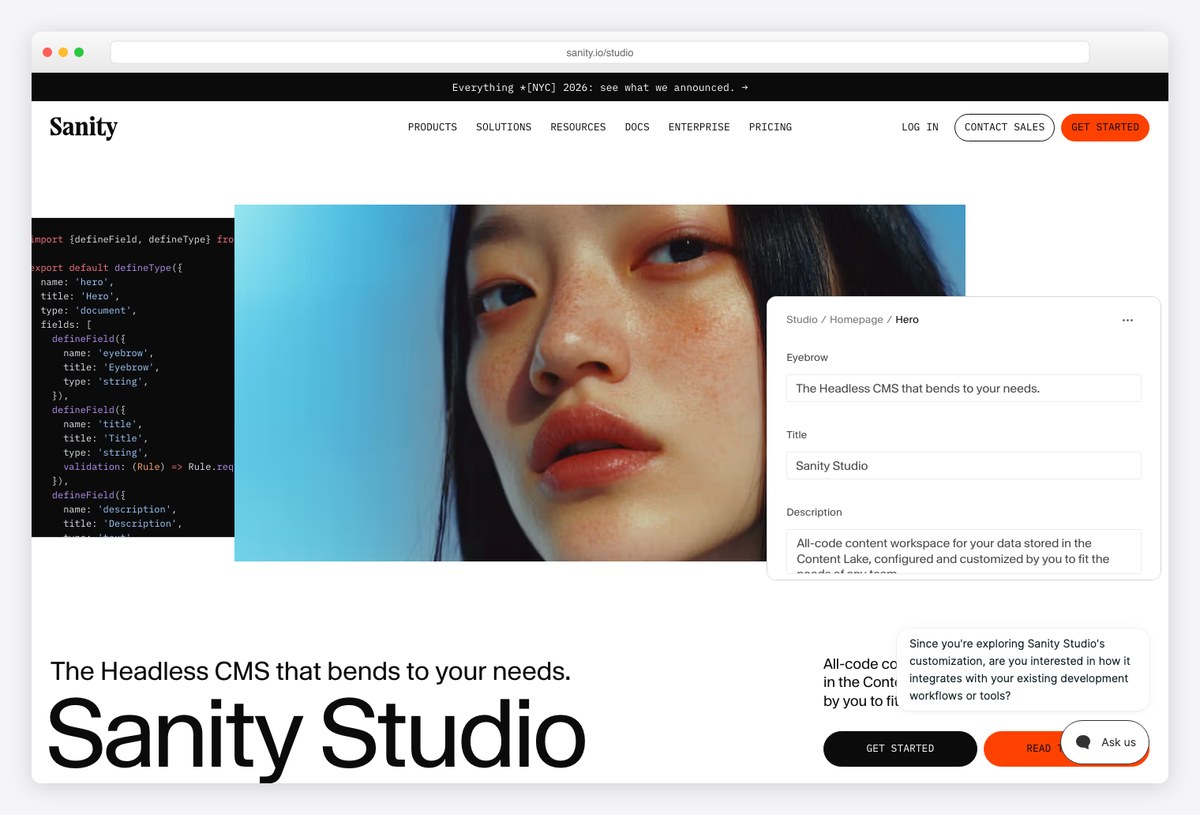
Why we like it: The Studio is an open-source React application you configure and deploy — schema as code, real-time collaboration and visual editing — sitting on Sanity’s hosted structured-content backend, so the workspace is yours to shape while the content API is managed for you.
Sanity splits the two halves of a CMS cleanly: the Content Lake (hosted, queried through GROQ or GraphQL) and the Studio (a codebase you own). That split is why agencies pick it — the editing experience can be rebuilt per client without touching infrastructure.
It is the least “template-like” entry here and the most flexible; expect to write configuration rather than click through settings.
6. Decap CMS
A Git-based admin for static sites
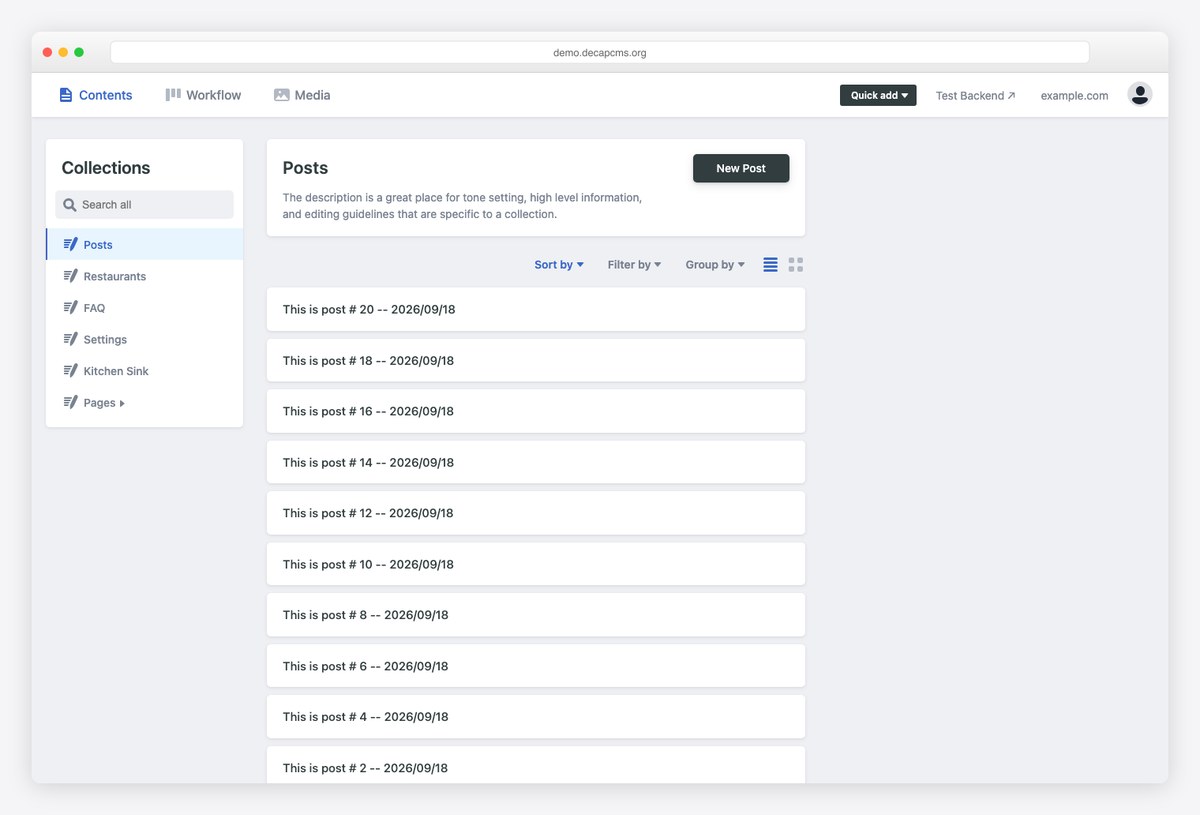
Why we like it: Decap (formerly Netlify CMS) is a single-page app you drop into the /admin path of a static site; editors get a clean UI while every change lands as a commit in your Git repository.
You describe the content model in a YAML config and Decap renders the editing screens for it — collections, fields, media — with an optional editorial workflow that maps drafts and reviews to branches and pull requests. There is no database and no server beyond your Git host.
The public demo is one of the few in this list you can open without an account, which is the quickest way to see whether a Git-backed admin suits your editors.
7. TinaCMS
Markdown and MDX with a visual editor
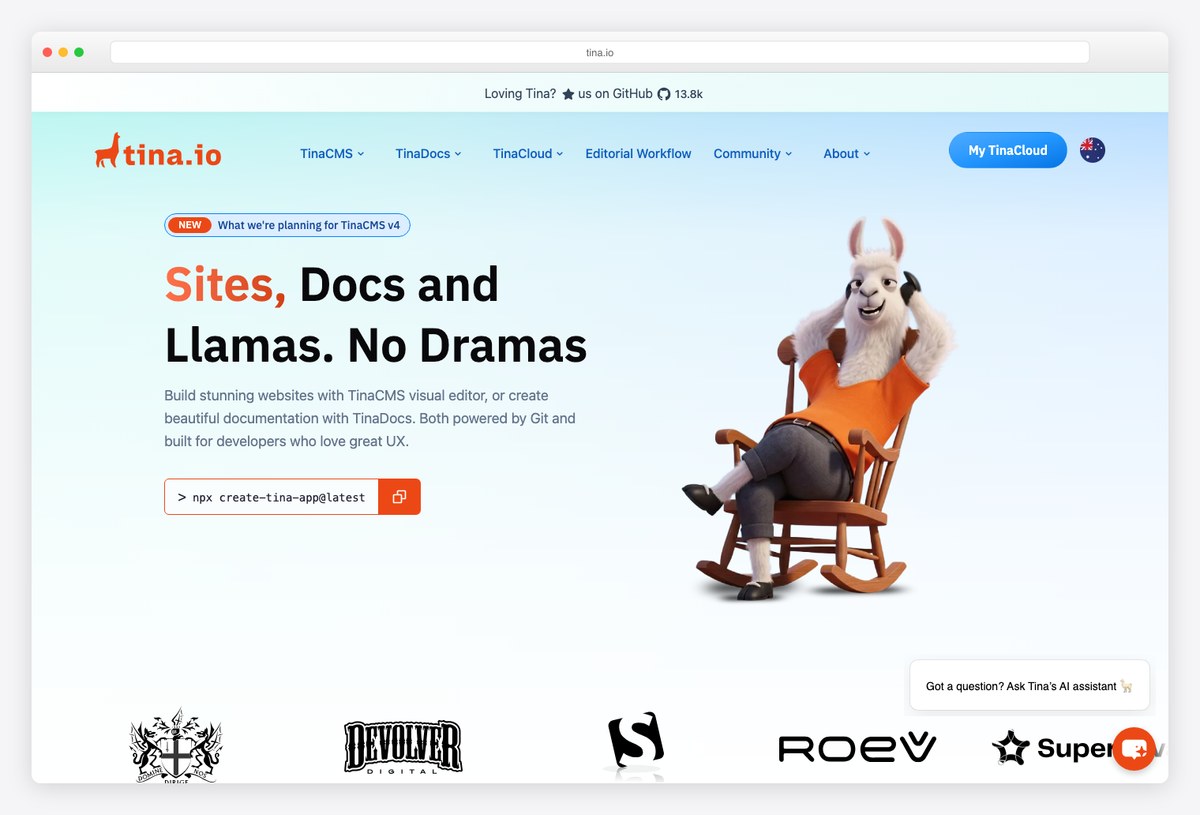
Why we like it: Tina is a headless CMS for Markdown, MDX, JSON and YAML that queries file-based content like a database and adds an optional live preview, so less-technical editors can edit Markdown without seeing it.
If your content already lives as Markdown in a repository, Tina is the admin that respects that: references between documents, typed queries over frontmatter, and support for both statically generated and server-rendered pages. The live preview is opt-in, which keeps developer setups simple.
Pair it with a docs or marketing site on Astro, Next.js or Hugo and the editorial experience stops being “edit a file on GitHub”.
Full CMS platforms with their own editorial admin
These render the site as well as manage it, and each ships a finished back office rather than a generated one. Licences vary more here — read the badges.
8. Ghost
Publishing, memberships and newsletters in one admin
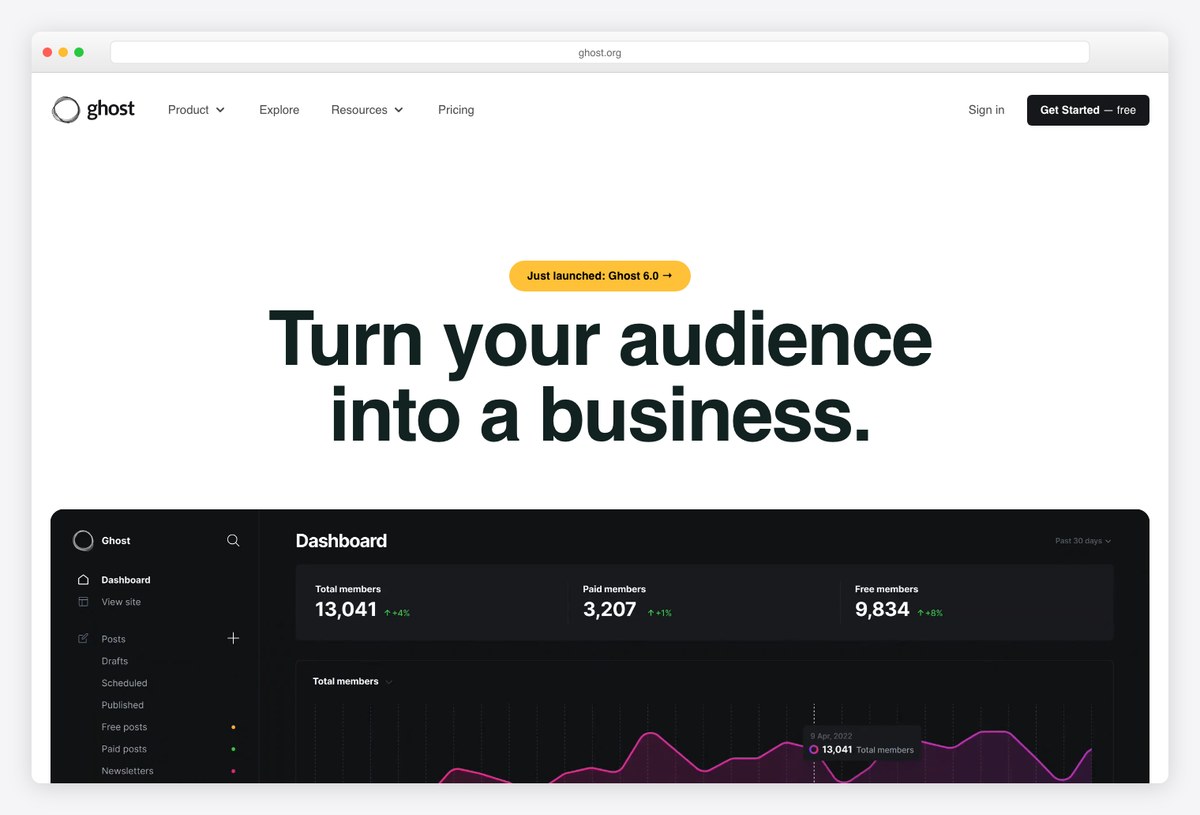
Why we like it: Ghost’s admin is built around publishing rather than generic content: posts, members, subscriptions and email newsletters share one interface, and the open-source core is MIT with a managed Ghost(Pro) service funding the project.
The editor is the product — a focused writing surface with cards for embeds and media — and everything else in the admin exists to grow and monetise an audience: member management, tiers, and newsletters sent from the same place the post was written.
Self-host with the CLI, or take Ghost(Pro) if the time saved is worth more than the hosting bill; all of its revenue funds development.
9. Wagtail
The Django CMS editors actually like
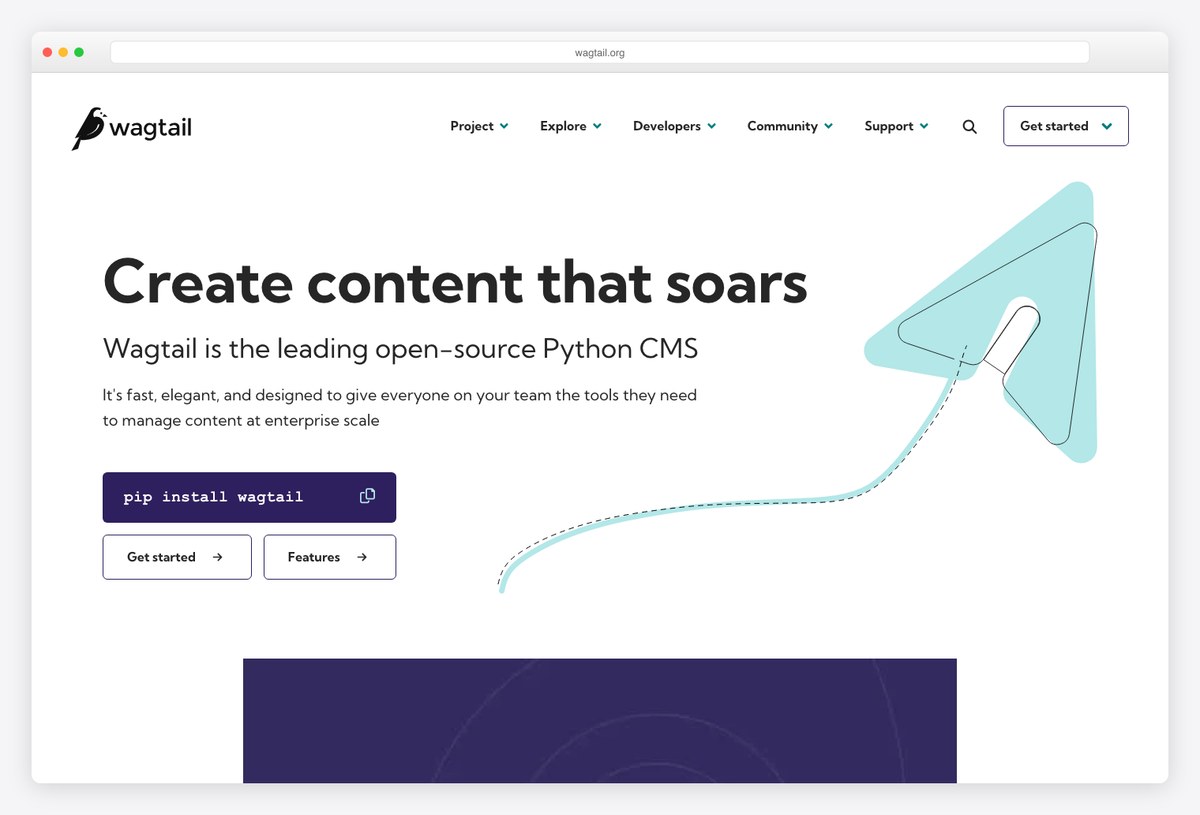
Why we like it: Wagtail is the Django CMS with the strongest editorial admin — StreamField lets editors compose pages from typed blocks you define, so layouts stay on-brand without a rigid template.
You build the page models and templates; editors get a genuinely good editing experience rather than a styled admin form. Workflow, versioning, image management and a headless API are in the box, which is why it runs some of the largest public-sector and media sites on Django.
For the wider set of Django options — django CMS, CodeRed CMS and the site templates around them — see our Django website templates roundup.
10. Statamic
Flat-first Laravel CMS with a polished control panel
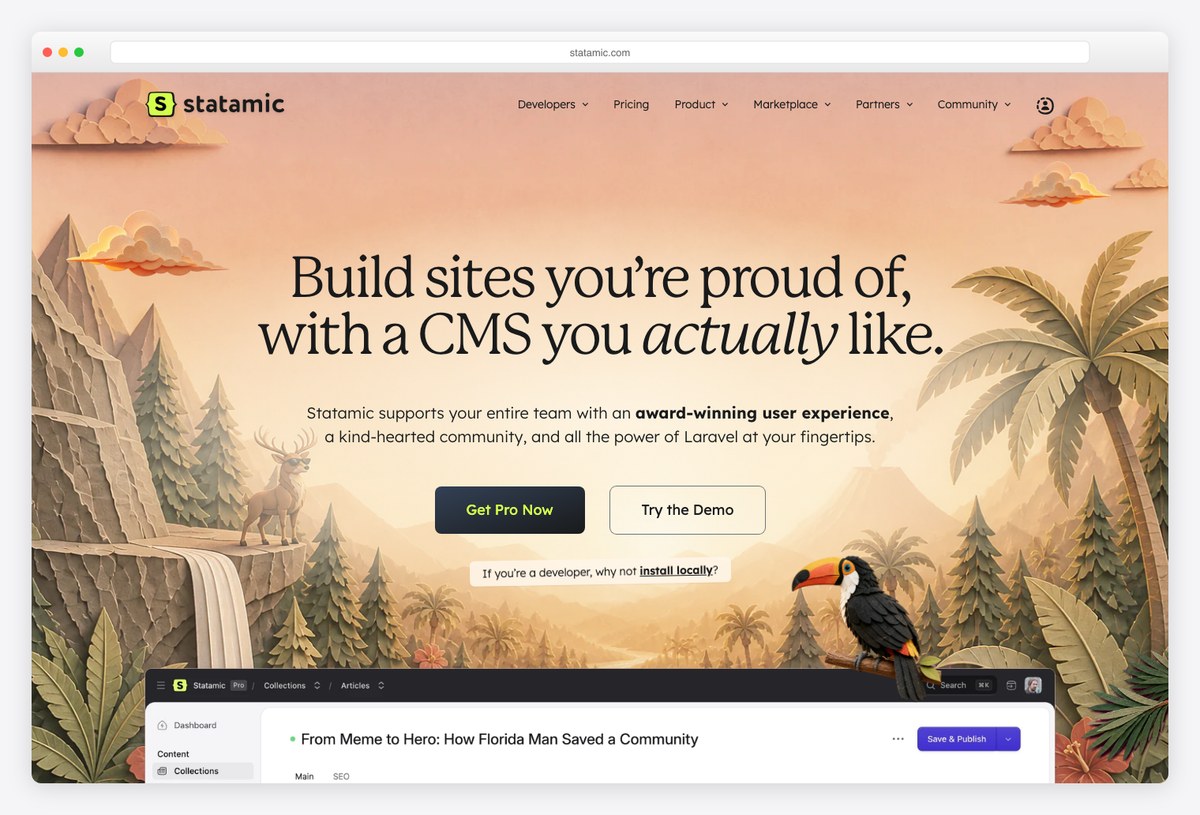
Why we like it: Statamic ships a complete control panel — collections, blueprints, assets, users, revisions — on a flat-file, Git-friendly content store, installed into an existing Laravel application as a Composer package.
Because content is files by default, sites version cleanly in Git and deploy without a database; a database driver exists when you need it. The control panel is where Statamic wins over rolling your own admin on Laravel: it is finished, consistent and editor-tested.
Licensing is Statamic’s own: the Solo licence is free for one site, Pro is paid per project and adds multi-user and other features. It is source-available, not an OSI open-source licence.
11. Craft CMS
A control panel with no assumptions about your content
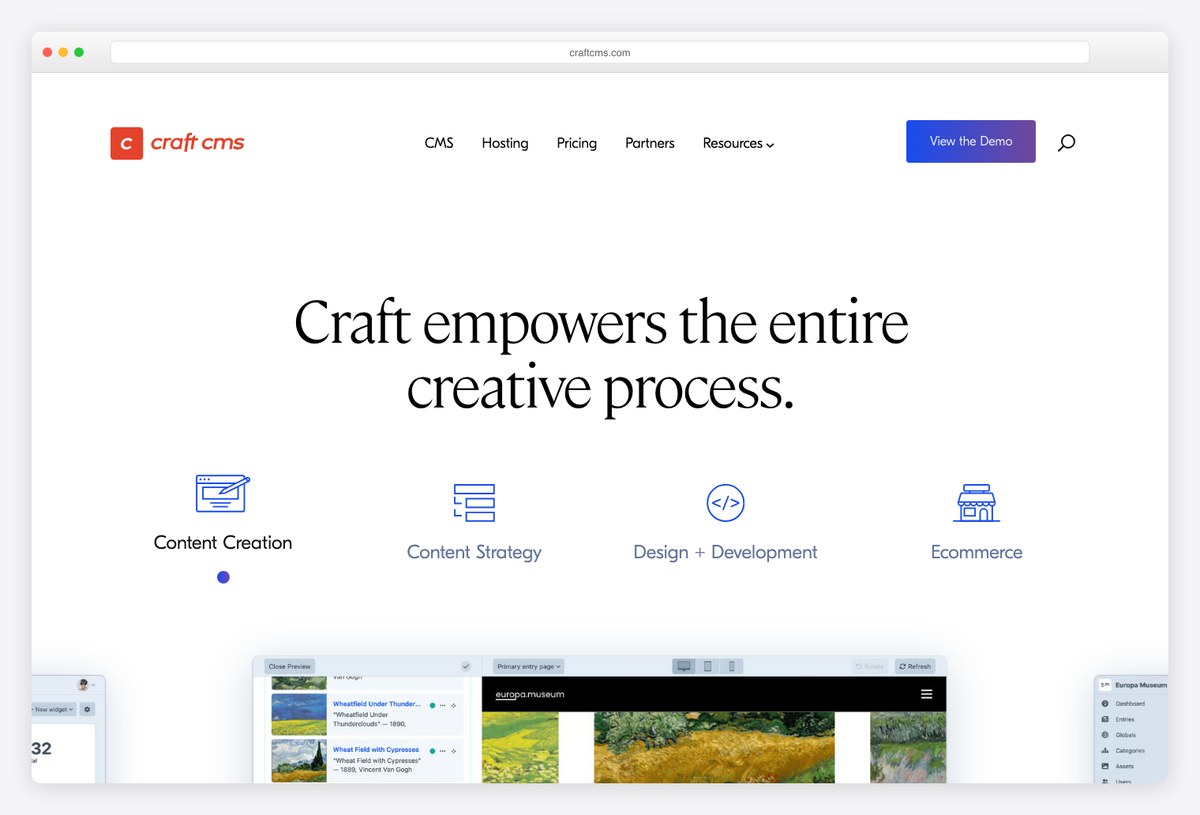
Why we like it: Craft starts from a blank content model — no built-in post types to fight — and gives editors a control panel widely regarded as one of the best in the PHP world, with Twig templating and a generated GraphQL API for headless use.
The clean-slate approach is the point: entries, categories, assets and matrix fields are shaped to the site, and the control panel renders them without custom admin code. Craft Commerce extends the same admin into ecommerce.
Like Statamic it is source-available under its own licence: Solo is free, Pro and Team editions are paid per site.
12. October CMS
Laravel-based, and no longer open source
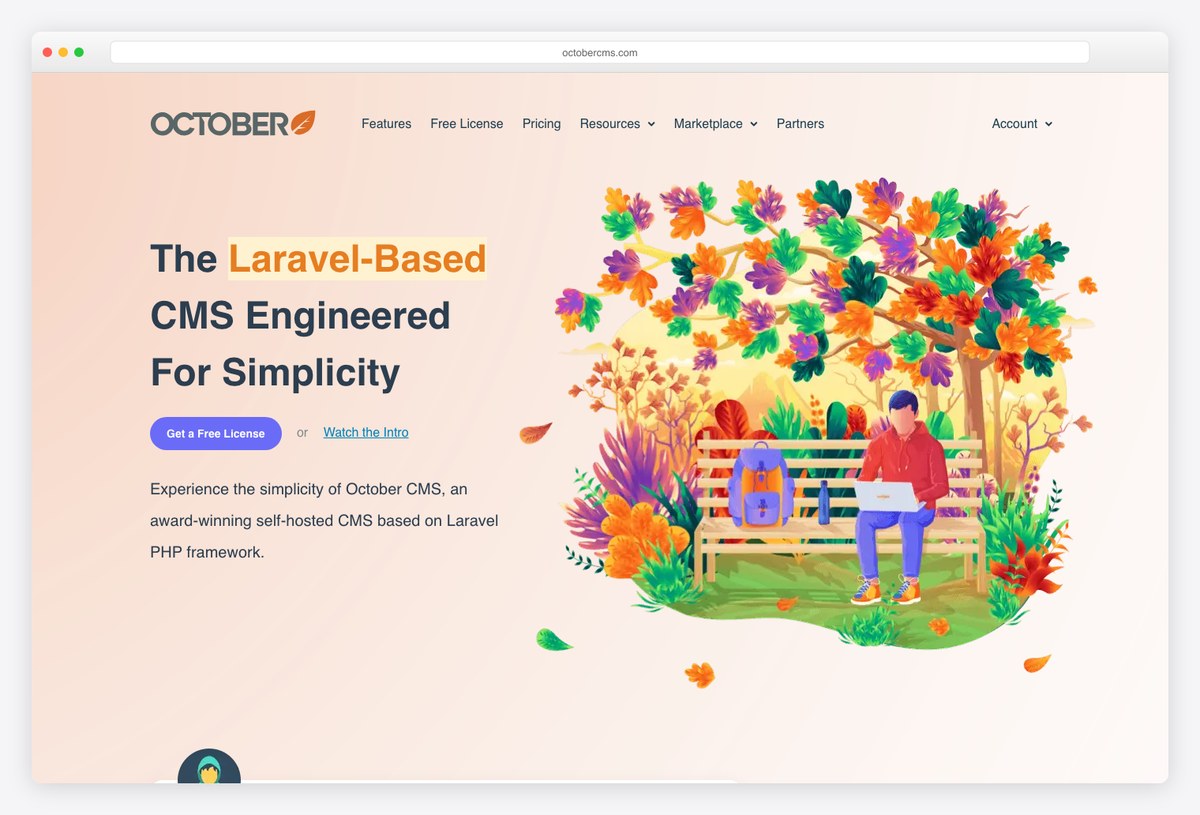
Why we like it: A self-hosted CMS platform on Laravel with a mature back end and a large plugin marketplace — but read the terms first: since version 2 it is source-available under an End User License Agreement, not the open-source project many roundups still describe.
October’s admin and its “make web development not rocket science” approach are unchanged; the licence is what changed. The repository states plainly that October CMS is source-available software under a EULA, and a paid licence is required for use.
It is listed because it is a real, maintained CMS admin on Laravel; it is labelled paid because it is. If you need an open-source Laravel option, Statamic Solo or building on Filament (see our Laravel roundup) are the alternatives.
13. ApostropheCMS
Edit on the live page, Node.js underneath
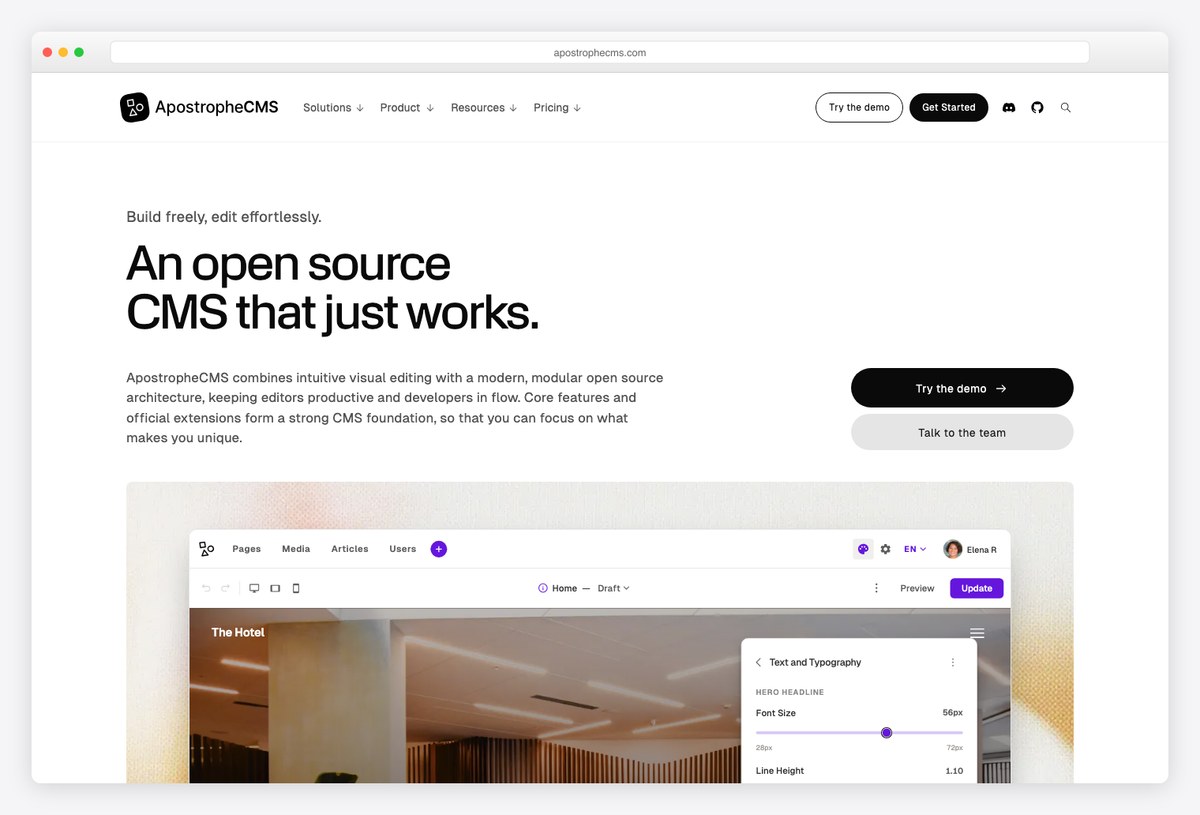
Why we like it: Apostrophe’s defining feature is in-context editing — content creators change the live page and see the result instantly — on a full-stack Node.js and MongoDB framework that is also headless-ready.
Most JavaScript CMSs are headless-first and treat the admin as a form; Apostrophe keeps the page as the editing surface, which non-technical teams tend to prefer, while still exposing content to any front end.
A demo builder is available on request; the framework itself is MIT.
14. Umbraco
The open-source .NET CMS
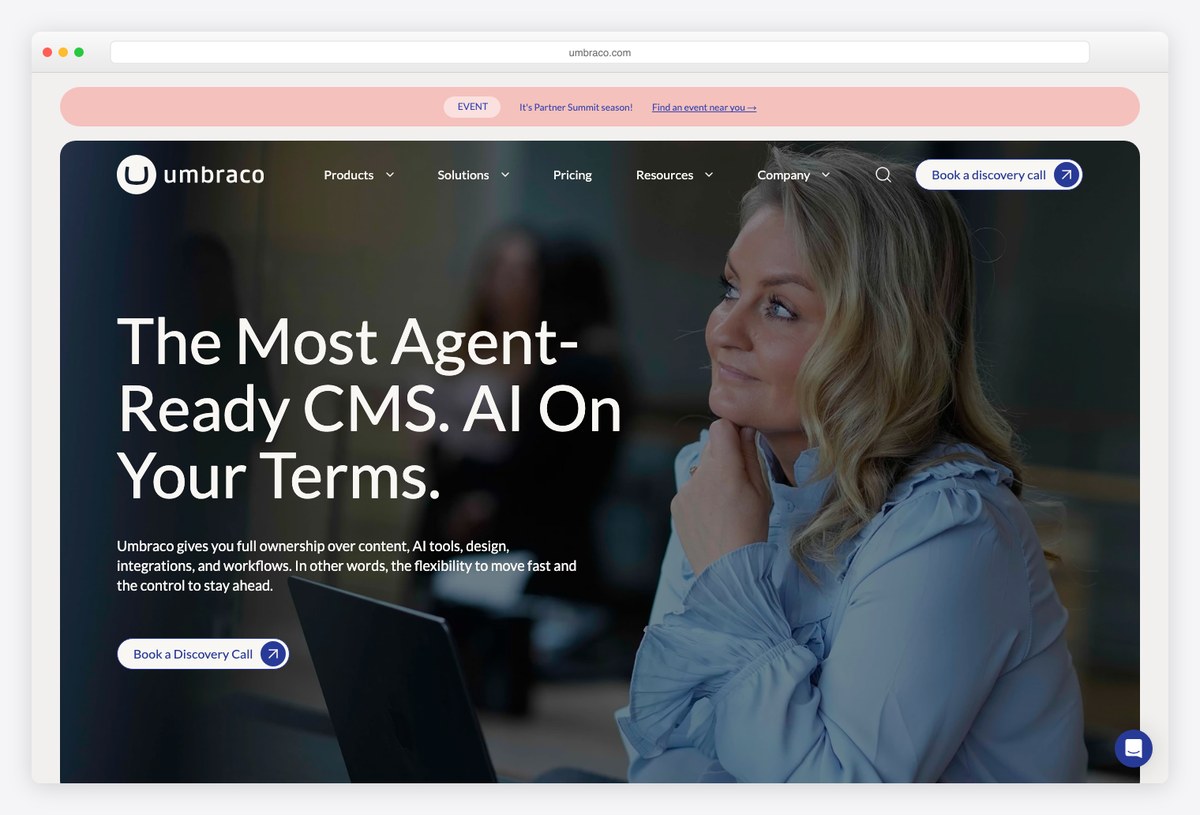
Why we like it: The established open-source CMS for .NET, with a mature editorial back office, a large community, and a commercial cloud and add-on ecosystem behind the free MIT core.
If the rest of the organisation runs on ASP.NET, Umbraco is the CMS admin that will not fight it: document types, media, members and workflow in a back office .NET developers can extend in C#.
Pairs with our ASP.NET admin roundups for the surrounding dashboards.
Building a CMS admin instead of adopting one
If none of the above fits and you would rather build the admin yourself, the frameworks for that are already covered on this site — with entries, screenshots and demos — so they are not repeated here:
- React: react-admin and Refine, both numbered entries in our React admin dashboard templates and free React templates roundups.
- Laravel: Twill, Backpack and Filament in Laravel admin dashboard templates.
- Django: the admin themes and dashboard templates in Django admin dashboard templates, and the CMS-driven site options in Django website templates.
- Any stack: AdminLTE 4 itself is the classic shell for a hand-built CMS back office — see the React, Angular and Laravel integration guides.
How to choose a CMS admin
Decide on the editing model first; the stack second.
- Editors want a form per entry, and you want an API. Strapi as the default; Payload if the front end is Next.js; Keystone if you would rather define the schema in code.
- The data already exists in a database. Directus — and read its licence.
- Content lives in Git and the site is static. Decap CMS for a conventional admin over commits; TinaCMS if editors should see the page while editing Markdown.
- Editors should compose pages, not fill forms. Wagtail’s StreamField on Django; ApostropheCMS for editing on the live page.
- You are publishing to subscribers. Ghost — the admin is built around members and newsletters.
- You are on Laravel and want a finished back office. Statamic (free Solo tier) or Craft; October only if a paid EULA is acceptable.
Frequently asked questions
What is a CMS admin dashboard template?
Either a headless CMS whose admin you configure for editors (Strapi, Payload, Directus, Keystone, Sanity Studio, Decap, Tina), or a full CMS platform that ships its own editorial back office (Ghost, Wagtail, Statamic, Craft, October, Apostrophe, Umbraco). Generic admin templates with a “CMS” page set are a third thing — an interface you still have to wire to a content model — and belong with React and Laravel admin templates rather than here.
Which CMS admins are genuinely open source?
Strapi (MIT core, with a separately licensed ee/ directory), Payload, Keystone, Sanity Studio, Decap, Ghost, ApostropheCMS and Umbraco are MIT; TinaCMS is Apache 2.0; Wagtail is BSD. Directus, Statamic and Craft are source-available under their own licences, and October CMS is proprietary under a paid EULA — its repository says so directly.
Is there a free CMS admin with a public demo?
Decap CMS publishes a demo you can open without an account. Most of the others show the admin on their sites or docs, or gate a hosted demo behind a form or sign-up; the reliable way to evaluate any of them is the self-hosted install, which for the open-source entries is a single command.
Headless CMS or a full CMS — which should I pick?
Headless if you already have, or want, a separate front end (Next.js, Astro, a mobile app) and the CMS’s only job is content and an API. A full platform if the CMS should also render the site and you want a finished editorial back office on day one. Wagtail, Craft and Statamic sit between the two — full platforms that also expose an API.
Can I use a React admin template as a CMS?
You can build one: react-admin and Refine are frameworks for exactly that, and both are covered in our React admin roundups. But a template gives you tables and forms, not content modelling, revisions, a media library or an editorial workflow — which is the work a real CMS admin has already done for you.
Building the front end too? Start from Next.js templates or free Astro templates for a headless front end, or Django website templates and Laravel templates if the CMS renders the site.

You Might Also Like


